


Objevte další svatební nápady a rady
Abecední svatební escort karty
Prozkoumat
Naše služba pomohla desítkám tisíc párů po celém světě naplánovat jejich vysněnou svatbu!
Abecední svatební escort karty — automaticky seřazené, tisk v pořadí
Abecední escort karty jsou formát, který používá téměř každá svatba — jedna karta na hosta, vystavená u vstupu do hostiny v abecedním pořadí podle příjmení. Každý host si najde své příjmení, vezme si svou kartu a jde ke stolu, jehož číslo je na ní uvedeno.
Tato stránka se zaměřuje na samotné abecední řazení — automatické třídění, okrajové případy, doplnění pozdních potvrzení účasti a zónové rozložení pro velmi velké svatby. Návrh šablony najdete v šabloně escort karet. Pro rozložení pro 25+ hostů se podívejte na nápady na vystavení escort karet. Pro stejné abecední řazení použité na jeden velký panel místo jednotlivých karet se podívejte na abecední panel zasedacího plánu.
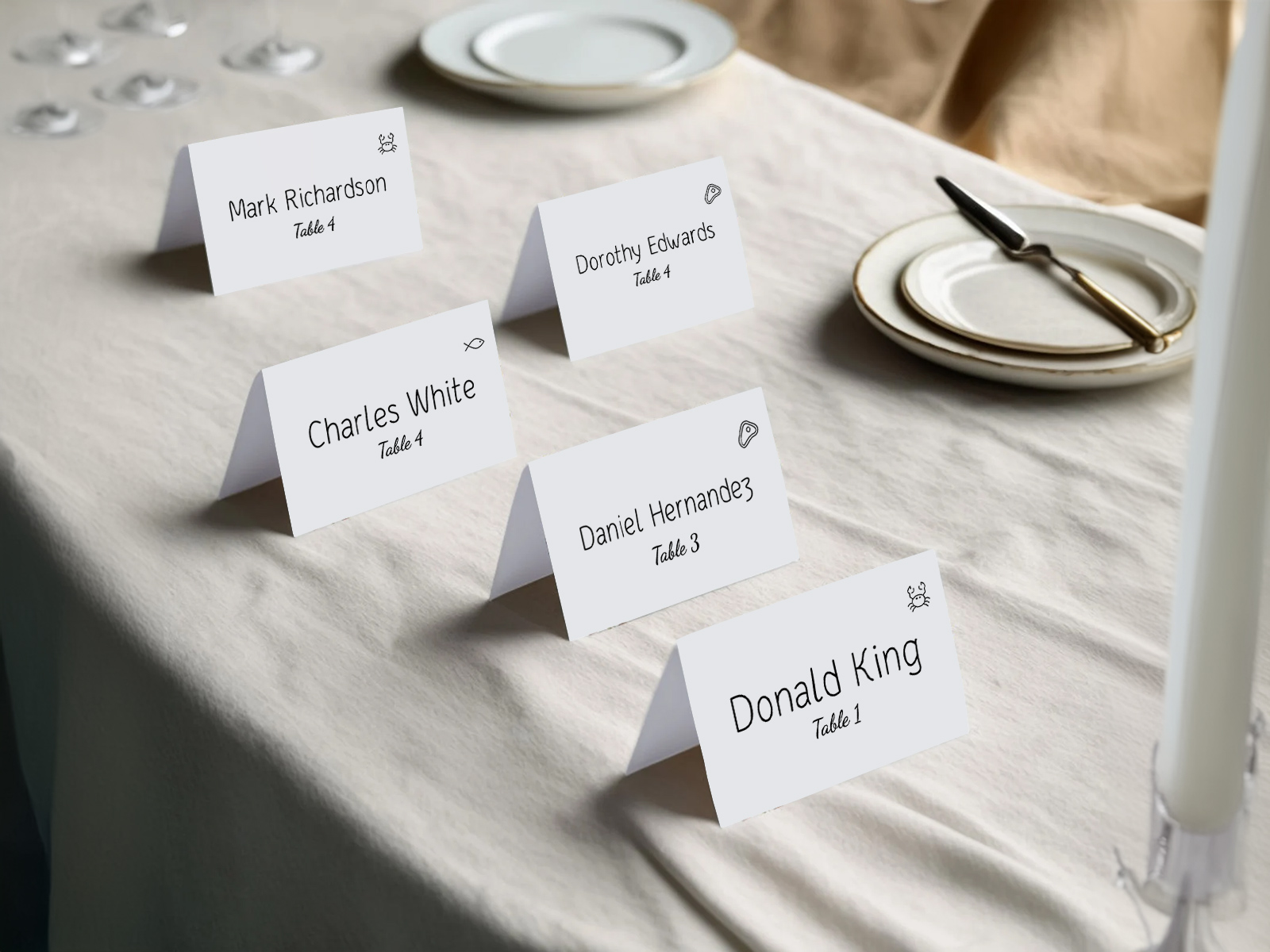
Abecední řazení se provádí podle hostů ve vašem zasedacím plánu — žádné ruční třídění není potřeba.
Nejprve potvrďte účast přes potvrzení účasti — tisknou se jen potvrzení hosté, takže abecední pořadí je čisté a finální.
Okrajové případy, jako jsou spojovníková příjmení, máte v seznamu hostů — třídění používá stejný způsob, který tam nastavíte.
Získejte automaticky seřazené karty
PLANNING . WEDDING — se snadno pamatuje a ještě snadněji používá.
Jak funguje automatické řazení
Princip je jednoduchý. Projekt zasedacího plánu ukládá u každého hosta pole s příjmením. Export escort karet toto pole načte, seřadí seznam abecedně a vykreslí karty v pořadí. Žádná tabulka, žádné ruční řazení A–Z po tisku.
- Klíčem pro řazení je příjmení — křestní jména rozhodují při shodě (takže Sarah Adams je před Tom Adams).
- Páry s různými příjmeními dostanou ve výchozím nastavení samostatné karty a řadí se nezávisle — karta Adams patří k A, karta Smith k S.
- Formát pro pár používá jednu kartu na pár, seřazenou podle prvního uvedeného příjmení.
- Pozdní potvrzení účasti se vloží na správné místo v pořadí; znovu vytisknete jednu kartu a fyzicky ji doplníte.
Získejte personalizované jmenovky vygenerované zasedacím pořádkem
Vygenerujte abecední karty hned teď
Okrajové případy — spojovníková příjmení, předpony, doprovod
Seznamy svatebních hostů jsou plné okrajových případů. Automatické řazení si s každým poradí pomocí výchozího chování a v případě potřeby ho můžete u jednotlivých hostů upravit.
- Spojovníková příjmení se ve výchozím nastavení řadí podle první části za spojovníkem — „Smith-Jones“ se řadí pod S. U konkrétního hosta to můžete změnit, pokud chcete jako klíč použít druhou část.
- Předpony (p., paní, Dr., Rev.) se z klíče řazení vynechávají. „Dr. Adams“ se stále řadí pod A, ne pod D.
- Páry s různými příjmeními — ve výchozím nastavení má každý vlastní kartu a řadí se samostatně. Pokud se to pro vaši svatbu hodí víc, můžete přepnout na jednu kartu pro pár.
- Doprovod s uvedeným jménem se řadí podle vlastního příjmení. Doprovod bez jména dostane jednu kartu pod příjmením zvoucího hosta („Smith + doprovod“).
- Rodinné skupiny (rodiče a více dětí) se řadí společně, pokud je v seznamu hostů označíte jako rodinu, nebo samostatně, pokud ne.
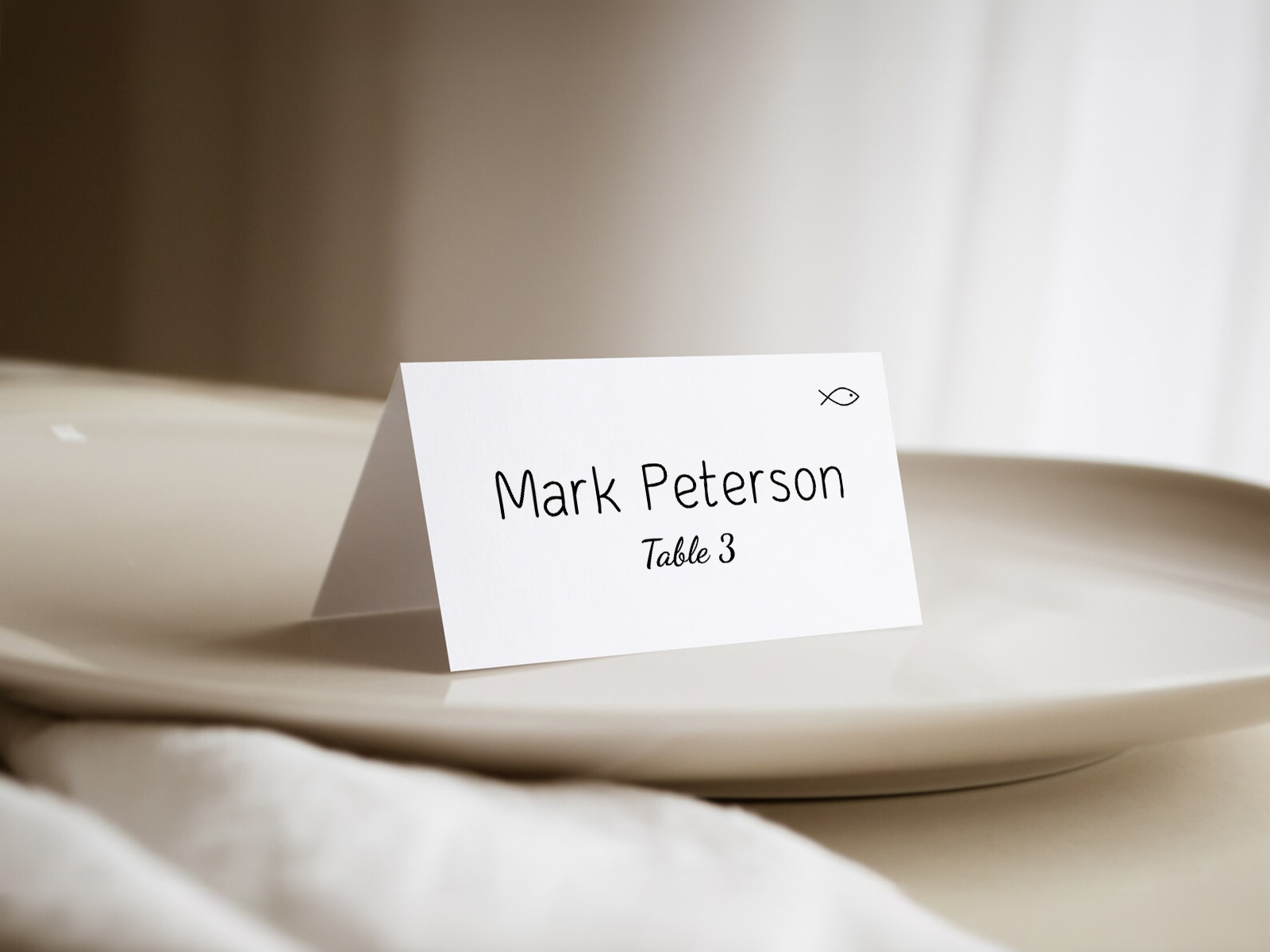
Jak se doplní pozdní potvrzení účasti
Nejvíc stresující moment při výrobě escort karet je pozdní potvrzení účasti — host potvrdí dva dny před svatbou, poté co jsou karty už vytištěné a rozložení připravené. U statické šablony to znamená předělání celé sekvence.
Automatické řazení z toho dělá neudálost. Nová karta se vytiskne se stejným nastavením šablony jako zbytek sady a vloží se na správné abecední místo. Stačí dojít k rozložení u vstupu, nadzvednout karty kolem místa, kam nová patří, vložit ji a je hotovo. Většina párů přetiskne v posledních 48 hodinách jen několik karet; téměř nikdo netiskne celou sadu znovu.
Zónové abecední rozložení pro 200+ hostů
Na velmi velkých svatbách (200+ hostů) je jeden A–Z přehled hůř čitelný, protože abeceda zabírá příliš mnoho prostoru. Pomohou dvě zónovací techniky.
Tabulky s písmenovými zónami — malé tištěné štítky („A–F“, „G–L“, „M–R“, „S–Z“) nad každou částí rozložení. Hosté se nejdřív podívají na zónu a pak na příjmení.
Svislé členění — několik paralelních závěsných řad nebo řad na perforované desce, z nichž každá nese podrozsah abecedy. Rozdělí přehled pro 200 hostů na čtyři přehledy po 50 hostech, které lze kontrolovat souběžně.
Obě techniky zdvojnásobí průchodnost u vstupu. Personál místa požádejte, aby hosty v případě nejistoty nasměroval do správné zóny.
Vyzkoušejte zdarma — bez registrace
Pořadí řazení mimo abecedu — kdy A–Z vynechat
Abecední řazení je při větším počtu hostů nejlepší, ale dva formáty se od něj odchylují.
Podle stolu — karty uspořádané do sekcí podle čísla stolu. Vypadá krásně, ale zpomaluje vyhledávání. U malých svateb je to přijatelné (do 50 hostů). U větších svateb to popírá smysl escort karet.
Podle rodiny nebo skupiny — karty seskupené pod oddělovači s názvem rodiny („rodina Smithových“, „rodina Jonesových“). Funguje na komorních svatbách; ve větším měřítku je to nepraktické.
Naše výchozí nastavení je abecedně podle příjmení. Pokud to vaše svatba vyžaduje, přepněte na seskupování v nastavení projektu.
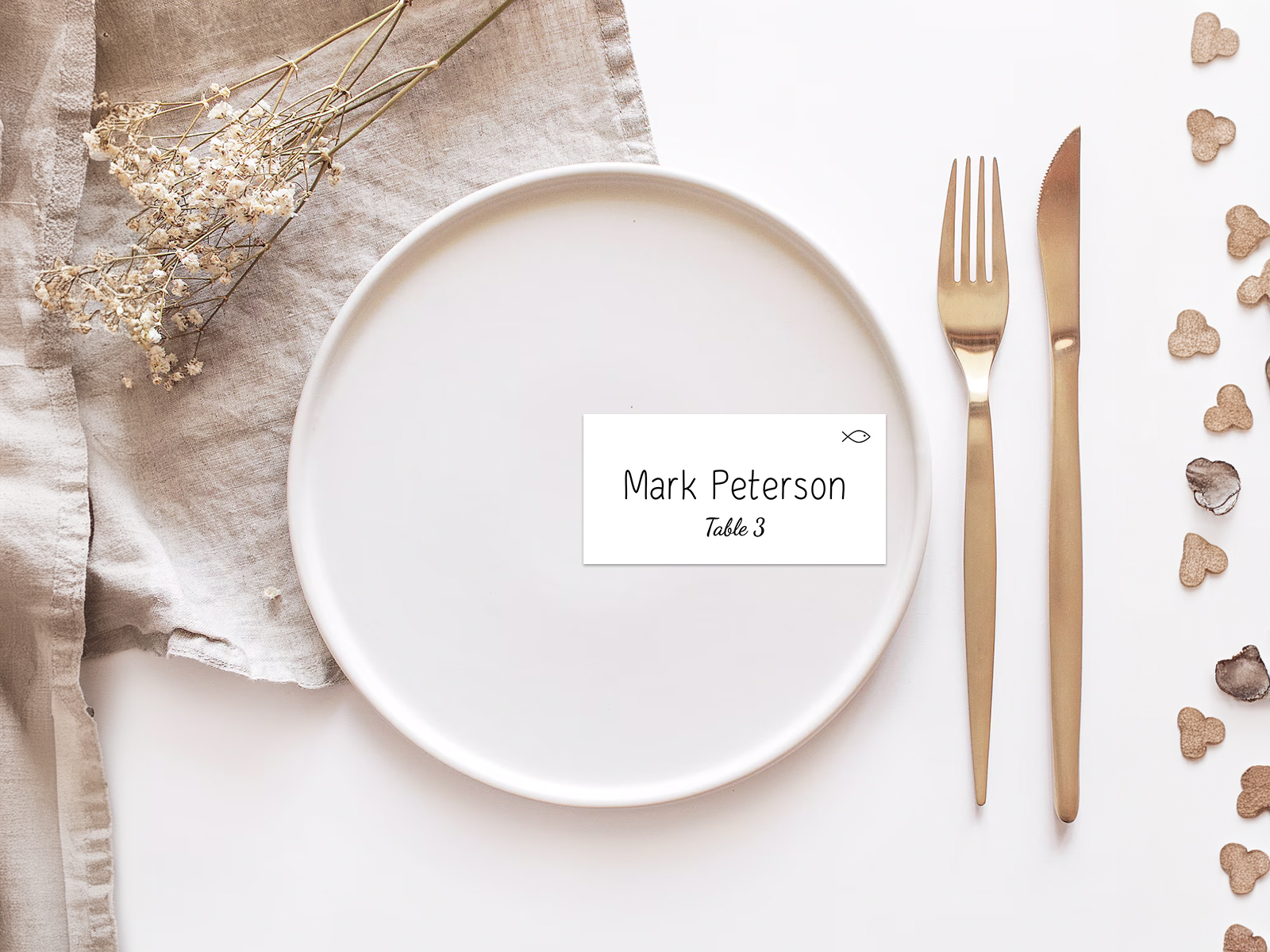
Proč je automatické řazení důležitější než design karty
Páry tráví hodiny výběrem kartonu, písma pro kaligrafii a barvy stužky. Na řazení nemyslí vůbec, dokud nestojí o půlnoci před svatbou a ručně neabecedí 100 papírových karet. Automatické řazení je ta část, která tiše zachraňuje svatbu.
Zdarma, automaticky a synchronizovaně se zbytkem vaší tiskoviny — každý vytištěný prvek v sadě používá stejná jména ze stejného projektu.
Prozkoumejte zbytek sekce svatebních escort karet
Každá níže uvedená podstránka pokrývá úzkou část tvorby escort karet — návrhové šablony, soubory připravené k tisku, více než 25 nápadů na vystavení a logiku abecedního řazení — vše poháněné stejným zasedacím plánem Svatebního plánovacího asistenta.
Prozkoumejte zbytek své svatební papeterie na den svatby
Každá položka níže se živě načítá z vašeho zasedacího plánu v Svatebním plánovacím asistentovi, takže jediná úprava vašeho seznamu hostů se promítne do každého tištěného kusu — bez přepisování jmen z jedné šablony do druhé.