


Ontdek meer ideeën en advies voor je bruiloft
Alfabetisch bruiloftszitplanbord
Ontdek
Onze service heeft wereldwijd al tienduizenden stellen geholpen bij het plannen van hun droombruiloft!
Alfabetisch bruiloftszitplanbord — gratis sjabloon, automatisch gesorteerd
Een alfabetisch bruiloftszitplanbord zet elke gast op achternaam op een rij, met het tafelnummer ernaast gedrukt — precies het format dat gasten bij de entree het snelst scannen. De volgorde van de kaarten (alfabetisch) is ingebouwd in de export, dus je hoeft namen niet handmatig te sorteren en niets opnieuw te ordenen als er op het laatste moment nog een RSVP binnenkomt.
Deze pagina gaat over het fysieke bord op een ezel bij de entree, NIET over de drag-and-drop vloerplan-tool. Zoek je de vloerplan-editor die je tijdens de planning opbouwt, kijk dan bij zitplan. Voor één kaart per tafel, gegroepeerd, zie zitplanbord per tafel.
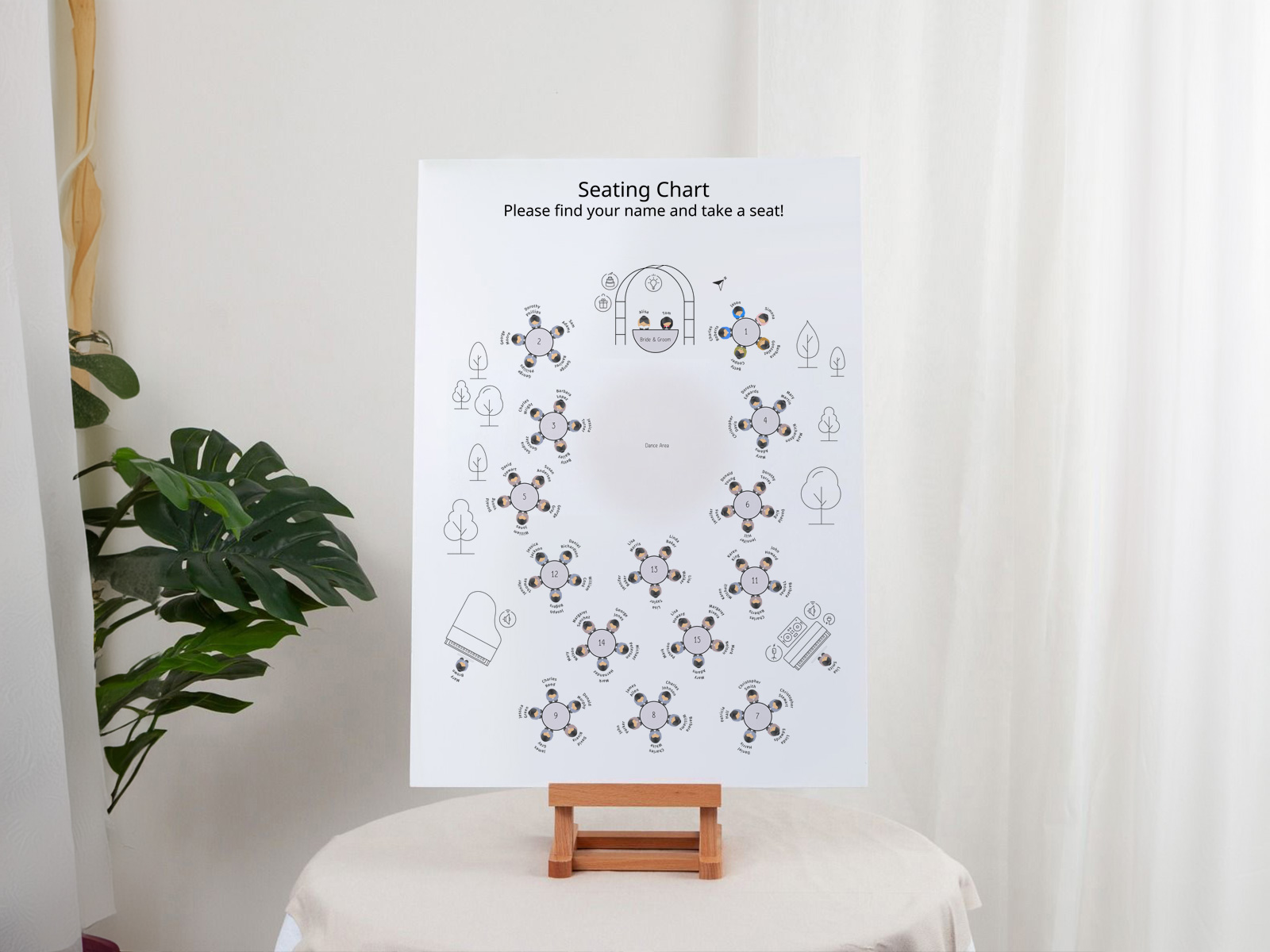
De automatische sortering werkt op basis van je gastenlijst in het zitplan — geen handmatige A–Z-sortering na het printen.
Bevestig eerst de aanwezigheid via RSVP — alleen bevestigde gasten worden geprint, zodat de alfabetische volgorde netjes en definitief is.
Uitzonderingen zoals dubbele achternamen staan in je gastenlijst — de sortering gebruikt dezelfde afspraak die je daar instelt.
Stel je automatisch gesorteerde bord samen
PLANNING . WEDDING — is gemakkelijk te onthouden en nog eenvoudiger te gebruiken.
Hoe automatisch sorteren werkt
De werking is eenvoudig. Het zitplanproject slaat voor elke gast een achternaamveld op. De export van het bord leest dat veld, zet de lijst alfabetisch en geeft de namen in volgorde weer op de poster.
- Sorteersleutel is achternaam — voornamen bepalen de volgorde bij gelijke achternamen (Sarah Adams komt vóór Tom Adams).
- Stellen met verschillende achternamen worden standaard apart vermeld — Adams onder A, Smith onder S.
- Per-stel formaat toont één vermelding per stel, gesorteerd op de eerst vermelde achternaam.
- Late RSVPs komen op de juiste plek in de volgorde terecht; je exporteert de PDF opnieuw en print het bord opnieuw.
- Printvolgorde komt overeen met de weergavevolgorde — de poster komt direct uit de printer en is klaar om op de ezel te zetten.
Elegante tafelschikking voor jullie bruiloft
Genereer nu een alfabetisch bord
Waarom alfabetisch wint vanaf 80+ gasten
Alfabetisch schaalt goed, omdat elke gast een zelfstandige zoekactie doet. De gast ziet de eigen achternaam, zoekt die op in het alfabet en leest het tafelnummer. Dat kost maar enkele seconden en vereist geen context over andere gasten.
Sorteren per tafel loopt op grotere schaal vast, omdat elke gast door tientallen naamgroepen moet scannen tot die de eigen naam vindt — traag en frustrerend voor laatkomers.
Onder ongeveer 80 gasten werken beide formaten prima. Vanaf 80+ is alfabetisch merkbaar sneller bij de entree. Vanaf 200+ is alfabetisch de enige praktische keuze.
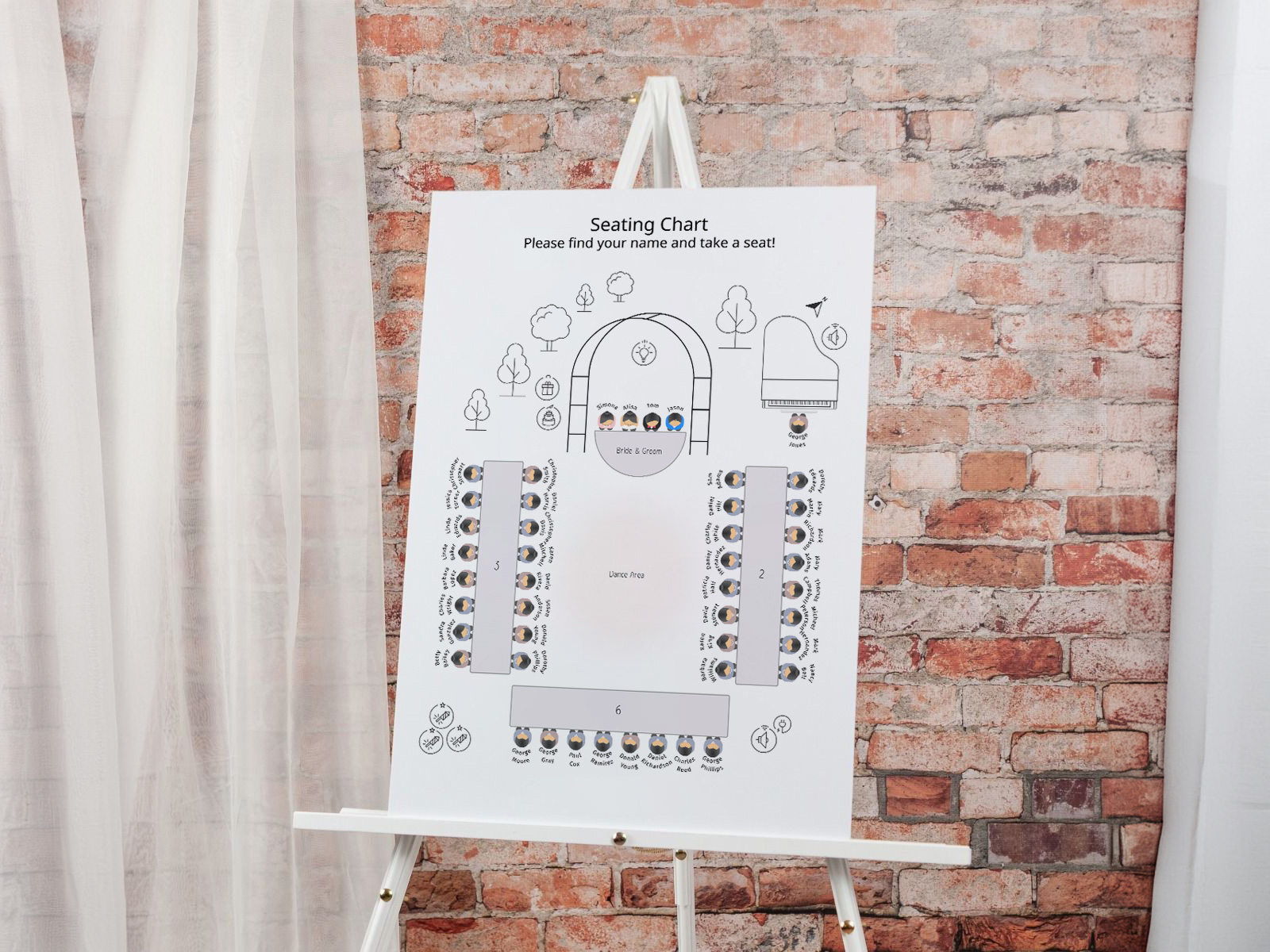
Automatisch sorteren en uitzonderingen — hoe namen worden verwerkt
Gastenlijsten voor bruiloften zitten vol uitzonderingen. De automatische sortering verwerkt elk geval met een standaardinstelling, en je kunt per gast overschrijven als dat nodig is.
- Dubbele achternamen worden standaard gesorteerd op het eerste deel van de koppeltekennaam — "Smith-Jones" komt onder S. Pas dit per gast aan als je liever het tweede deel als sleutel gebruikt.
- Voorvoegsels (Mr., Mrs., Dr., Rev.) worden uitgesloten van de sorteersleutel. "Dr. Adams" komt dus nog steeds onder A, niet onder D.
- Stellen met verschillende achternamen — standaard krijgt ieder een eigen regel en worden ze apart gesorteerd. Schakel over naar één regel per stel als dat beter past bij jullie bruiloft.
- Plus-ones met naam worden gesorteerd op hun eigen achternaam. Plus-ones zonder naam krijgen één regel onder de achternaam van de uitnodigende gast ("Smith plus gast").
- Gezinsgroepen (ouders en meerdere kinderen) worden samen gesorteerd als je ze als gezin markeert in de gastenlijst, of apart als je dat niet doet.
Late RSVPs — schuif ze in, zonder twee keer opnieuw te printen
Het alfabetische bord is het onderdeel van de bruiloft dat het meest wordt beïnvloed door late RSVPs, omdat elke nieuwe gast de volgorde verandert. Statische sjablonen maken dit lastig — je typt óf het hele bord opnieuw, óf laat de naam van de late gast helemaal weg.
Automatisch sorteren maakt late RSVPs tot één nieuwe export. De nieuwe gast komt in het project, de volgorde wordt opnieuw gegenereerd, en je print het bord één keer opnieuw op de ochtend van de bruiloft, na de allerlaatste definitieve telling. De meeste stellen printen uiteindelijk precies één keer opnieuw.
Probeer het gratis — geen aanmelding nodig
Afstand en opmaak voor 80, 120, 160, 200 gasten
Het aantal kolommen en de lettergrootte schalen mee met het aantal gasten. Hieronder zie je de standaardopmaak die de export gebruikt; pas dit aan als je locatie of printer andere afmetingen nodig heeft.
- Tot 80 gasten — 2 kolommen, 22pt hoofdtekst, A2 (16,5×23,4 in) of 18×24 in. Royale ruimte, heel goed leesbaar.
- 80–120 gasten — 3 kolommen, 20pt hoofdtekst, A1 (23,4×33,1 in) of 24×36 in. De standaard voor de meeste bruiloften.
- 120–160 gasten — 3 kolommen bij 18pt, of 4 kolommen bij 20pt. A1 werkt nog steeds; overweeg A0 voor heel volle ontwerpen.
- 160–200+ gasten — 4 kolommen met minimaal 18pt, A0 (33,1×46,8 in) of twee A1-borden naast elkaar. Onder 18pt kan de achterste rij de tekst niet meer lezen.
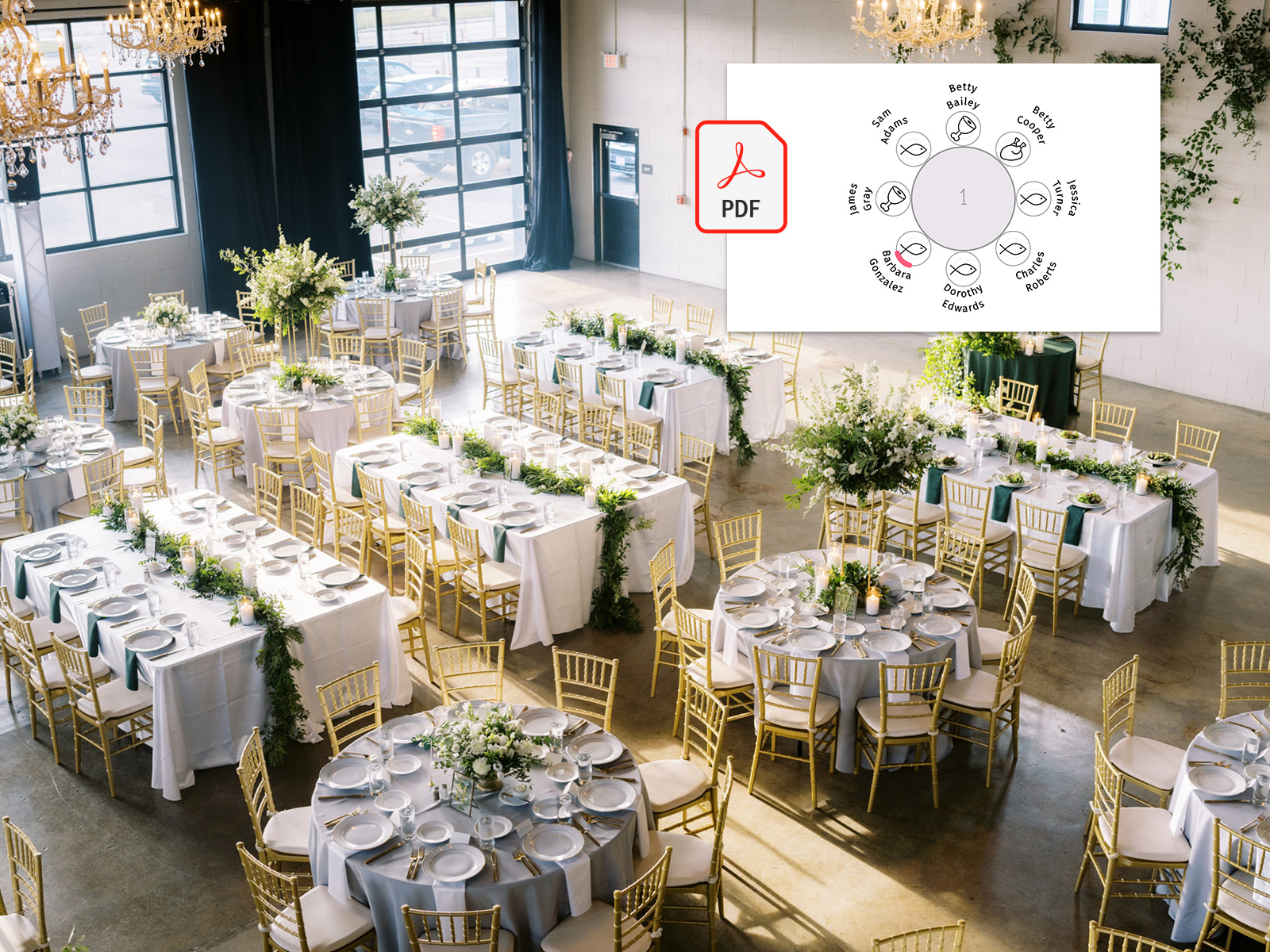
Wanneer kies je alfabetisch in plaats van per tafel
Drie snelle regels. Kies alfabetisch bij elke bruiloft met meer dan 80 gasten; bij grote locaties met een brede entree; wanneer de snelheid van zoeken voor gasten prioriteit heeft. Kies per tafel bij kleine, intieme bruiloften (onder 50 gasten); wanneer sociale groepering deel uitmaakt van het verhaal; wanneer gasten hun tafelgenoten meteen moeten zien.
Beide formaten gebruiken dezelfde gegevens; je kunt er op elk moment vóór het printen tussen wisselen in de projectinstellingen. Hetzelfde exportpatroon blijft gelden — alleen de weergave verandert.
Waarom onze tool gebruiken in plaats van een Etsy-sjabloon
Bij Etsy-sjablonen moet je elke naam handmatig in het sjabloon typen en daarna het geprinte resultaat zelf alfabetiseren. Onze tool leest de namen uit het project, sorteert ze bij het exporteren en het bord komt in de juiste volgorde uit de printer. Gratis, samen te gebruiken, en de volgorde wordt opnieuw gegenereerd zodra RSVPs veranderen.
Ontdek de rest van de cluster met bordjes voor de trouwzaalindeling
Elke subpagina hieronder behandelt een smal onderdeel van de alfabetische entreeposter — variaties in indeling, ontwerpsjablonen en meer dan 15 creatieve ideeën — allemaal mogelijk gemaakt door hetzelfde zitplaatsindelingsproject van Wedding Planning Assistant.
Ontdek de rest van je trouwdrukwerk voor de grote dag
Elk item hieronder haalt live gegevens uit je zitplan op Huwelijksplanningsassistent, zodat één update van je gastenlijst automatisch doorloopt in elk gedrukt onderdeel — zonder namen van de ene sjabloon naar de andere te kopiëren.