


Odkryj więcej pomysłów i porad dotyczących ślubu
Szablon winietek gości weselnych
Odkryj
Pomogliśmy już dziesiątkom tysięcy par na całym świecie zaplanować wymarzone śluby!
Szablon winietek gości weselnych — darmowy, edytowalny, automatycznie sortowany alfabetycznie
Szablon winietek gości zamienia listę gości w jedną kartę na osobę, automatycznie uporządkowaną alfabetycznie według nazwiska i gotową do ustawienia przy wejściu na przyjęcie. Szablon zajmuje się układem, znakami cięcia i specyfikacją druku; Ty importujesz plan usadzenia, a winietki wychodzą w kolejności ekspozycyjnej.
Ta strona skupia się na projekcie szablonu, rozmiarze i personalizacji. Specyfikację do druku znajdziesz tutaj: winietki gości do druku. Ponad 25 pomysłów na ekspozycję znajdziesz tutaj: pomysły na ekspozycję winietek gości. Jeśli chcesz użyć tej samej fizycznej karty przy nakryciu, zobacz szablon winietek stołowych.
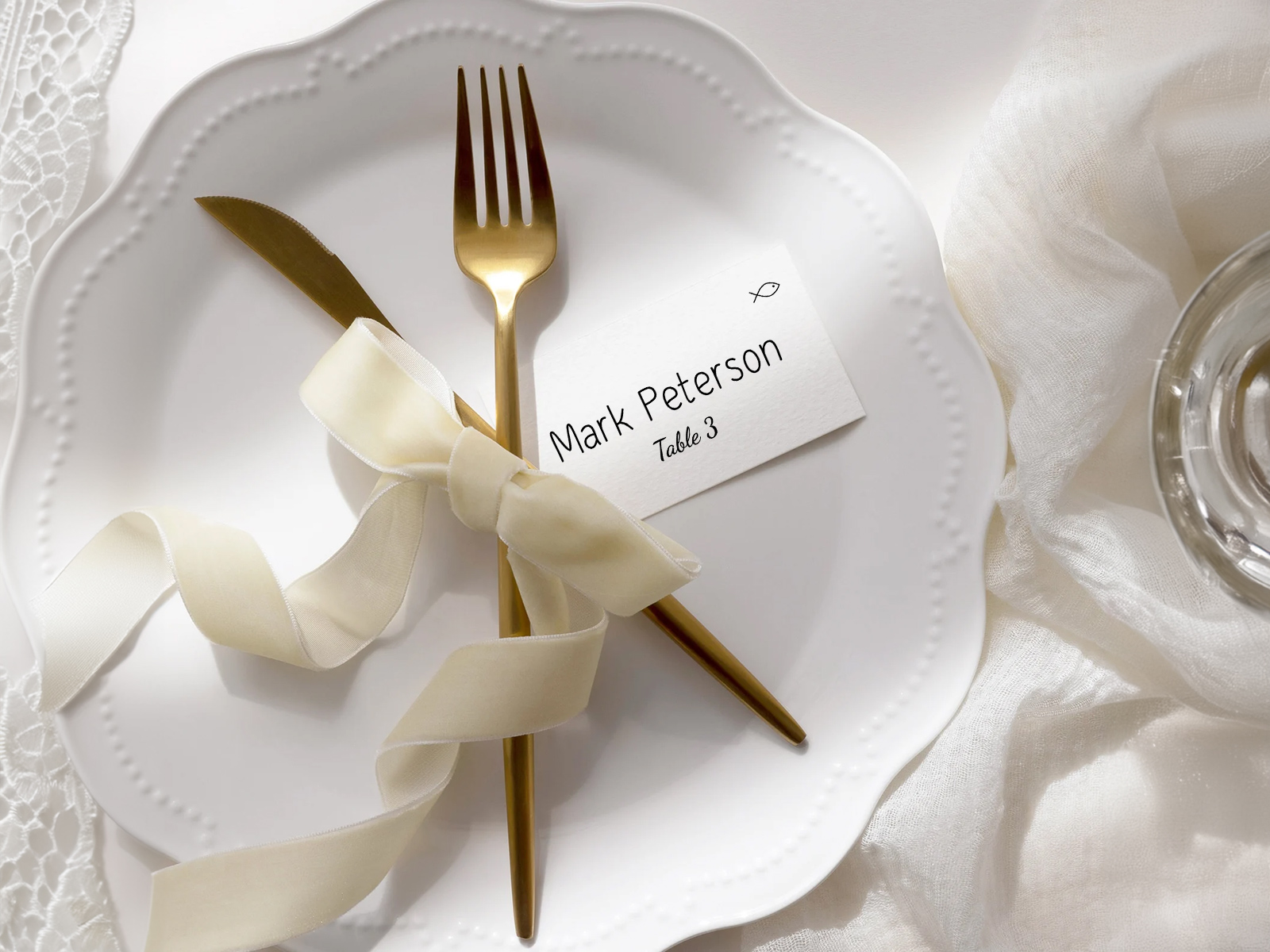
Imiona i nazwiska pochodzą z projektu planu usadzenia. Wybierasz tutaj format, a winietki generują się same w tym wyglądzie.
Najpierw potwierdź obecność przez potwierdzenie przybycia — drukowane są tylko potwierdzeni goście, więc nie zostają niezręczne, niewykorzystane winietki.
Dopasuj typografię szablonu do pozostałych elementów papeterii ślubnej na dzień ślubu, aby cała sala wyglądała spójnie.
PLANNING . WEDDING — łatwo zapamiętać, a korzystanie z niego jest jeszcze prostsze.
Jak działa szablon — imiona i nazwiska z Twojego projektu, sortowanie zrobione za Ciebie
Szablon to wygenerowany widok Twojego projektu. Nie wpisujesz nazwisk ręcznie — robi to projekt. Wybierasz format i typografię, a winietki trafiają do druku już w odpowiedniej kolejności.
- Otwórz widok winietek gości w projekcie planu usadzenia — każdy potwierdzony gość pojawia się jako osobna karta.
- Automatyczne sortowanie włącza się samo — karty układają się automatycznie alfabetycznie według nazwiska.
- Wybierz rozmiar — 3,5×2 (najpopularniejszy), 2,5×3,5 (płaski, jak wizytówka) albo 4×3 w większym formacie.
- Wybierz format — płaski, składany w namiot albo zawieszka z dziurką do ekspozycji na sznurku.
- Dostosuj typografię — czcionkę, kolor, opcjonalny prefiks tytułu (Pan/Pani/Dr), opcjonalny element dekoracyjny.
- Pobierz gotowy do druku PDF z ustawionymi spadami i znacznikami cięcia, gotowy dla każdej drukarni.
Otrzymaj spersonalizowane winietki wygenerowane z planu usadzenia gości
Wygeneruj swoje winietki w kolejności alfabetycznej
Jedna winietka na gościa czy na parę — jak zdecydować
To najważniejsza decyzja dotycząca formatu. Dwie akceptowalne opcje, każda z jasnymi zaletami i wadami.
Jedna winietka na gościa to standard na formalnych weselach. Każdy gość znajduje swoje imię i nazwisko, bierze własną kartę. Nie trzeba zgadywać, która karta należy do kogo. To więcej kartek (i więcej druku), ale na wejściu wygląda bardzo czytelnie.
Jedna winietka na parę sprawdza się na weselach mniej formalnych lub mniejszych, a także tam, gdzie większość gości przychodzi w parach. Oszczędza papier i miejsce. Może jednak wprowadzać zamieszanie, jeśli jedna karta ma służyć gościom o różnych nazwiskach.
Naszym domyślnym ustawieniem jest jedna winietka na gościa; możesz przełączyć na wariant na parę jednym ustawieniem w projekcie, jeśli lepiej pasuje do Twojego wesela. W obu przypadkach automatyczne sortowanie nadal układa alfabetycznie według nazwiska.
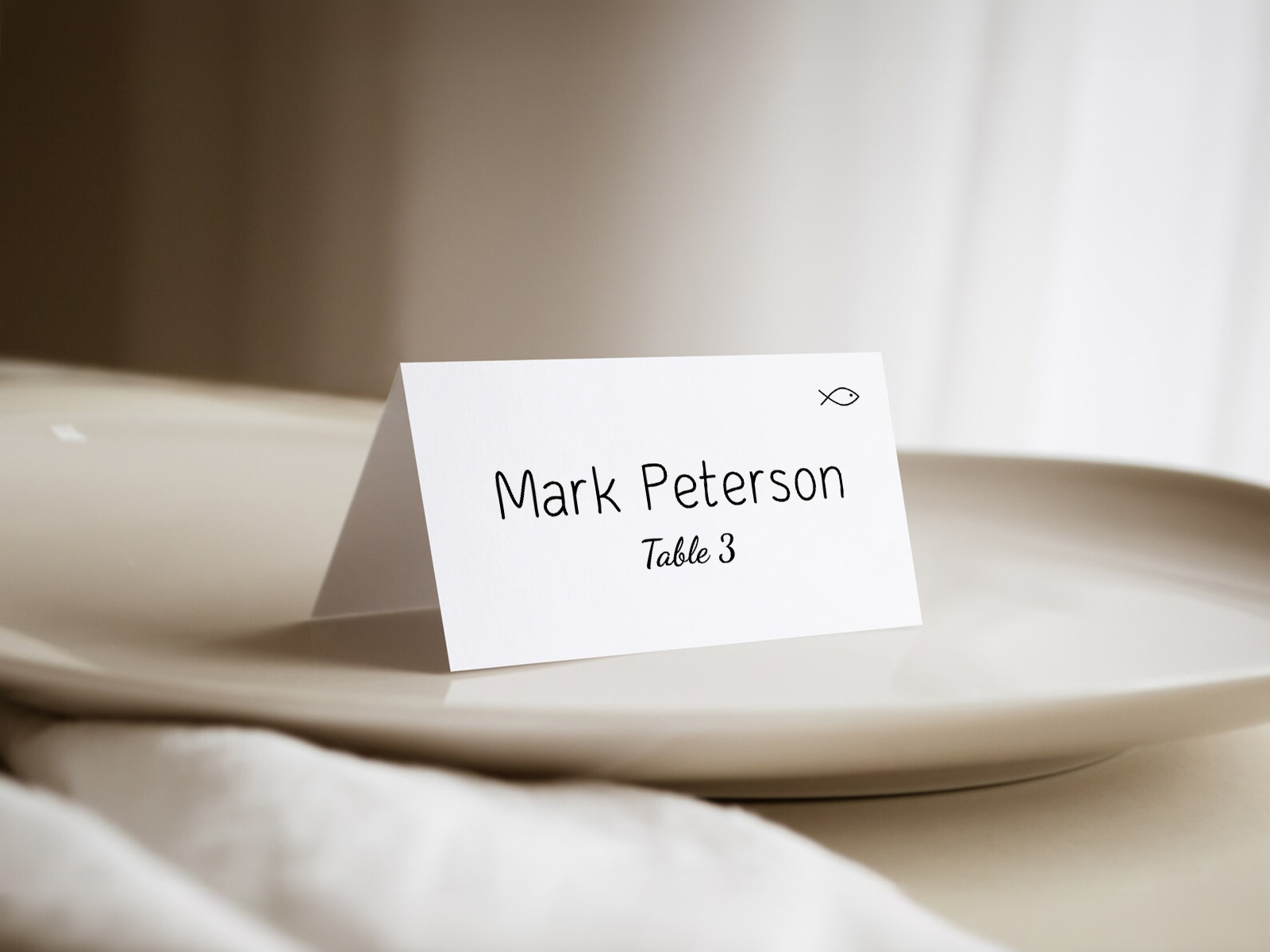
Automatyczne sortowanie alfabetyczne — cicha przewaga
Większość szablonów winietek na Etsy lub Canva to pojedynczy edytowalny projekt — wpisujesz ręcznie 100 nazwisk, a potem samodzielnie sortujesz wydrukowane karty alfabetycznie. Nasz szablon pomija oba te kroki. Importujesz listę gości tylko raz, szablon ją odczytuje, a eksport wychodzi już w kolejności alfabetycznej.
Kolejność na ekspozycji odpowiada kolejności wydruku. Gdy wyjmiesz karty z drukarki albo otworzysz paczkę z drukarni, są już ułożone od A do Z. Rozłóż je od lewej do prawej i ekspozycja działa bez problemu.
Format do ekspozycji a format przy nakryciu
Winietki gości stoją przy wejściu; winietki stołowe stoją przy miejscu przy stole. Sama karta może być ta sama — ale formaty lepiej pasują do różnych zastosowań.
Winietki gości często mają format zawieszki z dziurką (sznurek, wstążka, ekspozycja na klamerce) albo płaski format wizytówki (ułożone na stole lub przypięte do ściany). Składane w namiot są mniej popularne, bo trudniej je efektownie wyeksponować w większej liczbie.
Winietki stołowe prawie zawsze mają format składany w namiot, ponieważ muszą stać na talerzu bez uchwytu. Płaskie formaty wymagają małego stojaka przy każdym nakryciu.
Ten sam generator szablonu obsługuje oba warianty. Wybierz format, który pasuje do planowanego ustawienia przy wejściu.
Wypróbuj szablon — bez rejestracji
Personalizacja — czcionki, kolory, elementy dekoracyjne
Szablon ma domyślnie czystą szeryfową typografię, ale każdy element można edytować: rodzinę czcionki, rozmiar, kolor tuszu, kolor papieru, opcjonalny motyw dekoracyjny (monogram, liść, geometryczna ramka), opcjonalny prefiks tytułu (Pan/Pani/Dr), opcjonalnie nazwa stołu zamiast numeru stołu.
Dopasuj typografię do reszty swojej papeterii. Wybierz raz na poziomie projektu, a szablon winietek gości odziedziczy ten sam wygląd co menu, winietka stołowa, numer stołu, karta usadzenia przy stole i tablica z planem usadzenia.
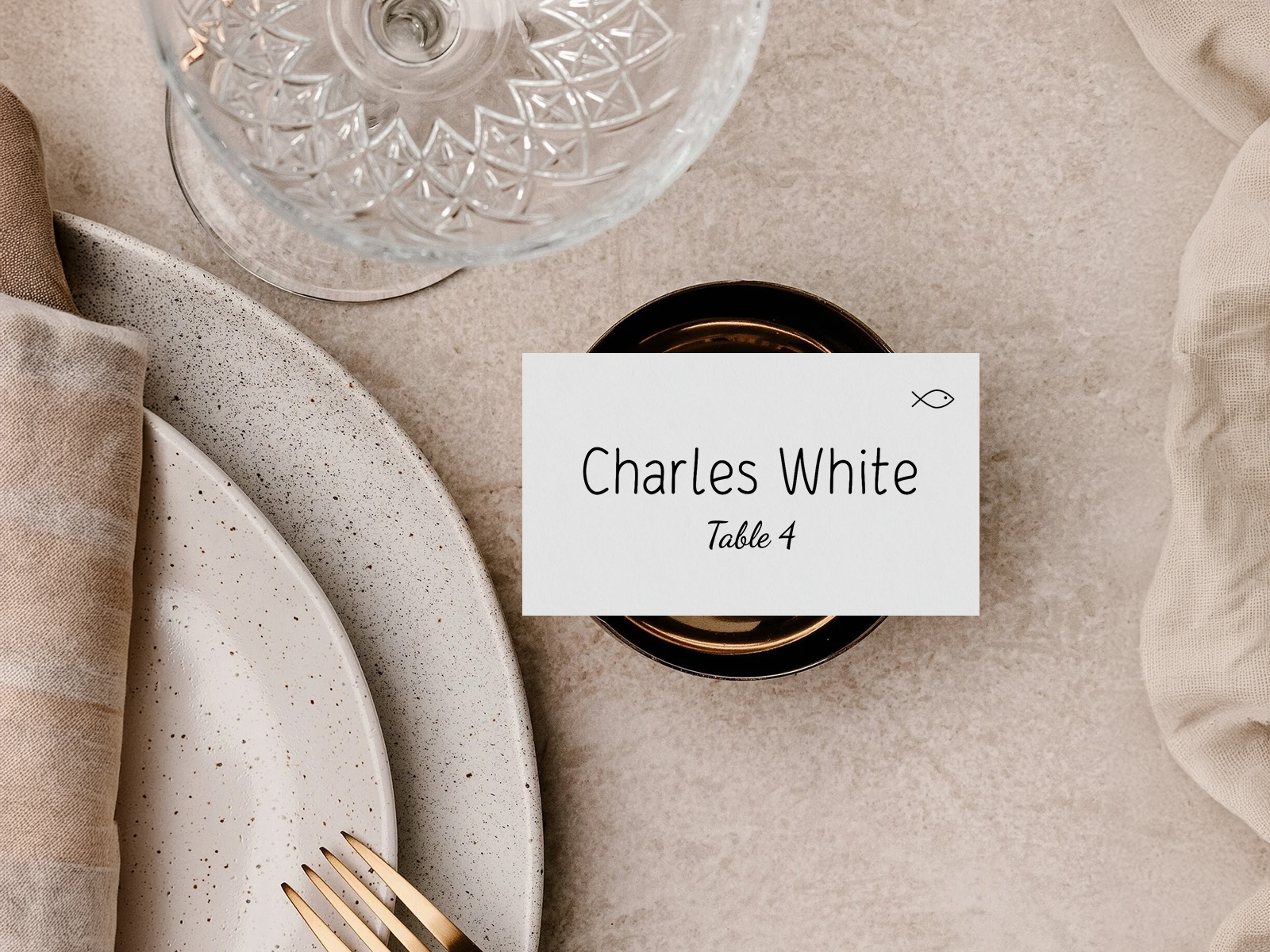
Dlaczego szablony z danymi na żywo wygrywają ze statycznymi
Szablon z Etsy to pojedynczy projekt, który wypełniasz ręcznie, nazwisko po nazwisku. Szablon z danymi na żywo to wygenerowany widok Twojej listy gości — nazwiska są w projekcie, szablon je odczytuje, a eksport jest już wcześniej posortowany.
Różnica jest najbardziej widoczna w ostatnim tygodniu przed ślubem. Późne potwierdzenie przybycia uruchamia dodanie jednej nowej karty do sekwencji alfabetycznej; statyczny szablon wymaga ponownej edycji i wydruku całego arkusza. Darmowe, współdzielone i zsynchronizowane z resztą papeterii.
Poznaj pozostałe podstrony z grupy kart wizytowych na wesele
Każda z poniższych podstron omawia wąski wycinek tworzenia kart wizytowych — szablony projektów, pliki gotowe do druku, ponad 25 pomysłów na ekspozycję oraz logikę sortowania alfabetycznego — a wszystko to oparte na tej samej mapie miejsc Asystenta Planowania Wesela.
Poznaj pozostałe elementy papeterii ślubnej na dzień uroczystości
Każdy z poniższych elementów pobiera na żywo dane z planu stołów w Asystencie Planowania Ślubu, więc jedna aktualizacja listy gości automatycznie obejmuje każdy drukowany element — bez przepisywania nazw z jednego szablonu do drugiego.