


Utforsk flere bryllupsideer og råd
Mal for bordkort til bryllup
Utforsk
Tjenesten vår har hjulpet titusenvis av par over hele verden med å planlegge drømmebryllupet sitt!
Mal for bordkort til bryllup — gratis, redigerbar, fylles automatisk ut fra gjestelisten din
En mal for bordkort til bryllup gjør jobben med å skrive inn alle gjestenes navn om til ett klikk ved eksport. Malen tar seg av oppsettet, skjæremerkene og utskriftsspesifikasjonene; du importerer bordplanen, og kortene kommer ut klare til å skrives ut på standard kartong eller forhåndsperforerte Avery-ark.
Denne siden fokuserer på maldesign, størrelse og Avery-kompatibilitet. For ikoner for menyvalg, se bordkort med menyvalg. For spesifikasjoner for utskriftsproduksjon, se utskriftsklare bordkort. Hvis du heller vil bruke den samme malen ved inngangen, se mal for escort-kort.
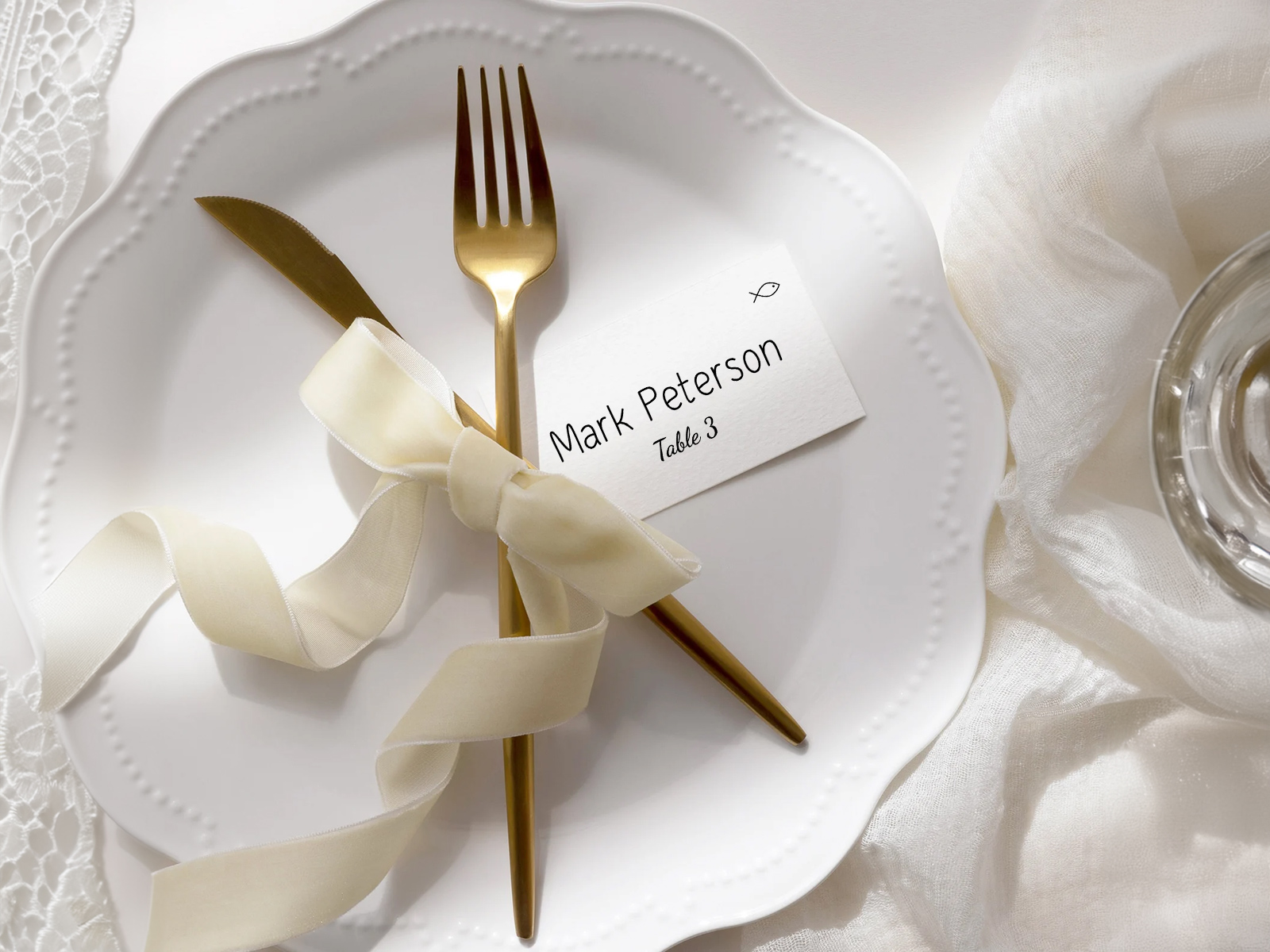
Gjestelisten din ligger i prosjektet for bordplanen, så malen trenger ikke en egen navneliste — den henter fra den levende bordplanen.
Koble typografien i malen til resten av bryllupsartiklene for selve dagen — endre skrifttypen ett sted, så oppdateres alt som er trykt.
Malen leser fra den samme gjestelisten til bryllupet som du importerte i prosjektet. Ingen ny inntasting, ingen dobbeltregistrering.
PLANNING . WEDDING — er lett å huske og enda enklere å bruke.
Slik fungerer malen — navn fra prosjektet ditt, formatet du velger
Malen er en generert visning av prosjektet ditt. Du fyller ikke inn navn; prosjektet gjør det for deg. Du velger format, størrelse og typografi, og eksporten tar seg av resten.
- Åpne visningen for bordkort i prosjektet for bordplanen din — hver bekreftede gjest vises som et kort.
- Velg format — teltbrett, flatt eller et Avery-arkoppsett.
- Velg størrelse — 3.5×2 (vanligst), 2.5×3.5 eller 4×3 i stor størrelse.
- Tilpass typografien — skrifttype, farge, valgfri tittel (Mr./Mrs./Dr.), valgfritt dekorativt element.
- Forhåndsvis et eksempelkort i full størrelse for å kontrollere stavemåten.
- Last ned den utskriftsklare PDF-en med utfall og skjæremerker allerede lagt inn for enhver skriver.
Få personlige bordkort automatisk laget fra bordkartet ditt
Generer kortene som fylles ut automatisk
Størrelser og formater for bordkort
Bordkort er mindre enn menykort eller bordnumre, men formatet du velger påvirker hvordan de står på bordet og hvilken type holder du eventuelt trenger.
- 3.5×2 tommer (brettet telt) — den mest populære størrelsen for bordkort til bryllup. Brettes i to og står av seg selv uten holder. Passer fint på en tallerken eller i en brettet serviett.
- 2.5×3.5 tommer (flatt visittkortformat) — mindre, lettere og mer minimalistisk. Trenger en liten holder, en klips eller å stikkes inn i servietten for å stå oppreist.
- 4×3 tommer (stort telt) — større kort med ekstra plass til et lengre navn, et dekorativt motiv eller et lite ikon for menyvalg. Best for formelle bryllup der kortet er en del av det visuelle uttrykket ved kuverten.
- Avery-arkoppsett — 8 kort per US Letter-ark på Avery 5302 (3.5×2 telt) eller 10 per ark på Avery 5305 (2.5×3.5 flatt). Forhåndsperforert, ingen klipping nødvendig.
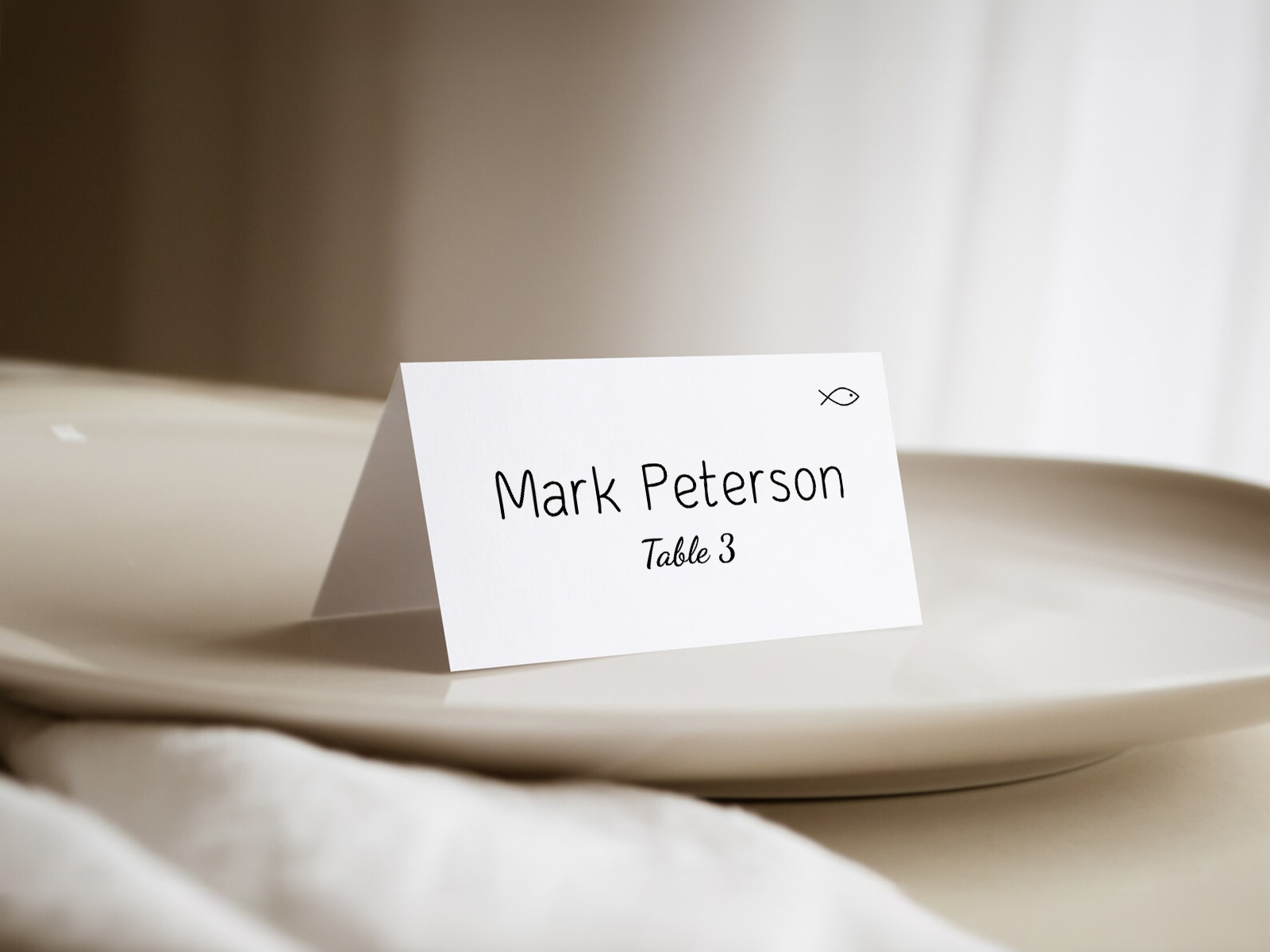
Kompatibilitet med Avery-mal — koder og arkoppsett
Averys perforerte ark er den raskeste veien fra PDF til trykte kort — perforeringen erstatter klipping, og arket går rett gjennom en hjemmepapirskriver. Malen vår støtter de tre Avery-kodene de fleste bryllup bruker.
- Avery 5302 — 8 teltbrett-kort per US Letter-ark på 3.5×2 tommer. Standardvalget i verktøyet vårt. Perforert for ren separering; brettes langs en forhåndsmarkert midtlinje.
- Avery 5305 — 10 flate kort i visittkortstørrelse per ark på 2.5×3.5 tommer. Best for minimalistiske design kombinert med en liten holder.
- Avery 8395 — navneskiltstil på 3.375×2.33 tommer. Mindre vanlig i bryllup, men støttes for par som allerede har disse tilgjengelig.
- Hvis du heller vil bruke vanlig kartong i stedet for perforerte ark, eksporterer malen også en PDF for tilpasset kutting med skjæremerker — send den til en papirskjærer eller en guillotine hos et trykkeri.
Fylles automatisk ut fra bordplanen din
Hovedfunksjonen: hvert navn og hvert bordnummer på hvert kort hentes direkte fra prosjektet for bordplanen din. Du skriver ikke gjestenavn inn i malen; malen leser dem fra prosjektet. Legg til en gjest, så legger malen til et kort. Flytt en gjest til et annet bord, så oppdateres bordnummeret på kortet automatisk.
Praktisk konsekvens — en sen endring etter invitasjonsbekreftelse tar sekunder, ikke timer. En statisk Etsy-mal tvinger deg til å skrive inn alle endrede navn på nytt for hånd og skrive ut hele arket igjen. En mal med levende data genererer bare kortene som er berørt.
Prøv malen — ingen registrering nødvendig
Tilpasning — skrifttyper, farger, valgfrie ikoner
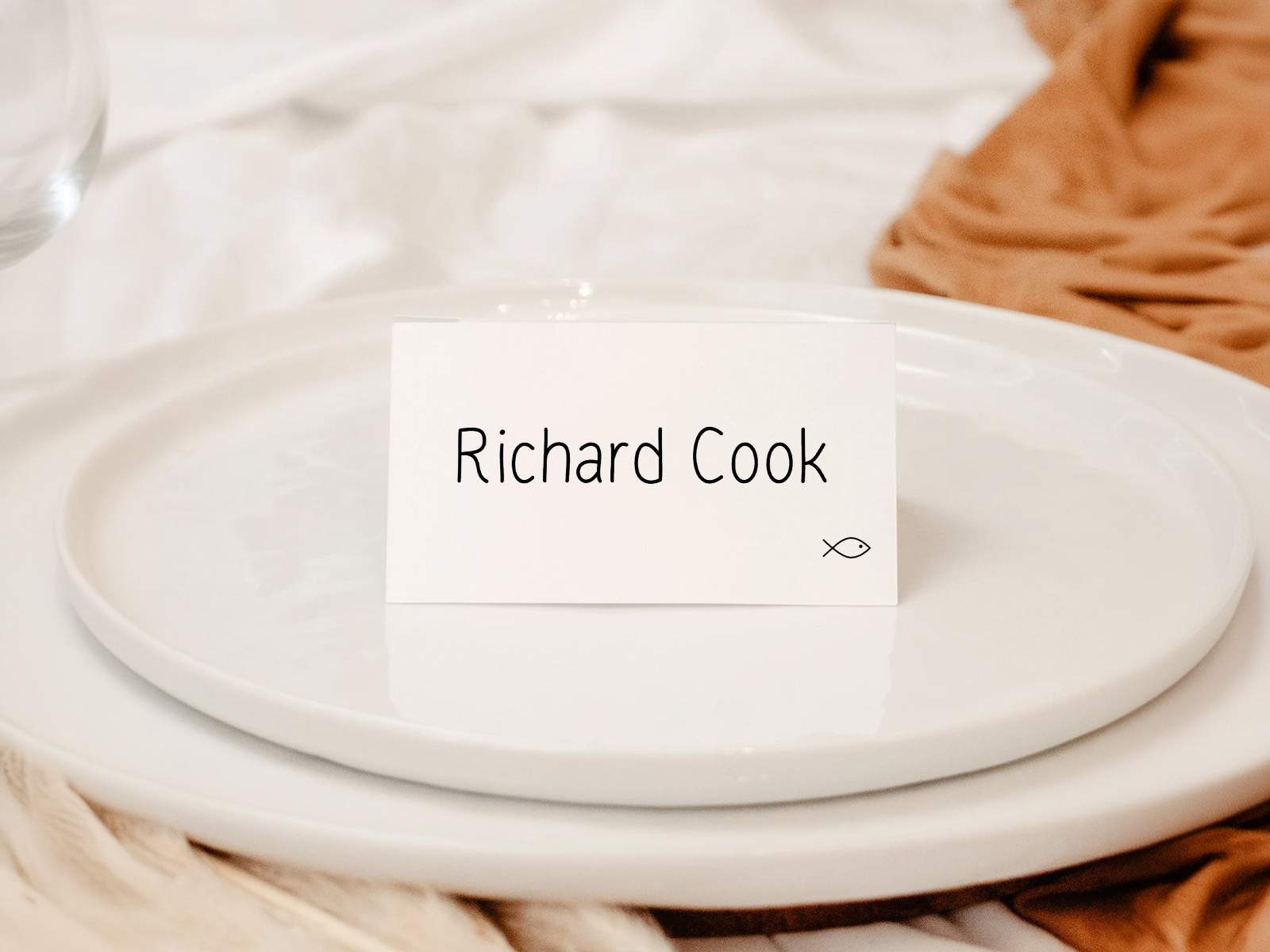
Malen leveres med en ren serif-standard, men alt kan redigeres. Skrifttypefamilie, skriftstørrelse, blekkfarge, papirkfarge, valgfritt dekorativt element (monogram, blad, geometrisk kant), valgfri tittel foran navnet (Mr./Mrs./Dr.), og et valgfritt ikon for menyvalg hvis du har samlet inn menyvalg ved invitasjonsbekreftelsen.
Koble typografien til resten av papirkolleksjonen din — velg én gang på prosjektnivå, så arver malen det. Oppdater designet én gang, og alt som trykkes oppdateres med det.
Hvorfor maler med levende data er bedre enn statiske
En mal for bordkort fra Etsy eller Canva er et enkelt design du fyller inn for hånd for hver gjest. En mal med levende data er en generert visning av gjestelisten din — navnene ligger i prosjektet ditt, og malen leser dem ved eksport.
Forskjellen blir tydelig den siste uken før bryllupet, når invitasjonsbekreftelsene fortsatt kommer inn. Statiske maler krever at du skriver inn hver endring på nytt; maler med levende data regenererer seg selv. Gratis, samarbeidsvennlig og synkronisert med resten av papirmaterialet ditt.
Utforsk resten av klyngen for bordkort til bryllup
Hver underside nedenfor dekker en smal del av produksjonen av bordkort — designmaler, utskriftsklare filer, ikoner for måltidsvalg basert på svar på invitasjon, og kreativ styling — alt drevet av det samme Bryllupsplanleggingsassistenten-sittekartet.
Utforsk resten av papirsettet til bryllupsdagen
Hver av delene nedenfor henter direkte fra bordplasseringen din på Bryllupsplanleggingsassistenten, så én oppdatering av gjestelisten din slår gjennom i hvert trykte element — uten å kopiere navn fra én mal til den neste.