Explore more wedding ideas & advice
Wedding Seating Chart Sign
Explore
Our service has assisted tens of thousands of couples worldwide in planning their dream weddings!
Free Wedding Seating Chart Sign — Generated From Your Seating Chart
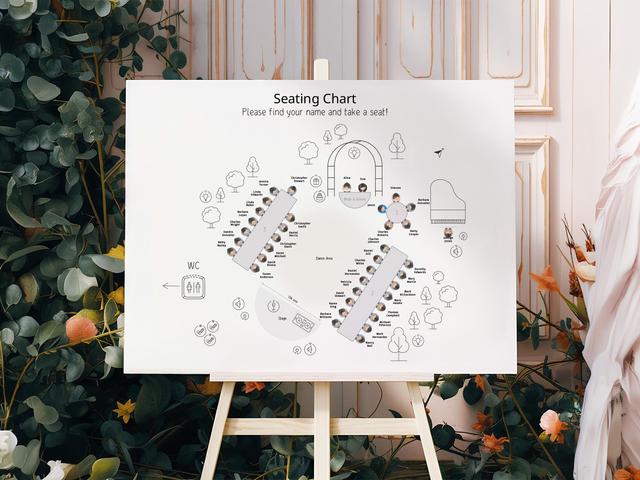
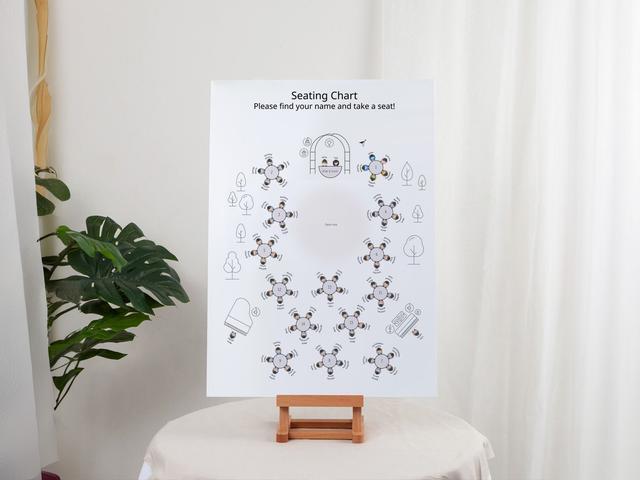
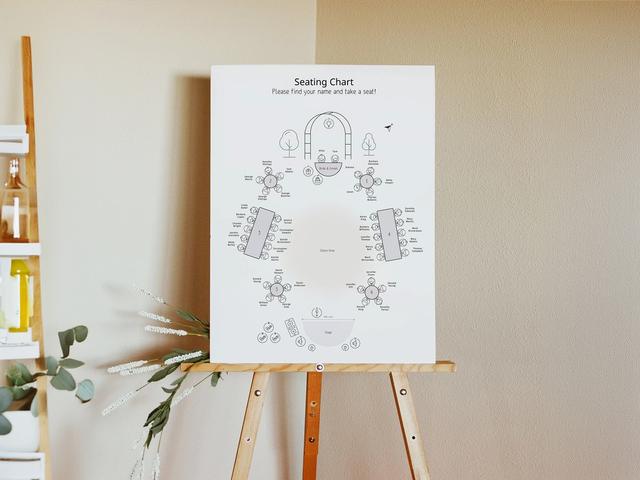
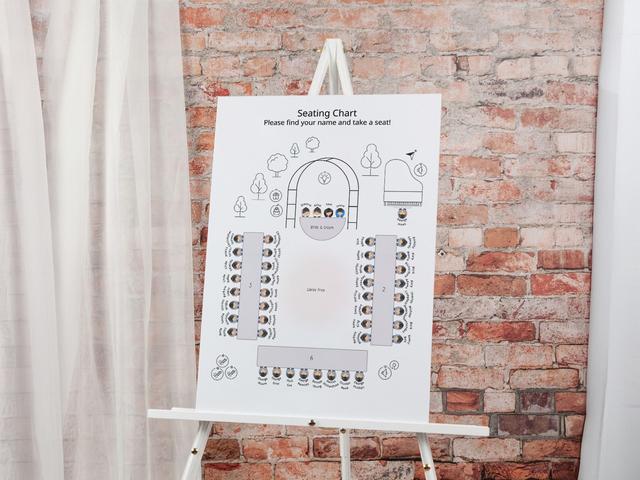
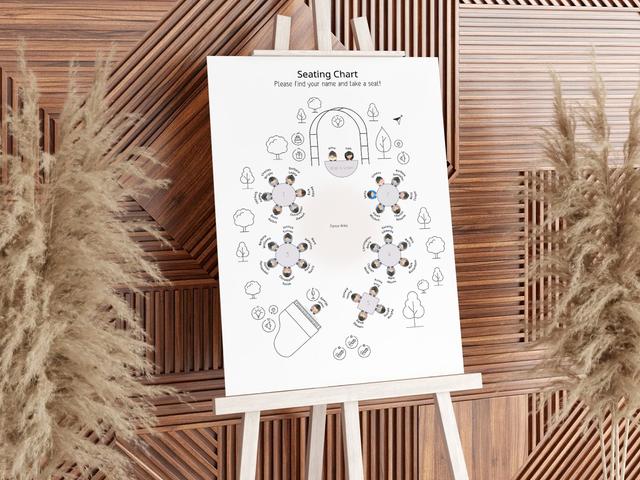
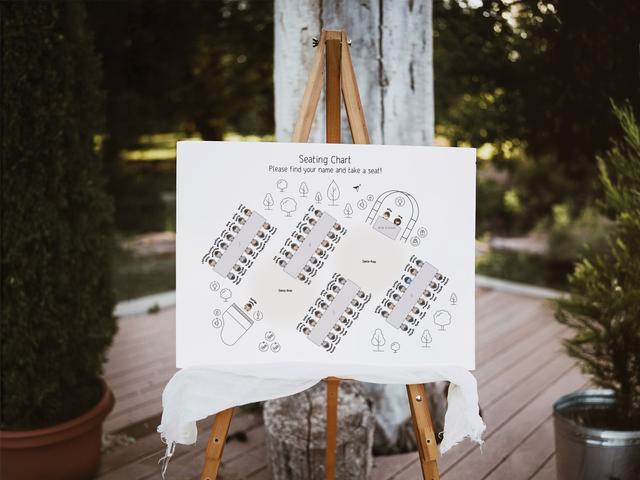
A wedding seating chart sign is the single large poster that greets guests at the reception entrance — every name listed alphabetically by last name with the table number beside it. Done well, it clears the entrance in under five minutes; done badly, it’s the bottleneck that delays your first course. Our wedding planning assistant generates the sign automatically from your seating chart, so the names and table numbers always match your live project.
This is a different product from the floor-plan-style chart you build during planning. The seating chart tool is the drag-and-drop floor plan you use to plan; the wedding seating chart sign on this page is the physical poster guests read on the day. One project, two outputs.
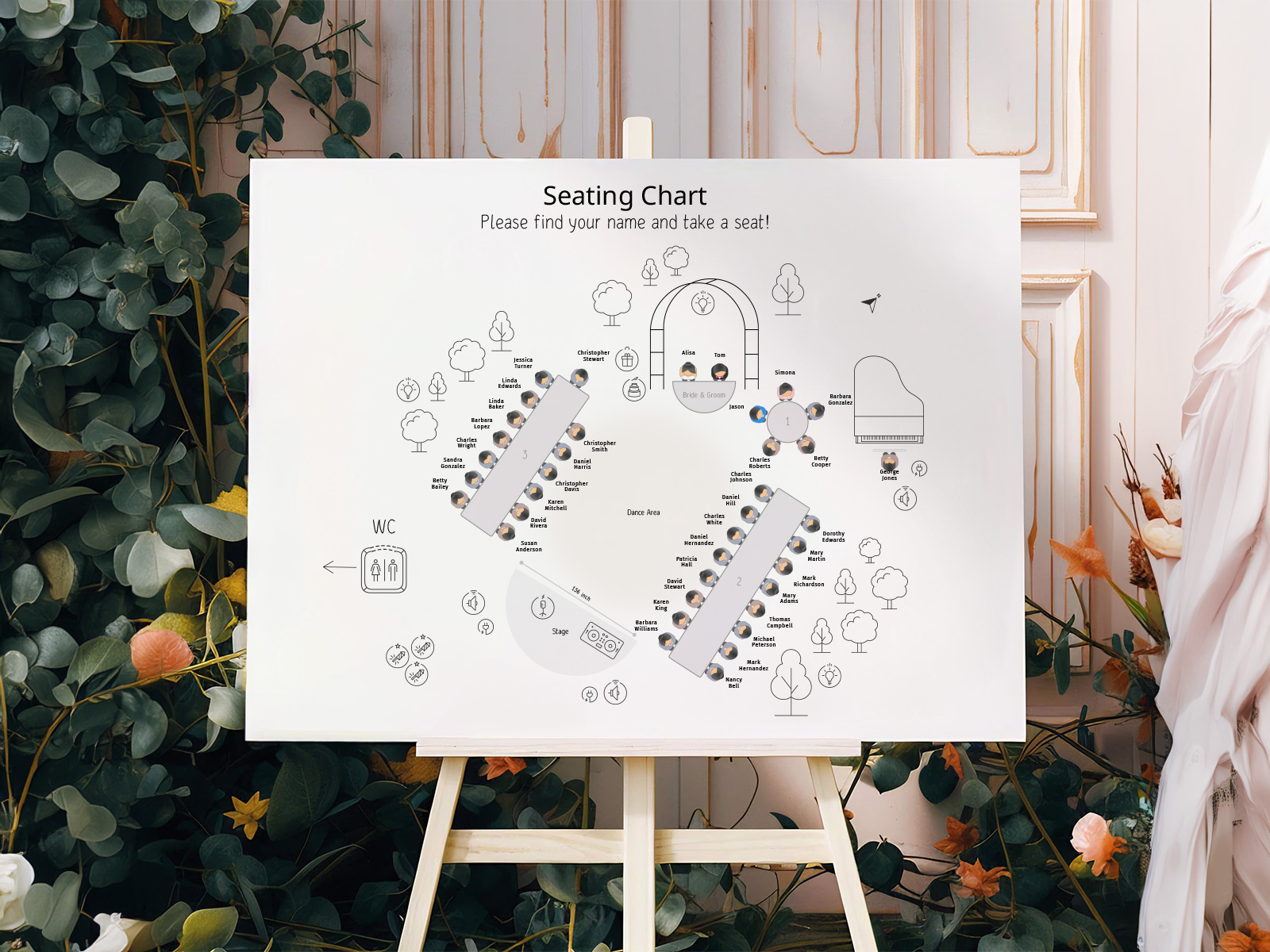
Manage your wedding guest list in the same project — every name on the sign is pulled directly from it, including last-minute additions.
Use the built-in RSVP tool to confirm who’s actually attending. Only confirmed guests print to the sign, so there are no awkward names of people who declined.
The seating chart sign is one piece of your full day-of stationery suite. Match its typography to your menus, place cards and escort cards for a coordinated look.
PLANNING . WEDDING — is easy to remember and even easier to use.
How the Sign Is Built — Live From Your Seating Chart
The sign isn’t a separate template you fill in. It’s a generated view of the same project that holds your seating chart, so the data flow is one-way and automatic.
- Import your guest list into a free project — Excel upload or manual entry.
- Place each guest at a table on the drag-and-drop floor plan.
- Open the seating chart sign view — every confirmed guest appears alphabetically by last name with their table number.
- Customize the layout — fonts, columns, header art, paper size.
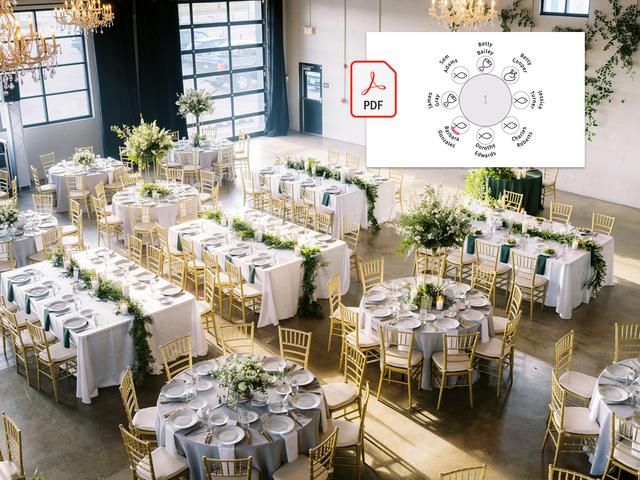
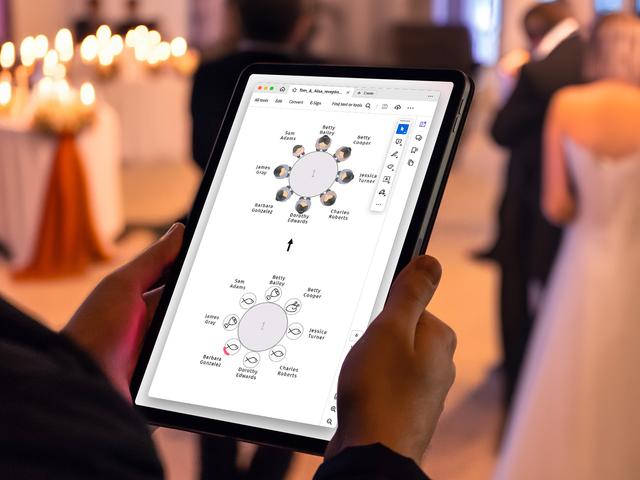
- Download the print-ready PDF with bleed and crop marks already set.
- Send the file to any printer — local print shop, big-box copy center, or specialist wedding stationer.
If a guest changes their RSVP after you’ve printed, you only reprint the one updated sign — not the whole stationery suite.
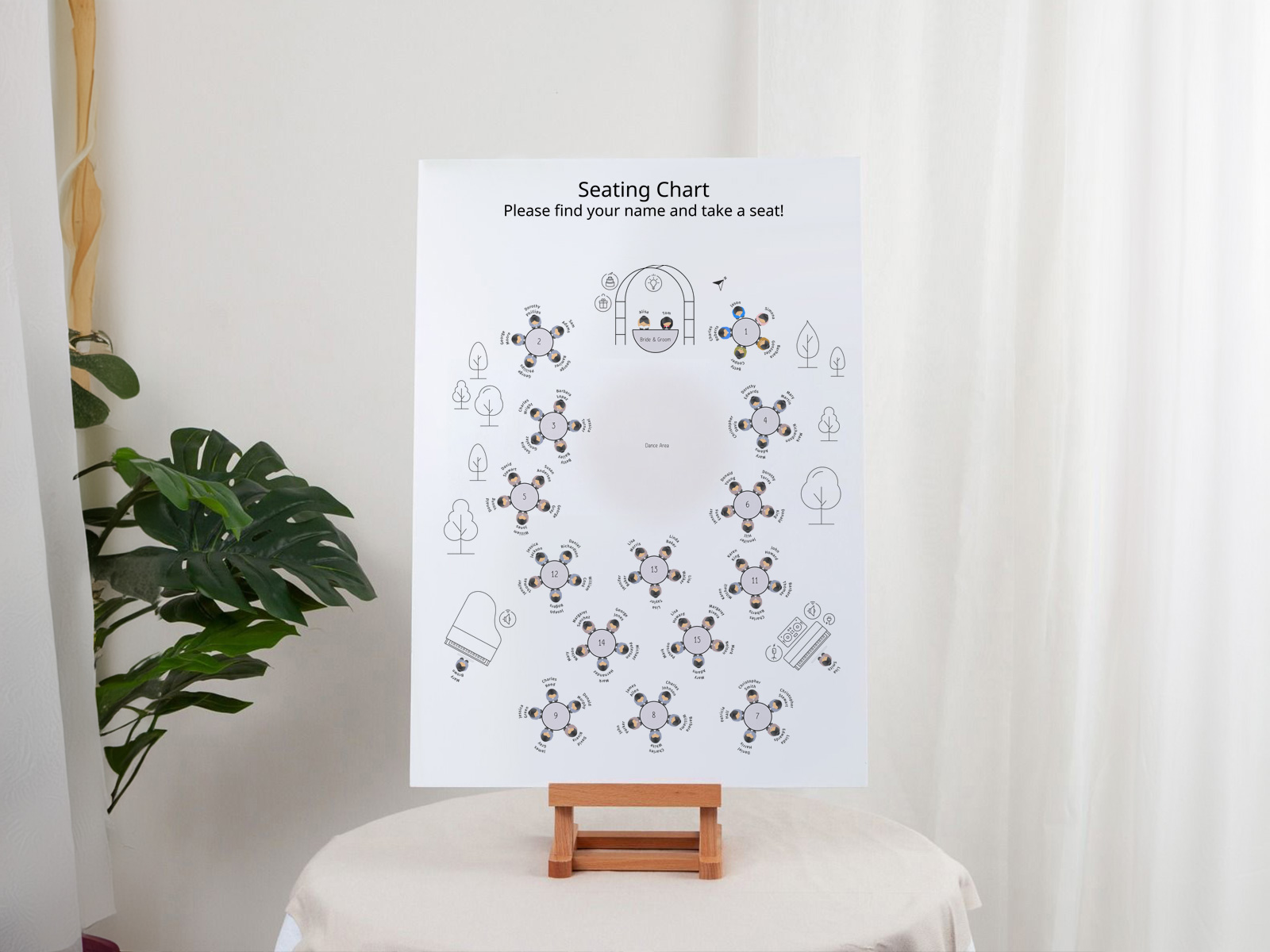
Elegant wedding seating chart
Generate your alphabetical sign now
What is a Wedding Seating Chart Sign?
A wedding seating chart sign is a single large poster, usually displayed on an easel at the reception entrance. It lists every confirmed guest with the table number they’ve been assigned to. Guests glance at the sign, find their name, walk to the table.
It’s sometimes called a seating chart poster, seating chart board, or wedding seating sign. They all describe the same product — a single piece of signage that handles the entire room from one location.
The sign is most useful at weddings of around 40 guests or more. Below that, a quick word from the maître d’ or a small welcome card can do the same job. Above 100 guests, the sign becomes essential — and the sort order starts to matter quite a lot.
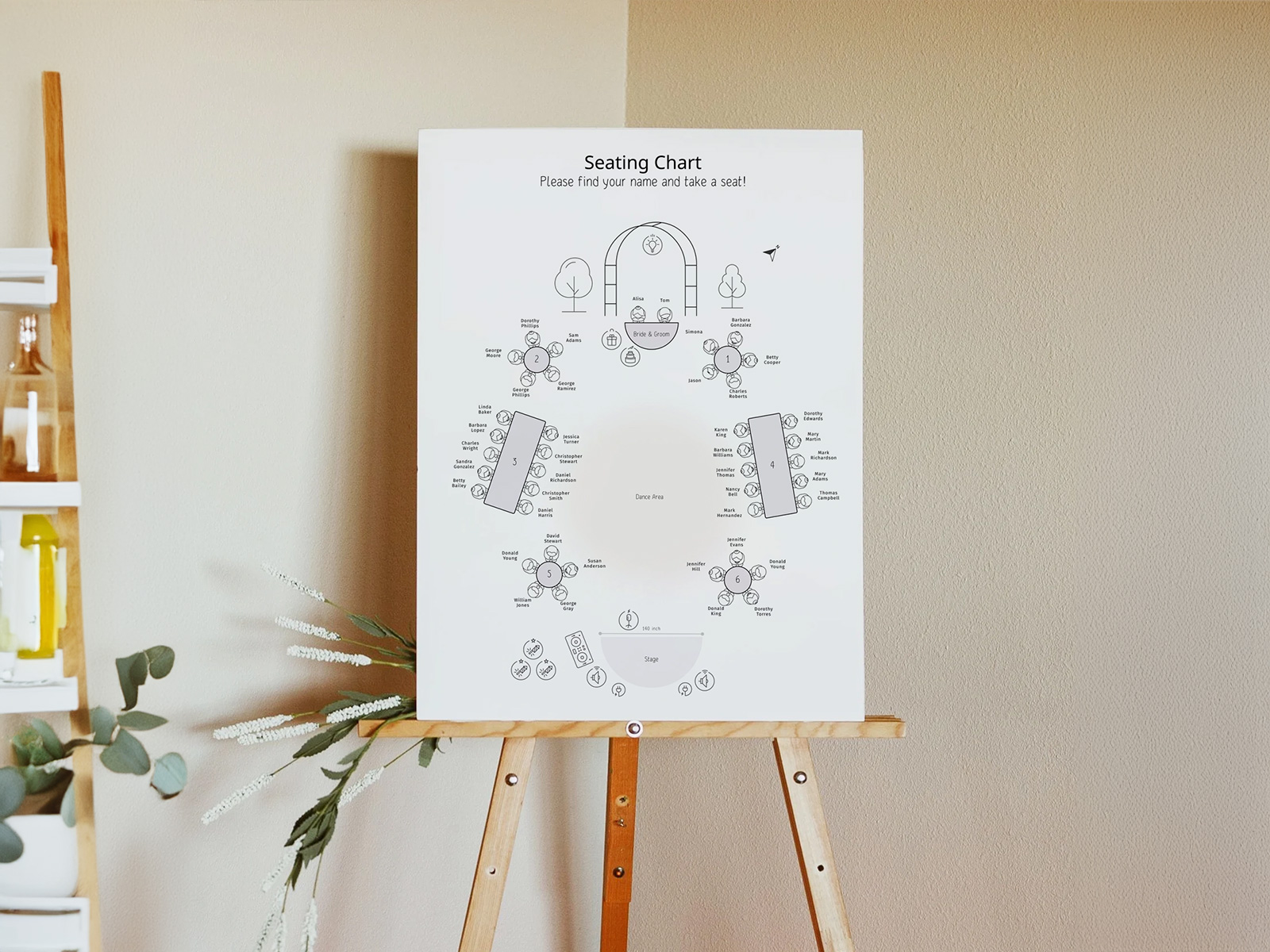
Where the Sign Goes — Display, Lighting and Traffic Flow
The single biggest mistake couples make with the sign is putting it somewhere guests have to stop to read. Position it so guests can scan it while still walking — eye level, lit clearly, with at least a metre of space on either side so a small queue doesn’t block the entrance.
Easel placement is usually inside the cocktail-hour space, just past the main entrance. Avoid putting it directly opposite the entrance doors (creates a head-on bottleneck) or in a dim corridor (forces guests to lean in).
If your venue has variable lighting, ask for a small spotlight on the sign during the entry window. A sign no one can read is functionally not a sign.
For weddings over 150 guests, consider two identical signs placed at either end of the entry zone — it doubles throughput at the start of the cocktail hour.
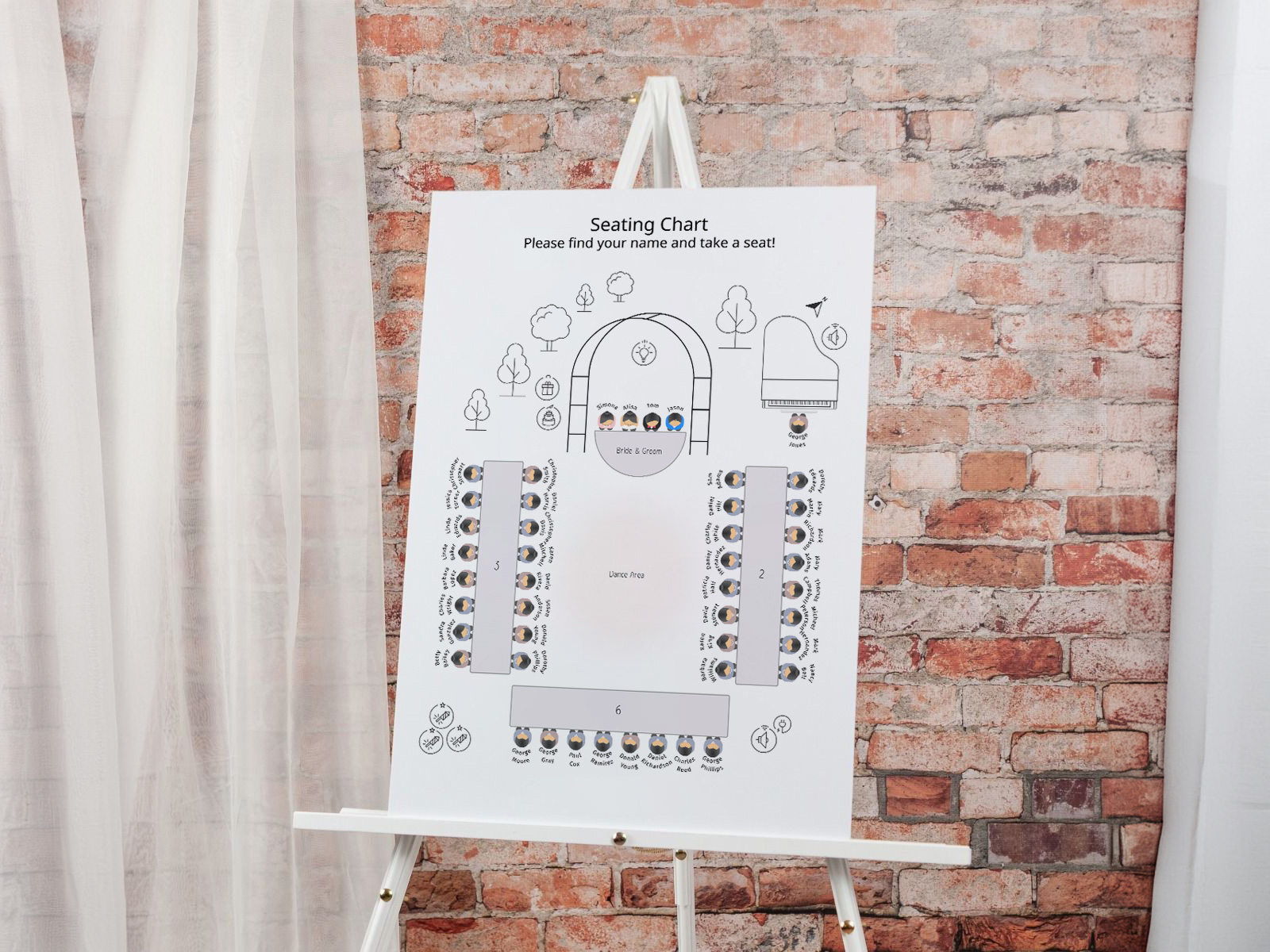
Alphabetical vs By Table — Which Sort Order to Use
There are two common ways to lay out the names on a wedding seating chart sign, and the choice has a much bigger effect on guest experience than couples expect.
Alphabetical by last name is the default for any wedding over roughly 100 guests. Each guest scans for their own surname, finds it in seconds, and reads off the table number. Throughput is high because every guest is doing a self-contained lookup that doesn’t require any context about other guests.
Grouped by table lists table 1 with all its guests, then table 2, and so on. It looks beautiful and works at small weddings (under ~40 guests), but at scale it forces every guest to scan dozens of name groups until they find their own — slow and frustrating for late arrivals.
Our wedding planning assistant defaults to alphabetical-by-last-name and offers grouped-by-table as a one-click alternative. If you’re torn, consider the size of your wedding and the layout of your entrance: alphabetical scales, grouped doesn’t.
A note on couples and families: list each adult separately by their own surname. Listing a family as “The Smith Family” saves space but forces a guest to remember whose surname the household uses, which doesn’t always work for blended or recently-married families.
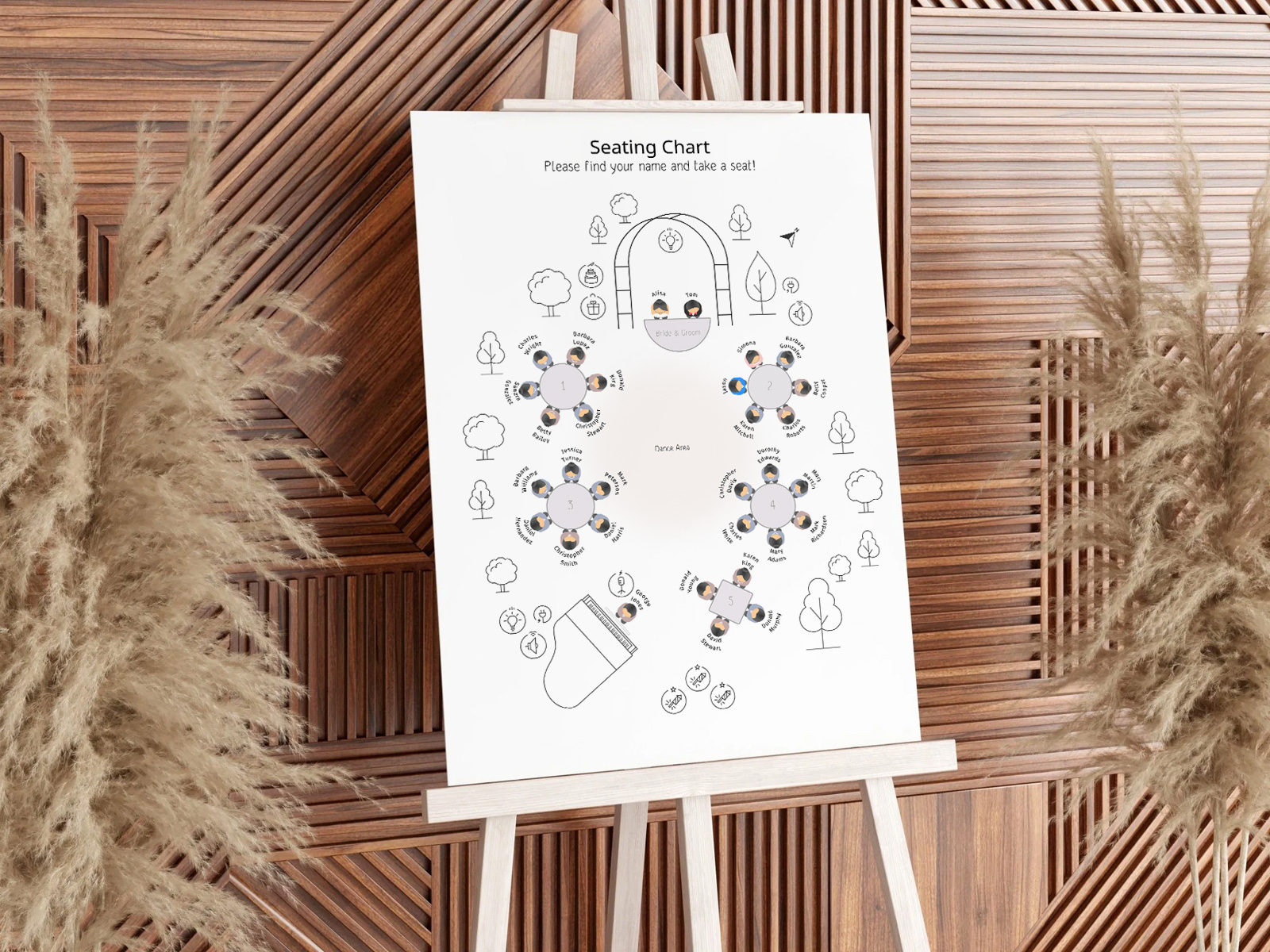
Sizing — A1, 18×24 or 24×36 by Guest Count
Sign size scales with guest count, not with budget. Pick the smallest size at which every name remains legible from arm’s length and you’ve got the right size.
- Up to 50 guests — A2 (16.5×23.4 inches) or 18×24 inches works well. Two columns of names, generous spacing.
- 50–120 guests — A1 (23.4×33.1 inches) or 24×36 inches is the sweet spot. Three columns, comfortable line height.
- 120+ guests — A0 (33.1×46.8 inches) or two A1 signs side by side. Four columns becomes acceptable, but font size cannot drop below ~28pt or the back of the queue can’t read it.
Our PDF export will scale your sign automatically to fit the page size you select, with proper bleed already applied.
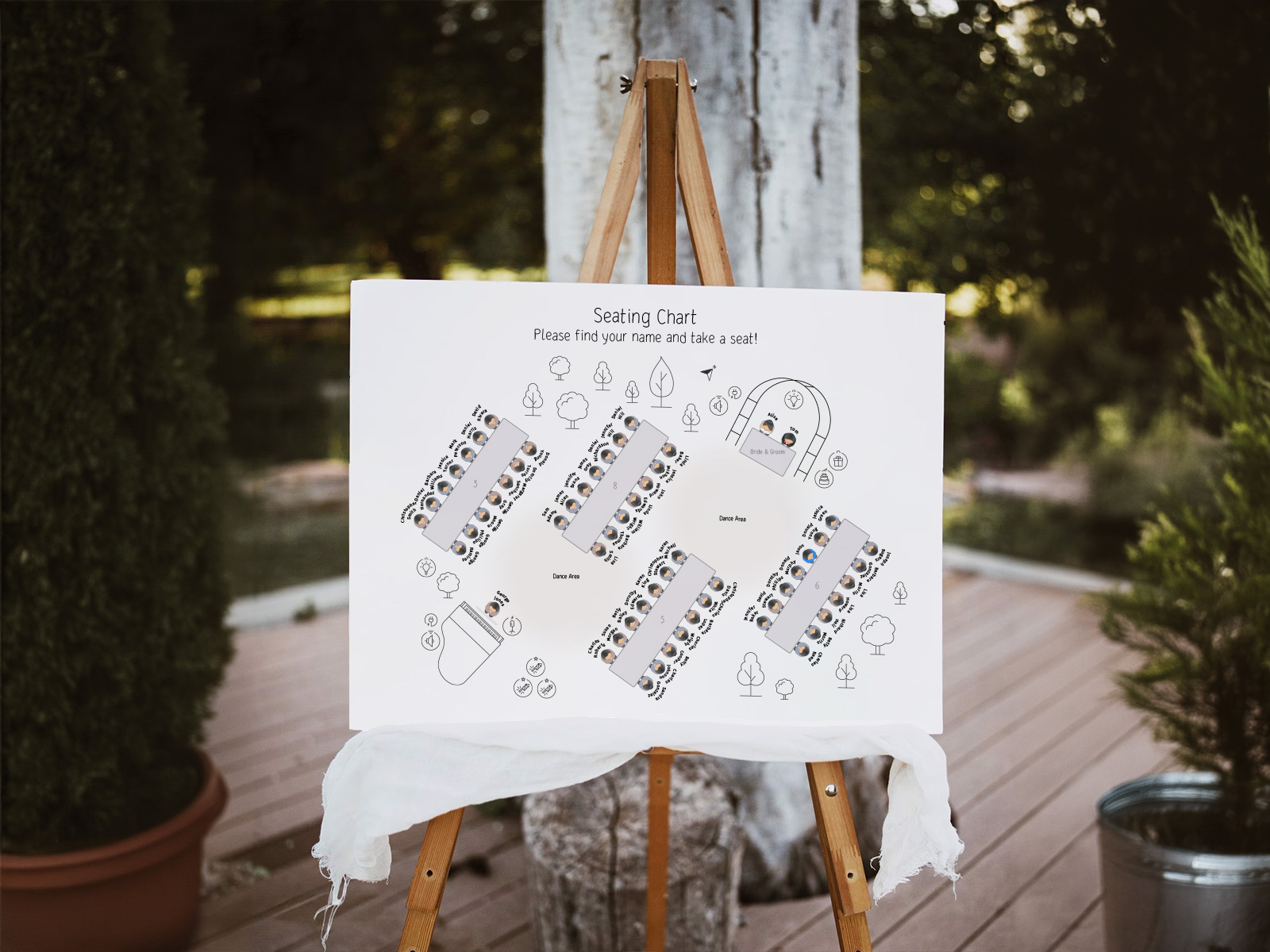
Materials — Foam Board, Acrylic, Paper Poster
The sign’s material is a styling choice rather than a functional one — every option below holds names equally well. Pick whatever matches your venue and decor.
- Foam board is the most popular budget option. Light, sturdy enough for an easel, easy to mount on. Susceptible to warping in humid outdoor venues.
- Acrylic (clear or frosted) gives a modern, minimalist look. The names can either be printed onto a paper insert behind the acrylic, or vinyl-applied directly to the surface.
- Paper poster in a wood or metal frame works for vintage, garden and rustic styles. Choose a frame with a cardboard backing to keep the paper flat.
- Mirror or chalkboard with hand-applied calligraphy is the most labour-intensive option but visually striking. Use our PDF as the calligraphy reference layout.
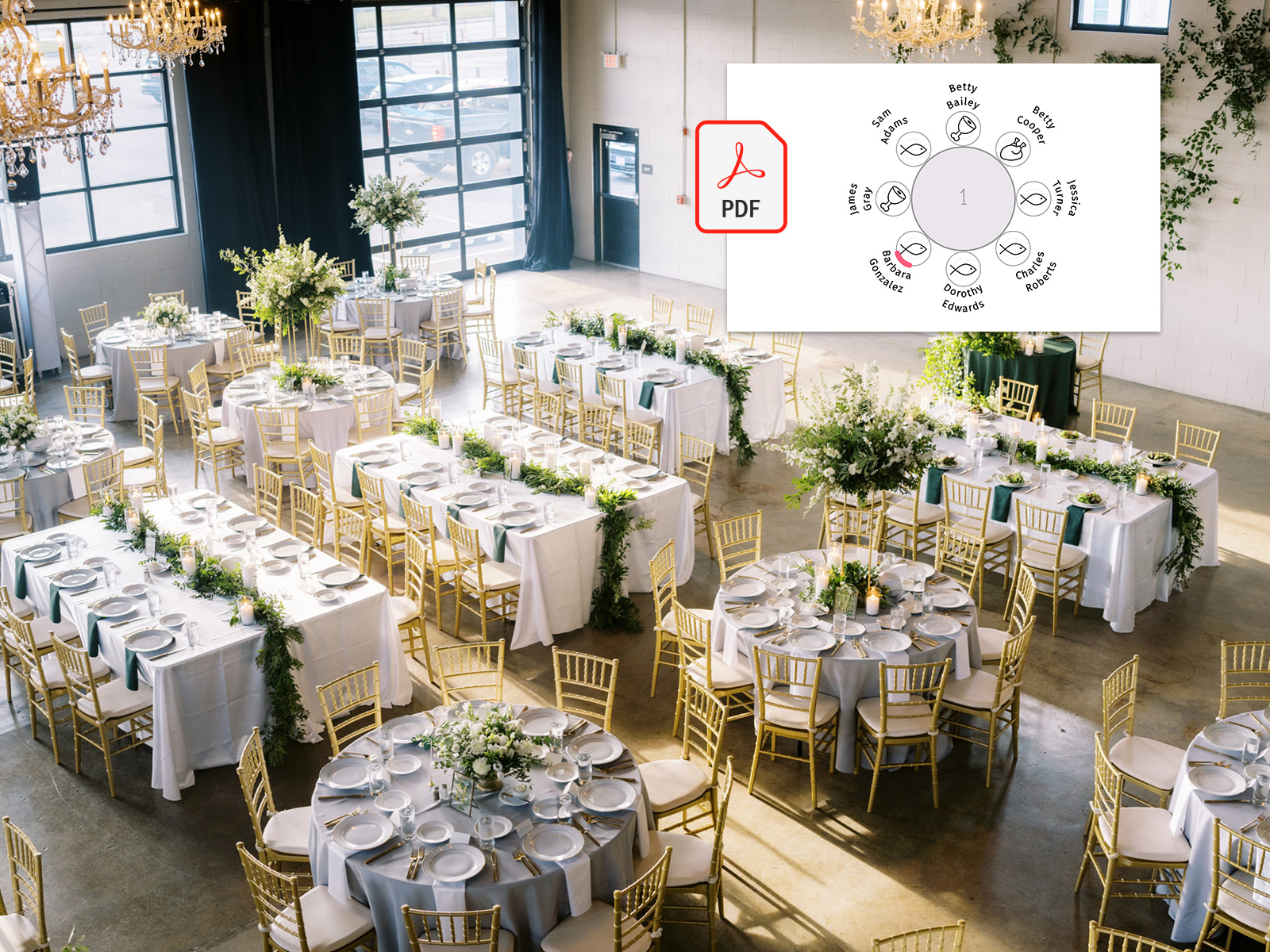
Last-Minute RSVPs — How the Live Tool Handles Updates
The most stressful moment in wedding stationery is the late RSVP — the cousin who confirms two days before the wedding, after you’ve already had the sign printed. With a static template, it means redesigning the whole sign and reprinting from scratch.
Because every name on our seating chart sign pulls live from the project, a late RSVP simply slots into the alphabetical list at the right position. You re-export the PDF, send it to the printer, and replace just the affected sign — not the place cards, not the menus, not the table numbers.
Most couples reprint the sign exactly once: the morning of the wedding, after the absolute final headcount is locked. The cost is one extra print, not a re-do of the entire stationery order.
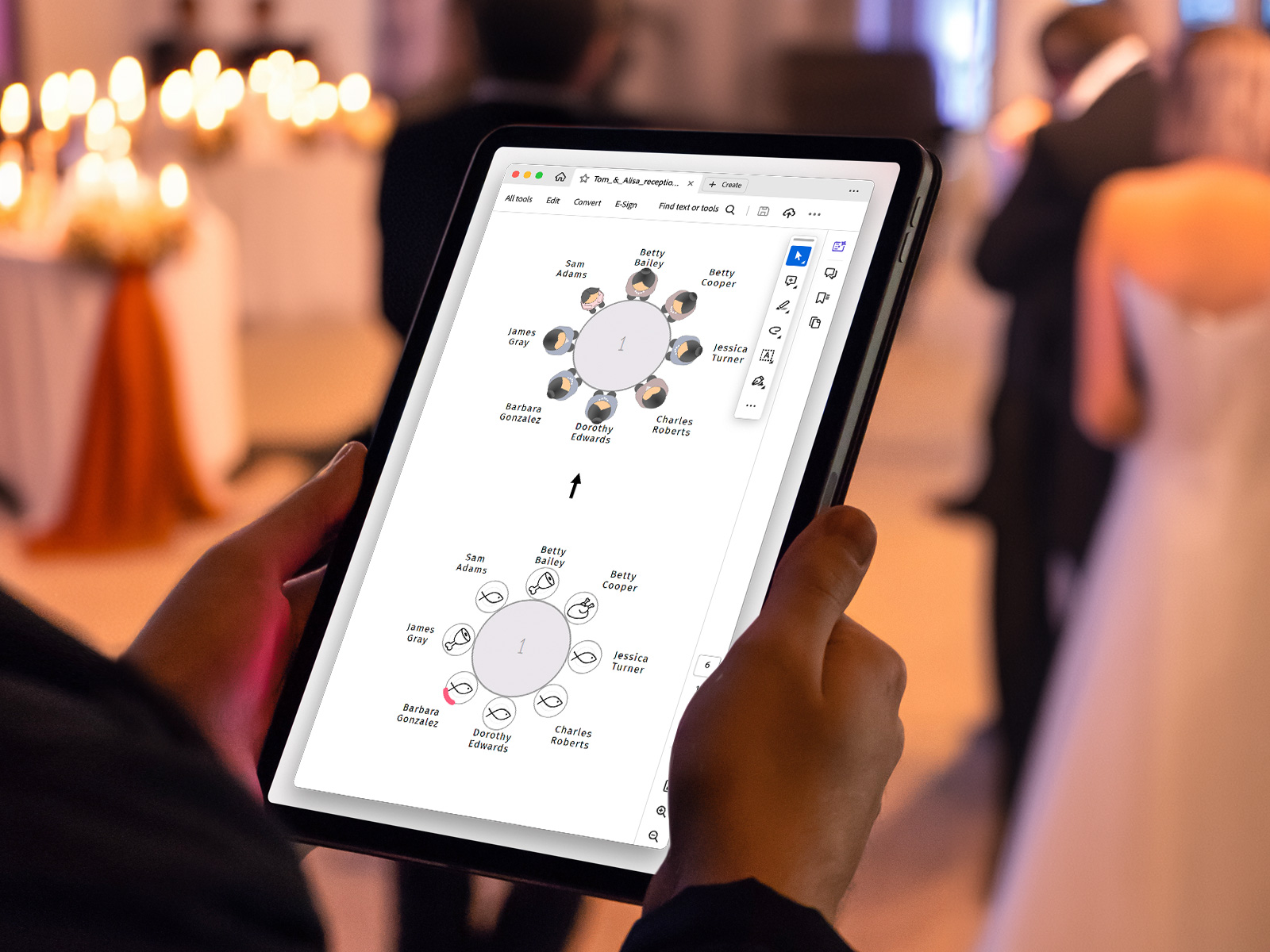
Print-Ready PDF Export — Bleed, Resolution, Color
Wedding seating chart signs are big files printed at large sizes, which means cheap PDFs fall apart at print stage. The export from our tool is built for the printer, not the screen.
Every PDF includes 3mm bleed on all sides, crop marks at the corners, and is exported at 300 DPI minimum at the chosen paper size. Fonts are embedded so the printer doesn’t need a license file. Color is exported as RGB by default with a CMYK option for professional offset printers.
Hand the PDF to any local print shop and they can produce the sign without further pre-press work.
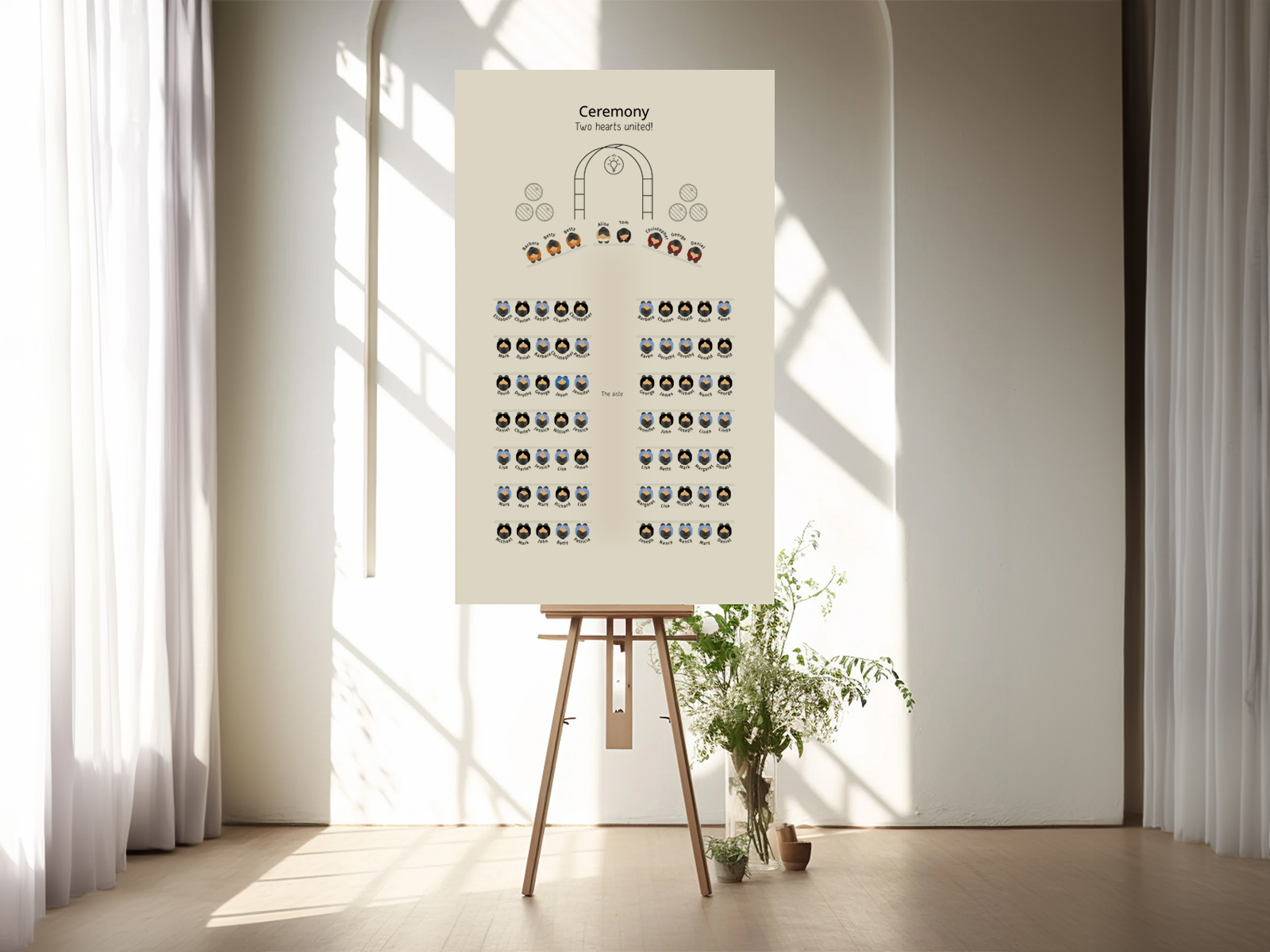
Sign or Escort Cards — Quick Comparison
A wedding seating chart sign and wedding escort cards solve the same problem — directing guests to their tables — using opposite formats. The sign is one large display; escort cards are individual cards laid out alphabetically.
Couples often use one or the other, occasionally both. The sign reads faster and uses less paper; escort cards integrate more naturally with floral installations and double as a small favor. Whichever you choose, the data underneath is identical and pulls from the same seating chart.
Why Use Our Tool Instead of an Etsy Template
Etsy templates are beautiful but require you to type every guest name in by hand, then re-type any names that change after RSVP. For a 100-guest wedding that’s 100 manual entries plus the inevitable typos.
Our wedding planning assistant treats the sign as output — you don’t fill it in, you generate it. The same names already in your seating chart automatically populate the sign, sort alphabetically, and match the table assignments you’ve made on the floor plan.
It also stays collaborative: planner, partner and family member can all edit the underlying project, and the sign reflects whatever the latest version of the truth is. No version drift, no “is this the final list?” emails.
Generate your alphabetical sign now
Step-by-Step Guide — Creating Your Wedding Seating Chart Sign
Most couples build the sign in the final two weeks before the wedding, once RSVPs are largely locked. Here’s the workflow.
- Create a free project on planning.wedding and import your guest list.
- Send RSVPs through the built-in form to confirm attendance.
- Open the seating chart and place every confirmed guest at a table.
- Switch to the seating chart sign view in the project menu.
- Pick the sort order — alphabetical by last name (recommended) or grouped by table.
- Choose the paper size — A1 or 24×36 for most weddings, A0 for very large guest lists.
- Set typography — header font for the title, body font for the names. Coordinate with the rest of your stationery suite.
- Preview at full size on screen to check legibility from a distance.
- Export the print-ready PDF with bleed and crop marks.
- Send to your printer and wait for the proof. Approve the proof only after checking spelling on every name.
- Reprint once the morning of the wedding if any RSVPs change in the final 48 hours. Done.
Alternative Names for a Wedding Seating Chart Sign
The same product is searched for under many names. Each one captures a slightly different mental model, but they all describe a single large display directing guests to their tables.
- Wedding seating chart poster
- Alphabetical seating chart
- Seating chart board
- Wedding seating sign
- Seating chart display sign
- Wedding entrance seating sign
- Reception seating chart
- Guest seating poster
Explore the rest of the wedding seating chart sign cluster
Each sub-page below covers a narrow slice of the alphabetical entrance poster — sort variations, design templates, and 15+ creative ideas — all powered by the same Wedding Planning Assistant seating chart project.
Explore the rest of your wedding day-of stationery suite
Each item below pulls live from your seating chart on Wedding Planning Assistant, so a single update to your guest list flows through every printed piece — no copying names from one template to the next.