Explore more wedding ideas & advice
Wedding Day-of Stationery
Explore
Our service has assisted tens of thousands of couples worldwide in planning their dream weddings!
Every Piece of Wedding Day-of Stationery, Generated from One Seating Chart
Wedding day-of stationery covers every printed piece your guests touch on the wedding day itself — the seating chart sign at the entrance, menu cards on each plate, table numbers on every table, place cards at each setting, escort cards near the door, and table seating cards on a display wall. Most couples build each one in a different template, re-typing the same names six times over. Our wedding planning assistant turns a single seating chart into all six deliverables automatically, so you update one place and every printed piece updates with it.
Whether you’re three months out and starting your stationery suite, or three days out and frantically reprinting after a late RSVP, this hub explains what each item is, when you actually need it, and how planning.wedding generates the lot from the same source of truth.
Your printed pieces are only ever as accurate as your wedding guest list. Manage attendees, plus-ones, family groupings and dietary needs in one place, and every stationery item below pulls from it directly.
Confirm attendance through our built-in RSVP tool before you print. The instant a guest replies — or changes their meal choice — every menu, place card and seating sign reflects it.
Pace your printing alongside the rest of your planning using our wedding checklist and wedding budget planner, so stationery deadlines don’t collide with the venue walkthrough or final headcount.
PLANNING . WEDDING — is easy to remember and even easier to use.
How It Works — One Source of Truth, Six Printed Deliverables
The whole stationery suite is generated from your wedding seating chart. Once your guest list is imported and people are seated at tables, you simply tell the tool which deliverable you want and it pulls the data automatically. The flow looks like this:
- Import your guest list from Excel or add guests manually inside the project.
- Place guests at tables on the seating chart — drag, drop, swap, done.
- Collect RSVPs and meal choices through the built-in form so the data stays in one place.
- Pick a stationery deliverable — sign, menu, table numbers, place cards, escort cards, or table seating cards.
- Customize the design — fonts, colors, paper size, optional meal-choice icons.
- Download a print-ready PDF with proper bleed and resolution, and send it to any printer.
When something changes — a late RSVP, a swapped meal choice, a moved guest — the affected deliverables regenerate automatically. No retyping, no version drift.
Elegant wedding seating chart
Generate your day-of stationery now
What is Wedding Day-of Stationery?
Wedding day-of stationery is the catch-all term for every printed piece used at the reception itself — anything a guest reads, picks up, or follows on the wedding day. It’s a separate category from your invitation suite, which is everything mailed before the wedding (save-the-dates, invitations, RSVP cards, details inserts).
The day-of suite typically includes a seating chart sign, escort cards, place cards, table numbers, menu cards, and increasingly a table seating cards display. Some couples also fold in programs, welcome signs, and bar menus — but those sit slightly outside the seating-driven workflow this tool covers.
What ties the day-of suite together is data: every piece references the same guest names, table assignments, and meal choices. Which is exactly why generating them from one source instead of six separate templates saves hours and prevents the inevitable mismatch between, say, a printed menu and an updated RSVP.
Day-of Stationery vs Invitation Suite — Where the Line Sits
Couples often lump the two together when shopping for stationery, but they’re different jobs and usually different vendors. The invitation suite arrives in the mail months before the wedding and sets the visual tone — paper weight, calligraphy, envelope liners. The day-of suite arrives at the venue on the wedding day and does practical work — directing guests to tables, communicating the menu, marking each seat.
Invitation pieces are written from your imagination; day-of pieces are written from your data. That’s why the invitation suite is best handled by a stationer, while the day-of suite is best generated from the same project that holds your guest list and seating chart.
Wedding Stationery Checklist — What You Actually Need
Not every reception needs every item. The list below covers the standard six day-of pieces, plus a quick note on when each one earns its place at your wedding.
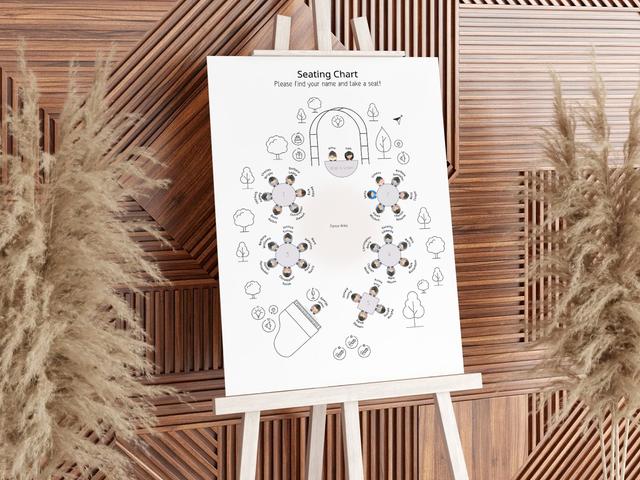
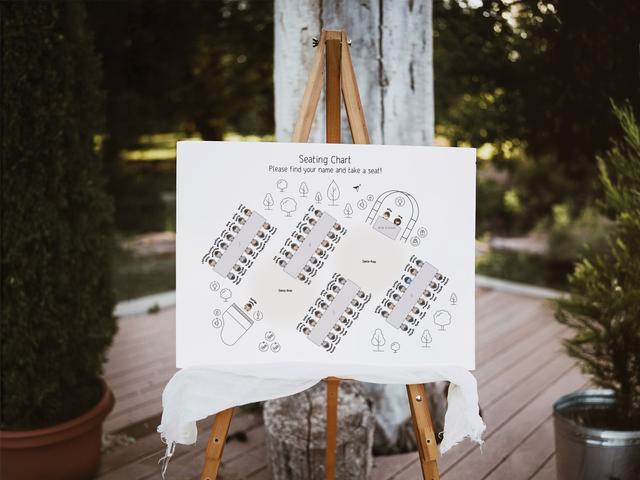
- Seating chart sign — recommended for any wedding over ~40 guests. A single large poster at the entrance, alphabetical by last name, listing every guest and their table number.
- Escort cards — used instead of a seating sign or alongside it. One card per guest, displayed alphabetically near the door, picked up on the way in.
- Place cards — required only if you’re assigning specific seats (not just specific tables). Common at plated dinners and formal weddings.
- Table numbers — required at every reception with assigned tables. One per table, double-sided is best.
- Menu cards — most useful at plated dinners, optional decoration at buffets, usually skipped at family-style.
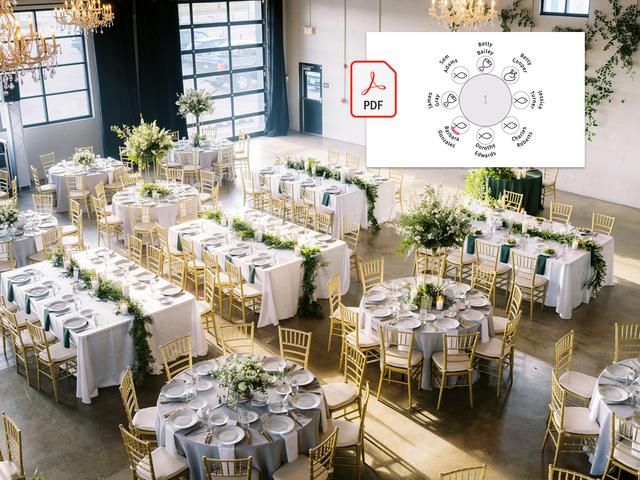
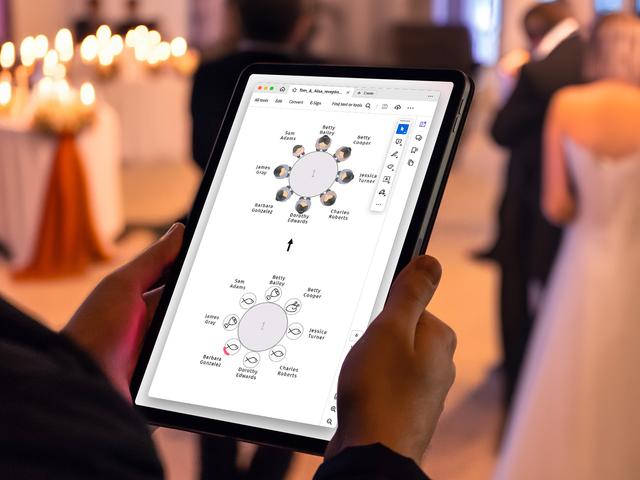
- Table seating cards — a stylistic alternative to a single large sign. One card per table listing that table’s guests, displayed as a wall grid or hanging garland.
Seating Chart Sign
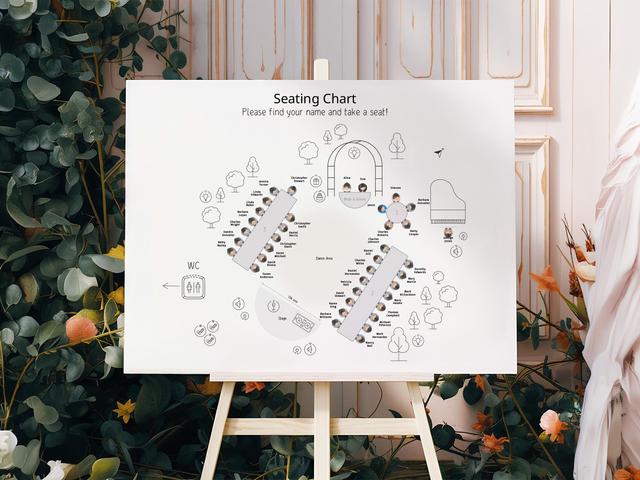
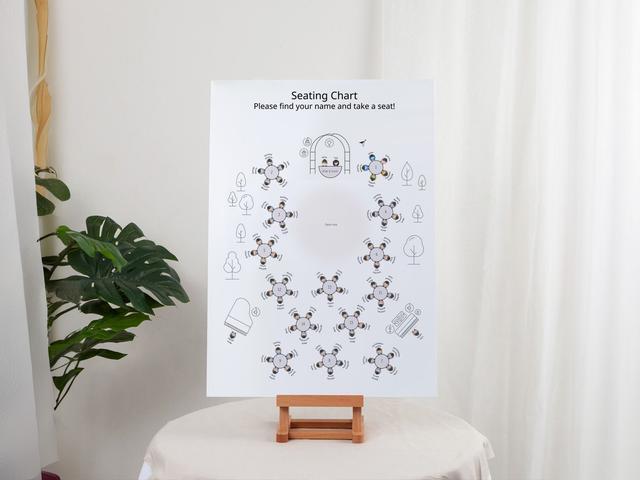
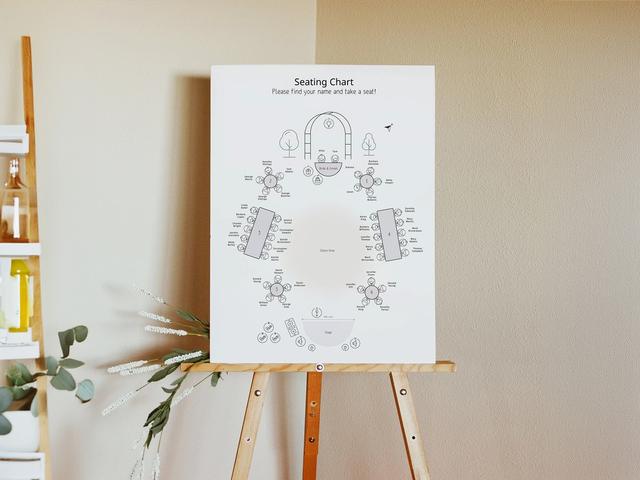
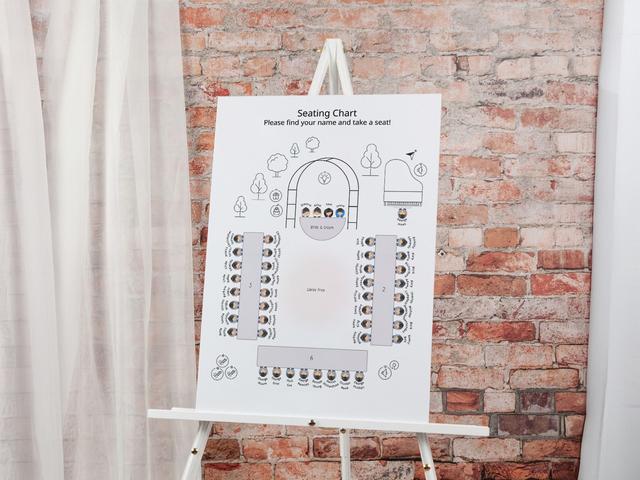
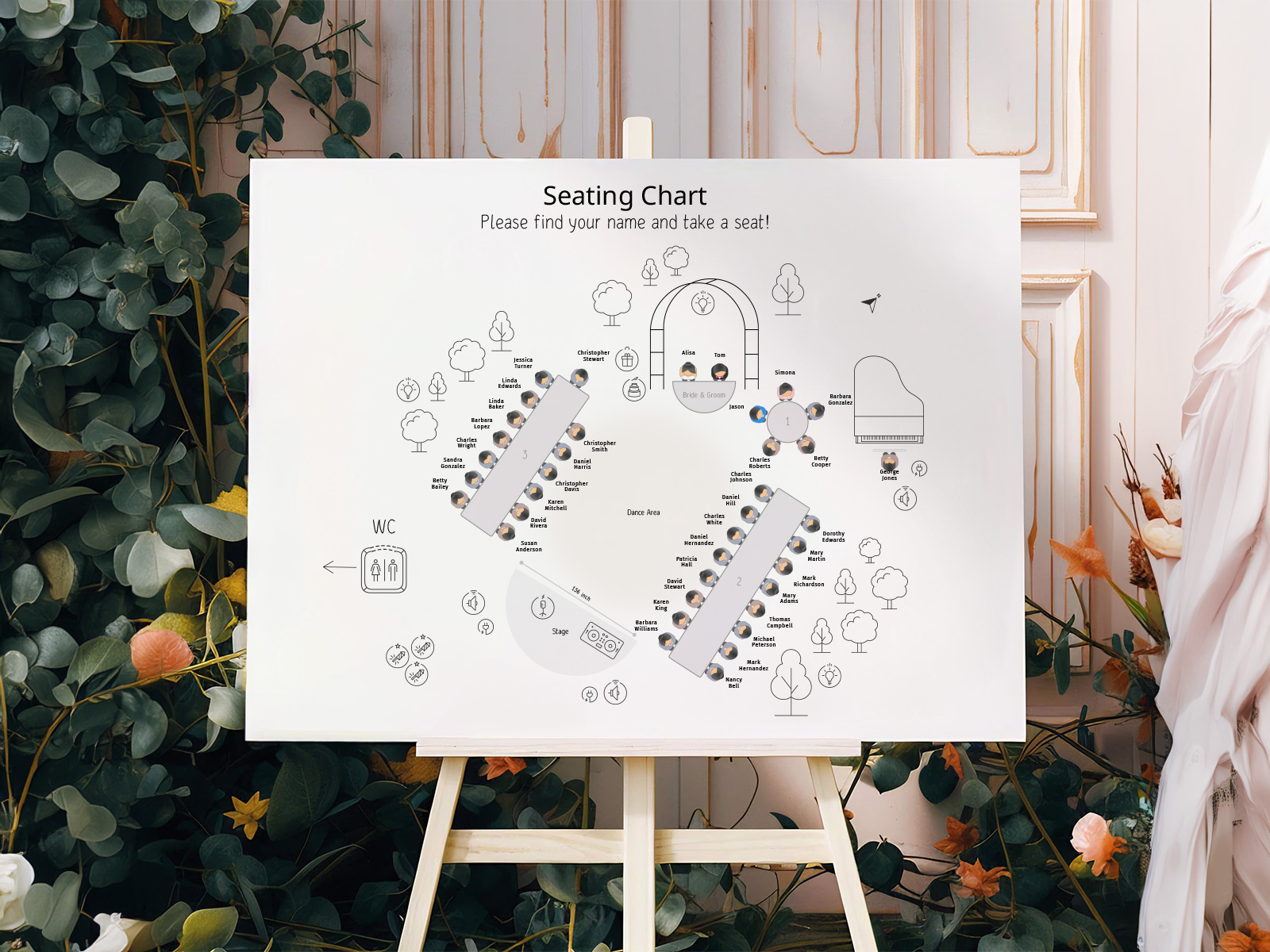
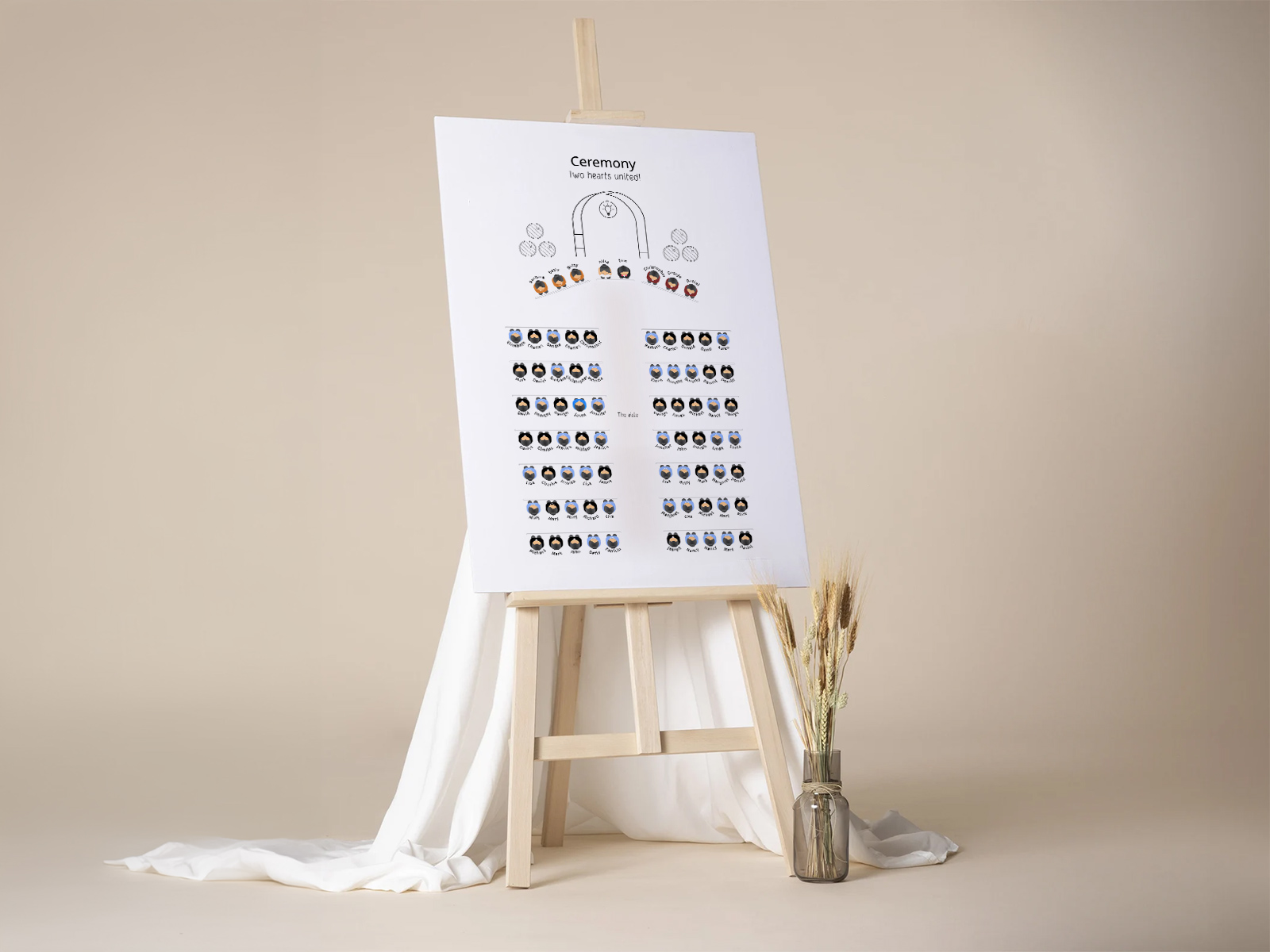
The wedding seating chart sign is the single largest piece of day-of stationery you’ll print — typically A1, 18×24 or 24×36, propped on an easel at the reception entrance. The recommended sort is alphabetical by last name, which prevents the bottleneck you get when guests have to scan a table-grouped layout.
Generated from the seating chart, every name and table number on the sign is pulled live. Late RSVP at 9pm the night before? The sign regenerates without re-laying out the whole poster. Couples typically reprint the sign once, the morning of the wedding, after the absolute final headcount.
Wedding Menu Cards
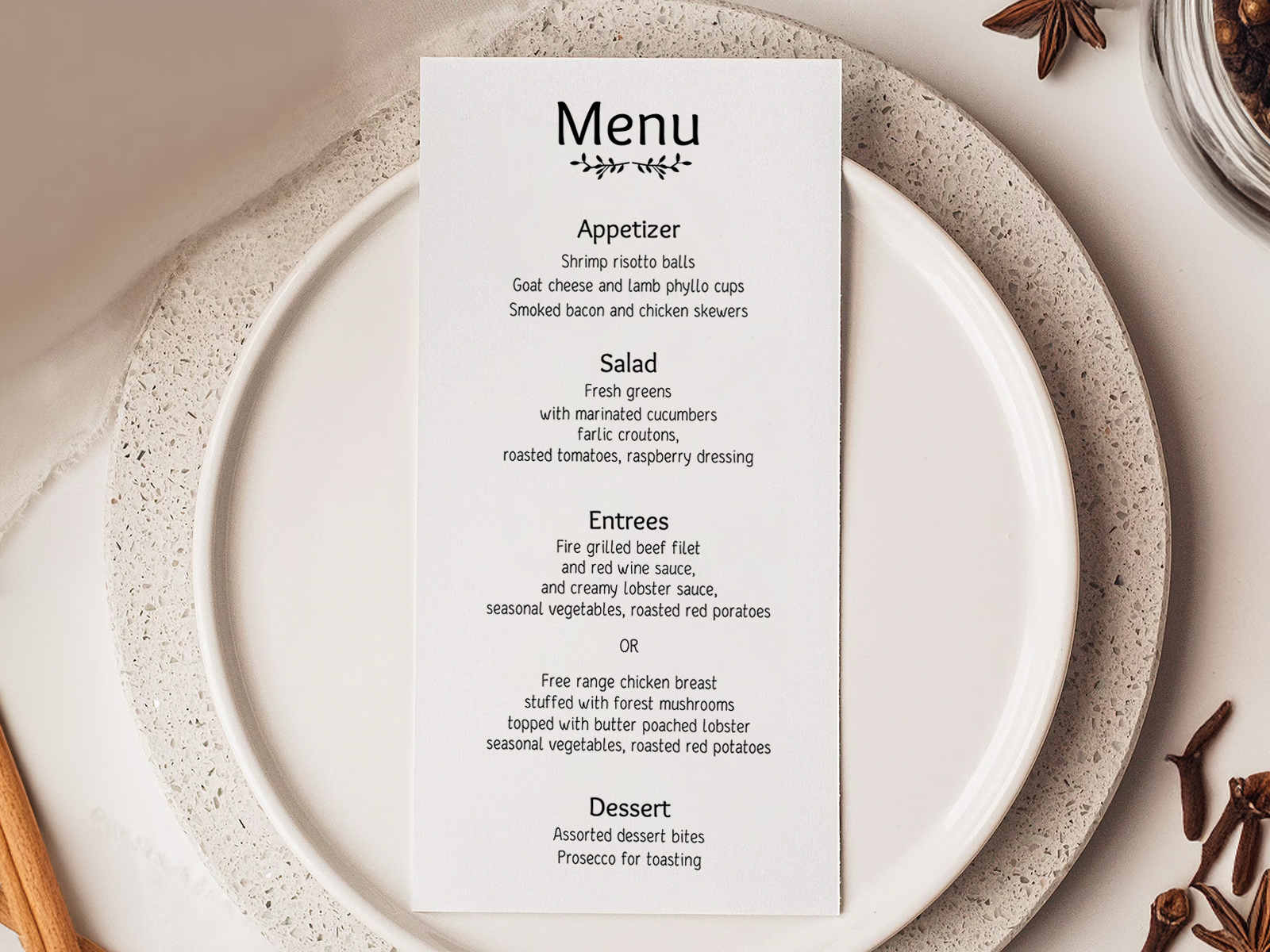
Wedding menu cards sit at each place setting — usually tea-length (4×9) or 5×7, tucked into a folded napkin or laid on the charger plate. Standard structure is appetizer, salad, entrée, dessert, with the entrée listing each plated option.
If you collected meal choices through RSVP, the platform can print per-guest menus showing only that guest’s chosen entrée. Servers love this, the kitchen loves this, and your dietary-restriction list loves this — no more handwritten notes on the seating chart for the catering manager.
Wedding Table Numbers
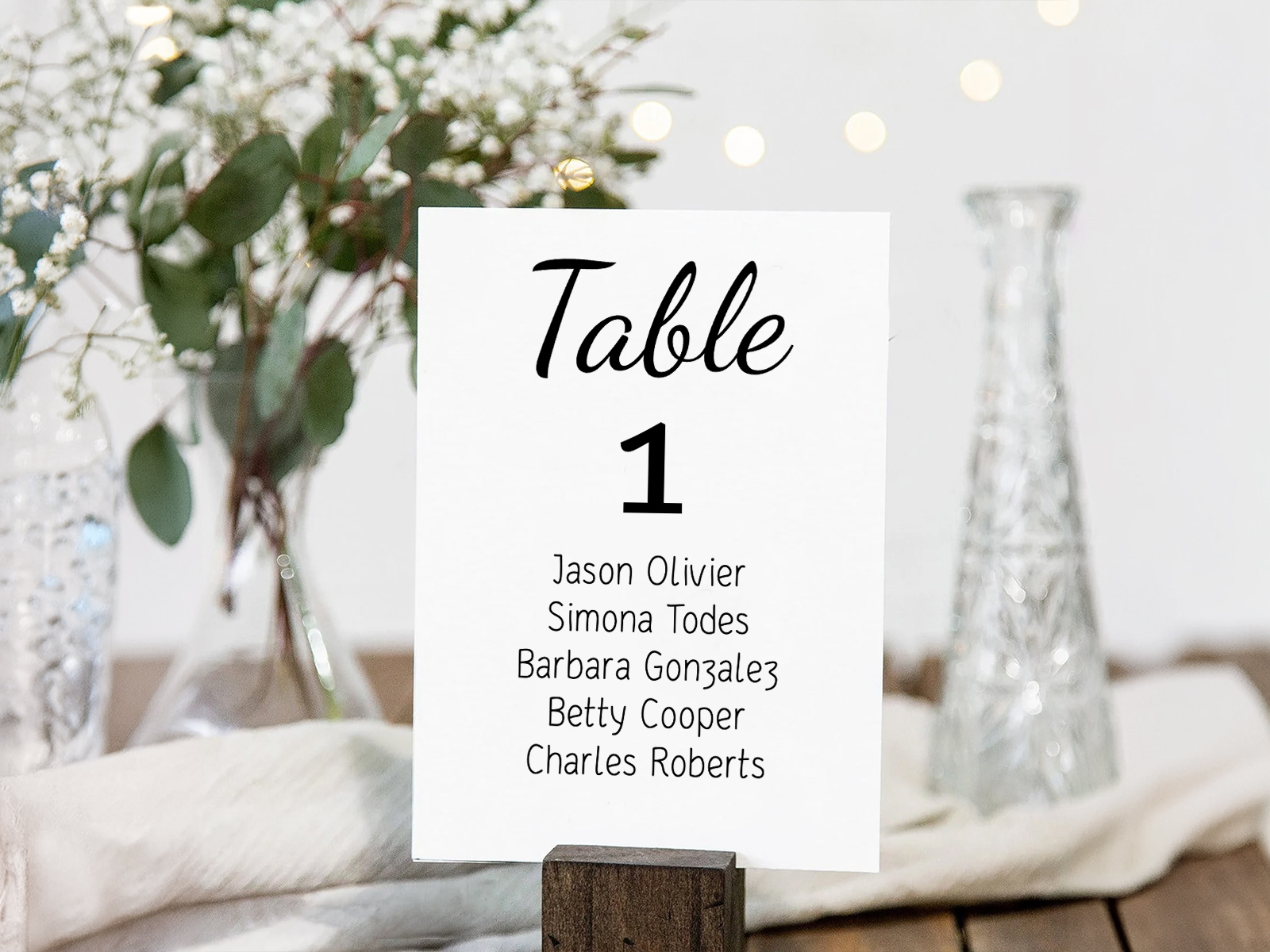
Wedding table numbers are the smallest piece in the suite but the one most likely to be miscounted. Print one too few and a table is anonymous; print too many and the extra ones live in a box forever.
Because the tool already knows how many tables are on your floor plan, it generates the exact count needed — no guesswork. Double-sided printing is recommended so the number reads from both sides of the room. If you’re naming rather than numbering tables (cities, songs, anniversaries), the same template handles it.
Wedding Place Cards
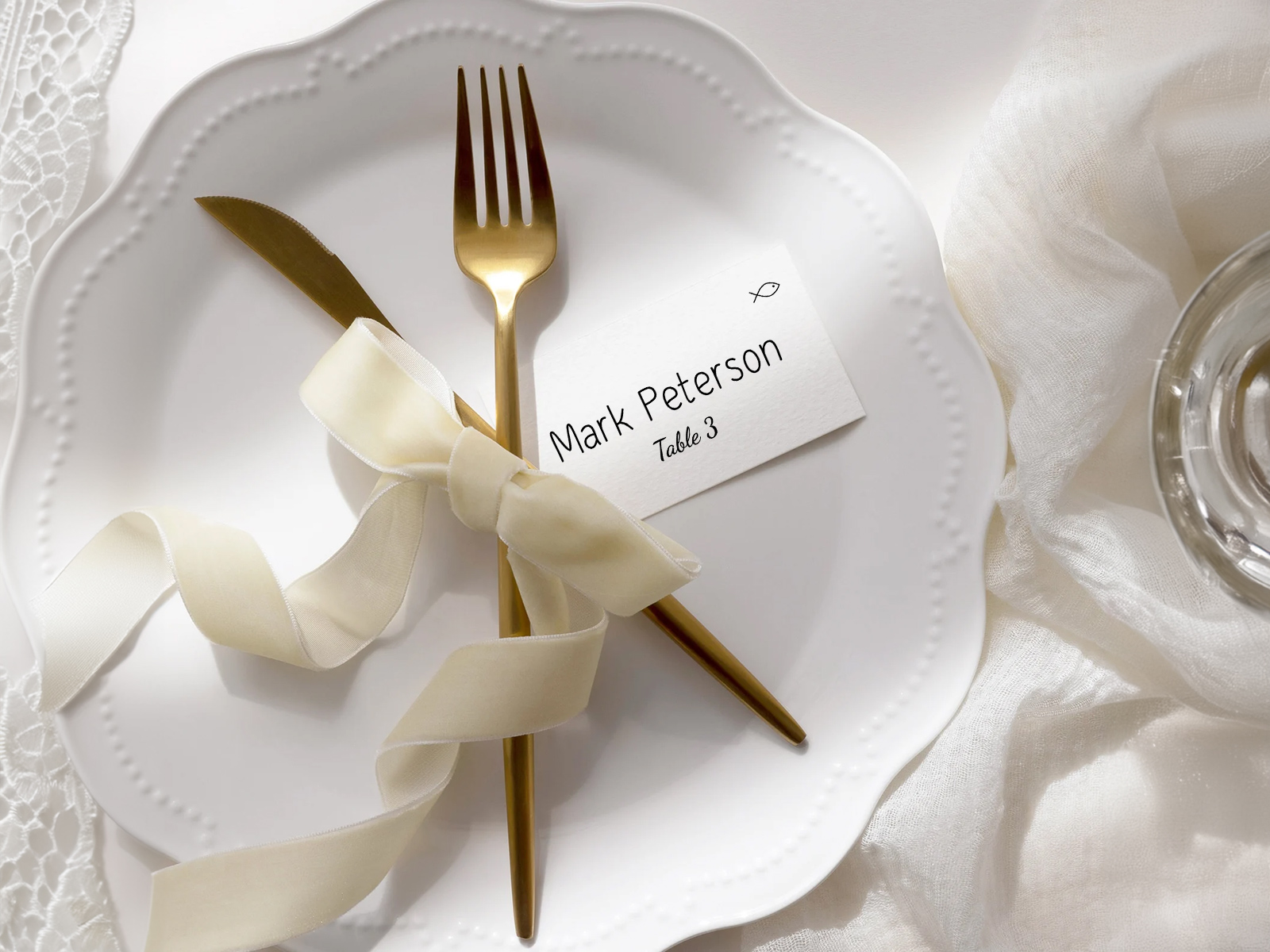
Wedding place cards tell each guest which seat to take. They sit at the place setting itself — propped on a plate, tucked into the napkin, or above the cutlery. They’re only needed when you’re assigning specific seats, not just tables.
Each card is auto-filled with the guest’s name and table number. If you tracked meal choices, a small icon (fish, beef, veggie) can sit in the corner so servers know what to plate without asking. A late RSVP doesn’t require reprinting the batch — only the affected card regenerates.
Wedding Escort Cards
Wedding escort cards are the same physical card as place cards but used differently — displayed alphabetically at the entrance, with each guest picking up their own card and walking to the assigned table. They’re an alternative or a complement to a single seating chart sign.
Because they’re generated from the seating chart, escort cards stay in perfect alphabetical order automatically. Add a guest, and the card slots into the right place in the sequence — no manual re-sorting.
Table Seating Cards
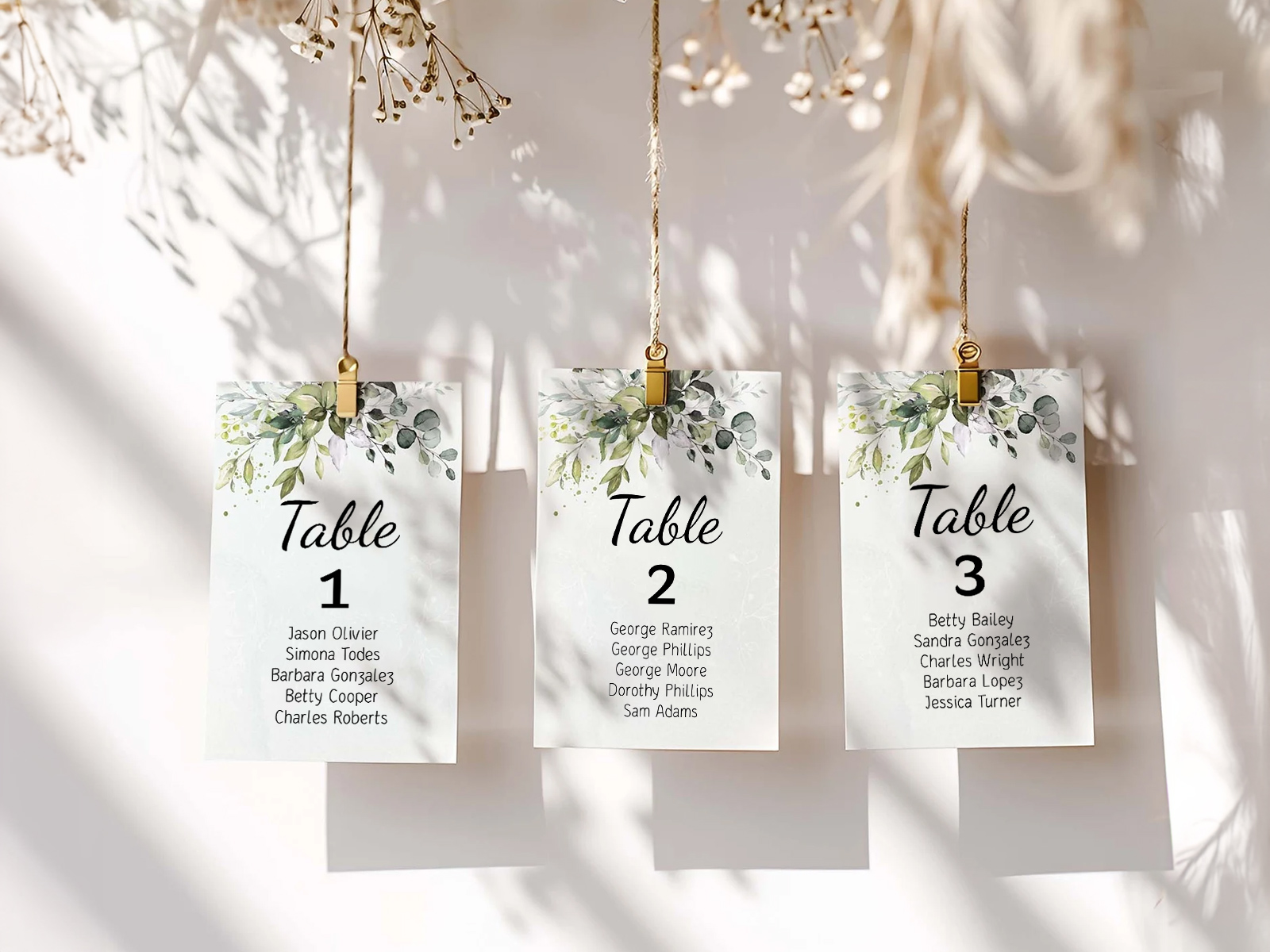
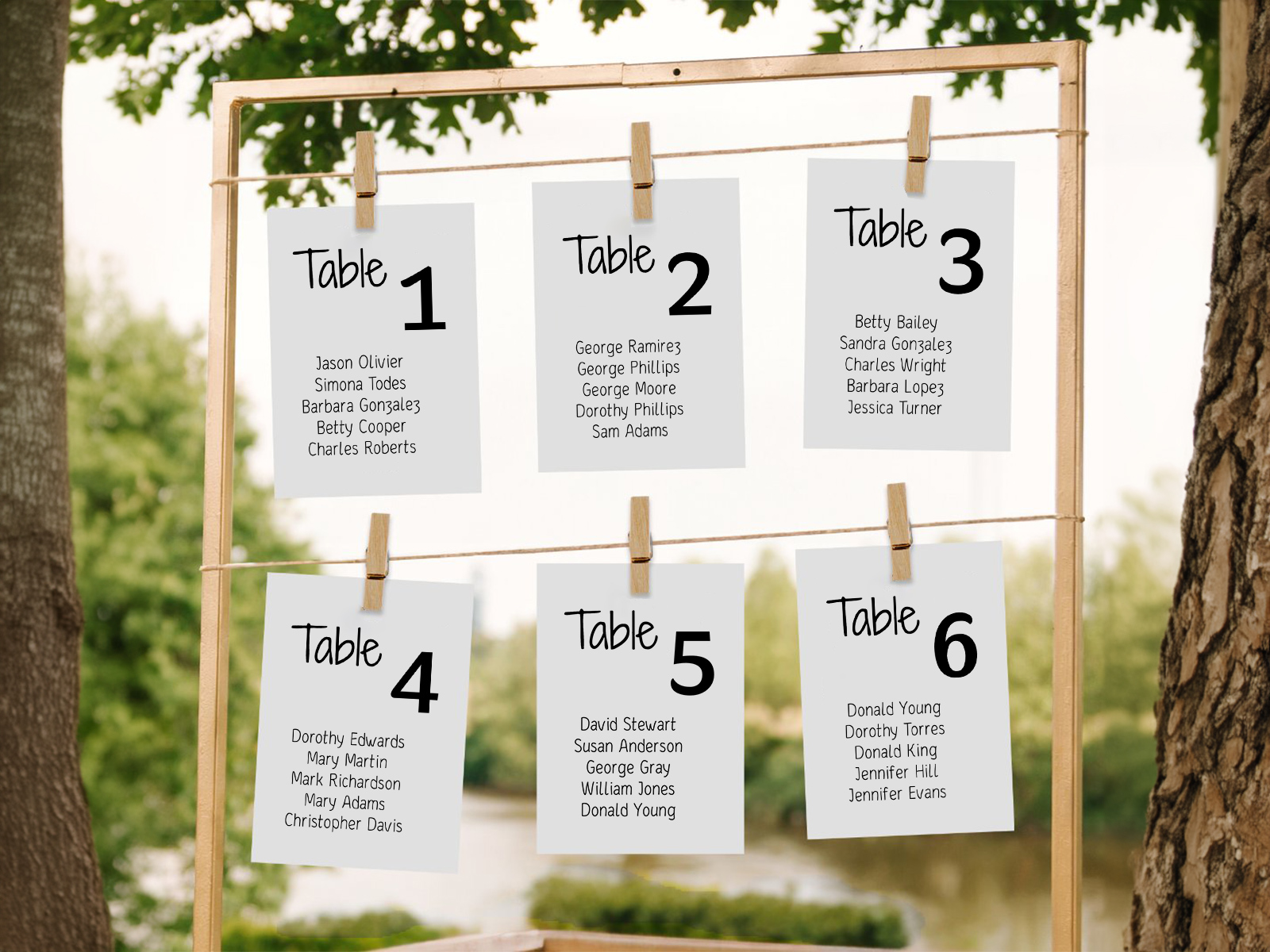
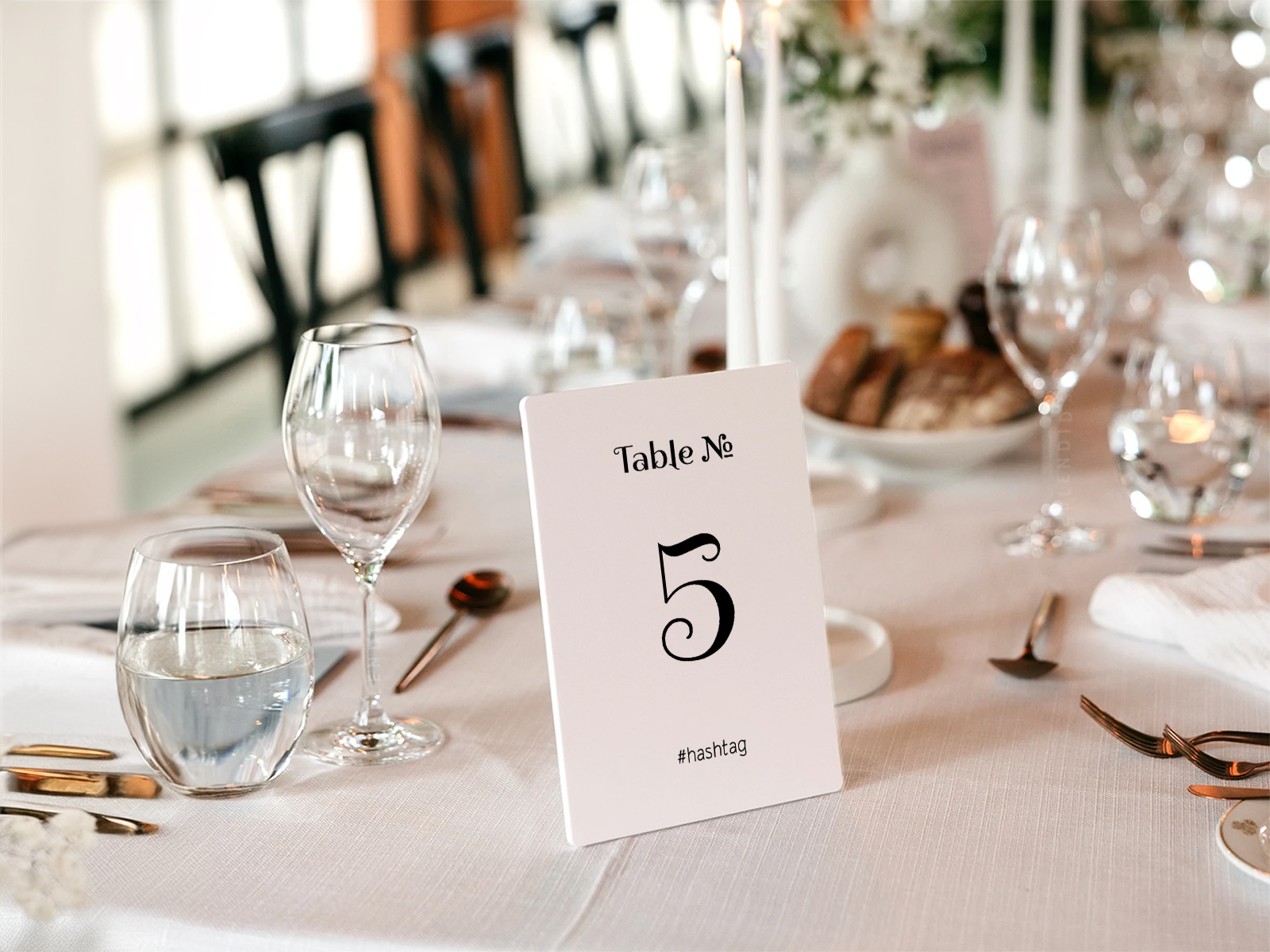
Table seating cards are the newer, stylistic alternative — one card per table listing every guest at that table, displayed as a grid on a wall, hanging from twine, or propped along a mantel. Popular at garden weddings and weddings with strong floral installations.
Each card pulls its guest list directly from the corresponding table on the seating chart. Move a guest, and only the affected cards regenerate. The number of cards always matches the number of tables — no over- or under-printing.
How One Seating Chart Becomes Six Deliverables
The mechanic is simple: your seating chart project stores three layers of data — who is invited (guest list), where they’re sitting (seat assignments) and what they’re eating (meal choices). Each stationery deliverable is just a different view of that data.
The seating chart sign is the alphabetical view. Escort cards are the per-guest view. Place cards are the per-seat view. Menu cards are the per-meal view. Table seating cards are the per-table view. Table numbers are the count-of-tables view. Change anything in the project — a name correction, a moved guest, a swapped entrée — and every view updates without you touching the design files.
This is the part that cannot be replicated by buying templates from Etsy or ordering print-on-demand from Vistaprint. Static templates require you to copy data in by hand. Print-on-demand requires you to lock the data weeks before the wedding. The seating-chart-as-source-of-truth model holds your data live until the moment you click download.
Wedding Stationery Etiquette — What’s Mandatory and What’s Optional
Are seating chart signs mandatory? Not strictly — a small wedding (under ~30 guests) can skip the sign and direct guests verbally or with a single welcome note. Anything bigger benefits enormously from a printed sign or escort cards.
Do you need place cards or just escort cards? If you’re assigning specific seats, you need place cards. If you’re only assigning tables (and guests choose their own seat at the table), escort cards alone are enough. Many couples use both at formal weddings — escort cards at the entrance, place cards at the seat.
Are menu cards expected at every reception? Plated dinners — yes, expected. Buffets — optional, mostly decorative. Family-style — usually skipped, since the dishes arrive at the table together.
Should you print one menu per guest or one per couple? Per-guest is the convention at formal weddings, especially when meal choices vary. Per-couple is acceptable at casual weddings to save paper.
What about kids? Kids get a place card the same as any other guest. Their menu can be the same card as adults, or a separate kids’ menu — the tool handles either.
Cost — Print-on-Demand vs DIY With Our Tool
Print-on-demand stationers (Minted, Zola, Vistaprint and similar) typically charge between $1.20 and $4.00 per place card, $2 to $5 per menu card, $30 to $80 for a single large seating chart sign, and $5 to $15 per table number. For a 100-guest wedding with all six items, expect a print bill of $400 to $900 — and that’s before you’ve made any post-RSVP changes, which usually trigger a reprint fee.
DIY through our tool removes the per-piece markup entirely — you generate the print-ready PDFs for free and send them to any local printer or print shop, which usually quotes $0.10 to $0.40 per card on cardstock. That same 100-guest stationery suite typically prints for $80 to $200, with unlimited free regeneration if a guest changes their RSVP after you’ve uploaded the file.
The savings aren’t the headline though — the headline is that you stay in control until the night before. Print-on-demand locks your data when you place the order; the seating-chart workflow keeps it live.
Why Couples Use Our Tool Instead of Six Separate Templates
Couples find us either because they’ve already started juggling six different Etsy templates and realised the names on each one have drifted out of sync, or because they’ve received a quote from a print-on-demand site and would rather not pay $700 for cards.
What our wedding planning assistant does differently is treat the stationery suite as output, not input. You don’t fill in the menu card and the place card and the escort card. You build the seating chart once and ask the tool for the deliverable you need. Every printed piece is generated from the same project — meaning every printed piece is guaranteed consistent.
It’s also collaborative — your planner, your partner, your mom-in-law and your stationer can all log into the same project. Late updates from any of them flow straight through to the printable files.
Generate your day-of stationery now
Step-by-Step Guide — From Empty Project to Printed Stationery
Here’s the workflow most couples follow, from project creation to print pickup.
- Create a free project on planning.wedding — no sign-up required to start.
- Import your guest list from Excel, or add guests manually with plus-ones and family groupings.
- Send RSVPs through the built-in form to collect attendance and meal choices.
- Open the seating chart and place guests at their tables using the drag-and-drop floor plan.
- Tag dietary restrictions and meal choices on each guest so the data flows into menus and place cards.
- Generate the seating chart sign first — it’s the largest piece and sets the typography for the rest.
- Generate place cards and escort cards in matching style so the entrance and the seat read as one suite.
- Generate menu cards with per-guest meal choice if you collected it via RSVP.
- Generate table numbers and table seating cards if you’re using the wall-grid display.
- Download every PDF with bleed and crop marks, and email them to your local printer.
- Reprint anything affected if a late RSVP comes in — only the affected pieces regenerate, not the whole suite.
Alternative Names for Wedding Day-of Stationery
Wedding day-of stationery goes by a handful of names depending on the region, the stationer, and the couple’s search history. The tool covers all of them — pick whichever term feels most natural for your project.
- Wedding reception stationery
- Wedding paper goods
- Wedding stationery suite
- Day-of paper suite
- Reception printables
- Wedding day stationery
- Wedding signage and cards
Explore the rest of the wedding stationery hub
Each sub-page below covers a narrow slice of wedding stationery — the complete checklist, how to build a cohesive suite, and the reception-only paper goods — all powered by the same Wedding Planning Assistant seating chart project.
Explore the rest of your wedding day-of stationery suite
Each item below pulls live from your seating chart on Wedding Planning Assistant, so a single update to your guest list flows through every printed piece — no copying names from one template to the next.