Explore more wedding ideas & advice
Wedding Table Seating Cards
Explore
Our service has assisted tens of thousands of couples worldwide in planning their dream weddings!
Free Table Seating Cards — One Card Per Table, Auto-Generated
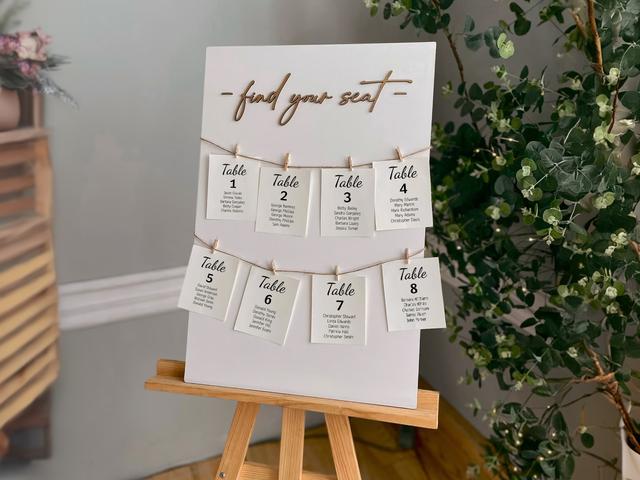
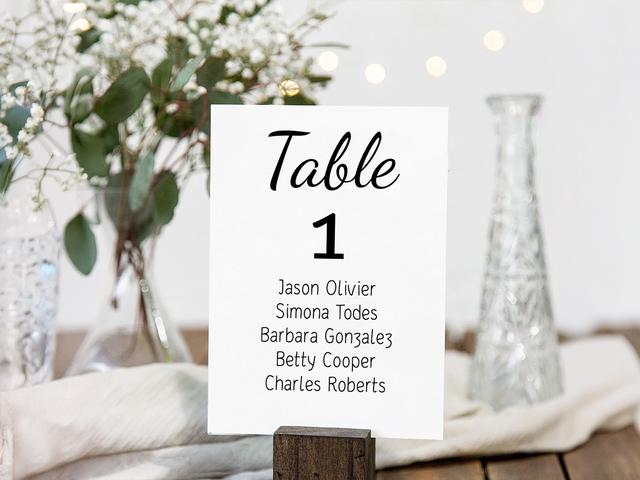
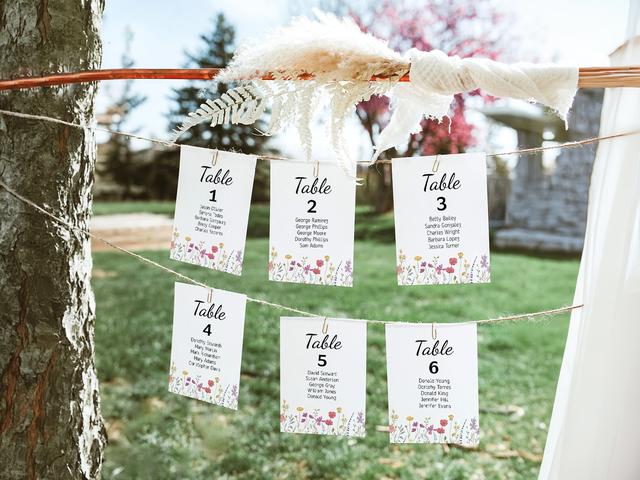
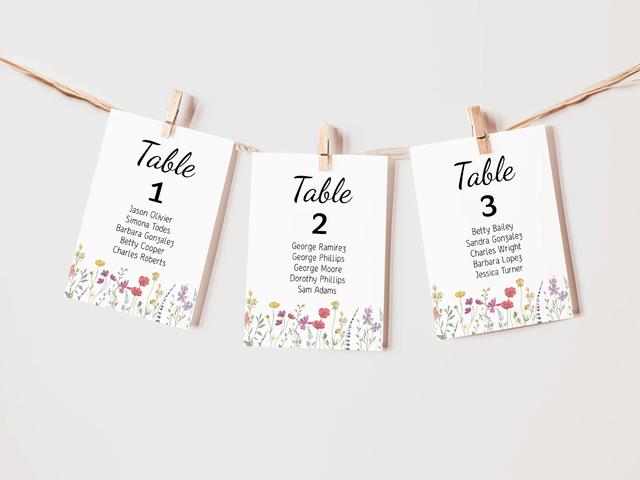
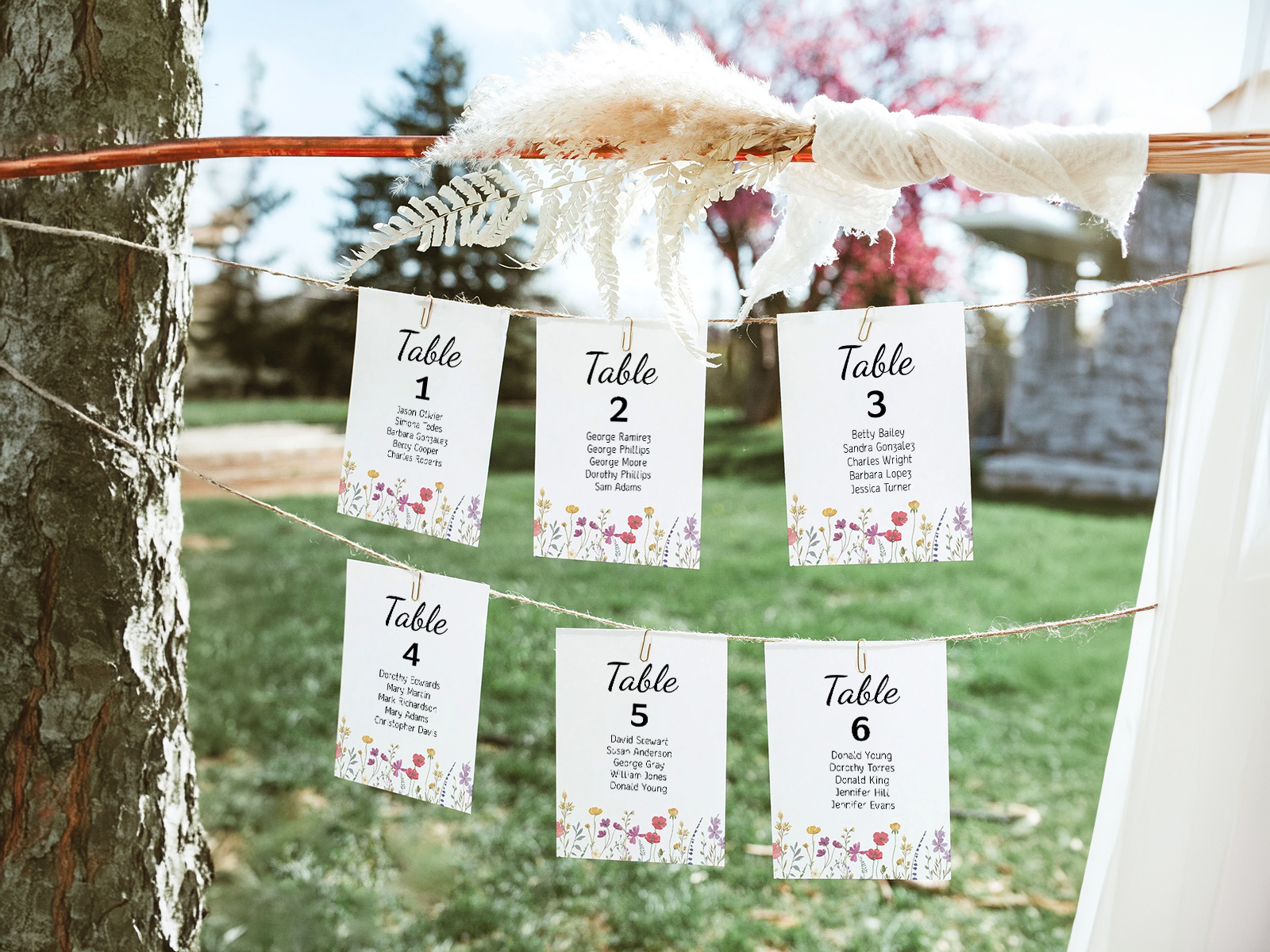
Table seating cards are a Pinterest-friendly alternative to a single seating chart sign — one printed card per table, listing every guest assigned to that table, displayed together as a grid on a wall, a hanging garland, a tiered shelf, or a vintage shutter. Guests scan the cards for their name, find the table number above their name, and walk over.
The format has no canonical industry term yet — couples search for them as table seating cards, seating cards by table, individual table cards, or simply seating cards. They’re a different product from table numbers (which sit on the table itself), escort cards (one per guest, alphabetical) and a seating chart sign (a single large poster).
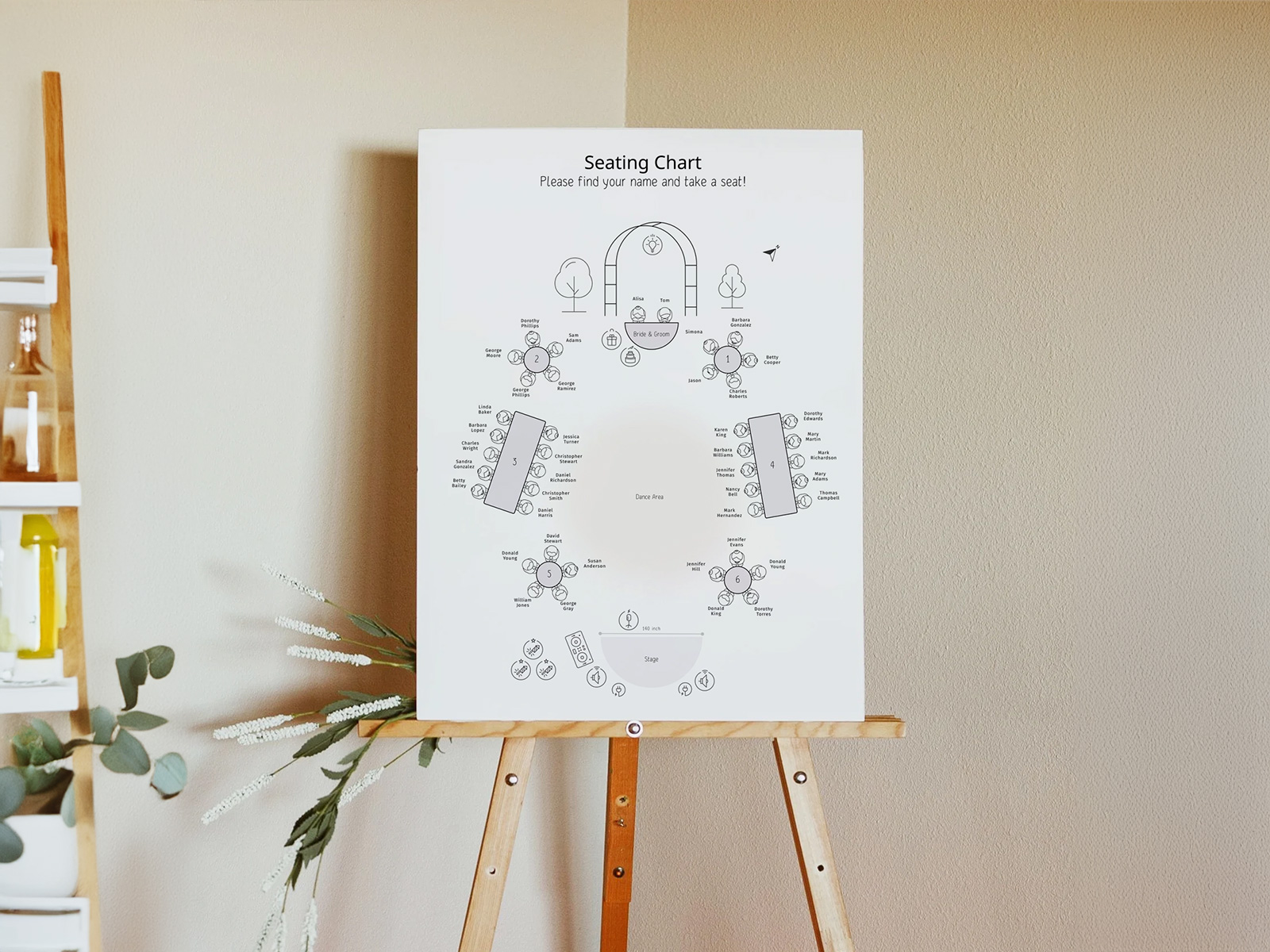
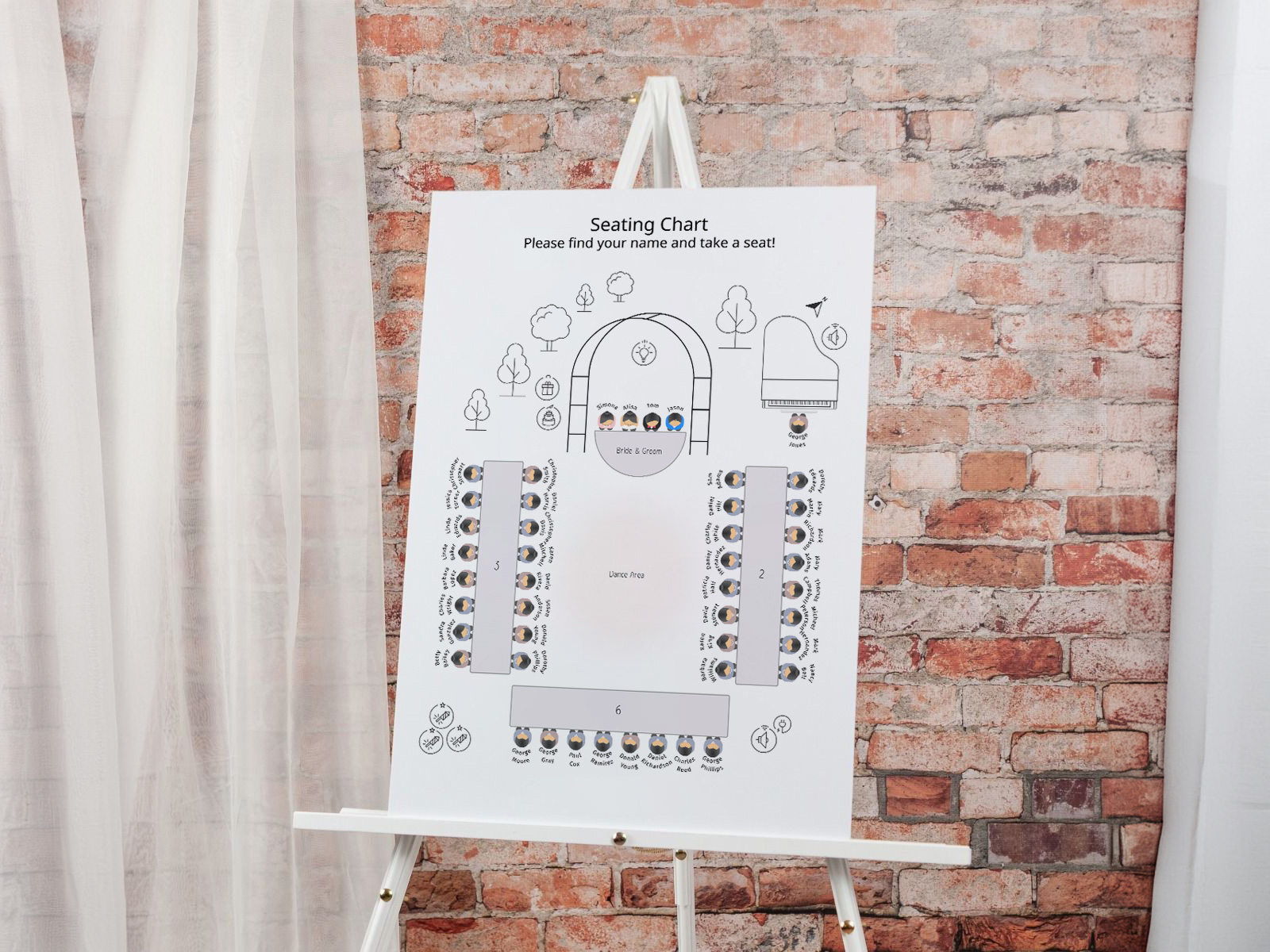
Our wedding planning assistant generates the full set automatically: every table on your seating chart becomes one card, every guest at that table appears on the card, and the count of cards always matches the count of tables on the floor plan. Print-ready PDF, free, no sign-up.
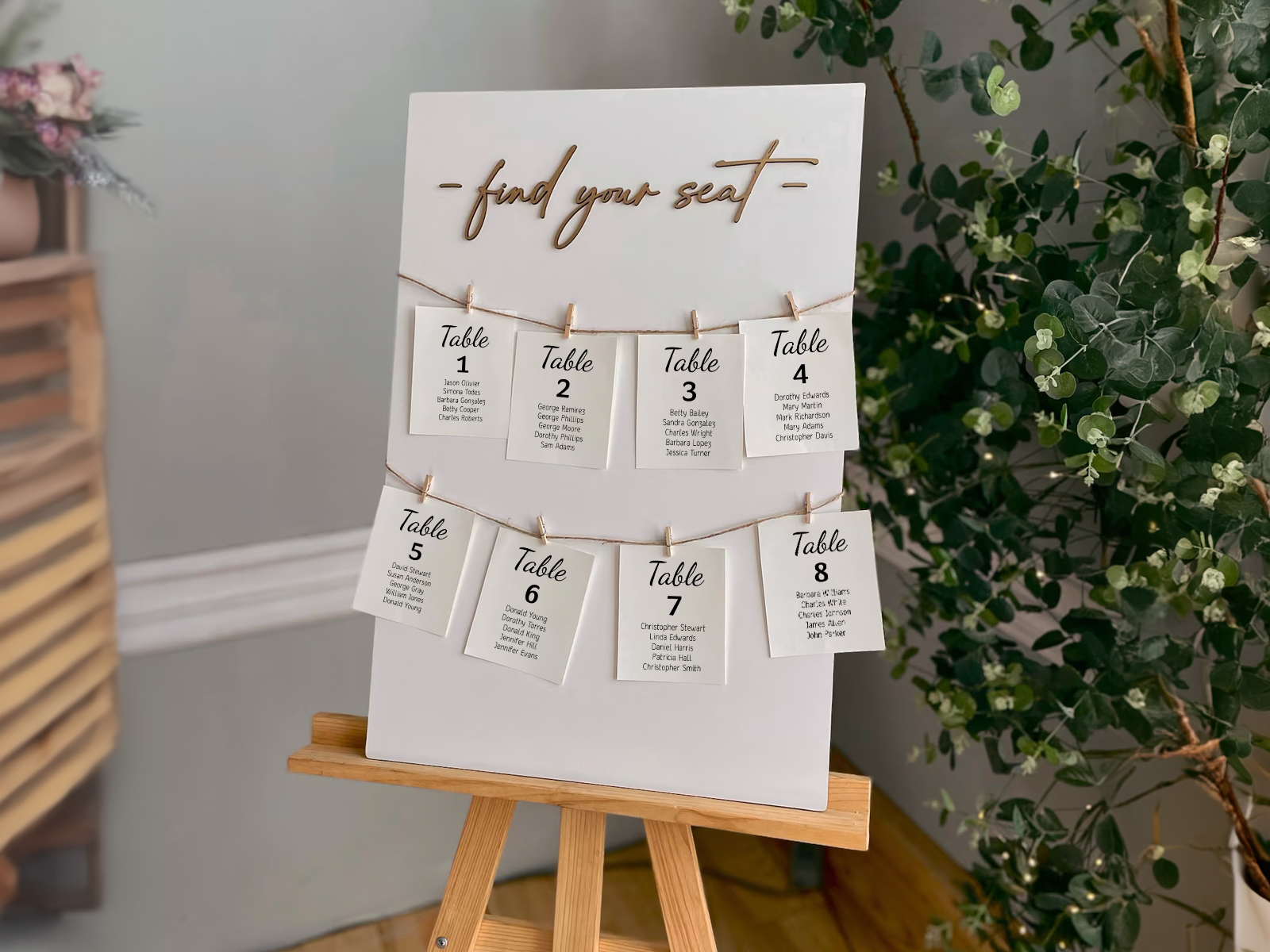
Every guest list on every card pulls from the same seating chart project — so the names, the table numbers, and the count of cards always match the live floor plan.
Confirm attendance through the built-in RSVP tool. Only confirmed guests print, and a guest moved to a different table re-flows automatically across the affected cards.
Table seating cards are one of six pieces in your wedding day-of stationery suite. Coordinate them with your menus, place cards and table numbers for a consistent look across the room.
Build your table seating cards
PLANNING . WEDDING — is easy to remember and even easier to use.
How Table Seating Cards Are Generated From Your Seating Chart
The table seating cards view is one of six deliverables generated from your seating chart project. Each card is built from the guest list of one specific table — there’s no separate template, no copy-pasting names from one design to the next.
- Build your seating chart with the drag-and-drop floor plan and assign every confirmed guest to a table.
- Open the table seating cards view — every table on the plan appears as one card, with all assigned guests listed underneath the table number or name.
- Pick the format — flat, tent-fold, or a tag-style hole-punched card for hanging.
- Choose the sort order within each card — alphabetical by last name (default) or in the order you typed them.
- Customize the design — fonts, borders, header placement, paper color.
- Download the print-ready PDF with bleed and crop marks for any printer.
If a guest moves to a different table, both the old and the new cards regenerate automatically — every card stays accurate with the live floor plan.
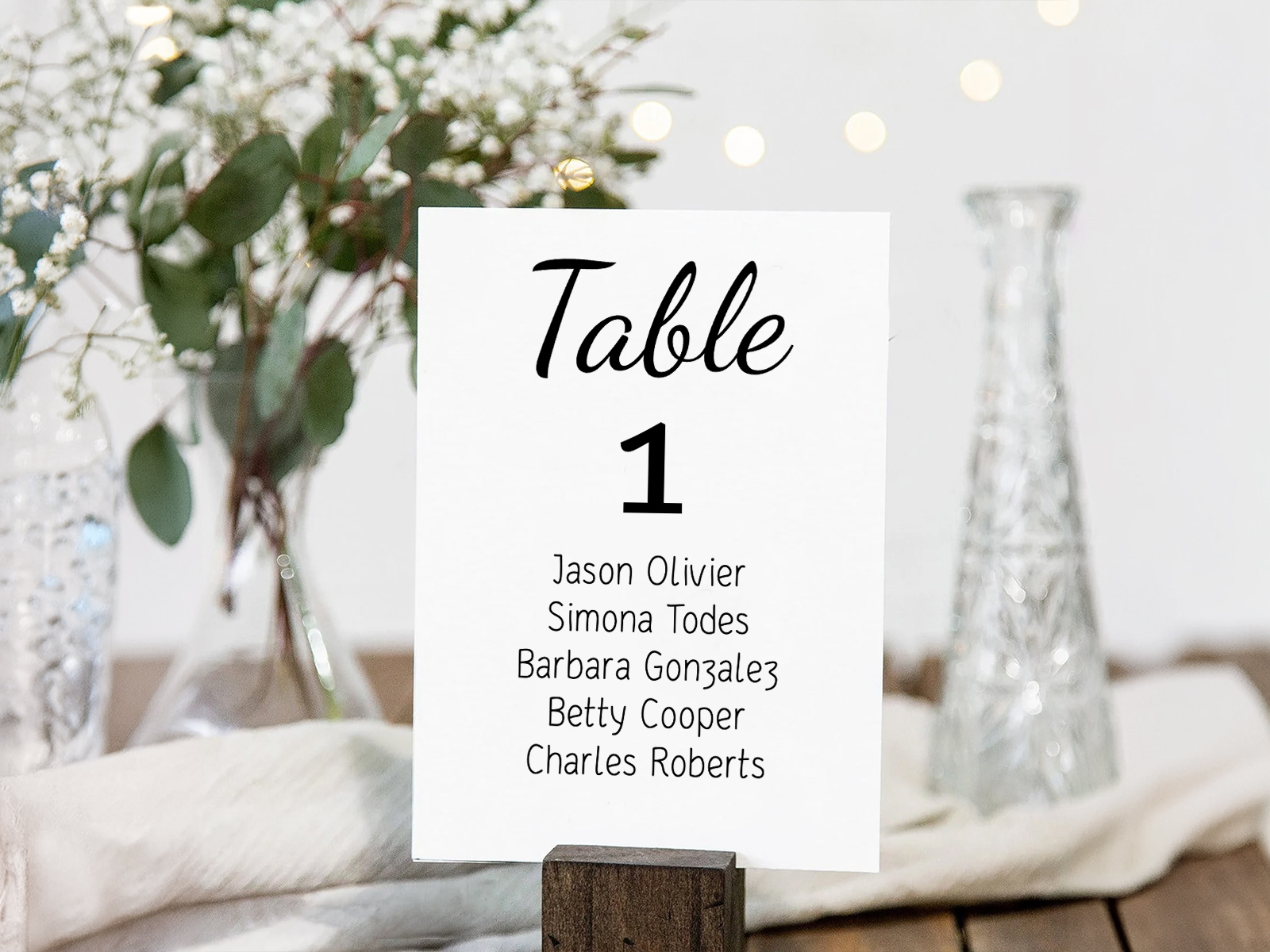
Table seating cards showcase
Generate one card per table now
What is a Table Seating Card?
A table seating card is a single printed card that represents one table at the reception. It carries the table’s number or name as a header, and lists every guest assigned to that table beneath. Multiple cards together form a display at the reception entrance.
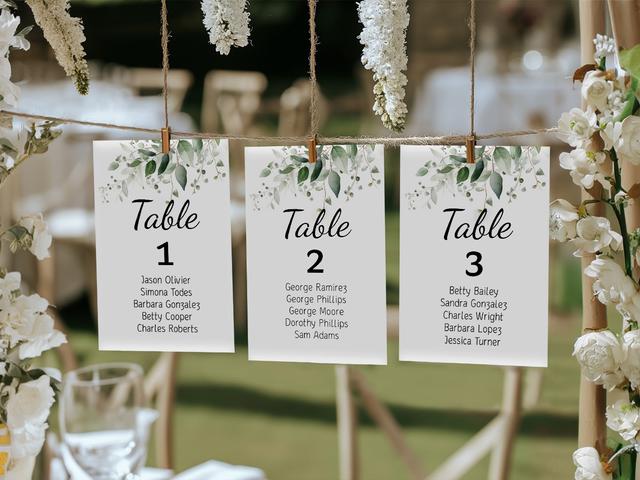
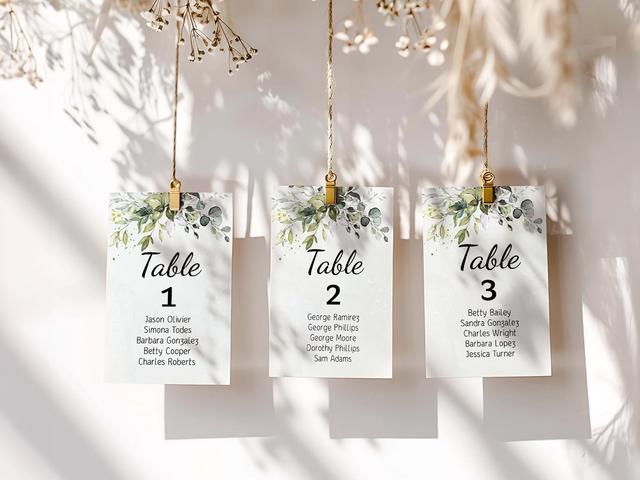
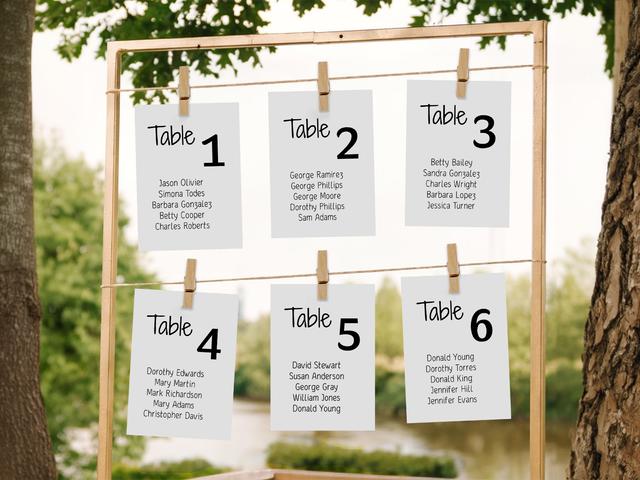
Couples typically display the cards in one of two ways: as a fixed grid on a wall, board, mirror or shutter; or as a hanging arrangement on twine, pegs or a vertical garland. Either way, guests scan the cards for the table that contains their own name and walk to that numbered table.
The format works best at garden, barn, and outdoor weddings with strong floral or foliage installations — the cards integrate naturally with greenery walls, climbing roses, eucalyptus garlands and similar decor. It also works well at casual weddings and at venues with a wide entrance that gives the display room to breathe.
It’s a stylistic choice, not the right format for every wedding. Very large weddings (200+) can spread the lookup too thin across many cards; very formal ballroom weddings often read cleaner with a single seating chart sign or escort cards on a polished table.
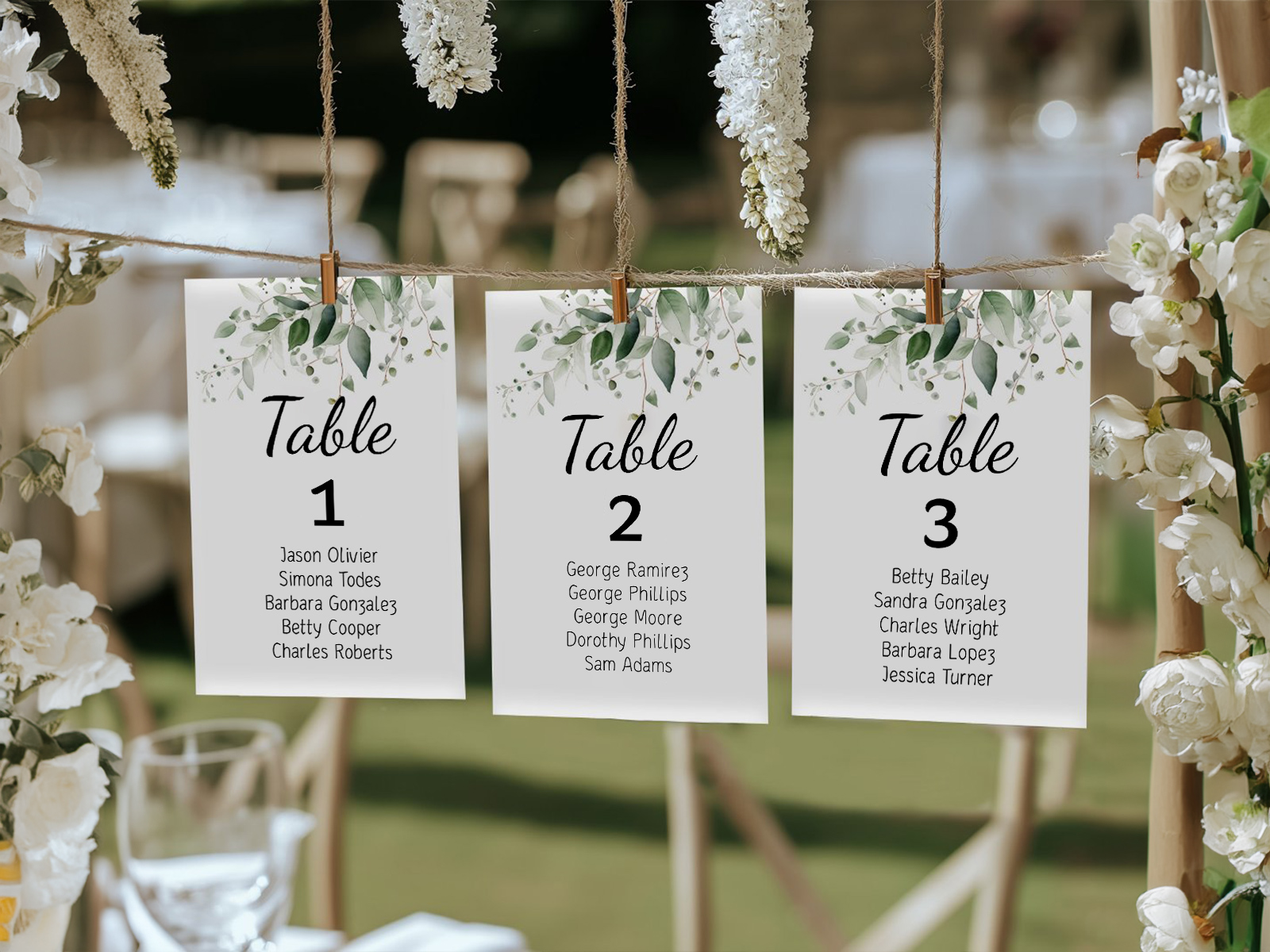
Table Seating Cards vs Table Numbers — They Are NOT the Same Product
The single biggest source of confusion in this category is the name. Table seating cards and table numbers sound similar but solve completely different problems.
Table numbers sit on each table. One per table. They identify the table for guests who already know their table number — usually because they checked an escort card or a seating chart sign at the entrance.
Table seating cards sit at the entrance, displayed together. One per table. They tell guests which table contains their name — they’re a directional system, not a labelling system.
The two products are often used together: table seating cards at the entrance to direct guests, table numbers on the tables themselves to confirm placement. Our tool generates both formats from the same seating chart, so the numbers stay perfectly in sync.
If you’re only setting up one of the two, table numbers are more universally needed (every wedding with assigned tables benefits from them); table seating cards are a stylistic alternative to a sign or escort cards.
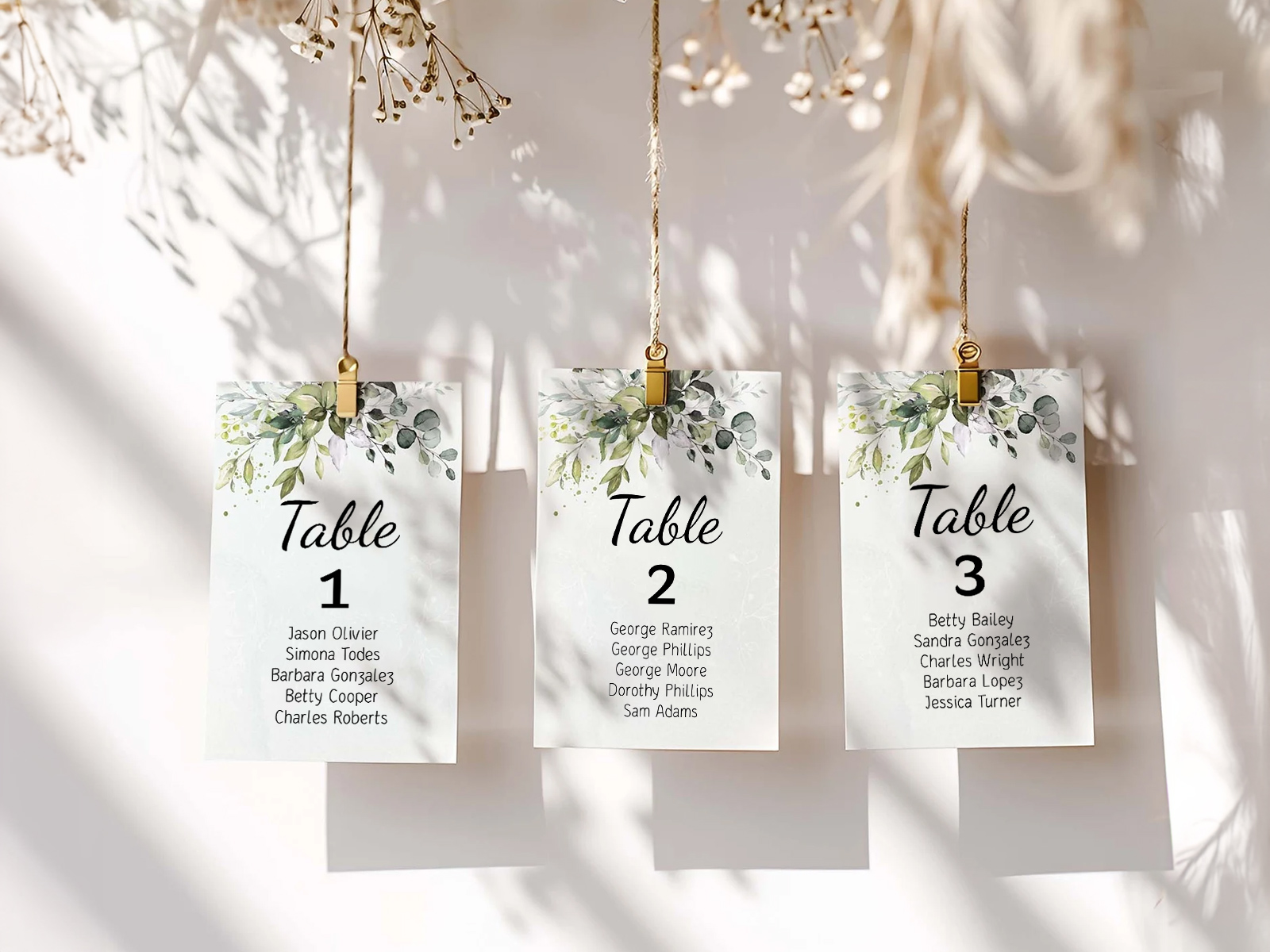
Build your table seating cards
Table Seating Cards vs Other Seating Display Options
Three formats can direct guests from the entrance to their tables: a single seating chart sign, individual escort cards, or table seating cards. Each takes a different approach to the same problem.
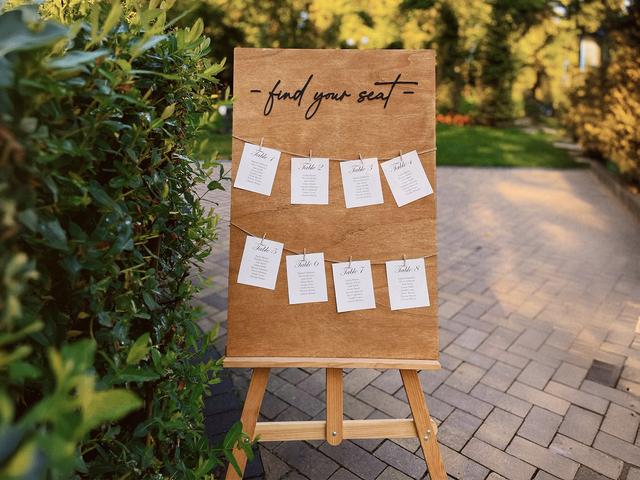
Seating chart sign — one large poster listing every guest alphabetically with the table number beside the name. Reads fastest, uses the least paper, occupies the smallest footprint at the entrance. Best at formal weddings and at venues with a narrow entrance.
Escort cards — one card per guest, displayed alphabetically. Each guest picks up their own card and carries it to the table. Great for tactile entrance moments and pairing with favors. Spreads the display across more space than a sign.
Table seating cards — one card per table, listing all guests at that table. Displayed as a grid or hanging garland. Most decorative of the three formats, integrates naturally with floral installations, photographs beautifully. Slowest of the three to scan because guests look for their name in groups rather than alphabetically.
Mixing formats — many couples use a sign plus escort cards or table seating cards. The sign serves the impatient; the cards serve the rest. Works particularly well at large weddings.
Whichever format you choose, the underlying data is the same and pulls from the same seating chart project. Switch freely without re-typing anything.
Display Ideas for Table Seating Cards
How you display table seating cards matters as much as the cards themselves — they’re a piece of the entrance decor, not just a directional system. Below are seven popular formats.
- Twine garland with wooden pegs — cards clipped along a length of twine strung between two posts. The most common format at garden, barn and outdoor weddings. Avoid in windy or wet conditions.
- Pegboard grid — cards arranged on a wooden or painted pegboard frame, in regular rows. Reads structured and modern, easy to scan. Works at both indoor and outdoor venues.
- Picture frame collection — each card in its own small frame, the frames hung together as a gallery wall or arranged on a mantel. More work to set up, very photogenic.
- Vintage shutter or window frame — cards tucked into the slats or pinned to the panes of a wooden shutter or large window. Suits rustic, retro, and reclaimed-style weddings.
- Mirror with attached cards — cards taped, clipped or propped against an antique mirror or a chalkboard-painted mirror. Reflects candle and string lights beautifully in low-light venues.
- Greenery wall — cards pinned to a vertical wall of foliage (eucalyptus, fern, ivy). The most dramatic format, requires a strong floral team to build.
- Tiered easel arrangement — cards arranged on a multi-level wooden, marble or acrylic riser at an entrance table. Adds height to the display, easy to refill or rearrange the morning of.
- Floating shelves — cards leant against a row of small floating shelves on a wall. Industrial and modern; reads cleanly at city venues and lofts.
Sizing — How Big Each Card, How Many Total
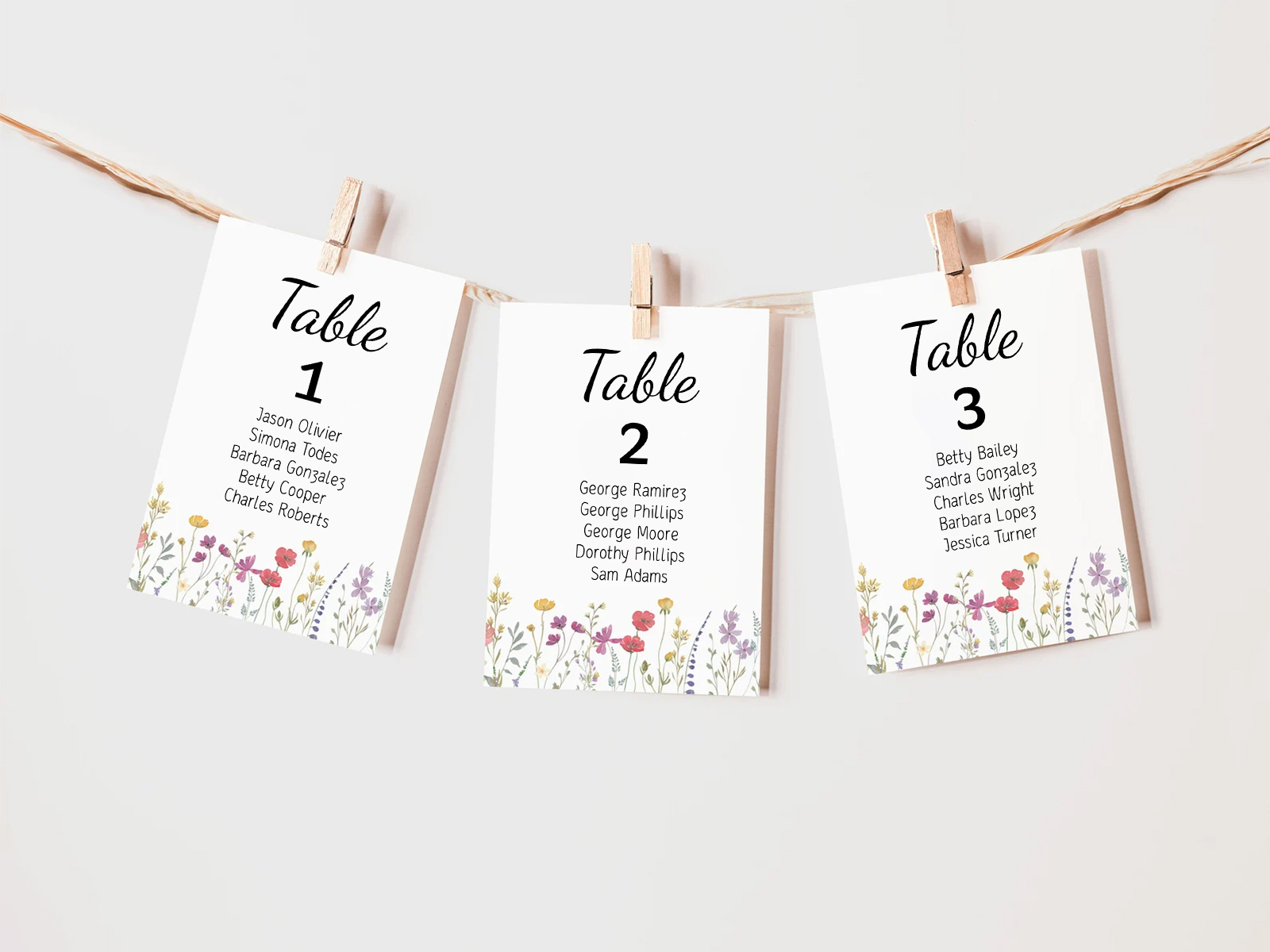
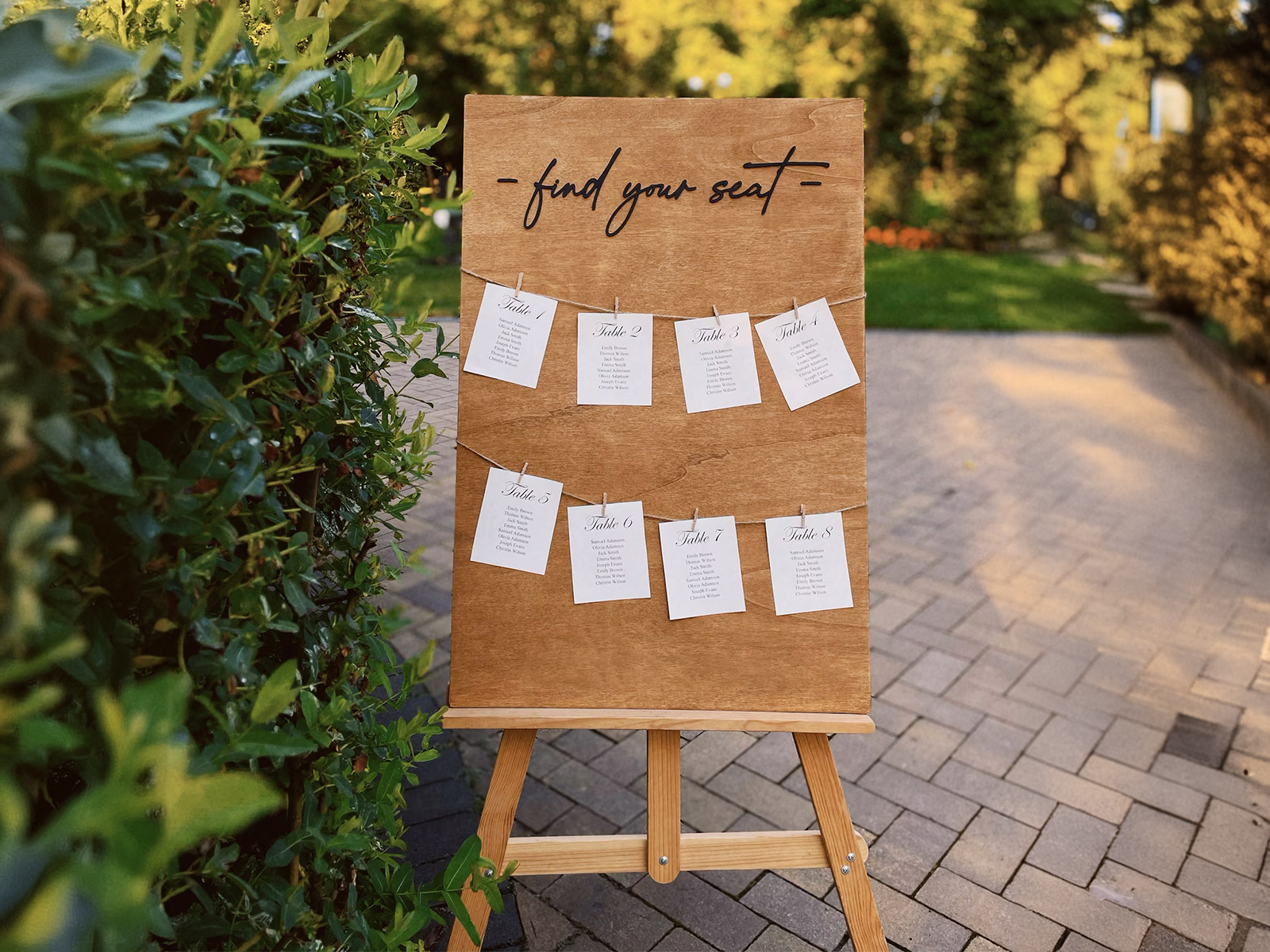
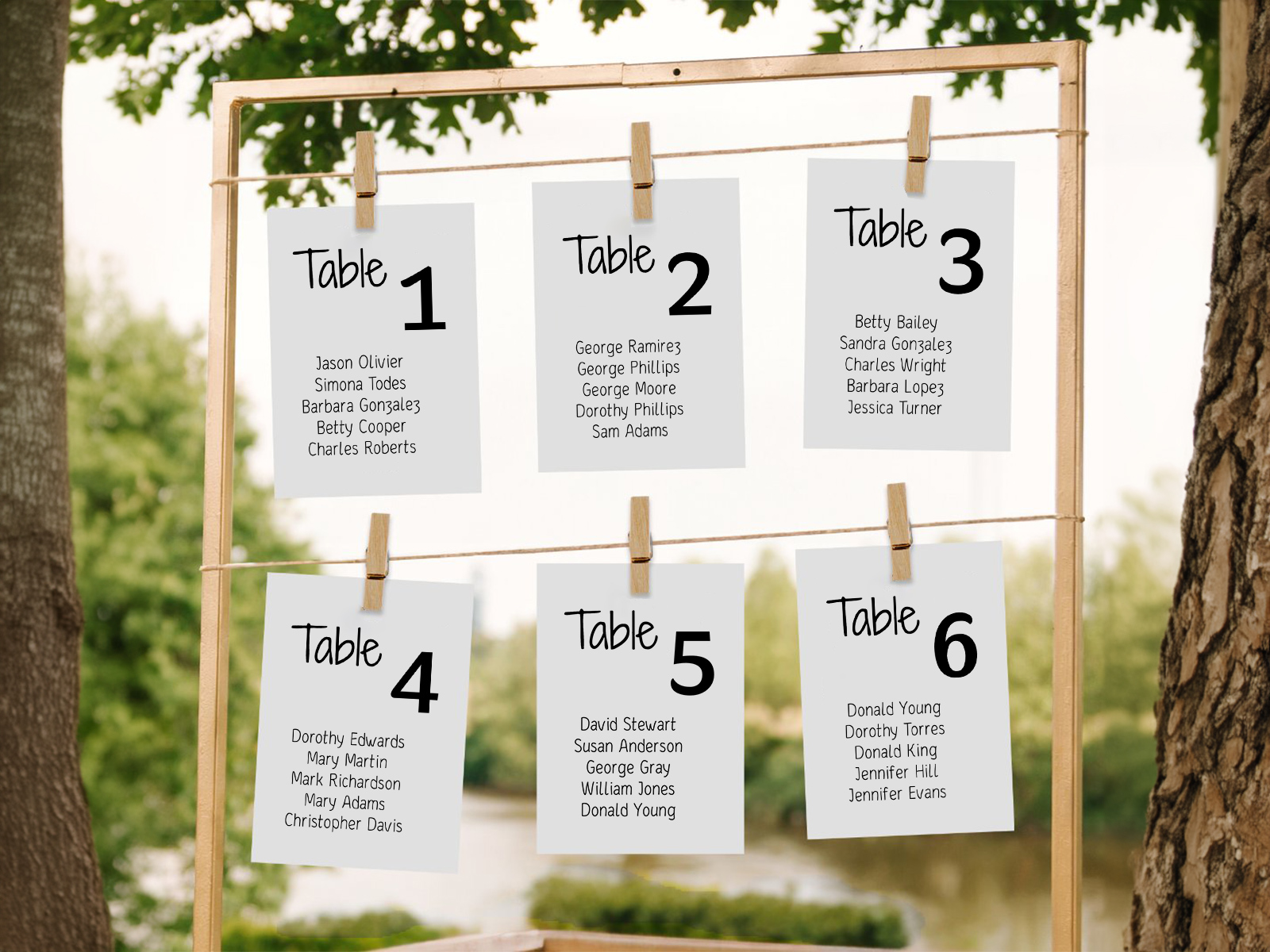
Table seating cards need to be larger than place cards or escort cards because they list multiple names. The card has to fit a header (the table number or name), six to twelve guest names, and remain readable from arm’s length.
- 5×7 inches is the most popular size. Comfortable for tables of up to 10 guests, easy to handle, fits in standard frames. Default in the tool.
- 4×6 inches works for small weddings (tables of 6–8 guests, fewer than 10 tables total). Tight fit on names if the table is full.
- 5×8 or A5 is the right size for larger tables (round 12-tops, long banquet seating) where you need extra vertical space for the guest list.
Card count — one per table, no exceptions. Our tool always generates the exact count from your floor plan, so the question of ‘how many do I need?’ never has to be answered manually.
Cardstock weight: 100–120 lb for most formats; lighter (80 lb) is acceptable for hanging-garland formats where weight matters at scale.
Coordinating With the Rest of Your Stationery Suite
Table seating cards sit alongside your table numbers, place cards and menu cards in the same suite. They need to share a visual language — typography, color, paper, decorative elements.
Our wedding planning assistant defaults to one font family across all six stationery deliverables. Pick once, and the table seating cards inherit the same look as everything else. Updates flow through automatically.
Color follows the same logic. The ink on the cards should match the ink on the table numbers and place cards, so the eye reads them as one design across the room.
Wedding Table Seating Card Etiquette
Should table seating cards be sorted alphabetically by table or numerically? Numerically (or in floor-plan order) is the default and reads cleanly. Couples sometimes display cards alphabetically by the first guest’s last name on each table, but it adds confusion without speeding up the lookup.
How do guests find their table from these cards? They scan the cards for their own name, find which card contains it, then walk to the table number printed at the top of that card. Slower than an alphabetical sign or escort cards, but more visually rewarding.
Do you need a separate sign telling guests how to use them? A small welcome card explaining the system is helpful, especially when the format is unfamiliar to older guests. Something brief like ‘Find your name, then your table number above it’ is enough.
Should you list dietary restrictions on the cards? No — keep these public-facing cards clean. Dietary information belongs on the place card at the seat or with the catering team directly.
What about the head table? The head table either gets its own card alongside the rest, or is identified separately with a small dedicated sign. Either approach is acceptable.
Why Use Our Tool Instead of a Pinterest Template
Most table seating card templates on Pinterest are designed for a single card. To produce twenty cards for twenty tables, you copy the file twenty times and fill each one in by hand with the names from your seating chart. The version drift is immediate — a guest moves tables and you’re editing two files. A late RSVP and you’re editing three.
Our tool treats the full set of cards as output. Each card is built from the assignments you’ve already made on the floor plan. Move a guest, and both affected cards regenerate. Add a new table, and a new card appears in the export. No editing template files, no version drift.
Free, collaborative, and the data stays live until you click download. The cards also coordinate automatically with the rest of your stationery, so the typography is consistent without your having to specify it twice.
Generate one card per table now
Step-by-Step Guide — From Seating Chart to Printed Cards
Most couples build table seating cards in the final two weeks before the wedding, after the seating chart and RSVPs are largely confirmed.
- Create a free project on planning.wedding and import your guest list.
- Send RSVPs through the built-in form and lock the attendance count.
- Build the seating chart and assign every confirmed guest to a table.
- Open the table seating cards view in the project menu.
- Pick the format — flat, tent-fold or hole-punched tag-style.
- Choose the size — 5×7 default, 5×8 for tables larger than 10.
- Decide on guest sort order within each card — alphabetical or as-typed.
- Set typography to match your table numbers and place cards.
- Plan the display — garland, pegboard, frames, shutter, mirror, greenery wall — and confirm the cards fit the format you have in mind.
- Preview a sample card to confirm spelling and that the guest list fits cleanly.
- Export the print-ready PDF with bleed and crop marks.
- Send to your printer on 100–120 lb cardstock for grid displays, 80 lb for heavy hanging arrangements.
- Lay out the display on the morning of the wedding in number order — top-left to bottom-right for grids, sequential along the line for garlands.
Build your table seating cards
Alternative Names for Table Seating Cards
Because this format has no canonical industry term yet, couples search for it under many names. Each one points to the same product — one card per table, listing every guest at that table.
- Seating cards by table
- Individual table cards seating
- Wedding seating cards
- Table-by-table seating display
- Seating chart cards
- Hanging table cards wedding
- Individual table seating signs
- Table cards
- Per-table guest cards
Explore the rest of the table seating cards cluster
Each sub-page below covers a narrow slice of table seating cards — one card per table listing every guest — across template design, print production, and 16+ display ideas. All powered by the same Wedding Planning Assistant seating chart project.
Explore the rest of your wedding day-of stationery suite
Each item below pulls live from your seating chart on Wedding Planning Assistant, so a single update to your guest list flows through every printed piece — no copying names from one template to the next.