Two brides or two grooms
Switch the couple to bride and bride, or groom and groom.
A new project starts with a bride and a groom. For two brides or two grooms, change one of them in their profile — the list and its sides follow.
Step by step
Step 1Open the profile of the bride or the groom
In the Guest List, click the figure next to their name.
Step 2Click the other figure
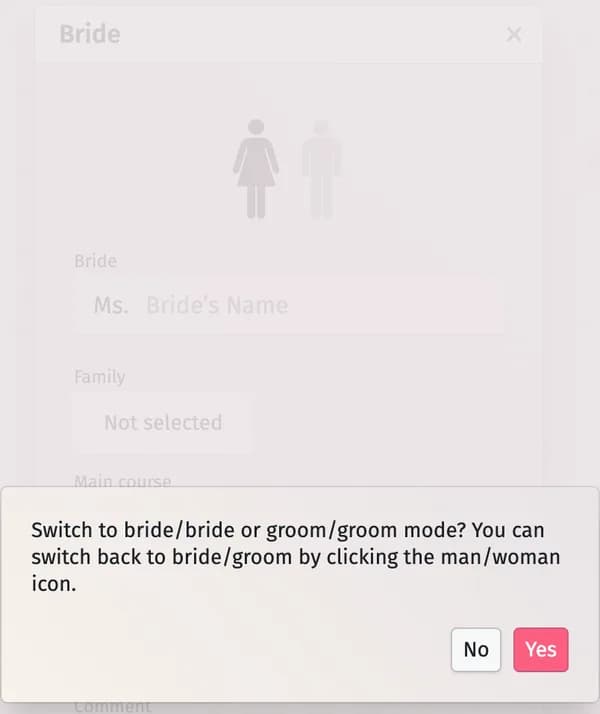
At the top of the profile, click the woman or the man figure that isn’t selected. Confirm with Yes when asked whether to switch to bride/bride or groom/groom mode.
Step 3Check the list
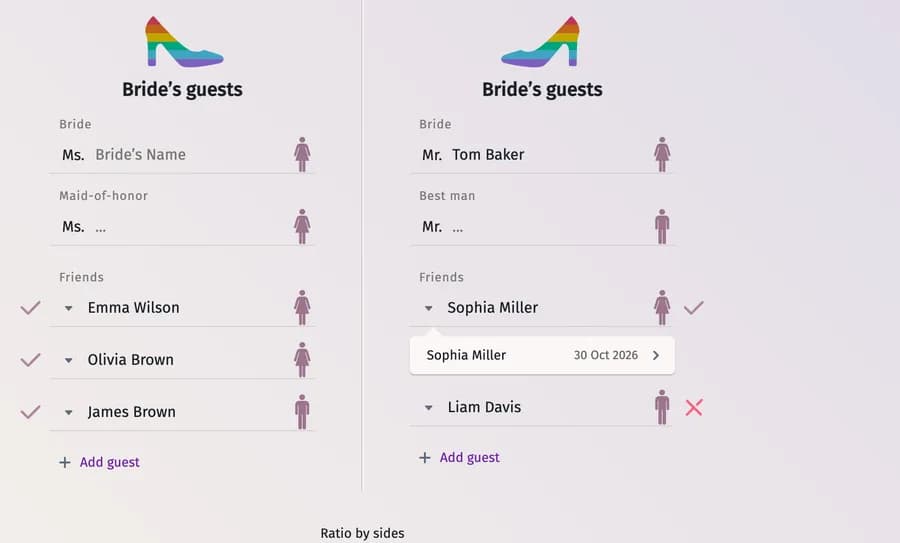
Both columns now carry the same title and a rainbow shoe — for example Bride’s guests twice. Change the form of address before the name (Mr., Ms.) if you need to.
Tips and important notes
- To go back to a bride and a groom, click the figure again in the same profile and confirm.
- Planning a double wedding with two couples and one guest list? Write to us through the contact form.
Updated November 3, 2026