The project overview
See the whole wedding on one infographic and choose what it shows.
Overview draws your whole wedding as one path: the couple and the date, the venues, the guests and their answers, the checklist’s progress, the budget, the day’s schedule and the photos. It updates from the rest of the project.
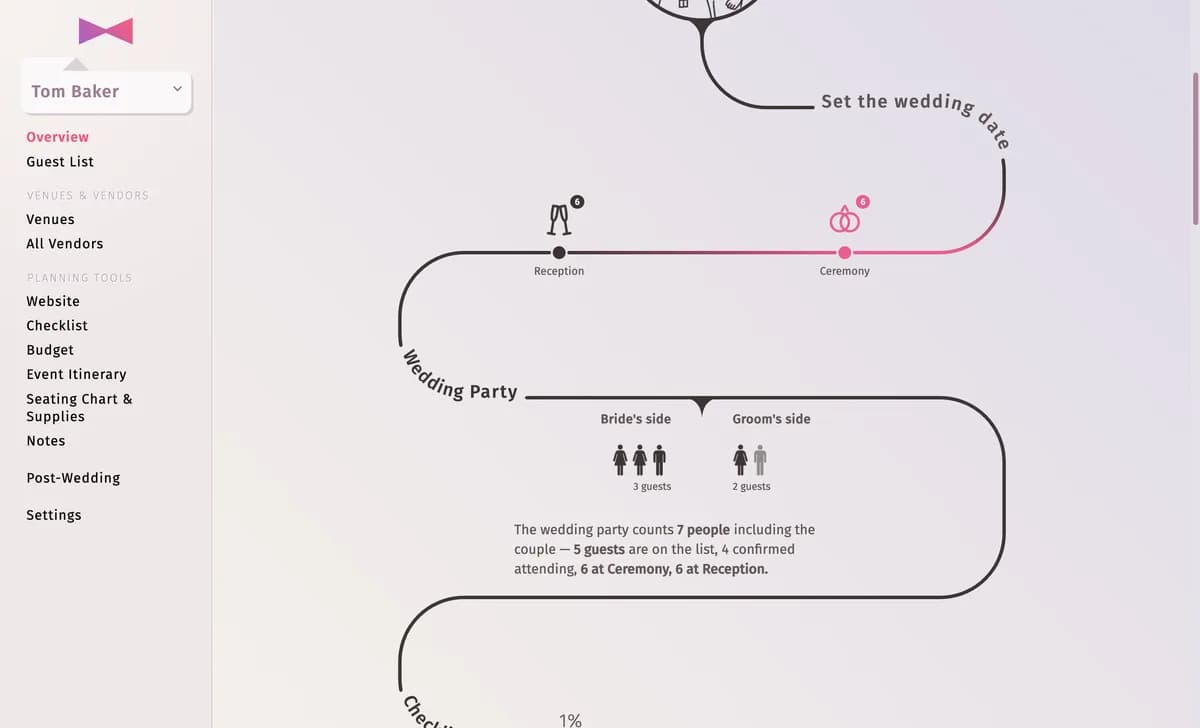
Choose what it shows
Click Settings. Under Modules switch parts on or off and drag them into another order; when you have several checklists, budgets or itineraries, pick which one each part uses. Customize design changes the lines, dots and colours, and Overview name names it.
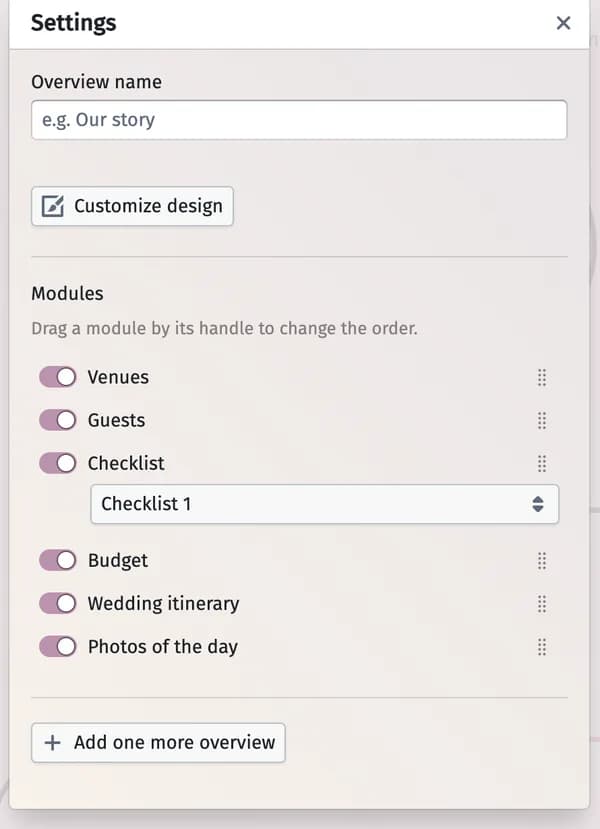
Tips and important notes
- Add one more overview adds another overview (up to 4) — for example one per event.
- Click a part of the overview to jump to that tool.
- Download it as a poster — see The overview poster.
Updated November 3, 2026