Explore more wedding ideas & advice
The Best Wedding Website
Explore
Our service has assisted tens of thousands of couples worldwide in planning their dream weddings!
Delight Loved Ones & Give Guests the Info they Need with Our Free Website Design Tool
If you’re at the beginning stages of wedding planning, and doing a little research, it’s likely that the idea of a wedding website has already been pitched to you. And with good reason! Ask any married couple what they thought of theirs, they’ll probably tell you it was the best planning decision they made! Especially for those looking to cut down their wedding budget, and accelerate the RSVP process.
We believe our free wedding website could be a game-changer for your big day, and we would love the opportunity to share why. From an easy-to-use design template to a free personal web address and first class online RSVPs, we’ve got everything you need to create a beautiful wedding website that delivers the information guests need, and gets loved ones excited about your wedding date. Plus, our planning tools (guest list, checklist, budget, timeline and a seating chart for up to 5 tables) are free to use.
To help you better understand why we believe you should build a wedding website with us, we’ve compiled a few benefits to using our platform. Along with a little advice that should help you when beginning to design your wedding website.
Create a Wedding Website in a Few Easy Steps
Building a wedding website using our free tool is easy and can be put together in a matter of minutes, with no experience required. To give you an idea of just how simple to use our platform is, we’ve compiled the steps you’ll take to create your own. With some expert advice on the best way to complete each task.
When comparing platforms, the best option is one that combines design with planning functionality. Choosing a reliable wedding website platform lets couples share every detail, collect RSVPs and keep the guest list, seating chart and budget together in one project.
Pick the template that suits you best.
Choose your template
Drag the templates left or right to scroll through them, or use the arrow keys to choose the one you like.
- Delight Loved Ones & Give Guests the Info they Need with Our Free Website Design Tool
- Create a Wedding Website in a Few Easy Steps
- Create a Wedding Website URL
- Ask Our Wedding Planning Assistant in ChatGPT
- Reflect Your Theme in Your Website Design
- Share Your Love Story
- Manage Your Guest List with an Online RSVP
- Our Story Examples for Your Wedding Website
- Wedding Invitation Website Benefits
- How To Say No Plus Ones On a Wedding Website
- Wedding Website URL Ideas
- Lost the Link? How Guests Find Your Website
Create a Wedding Website URL
A huge benefit of building your site with us is a free personal web address on one of our three domains (planning.wedding/website, we.are.planning.wedding or submit.rsvp), which your guests can easily use to find your online space. Plus, you’ll even receive a handy QR code for your site. Ideal for placing on wedding stationery to direct loved ones to your site. Prefer an address you own? Premium lets you connect your own domain.
When deciding on what custom URL to go for, it’s best to think of your guests first, and avoid any complicated domain names. Fun is fine, but don’t create a website name that can’t be understood, or easily spelled wrong.
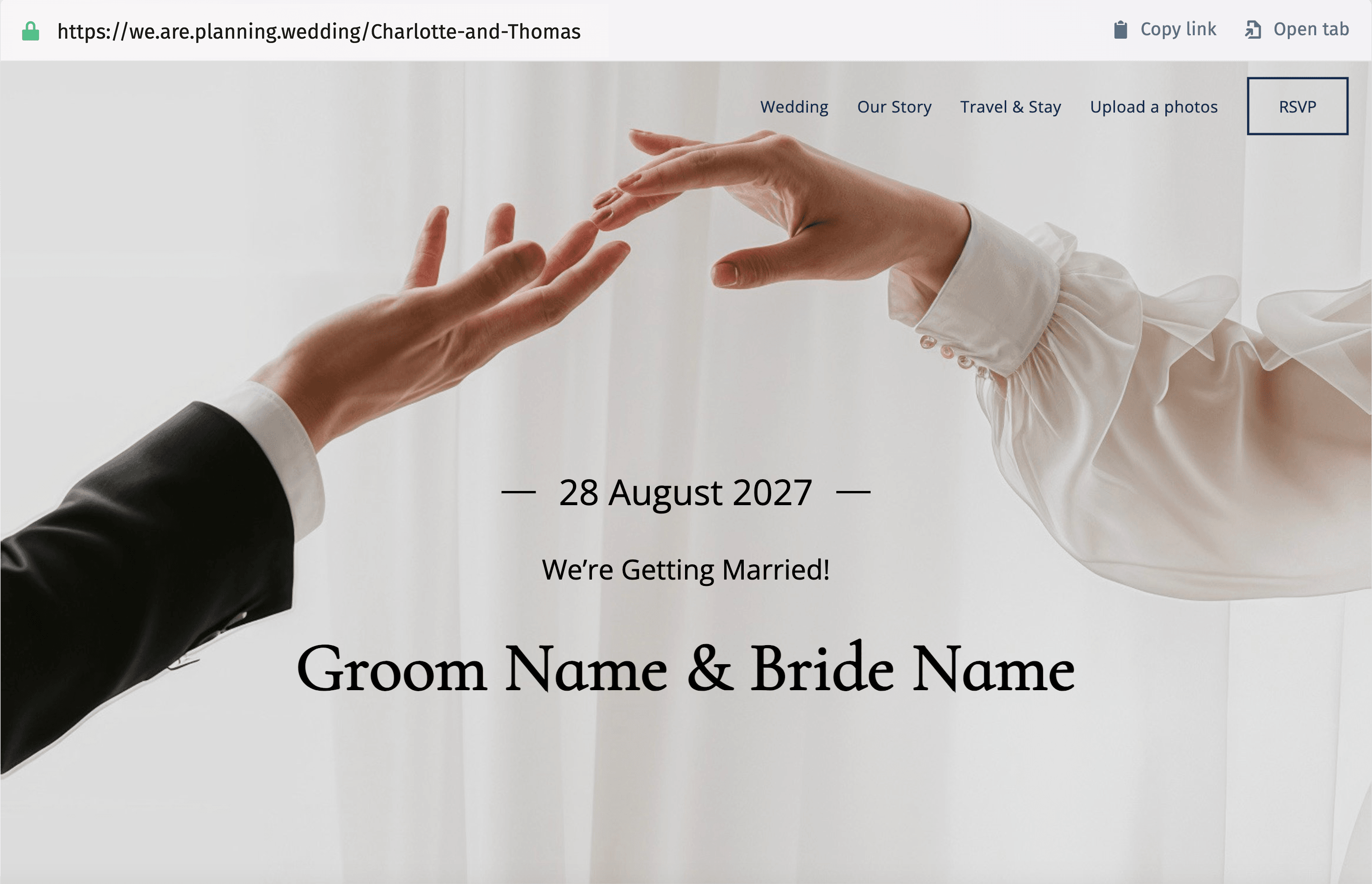
Using your names would be our best advice. For instance, https://we.are.planning.wedding/charlotte-and-thomas or https://planning.wedding/website/hasan-and-aisha-2027. These types of URL names may feel a little obvious, even dull, but it’s much safer to go with an address that won’t confuse.
Ask Our Wedding Planning Assistant in ChatGPT
Planning questions at midnight? Our Wedding Planning Assistant in ChatGPT answers wording and etiquette questions — how to phrase the RSVP deadline, what to write in your story, how to say no plus ones politely — and points you to the right Planning.Wedding tool for the job: the website, the RSVP form, the guest list or the seating chart. The planning itself happens in your project, where the guest list, the website and the seating chart share the same data, so nothing has to be typed twice.
Reflect Your Theme in Your Website Design
Our wedding website template and customization options make it easy for you to replicate your wedding day theme. From color pickers that allow you to match tones precisely, through to countless font options and plenty of places to drop your wonderful engagement shots! Our wedding website builder even provides somewhere to share a video. Ideal if you have a fun engagement moment captured on film, or would like to put together a montage of time spent through the years.
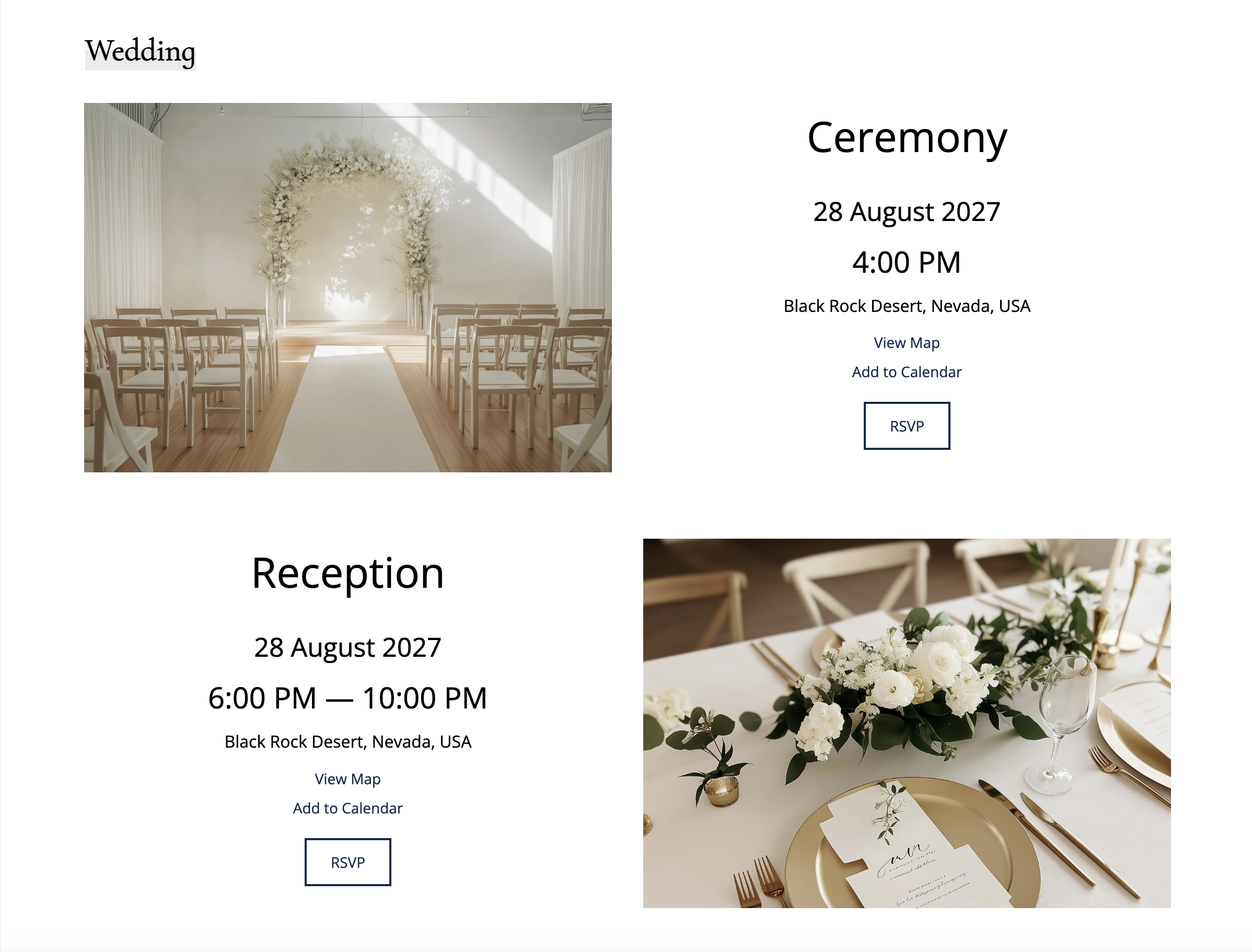
Share Your Love Story
The best way to get loved ones excited about you tying the knot, and to bring every guest up to speed with your adventure so far, is by sharing your love story. A little ’about us’ section that gives guests an insight into your journey to this point, while also allowing you both to share your individual personalities.
PLANNING . WEDDING — is easy to remember and even easier to use.
Manage Your Guest List with an Online RSVP
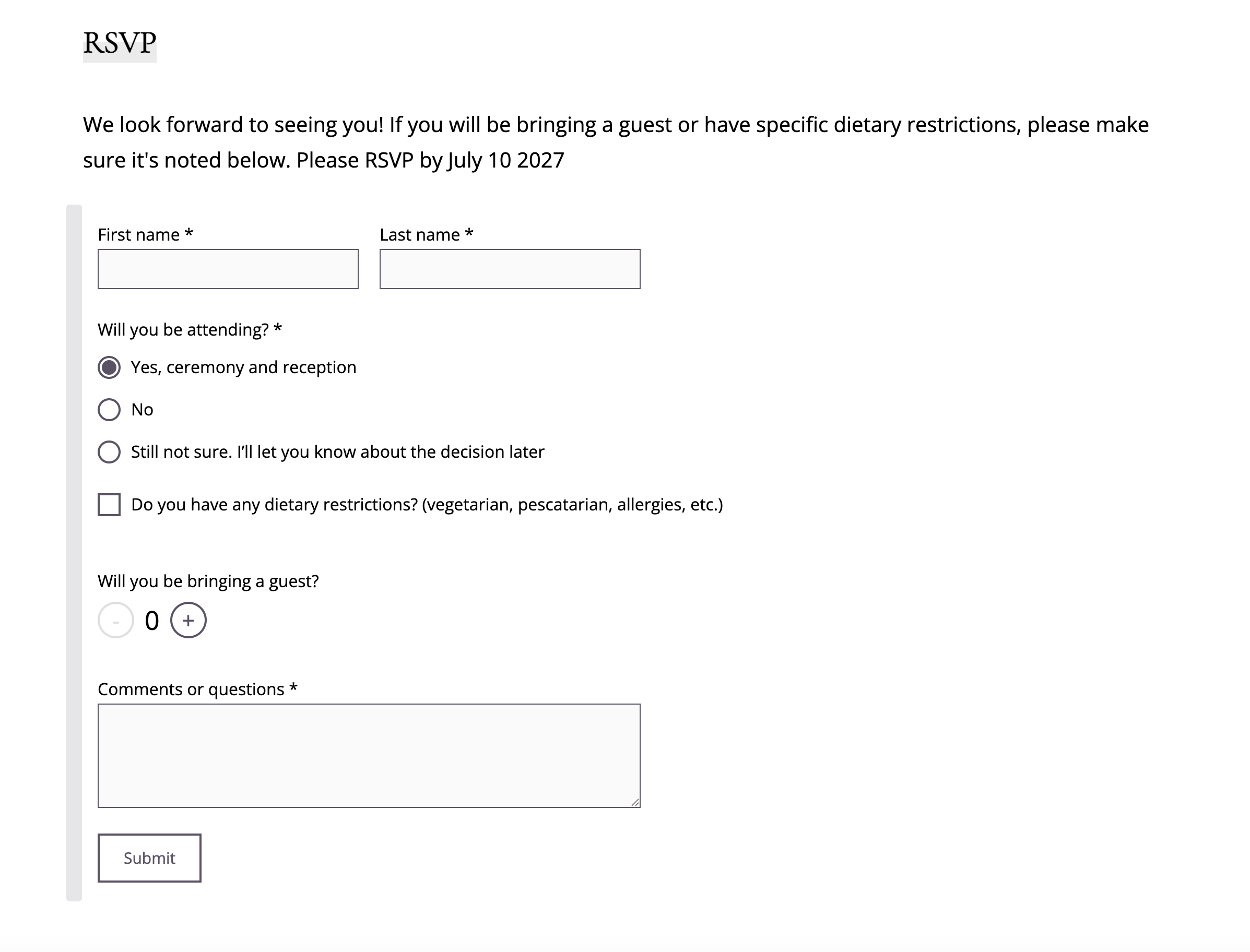
Creating your wedding website with us provides you with access to our easy-to-use, yet intuitive RSVP form and guest list tool. A game-changer for any couple concerned about guests sending RSVPs late, or worried about keeping track of replies and requests.
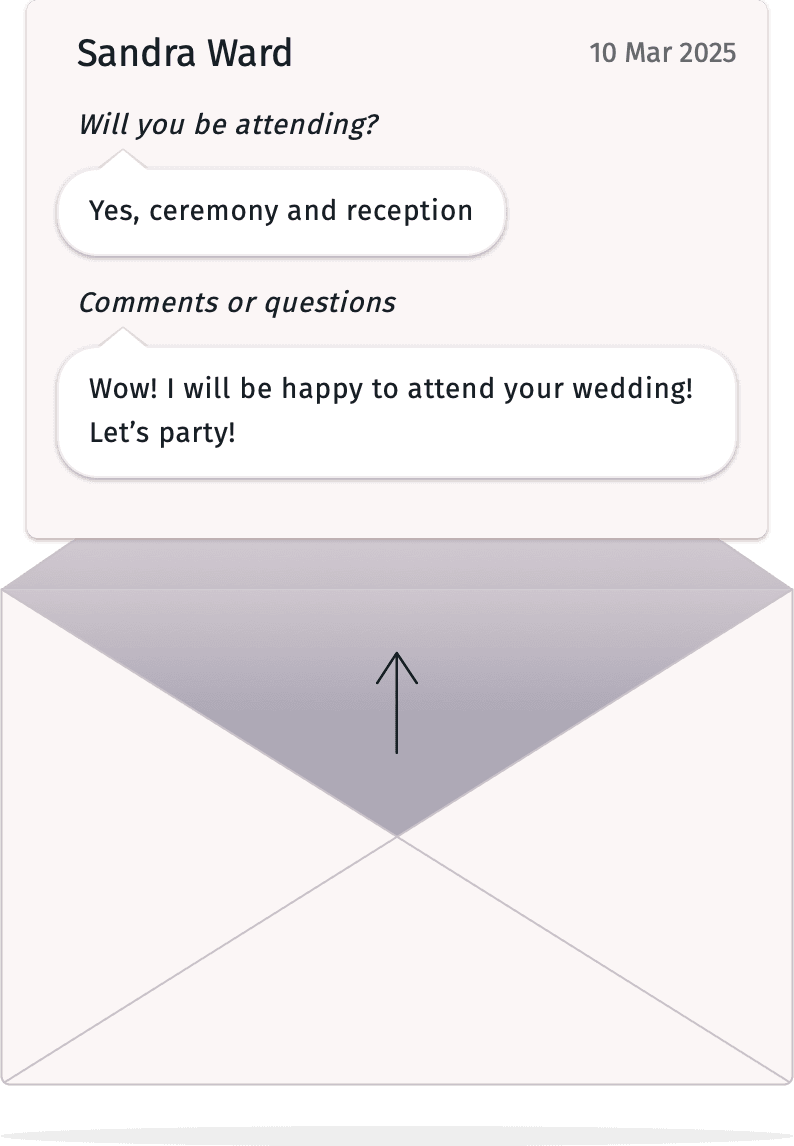
Our free RSVP allows you the opportunity to request any information you like. From meal choices and allergies, to song requests and love quotes. Each reply arrives on your guest list as a response you review and accept with a click, so nothing is added without you seeing it. Then browse the list, see who needs to be chased, and once ready, download it and send it to vendors.
We also notify you by email as soon as someone has responded to an RSVP, ensuring you never miss any communication from loved ones.
Ready to start building your wedding website? Click here for our full step-by-step list.
Our Story Examples for Your Wedding Website
As we mentioned, sharing your love story plays a key part in building excitement around the big day. But for some couples, it’s challenging to know where to start and what should be included.
To help you write a love story you’re proud to share, we’ve compiled some great ones created by our real couples. Real stories their friends and families loved reading, which also helped bring every guest up to speed on their journey to this point.
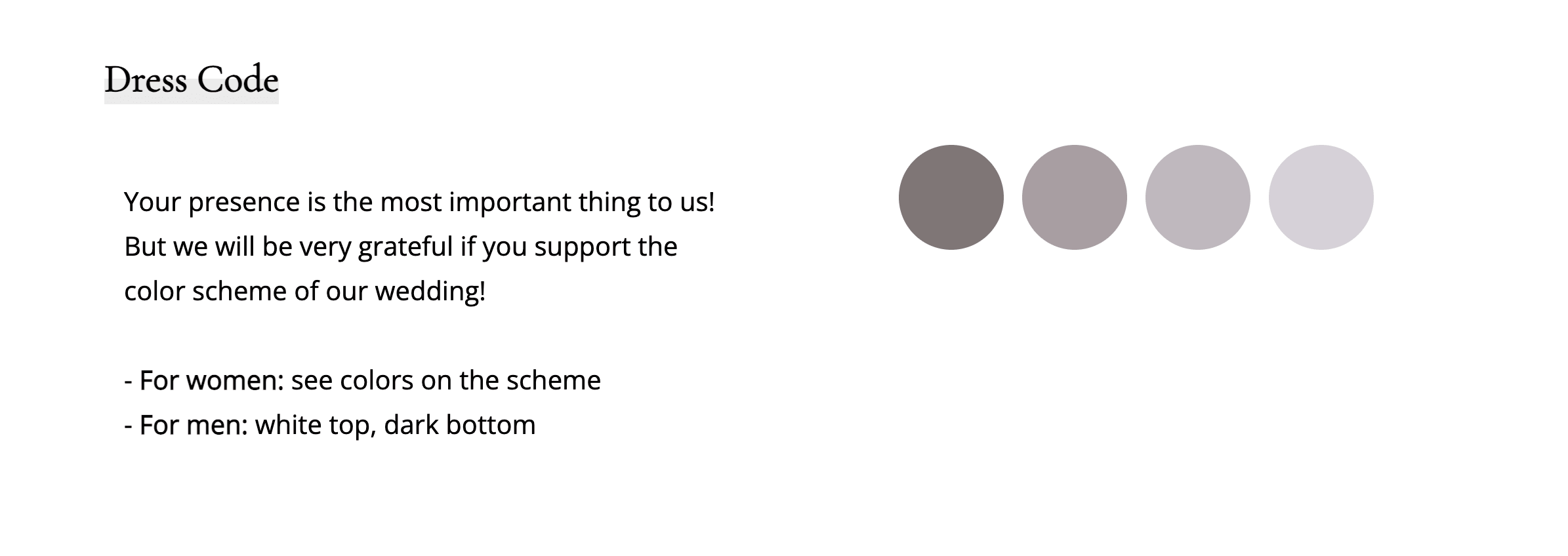
Click here to browse the ’our story’ examples of our couples.
Wedding Invitation Website Benefits
Traditional wedding invitation suites are classic, and can be really impressive to receive in the mail. But if your budget is tight, or you’d rather not go down the standard route, there are many advantages to going online to correspond with wedding guests. The major benefit for us has to be convenience. Sharing one link or QR code with your whole guest list, and giving each guest a personal invitation link with their name already filled in, is such a time saver as a wedding planner.
Having every RSVP for the ceremony and reception then collected on your guest list is another remarkable benefit wedding websites like ours provide. Having that peace of mind, knowing that no reply can go missing in the post and no guest request can go overlooked, because every response waits on your guest list until you’ve dealt with it, cannot be underestimated. If you’ve ever tried keeping track of sent invitations, and RSVPs by pen and paper, you’ll understand just how transformative going online with invites can be.
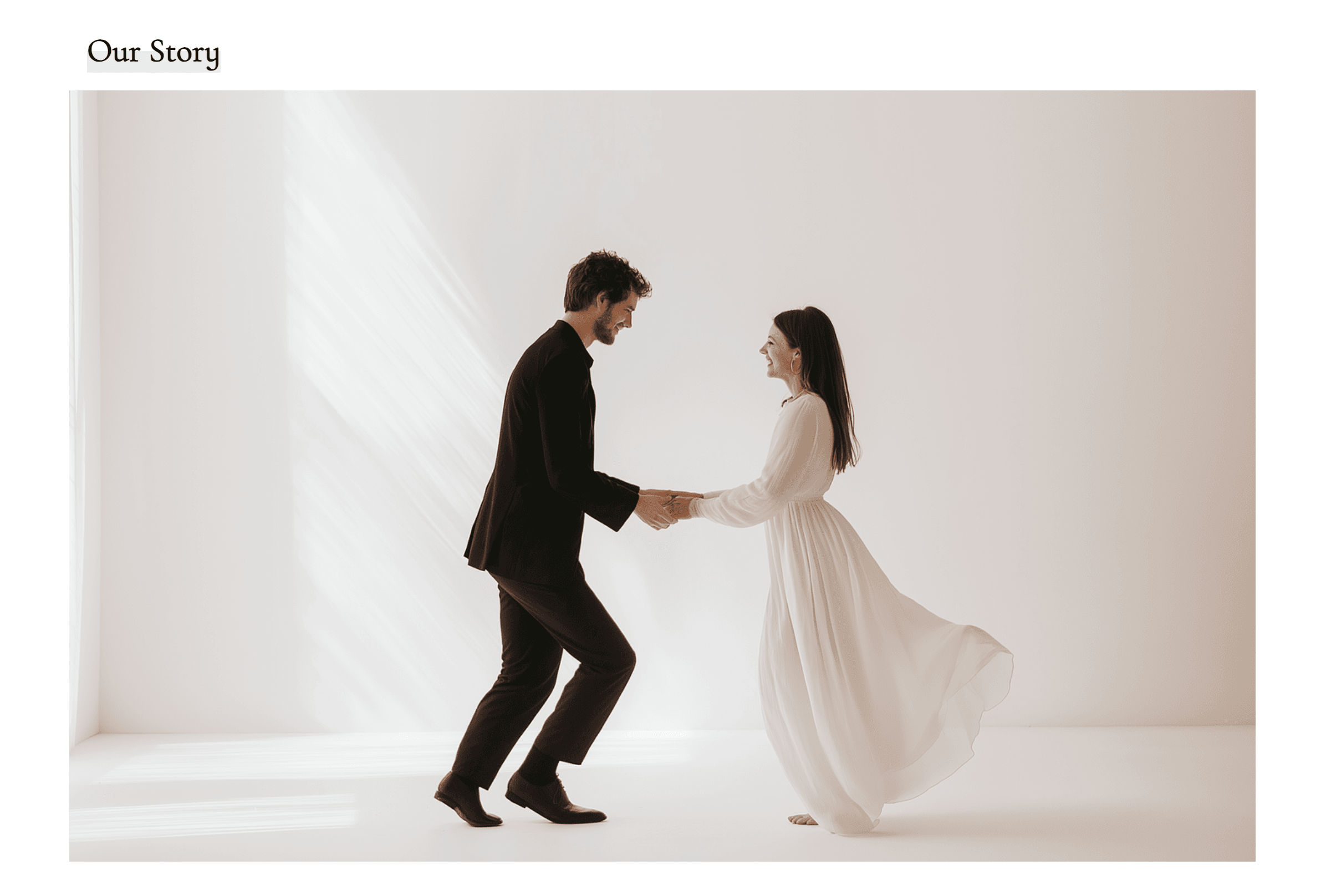
To discover the other major benefits that wedding sites offer, click here.
How To Say No Plus Ones On a Wedding Website
Working out who can, and cannot, have a plus one is tough. Not all of us have the luxury of being able to plan a large celebration, and sometimes saying no is a necessity, rather than a preference. Whatever the reason for limiting invitations, the act of saying to loved ones that they can’t bring a date, or friend along, is never easy.
If you are struggling with the awkwardness of saying no plus ones, let the RSVP form do it for you. Send each guest their personal invitation link and, with Premium, show the plus-one question only to the guests you choose, and set how many extra guests each of them may bring. Everyone else opens your wedding website and simply never sees the option, so there is nothing to explain.
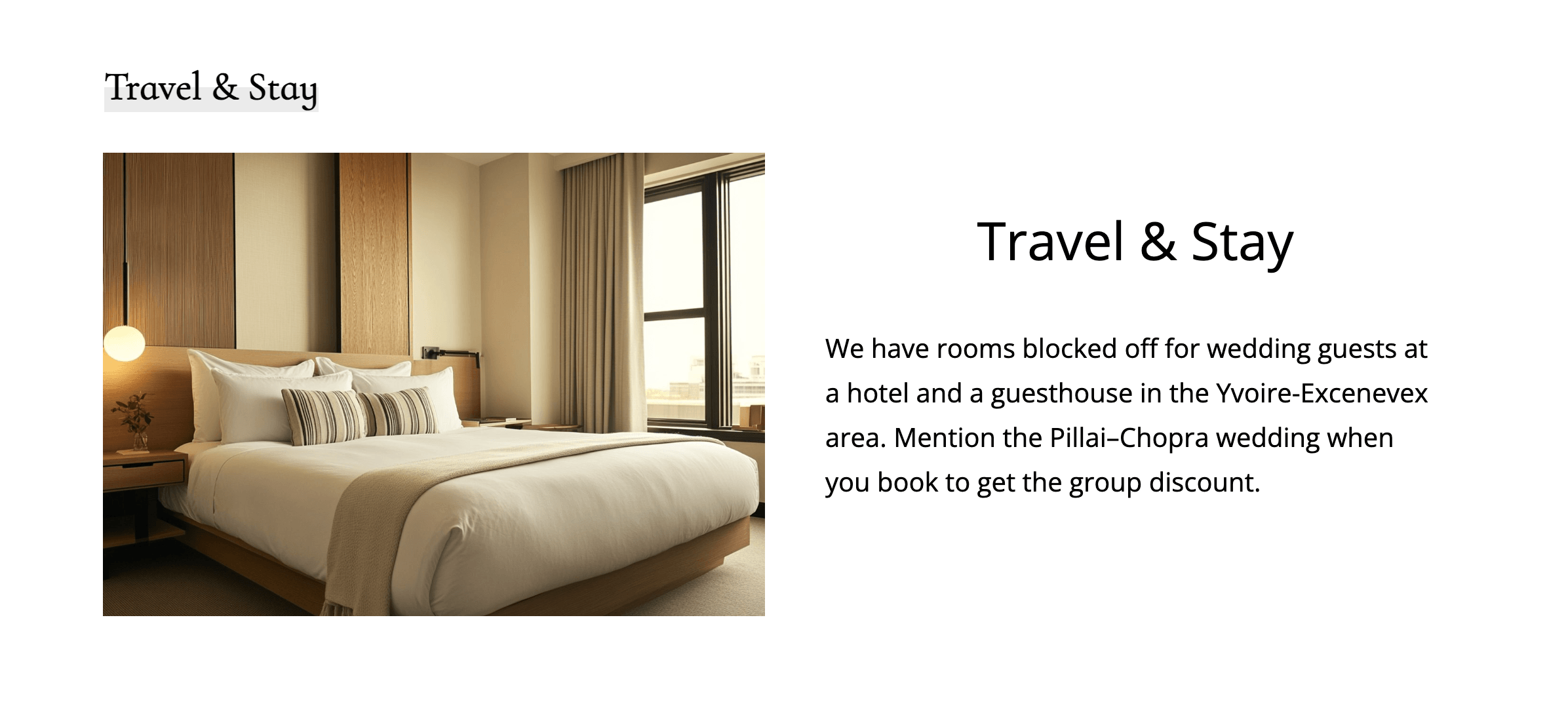
This RSVP hack spares you most of those awkward plus one conversations, and allows you to keep the guest list under control.
To discover more of our tips on how to say no plus ones on a wedding website.
Wedding Website URL Ideas
Wedding websites are easy to create, but naming them can be hard! Our suggestion is to always keep it simple. If you spend hours thinking up a funny, fancy name for your site, not only are you wasting valuable wedding planning time. But it’s likely you’re just making things confusing for your guests, especially the older ones! Sharing in-jokes only your wedding party will understand is fine if you’re planning a super intimate wedding ceremony and reception. But otherwise you’ll just be alienating those who don’t know.
When creating a custom URL, we would suggest using your names, and maybe the date of your wedding. A format everyone can understand.
Click here to see some popular wedding website examples that work & discover more of our URL tips.
Lost the Link? How Guests Find Your Website
Not all of us are blessed with organizational skills, and if you’re anything like us, you’ve lost your fair share of physical and virtual wedding invitations. They just disappear, right! The massive benefit of losing an online invitation, however, is that it’s never truly lost.
Every site gets a short personal web address and a QR code for your stationery, and each guest can get a personal invitation link, so nobody has to embarrass themselves asking friends for details about the wedding venue, dress code or gift registry.
Click here for more tips on helping guests find a wedding website and on making your own easy to find.
The Ultimate Guide to a Free and Fabulous Wedding Website
Everything you need to build a beautiful wedding website with Planning.Wedding: writing your “Our Story”, collecting RSVPs (and politely saying no to extra guests), picking a memorable web address and helping guests find your site. The website is part of one Planning.Wedding project that also holds your guest list, seating chart, budget, checklist and timeline, and the website, RSVP form and guest list are free.