Explore more wedding ideas & advice
How to Make a Wedding Website: A Step-by-Step Guide
Explore
Our service has assisted tens of thousands of couples worldwide in planning their dream weddings!
Wedding Websites: The Go-To Standard for Modern Celebrations
For us, creating a free wedding website is a non-negotiable. It just has to be done if you want a smooth-running journey towards the wedding day, with a guest list who feel informed and excited about your nuptials. Plus, if you build a free wedding website, it can save you some serious money! Something we’re sure every marrying couple would appreciate right now.
Wedding planning involves countless different moving parts, but a well-designed online space can act as a hub for all of those details. A place for you to share vital information with your loved ones, and answer those endless wedding-related questions before they flood your inbox.
But beyond the sharing of wedding details, a wedding website is a great place to create a buzz around your celebration. To give a glimpse into your theme with your website design, and show off those stunning engagement photos you’ve just had captured! There are so many ways to build excitement for your wedding date using your site, and we’re going to share them with you! Alongside exactly how you can build your own wedding website design - no experience required.
How to Make a Wedding Website
You do not need to be an expert coder to build a wedding website from scratch. But if you’re looking for a little guidance, or inspiration, we’re here to help.
- Create a free project — no sign-up is needed to start.
- Open Wedding Website in your project: a website with an RSVP form is created for you.
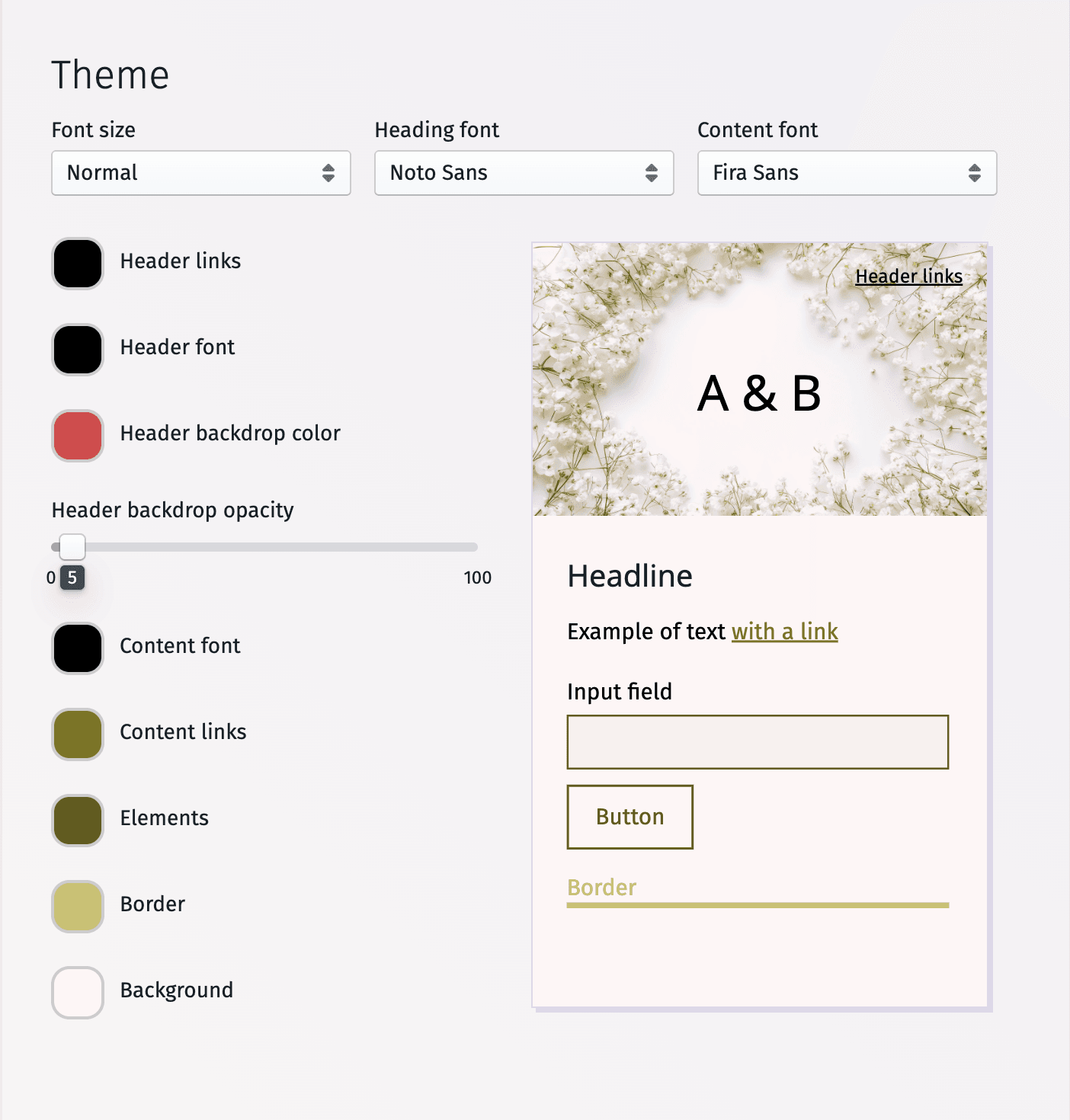
- Your website starts in the free Breeze design: set its fonts and colors, or switch to one of the other templates with Premium.
- Click any text or photo to edit it, and add sections such as Our Story, FAQ, Accommodation, Dress Code, a video and a countdown.
- Choose your website’s address in Basic settings, for example on we.are.planning.wedding.
- Send personal invitation links or QR codes, and apply each RSVP to your guest list as it arrives.
Creating your own wedding site helps centralize all guest information in one place. With a flexible wedding website builder, you can share event details, manage updates, and connect planning tools that simplify the entire wedding process.
Pick the template that suits you best.
Choose your template
Drag the templates left or right to scroll through them, or use the arrow keys to choose the one you like.
- Wedding Websites: The Go-To Standard for Modern Celebrations
- How to Make a Wedding Website
- Wedding Website Welcome Message
- Accelerate the Planning Process with Wedding Website Templates
- How to Write a Story for a Wedding Website
- Wedding RSVP Website
- Wedding Website FAQ
Wedding Website Welcome Message
Introducing your wedding guests to your wedding site with a thoughtfully written welcome message helps to get everyone excited about what’s to come. While also setting the tone for the entire event. Would you like to kick things off with a quick, funny welcome message? Or do you feel something traditional is more appropriate? The feel of your welcome message must match your wedding day vibe, but it is difficult to know what that will be when you’re in the early stages of the wedding planning process.
If worrying about the introduction is stopping you from setting up your wedding website, we’ve put together some great tips and examples to get you started. From welcome messages for destination weddings, to short and simple introductions that make it easy for guests to scroll through your site. We’ve put together a wide range of intros you’ll certainly be inspired by, or can simply copy and paste! No judgement here!
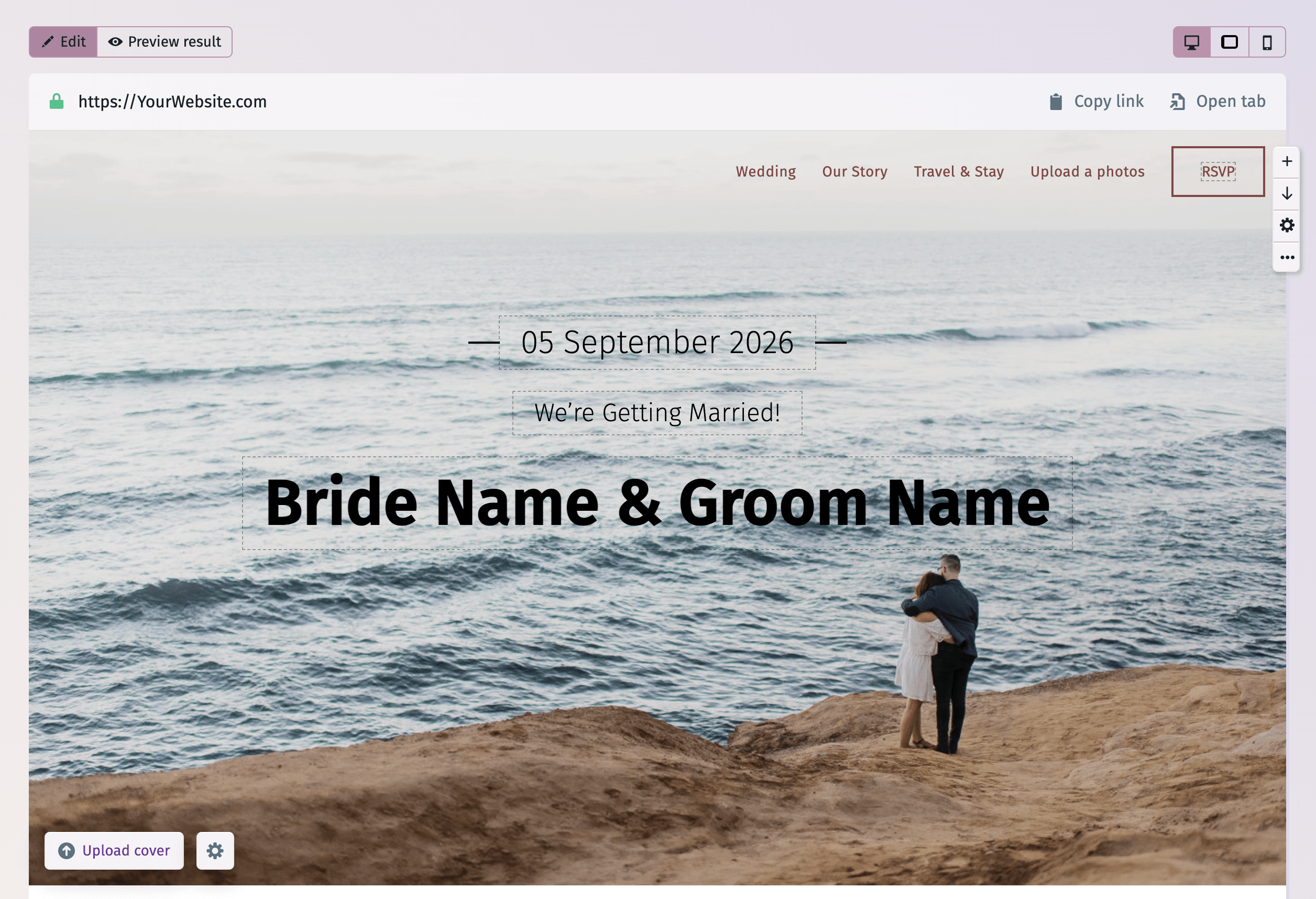
Get some wedding website welcome message inspiration and explore our examples.
Accelerate the Planning Process with Wedding Website Templates
If you’re anything like us, you hate starting any project with a blank page. Be it an email to a wedding venue, or a moving speech to be read out at the reception. Beginning any endeavor from zero is tough. Which is why we put so much hard work into our wedding website template, to ensure you don’t feel like you’re starting from scratch.
Good wedding website templates put everything you’ll need to create a stunning, and useful site in place for you. Ours, for example, doesn’t just make it easy for you to make a website that reflects your wedding style. It also provides the tools you’ll need to keep guests informed, and engaged. Like a place to upload a video especially for your wedding guests. And a countdown to your wedding date to ensure everyone knows precisely how many sleeps are left until the big day!
Discover how our wedding website template can smooth your journey to the aisle, and how our tools can stretch your budget.
How to Write a Story for a Wedding Website
What better way to lead up to your wedding, than with a recap of your love story thus far! An introduction to you both for those who don’t know you that well, and a sweet reminisce for close friends and family. If you haven’t read a wedding website love story or about us section before, it’s essentially a run through of how you got to this point. How you met, where you went on your first date, how you got engaged - all the fun stuff!
Once you’ve introduced yourselves as a couple, it’s then nice to share a little about each other separately. To show your personality as an individual. In general, try to keep the entire section brief. The last thing your guests want to encounter on your wedding website is a life story. A few lines from you both, and then a few from each other is ideal. And if you’d rather speak than write, you could always utilize our video sharing widget and record a clip for your guests! Perfect if you would like to create a little memento of your journey as wedding planners.
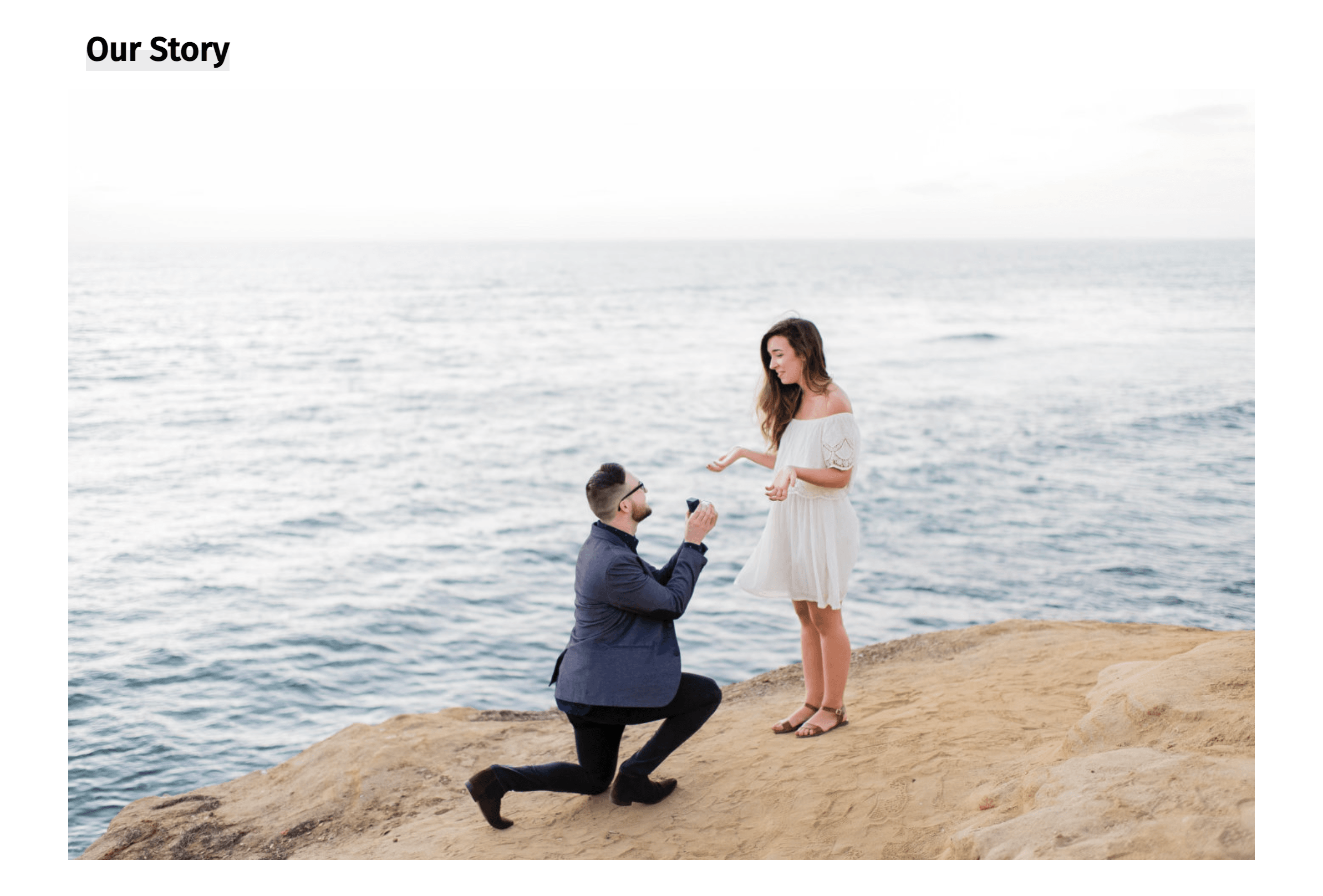
When you create your wedding website, we strongly encourage you to include a love story section, as it acts as a crucial introduction for many of your invited guests. Not every attendee at your big day will know both, or either of you 100%. Which is why it’s good to give everyone a bit of backstory, while also taking closer loved ones on a trip down memory lane.
Eliminate writer’s block & effortlessly write your love story with our expert tips and examples.
PLANNING . WEDDING — is easy to remember and even easier to use.
Wedding RSVP Website
The process of confirming attendance via traditional wedding invitations was tedious, and costly for the marrying couple. Often leading to guests delaying the sending of their RSVP due to busyness, or laziness! Invites would also get lost in the post, leading to more delays and confusion. But, there is now an alternative.
Online RSVP forms make it so much easier for guests to confirm their attendance at your wedding. Guests can easily complete the form in a couple of clicks, whenever and wherever suits them. Ideal for those members of your wedding party who are just always busy!
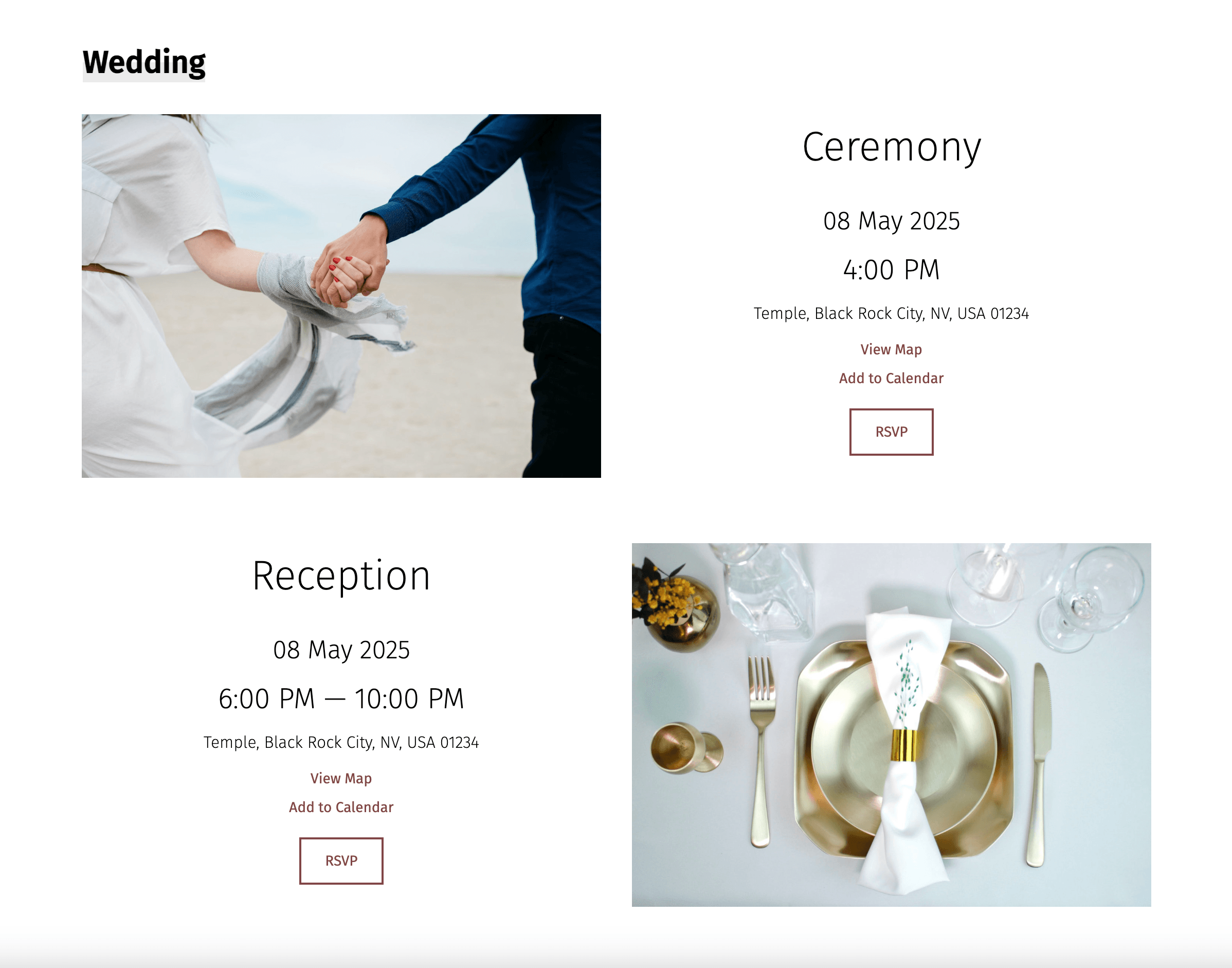
A wedding website URL with an RSVP is also a lifesaver for the couple planning their perfect wedding. As replies are typically sent back infinitely quicker than by mail, and every response waits in your guest list until you apply it with a click. Our intuitive guest list tool is connected to our RSVP form, which makes keeping track, and seeing who is coming, a breeze.
Taking the time to create a forward-thinking RSVP is also a great way of engaging guests in your upcoming wedding event. Get loved ones excited about your big day dance floor by taking song requests, or start their mouths watering by asking for their meal choices. Bringing fun to an online wedding RSVP not only increases the likelihood guests will complete the form, but also helps them get more excited about the special day!
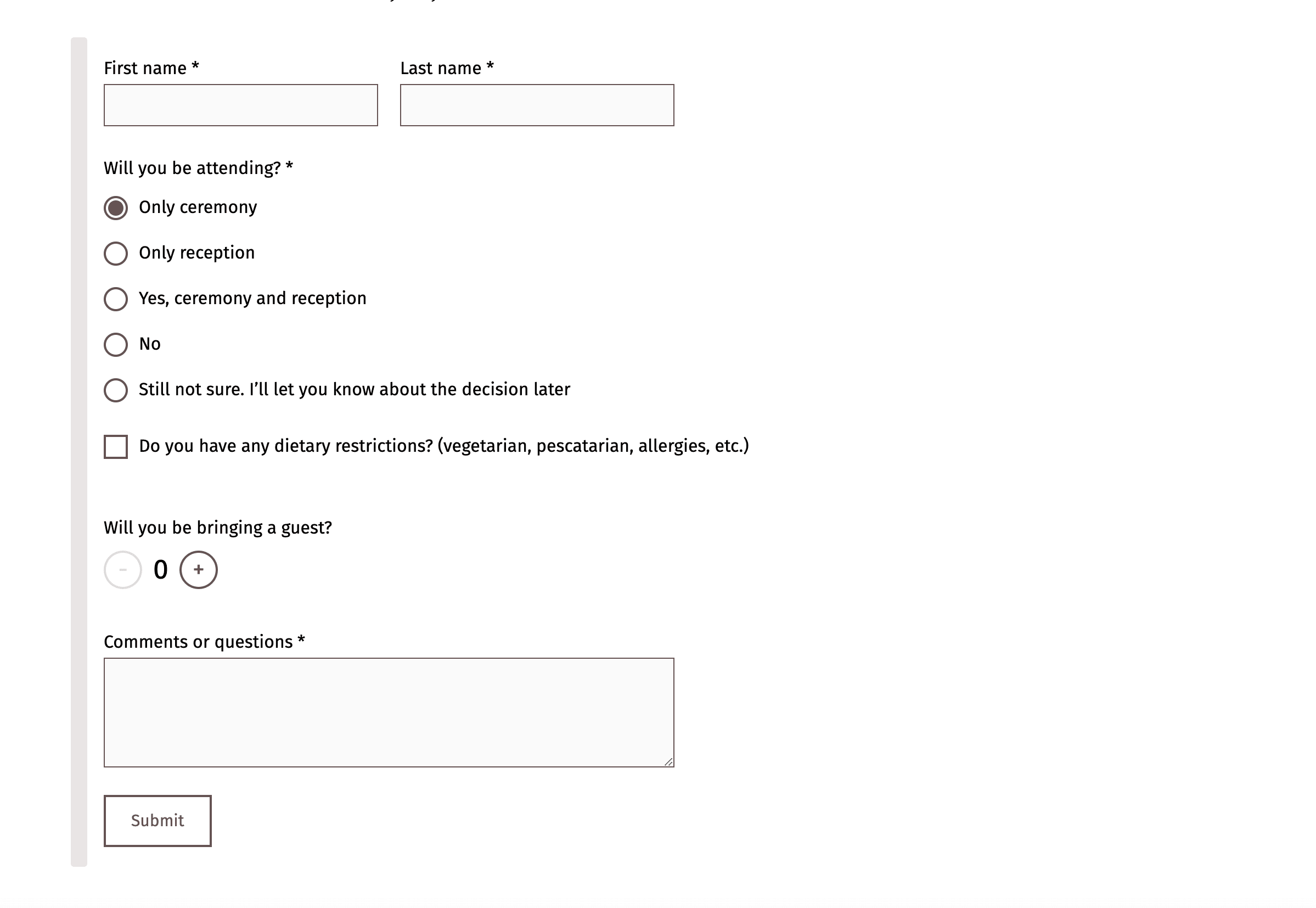
You can also use our RSVP form to get numbers for other wedding events, such as the rehearsal dinner or a post-wedding brunch. Each event gets its own status in your guest list, and with Premium its details and question are shown only to the guests you invited. Find out more with the link below.

Get our expert RSVP tips & discover why our form/guest list combo is a game-changer!
Wedding Website FAQ
If you’ve ever planned an event for more than a few people, you’ll know just how many questions invited guests throw at you if they’re not informed. The average wedding guest is no different, and in our experience, way more particular than the average birthday party guest! Which is why it’s so crucial to share your wedding website with loved ones as soon as possible, to avoid a barrage of questions by phone or email.
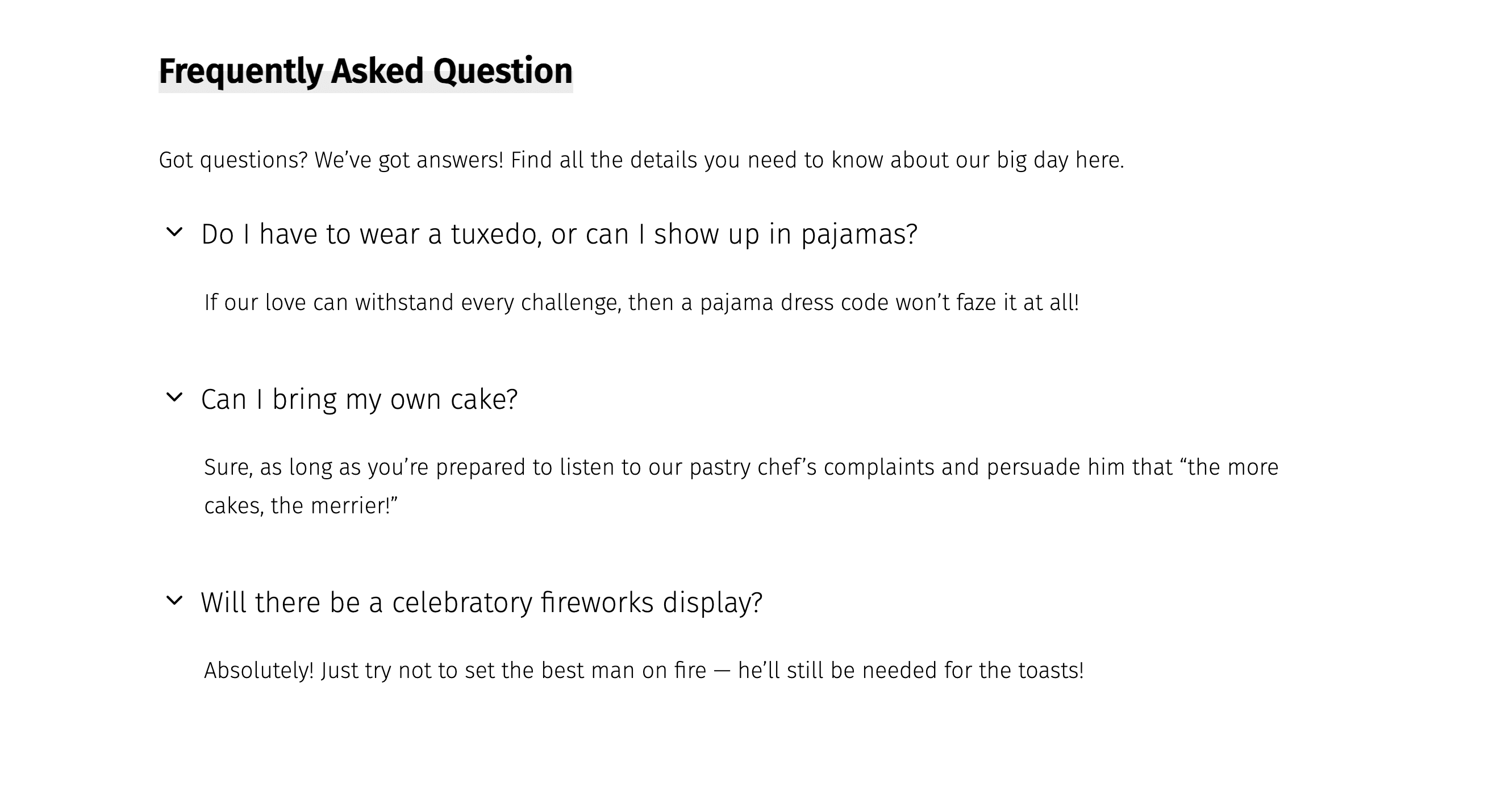
Create a wedding website for free, with us, and you’ll find we provide lots of room for you to share as many important wedding details as you like. Information that guests really need to know before your wedding weekend. For instance, arrival times, transport details, the location of the ceremony/reception, wedding dress code, and many more. There are lots of little pieces of info that can make or break a guests’ experience. Therefore, it’s crucial to always be transparent with loved ones.
View our full guide to the information guests need to know about your big day
The Ultimate Wedding Website Toolkit: Create, Customize, and Celebrate
Planning.Wedding gives you one project for the whole wedding: a guest list with RSVPs, a wedding website, a seating chart, a budget, a checklist and a timeline — on the web, iPhone and Android. These guides cover the website: how to make it step by step, how to pick a template (Breeze is free, the other designs come with Premium), how to write your welcome message and love story, how to set up the RSVP form whose replies you apply to your guest list, and which questions your FAQ should answer. Whether you’re just starting out or putting the final touches on your site, you’ll find steps to follow and wording to copy.