Odkryj więcej pomysłów i porad dotyczących ślubu
Szablon alfabetycznej listy miejsc
Odkryj
Pomogliśmy już dziesiątkom tysięcy par na całym świecie zaplanować wymarzone śluby!
Szablon alfabetycznej listy miejsc — darmowy, edytowalny, automatycznie sortowany
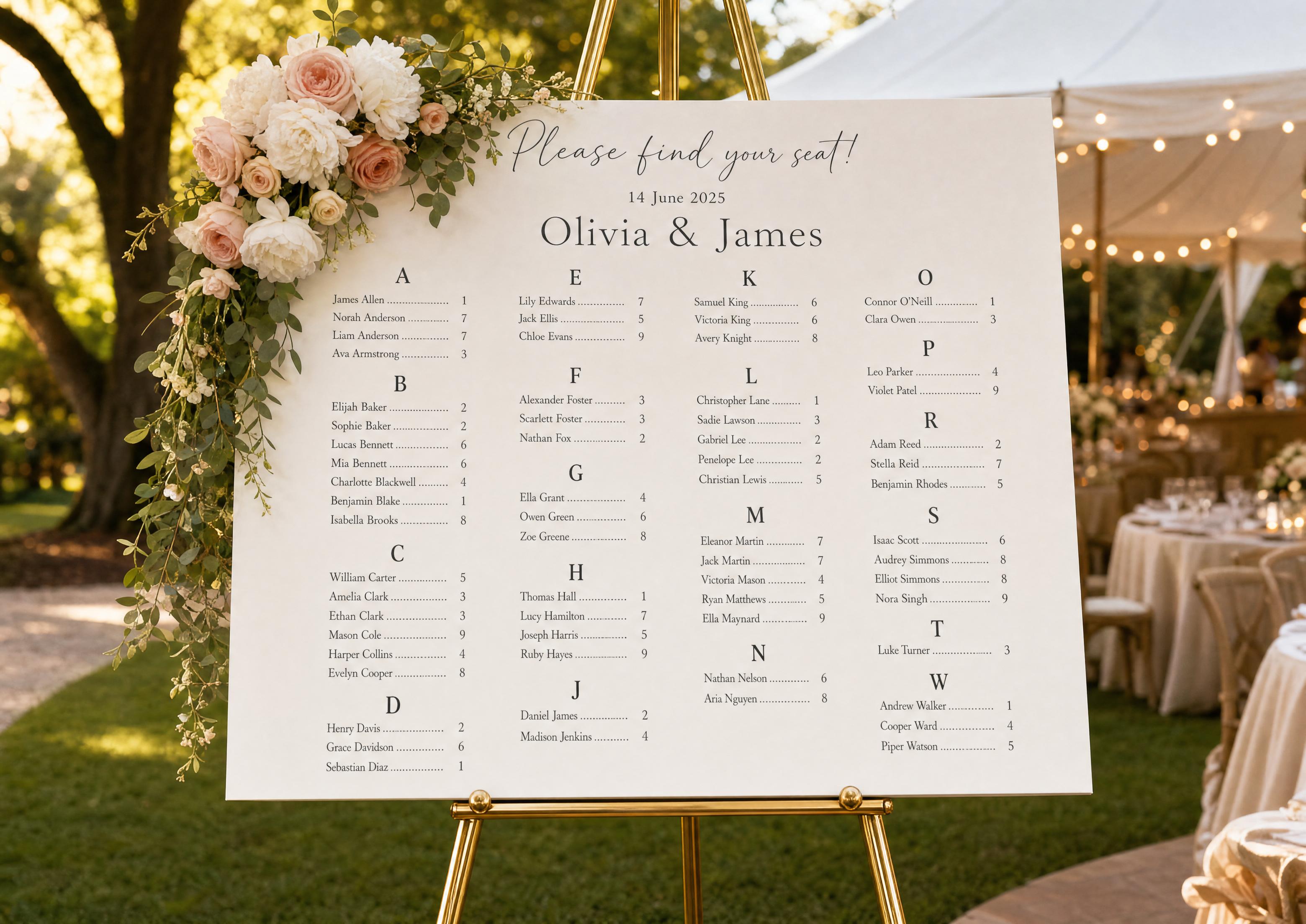
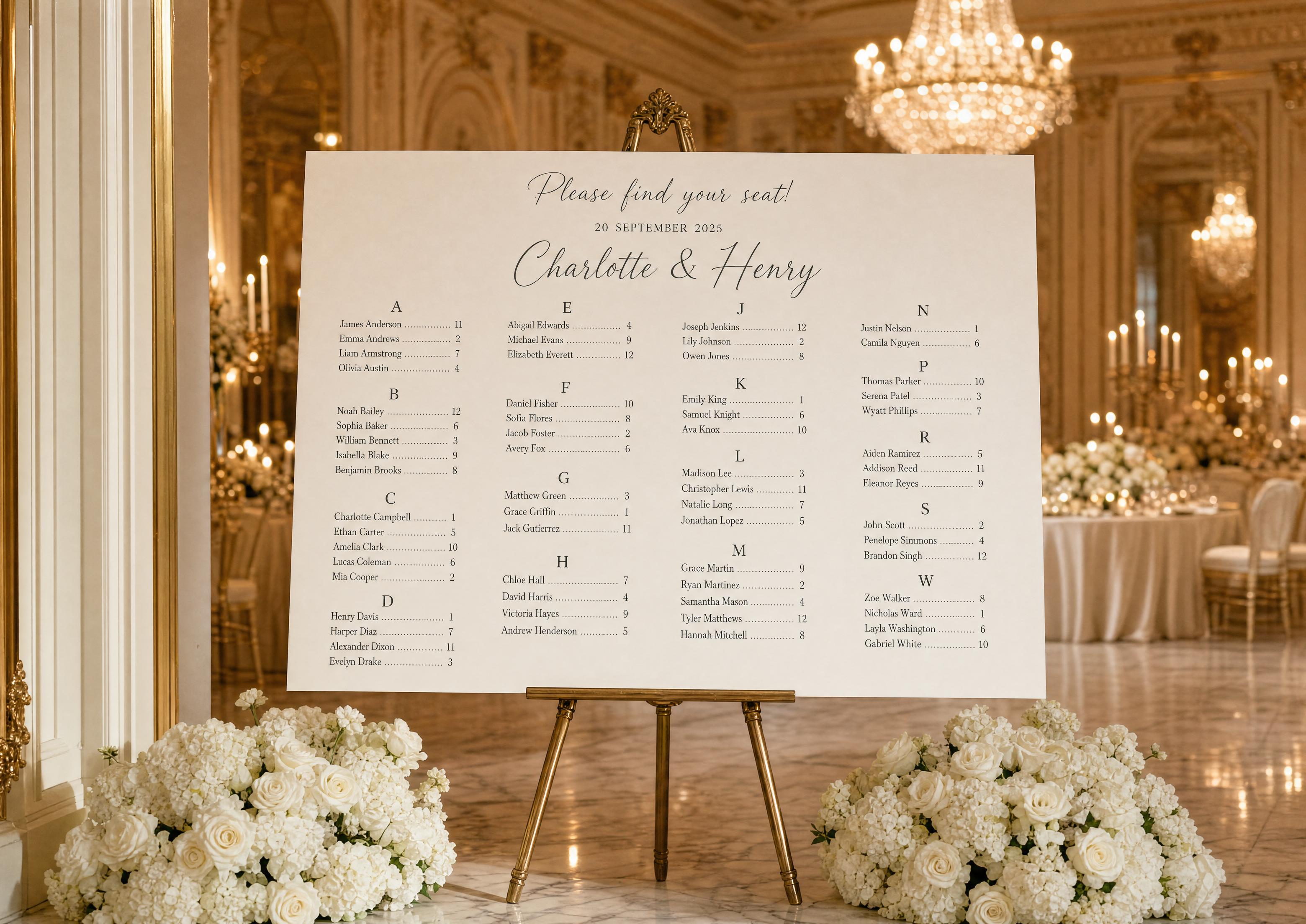
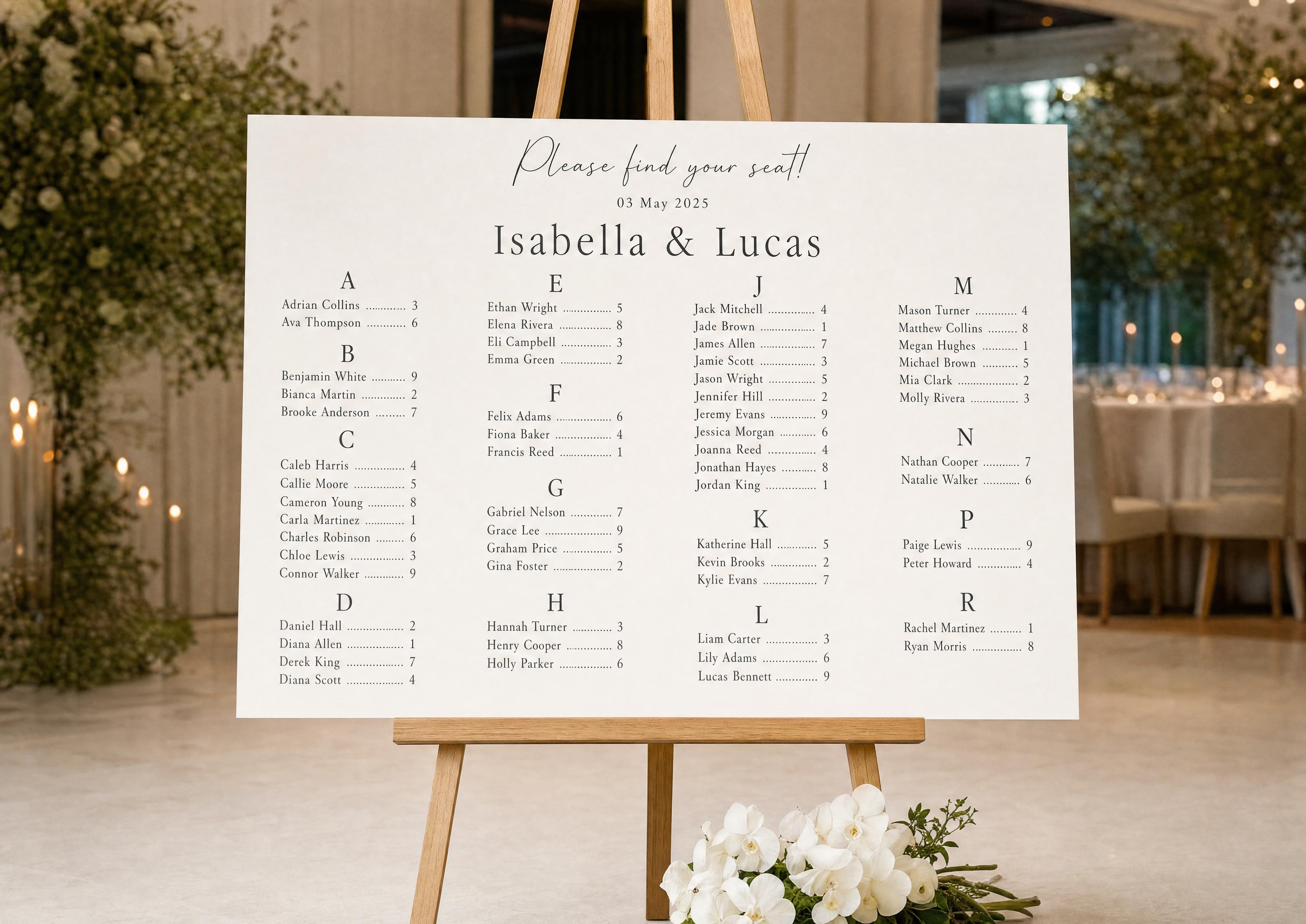
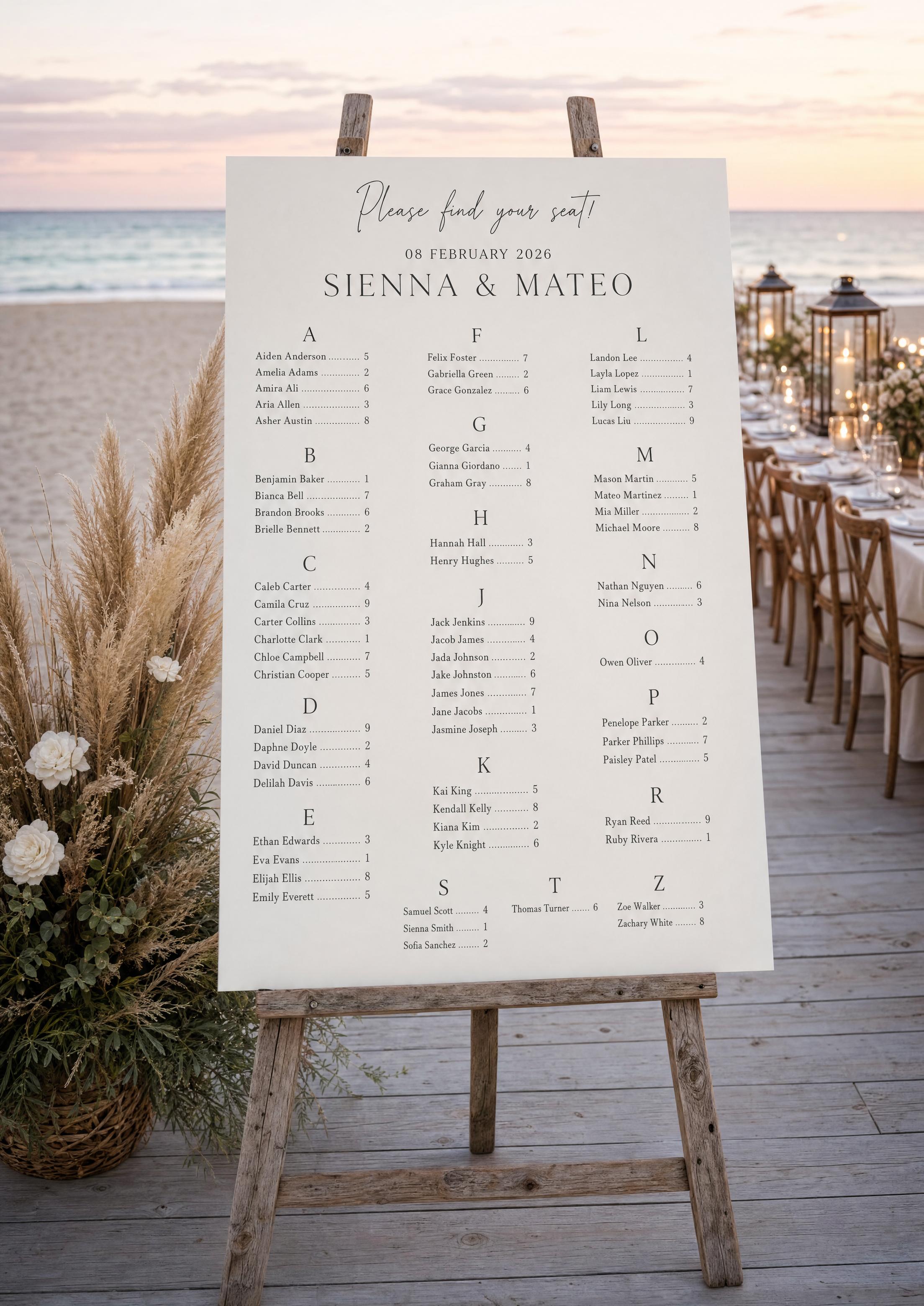
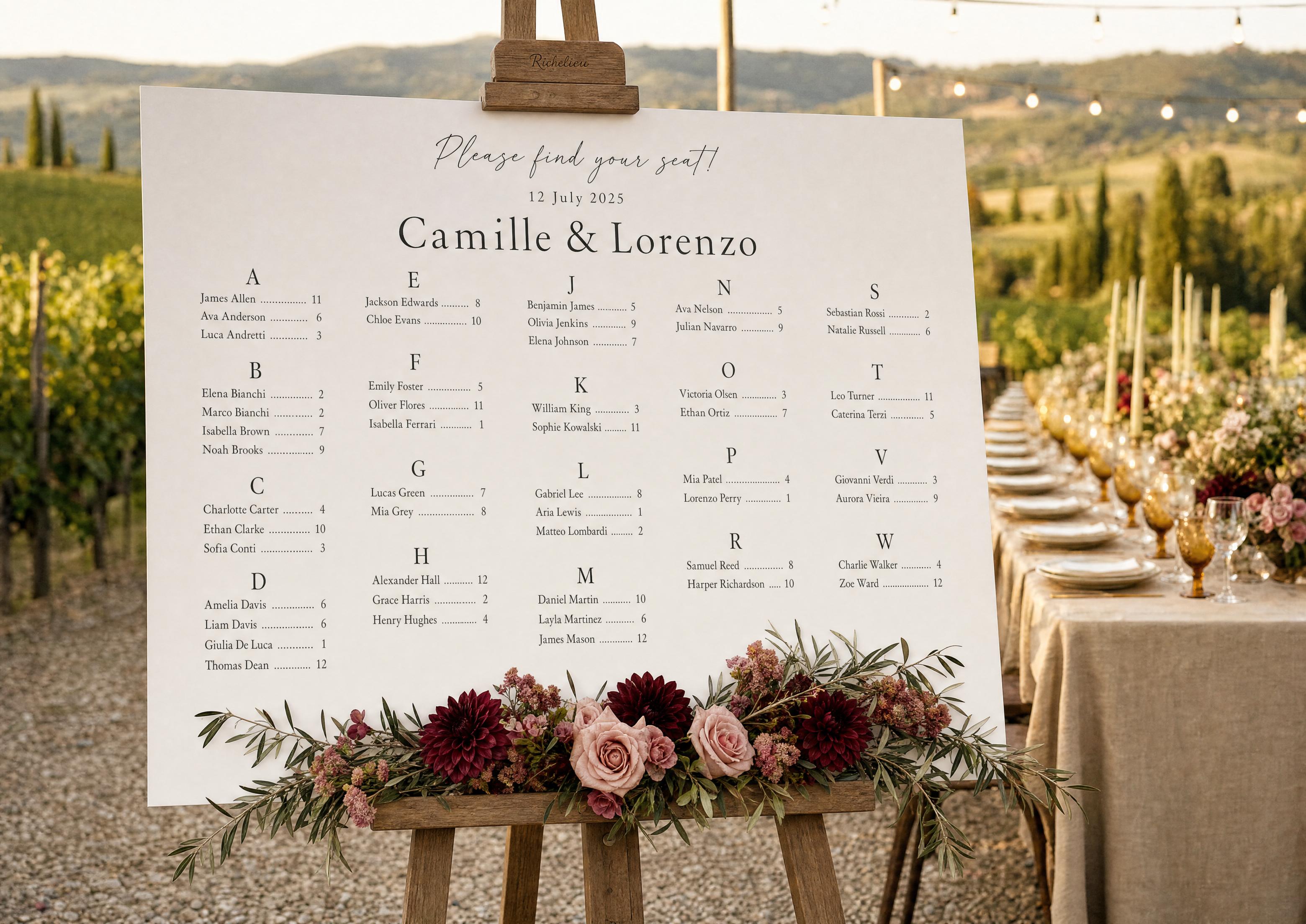
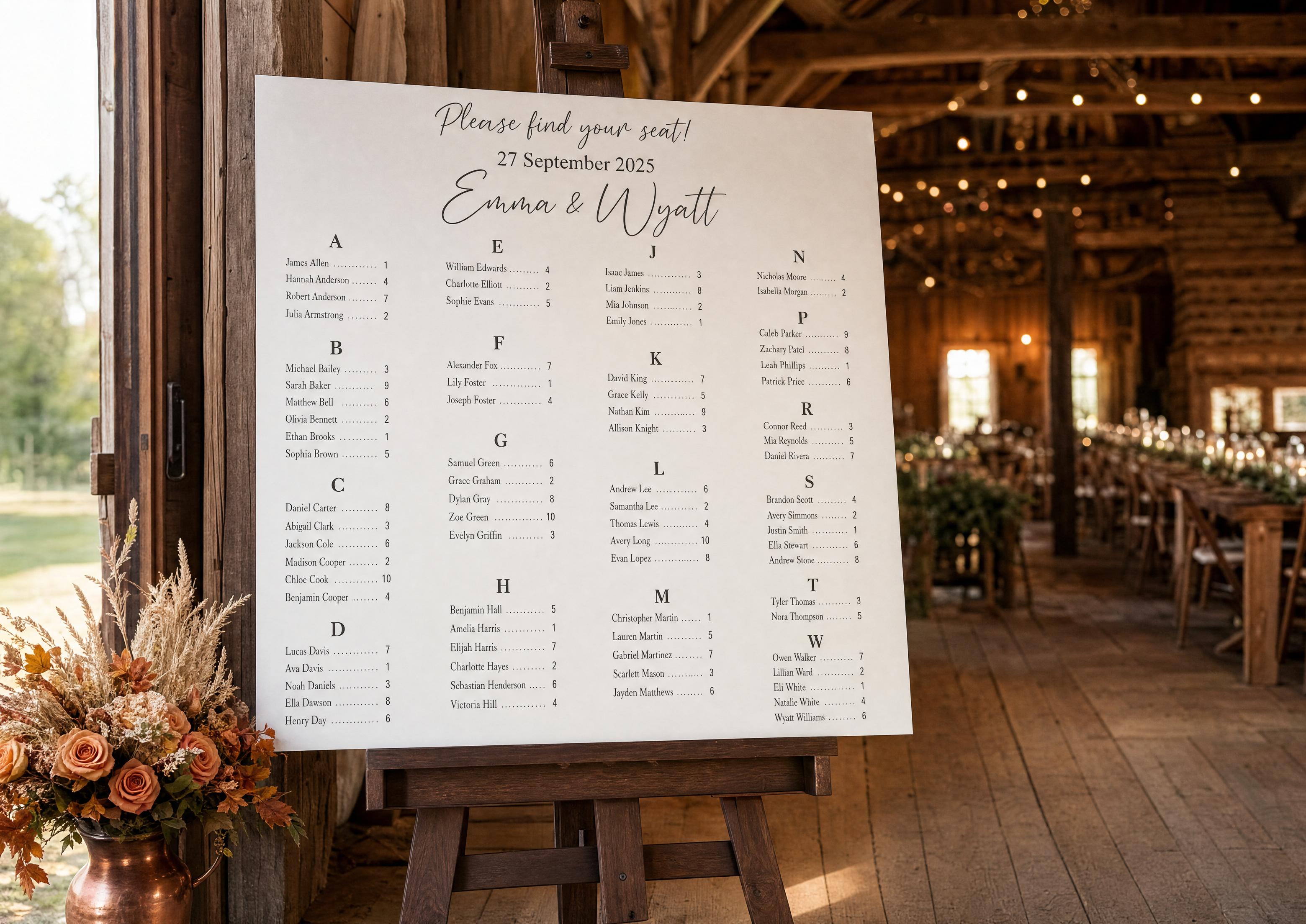
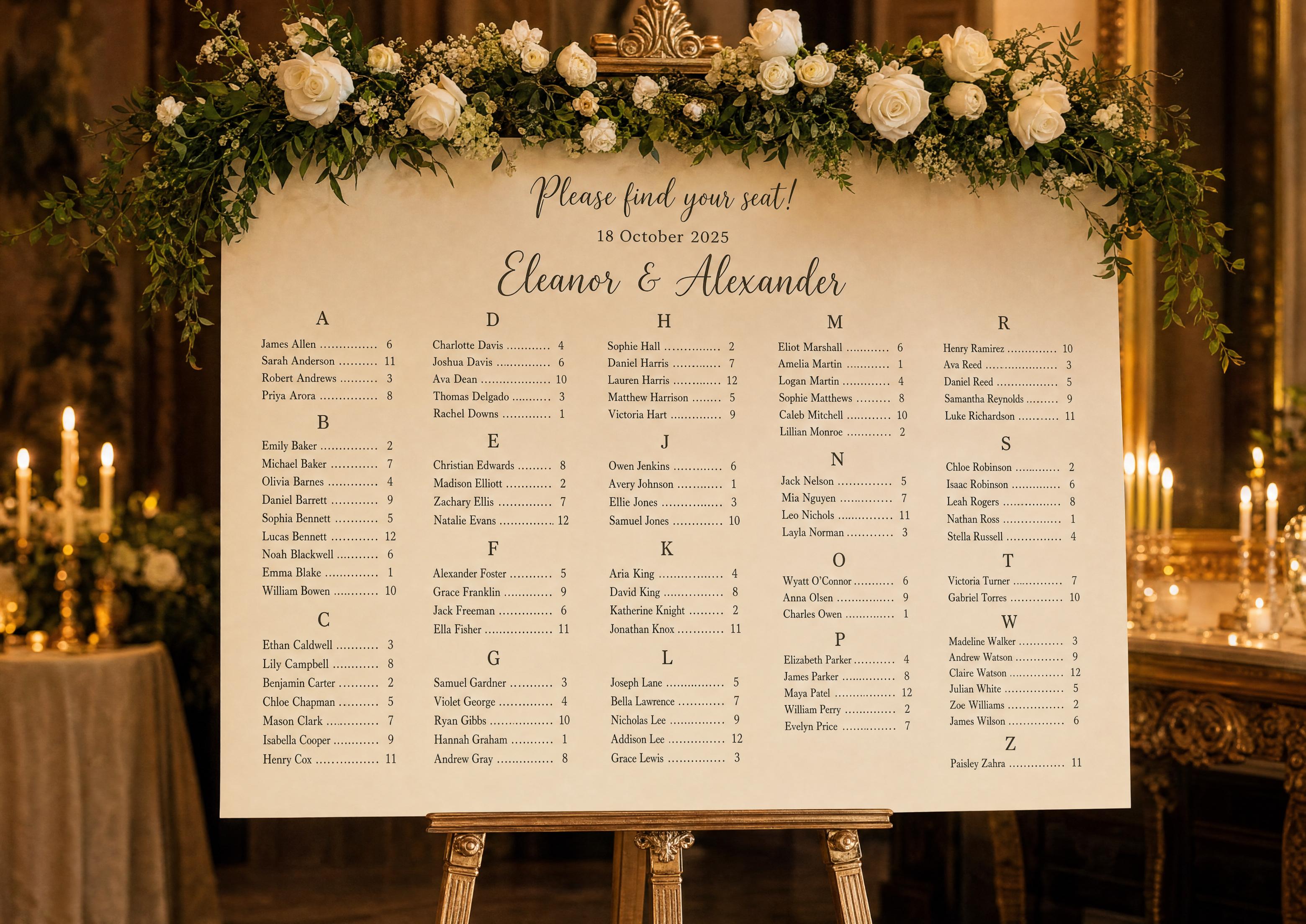
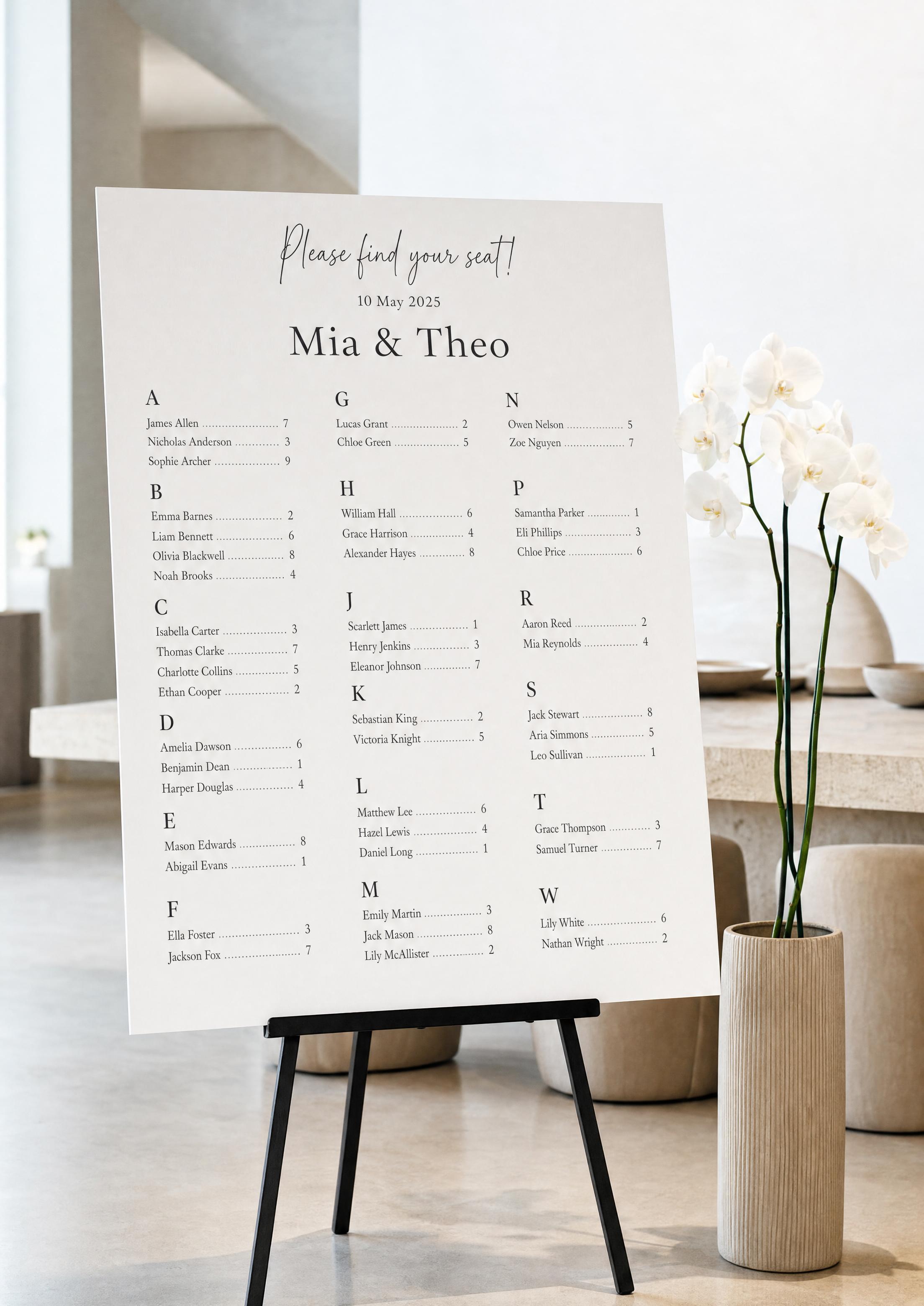
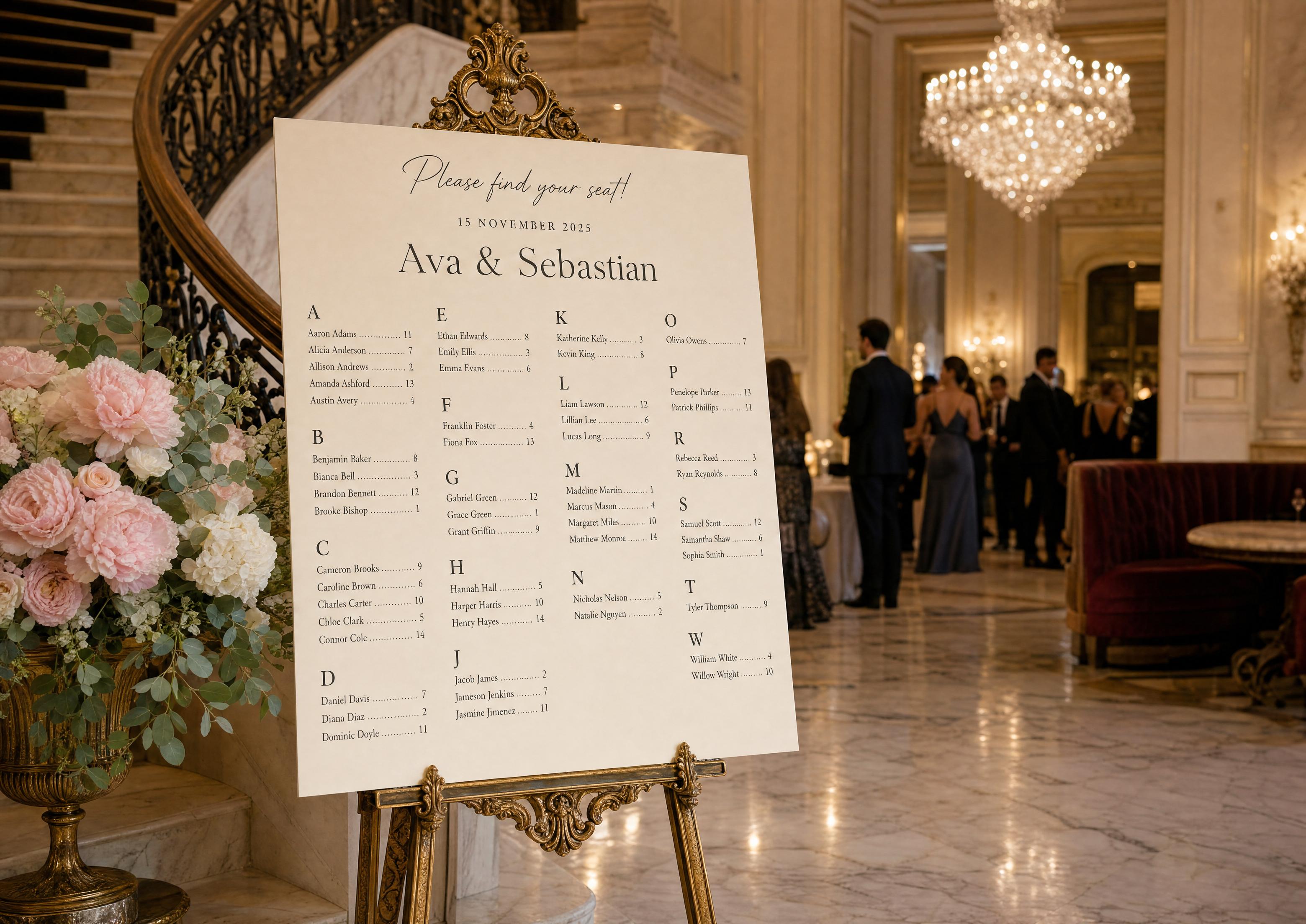
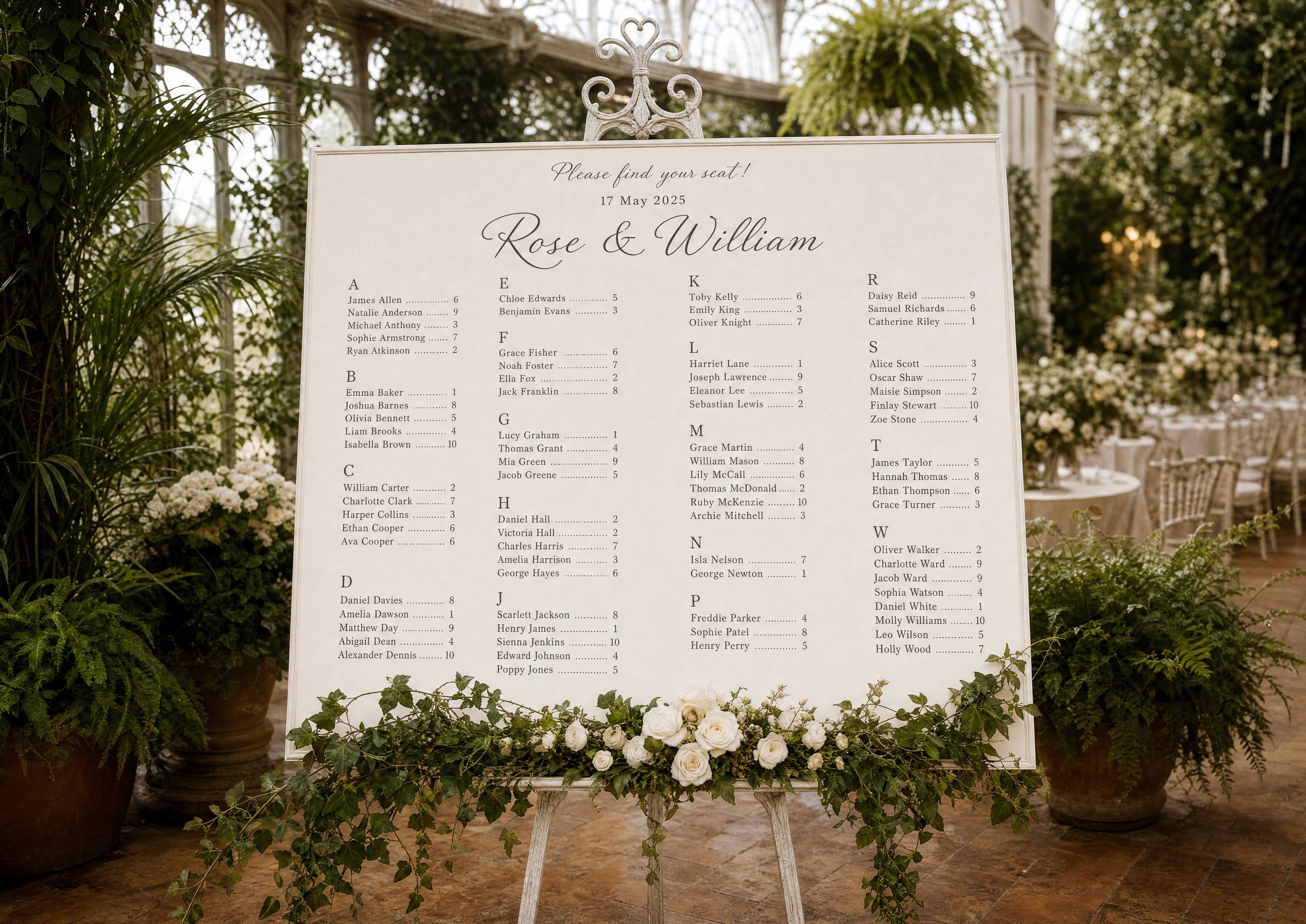
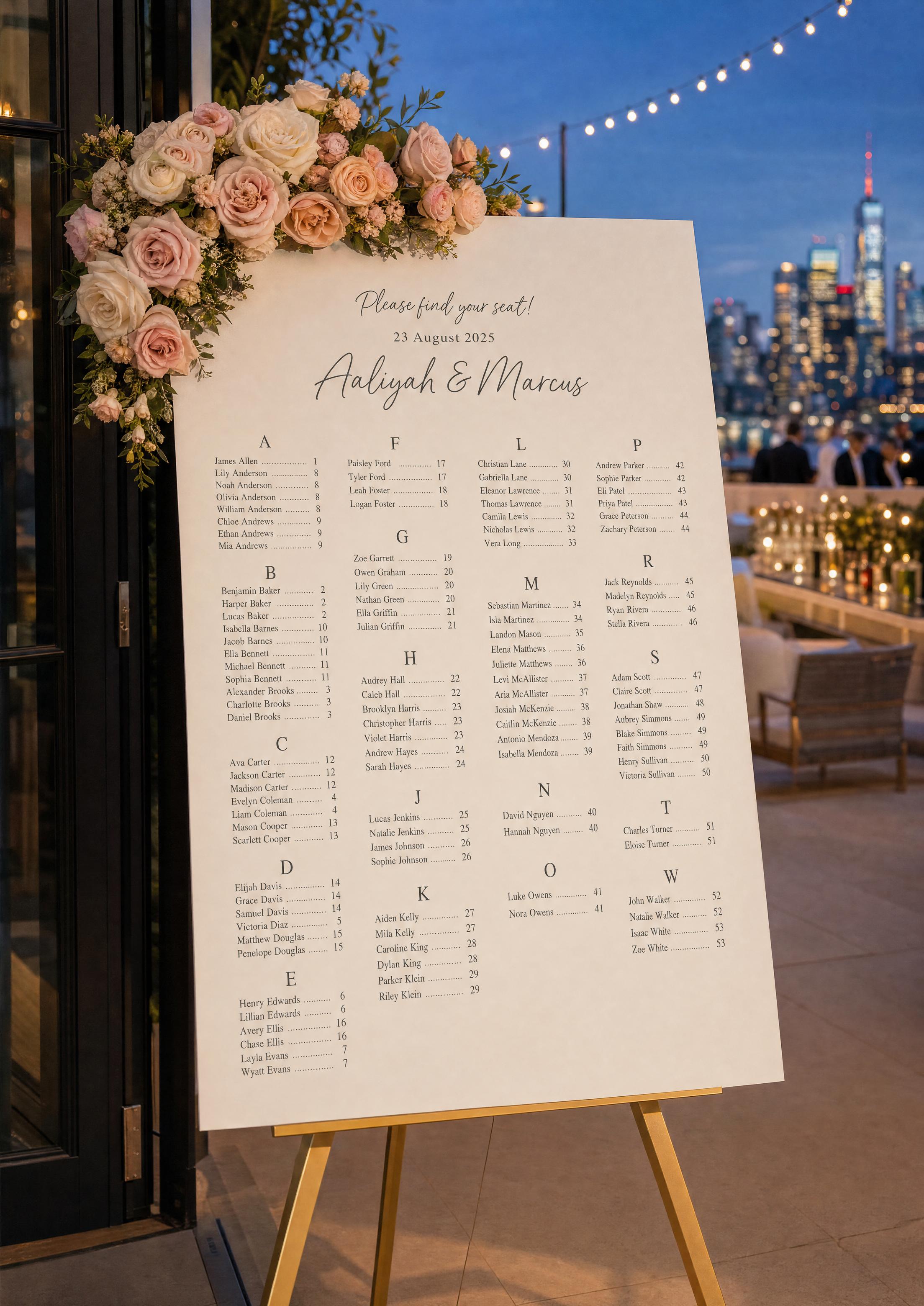
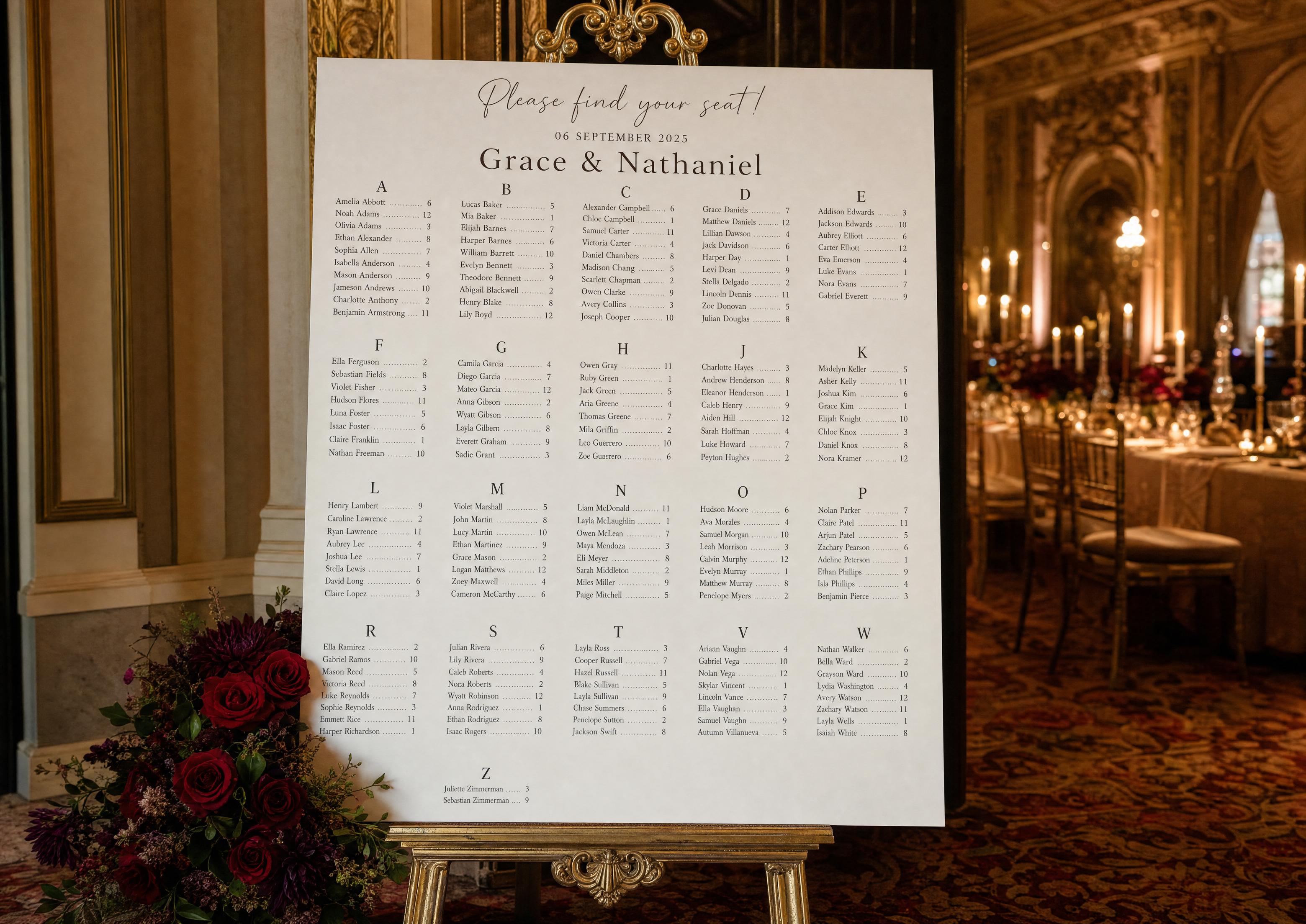
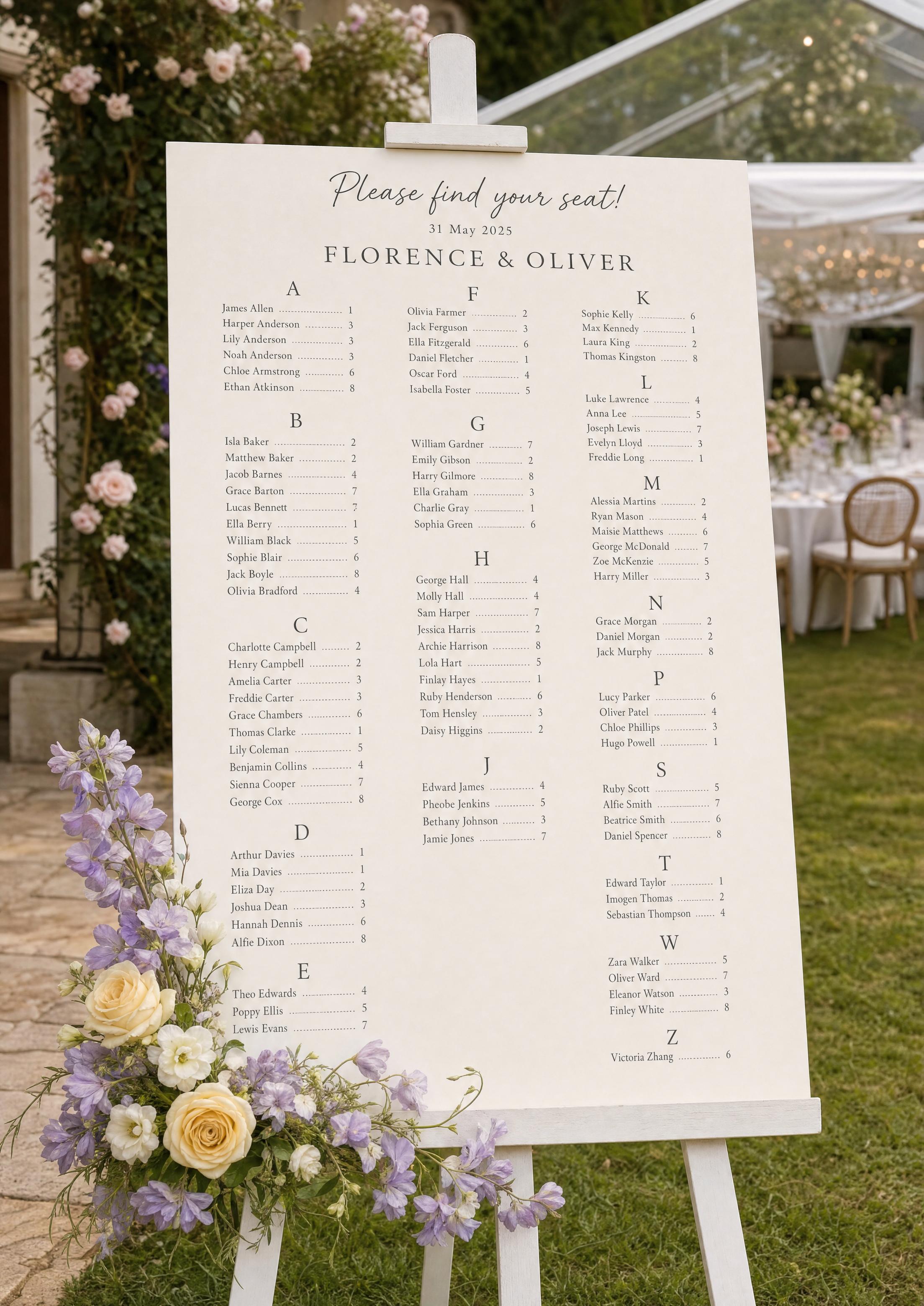
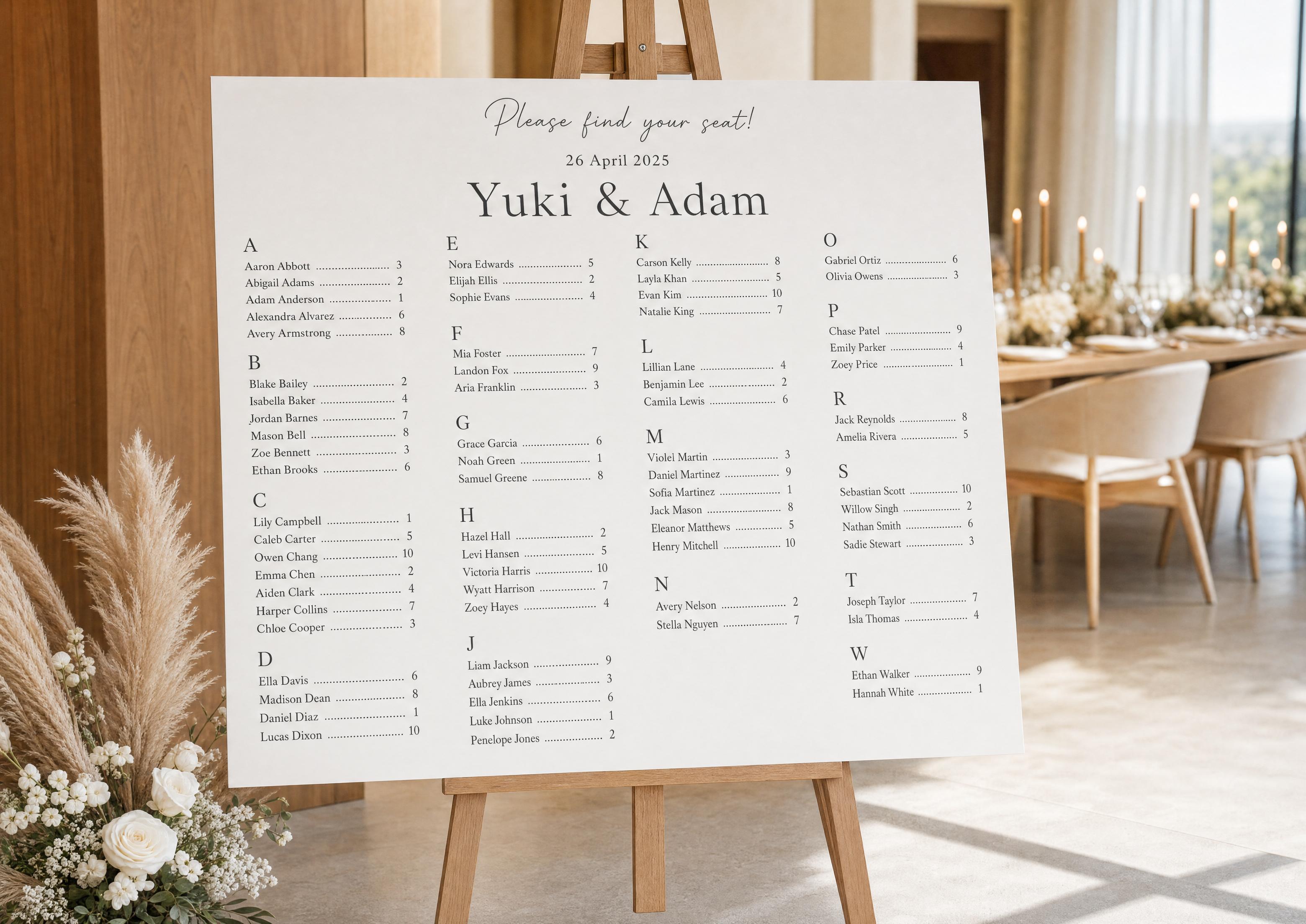
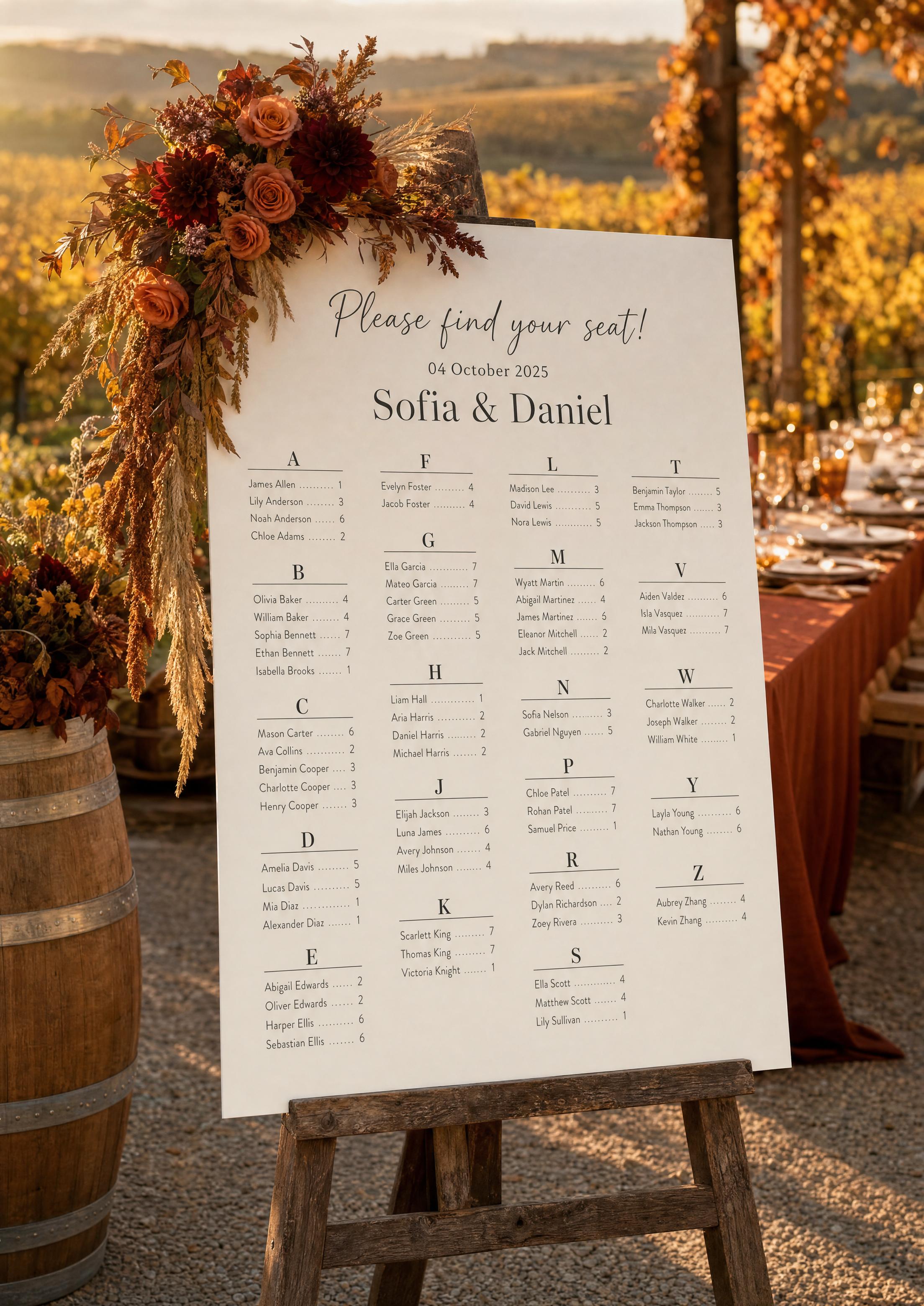
Szablon alfabetycznej listy miejsc daje Ci gotowy, harmonijny układ zamiast pustej tablicy: nagłówki literowe, kolumny, kropkowane linie prowadzące i tytuł „Proszę, zajmij swoje miejsce!”, gotowe do dopasowania. Twoi goście są już ułożeni A–Z według nazwiska wraz z numerami stołów — zmieniasz wygląd, nie dane.
Ta strona dotyczy edycji projektu — czcionek, kolorów, kolumn i nagłówków. Aby skorzystać z generatora automatycznego sortowania, zobacz kreator listy miejsc; informacje o rozmiarach i drukowaniu znajdziesz w sekcji wersja do druku. W przypadku fizycznej ekspozycji plakatu na sztaludze zobacz tablicę z listą miejsc.
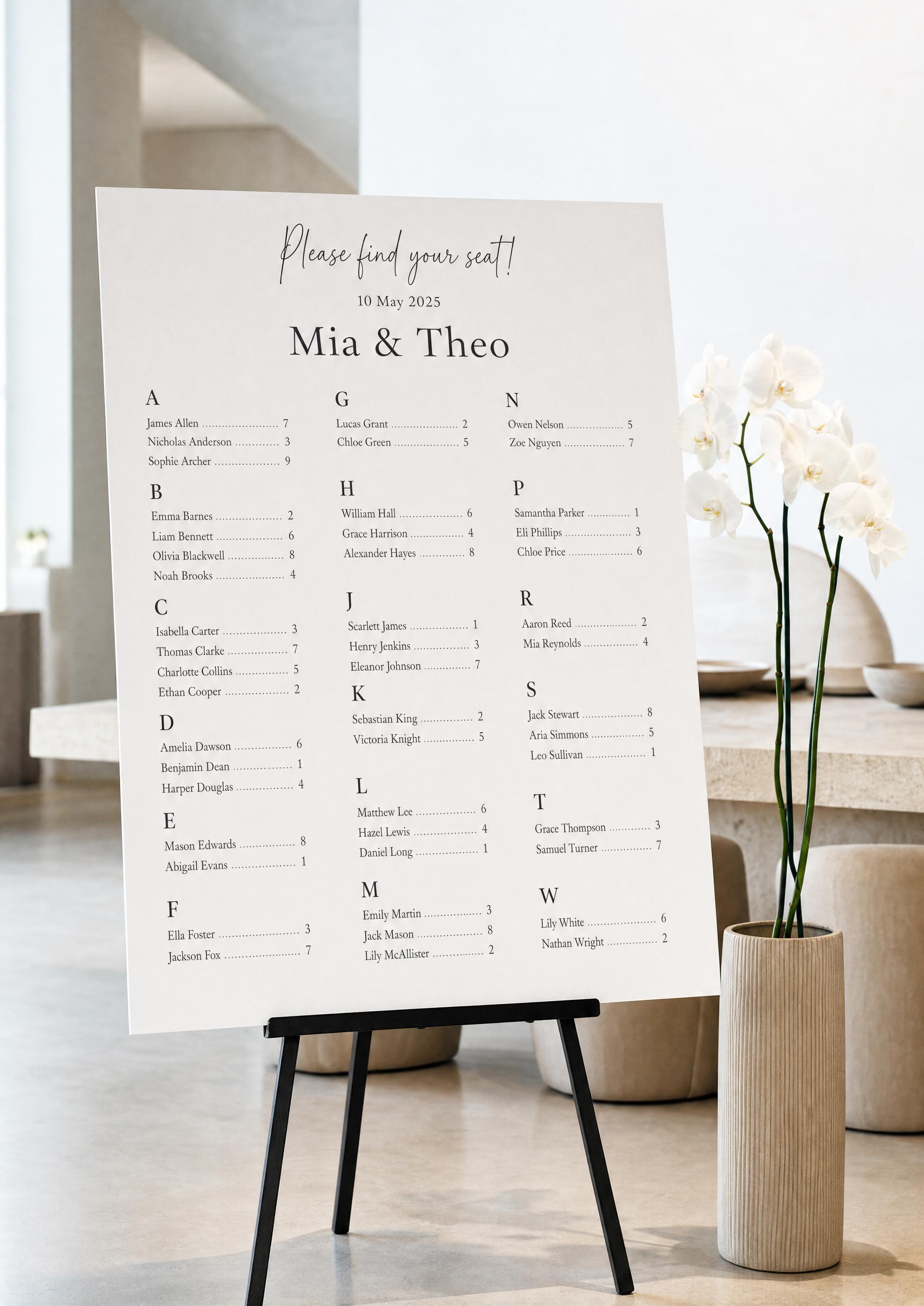
Szablon wypełnia się na podstawie przypisań z Twojej listy miejsc, więc otwiera się już posortowany A–Z — bez przepisywania i ręcznego porządkowania alfabetycznego.
Dziedziczy te same czcionki i kolory co reszta Twojej papeterii na dzień ślubu, dzięki czemu lista pasuje do menu, winietek i oznaczeń.
Najpierw potwierdź obecność przez potwierdzenie zaproszenia, aby do szablonu trafili tylko potwierdzeni goście, a lista A–Z była ostateczna.
PLANNING . WEDDING — łatwo zapamiętać, a korzystanie z niego jest jeszcze prostsze.
Jak działa szablon
Szablon to żywy, generowany projekt — nie płaski plik, który nadpisujesz. Zmieniasz ustawienia, lista renderuje się ponownie, a eksport jest zawsze gotowy do druku.
- Otwórz szablon w swoim projekcie — goście są już ułożeni A–Z z numerami stołów.
- Ustaw nagłówek — tytuł, Wasze imiona i datę.
- Wybierz liczbę kolumn, aby cała lista się zmieściła i pozostała czytelna.
- Zmień zestaw czcionek — szeryfową lub pisankową dla tytułu, prostą dla nazwisk.
- Zmień kolory tuszu, linii prowadzących i tła, aby dopasować je do swojej palety.
- Pobierz PDF gotowy do druku w wybranym rozmiarze, z spadem i znakami cięcia.
Prezentacja alfabetycznej listy miejsc
Co możesz edytować
Każdy element można dostosować, ale domyślne ustawienia są już zbalansowane — czysta lista jest na wyciągnięcie kilku kliknięć.
- Nagłówek — tekst zachęty („Proszę, zajmij swoje miejsce!”), Wasze imiona i data.
- Format nazwisk — „Imię Nazwisko” lub „Nazwisko, Imię” oraz sposób wyświetlania nagłówków literowych.
- Linie prowadzące — kropkowane, ciągłe albo czysta przerwa między nazwiskiem a numerem stołu.
- Kolumny i odstępy — liczba kolumn i gęstość wierszy.
- Kolory i typografia — tusz, akcenty i zestaw czcionek w całym projekcie.
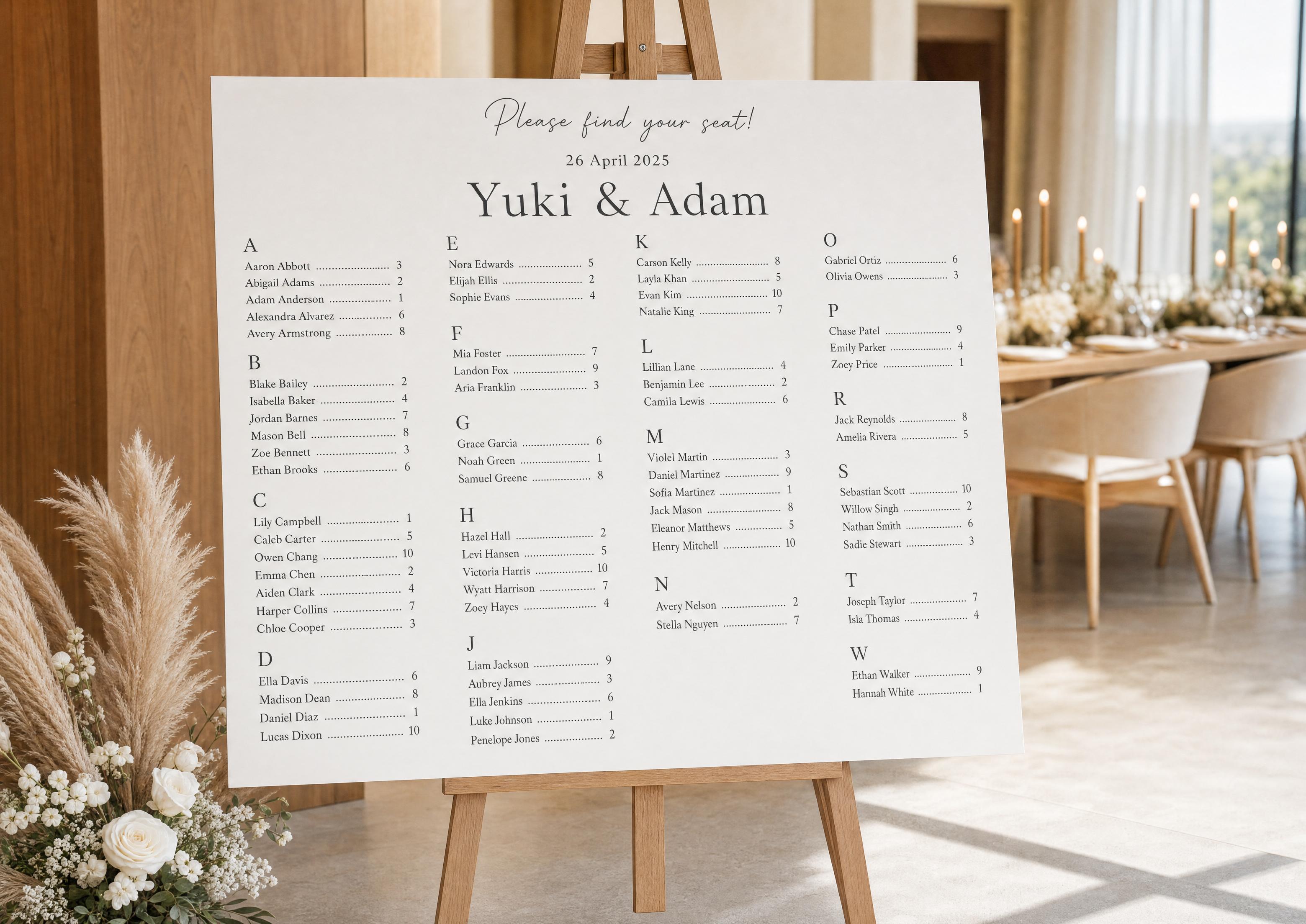
Kolumny i równowaga — jak zachować czytelność
Jedynym wyzwaniem projektowym charakterystycznym dla listy nazwisk jest zmieszczenie wszystkich bez ścisku. Kilka zasad pozwala zachować czytelność nawet z drugiego końca wejścia.
- Więcej kolumn przy większej liczbie gości — 2 kolumny do ok. 80 nazwisk, 3–4 powyżej tej liczby. Szablon automatycznie równoważy grupy liter między kolumnami.
- Dbaj o minimalny rozmiar czcionki — tekst powinien pozostać czytelny z dystansu; jeśli robi się zbyt mały, lepiej zwiększyć rozmiar tablicy.
- Nie rozdzielaj litery — jeśli to możliwe, trzymaj wszystkie nazwiska na „S” w jednej kolumnie; szablon nie pozostawia osamotnionych nagłówków.
Dane na żywo — dlaczego edytowalny szablon jest lepszy niż statyczny
Szablon z Etsy lub Canvy to plik statyczny. Gdy wpiszesz nazwiska, każda późniejsza zmiana — przesunięty gość, późne potwierdzenie obecności, poprawiona literówka — oznacza ponowną edycję i ręczne układanie alfabetyczne oraz pamiętanie, która wersja jest ostateczna.
Nasz szablon pozostaje połączony z Twoim projektem. Zaktualizuj miejsce gdziekolwiek, a lista sama się przeliczy i odzwierciedli zmianę. Istnieje tylko jedna aktualna wersja i zawsze jest gotowa do druku.
Dopasuj go do reszty swojej papeterii
Lista wygląda najlepiej, gdy wyraźnie stanowi część jednego projektu razem z pozostałymi oznaczeniami i papeterią.
Wybierz typografię raz, a przejdzie ona na Twój znak powitalny, menu i winietki — dzięki czemu wejście będzie wyglądało spójnie i ślubnie.
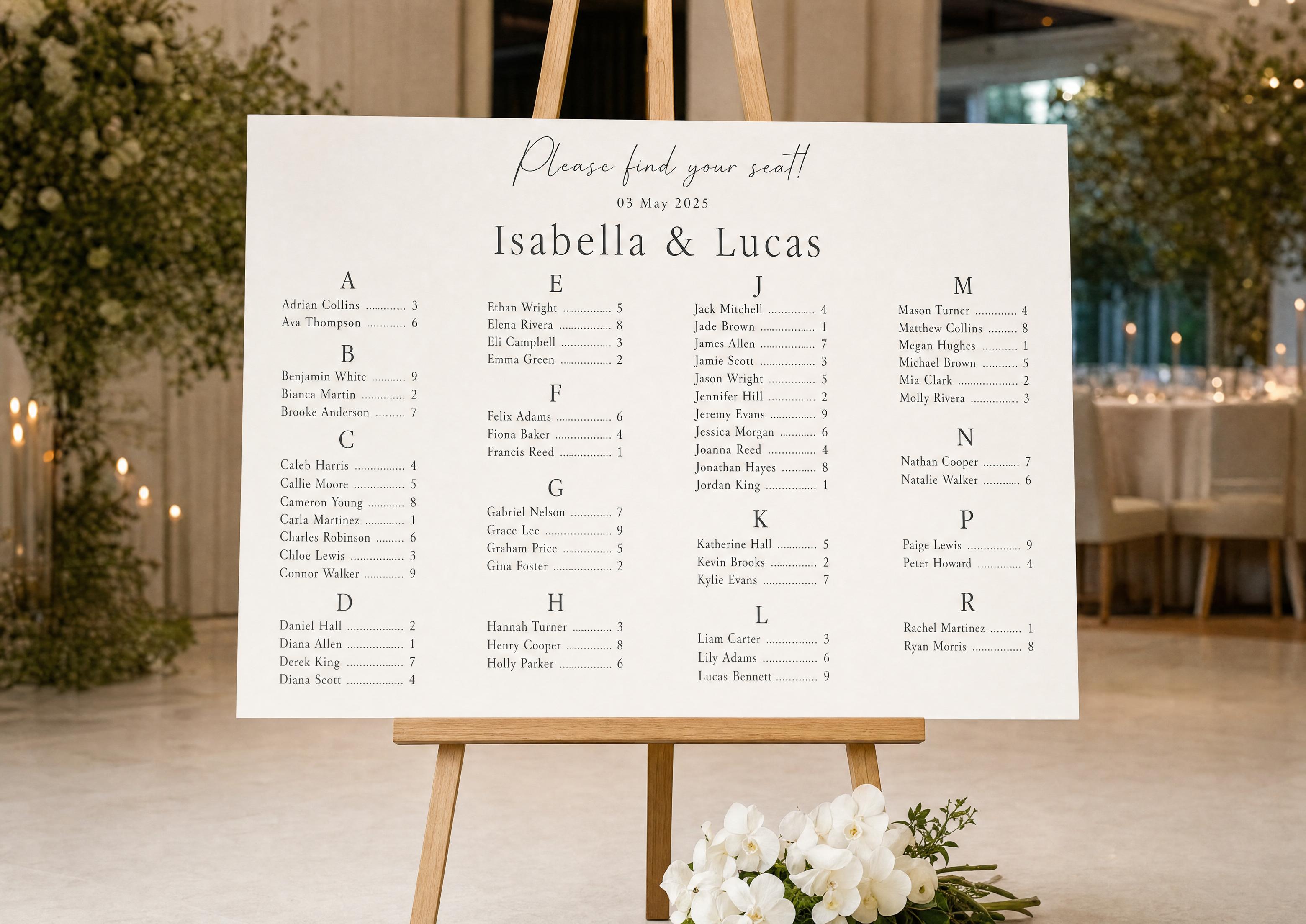
Dlaczego nasz szablon jest darmowy i lepszy
Bez zakupu, bez rejestracji, bez znaku wodnego. Projektujesz tyle, ile chcesz, i eksportujesz PDF w wysokiej rozdzielczości w dowolnym rozmiarze.
Ponieważ jest generowany z Twojego projektu, a nie ręcznie edytowany, szablon jest współdzielony, zawsze aktualny i nigdy nie wymaga ponownego porządkowania alfabetycznego — czego zwykły pobrany plik po prostu nie potrafi.
Poznaj pozostałe materiały z klastru alfabetycznej listy miejsc
Każda z poniższych podstron omawia wąski fragment alfabetycznej listy miejsc — listy gości A–Z wraz z numerami ich stołów — obejmując edytowalne szablony, specyfikację do druku, automatyczne narzędzie do sortowania, sortowanie według nazwiska oraz prawdziwe przykłady. Wszystko stworzone w ramach tego samego darmowego projektu Asystent Planowania Ślubu.
Poznaj pozostałe elementy papeterii ślubnej na dzień uroczystości
Każdy z poniższych elementów pobiera na żywo dane z planu stołów w Asystencie Planowania Ślubu, więc jedna aktualizacja listy gości automatycznie obejmuje każdy drukowany element — bez przepisywania nazw z jednego szablonu do drugiego.