Explora més idees i consells per al teu casament
Números de taula del casament
Explora
El nostre servei ha ajudat desenes de milers de parelles d’arreu del món a planificar el casament dels seus somnis!
Números de taula de casament gratuïts — recompte exacte a partir del teu plànol de sala
Els números de taula de casament són les petites targetes o rètols impresos que es col·loquen a cada taula de la recepció i indiquen als convidats quina taula és. Són l'enllaç entre el rètol del plànol de seients a l'entrada i la mateixa taula — els convidats consulten el rètol, van fins al número corresponent i troben el seu lloc.
Les parelles gairebé sempre imprimeixen una unitat de menys o de més. El nostre assistent de planificació de casaments resol això generant automàticament el recompte exacte a partir del plànol de la teva distribució de taules — cada taula del plànol rep un número, sense taules orfes ni targetes sobrants. PDF llest per imprimir, a doble cara, numerat o amb nom, gratuït.
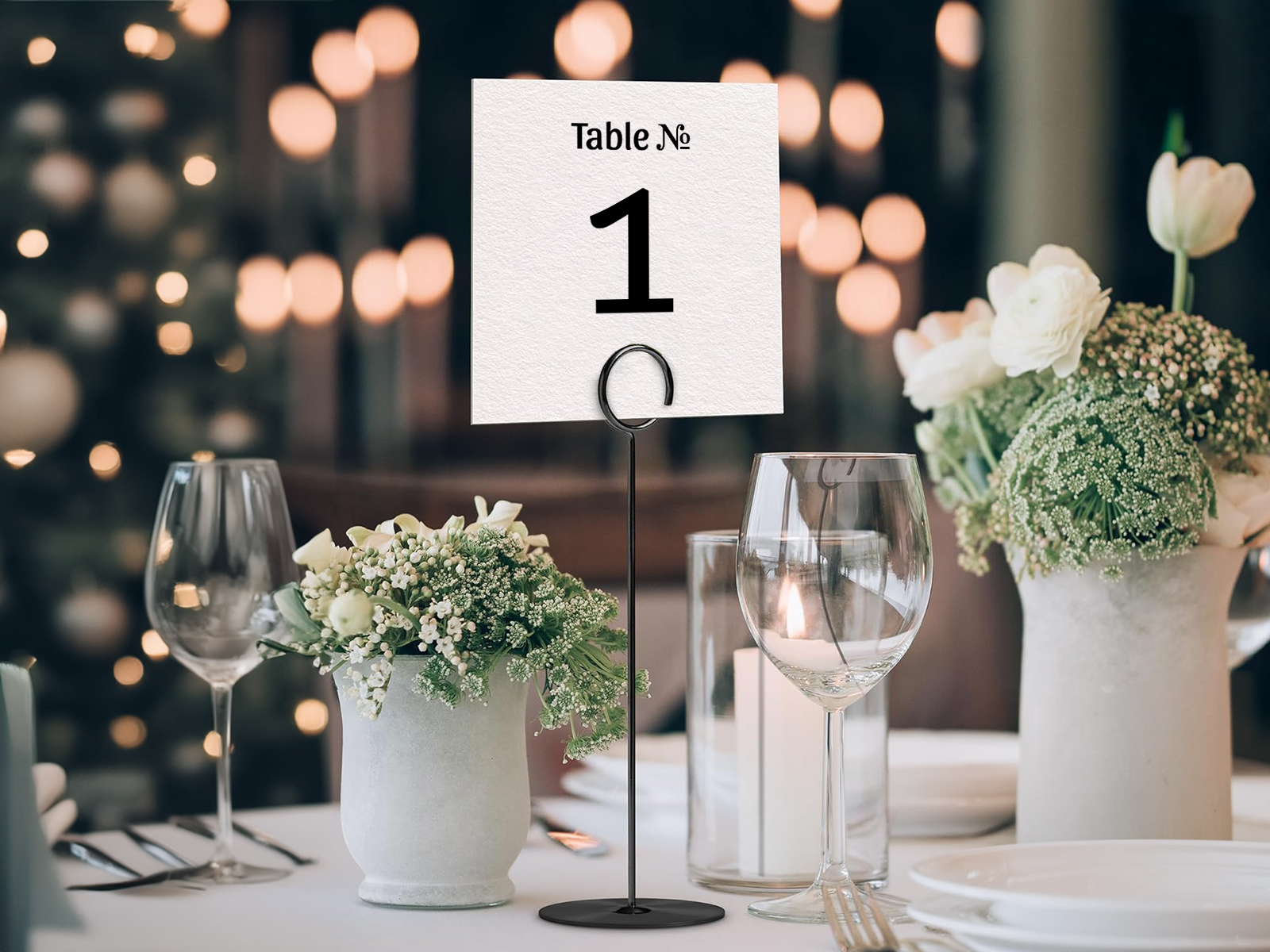
Cada número de cada targeta es basa en el teu plànol de seients, de manera que el recompte i la distribució de les taules sempre coincideixen.
Coordina els teus números amb la resta de la teva papereria del dia del casament — mateixos tipus de lletra, mateixa paleta de colors, sense desajustos de versió.
Fes el seguiment de l'assignació dels convidats a la mateixa llista de convidats perquè els números de les targetes coincideixin amb els números que els convidats consulten a l'entrada.
Crea els números de taula del teu casament
PLANNING . WEDDING — és fàcil de recordar i encara més fàcil d’utilitzar.
Com es generen els números de taula a partir del teu plànol de sala
Els números de taula són el lliurable més senzill del conjunt — extreuen un únic camp (el número de taula) de cada taula del teu plànol de sala. El procés és automàtic.
- Crea el plànol de seients de la teva sala amb l'editor d'arrossegar i deixar anar.
- Numera o posa nom a cada taula — l'eina numera automàticament segons l'ordre del plànol, o pots canviar a noms personalitzats.
- Obre la vista de números de taula — cada taula del plànol apareix com una targeta a l'exportació.
- Tria la mida i l'orientació — 4×6, 5×7, 5×8, a una cara o a doble cara.
- Personalitza el disseny — tipus de lletra, vores, ornament opcional, color del paper.
- Descarrega el PDF llest per imprimir amb sagnat i marques de tall per a qualsevol impressora.
Si afegeixes o elimines una taula del plànol, l'exportació es regenera automàticament amb el nou recompte.
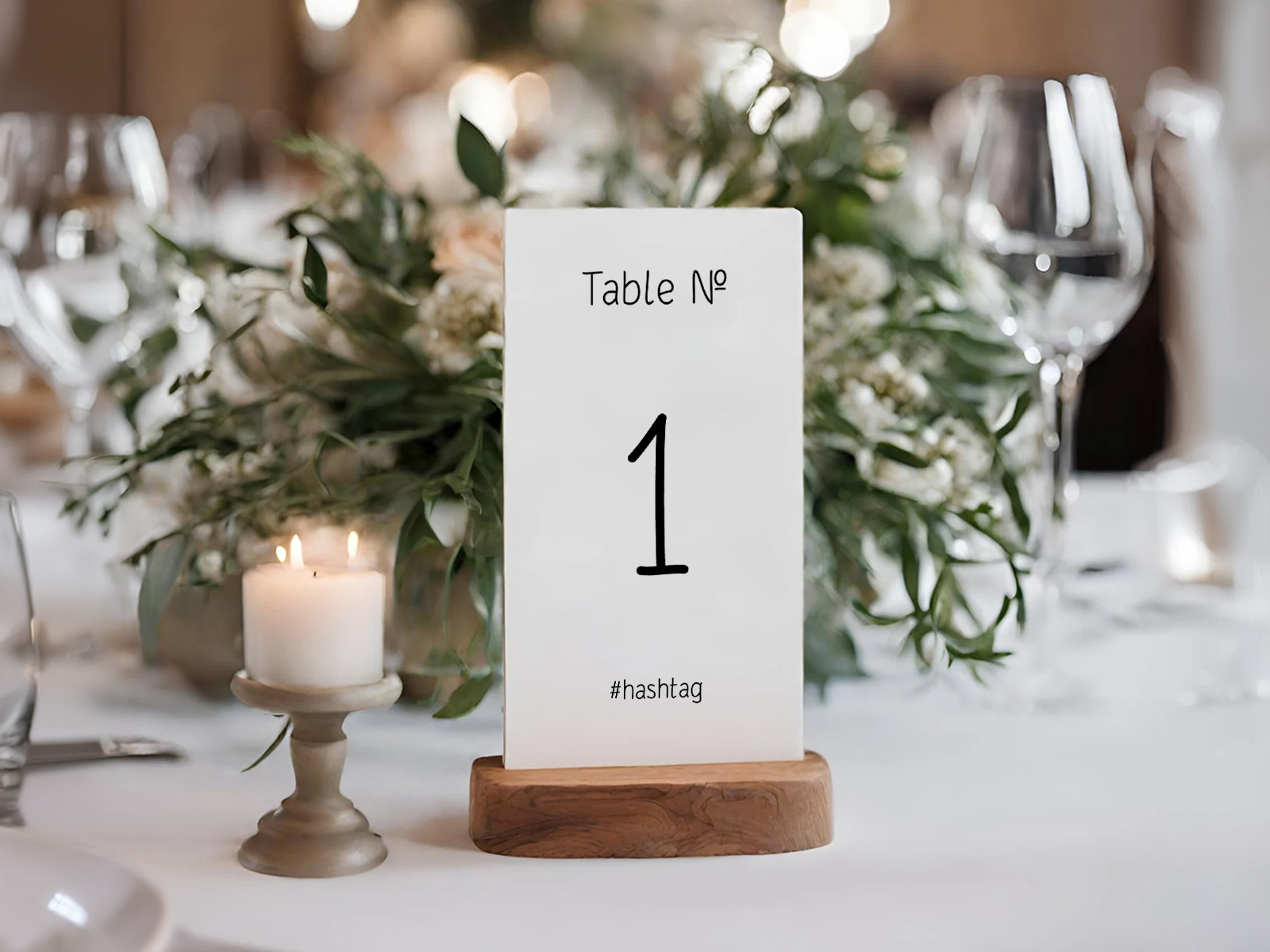
Genera números de taula a partir del pla d’assignació de seients
Genera el recompte exacte per al teu plànol de sala
Què és un número de taula de casament?
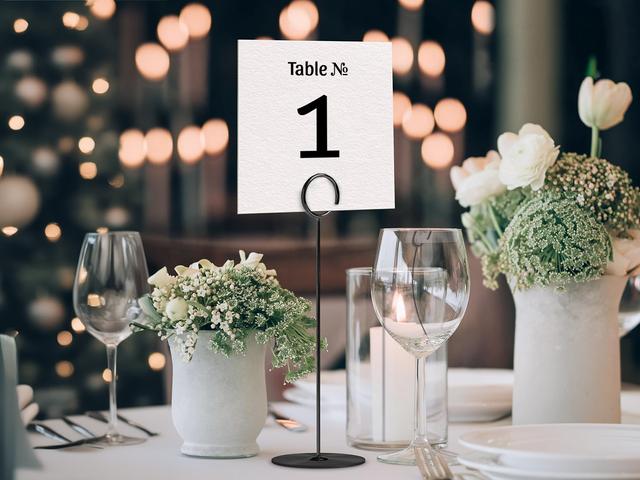
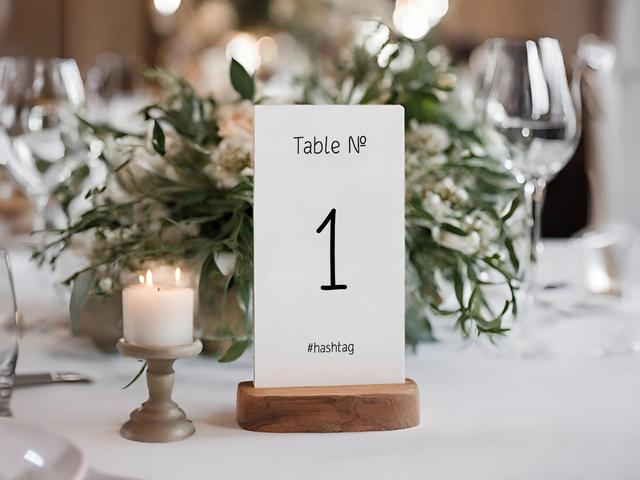
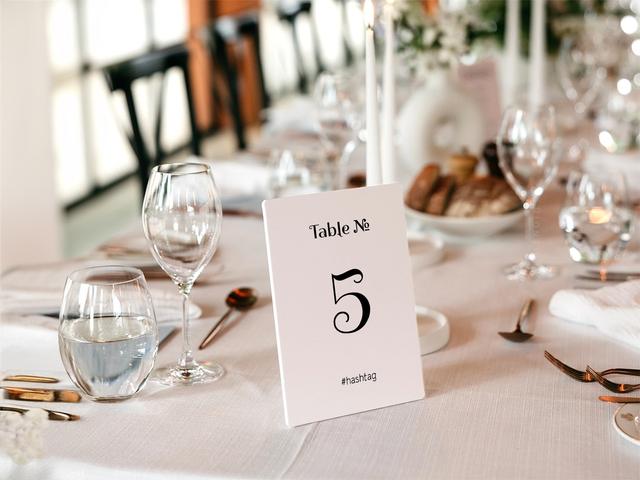
Un número de taula de casament és una petita targeta impresa que es col·loca a cada taula de la recepció i mostra el número o el nom d'aquella taula amb un tipus de lletra prou gran per llegir-lo des de l'altra punta de la sala. Normalment es col·loca en un petit suport — un bloc de fusta, un suport acrílic, un marc de fotos — aproximadament a l'alçada dels ulls quan seieu.
La seva funció és senzilla: identificar la taula. Els convidats comparen el número amb la senyalització que hagis triat a l'entrada — un rètol del plànol de seients, targetes d'acompanyament o una targeta de benvinguda impresa — i van fins a la taula corresponent.
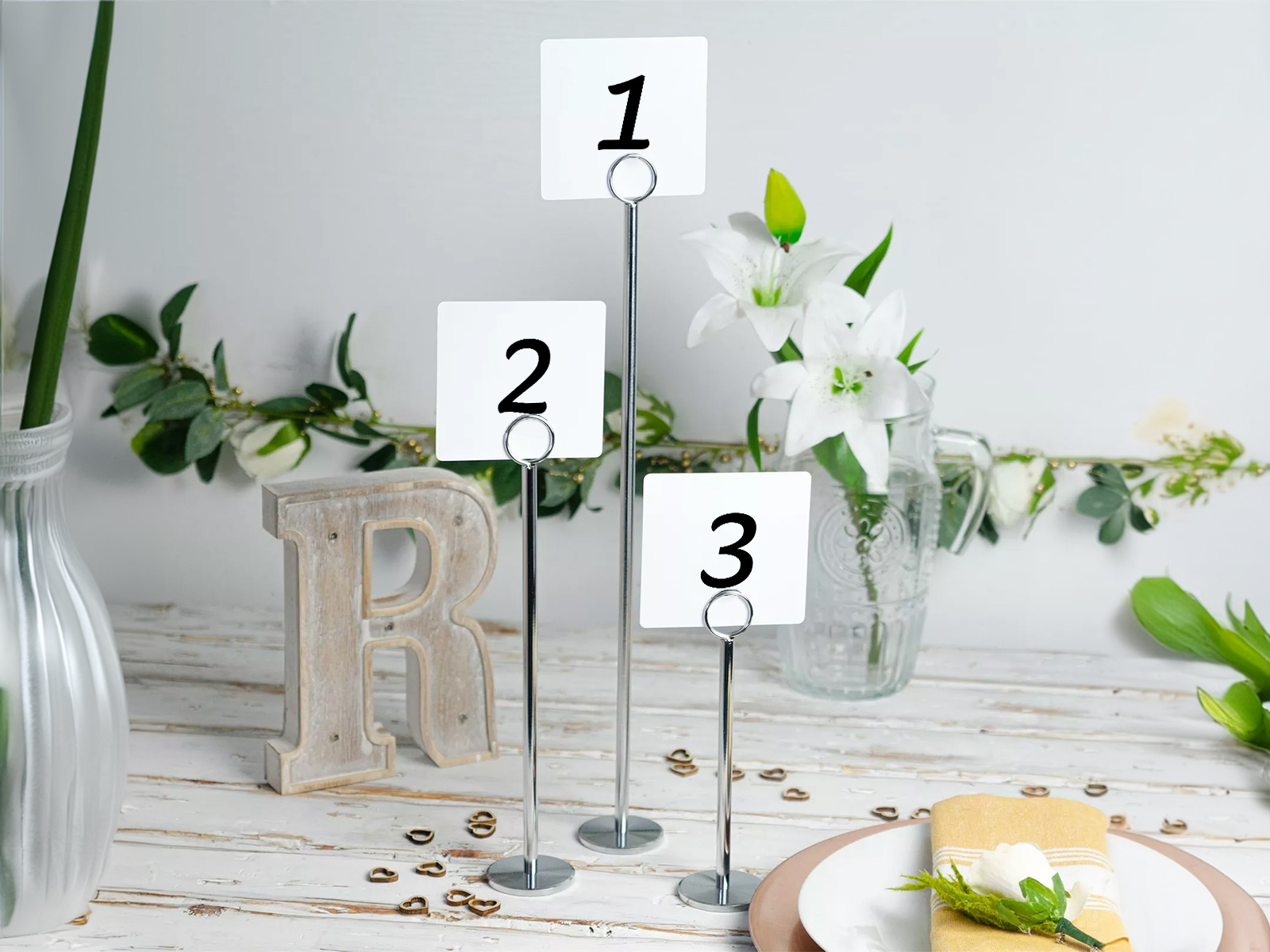
Per què cada taula necessita un número clarament visible
Sembla obvi, però el coll d'ampolla més habitual a la recepció és veure convidats que van d'una taula a l'altra buscant la seva perquè els números no es veuen des de l'entrada. La solució és doble — cada taula necessita un número i aquest número ha de ser llegible des d'almenys 6 metres.
El rètol del plànol de seients indica al convidat quina taula és; el número de taula li diu quina és aquí. Si et saltes qualsevol de les dues parts, trenques el recorregut. Els números han de ser prou alts per llegir-los d'un cop d'ull (normalment 80–120 pt), col·locats drets i il·luminats si l'espai de la recepció és fosc.
Per a sales molt grans (200+ convidats, diverses zones), considera numerar les taules en ordre espacial — taula 1 a prop de l'entrada, avançant cap enfora — perquè els convidats sàpiguen intuïtivament cap a on anar.
Quants números de taula necessites?
Les parelles fan aquesta pregunta més sovint que cap altra sobre aquest tema. La resposta és simplement un per a cada taula del teu plànol de sala — però la pregunta es complica quan has anat reordenant la distribució durant les dues últimes setmanes abans del casament.
La nostra eina elimina les conjectures. La vista de números de taula sempre mostra exactament el nombre de taules que hi ha actualment al teu plànol de seients, en l'ordre en què apareixen. Afegeixes una taula, el recompte puja en una. N'elimines una, el recompte baixa. No hi ha el moment de pensar: «n'he encarregat prou?».
Una regla pràctica útil si encara estàs planificant: compta els convidats, divideix-ho per la mida mitjana de cada taula (8 o 10) i arrodoneix cap amunt en una unitat. Així, 100 convidats en taules de 10 = 10 taules; 100 convidats en taules de 8 = 13 taules. Afegeix una taula extra per a nens o una taula presidencial si escau.
Si demanes impressió sota comanda a una papereria, encarrega'n una o dues de reserva — a 5–15 $ per número, el cost és petit i la tranquil·litat de tenir un recanvi val la pena. Amb la nostra eina, no calen recanvis perquè reimprimir una targeta no costa res.
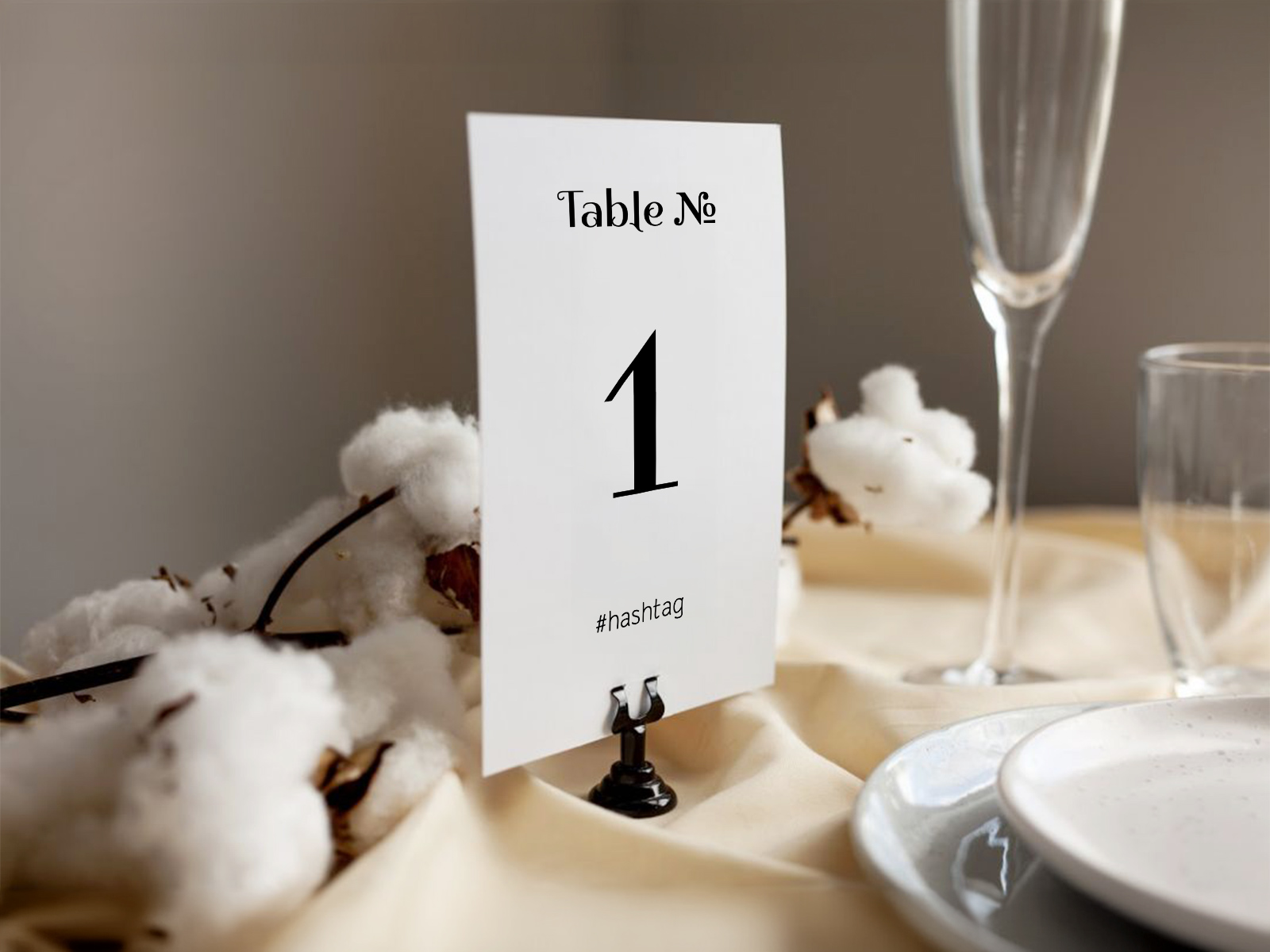
Crea els números de taula del teu casament
Taules numerades o amb nom — quina triar
Numerar cada taula és l'enfocament convencional — net, ràpid per als convidats i fàcil de citar al rètol del plànol de seients. Posar nom a les taules és l'enfocament més decoratiu: cada taula rep el nom d'un lloc, una cançó, una data d'aniversari, un personatge de ficció o un record compartit entre la parella.
Numerades funciona en casaments de qualsevol mida. Fàcil per als convidats grans que busquen dígits, fàcil d'imprimir en gran, sense risc de mala pronunciació. És l'opció per defecte en casaments de més de 100 convidats, on la rapidesa a l'hora de seure és important.
Amb nom funciona millor en casaments més petits i decoratius — normalment amb menys de 100 convidats — i aporta un petit moment de relat. Temes habituals: llocs que heu visitat junts, cançons de la llista de reproducció, dates de la vostra relació, llibres o pel·lícules que us encanten a tots dos.
Si optes per taules amb nom, fes totes dues coses — imprimeix el nom ben gran a la part superior i un número petit a sota. Els convidats amb dificultats auditives o visuals al rètol del plànol de seients encara poden orientar-se pel número, i el teu rètol del plànol de seients fa referència a tots dos.
Barrejar taules numerades i amb nom en una mateixa recepció generalment és una mala idea — fa que el rètol del plànol de seients sigui més difícil de llegir i trenca el ritme visual de la sala. Tria una sola opció i mantén-la.
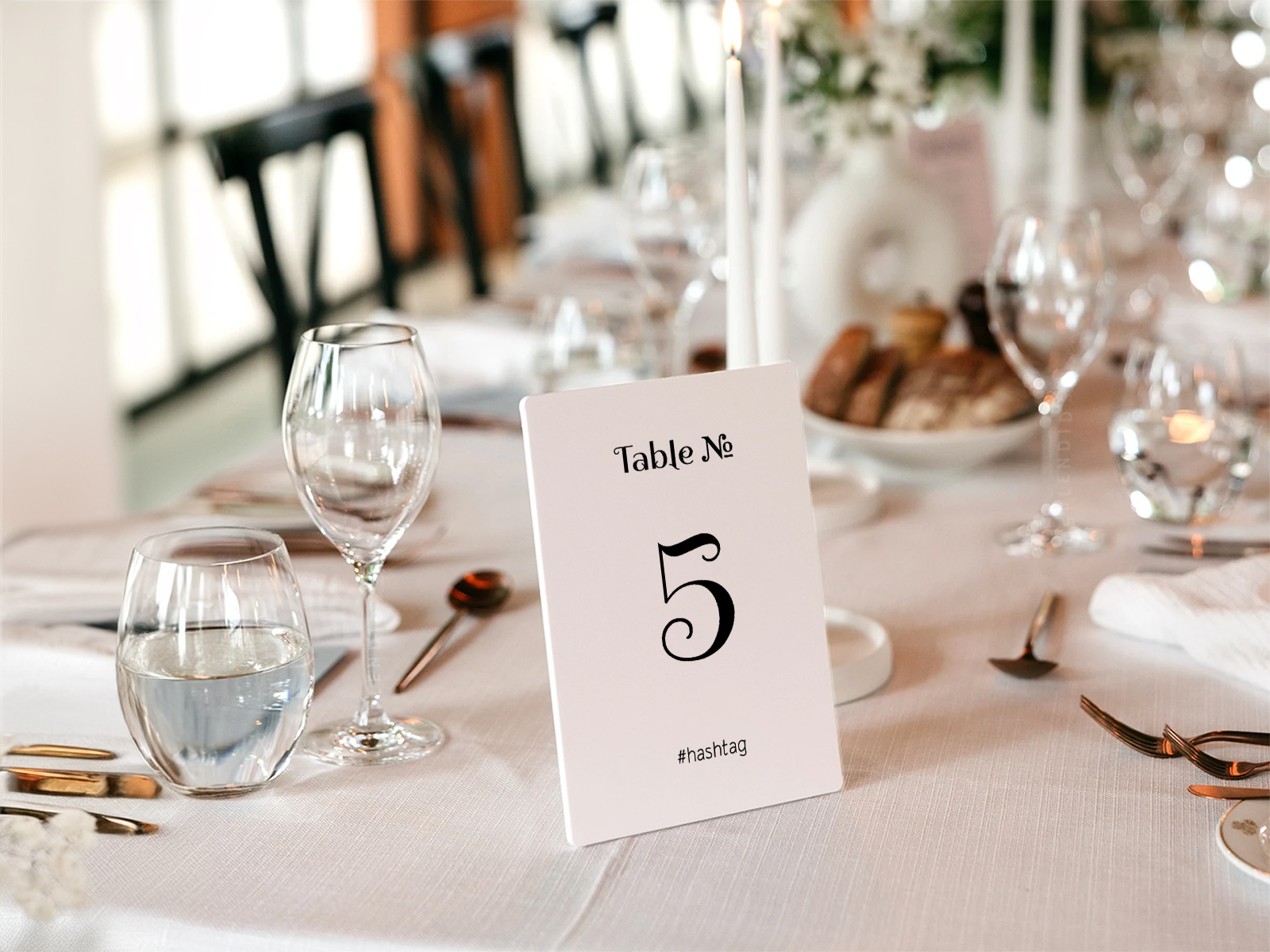
Mides estàndard — 4×6, 5×7 i 5×8
Les mides dels números de taula depenen sobretot del suport que triïs, no d'una norma estricta. Els números han de ser llegibles des de l'altra punta de la sala; la targeta ha d'encaixar de manera natural al suport sense eclipsar el centre de taula.
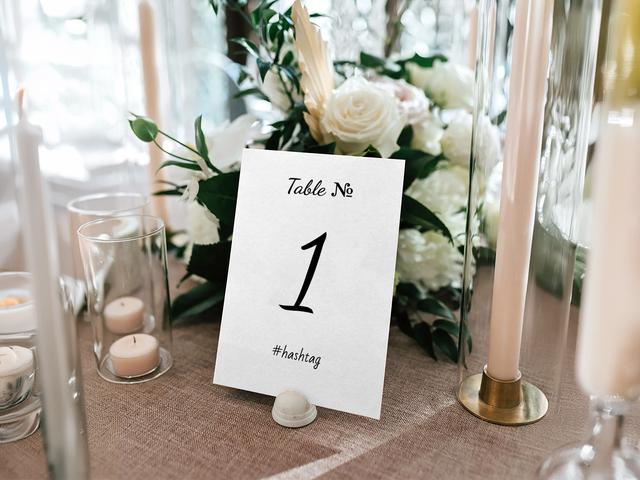
- 4×6 polzades és la mida més popular. Encaixa còmodament a la majoria de suports acrílics i blocs de fusta, no envaeix un centre de taula baix i és fàcil de llegir en sales de mida habitual.
- 5×7 polzades funciona molt bé en formats de marc i en casaments amb instal·lacions florals altes, on la targeta ha de competir amb l'alçada del centre de taula.
- 5×8 polzades (o més gran) és adequat en sales molt grans (200+ convidats, distribucions de saló de banquets), on els convidats han de llegir els números des de més de 8 metres.
El gramatge del cartolina importa: 100–120 lb per a targetes independents en suports. Qualsevol cosa més lleugera es doblega quan es manipula.
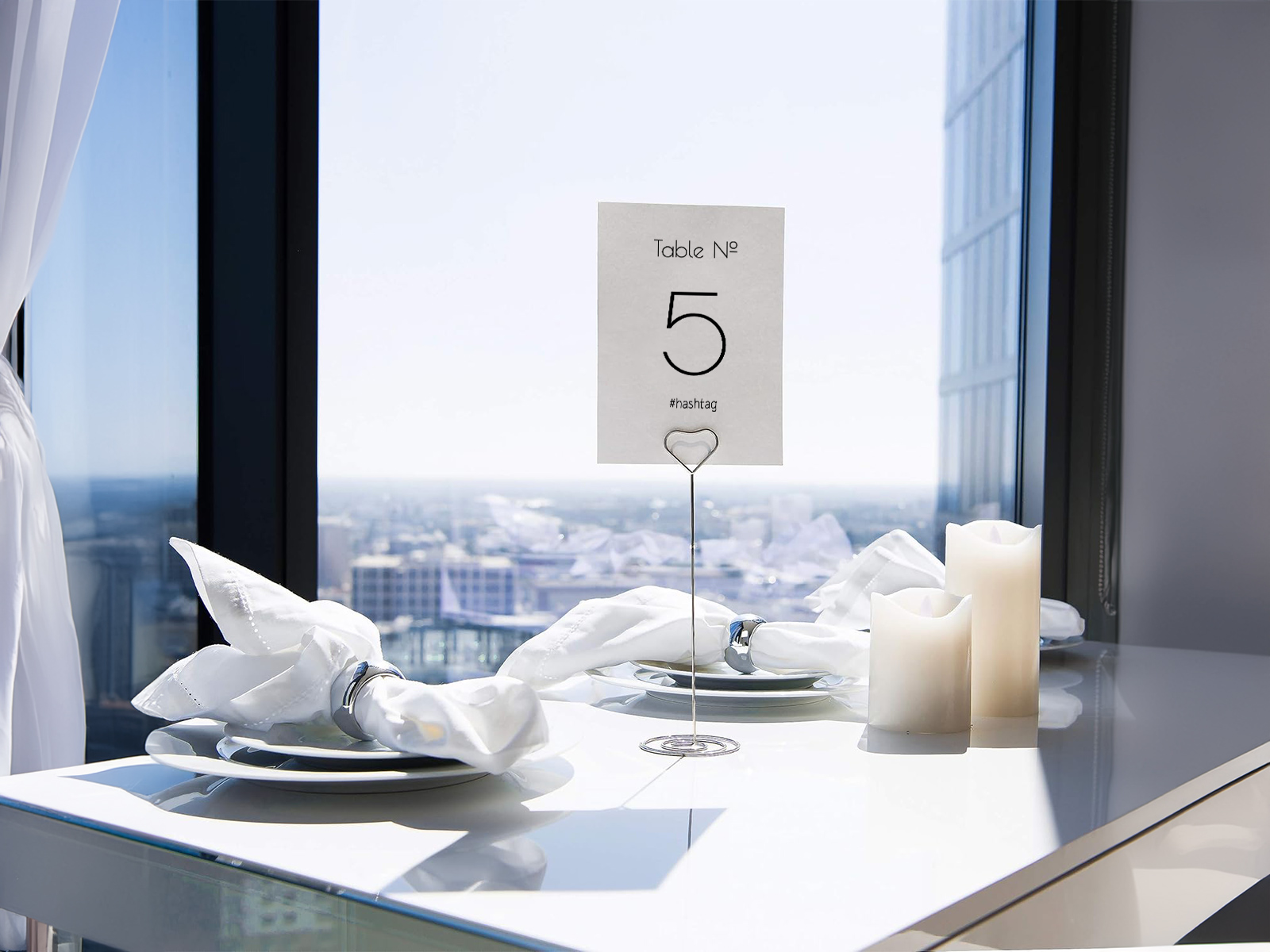
Impressió a doble cara — per què realment importa
Els números de taula a una sola cara fallen la prova del fons de la sala. El número es llegeix clarament des d'un costat; des de l'altre, els convidats s'acosten a una targeta en blanc. Amb la impressió a doble cara, les dues meitats de la sala poden orientar-se igual de bé.
La nostra exportació en PDF es genera per defecte a doble cara amb el mateix número a totes dues cares, correctament alineat per a impremtes habituals. Si prefereixes un disseny diferent a cada cara — un número en una banda i el monograma de la parella a l'altra — l'eina també ho admet.
L'elecció del suport també hi té importància: les targetes plegades en tenda són a doble cara per disseny; les targetes planes necessiten un suport que permeti llegir la targeta per tots dos costats (els suports acrílics i els marcs petits funcionen; els blocs de fusta, normalment no).
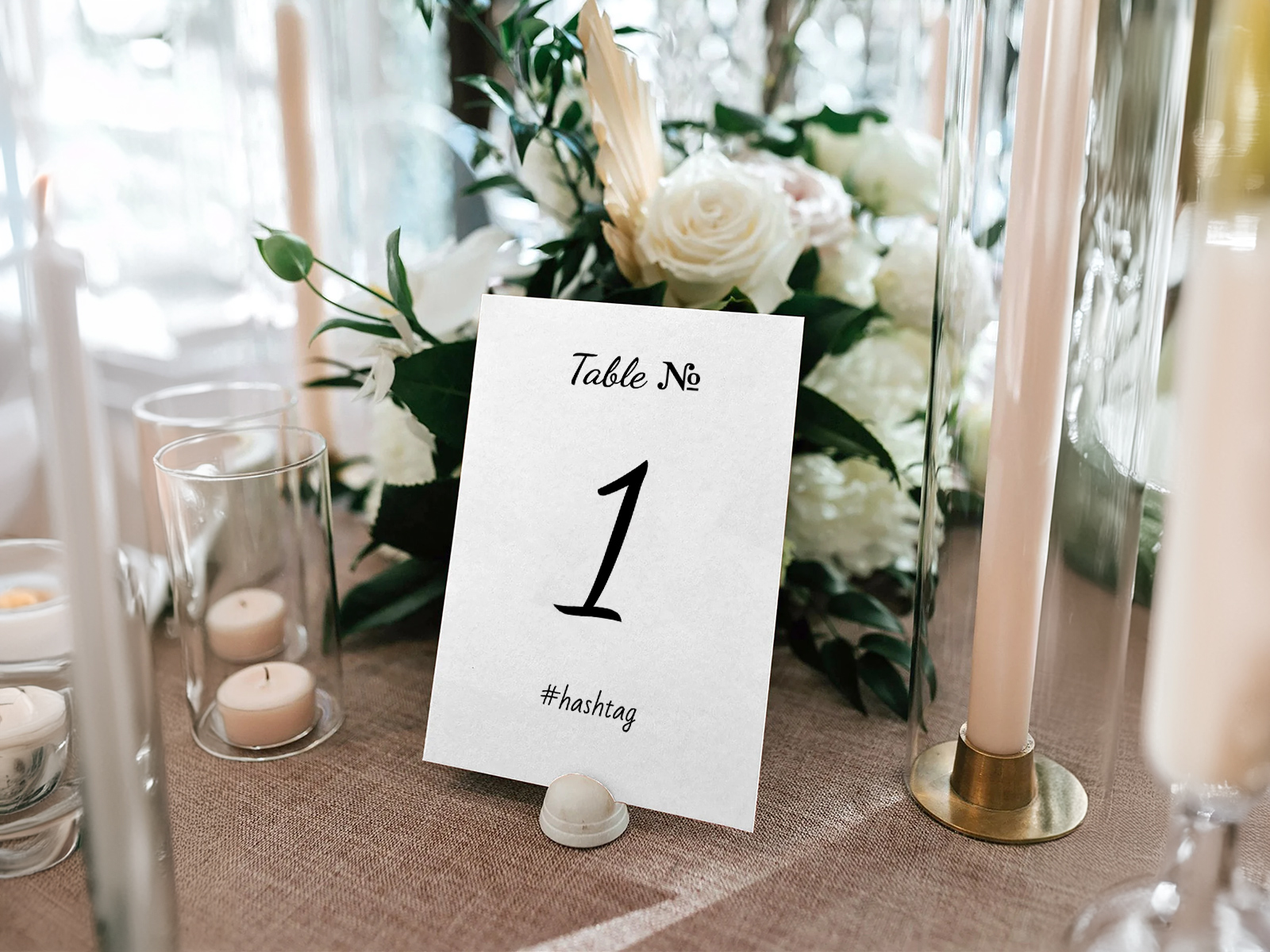
Suports i cavallets — fusta, acrílic, marcs, cavallets
El número en si és la peça impresa; el suport és el que el fa mantenir-se dret. L'elecció del suport és sobretot estilística.
- Blocs de fusta són econòmics i tenen un aspecte càlid. Ideals per a casaments rústics i de jardí, visualització a una sola cara, centres de taula baixos o mitjans.
- Suports acrílics són minimalistes i moderns. Funcionen molt bé amb targetes a doble cara perquè no oculten la cara posterior.
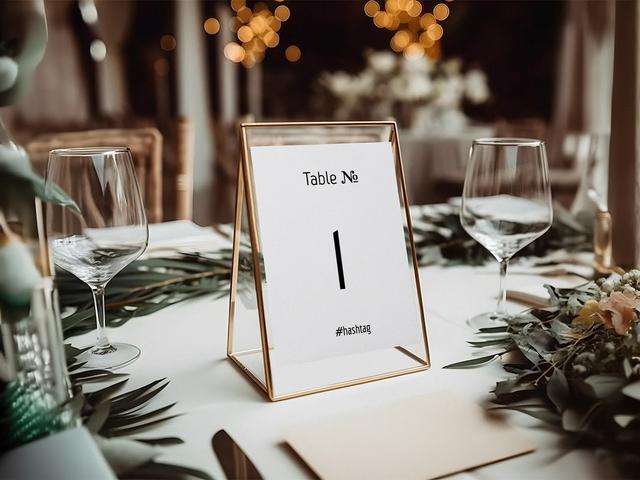
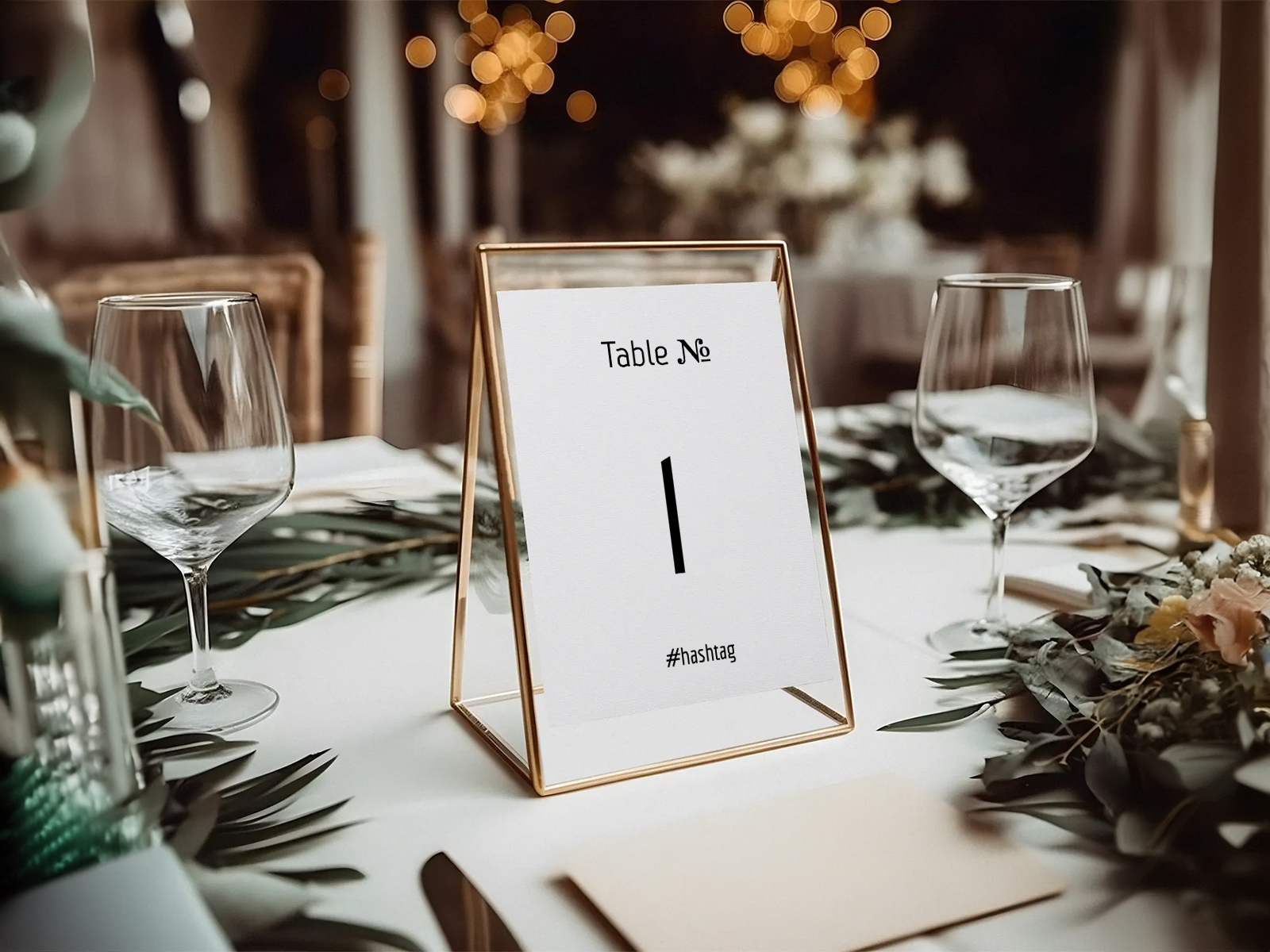
- Marcs de fotos (5×7 o 4×6) s'adapten als estils vintage i formals. Tria un marc amb un revers senzill que no amagui el número imprès.
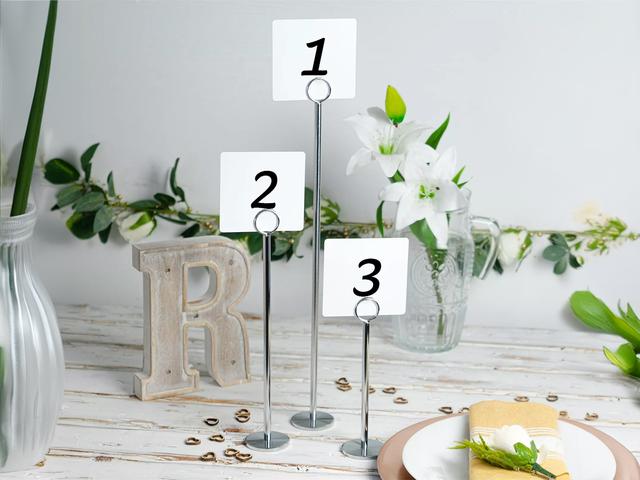
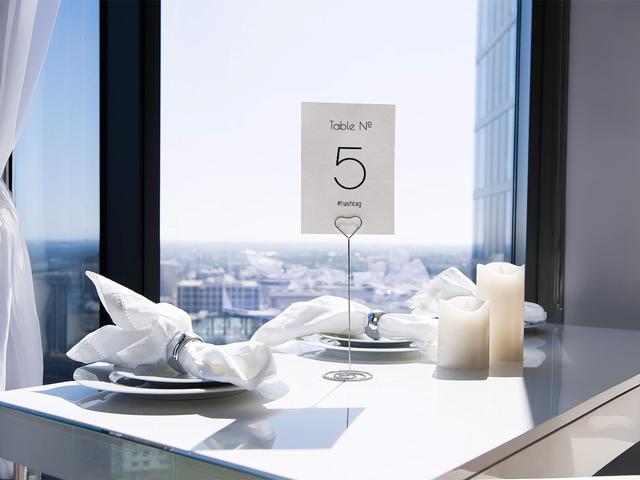
- Cavallets de sobretaula són una opció neta i econòmica — serveixen per a qualsevol mida de targeta, són fàcils de canviar si un número varia i gairebé invisibles al costat del centre de taula.
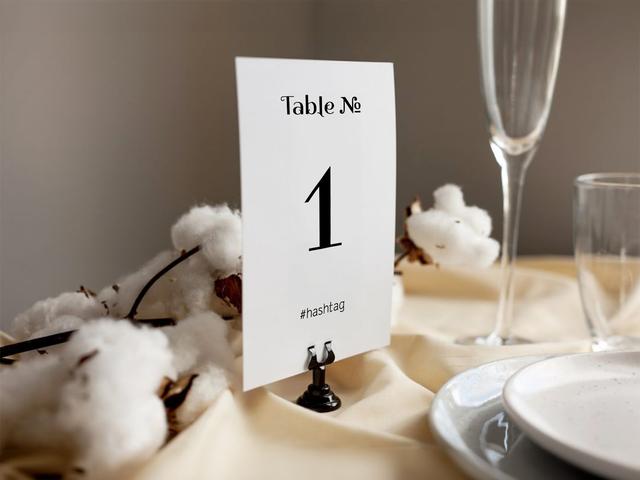
- Targetes plegades en tenda no necessiten cap suport — la targeta es plega i es manté sola. L'opció més econòmica, a doble cara per disseny, perfecta per a casaments a l'aire lliure i informals.
Prova-ho — no cal registrar-se
Coordinar els números de taula amb la resta de la teva papereria
Els números de taula es llegeixen juntament amb les targetes de menú i les targetes de lloc de la mateixa taula, de manera que han de compartir un llenguatge visual. La manera més fàcil de mantenir la coherència és compartir la tipografia entre tota la col·lecció — mateix tipus de lletra principal per al número, mateix tipus de lletra de cos als elements de suport.
El nostre assistent de planificació de casaments estableix per defecte una sola família tipogràfica per als sis lliurables de papereria. Tria-la un cop al començament del projecte, i el menú, la targeta de lloc, el número de taula, la targeta d'acompanyament, la targeta d'assignació de taula i el rètol del plànol de seients hereten el mateix aspecte. Actualitza el disseny una vegada i cada peça es refresca — sense copiar i enganxar noms de fonts d'una plantilla d'Etsy a una altra.
El color segueix la mateixa lògica. La tinta del número ha de coincidir amb la tinta del menú i de la targeta de lloc, i el suport ha d'aportar el contrast (targeta blanca + suport fosc, o targeta fosca + suport neutre).
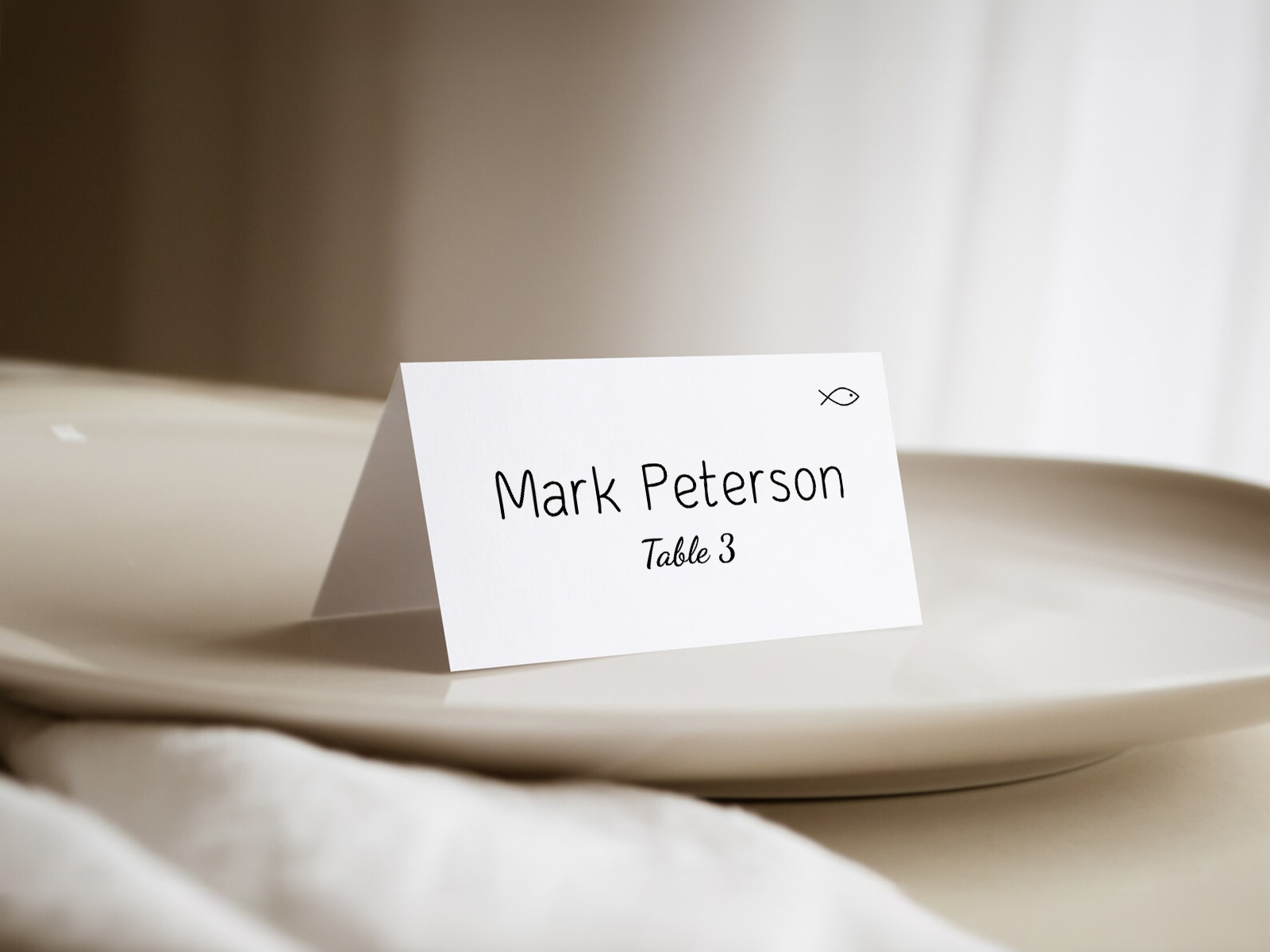
Etiqueta dels números de taula de casament
Cal tenir una Taula 1? Convencionalment, sí — la Taula 1 sol ser la taula presidencial o la més propera a aquesta. Algunes parelles s'estalvien la Taula 1 per evitar implicar una jerarquia entre convidats i passen directament a la Taula 2; totes dues opcions funcionen sempre que el rètol del plànol de seients coincideixi.
La taula presidencial necessita número? És opcional. Sovint s'etiqueta com «Nuvis», «Recent casats» o simplement no es numera, ja que els convidats no hi han d'anar per orientar-se. Les taules presidencials per a la parella tampoc no necessiten número.
Quina mida han de tenir els números? Prou grans per llegir-los des de l'altra punta de la sala. Com a norma, mínim 80 pt per a sales amb menys de 100 convidats, 100 pt o més per a sales més grans. La mida importa més que el tipus de lletra.
Pots barrejar taules numerades i amb nom? Millor que no. Tria un sol enfocament i aplica'l de manera coherent — el rètol del plànol de seients es llegeix més clarament així.
Els números de taula han d'anar en un ordre concret per la sala? L'ordre espacial (taula 1 més a prop de l'entrada, avançant cap enfora) ajuda els convidats a orientar-se intuïtivament. Un ordre aleatori és acceptable, però fa més lenta la distribució.
Per què fer servir la nostra eina en lloc d'una plantilla d'Etsy
Les plantilles d'Etsy i Canva generen un únic disseny que personalitzes una vegada i imprimeixes tantes vegades com números necessitis. En teoria és fàcil, però a la pràctica és propens a errors — les parelles solen imprimir un recompte incorrecte després d'un canvi d'última hora en el plànol de sala, o acaben amb tipus de lletra que no coincideixen perquè la plantilla del número de taula és d'una botiga diferent de la de la targeta de lloc.
La nostra eina resol tots dos problemes. El recompte sempre és correcte perquè l'exportació es basa en el plànol de sala en temps real, i la tipografia és coherent perquè es comparteix amb tota la resta de papereria del projecte.
Gratuïta, col·laborativa i amb una exportació que s'actualitza en el mateix moment que ho fa el teu plànol de sala — fins i tot a les 23 h la nit abans del casament.
Genera el recompte exacte per al teu plànol de sala
Guia pas a pas — del plànol de sala als números impresos
La majoria de parelles creen els números de taula durant les dues últimes setmanes abans del casament, un cop el plànol de sala ja està tancat. Aquest és el flux de treball.
- Crea un projecte gratuït a planning.wedding i importa la teva llista de convidats.
- Crea el plànol de seients — afegeix taules, situa els convidats i finalitza la distribució.
- Decideix si els vols numerats o amb nom — canvia la configuració del projecte una vegada i totes les taules s'actualitzen.
- Obre la vista de números de taula al menú del projecte.
- Tria la mida i l'orientació — 4×6 per defecte, 5×7 per a centres de taula més alts, plegat en tenda o pla.
- Ajusta la tipografia perquè coincideixi amb la resta de la teva col·lecció de papereria.
- Activa la impressió a doble cara a la configuració d'exportació.
- Previsualitza una targeta de mostra a mida real per confirmar que es llegeix bé.
- Exporta el PDF llest per imprimir amb sagnat i marques de tall.
- Envia-ho a la impressora en cartolina de 100–120 lb.
- Assigna cada targeta al seu suport el matí del casament i col·loca-la a la taula corresponent.
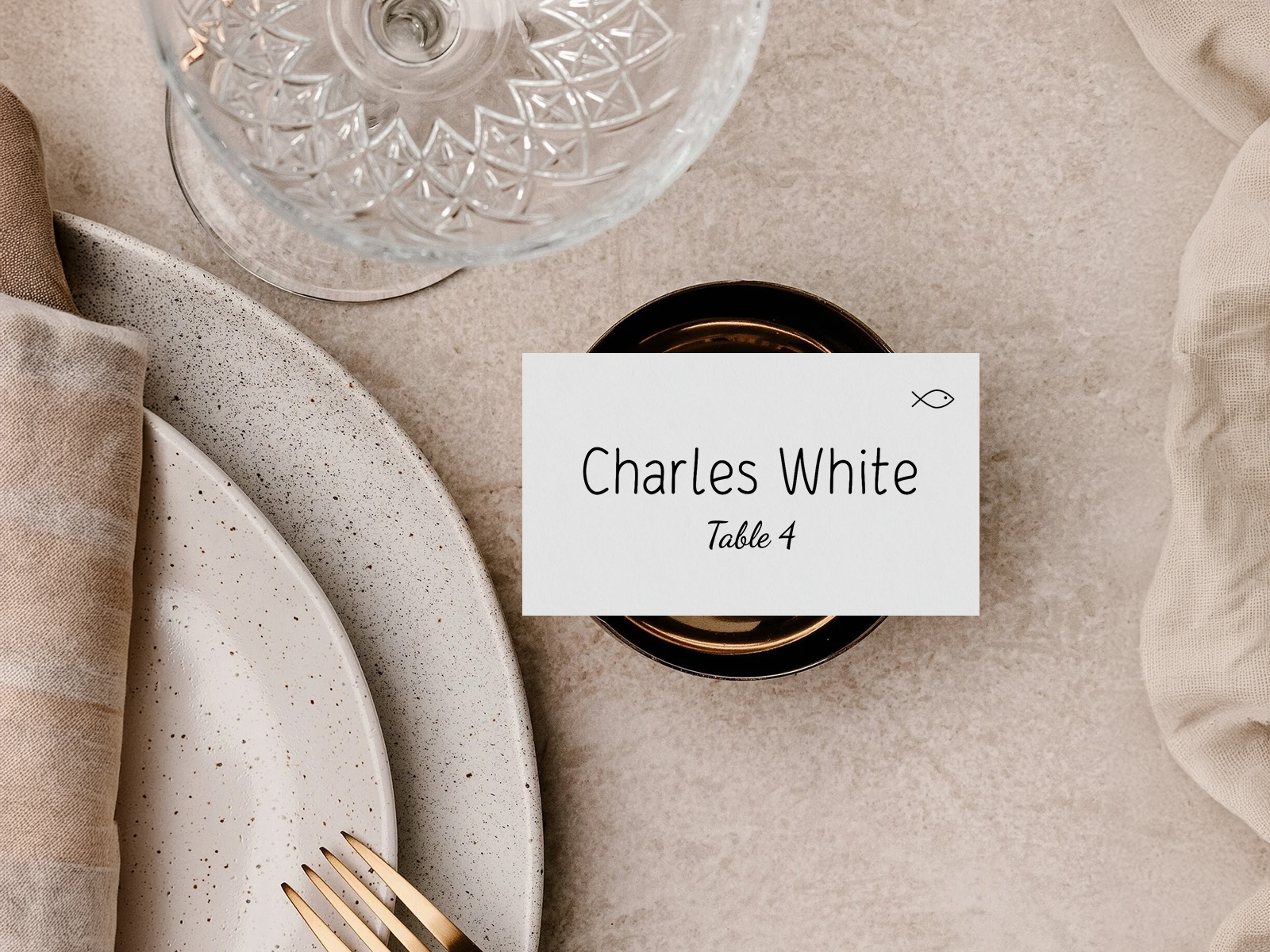
Crea els números de taula del teu casament
Noms alternatius per als números de taula de casament
El mateix producte es busca amb molts noms diferents segons si la parella busca plantilles, suports o imprimibles per fer-ho un mateix.
- Números de taula imprimibles
- Plantilla de número de taula
- Targetes de número de taula de casament
- Números de taula DIY
- Números de taula a doble cara
- Números de taula per a la recepció
- Números de taula plegats en tenda
- Rètols de número de taula
Números de taula vs targetes d'assignació de taula — una nota ràpida
Els números de taula de casament i les targetes d'assignació de taula s'assemblen, però resolen problemes diferents. Un número de taula identifica la taula en si; una targeta d'assignació de taula enumera els convidats assignats a aquella taula i es mostra a l'entrada de la recepció, no sobre la taula. Els dos productes són complementaris més que alternatives — pots fer servir tots dos en el mateix casament.
Explora la resta del clúster de números de taula per a casaments
Cada subpàgina a continuació cobreix una part concreta de la producció de números de taula: plantilles de disseny, fitxers llestos per imprimir, més de 25 idees creatives i tutorials de bricolatge, tot impulsat pel mateix plànol de seients de l'Assistent de Planificació de Casaments.
Explora la resta de la papereria del dia del casament
Cada element de sota s’actualitza en directe a partir del teu plànol de seients a Assistent de Planificació de Casaments, de manera que un sol canvi a la llista de convidats es reflecteix a cada peça impresa, sense haver de copiar noms d’una plantilla a l’altra.