


Explore more wedding ideas & advice
Wedding Table Number Template
Explore
Our service has assisted tens of thousands of couples worldwide in planning their dream weddings!
Wedding Table Number Template — Editable, Auto-Counted, Free to Design
A wedding table number template turns the chore of laying out one card per table into a single download. The template handles the layout, the cut lines and the crop marks; you build the seating chart, and the cards come out with the exact count needed — no missing tables, no leftover cards. Designing is free; the print-ready PDF comes with Premium.
This page focuses on template design, sizing and customization. For print-production specs, see printable table numbers. For 25+ creative concepts, see table number ideas. For step-by-step home craft projects, see DIY table numbers.
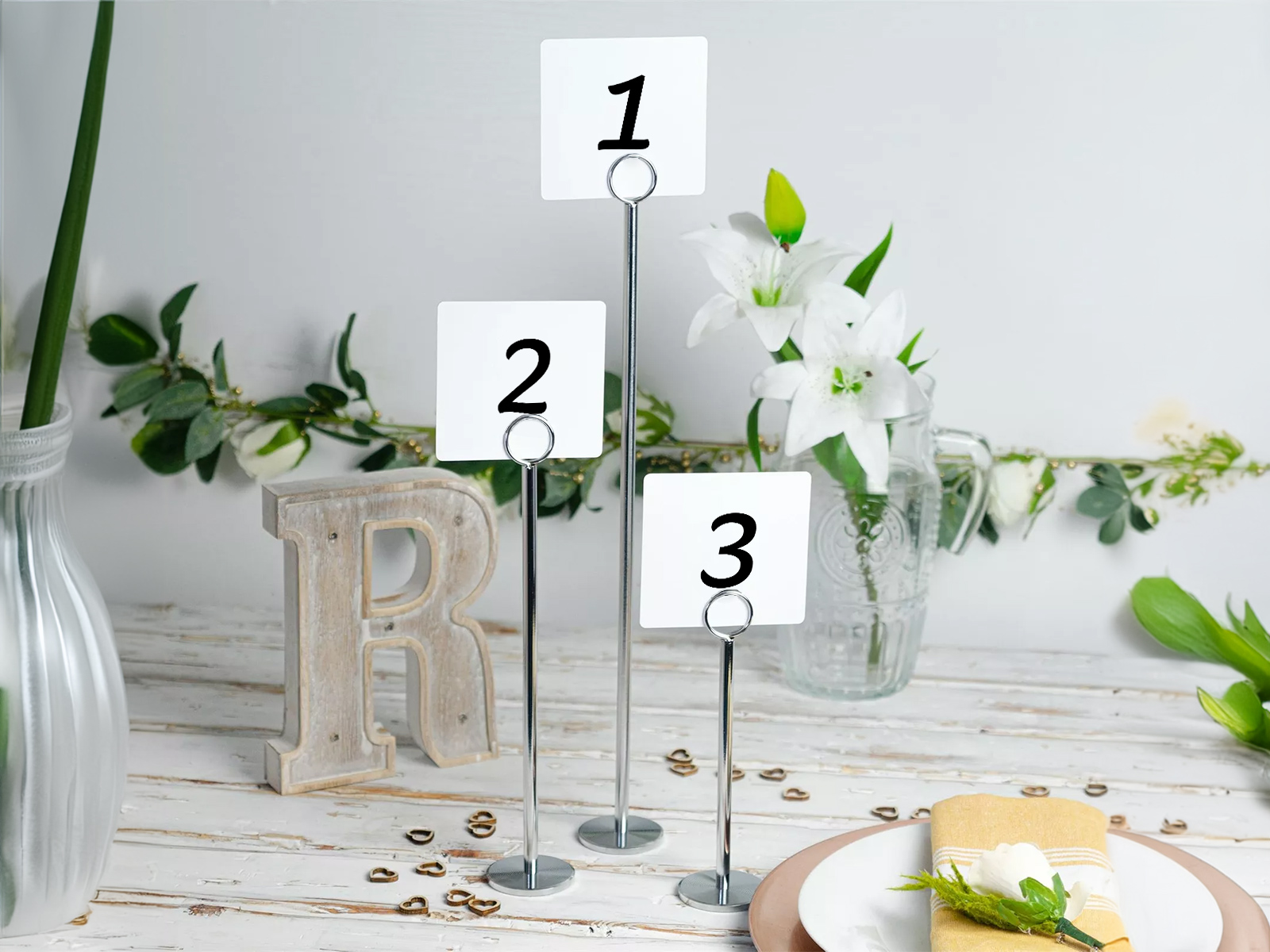
Your floor plan lives in the seating chart project, so the template doesn’t need a separate count of tables — it pulls from the live floor plan.
Coordinate the typography with the rest of your wedding day-of stationery for a cohesive look across the room.
Match table numbers visually to the seating chart sign guests check at the entrance — pick the same font in both, and the table names come from the same plan, so there’s no version drift.
Design your table numbers free
PLANNING . WEDDING — is easy to remember and even easier to use.
How the Template Works — Floor Plan Drives the Count
The template is a generated view of your project. You don’t pick the count; the floor plan picks it. You pick the card shape, the heading and the typography, and the export does the rest.
- Build your seating chart floor plan with the drag-and-drop editor.
- Number or name each table — new tables are numbered as you add them, and you can rename any table on the plan to give it a name.
- Open the table numbers view — every table on the plan appears as one card.
- Pick the template — Standard (square, about 3.6 × 3.6 in), Wide (about 5.9 × 3.6 in) or Tall (about 3.6 × 5.9 in).
- Set the heading above the number (“Table” by default, or your own word) and an optional hashtag line below it.
- Customize typography and shape — a font for the number and the heading, another for the hashtag, and corner rounding from square to fully round.
- Download the print-ready PDF with Premium — every card laid out on A4 or Letter sheets with dashed cut lines and corner crop marks.
Get table numbers generated from the seating chart
Generate your auto-counted cards
Sizes — 4×6 vs 5×7 vs 5×8, and the Three Shapes Our Template Makes
Sign size scales with centerpiece height and room size, not with budget. Pick the smallest size that reads clearly from across the table.
- 4×6 inches — the most popular wedding table number size. Fits comfortably in most acrylic stands and wood blocks, doesn’t crowd a low centerpiece, easy to read at typical room sizes.
- 5×7 inches — works well in framed-sign formats and at weddings with tall floral installations where the card needs to compete with the height of the centerpiece.
- 5×8 inches — appropriate at very large rooms (200+ guests, ballroom layouts) where guests need to read numbers from 8+ metres away.
- Our template — three fixed shapes rather than free dimensions: square (about 3.6 × 3.6 in) for clips and small blocks, tall (about 3.6 × 5.9 in) for frames and tall centerpieces, wide (about 5.9 × 3.6 in) for long banquet tables. For a larger 5×7 or 5×8 display, mount the printed card on a backing card of that size.
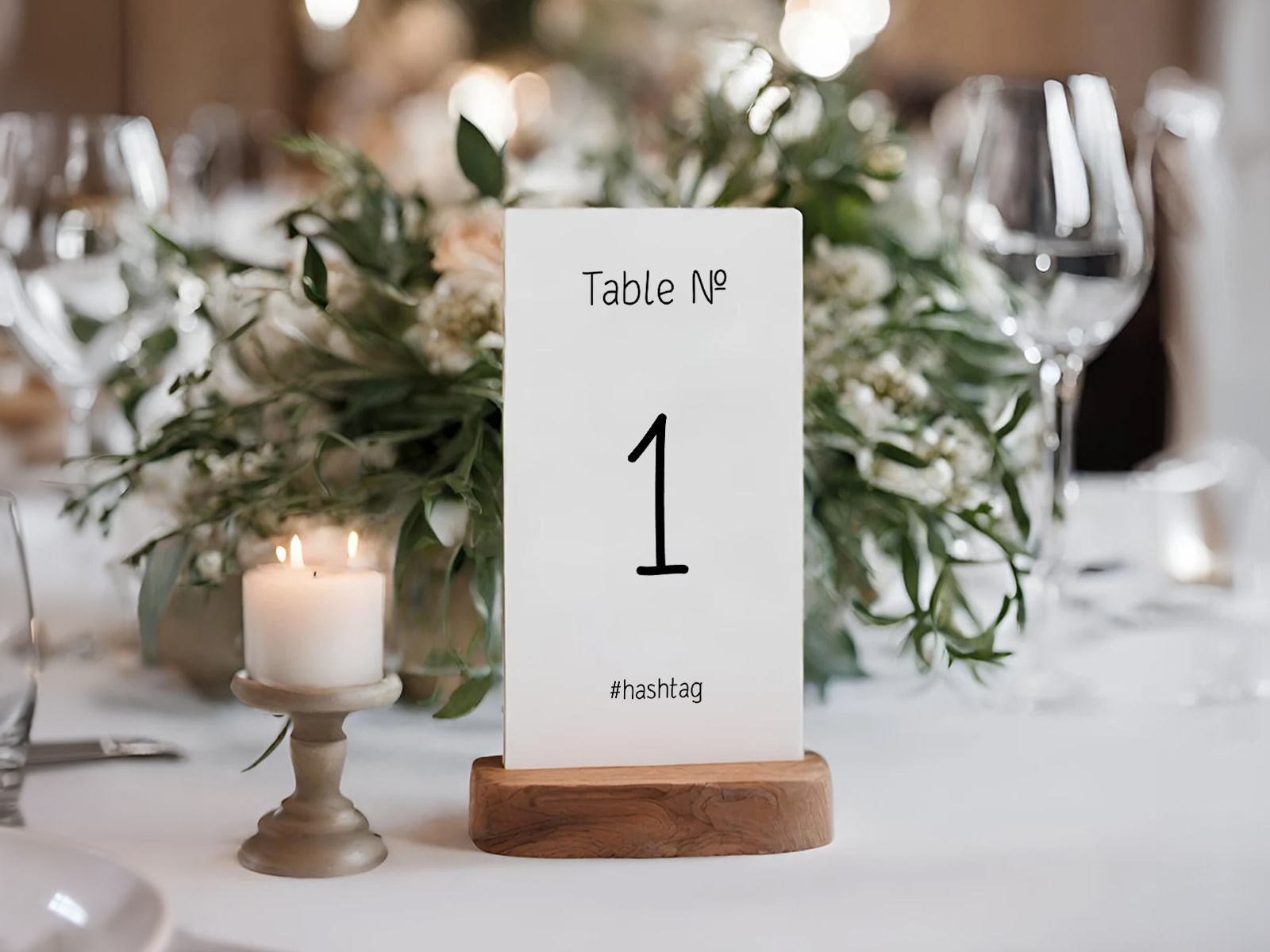
Single-Sided vs Double-Sided — Why 360° Visibility Matters
Single-sided table numbers fail the back-of-room test. The number reads clearly from one side of the table; from the other side, guests are walking up to a blank card. With double-sided printing, both halves of the room can navigate equally well — particularly important at long banquet tables and round 10-tops where guests sit on every side.
Our template prints one face per card, so plan the back yourself: print the PDF twice and glue the copies back to back for the same number on both faces, glue the card onto a monogram or photo card for different artwork on each side, or set two cards back to back in a clear acrylic stand.
Numbered vs Named Tables — Template Handles Both
Numbering each table is the conventional approach — clean, fast for guests, easy to call out in the seating chart sign. Naming tables is the more decorative approach: each table is named after a place, song, anniversary date, fictional character, or shared memory.
The template prints whatever each table is called on your seating chart. Tables get numbers automatically as you add them; rename a table to “Lisbon”, or to “3 · Lisbon” to keep the number visible, and its card changes with it. The heading line above (“Table” by default) is shared by every card, so for named tables change it to a word like “Welcome to” or clear it.
Try the template — no sign-up needed
Why Auto-Count Matters
The most common reception-stationery mistake is the table-count mismatch. Couples ordering print-on-demand from a stationer pick a count when they order, then re-arrange the floor plan in the final two weeks, and end up with one too few or two too many cards.
The template view always shows exactly the count of tables currently on your seating chart floor plan, in the order they appear. Add a table, the count goes up by one. Remove a table, the count drops. There’s no “did I order enough?” moment — the count is locked to the live data.
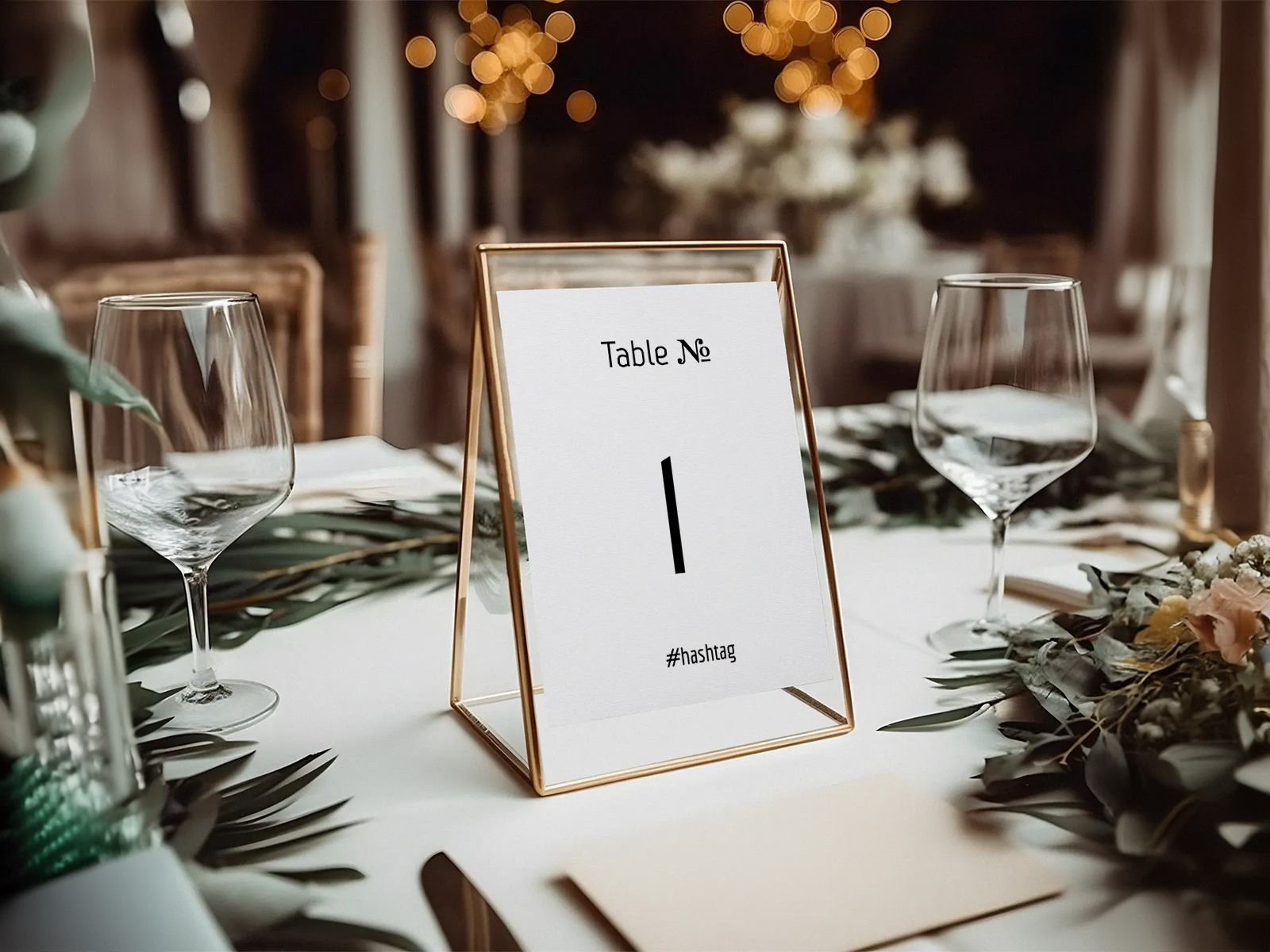
Customization — Fonts, Heading, Hashtag and Shape
Numerals get distinctive treatment in wedding design, so the template gives the number most of the card. What you can change: the font of the number and the heading, from the same font library as the rest of your stationery; the heading text above the number (“Table” by default); an optional hashtag or motto underneath in its own font; the card shape (square, wide or tall) and the corner rounding. For colour, print on tinted, kraft or pastel cardstock — the PDF background is transparent, so the paper shows through.
Coordinate typography with the rest of your stationery suite by choosing the same font in the menu, place card, escort card, table seating card and seating chart sign editors. The table names themselves come from one seating chart, so they never disagree between pieces.
Why Live-Data Templates Beat Static Ones
An Etsy or Canva template is a single design you fill in by hand for every table. A live-data template is a generated view of your floor plan — the table count is set by the project, the template reads it, and the export is automatic.
The difference shows when you re-arrange the floor plan in the final week. Static templates require re-typing every change; live-data templates regenerate themselves. Free to design, collaborative, and reading the same seating chart as the rest of your stationery — download the print-ready PDF with Premium.
Explore the rest of the wedding table numbers cluster
Each sub-page below covers a narrow slice of table-number production — design templates, print-ready files, 25+ creative ideas, and DIY tutorials — all powered by the same Wedding Planning Assistant seating chart.
Explore the rest of your wedding day-of stationery suite
Every item below is made in your Planning.Wedding project: the sign and the cards take names and tables from your guest list and seating chart, so one update reaches each of them, and the menu is designed right beside them. The same project holds your RSVPs, wedding website, budget, checklist and timeline.