Explore more wedding ideas & advice
Wedding Place Cards
Explore
Our service has assisted tens of thousands of couples worldwide in planning their dream weddings!
Free Wedding Place Cards With Auto-Filled Names
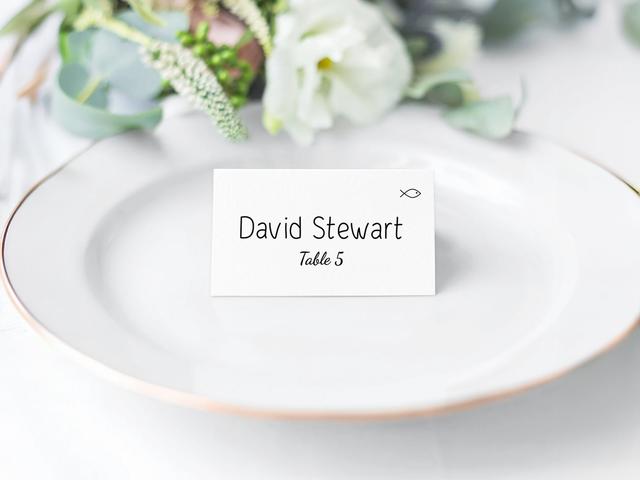
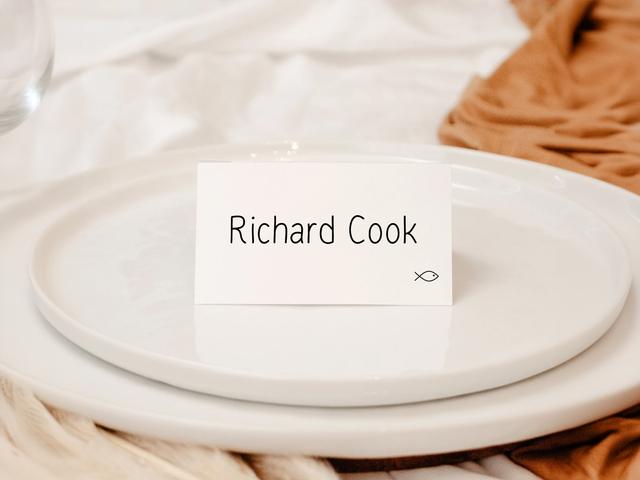
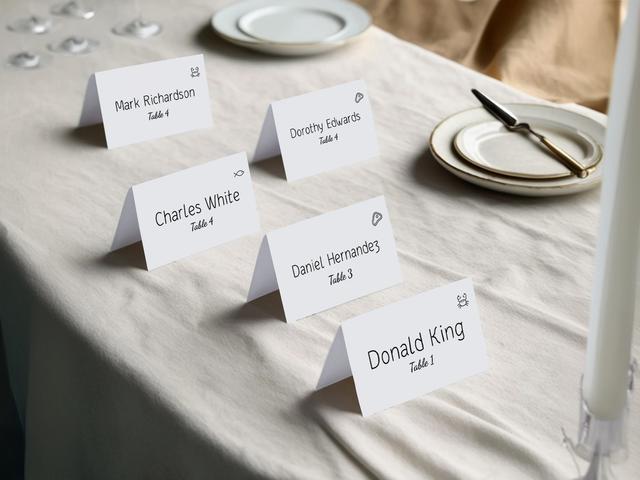
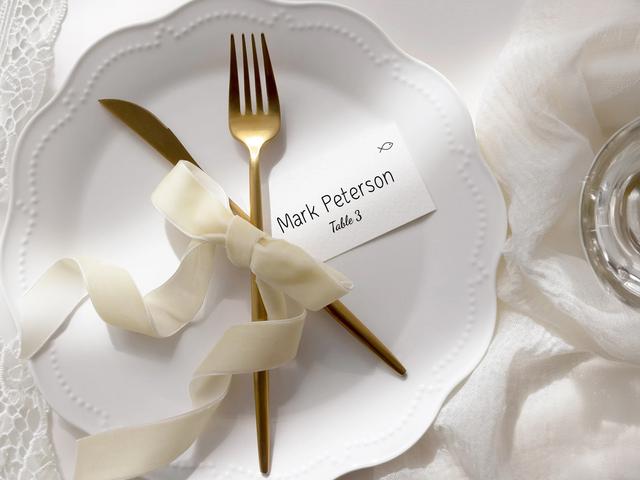
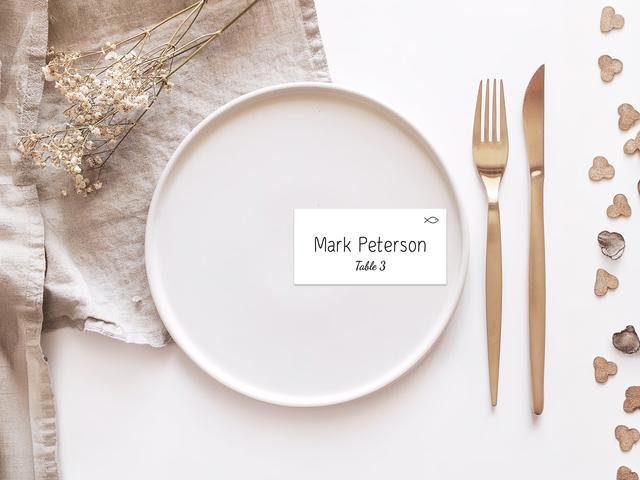
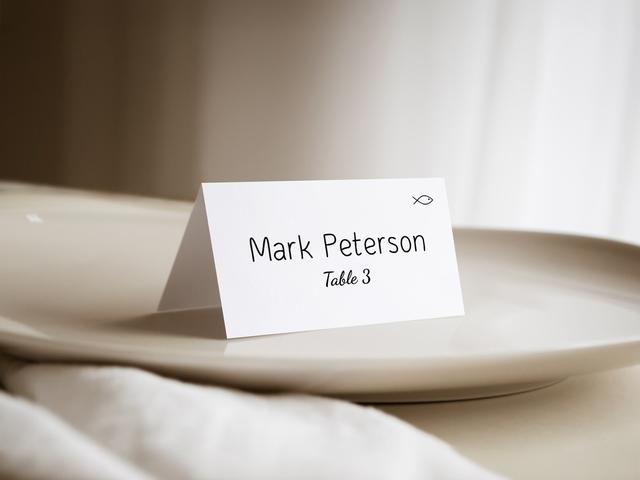
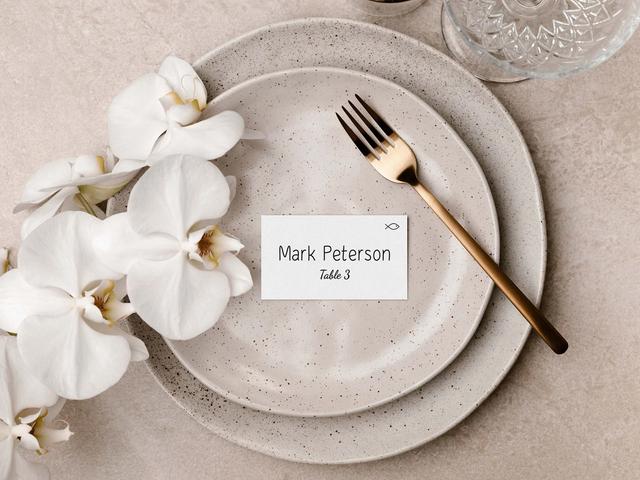
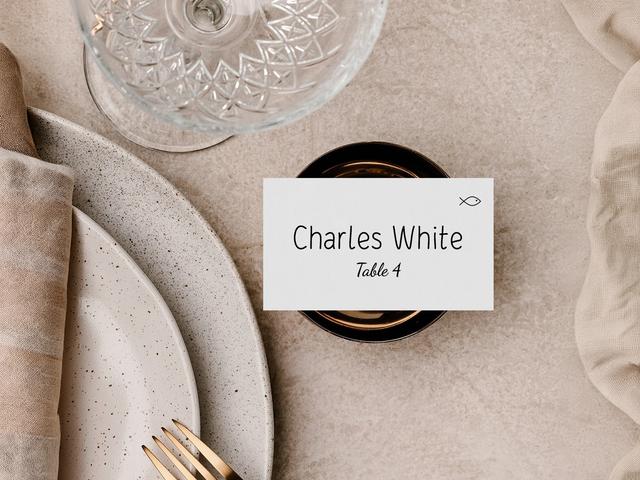
Wedding place cards tell each guest exactly which seat to take. They sit at the place setting itself — propped on the plate, tucked into the napkin, or set just above the cutlery — and they’re used at any wedding where you’re assigning specific seats rather than just specific tables. The cards usually carry the guest’s name and the table number, plus an optional small icon showing their meal choice for the kitchen and servers.
Handwritten place cards take roughly three hours per 100 guests, plus calligraphy practice and the inevitable retake when you misspell a surname. Our wedding planning assistant generates them all in minutes — names pulled directly from your seating chart, meal icons pulled from RSVP responses, optional title (Mr., Mrs., Dr.) auto-formatted. Print-ready PDF, free, no sign-up.
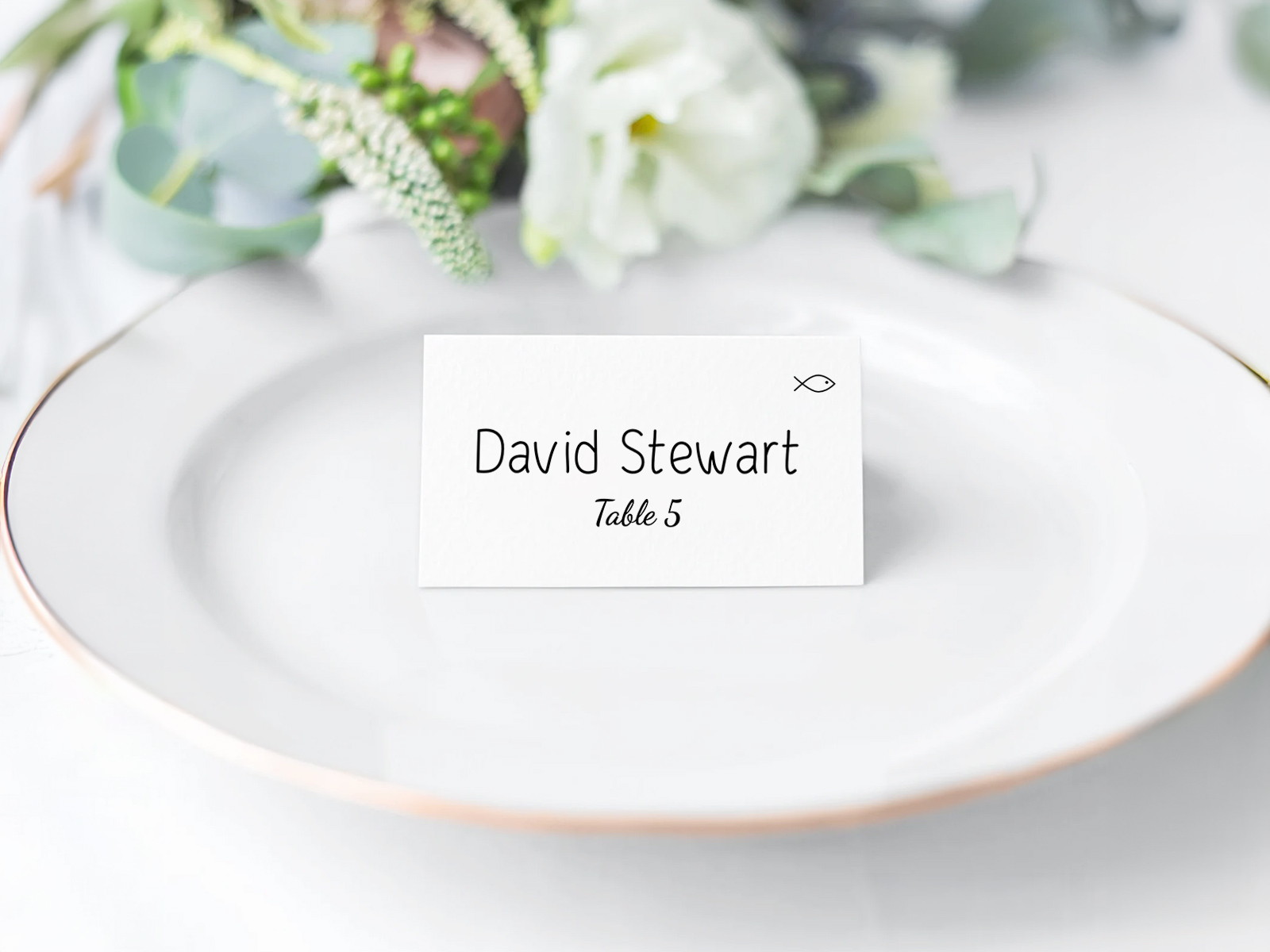
Seat assignments live in your seating chart project, so every name on every place card matches exactly the seat your guest is walking to.
Meal choices are collected through the built-in RSVP form, then surfaced as small icons on the printed card so servers know what to plate without asking.
Place cards are one of six pieces in your wedding day-of stationery suite — coordinate them with the menu, table number and seating chart sign for a consistent look.
Build your wedding place cards
PLANNING . WEDDING — is easy to remember and even easier to use.
How Wedding Place Cards Are Generated From Your Seating Chart
The place card view is one of six deliverables generated from your seating chart project. The data flow is automatic and one-way — you don’t fill in the cards, the project fills them in for you.
- Build your seating chart with the drag-and-drop floor plan and place every guest at a specific seat (not just a table).
- Send RSVPs through the built-in form so each guest selects their meal choice.
- Open the place cards view — every guest assigned to a seat appears as one card.
- Pick the format — folded tent-fold or flat, with or without meal-choice icons.
- Customize the design — fonts, borders, optional ornament, paper color.
- Download the print-ready PDF with bleed, crop marks, and full-bleed support for any printer.
If a guest changes their RSVP or meal choice in the final week, only the affected card regenerates — the rest of the batch stays untouched.
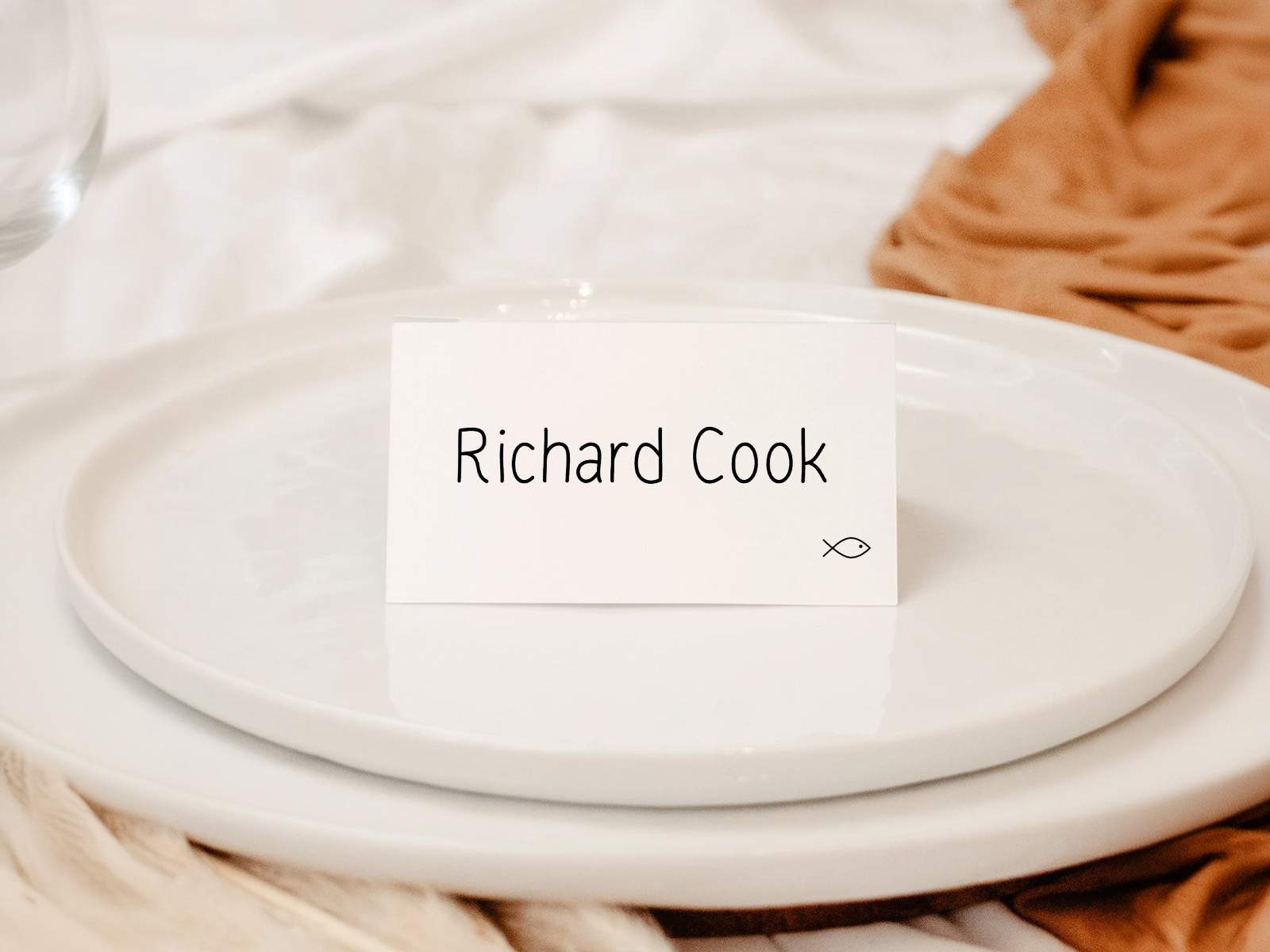
Get personalized name cards generated from the seating chart
Generate auto-filled place cards now
What is a Wedding Place Card and Where It Goes
A wedding place card is a small printed card carrying a single guest’s name and (usually) their assigned table number. It sits at the guest’s plate setting and tells them which chair is theirs at the table.
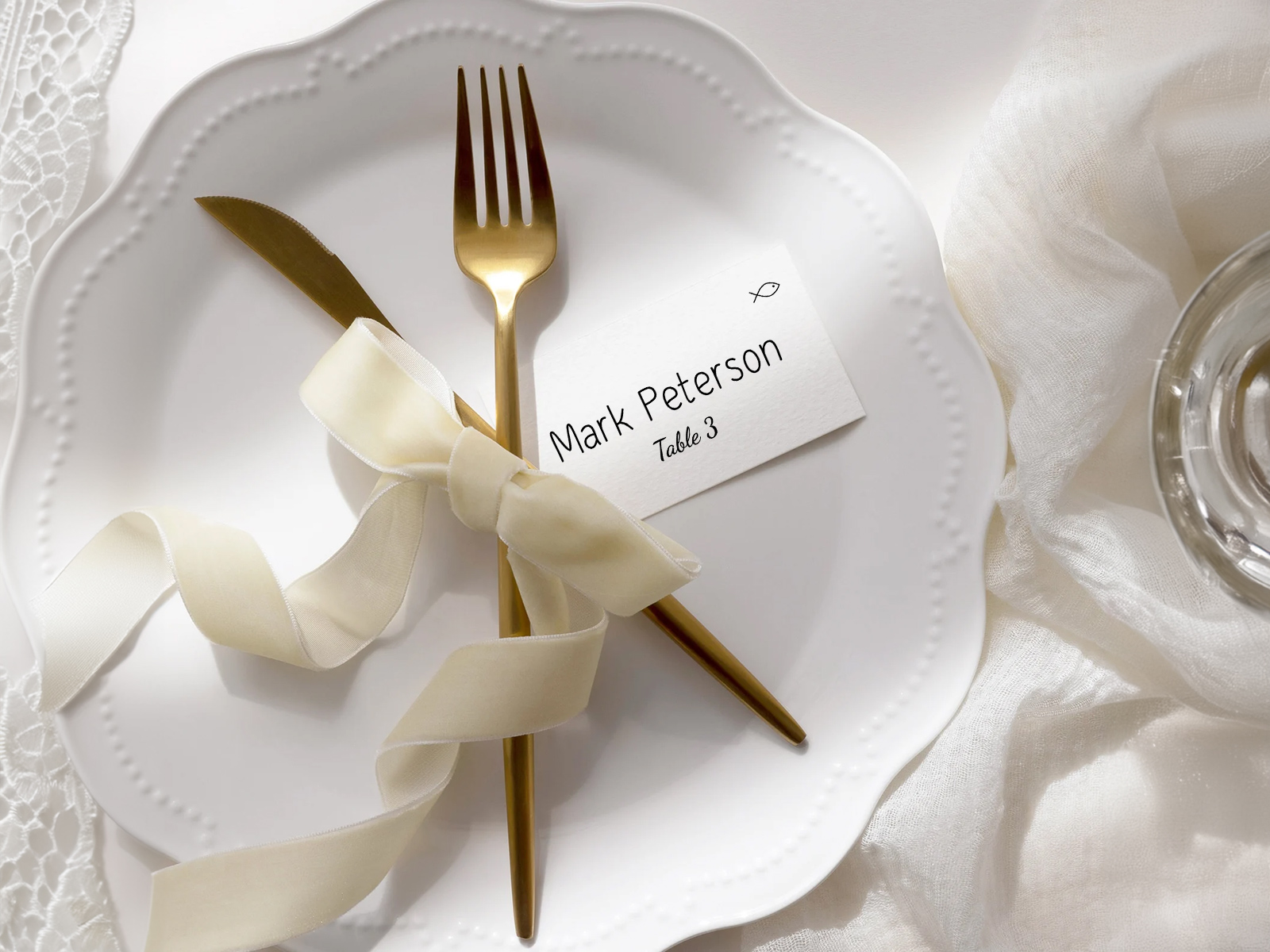
Common placements: tucked into a folded napkin at the centre of the plate (most popular at formal weddings), propped on top of the napkin on the show plate, set above the cutlery at the top of the place setting, or tucked into a small holder alongside the cutlery if the napkin is folded differently.
Place cards are different from escort cards, which are picked up at the entrance and carried to the table. Place cards stay where they are — guests find them, sit down, and the card stays at the setting through the meal as a small piece of decor.
Do You Need Place Cards? — Etiquette
Are place cards expected at every wedding? No — they’re only expected when you’re assigning specific seats, not just specific tables. If guests are free to choose their own seat at the table, escort cards alone are enough.
When are place cards strongly recommended? Plated dinners with multiple entrée choices, formal weddings with VIPs in specific spots (parents, grandparents, the wedding party), weddings with significant dietary restrictions or allergies that need to reach the right plate, and weddings where the photographer needs to know who’s sitting where for portraits.
Should place cards include titles like Mr., Mrs., or Dr.? Optional, and a stylistic choice. Formal weddings traditionally include titles; modern weddings often skip them and use first-and-last name only. The tool defaults to first-and-last and lets you switch on titles project-wide.
One card per guest or one per couple? Always one per guest. Couples are usually seated together, but each adult gets their own seat and their own card — a card shared by a couple suggests a single shared chair.
What about kids? Kids get a place card the same as any other guest — usually first name only, often with a small kid-specific design touch (a tiny illustration, a colored border) so the catering team knows to deliver the kids’ menu.
Build your wedding place cards
Place Cards With Meal Choice — How the Icon System Works
Most weddings collect meal choices via RSVP — beef, fish, vegetarian, or kids’ menu — and the catering team needs to know which guest chose what. The traditional approach is a small handwritten code in the corner of each card; the modern approach (and the one we automate) is a small icon.
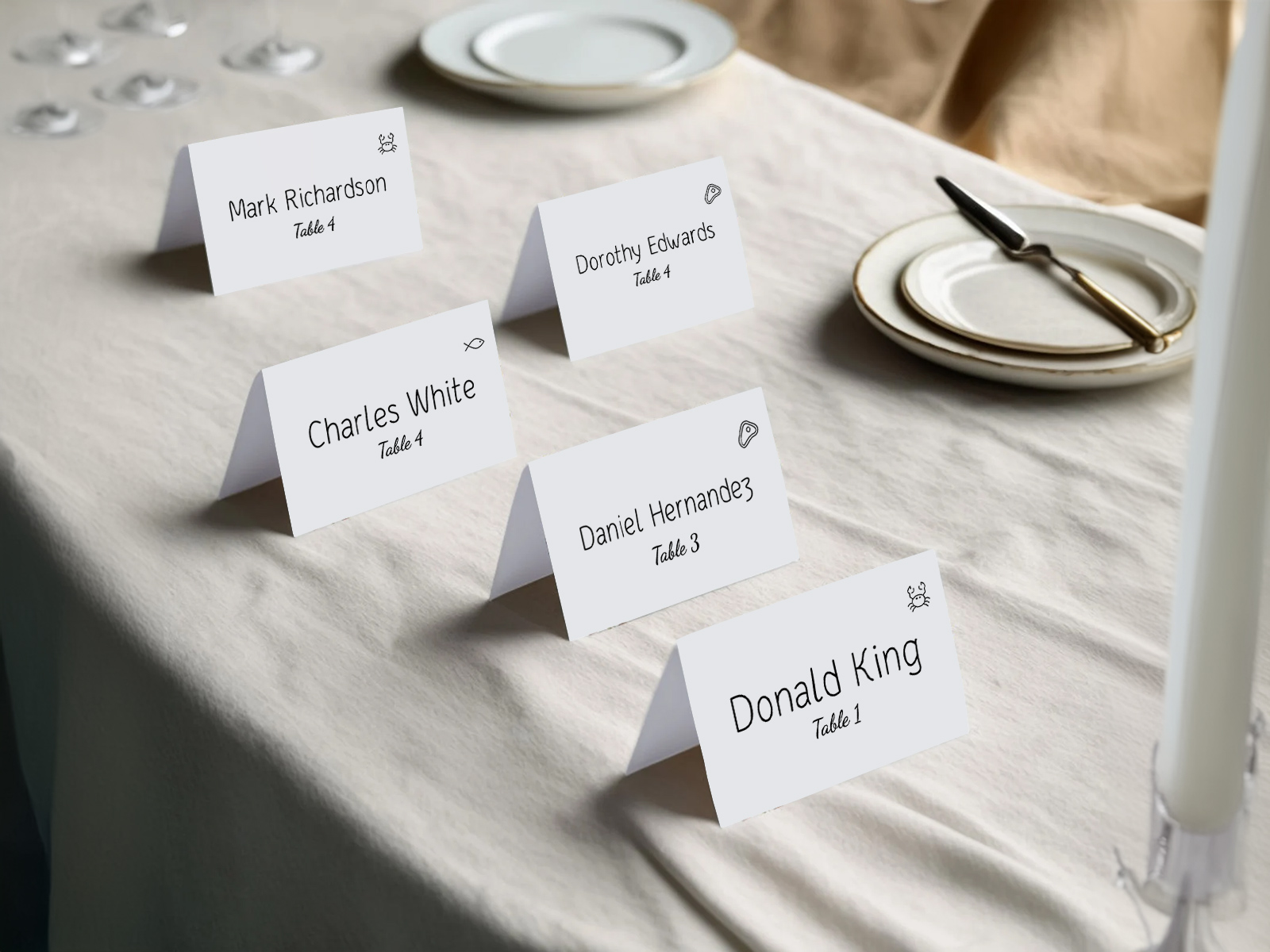
When you enable meal-choice icons on the place card, each card displays a tiny illustrated symbol in the corner — a fish, a steer, a leaf, a small chicken — corresponding to the entrée that guest selected at RSVP. Servers walk the table, glance at the icons, and plate accordingly without asking guests anything.
The icon size is small (typically 20–30pt) and sits in a consistent corner across every card so servers can scan a table in seconds. The icons are also color-coded by default for additional contrast at a glance, with a black-and-white option if you’d prefer the design to stay monochrome.
Beyond entrée choice, the icon system can flag dietary restrictions too — small symbols for gluten-free, dairy-free, nut allergy, or kosher. These pull from the dietary-restrictions field on each guest’s record in the project.
If you’d rather keep the front of the card clean, the tool can print the meal icon on the back of a folded tent card, visible only to the server. Guests see their name on the front, servers flip the card discreetly while plating.
Couples who didn’t collect meal choices via RSVP can still use the icon system to flag dietary restrictions only, or skip icons entirely — the place card prints clean with just the name and table number.
Why Auto-Generation Beats Handwritten Place Cards
There’s nothing wrong with handwritten or hand-calligraphied place cards — they’re beautiful, they feel personal, and at very small weddings (under 30 guests) they’re entirely manageable. At any scale above that, they become a problem.
Calligraphy a place card takes around 90 seconds per card. For 100 guests, that’s two and a half hours of solid writing — assuming no mistakes, no name changes, no RSVPs trickling in late. Add the inevitable misspelling, the recently-married guest whose surname has changed, the late-confirming friend who needs a new card last minute, and the time creeps closer to four or five hours.
Auto-generation removes that load entirely. The names are typed once, in the guest list, where they should be anyway. The cards regenerate from that source. A late RSVP at 9pm produces a single new card the printer can run on its own.
Couples who specifically want a hand-written feel can still print the names from the tool in a calligraphy-style font onto good cardstock — visually identical to handwritten at a fraction of the time.
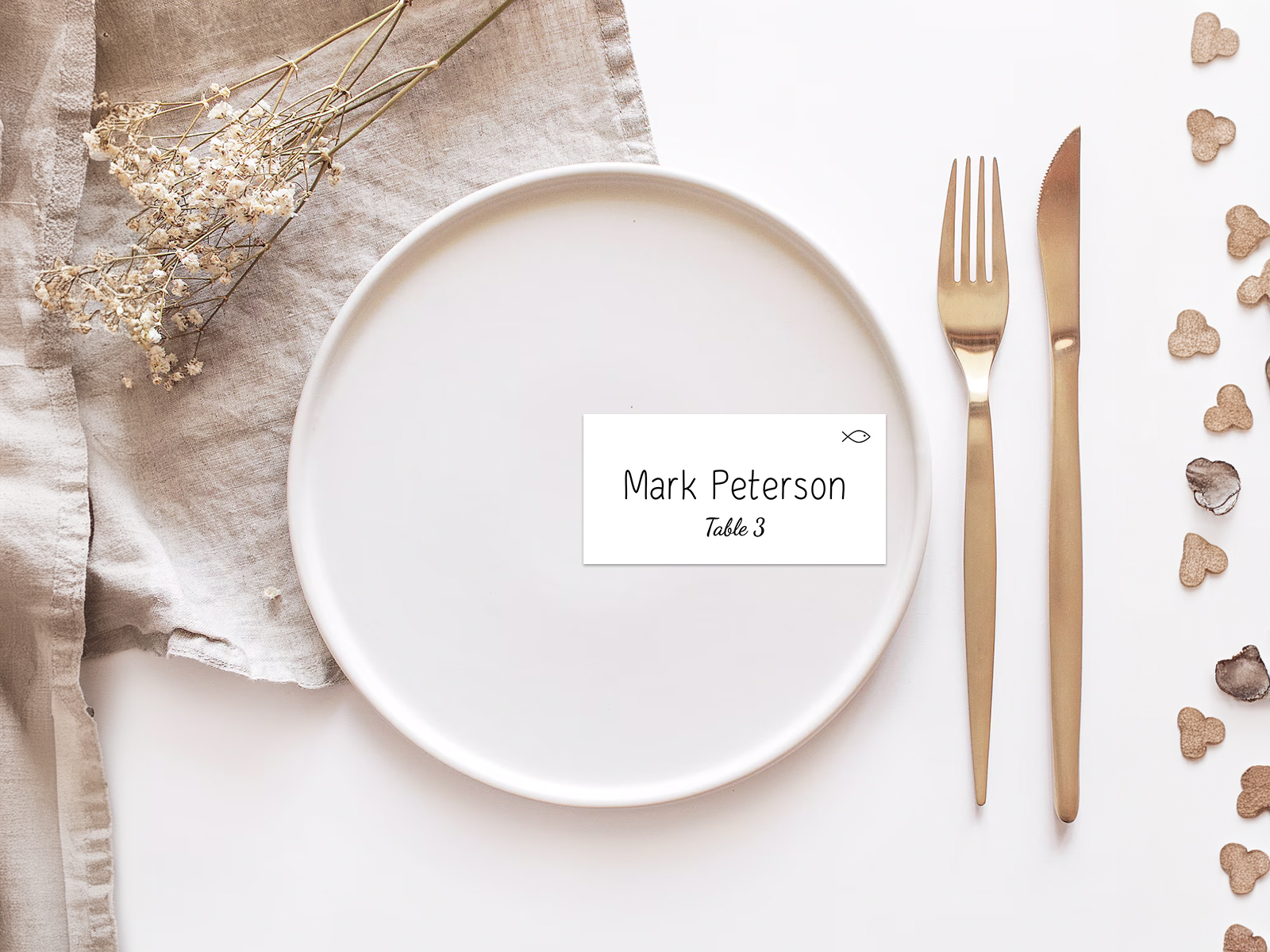
Cardstock, Paper Format and Folded vs Flat
Place cards are smaller than most pieces in the suite, but the cardstock matters more than you’d expect — they’re handled, they sit through a meal, and they sometimes survive as a memento.
- 100–120 lb cardstock is the standard for both folded and flat place cards. Heavy enough to stand up without leaning, light enough that the printer doesn’t need a special setting.
- Tent-fold (folded) cards are the most popular format — the card folds in half and stands upright on its own with no holder. Print on both inside faces if you want a small message inside, or leave the inside blank.
- Flat cards read more formal and need a small holder, a clip, or to be tucked into a napkin to display upright. Common sizes are 2×3.5, 2.5×3.5 and 3.5×5.
- Calligraphy-friendly papers (cotton, linen-textured, deckle-edged) work for both formats. Avoid coated or glossy stocks — calligraphy ink doesn’t take cleanly.
- If you’re printing the place cards yourself at home, double-check that your printer can handle 100 lb cardstock — most home printers can handle up to 80 lb without trouble.
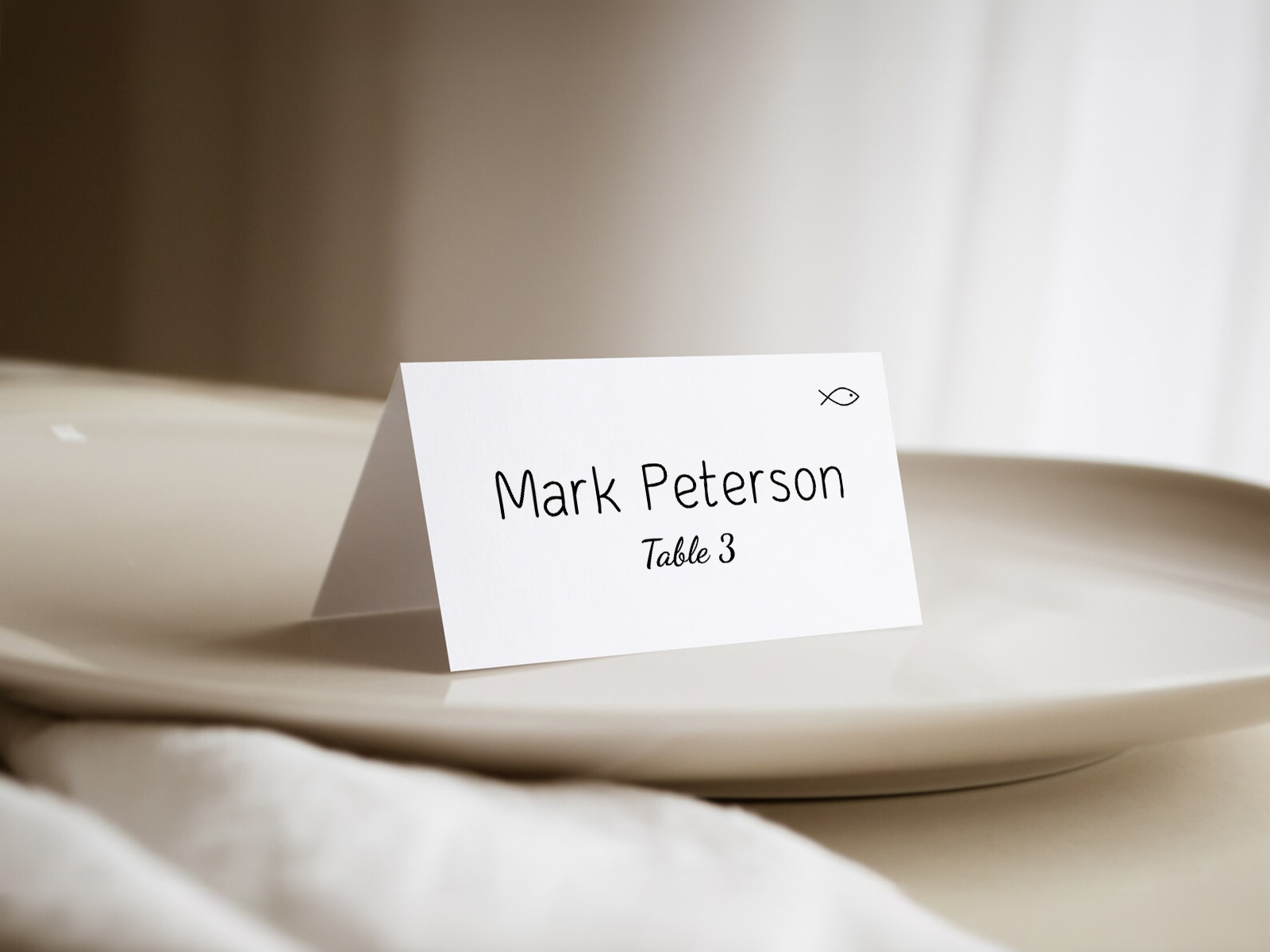
Coordinating With Table Numbers and Menu Cards
The place card is read alongside the menu card on the plate and the table number at the centre of the table. Guests see all three in the same glance, so they need to feel like one suite.
Our wedding planning assistant defaults to one font family across all six stationery deliverables. Pick the typography once at the start of the project; the place card, menu, table number, escort card, table seating card and seating chart sign all inherit. Update the design once and every piece updates with it — no version drift, no mismatched fonts at the place setting.
Color follows the same logic. The ink on the place card should match the ink on the menu and the table number, so the eye reads them as a single piece of design.
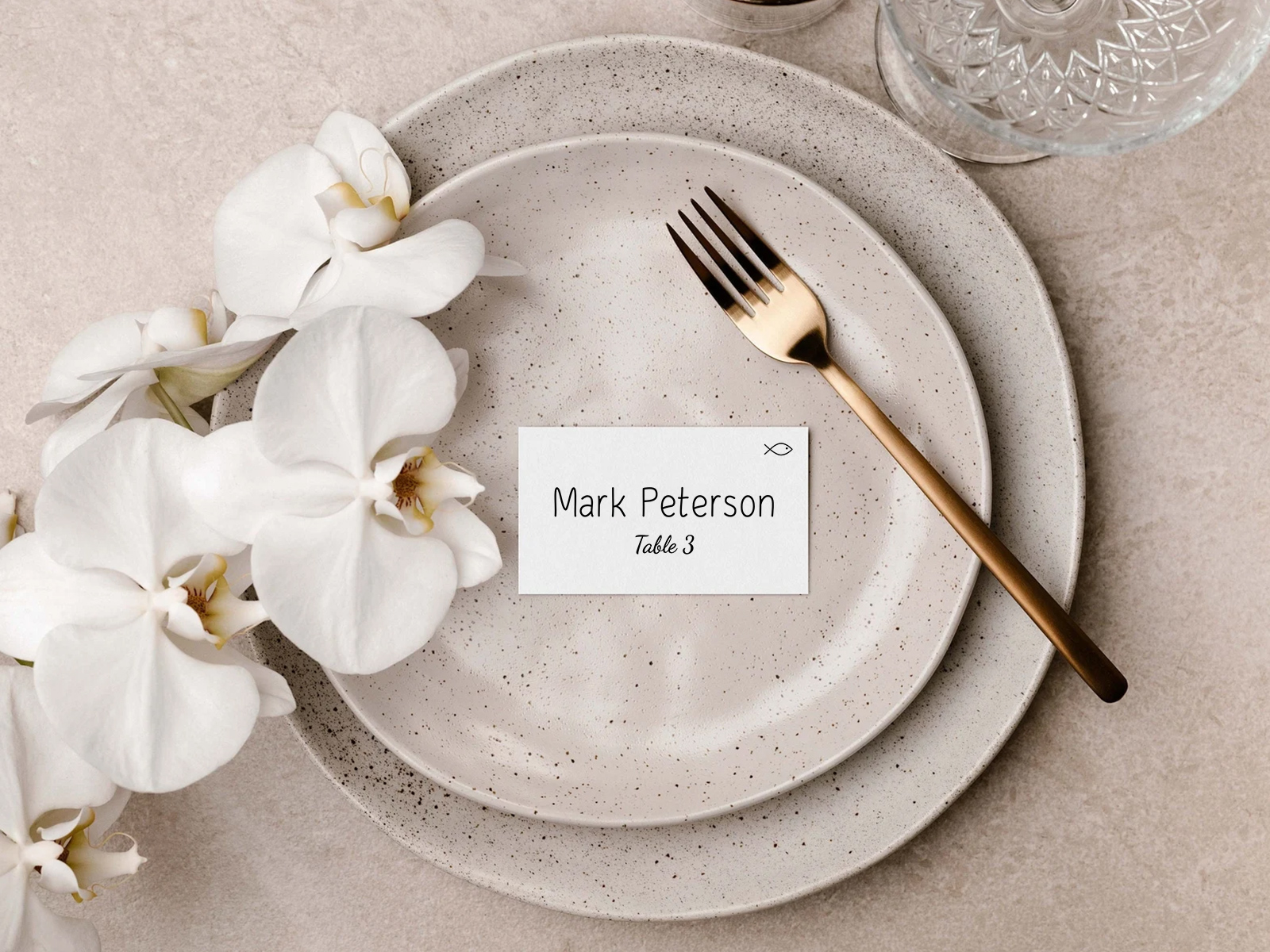
Place Cards vs Escort Cards — A Quick Clarifier
Place cards and escort cards are physically the same product — a small card with a guest’s name and table number — but used differently. The distinction is about placement, not design.
Place cards sit at the place setting and tell the guest which seat. They’re used when you’re assigning specific seats.
Escort cards are displayed alphabetically at the entrance, picked up by the guest, and carried to the table. They tell the guest which table — the guest then chooses their own seat at the table.
Many couples use both at formal weddings: escort cards at the entrance to direct guests to tables, place cards at each plate to direct them to specific seats. Our tool generates both formats from the same seating chart, sharing the same names, so the suite stays consistent.
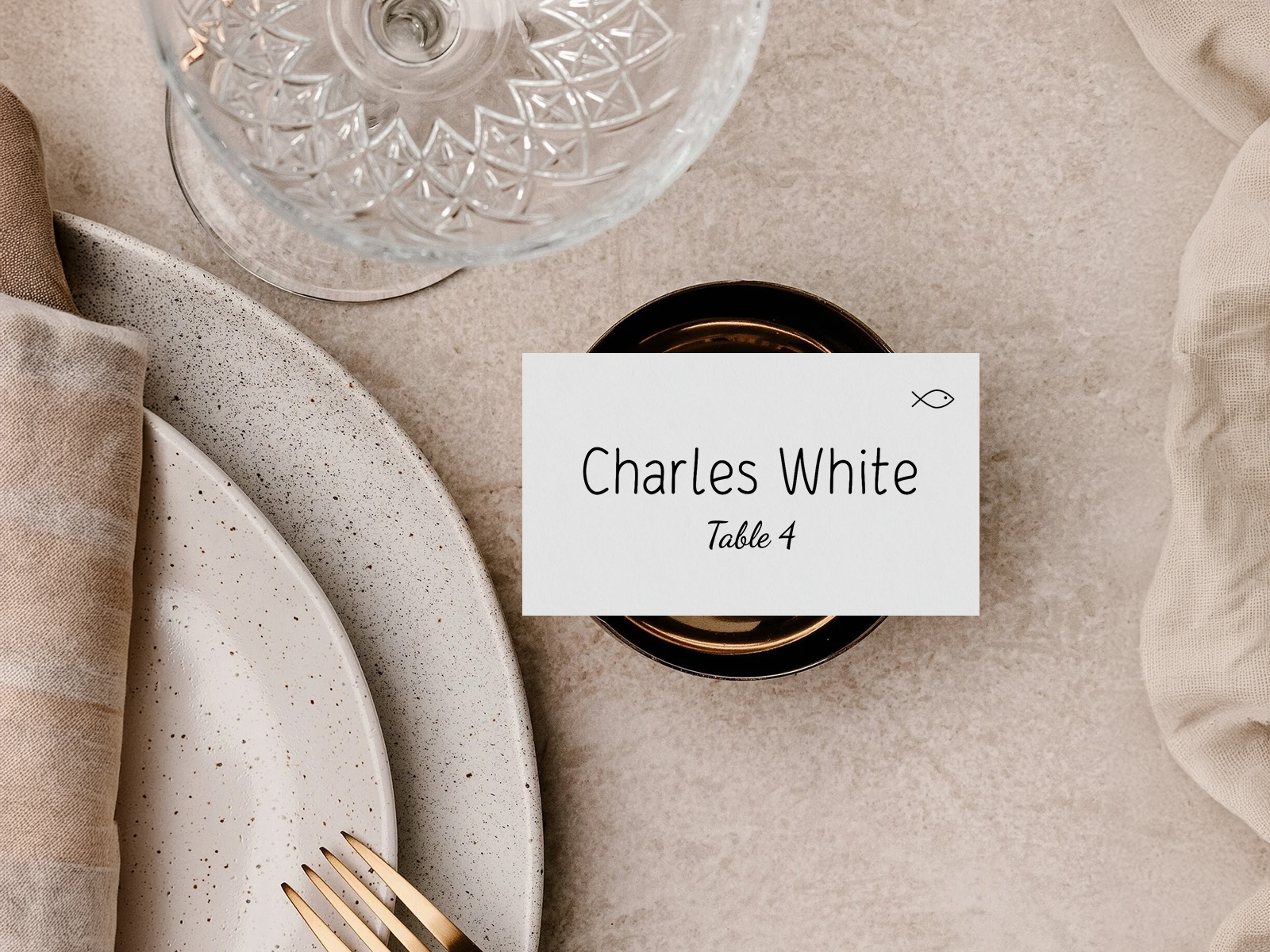
Why Use Our Tool Instead of an Etsy Template
Etsy and Canva templates produce a single place card design you fill in by hand. For 100 guests, that’s 100 manual edits with the names and table numbers — and any late RSVP forces you back into the template to add or change a card.
Our wedding planning assistant treats the place card as output. The names, table numbers and meal-choice icons all pull from the project automatically. No re-typing, no separate file for the late RSVP — just re-export the affected card and send it to the printer.
Free, collaborative, and the data stays live until you click download. The tool also coordinates the place card automatically with the rest of your stationery, so the typography and color are consistent without your having to specify them twice.
Generate auto-filled place cards now
Step-by-Step Guide — From Seating Chart to Printed Place Cards
Most couples build place cards in the final two weeks before the wedding, after the seating chart is locked.
- Create a free project on planning.wedding and import your guest list.
- Send RSVPs with the meal-choice question enabled.
- Build the seating chart and assign every confirmed guest to a specific seat.
- Open the place cards view in the project menu.
- Pick the format — tent-fold or flat — and the size.
- Enable meal-choice icons if you collected meal choices.
- Set typography to match the rest of your stationery suite.
- Choose where titles appear (Mr./Mrs./Dr.) — on, off, or per-guest.
- Preview a sample card to confirm spelling and the icon position.
- Export the print-ready PDF with bleed and crop marks.
- Send to your printer on 100–120 lb cardstock.
- Reprint affected cards only if a guest changes their RSVP or seat in the final week.
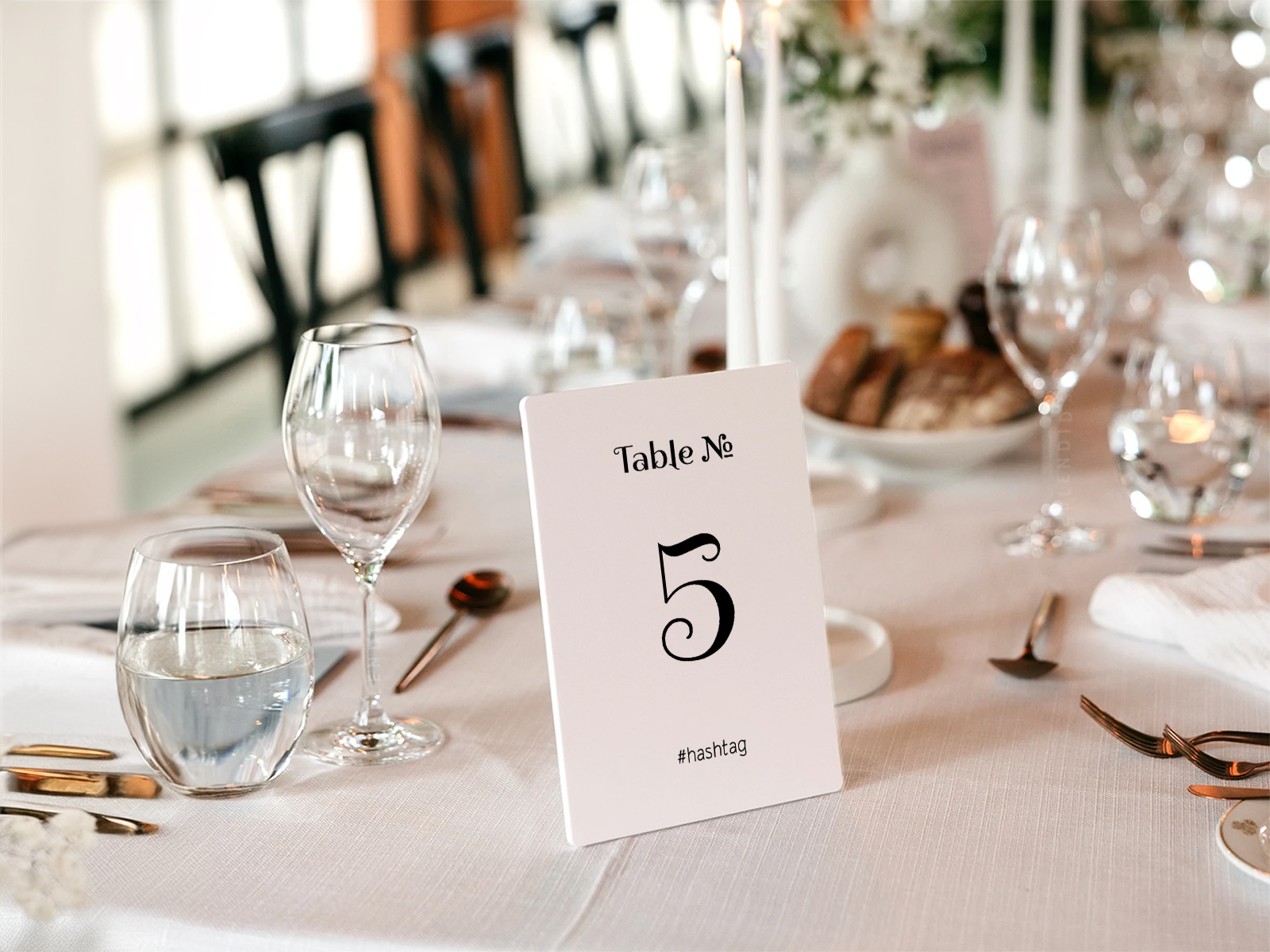
Build your wedding place cards
Alternative Names for Wedding Place Cards
The same product is searched for under many names depending on the meal format and the regional convention.
- Place cards template
- Printable place cards
- Place cards with meal choice
- Wedding place card maker
- Individual place cards
- Place cards for wedding tables
- Tent-fold place cards
- Wedding name cards
Explore the rest of the wedding place cards cluster
Each sub-page below covers a narrow slice of place-card production — design templates, print-ready files, RSVP-driven meal-choice icons, and creative styling — all powered by the same Wedding Planning Assistant seating chart.
Explore the rest of your wedding day-of stationery suite
Each item below pulls live from your seating chart on Wedding Planning Assistant, so a single update to your guest list flows through every printed piece — no copying names from one template to the next.