Weitere Hochzeitsideen & Ratgeber entdecken
Hochzeitsmenükarten
Entdecken
Unser Service hat weltweit bereits Zehntausende Paare bei der Planung ihrer Traumhochzeit unterstützt!
Kostenlose Hochzeits-Menükarten — automatisch aus euren RSVP-Mahlzeiten erstellt
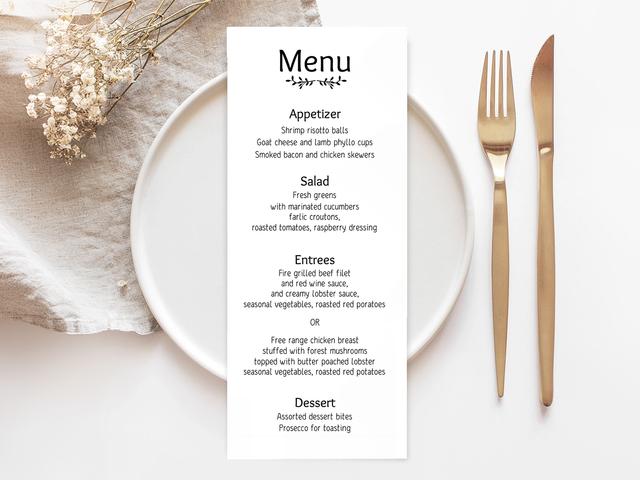
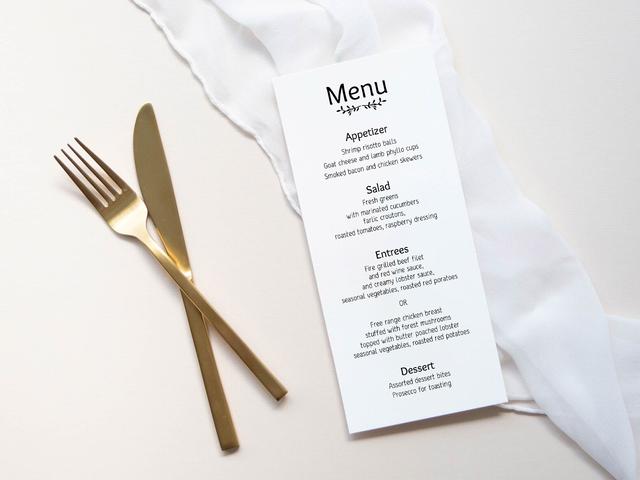
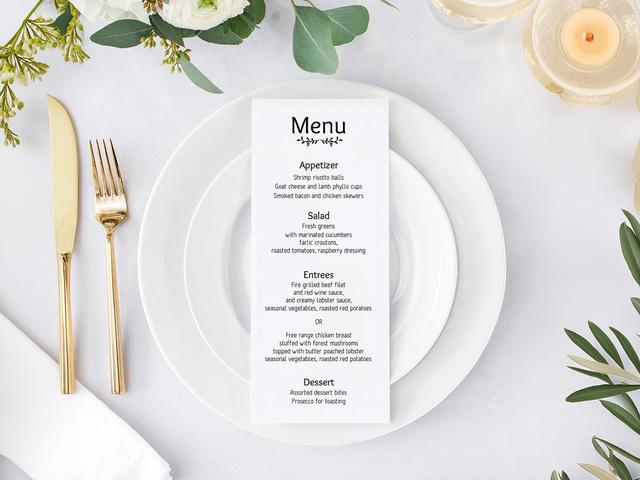
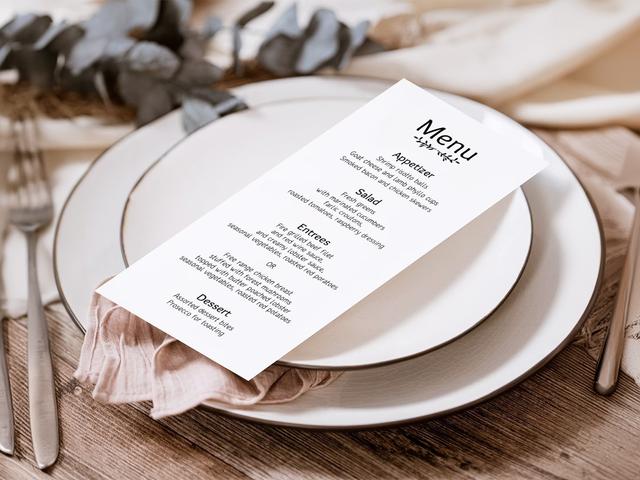
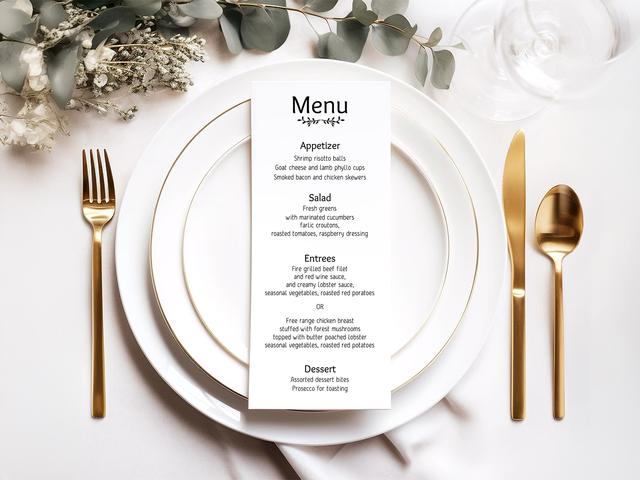
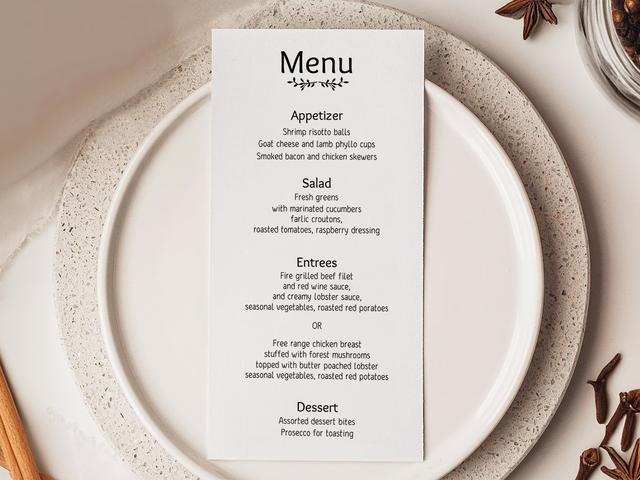
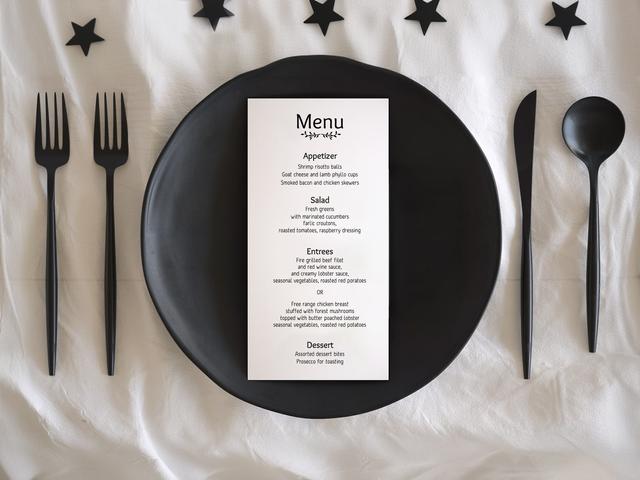
Hochzeits-Menükarten liegen an jedem Platz des Gastes und listen die Gänge auf, die beim Empfang serviert werden. Gut gemacht sind sie zugleich ein kleines Deko-Element und ein dezenter Hinweis für das Servicepersonal auf die jeweilige Mahlzeit des Gastes. Schlecht gemacht sind sie einfach ein Stapel identischer Druckkarten, der nicht widerspiegelt, was eure Gäste bei der RSVP tatsächlich ausgewählt haben.
Unser Hochzeitsplanungs-Assistent erstellt Menükarten direkt aus eurem Projekt. Wenn ihr die Mahlzeiten über das integrierte RSVP-Formular erfasst habt, kann das Tool Menüs pro Gast drucken, die nur die von diesem Gast gewählte Hauptspeise anzeigen — so werden Küche, Service und eure Liste mit Ernährungsbesonderheiten am Abend deutlich einfacher zu handhaben.
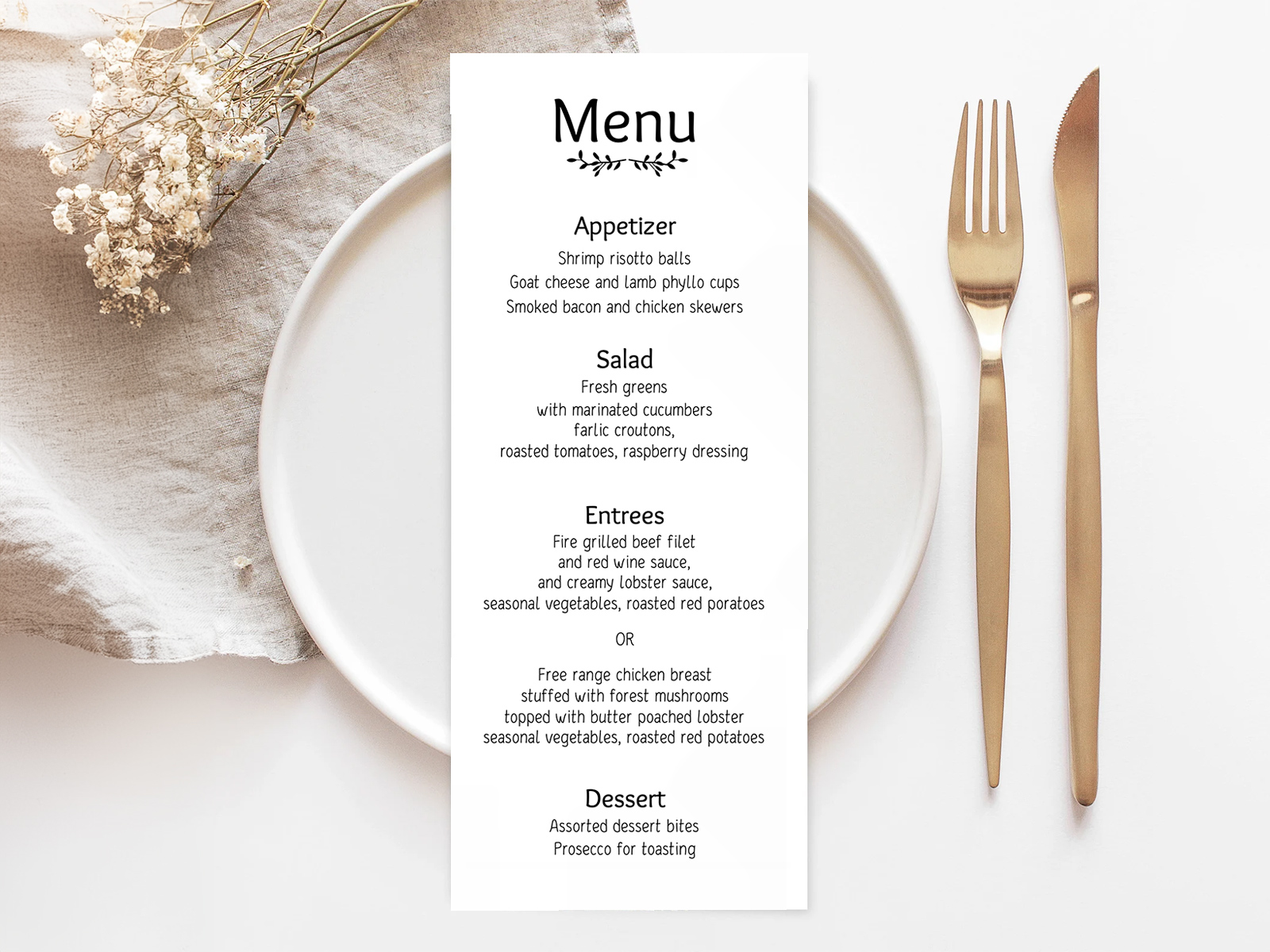
Die Mahlzeiten werden zusammen mit jedem Gast im selben Sitzplan-Projekt erfasst, sodass die Daten, die in die Menükarten fließen, genau dieselben sind, mit denen auch das Catering-Team arbeitet.
Erfasst die Mahlzeiten gleichzeitig mit der Teilnahme über das integrierte RSVP-Tool — ein Formular, eine verlässliche Datenquelle.
Erfasst Allergien und Ernährungsbesonderheiten in der Hochzeits-Gästeliste und zeigt sie dann auf der Menükarte an oder gebt sie unauffällig an die Catering-Leitung weiter.
Erstellt eure Hochzeits-Menükarten
PLANNING . WEDDING — ist leicht zu merken und noch einfacher zu nutzen.
Wie Hochzeits-Menükarten aus eurem Projekt erstellt werden
Die Menükartenansicht ist eines von sechs Ergebnissen, die aus eurem Sitzplan-Projekt erzeugt werden. Der Datenfluss ist derselbe wie bei allen anderen Teilen der Hochzeits-Papeterie für den Hochzeitstag auf planning.wedding.
- Gebt euer Menü ein — Vorspeise, Salat, Hauptgang, Dessert.
- Markiert, welche Gänge mehrere Optionen haben (meistens der Hauptgang — Rind, Fisch, vegetarisch).
- Verschickt RSVPs über das integrierte Formular, damit jeder Gast seine bevorzugte Hauptspeise auswählt.
- Wählt den Menükartenmodus — ein gemeinsames Menü für alle oder Menükarten pro Gast, die nur die gewählte Hauptspeise zeigen.
- Passt das Design an — Schriftarten, Trennlinien, Papierformat, optionale Symbole für die Gänge.
- Ladet druckfertige PDFs herunter mit Beschnitt und Schnittmarken, bereit für jede lokale Druckerei.
Wenn ein Gast seine Mahlzeit in der letzten Woche ändert, wird nur seine Karte neu erstellt — nicht die gesamte Auflage.
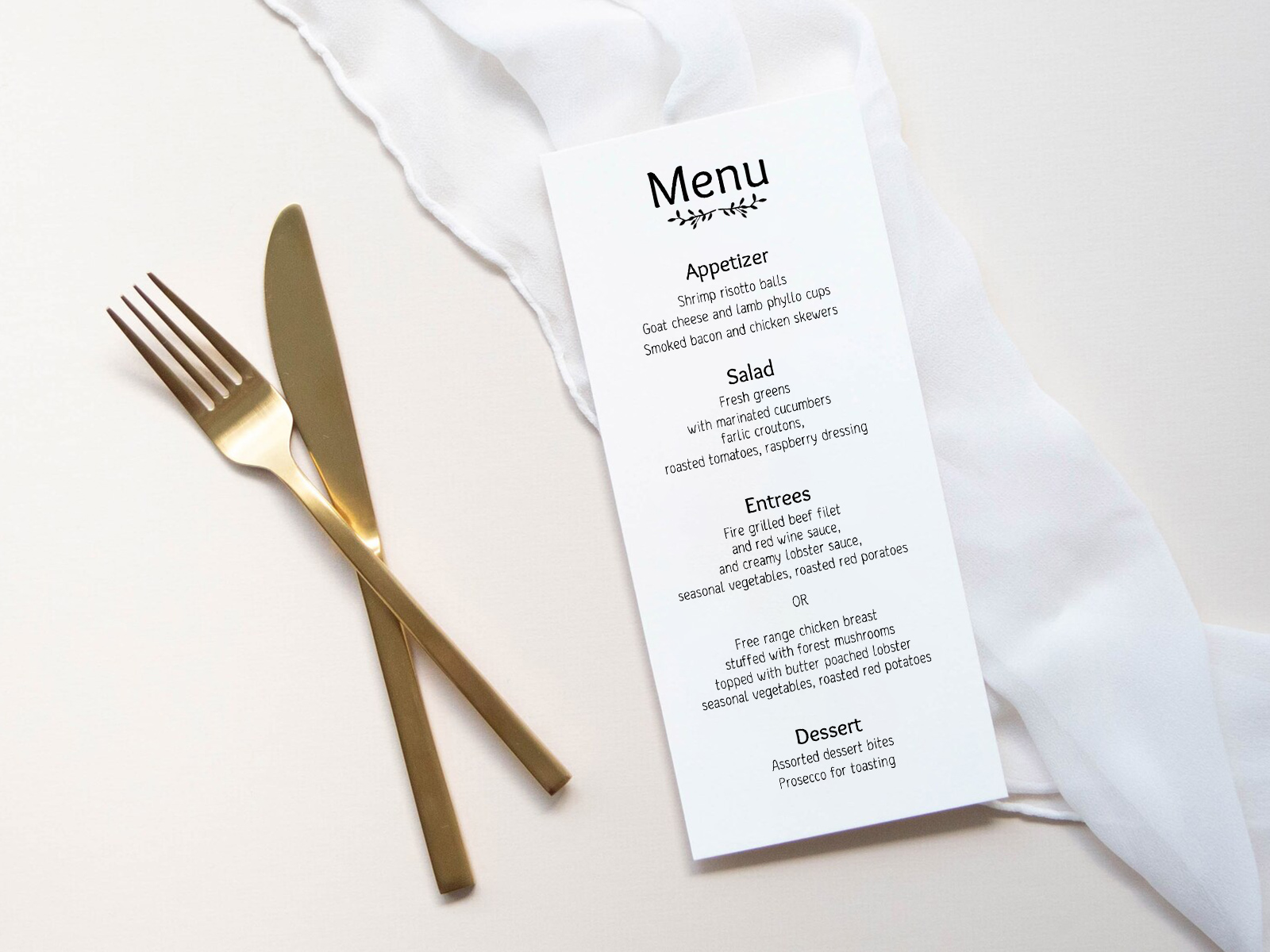
Gestalten Sie Ihre Menükarte für die Feier
Jetzt Menükarten pro Gast erstellen
Was ist eine Hochzeits-Menükarte?
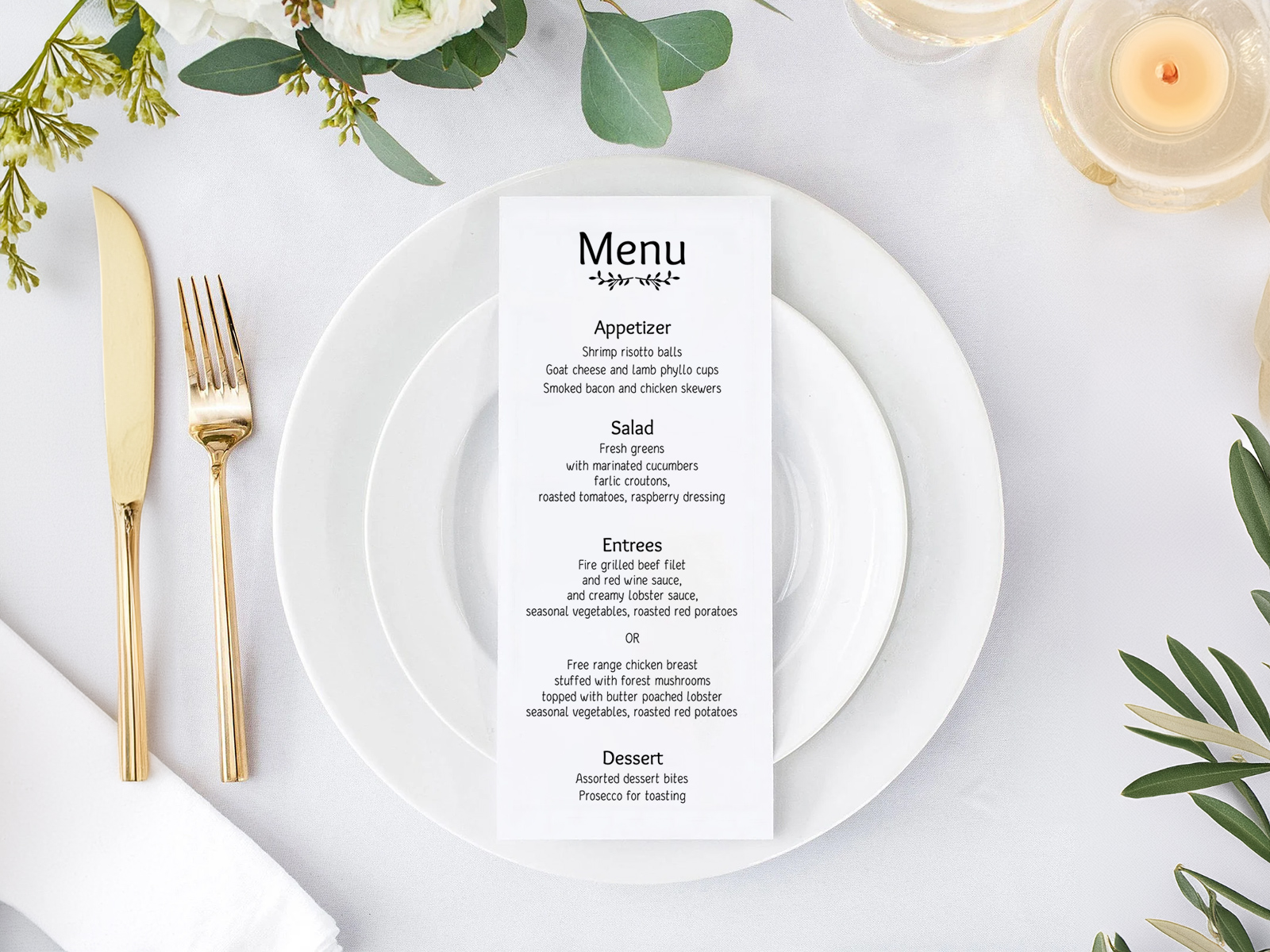
Eine Hochzeits-Menükarte ist eine einzelne gedruckte Karte, die am Platz jedes Gastes liegt und die Gänge des Empfangs in der Reihenfolge aufführt, in der sie serviert werden. Sie liegt meist auf der Serviette, steckt in der Serviettenfalte oder lehnt am Wasserglas.
Die Karte erfüllt drei Aufgaben zugleich: Sie zeigt dem Gast, was ihn erwartet, bestätigt dem Service, welche Hauptspeise jeder Gast gewählt hat, und dient als kleines Deko-Element, das den Platz gemeinsam mit Platzkarte und Tischnummer abrundet.
Wann ihr Menükarten braucht — und wann nicht
Ob Menükarten erwartet werden, hängt vor allem von der Art des Essens ab.
- Serviertes Dinner — Menükarten werden erwartet, besonders wenn Gäste bei der RSVP aus mehreren Hauptgängen gewählt haben. Ohne sie muss das Servicepersonal jeden Gast am Tisch fragen, was er gewählt hat, was den Service verlangsamt.
- Buffet — Menükarten sind optional. Manche Paare verzichten ganz darauf; andere nutzen sie als Tischdeko und um zu kennzeichnen, welche Speisen vegetarisch, glutenfrei oder nussfrei sind.
- Family-Style — Menükarten werden meist weggelassen. Das Essen kommt gemeinsam in Serviergeschirr an den Tisch, daher sind individuelle Menüs nicht nötig. Ein kleines gerahmtes Menü pro Tisch kann einzelne Karten ersetzen, wenn ihr möchtet.
- Cocktail-Empfang — verzichtet auf Menükarten. Nutzt stattdessen kleine Speisenbeschriftungen an den Food-Stationen.
Typischer Aufbau einer Hochzeits-Menükarte
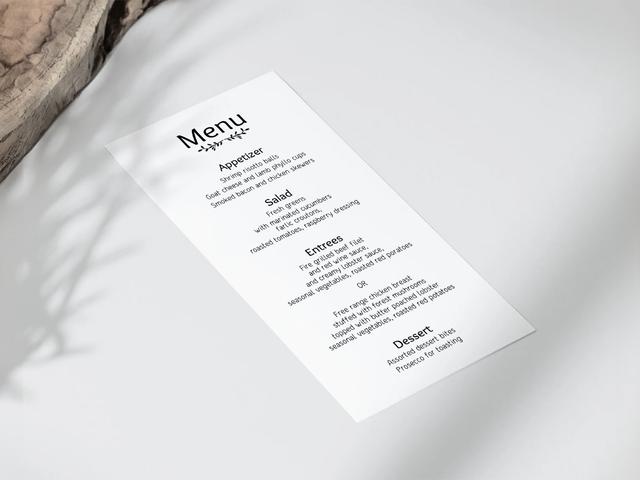
Das klassische viergängige Hochzeitsmenü liest sich als Vorspeise → Salat → Hauptgang → Dessert, wobei jeder Gang in einer eigenen Zeile steht und dazwischen ein kleiner Trenner gesetzt wird. Die Hauptgang-Zeile ist der Bereich mit den meisten Varianten — Paare listen entweder ein Gericht für alle oder die verschiedenen Optionen, die jeder Gast bei der RSVP hätte wählen können.
Wenn eure Hochzeit zusätzliche Gänge umfasst (Amuse-Bouche, Gaumenreiniger, Käsegang), bekommt jeder Gang seine eigene Zeile in der Reihenfolge, in der er serviert wird. Wenn ihr einen Gang auslasst (kein Salat, Dessert direkt nach dem Hauptgang), lasst die Zeile einfach weg — nicht leer stehen.
Weinbegleitungen, falls enthalten, stehen kursiv unter dem jeweiligen Gang. Sie sind optional und wirken meist etwas formeller.
Erstellt eure Hochzeits-Menükarten
Menükarten pro Gast mit Mahlzeitenwahl — das starke Feature
Bei den meisten Hochzeiten werden die Mahlzeiten über die RSVP erfasst — Rind, Fisch oder vegetarisch — und die meisten Papeterie-Anbieter erstellen dann nur ein gemeinsames Menü mit allen drei Optionen. Das Catering-Team muss anschließend am Tisch herausfinden, wer was bekommt, meist indem handschriftliche Notizen mit dem Sitzplan abgeglichen werden.
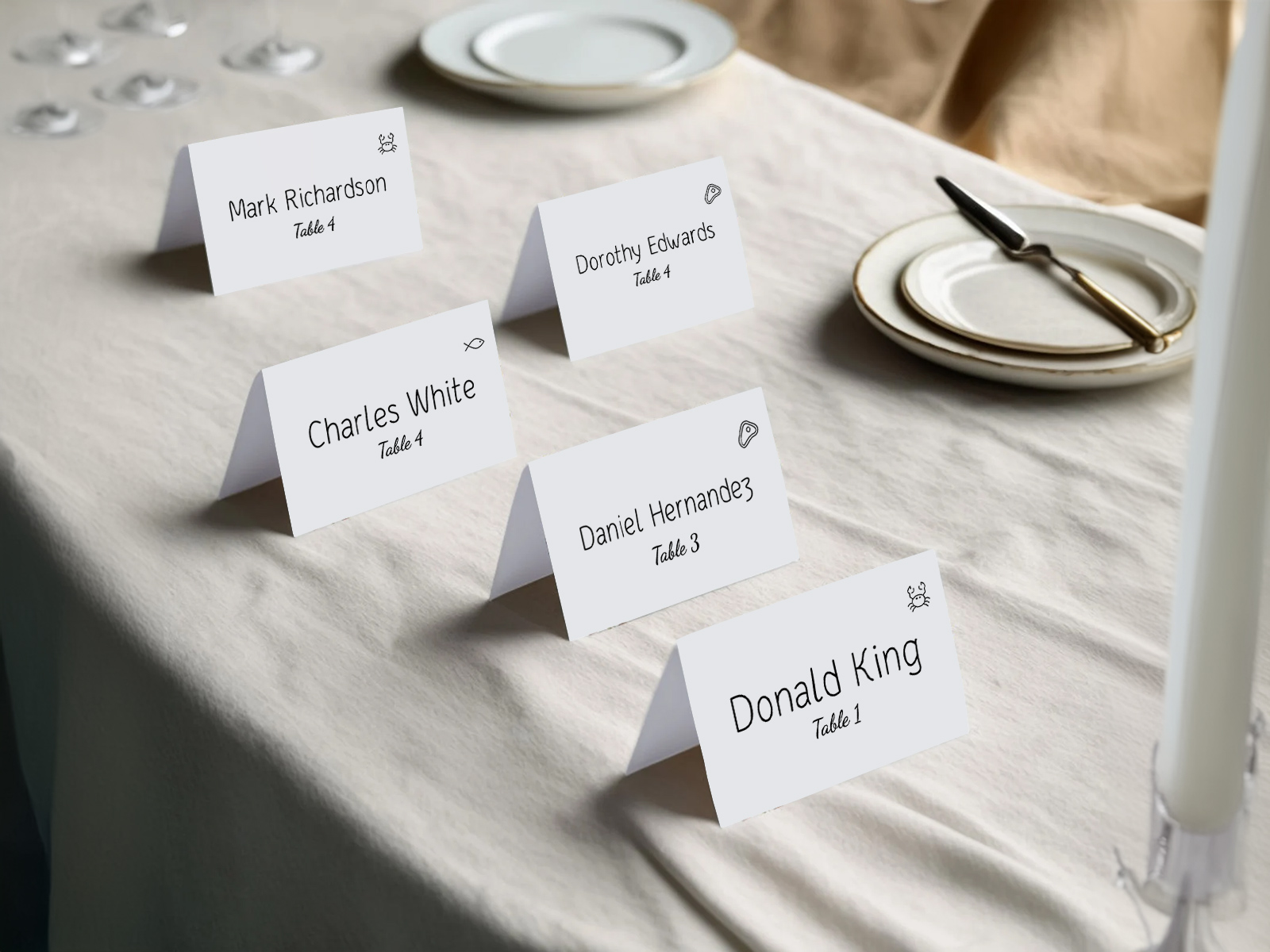
Unser Tool nimmt diese Reibung komplett heraus. Wenn ihr den Modus für Menükarten pro Gast aktiviert, listet jede gedruckte Karte nur die Hauptspeise auf, die dieser Gast bei der RSVP gewählt hat. Das Servicepersonal geht von Platz zu Platz, legt jede Karte an den richtigen Platz, und die Küche weiß genau, was für welchen Platz angerichtet werden muss, ohne dass jemand eine Liste lesen muss.
Das Prinzip ist einfach: Die Menükarte zieht das Feld für die Mahlzeitenwahl aus dem Datensatz jedes Gastes. Wenn ein Gast in der letzten Woche seine Meinung geändert hat, wird nur die betroffene Karte neu erstellt — der Rest der Auflage bleibt unverändert.
Menükarten pro Gast sind besonders wertvoll bei Hochzeiten mit drei oder mehr Hauptgang-Optionen, bei Hochzeiten mit umfangreichen Ernährungsbesonderheiten und bei Hochzeiten mit engem Catering-Zeitfenster, in dem das Servicepersonal nicht anhalten kann, um nachzufragen.
Paare, die keine Mahlzeitenwahl erfassen, können Menükarten pro Gast trotzdem nutzen, um persönliche Grüße oder Gang-Kombinationen anzuzeigen — das Feld ist flexibel, das Prinzip bleibt gleich: Die Karte wird aus Daten erstellt, nicht von Hand getippt.
Empfehlungen zu Größe und Papier
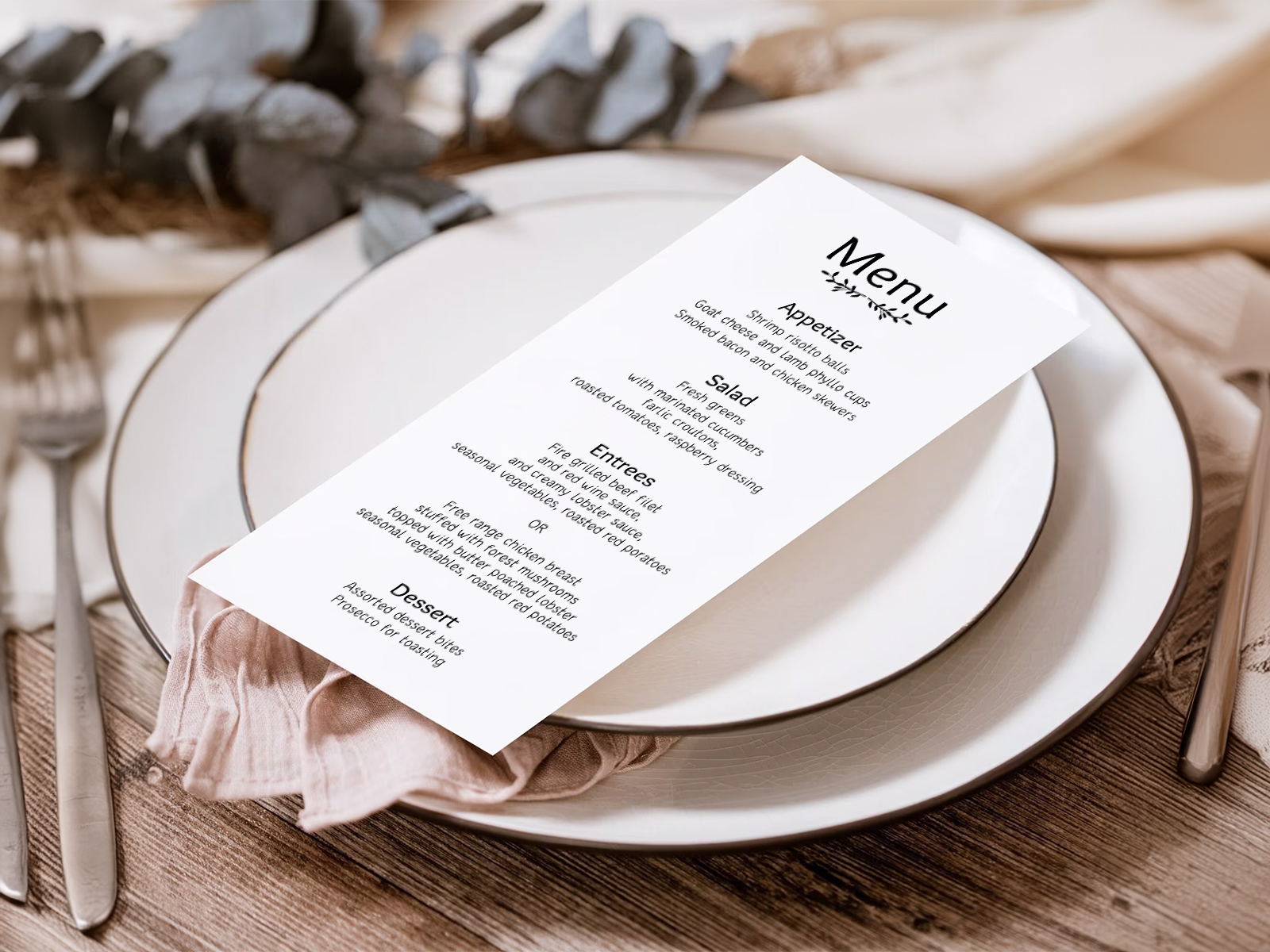
Hochzeits-Menükarten sind kleiner als die meisten Drucksachen der Suite, aber die Maße beeinflussen trotzdem, wie der Platz wirkt.
- 4×9 Zoll (Tea-Length) ist die beliebteste Größe. Schlank, elegant, passt in eine gefaltete Serviette oder neben das Besteck, ohne den Teller zu überladen.
- 5×7 Zoll ist die zweithäufigste Größe — näher an einer Postkarte. Wirkt etwas lockerer und bietet mehr Platz für dekorative Rahmen oder Weinbegleitungen.
- 4×6 oder A6 eignet sich für kleinere Tischgedecke oder Family-Style-Tische, an denen jeder Gast nur eine Gangliste erhält.
- Papierstärke — 100–120 lb Karton hält während des Essens gut durch, ohne sich zu wellen. Alles Leichtere knickt beim Anfassen; alles Schwerere ist übertrieben.
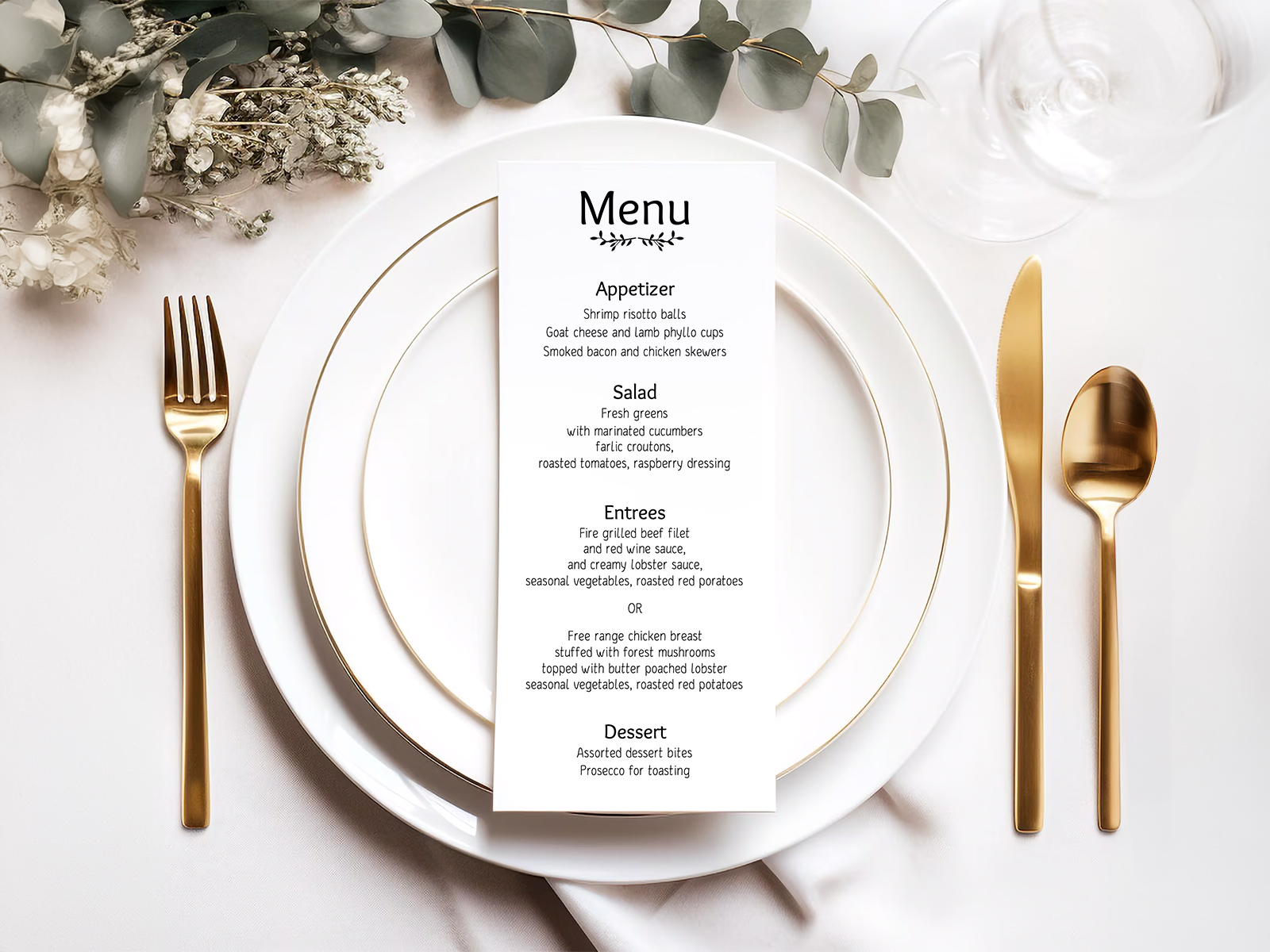
Beispieltexte für Hochzeits-Menüs — drei Formate
Unten findet ihr drei Beispielmenüs mit unterschiedlichem Formalitätsgrad. Nutzt sie als Ausgangspunkt und passt den Ton an eure Hochzeit an.
Formal — klassisches Vier-Gänge-Menü
Gerösteter Rote-Bete-Salat von alten Sorten
Gepökelte Zitrusfrüchte, aufgeschlagener Ziegenkäse, kandierte Walnuss
—
Gebratener Heilbutt aus der Pfanne
Safran-Beurre-Blanc, Fenchel-Confit, junger Lauch
—
Schokoladen-Crémeux
Olivenöl-Biskuit, Meersalz, Himbeere
Lässig — rustikal serviert
Gartensalat mit Kräutervinaigrette
—
Langsam geschmorte Lammschulter
oder Gemüse-Tarte der Erntezeit
—
Zitronen-Olivenöl-Kuchen mit Vanillecreme
Saisonal — Sommerhochzeit im Garten
Alte Tomatensorten & Burrata
—
Gegrilltes Hähnchen aus Maisfütterung
oder gebratener Sommergemüse-Teller
—
Steinobst-Pavlova mit Holunderblütencreme
Jedes Beispiel passt bequem auf eine 4×9-Tea-Length-Karte, wobei die Hauptgang-Zeile bei aktiviertem Modus für Menükarten pro Gast automatisch ausgetauscht wird.
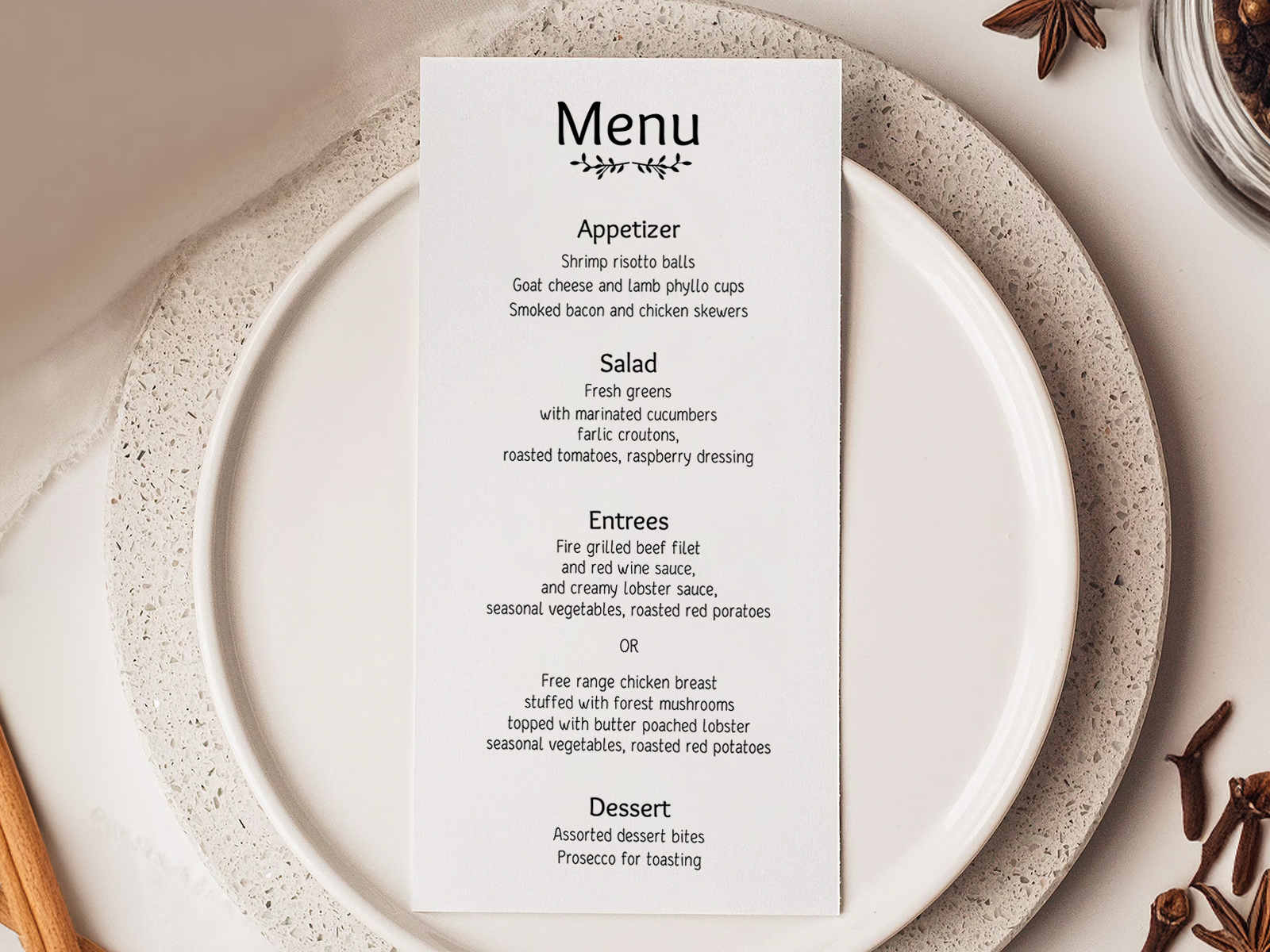
Probiert es aus — keine Anmeldung nötig
Etikette für Hochzeits-Menükarten
Sollten Menükarten Preise enthalten? Nein, niemals. Hochzeitsmenüs sind keine Restaurantkarten — eure Gäste sind Gäste der Gastgeber, keine zahlenden Kunden. Preise wirken geschäftlich und unpassend.
Sollten Allergene auf der Menükarte stehen? Optional und eine Stilfrage. Üblich ist, sie auf der gedruckten Karte wegzulassen und die Catering-Leitung Ernährungsbesonderheiten diskret am Platz des betroffenen Gastes zu klären. Wenn ihr sie aufführt, nutzt kleine kursiv gesetzte Hinweise unter dem jeweiligen Gang.
Eine Menükarte pro Gast oder eine pro Paar? Pro Gast ist bei formellen Hochzeiten der Standard, besonders wenn die Mahlzeitenwahl variiert. Pro Paar ist bei lockeren Hochzeiten akzeptabel, um Papier und Platz auf dem Tisch zu sparen.
Soll die Menükarte die Weine aufführen? Optional. Wenn eure Location eine kuratierte Weinbegleitung ausschenkt, verleiht das dem Ganzen mehr Festlichkeit. Wenn Wein frei ausgeschenkt wird, lasst ihn weg.
Sollen Kinder eine eigene Menükarte bekommen? Ja, wenn das Kindermenü vom Erwachsenenmenü abweicht. Das Tool unterstützt ein separates Kindermenü-Format, das zusammen mit der Hauptauflage gedruckt wird.
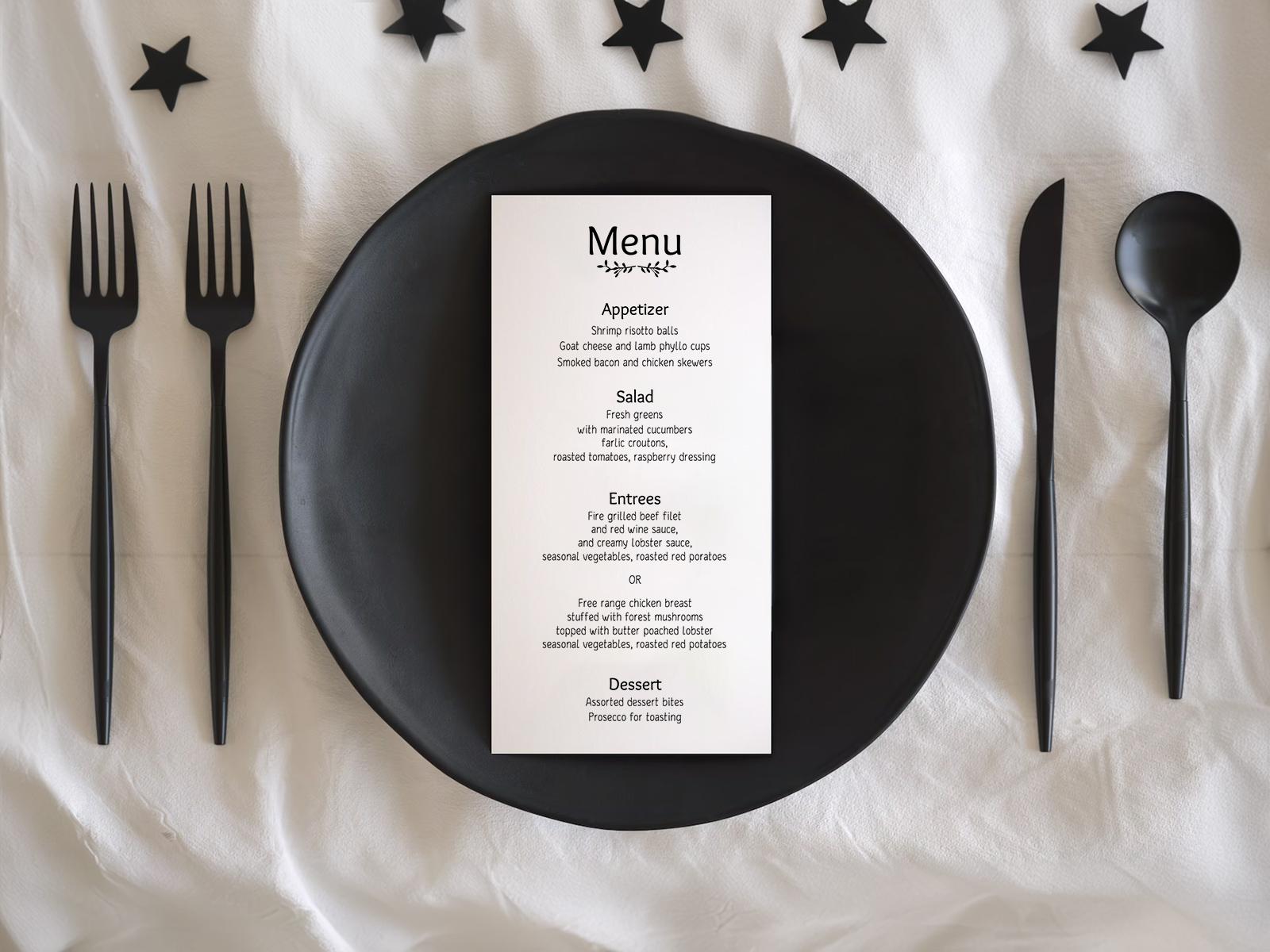
Mehrsprachige Menükarten für internationale Hochzeiten
Paare mit internationalen Gästen drucken manchmal zweisprachige Menükarten — meist die Sprache des Gastgeberlandes zusammen mit Englisch. Das Tool unterstützt ein Zwei-Spalten-Layout, bei dem jeder Gang in beiden Sprachen nebeneinander aufgeführt wird.
Wenn auf der Hochzeit Gäste mit drei oder mehr Sprachen dabei sind, liest sich eine gemeinsame Speiseliste mit Übersetzungen unter jedem Gang meist klarer als drei vollständige Spalten. Wählt einfach das Layout, das eure Gäste am schnellsten erfassen.
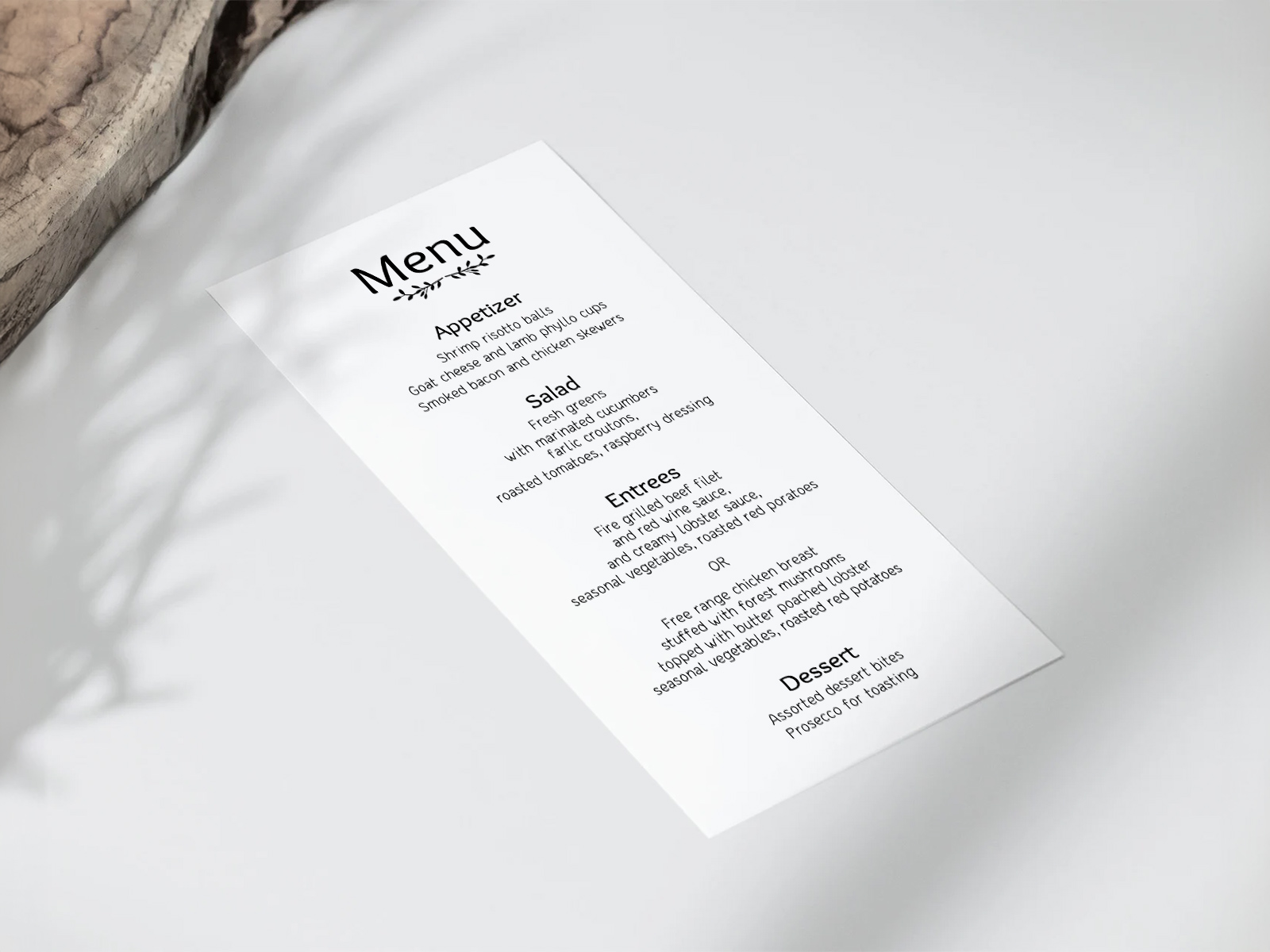
Abstimmung mit Platzkarten und Tischnummern
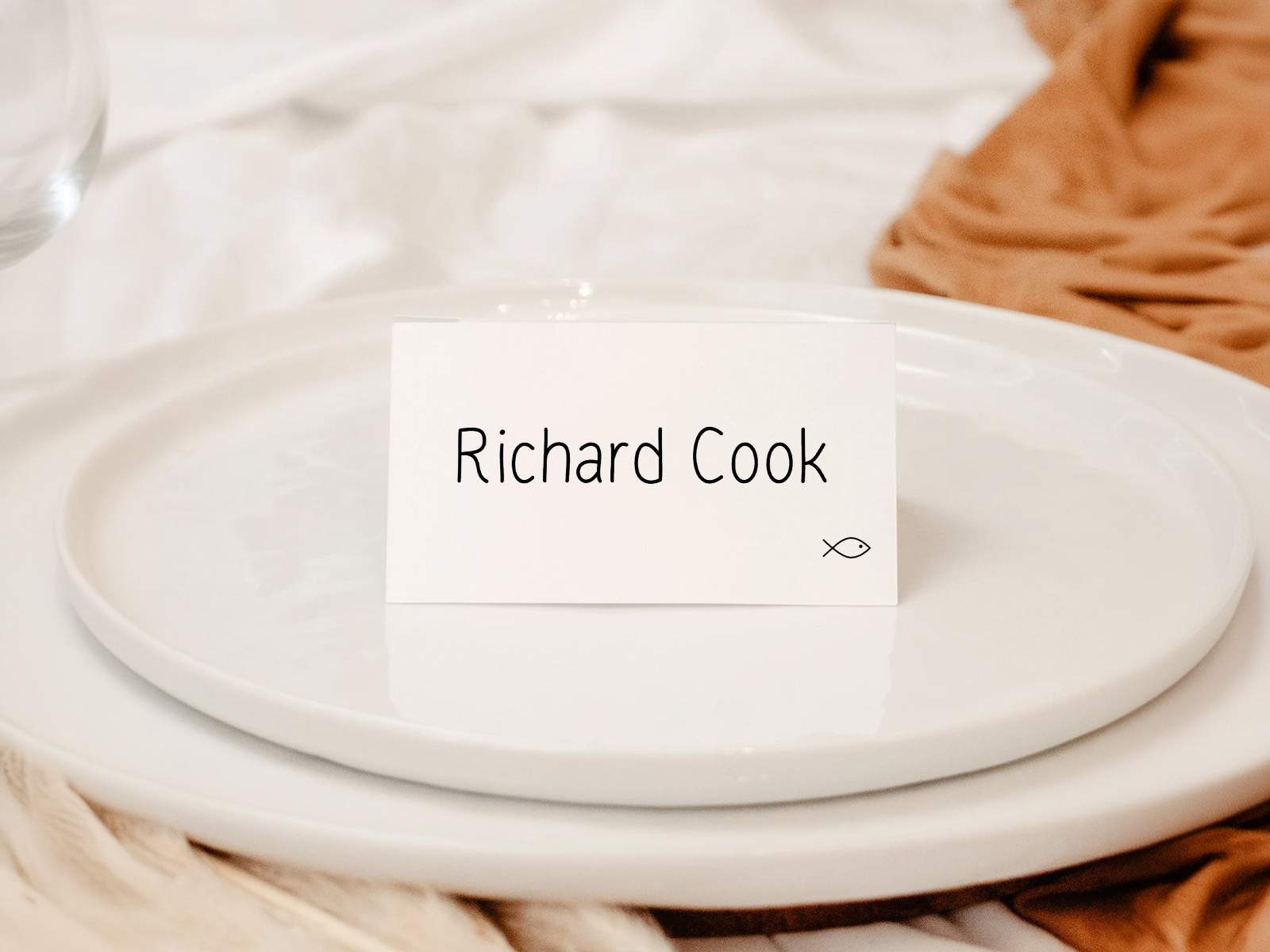
Die Menükarte liegt an jedem Platz neben der Hochzeits-Platzkarte und gegenüber der Hochzeits-Tischnummer. Es sind drei kleine Papeterie-Elemente, die zusammen gelesen werden sollen — und der einfachste Weg, sie wie eine gemeinsame Suite wirken zu lassen, ist eine einheitliche Typografie.
Das Tool verwendet standardmäßig dieselbe Schriftfamilie und Farbpalette für alle drei Ergebnisse. Ändert ihr das Design einmal, wird alles entsprechend aktualisiert — keine Versionsunterschiede, keine unpassenden Schriften am Platz.
Warum unser Tool statt einer Etsy-Vorlage nutzen?
Etsy- und Canva-Vorlagen erzeugen ein einzelnes Design, das ihr von Hand ausfüllt. Bei 100 Gästen mit drei verschiedenen Hauptgang-Optionen bedeutet das 100 manuelle Änderungen für ein gemeinsames Menü — oder 300 manuelle Änderungen, wenn ihr Menükarten pro Gast möchtet. Kommt dann noch eine späte RSVP hinzu, müsst ihr Namen neu eintippen, die noch gar nicht in eurem Sitzplan stehen.
Unser Hochzeitsplanungs-Assistent behandelt die Menükarte als Ausgabe — die Felder auf der Karte werden automatisch aus eurem Projekt gezogen. Das Tool übernimmt die Berechnung pro Gast, späte RSVP-Änderungen und das mehrsprachige Layout, ohne dass ihr etwas neu eintippen müsst.
Kostenlos, gemeinsam nutzbar (Planer, Partner, Familie können sich alle anmelden) und die Daten bleiben bis zum Abend vor der Hochzeit aktuell.
Jetzt Menükarten pro Gast erstellen
Schritt-für-Schritt-Anleitung — vom Projekt zur gedruckten Menükarte
Die meisten Paare erstellen Menükarten in den letzten drei bis vier Wochen vor der Hochzeit, wenn die RSVP-Antworten und Mahlzeitenwünsche größtenteils vorliegen.
- Erstellt ein kostenloses Projekt auf planning.wedding und importiert eure Gästeliste.
- Verschickt RSVPs mit aktivierter Frage zur Mahlzeitenwahl, damit jeder Gast seine Hauptspeise auswählt.
- Gebt euer Menü ein — alle Gänge plus die Hauptgang-Optionen.
- Öffnet die Menükartenansicht und wählt gemeinsames Menü oder Modus pro Gast.
- Wählt die Größe — 4×9 Tea-Length ist die Standardeinstellung, 5×7, wenn ihr mehr Platz für Gestaltung möchtet.
- Legt die Typografie fest — stimmt die Schriftfamilie für Menü, Platzkarte und Tischnummer aufeinander ab.
- Vorschau einer Musterkarte, um zu prüfen, ob die Hauptgang-Zeile für einen Gast mit Mahlzeitenwahl korrekt angezeigt wird.
- Exportiert das PDF mit bereits angewendetem Beschnitt und Schnittmarken.
- Schickt es an eure Druckerei mit angegebener Kartonstärke (100–120 lb).
- Nur betroffene Karten neu drucken, wenn ein Gast seine Mahlzeitenwahl in der letzten Woche ändert.
Erstellt eure Hochzeits-Menükarten
Alternative Bezeichnungen für Hochzeits-Menükarten
Dasselbe Produkt wird je nach Essensformat und regionaler Gewohnheit unter vielen Namen gesucht. Jeder Begriff meint dieselbe Papeterie — eine gedruckte Karte, die zeigt, was der Gast gleich essen wird.
- Hochzeits-Menüvorlage
- Druckbares Hochzeitsmenü
- Individuelle Hochzeits-Menükarten
- Menükarten für den Empfang
- Menükarten für serviertes Dinner
- Menü für den Platz
- Hochzeits-Dinner-Menükarte
- Menükarte pro Gast
Entdecken Sie den Rest des Themenbereichs für Hochzeitsmenüs
Jede der folgenden Unterseiten behandelt einen klar abgegrenzten Bereich der Menükarten-Produktion – Designvorlagen, druckfertige Dateien, vier Beispielmenüs mit Formulierungen und über 20 kreative Ideen – alles unterstützt durch den gleichen Sitzplan des Hochzeitsplanungsassistenten.
Entdecke den Rest deiner Papeterie für den Hochzeitstag
Jeder der folgenden Artikel wird live aus deinem Sitzplan auf Hochzeitsplanungsassistent übernommen, sodass eine einzige Aktualisierung deiner Gästeliste sich durch alle gedruckten Elemente zieht — ohne Namen von einer Vorlage in die nächste zu kopieren.