


Explore more wedding ideas & advice
Wedding Menu Template
Explore
Our service has assisted tens of thousands of couples worldwide in planning their dream weddings!
Wedding Menu Template — Editable Online, Free to Design, Ready to Print
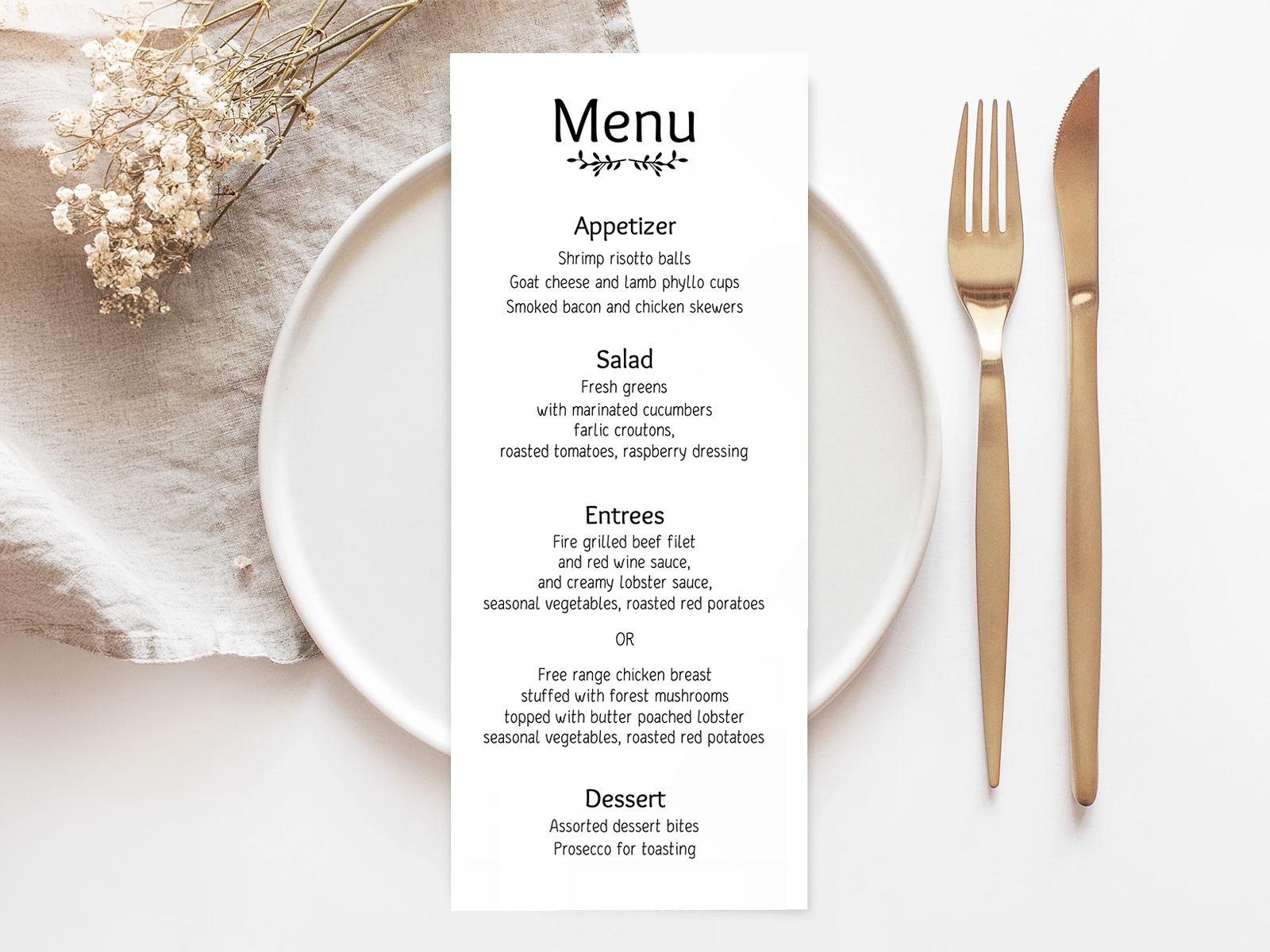
A wedding menu template saves you the part that takes longest: spacing four courses evenly on a slim card. Ours opens inside your project with a sample menu already laid out — title, appetizer, salad, entrées with an “or” between them, dessert and a botanical motif. You rewrite the dishes, adjust the fonts, and download a PDF with crop marks (Premium).
This page focuses on template design, sizing and customization. For full sample menus and entrée-choice phrasing, see wedding menu wording. For print-production specs, see printable wedding menus. For 20+ design ideas, see wedding menu ideas.
Meal choices from the built-in RSVP form stay on each guest — they give your caterer exact plate counts while the template lists every option for the table.
Coordinate the typography with the rest of your wedding day-of stationery so the menu, place card and table number all read as one design.
Pair the menu with place cards with meal choice — they print a meal icon beside each guest’s name from the same project, which covers the per-guest side of a plated dinner.
PLANNING . WEDDING — is easy to remember and even easier to use.
How the Template Works — Start From the Sample, Make It Yours
The template is a menu card in your project’s stationery that is already filled in. You keep what works, rewrite the rest, and download it when it’s right.
- Start from the sample — the template opens with a complete four-course menu in your language, already centred and spaced on a tea-length card.
- Rewrite in place — click a course or a dish to change it; duplicate a line to add a dish, delete the lines you don’t serve.
- Move anything — drag lines and motifs; snap guides at the margins and the centre keep the card symmetrical.
- Set three font levels — the title, the course names and the dish lines each have their own font and size, with left, centre or right alignment.
- Swap the motif — branches, olive branch, sprig, flourish, divider, rings, crown, heart, star and more, placed wherever you like.
- Download the PDF (Premium) — vector text, embedded fonts, two cards per US Letter sheet with crop marks for trimming.
Design your reception menu
Wedding Menu Template Sizes — Tea-Length vs 5×7 vs 4×6
Three sizes cover almost every wedding. Our template is built on the first of them — a tea-length card of about 3.8 × 8.5 inches — so knowing the others helps you decide whether it suits your place setting.
- 4×9 inches (tea-length) — the most popular wedding menu size. Slim, elegant, fits inside a folded napkin or alongside the cutlery without crowding the plate. Best for short menus (3–4 courses).
- 5×7 inches — the second most common. Closer to a postcard. Reads more casual, gives more space for decorative borders or wine pairings. Best for menus with 5+ courses or extensive descriptors.
- 4×6 inches (or A6) — works at smaller place settings or family-style tables where each guest gets a single course list rather than a full menu.
The template exports one size only, laid out two per US Letter sheet with crop marks. If your stationer needs 5×7 or A6, use our card as the approved proof of the text and layout and let them reset it on their stock.
Customizable Template Elements
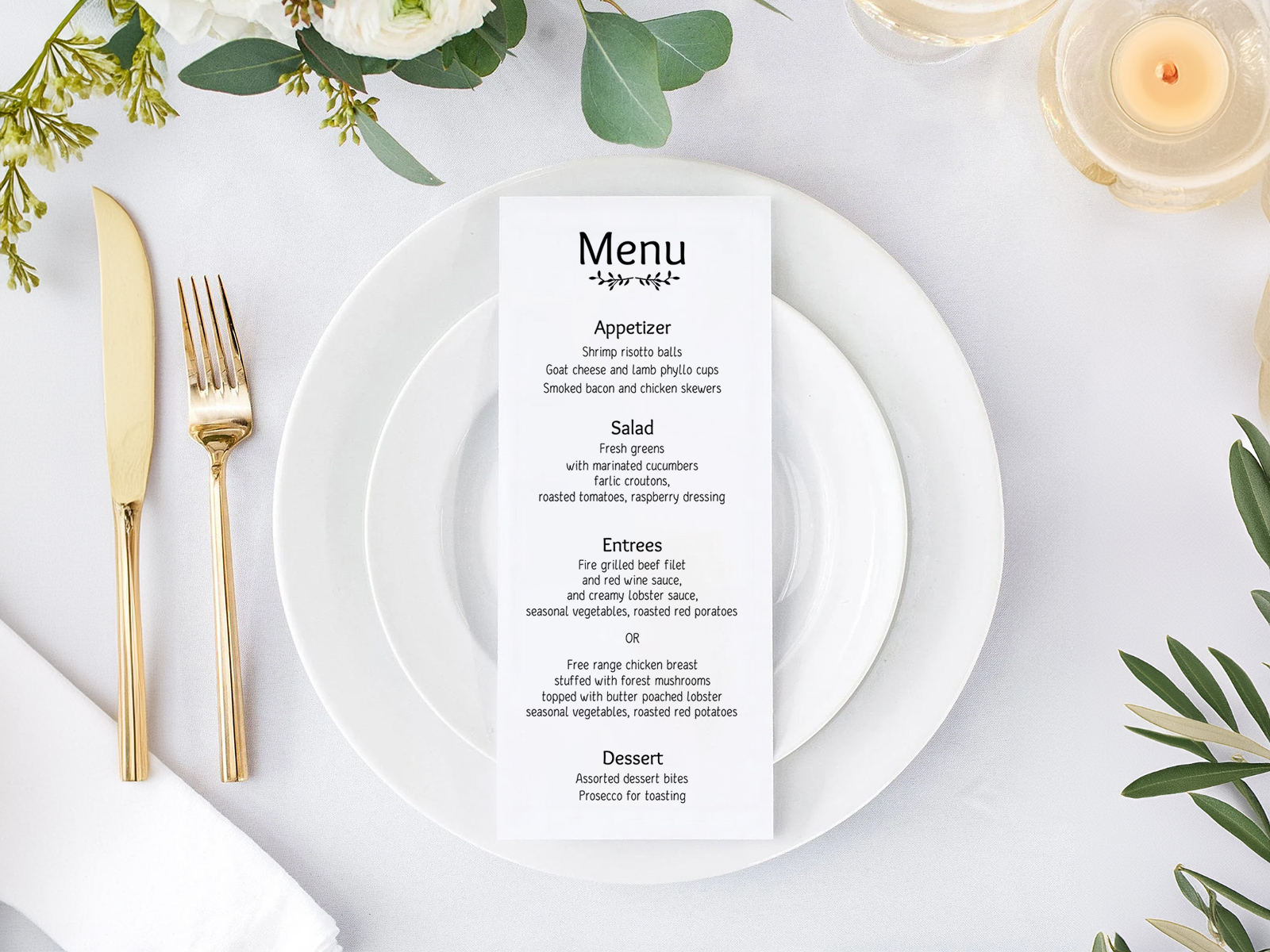
Every element is editable: the title font (a display serif or a calligraphy script), the course-name font, the dish-line font, their sizes, and the alignment of the whole card. Add or move small line-drawn motifs — branches, olive branch, sprig, flourish, divider, rings, crown, heart, star, sun — and duplicate or delete any line. The text prints in black, which reads well on any cardstock colour you choose.
Coordinate the typography with the rest of your suite by choosing the same fonts on purpose: the place cards, table numbers, table cards and the seating chart itself sit in the same project, so you can open each one and match the title and body fonts in a minute.
Layout Structure — Header, Courses, Footer
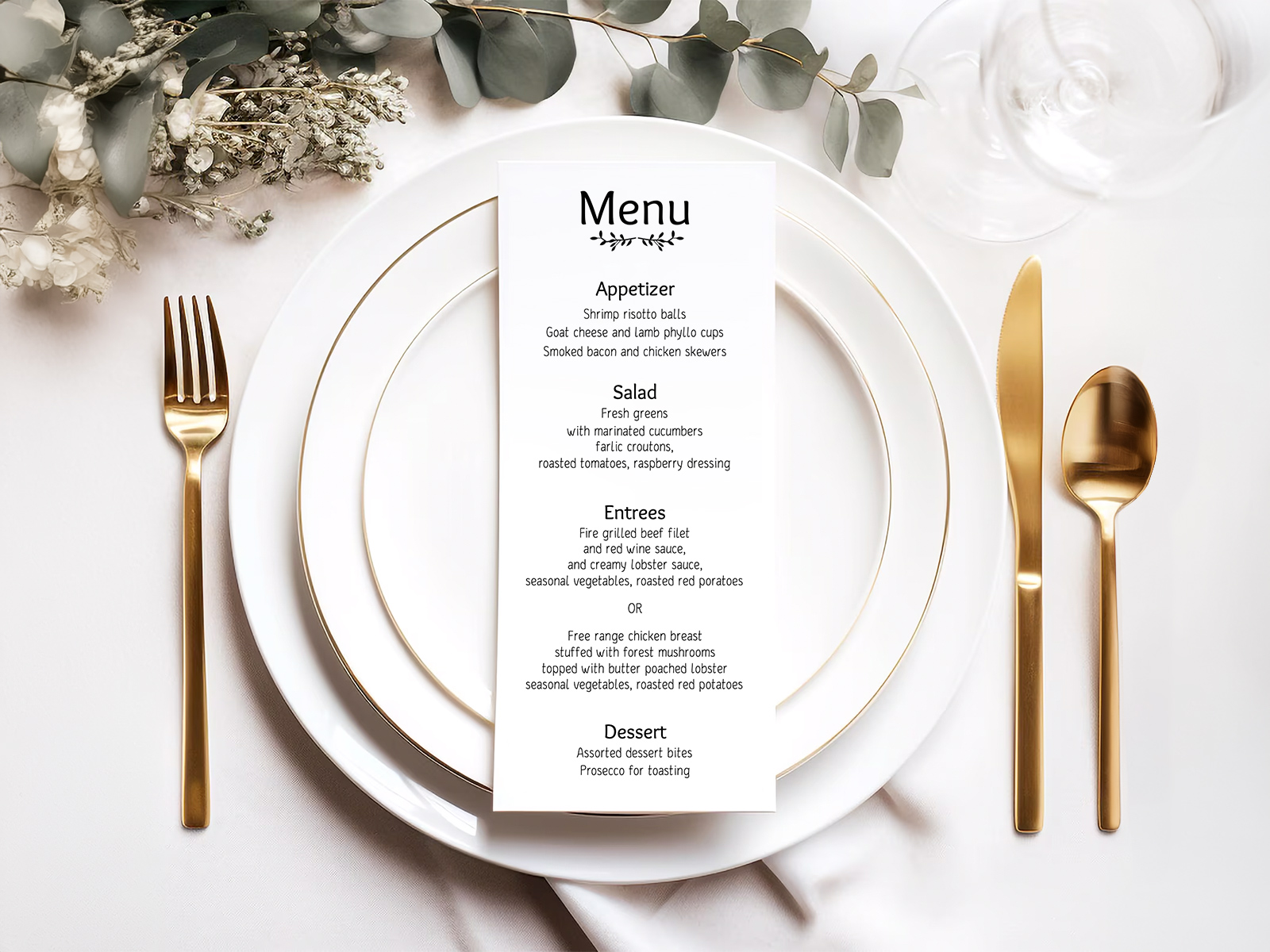
The template opens with a complete four-course sample: “Menu” in display type at the top with a small branches motif under it, then appetizer → salad → entrées → dessert, each course name above its dish lines, the two entrées separated by an “or” line, and a closing line for the toast under the dessert.
If your wedding adds extra courses (amuse-bouche, palate cleanser, cheese course), each one gets its own line in the order it's served. If you're skipping a course, simply omit the line — don't leave a blank.
Try the template — no sign-up needed
Meal Choices Next to the Template — Place Cards Carry the Per-Guest Part
The template is one shared menu for every plate, listing all entrée options. Each guest’s own choice comes from the built-in RSVP form and is saved on the guest, where it gives your caterer exact plate counts and prints as a small meal icon on that guest’s place card.
So the server reads the place card, the guest reads the menu, and a late switch from beef to fish only means downloading the place cards again — the menu template stays untouched. For the full overview, see the wedding menu cards parent page.
Why an Editable Template in Your Project Beats a Downloaded File
An Etsy or Canva menu template is a file you buy, download and fix by hand — text boxes that drift, margins that shift when you change a font. Our template lives in your planning project: the sample menu is already spaced, guides keep it aligned, and your partner or planner can edit the same card.
The difference shows in the final week. Change a dish, download the PDF again, and the crop marks and layout are still right. Designing is free; the print-ready PDF comes with Premium ($29 per project), together with every other stationery file in the same project.
Explore the rest of the wedding menu cluster
Each sub-page below covers a narrow slice of menu-card production — design templates, print-ready files, four sample menus with phrasing, and 20+ creative ideas — all powered by the same Wedding Planning Assistant seating chart.
Explore the rest of your wedding day-of stationery suite
Every item below is made in your Planning.Wedding project: the sign and the cards take names and tables from your guest list and seating chart, so one update reaches each of them, and the menu is designed right beside them. The same project holds your RSVPs, wedding website, budget, checklist and timeline.