Explore more wedding ideas & advice
Seating Chart Alphabetical by Last Name
Our service has assisted tens of thousands of couples worldwide in planning their dream weddings!
Seating Chart Alphabetical by Last Name — Auto-Sorted
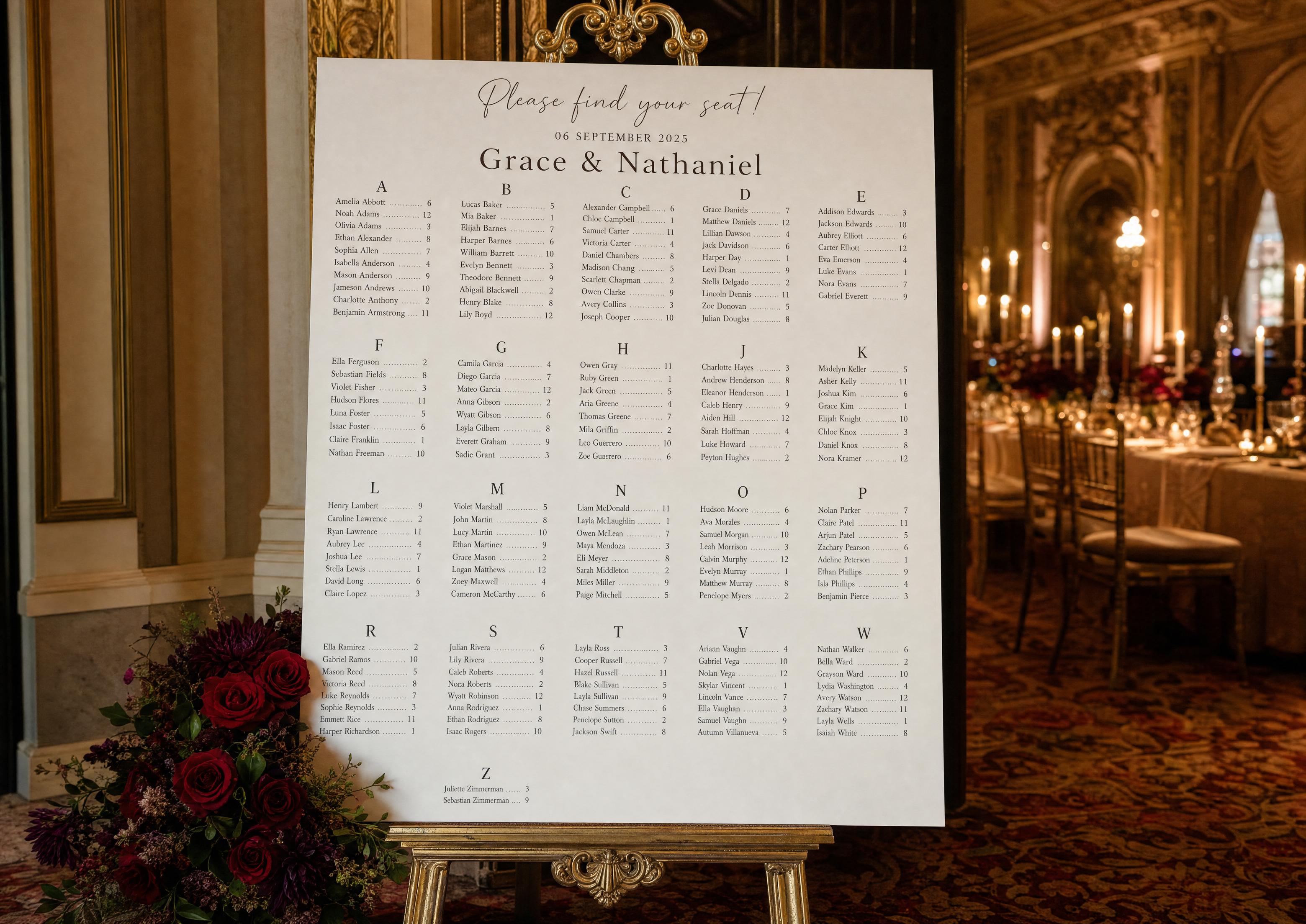
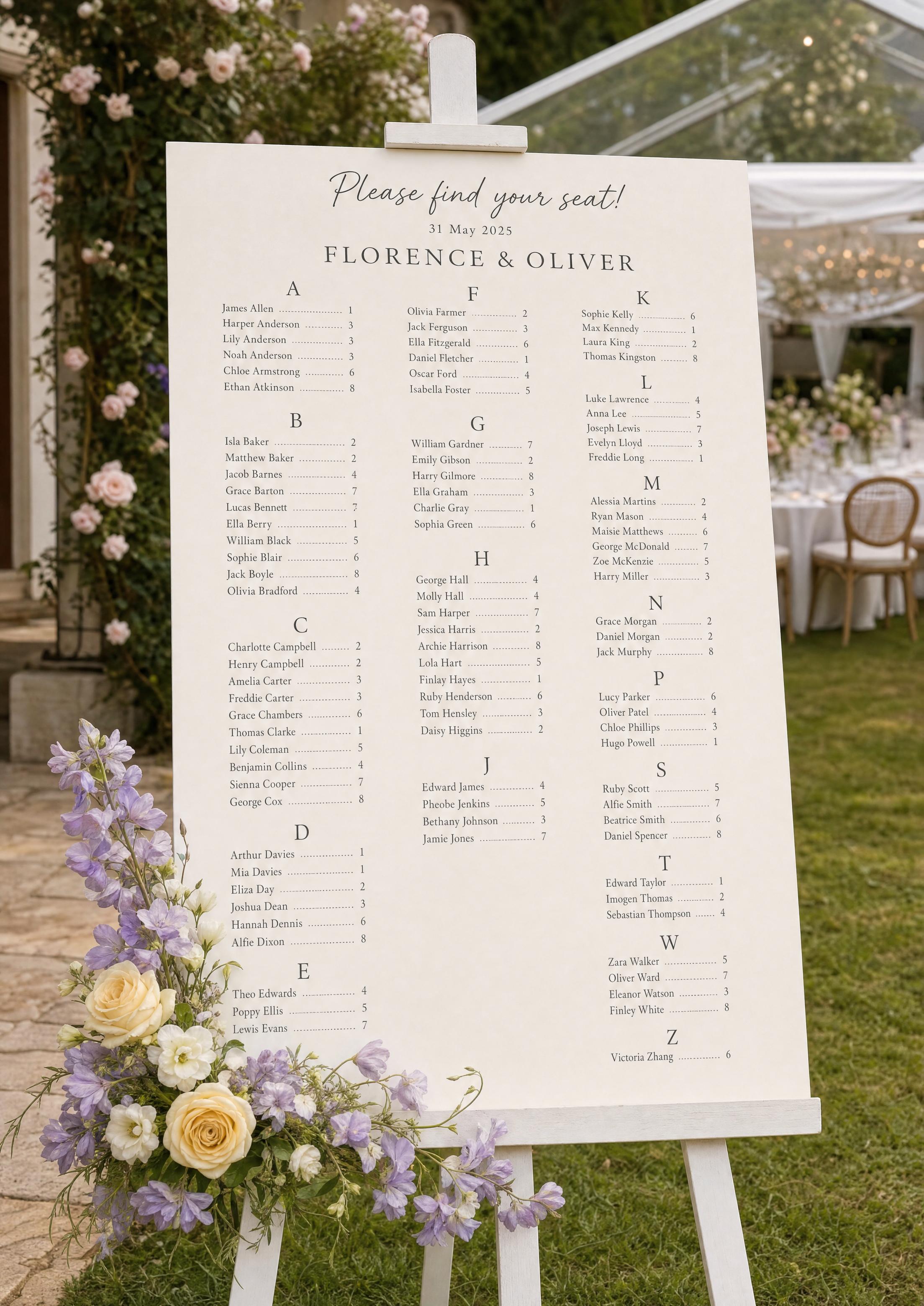
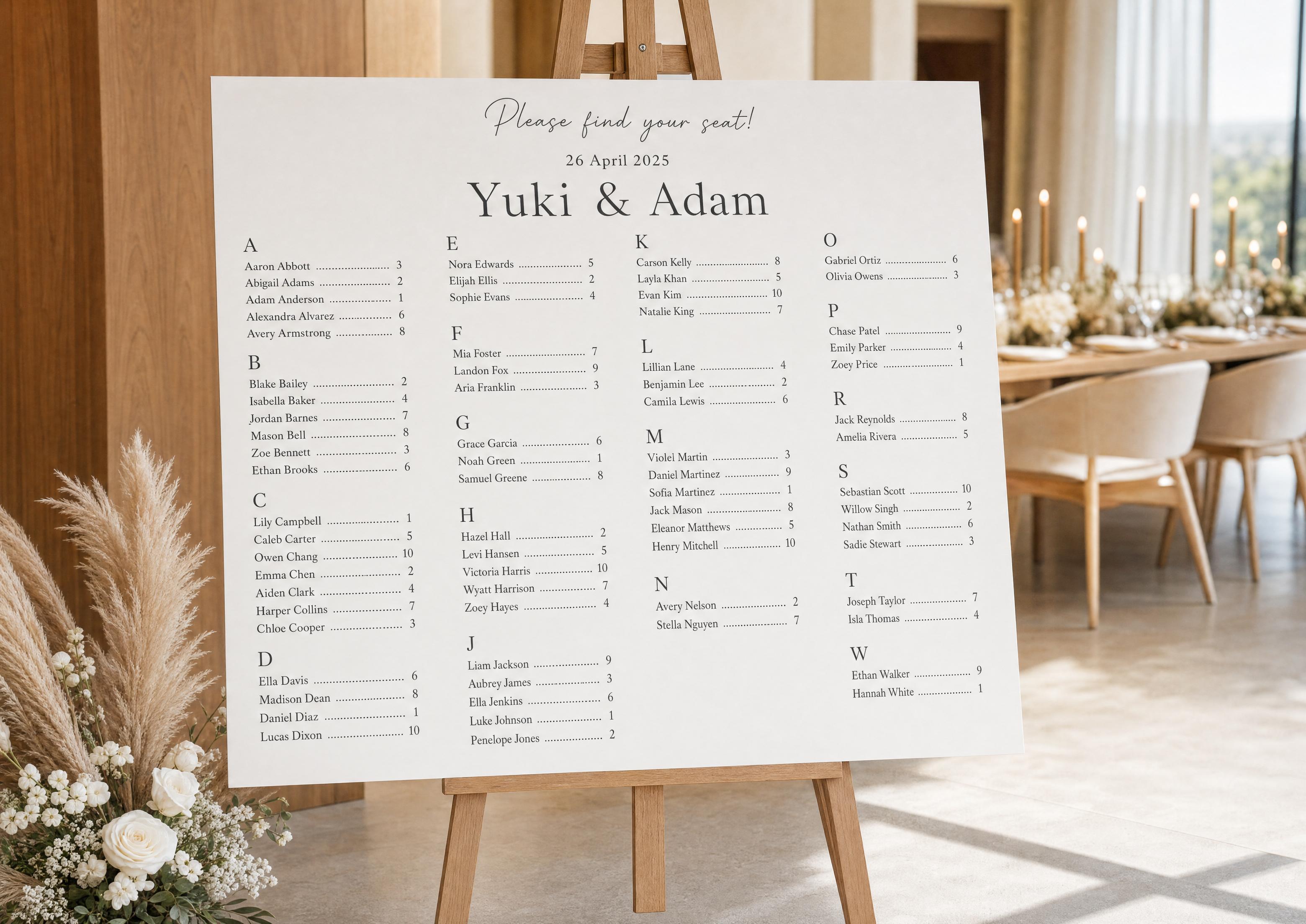
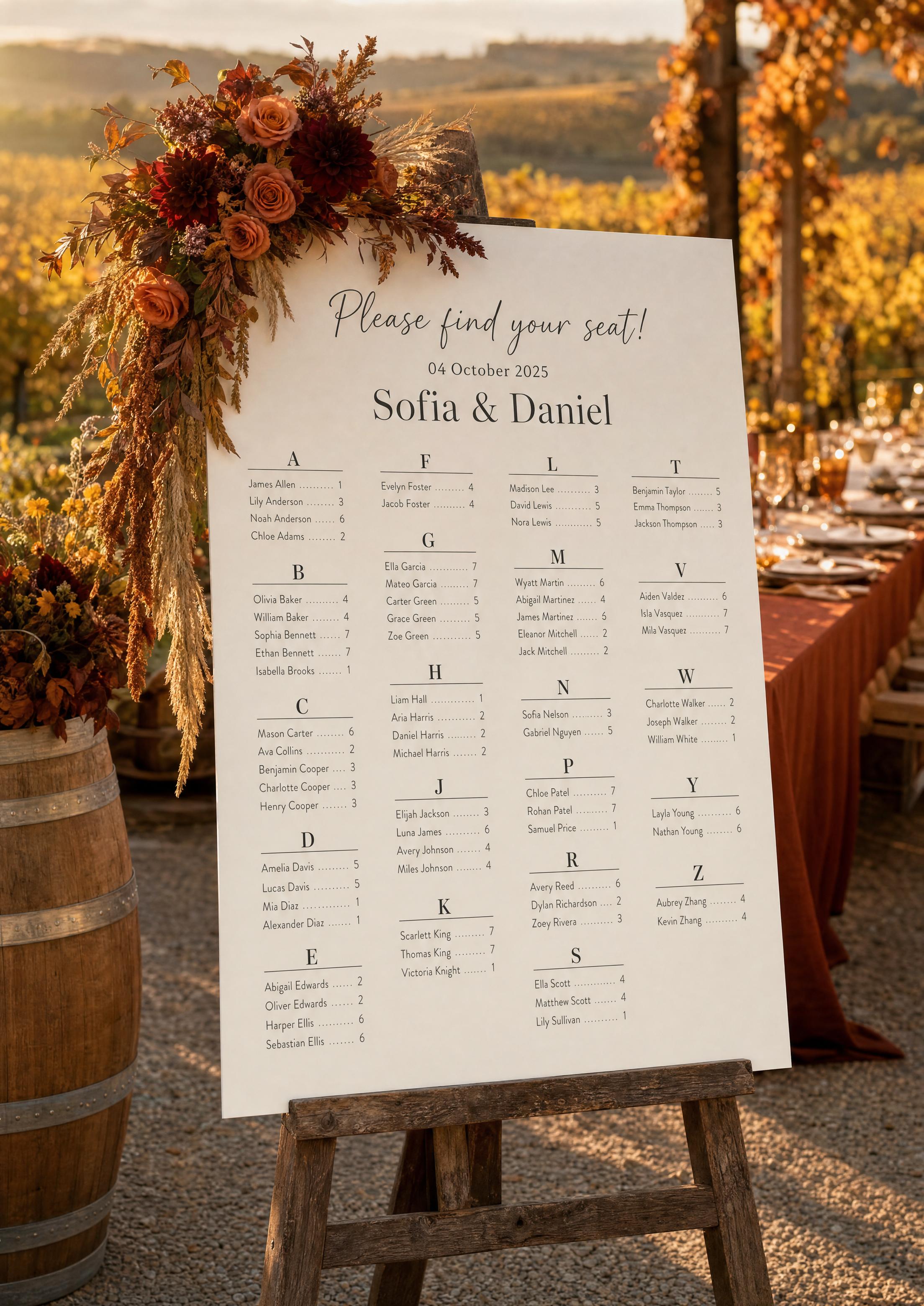
Sorting your seating chart alphabetically by last name is the convention guests expect: they look up their surname, read the table number, and move on. Our tool sorts every confirmed guest by last name automatically and places the table number beside each name — no spreadsheet, no manual ordering.
This page focuses on the sort key and how names are handled — last vs first name, hyphenated names, prefixes, households. For editing the look see the template; for the generator see the maker; for print sizes see printable.

The sort keys off the last-name field in your guest list — set it once and the same convention carries everywhere.
Table numbers come from your seating chart assignments, so names and tables always match.
Confirm attendance via RSVP first, so only confirmed guests are sorted into the final list.
PLANNING . WEDDING — is easy to remember and even easier to use.
How the Last-Name Sort Works
The mechanic is simple and automatic.
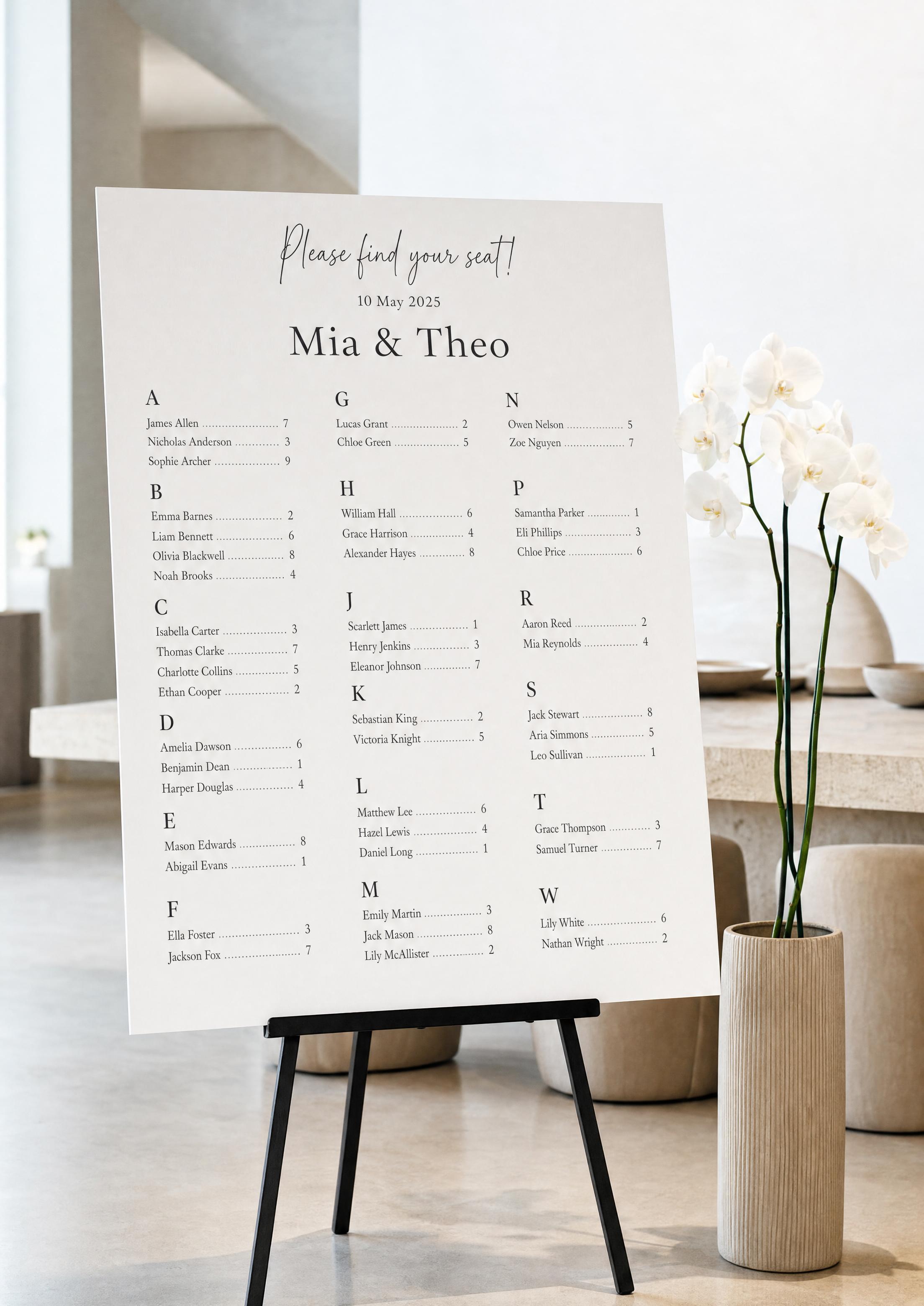
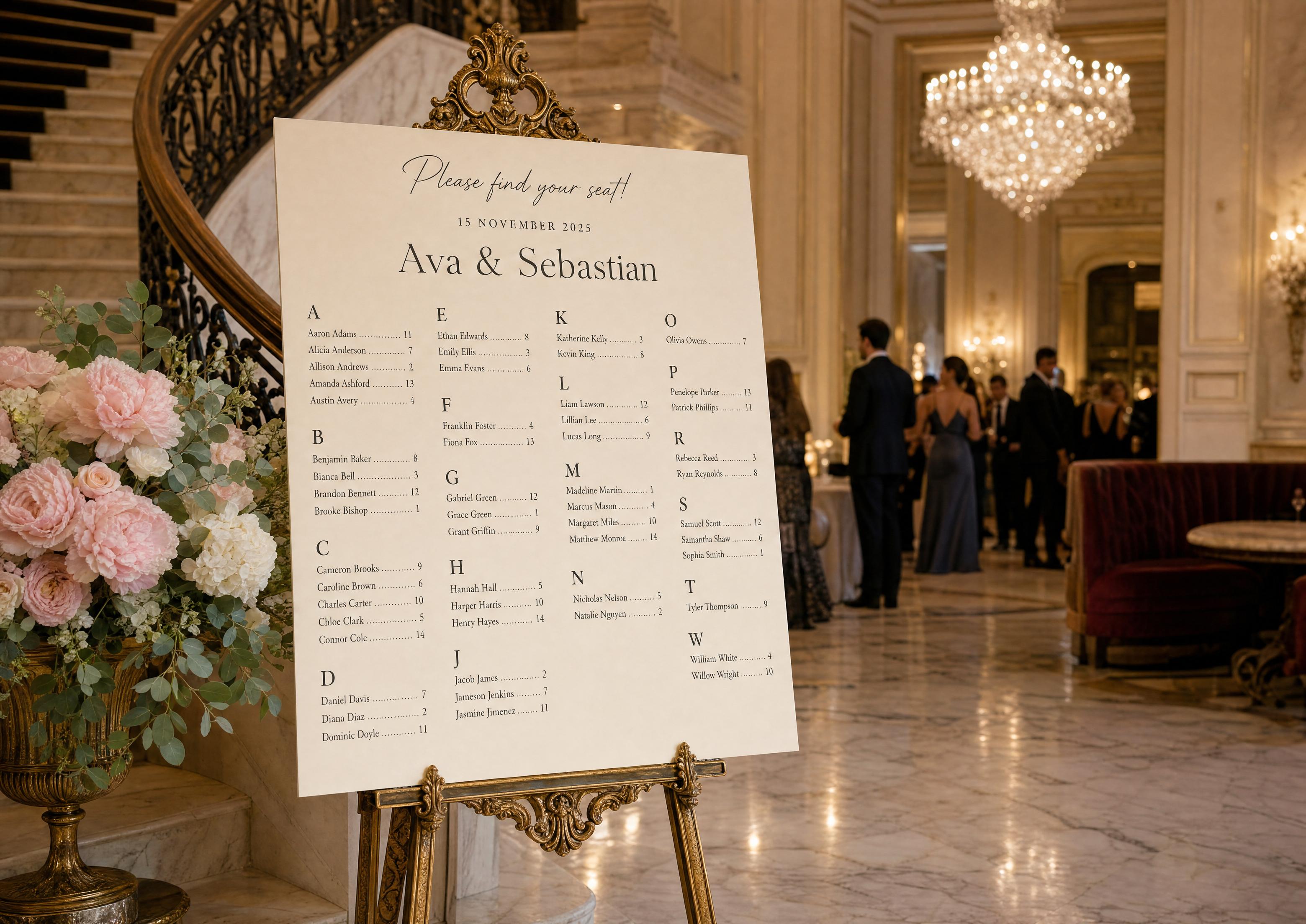
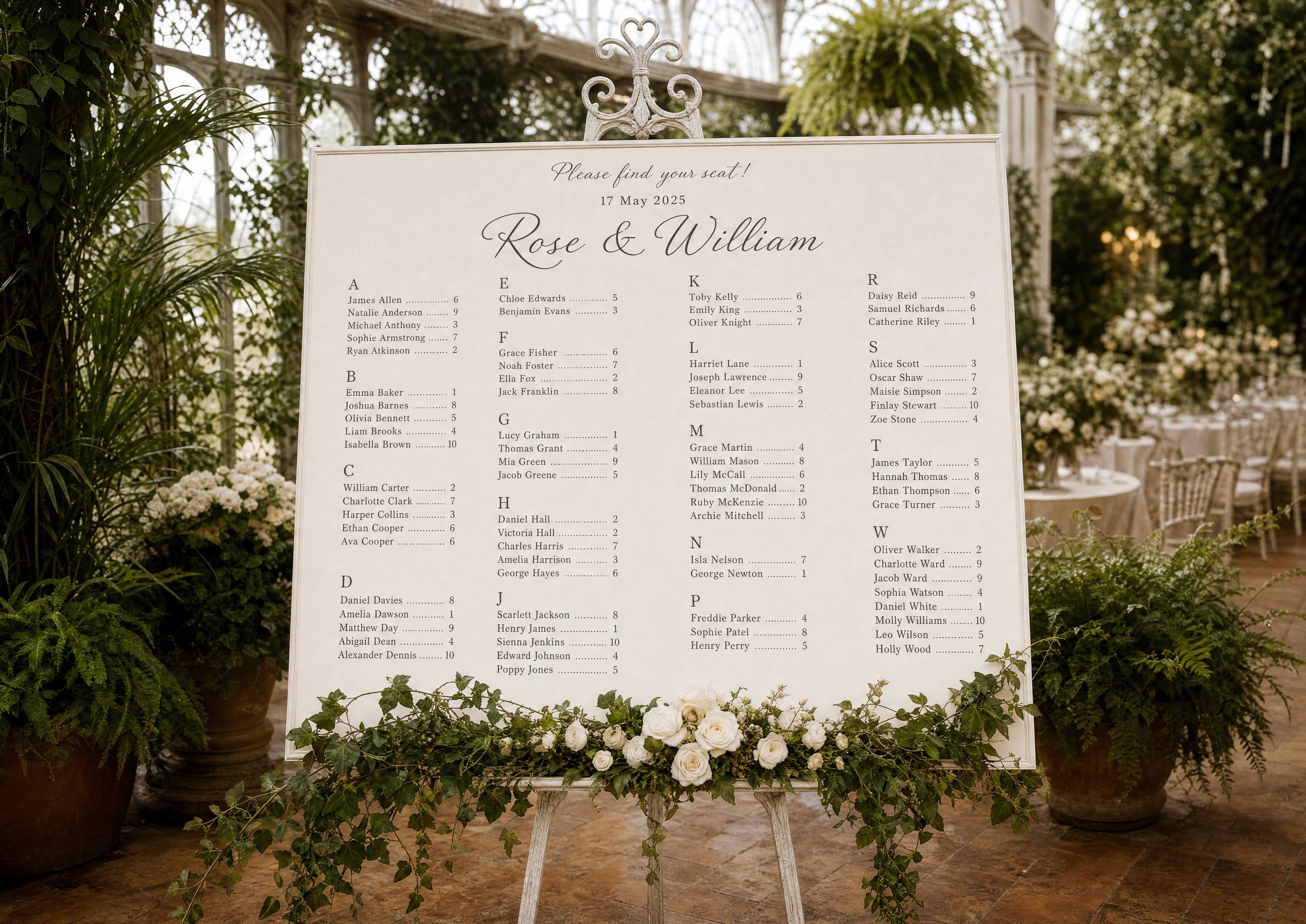
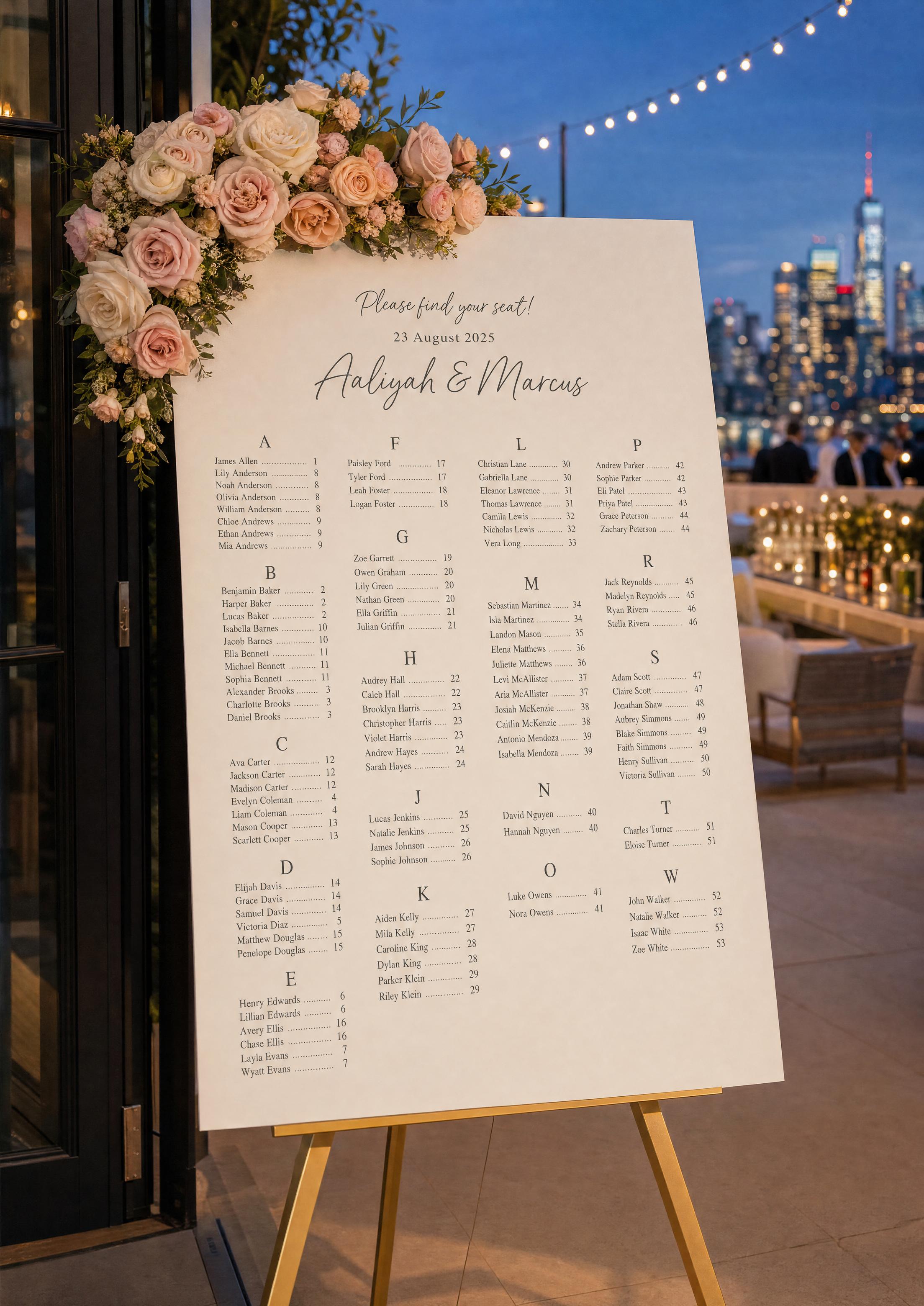
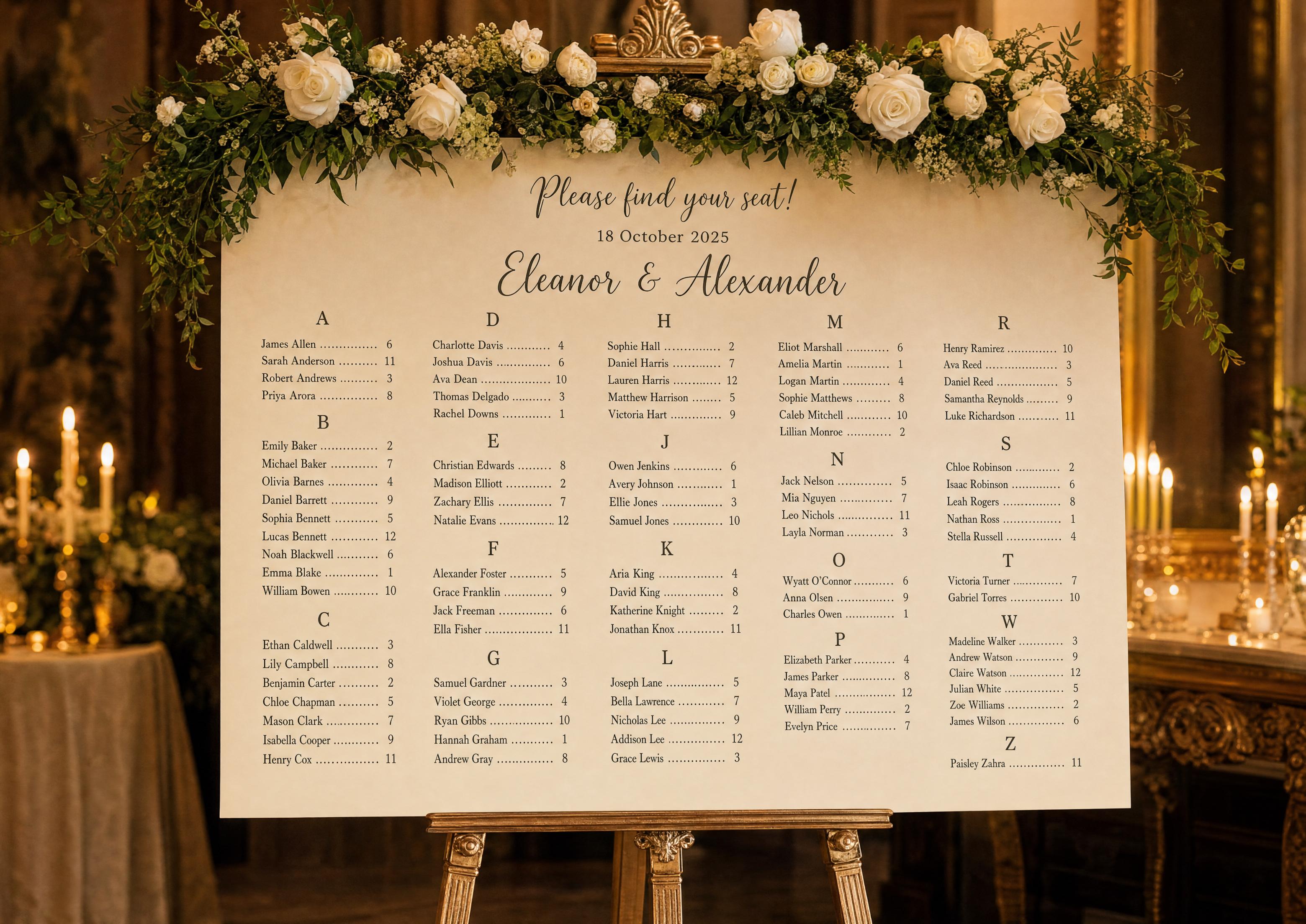
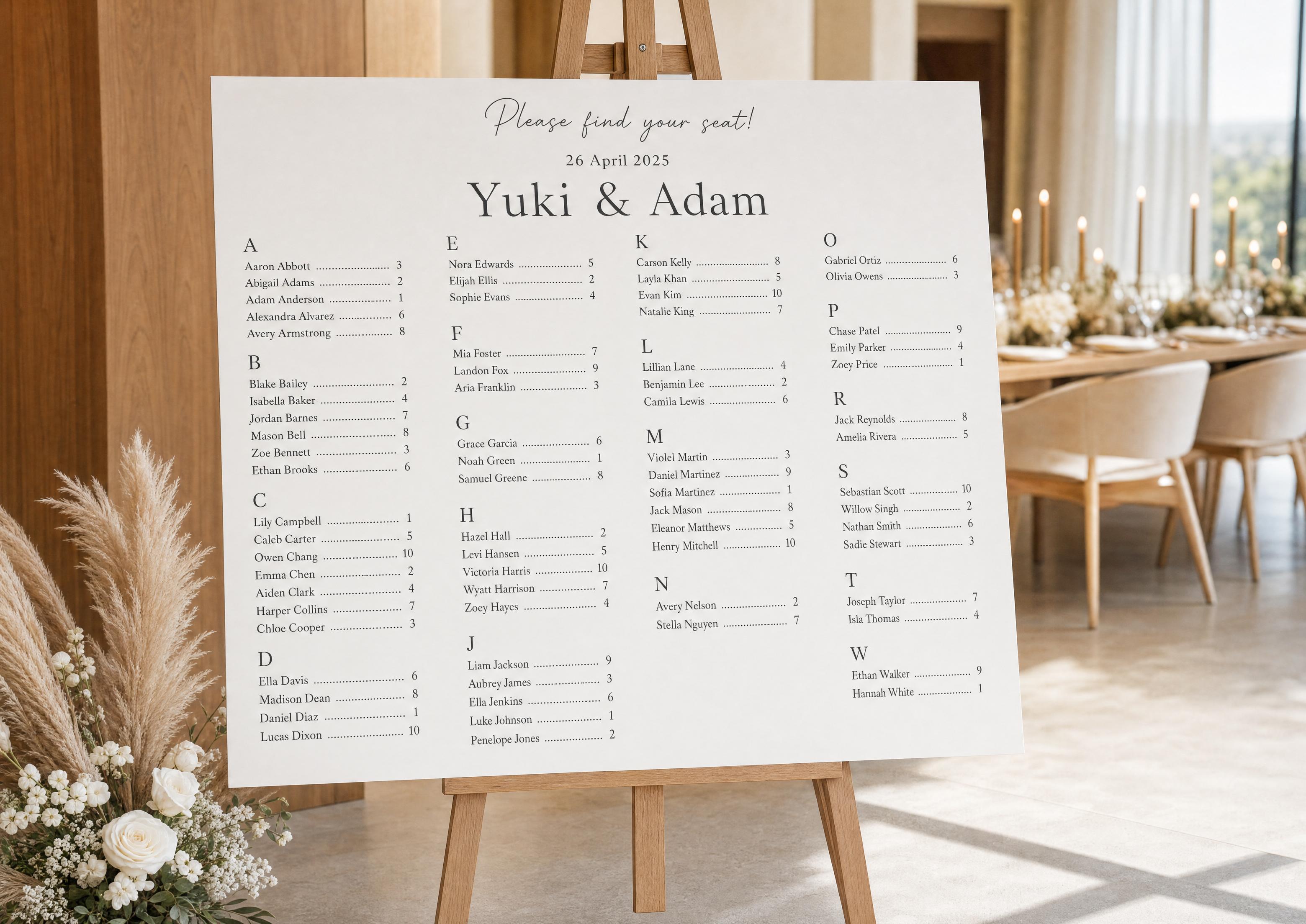
- Primary key is last name, grouped under letter headings A–Z.
- First name breaks ties — Sarah Adams comes before Tom Adams.
- Empty letters are skipped — no heading appears for a letter with no guests.
- The table number is placed beside each name with a leader line.
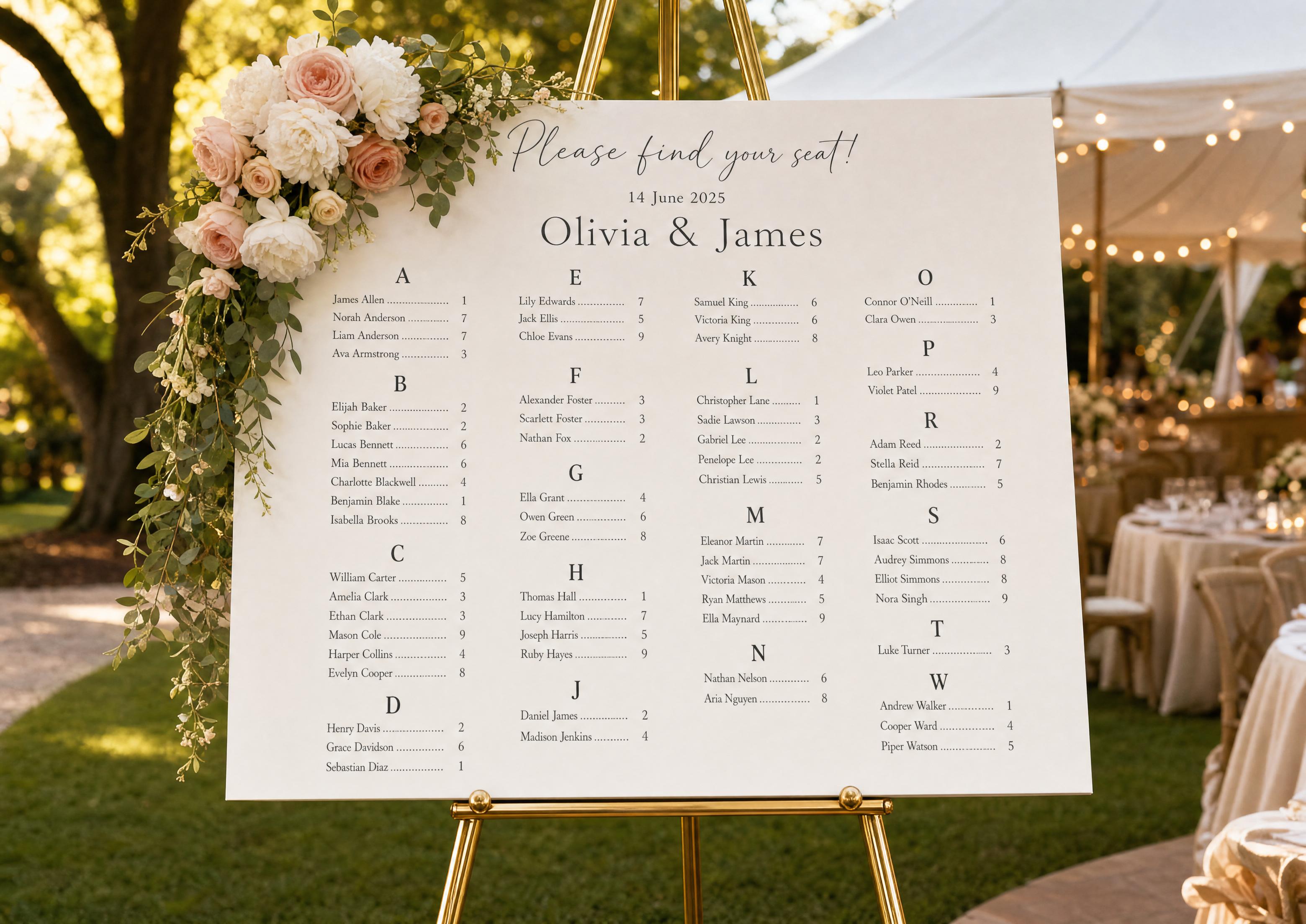
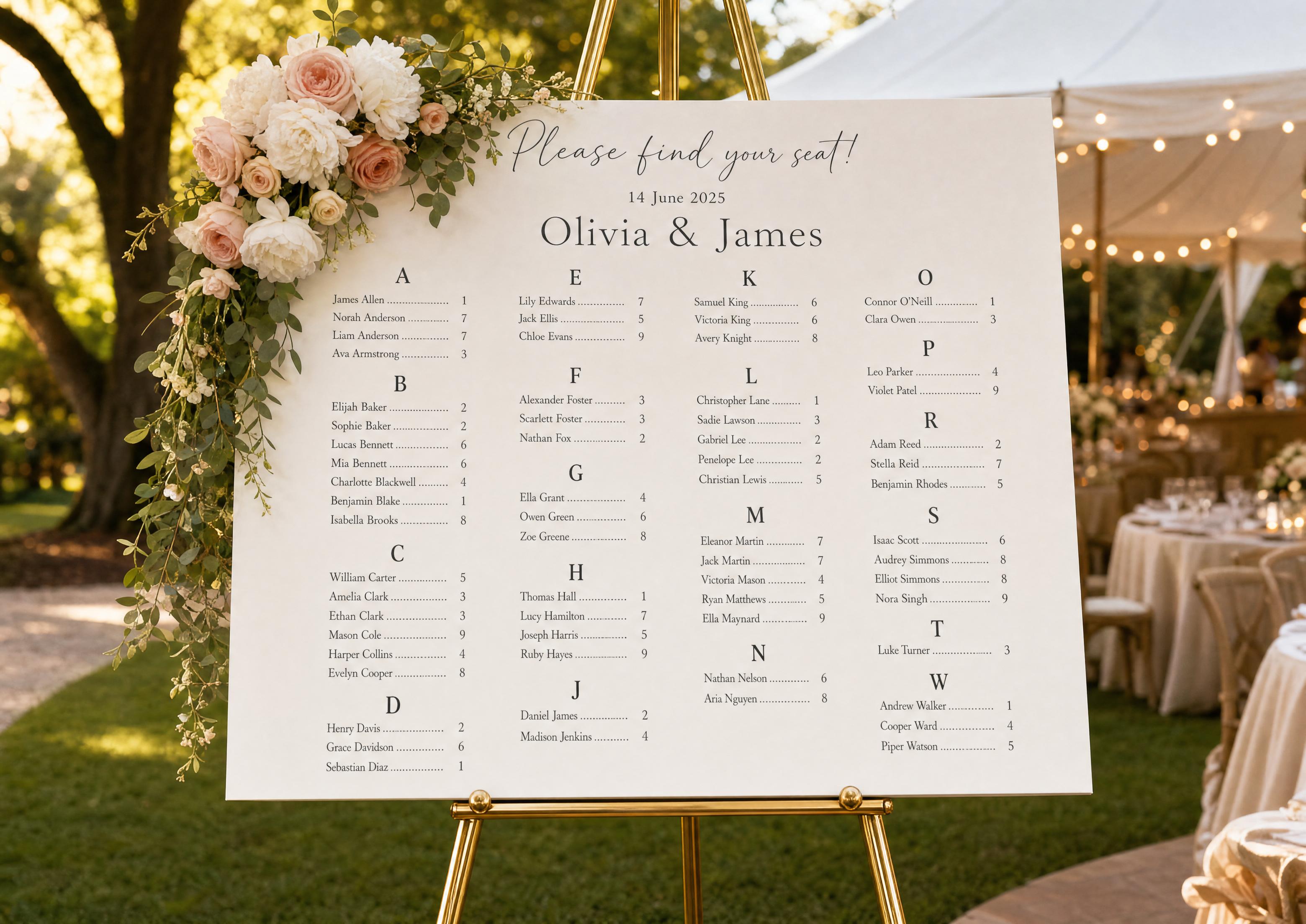
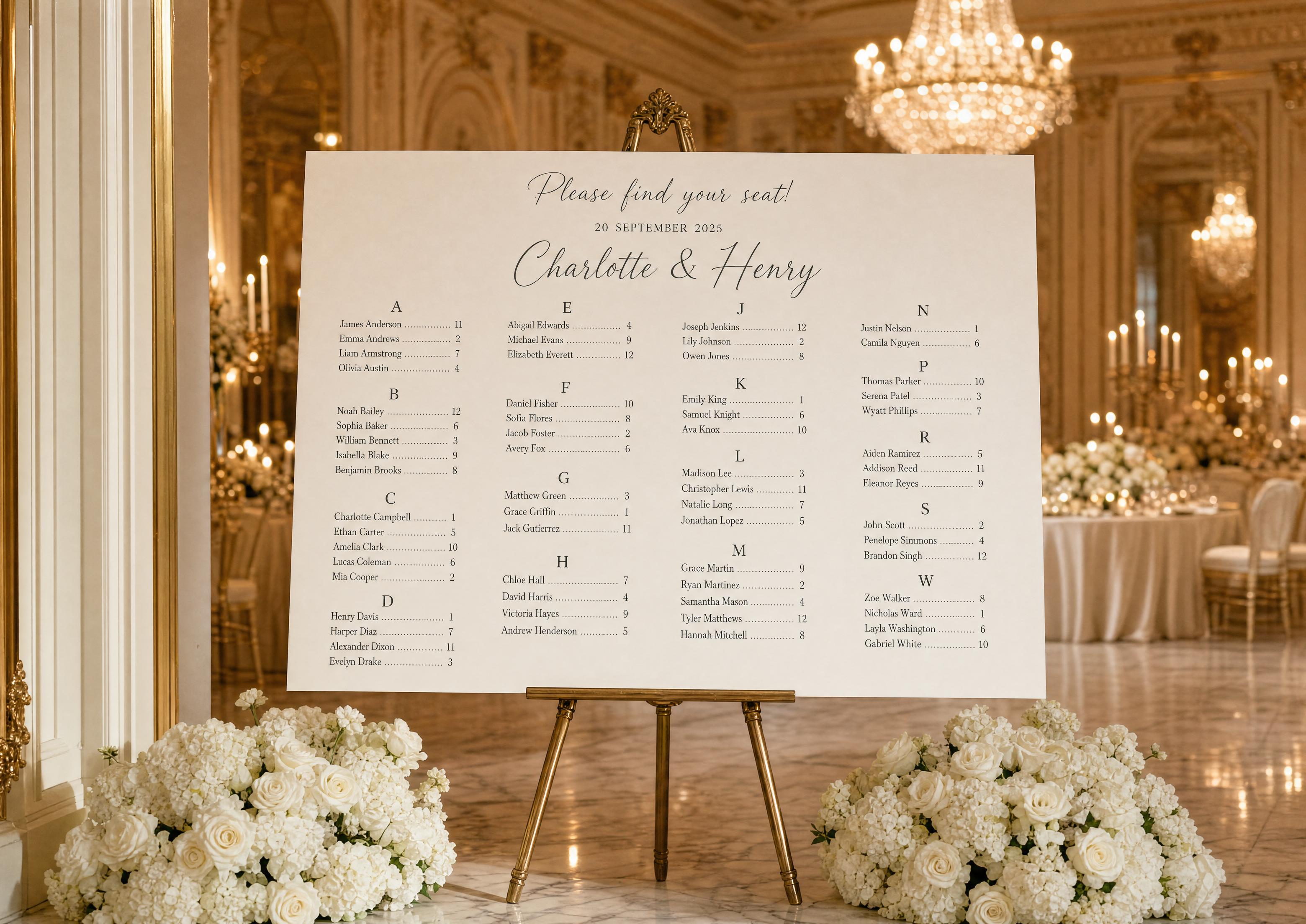
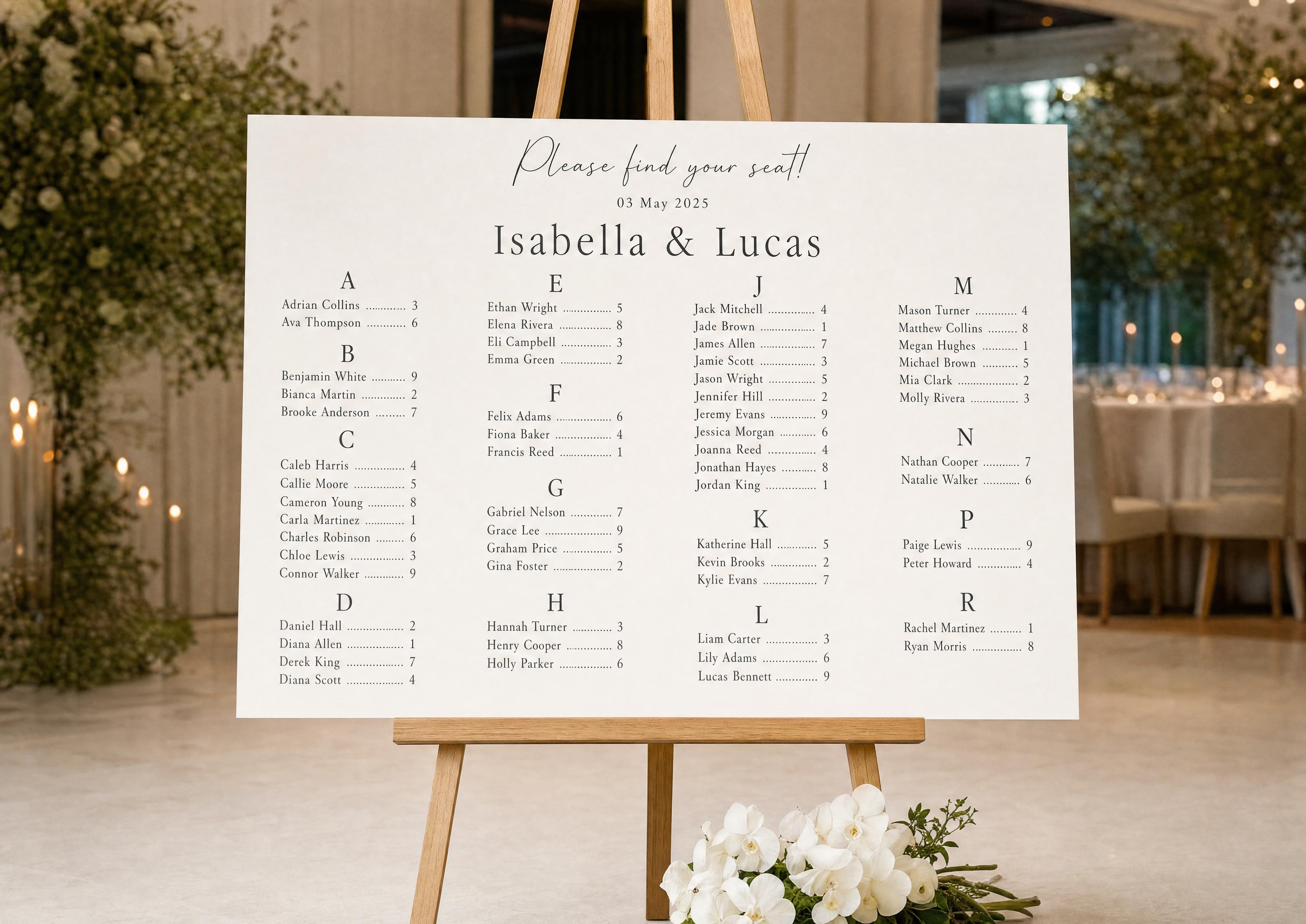
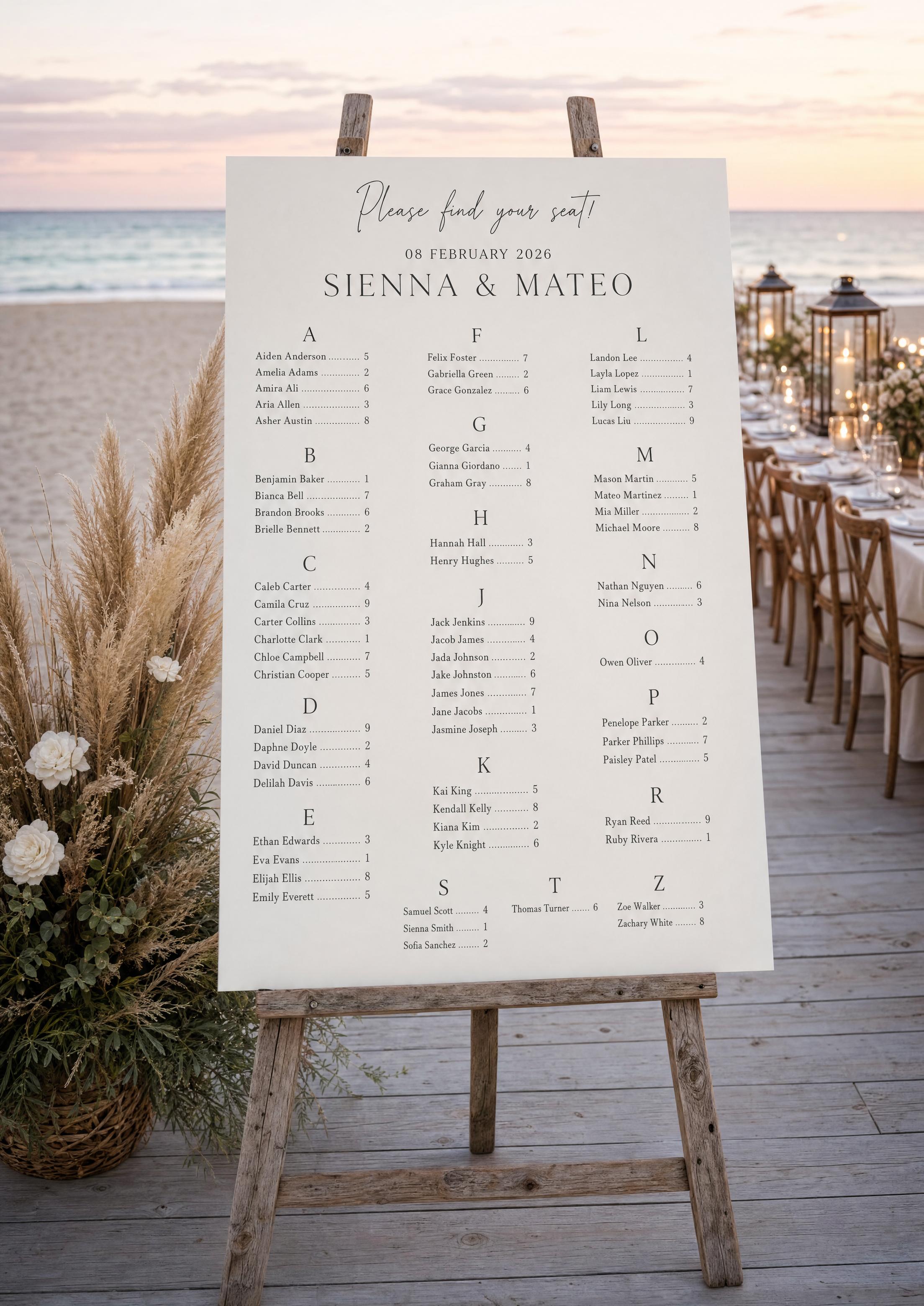
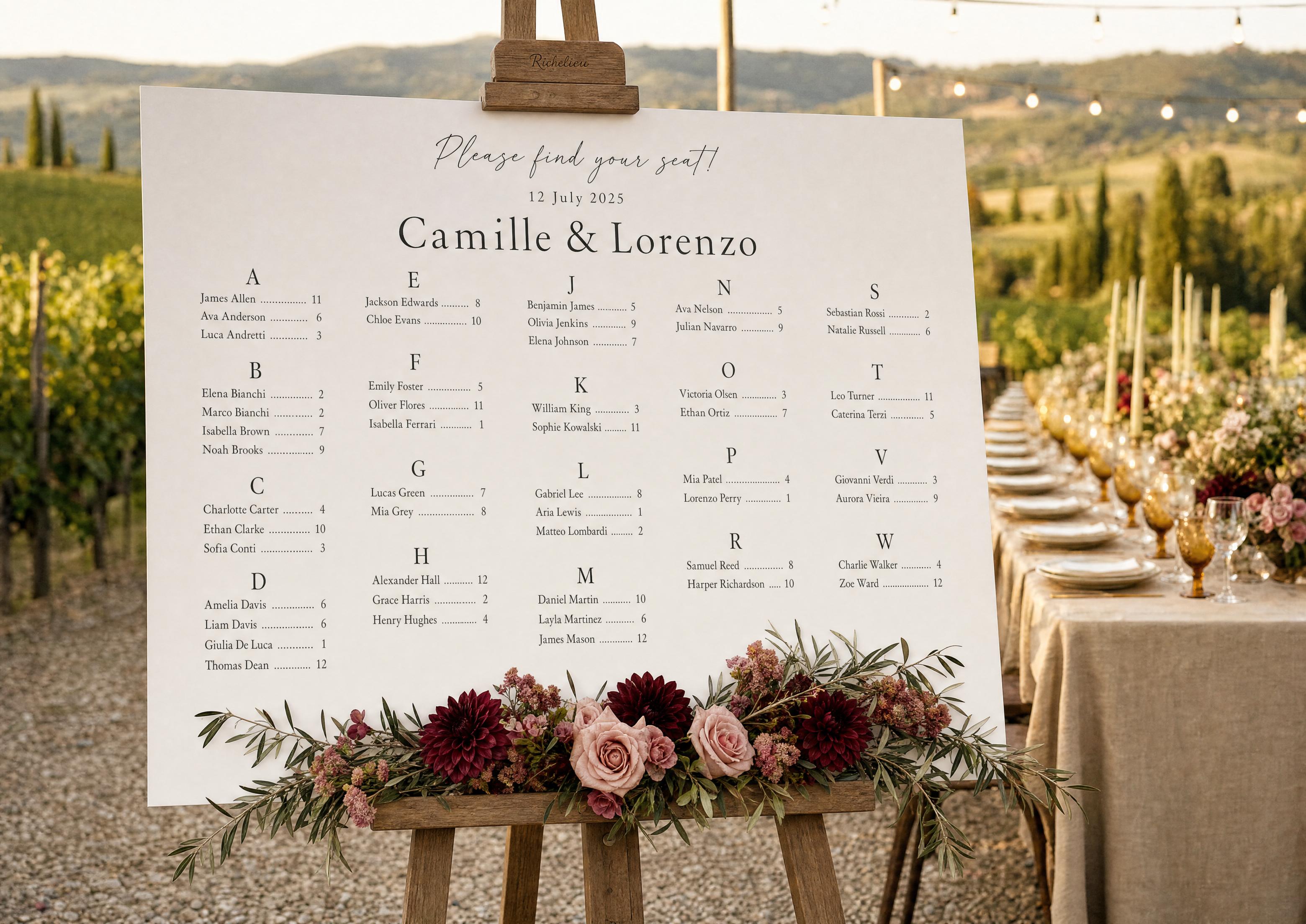
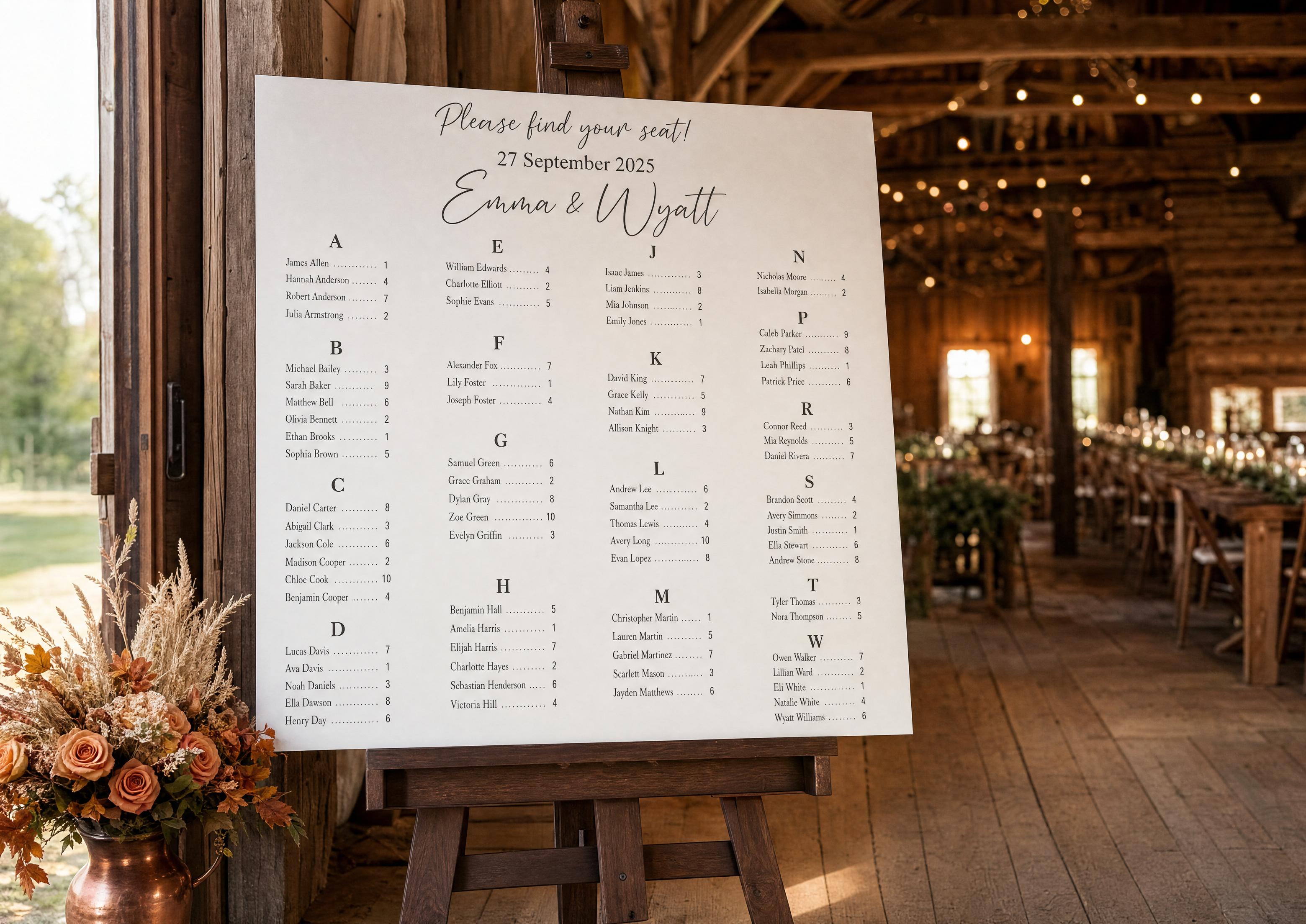
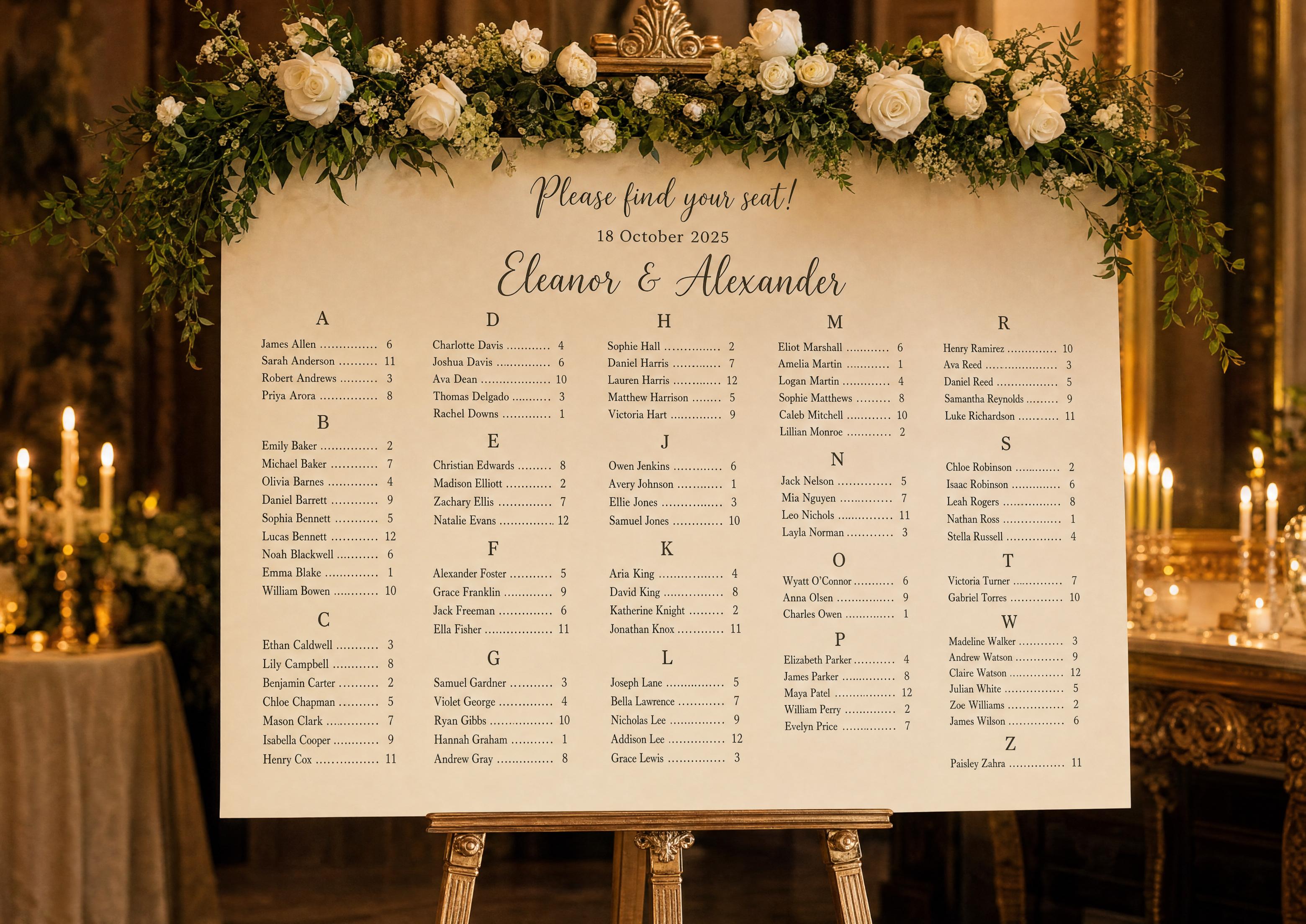
Alphabetical seating chart showcase
By Last Name vs By First Name
Last name is the standard for a reason; first-name sorting is rarely a good idea.
- By last name — what guests instinctively look up; works for couples, families and plus-ones who share a surname.
- By first name — only sensible at very informal weddings where everyone goes by first name; it slows the lookup for anyone who doesn’t know it’s first-name order.
- Our default is last name; switch to first name in one setting if your wedding genuinely calls for it.

Edge Cases — Hyphenated Names, Prefixes, Plus-Ones
Real guest lists are full of edge cases. The sort handles each with a sensible default you can override per guest.
- Hyphenated last names sort by the first part by default — “Smith-Jones” under S. Override per guest if you prefer the second part.
- Prefixes (Mr., Mrs., Dr., Rev.) are excluded from the sort key — “Dr. Adams” sorts under A, not D.
- Surname particles (van, de, von, O’, Mc/Mac) follow a consistent rule you set, so the whole list reads predictably.
- Plus-ones with a name sort under their own surname; an unnamed plus-one lists under the inviting guest (“Smith plus guest”).
- Family groups sort together if tagged as a family, or independently if not.
Display: “Last, First” or “First Last”
Sorting by last name doesn’t force how you display the name — pick whichever reads best for your chart.
- “First Last” (e.g. “James Allen”) — warmer and more common on decorative charts; still grouped under the surname’s letter.
- “Last, First” (e.g. “Allen, James”) — fastest to scan for big lists, since the sort key leads each line.
- Letter headings stay the same either way; only the order of the two name parts changes.
Couples & Households
Couples and families need a small decision: list each person on their own line, or group a household on one line.
By default each guest gets their own alphabetized line; you can group a couple or family on a single line (“The Smith Family”) under one surname. Either way the table number stays attached and the sort stays automatic.

Why Auto-Sort Beats Doing It by Hand
Alphabetizing 150 names by hand — and re-doing it every time a guest moves or RSVPs late — is exactly the kind of error-prone busywork the tool removes. Set the surname convention once; the chart sorts, displays and re-sorts itself, free and always current.
Explore the rest of the alphabetical seating chart cluster
Each sub-page below covers a narrow slice of the alphabetical seating chart — the A–Z list of guests with their table numbers — across editable templates, print specs, the auto-sorting maker, sorting by last name, and real examples. All built with the same free Wedding Planning Assistant project.
Explore the rest of your wedding day-of stationery suite
Each item below pulls live from your seating chart on Wedding Planning Assistant, so a single update to your guest list flows through every printed piece — no copying names from one template to the next.