


Explore more wedding ideas & advice
Wedding
Seating Chart Maker
Explore
Our service has assisted tens of thousands of couples worldwide in planning their dream weddings!
How a Wedding Seating Chart Maker Can Help You Create the Perfect Floor Plan
Ask any married couple what the most stressful part of wedding planning was, and they’ll probably say putting together the seating plan and deciding on the guest list. And you can understand why! It can be an emotional, stressful and painstaking task that typically takes up many an evening. Thankfully, now, couples have the opportunity to make the whole process much easier and more efficient by using a wedding seating chart maker such as ours!
By using an online seating chart builder, you can now have a first draft of who sits where within minutes, then settle by hand the seats only you can judge, such as the two cousins who aren’t speaking. That leaves you plenty of time to drag and drop the rest of your reception into place. Where should the dance floor go? Should we have a permanent table for desserts? Step by step, you’ll finish your whole floor plan and move on to the next critical task in the wedding planning process.
PLANNING . WEDDING — is easy to remember and even easier to use.
How a Wedding Seating Chart Maker Will Save You Time & Stress
If you’re searching for a wedding seat chart maker, and you’ve come across this page, it’s probably because you’ve already put together your guest list – and that was tough, right? Well, stick with us, and we’ll ensure the rest of the planning process is pain-free.
Table seating cards showcase
Instantly Upload the Guest List Onto Our Wedding Seating Chart Maker
One of the major benefits of using a wedding seating chart maker is that you can swap and change things as you like. And as someone who’s recently put together a guest list, you’ll know this could get a bit messy if you’re doing things by hand.
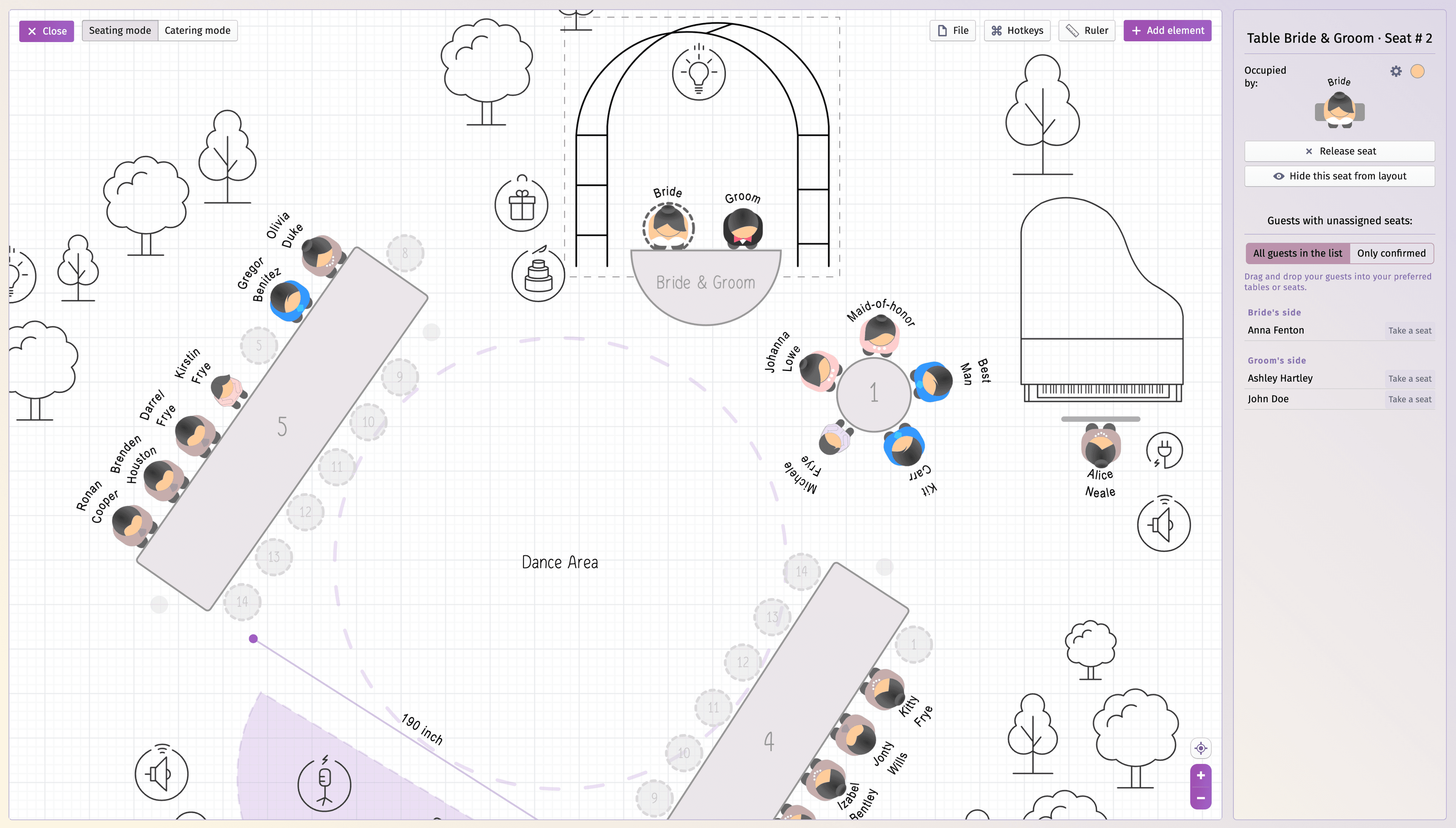
But with an online tool such as ours, you can instantly upload your guest list from an Excel file – or a CSV, or even a photo of a paper list – check the preview, and quickly start placing people in their positions. Need to move them somewhere else? No problem, just drag and drop guests around the room until you’ve found the perfect place for everyone. Drop one guest onto another, and they simply swap seats.
Not sure where to start? Let the maker seat your guests for you. Set each guest’s role, put your tables on the chart, and one click fills the seats by role, with the people closest to you nearest the head table and each family at one table whenever a table has room for it. Then fine-tune it by hand, or undo the whole run in one step.
Find the Perfect Table Arrangement
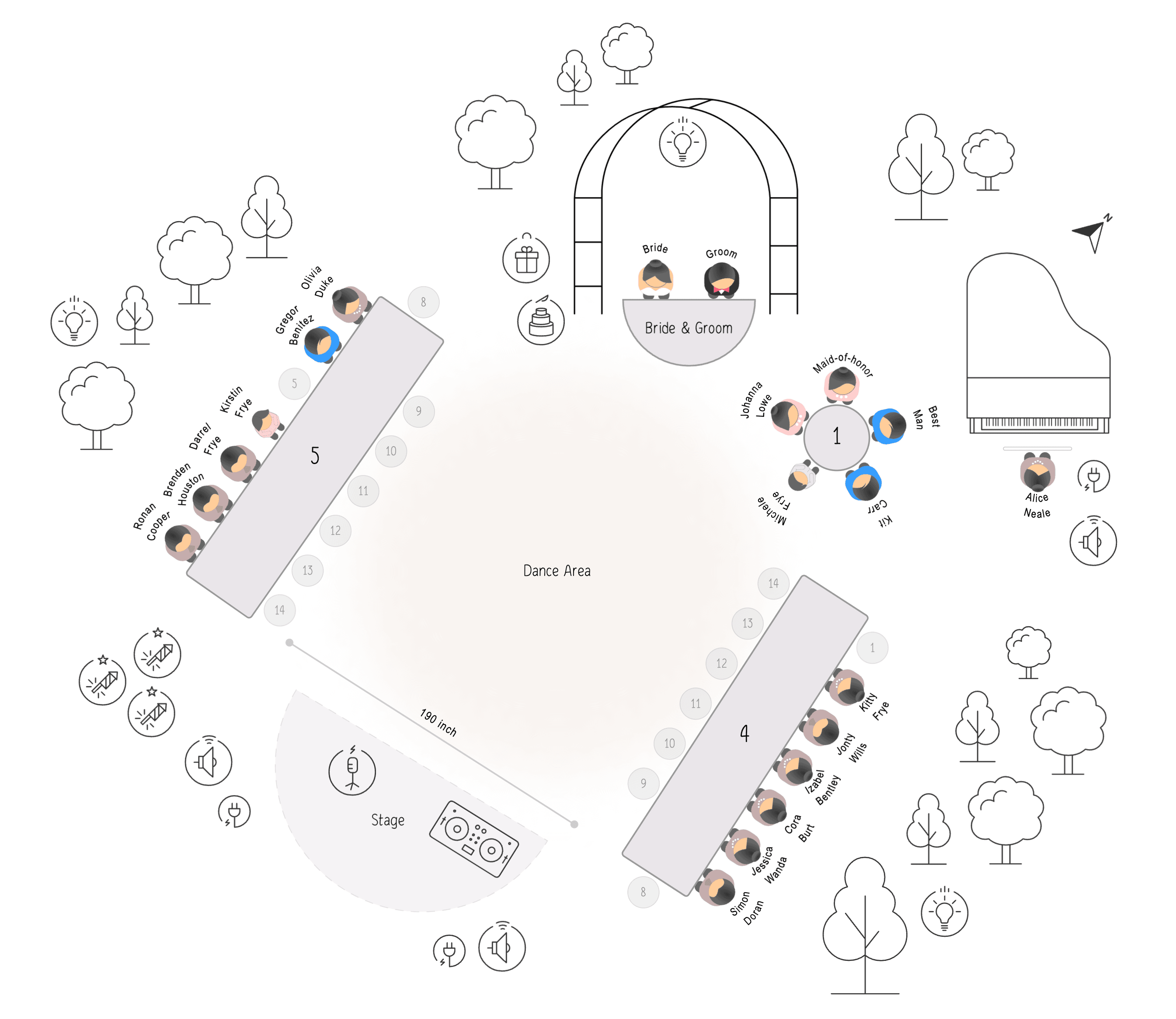
Our wedding seating chart app makes it easy to work out which type of table design you should be using on the big day. Draw the walls from your venue’s floor plan, set each table’s width in inches or centimeters, measure the gaps with the ruler, and you’ll be able to play around with multiple table shapes and configurations to see which works best.
We eliminate any guesswork involved in the process of arranging your guests, and allow you to quickly get an accurate overview of the full floor plan, as it will look on the night. In a way that paper and pens could achieve… But would take many, many more hours, plus demand a lot more skill, and patience.
Torn between two layouts? Duplicate your chart and try the other arrangement right next to it – round tables in one, long banquet rows in the other – then keep the one that works best. A project holds up to four charts; copies come with Premium.
Add Guests to the Reception as Soon as they RSVP
Your wedding will be one in a million if all of your guests RSVP as soon as they receive the invite. Some loved ones are real heroes, and they’ll reply as soon as possible. Whereas others will certainly leave you hanging… Waiting until your seating scheme is complete before sending back their invitation. For those couples with neatly hand-drawn wedding seating chart boards, this can be a real issue. As they’ll need to redraw the whole thing from scratch.
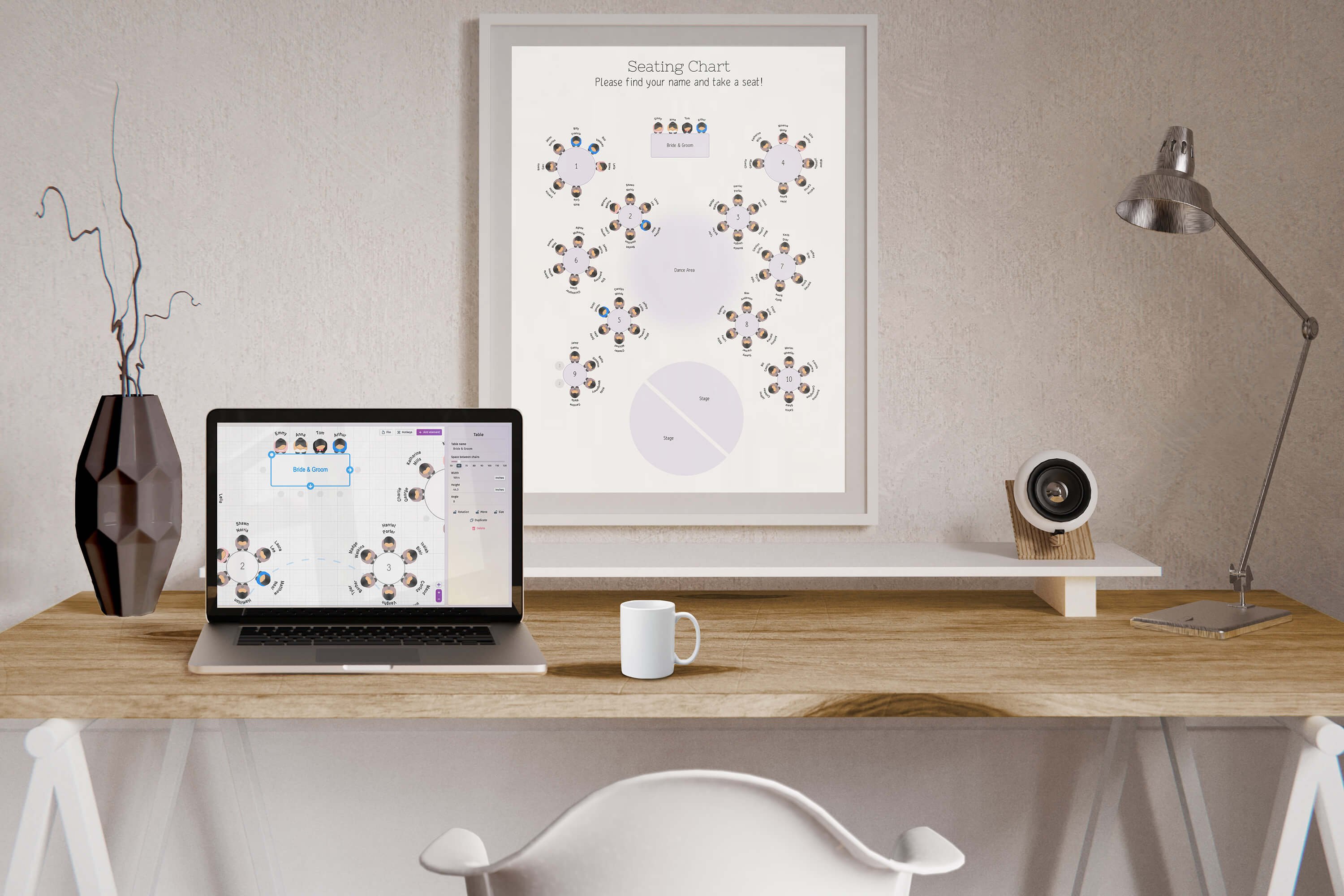
But with an online wedding seating chart tool such as ours, this kind of last-minute alteration is so easy to update. In just a few clicks, both your guest list and seating plan will be up to date and ready to be sent to relevant suppliers.
And if someone turns up who was never on the list – a new partner, a last-minute plus-one – you don’t even have to leave the editor. Click a free seat, choose Add a guest quickly in the panel on the right, pick the side and the role, type the name, and one more click seats them.
Collaborate with Family & Friends
There will be plenty of people on your guest list you don’t know that well. Many of us have family we don’t see often, or have a partner whose family we haven’t gotten to know yet. This can be an issue when putting together a balanced seating plan for a wedding. As guests should be paired up, or seated in groups that work in harmony, according to their personalities and interests.
Watch the video: the seating chart maker in action
Take away the guesswork, and match up guests easily, by inviting friends and family to collaborate on your seating chart. Together, you can work out how best to organize tables as a whole, or maybe give certain sections of the reception to your mom or mother-in-law, for example, and allow them to decide those groups. They’ll probably know certain people best, so who better to decide where they should sit?
And they don’t need a laptop to help. Your mom can open the same project in our iPhone and iPad app or Android app, seat her side of the family from her phone, and you’ll see every move on the web as it happens.
Uncover other relevant topics that are associated with the seating chart
The online Wedding Planning Assistant comprises a comprehensive collection of professional tools designed to assist you in independently organizing your celebration seating chart.