


Explore more wedding ideas & advice
Wedding
Seating Chart Tool
Explore
Our service has assisted tens of thousands of couples worldwide in planning their dream weddings!
The Easiest Way to Create a Perfect Floor Plan
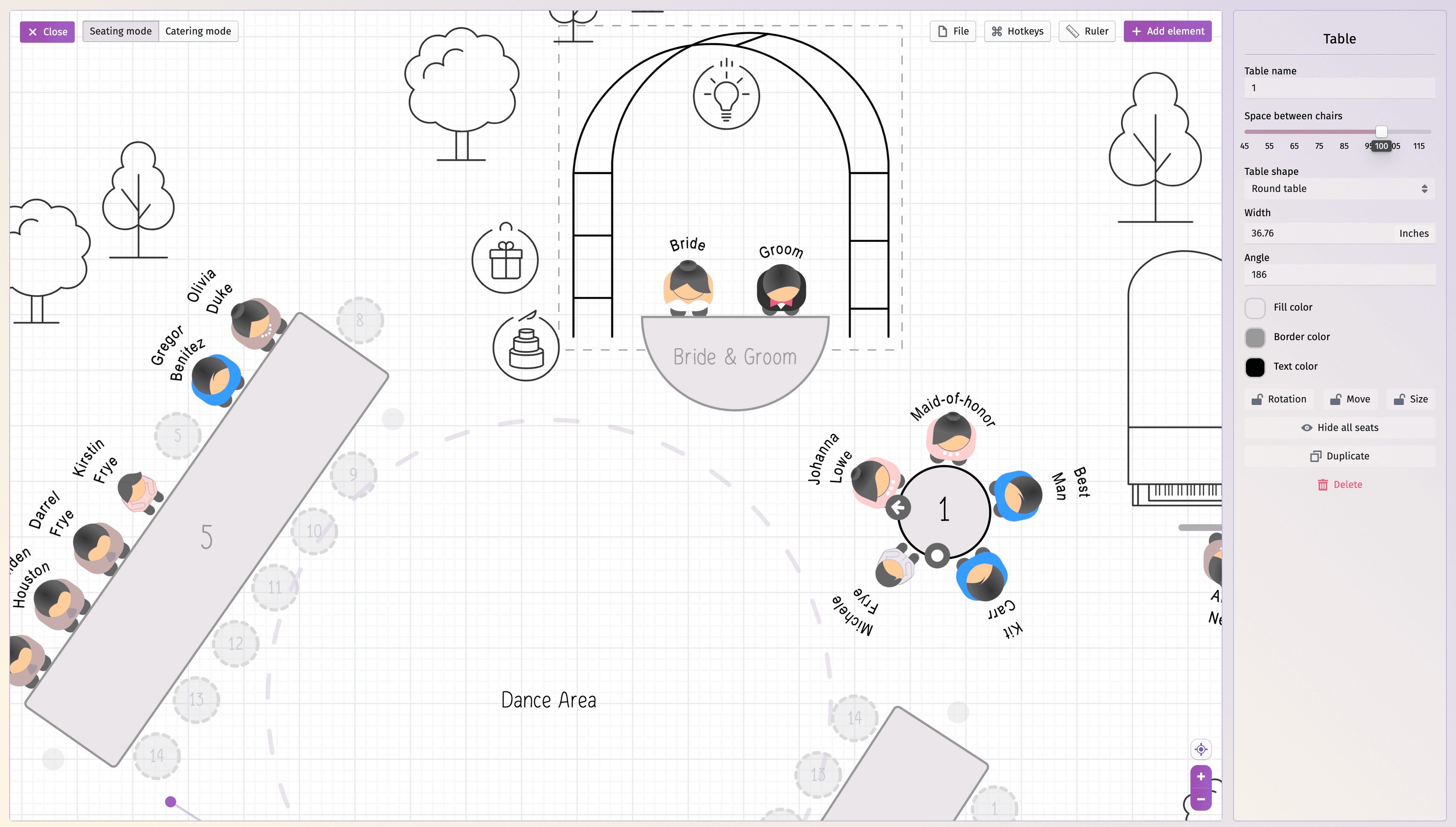
Gone are the days spent working out table plans on a giant piece of paper spread out over the living room floor, covered in post-it notes and scribbles. With crossing-outs and arrows everywhere showing where guests should be moved to, mixed in with notes about vegetarians and those allergic to nuts. It was not the most efficient way to work. Thankfully, now, a good wedding seating chart tool eliminates all the stress and wasted time couples once experienced. By offering a seamless, easy-to-use template that can be dragged and dropped to create the perfect floor plan in minutes.
These days, there are a few online apps available to couples that help in creating a successful reception. Our wedding seating chart works from your live guest list: it seats guests automatically by role, lets you swap them by dragging, and picks up RSVPs, meals and dietary needs from the same project. It’s free for up to 5 tables per chart, and you can start on every one of the other tools we provide alongside it for free too.
PLANNING . WEDDING — is easy to remember and even easier to use.
Why a Wedding Seating Chart Tool Offers the Easiest Way to Create a Perfect Floor Plan
One of the most important aspects of a good wedding seating chart tool is ease of use. Couples would rather not spend hours getting used to an application, or reading about how to operate it. They need something they can pick up and start using straight away. Which is precisely what we feel our floor plan creator offers.
Get personalized name cards generated from the seating chart
Save Time When You Need it Most
Typically, couples put together their seating arrangements towards the end of their wedding planning journey, often with RSVPs still arriving from guests, which is why the chart has to stay easy to change. It’s also why physically created floor plans often become a bit of a mess, and take ages to create. Usually requiring many do-overs to come up with the finished article.
Having to re-do a seating plan over and over again, by hand, takes time, lots of it. And time is so precious in the days and weeks leading up to a big day. Every spare minute needs to be accounted for, otherwise important aspects involved in the celebration will get forgotten, or just not done.
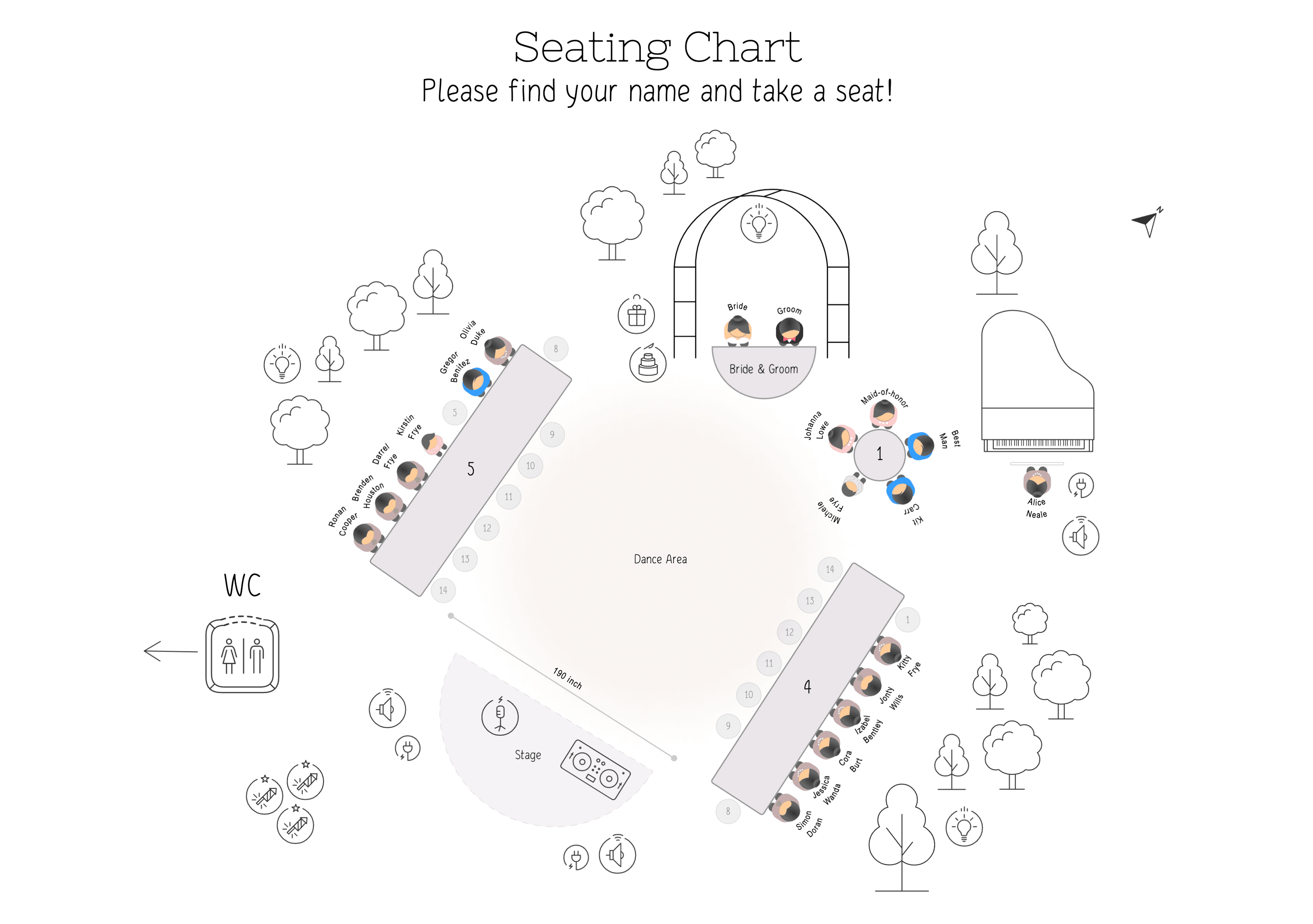
Which is why an online wedding seating chart tool is such a lifesaver. It will give you back countless hours, days even, that you would have wasted toiling over a physical floor plan. Start by uploading your guest list from Excel, CSV or even a photo of a handwritten list, check every row in the preview, set any missing roles and families in your guest list, and then start placing guests at tables. While also dropping in significant pieces of decor, and organizing where the stage, DJ and dance floor should be.
And the biggest time-saver of all: once the tables are in place and your guests have their roles, the tool can fill the seats on your chart from your guest list. It places people by their role, the closest nearest the couple, and each family at one table whenever a table has room for it. When a late batch of RSVPs arrives, it can fill only the free seats and leave everyone you’ve already placed exactly where they are. Changed your mind? Ctrl+Z (Cmd+Z on a Mac) takes back the whole run.
The Easiest Way to Create a Table Plan for a Wedding
We pride ourselves on how easy our wedding seating chart tool is to use. No matter your experience with creating floor plans, or even using computers, you’ll find our system is effortless to navigate and creates professional results. Which will become especially useful when you want older relatives to collaborate on your project. As often, their competency with online software is more limited than that of those tying the knot.
Our simple drag and drop system will gift your parents, or any older relatives, the ability to instantly help you find the perfect place for each of your guests. A godsend when you haven’t seen certain relatives or friends of the family for many years. And you just don’t know who to sit them with!
And if a phone feels more natural to them than a computer, the same builder is in our iPhone and iPad app and Android app. They open the same project, drag guests with a finger, and every change syncs with the web both ways.
Quickly Download & Send Your Seating Chart to Vendors
We understand how vital the information on your seating chart and guest list is to various vendors involved in your wedding day. The catering team in particular will need to know how many guests to expect, where those with allergies will be seated, which guest chose which meal and everyone’s dietary requirements. That’s a lot of information, and while an Excel spreadsheet is a wonderful tool for displaying all of this, often it’s better to see a more visual representation.
Watch the video: the seating chart tool in action
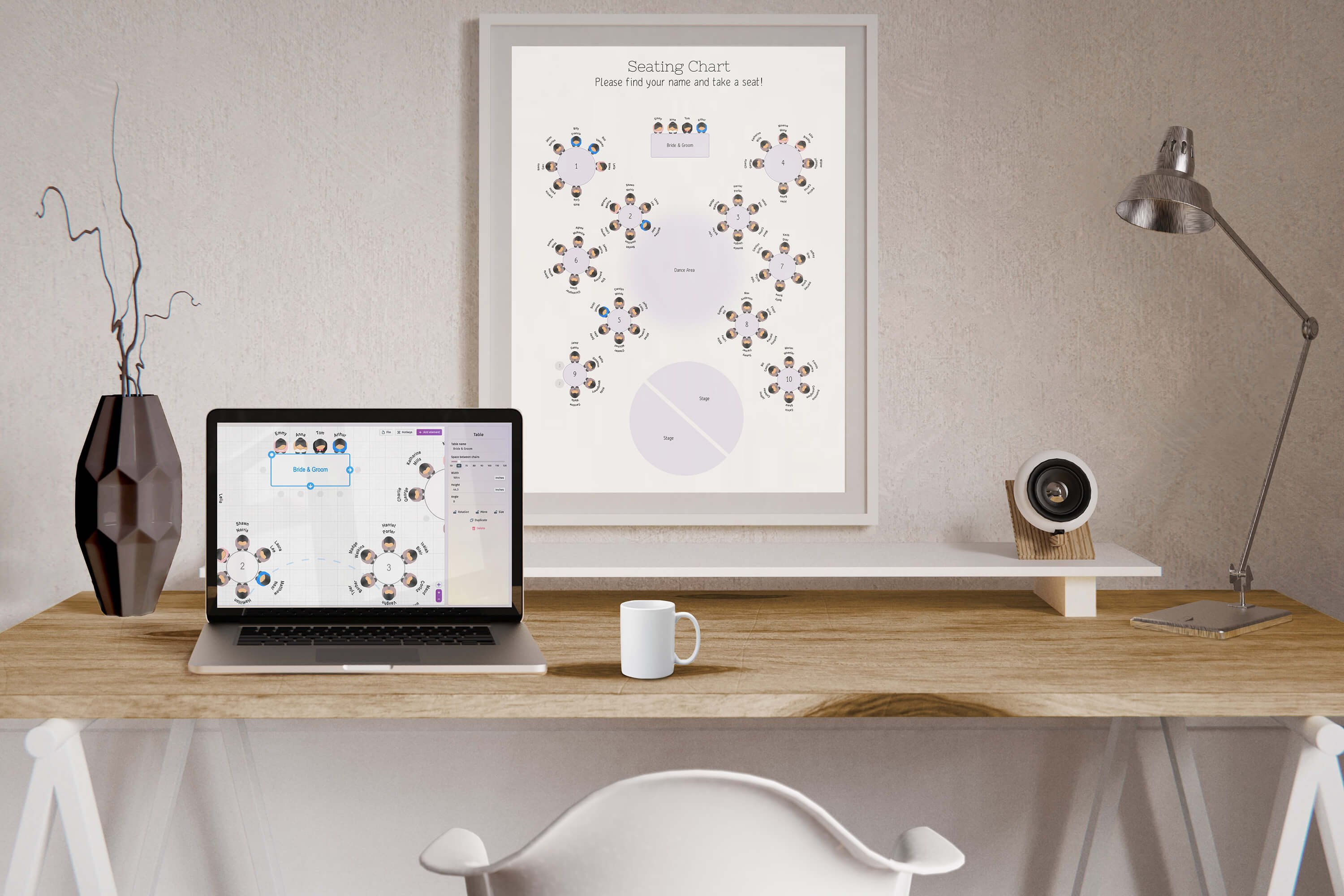
Once you’re happy with your completed wedding seating plan, Premium lets you download it from our PDF tool as a print-ready file that prints sharply at any size up to A1. At A1 it’s large enough for your catering team to print out and have on display in the back, where all the servers and chefs can see it. It helps most when the team has a selection of different dishes in front of them ready to go, and needs to instantly see where they should go. As each guest will be clearly marked with their meal preference, and potential requirement.
The people working the day can be on that chart too. Add your photographer, band and planner as staff, seat them at a table of their own or among the guests, and the kitchen sees their meals counted apart from the guests’ – without a single extra name in your guest list.
Uncover other relevant topics that are associated with the seating chart
The online Wedding Planning Assistant comprises a comprehensive collection of professional tools designed to assist you in independently organizing your celebration seating chart.