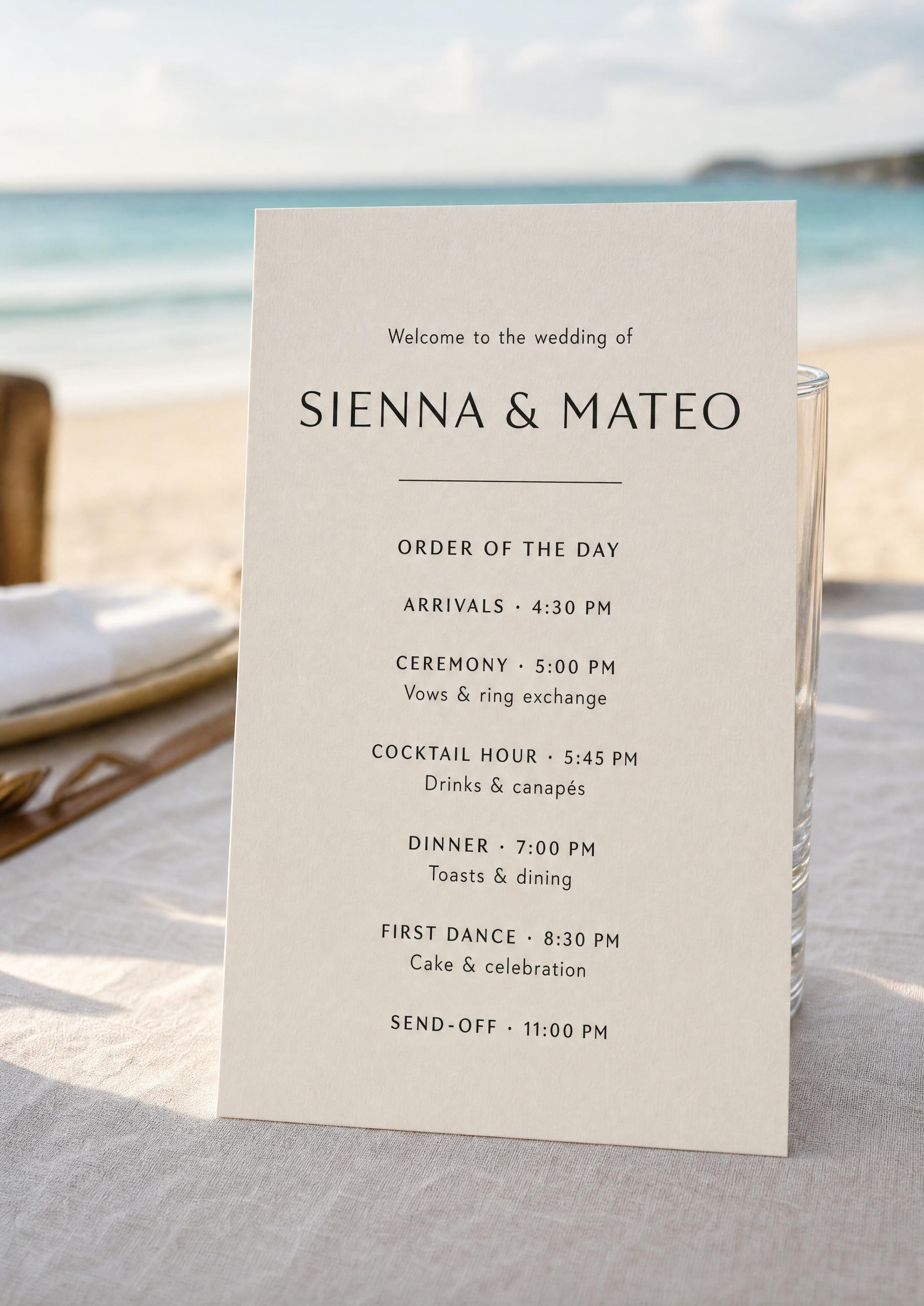
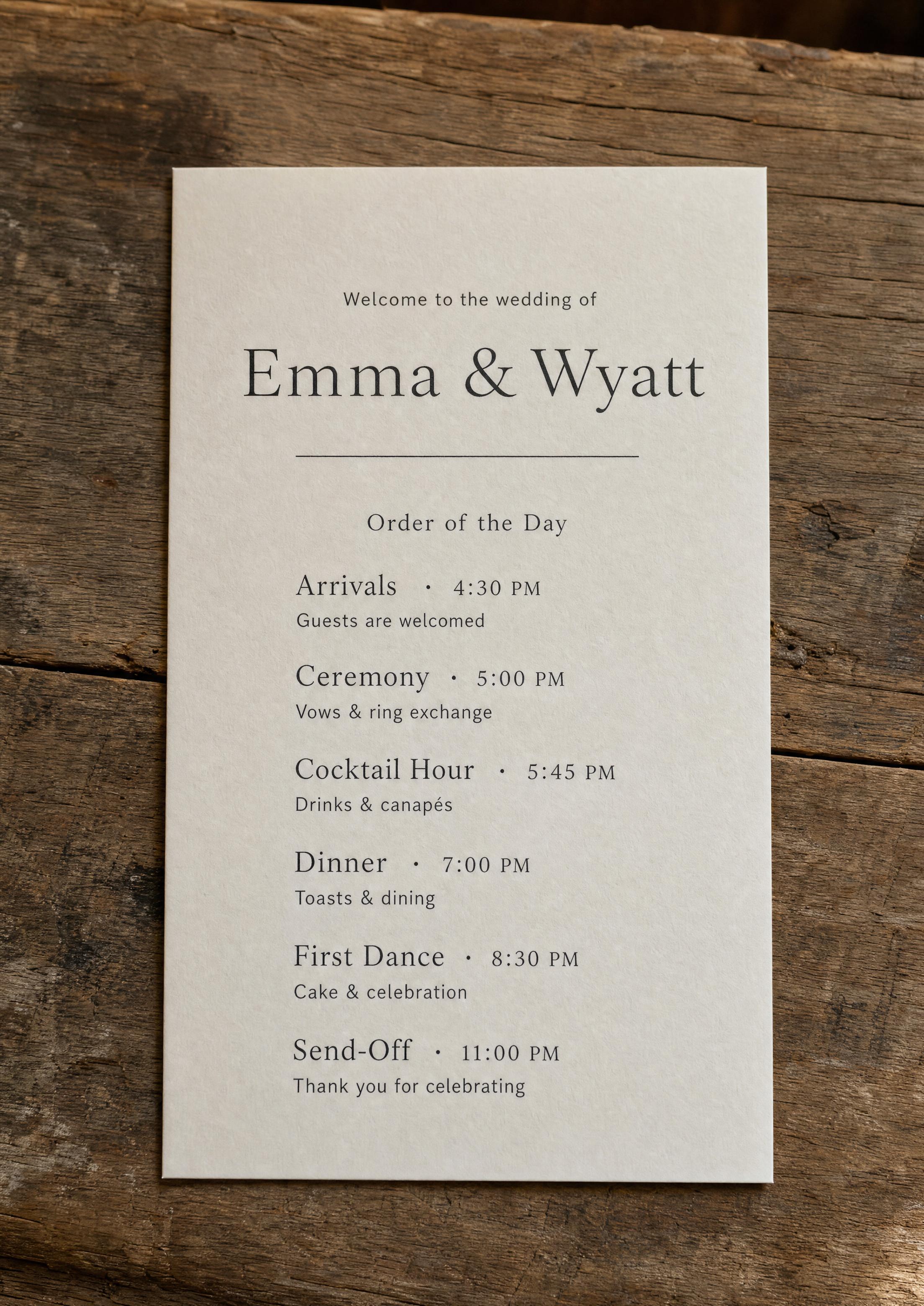
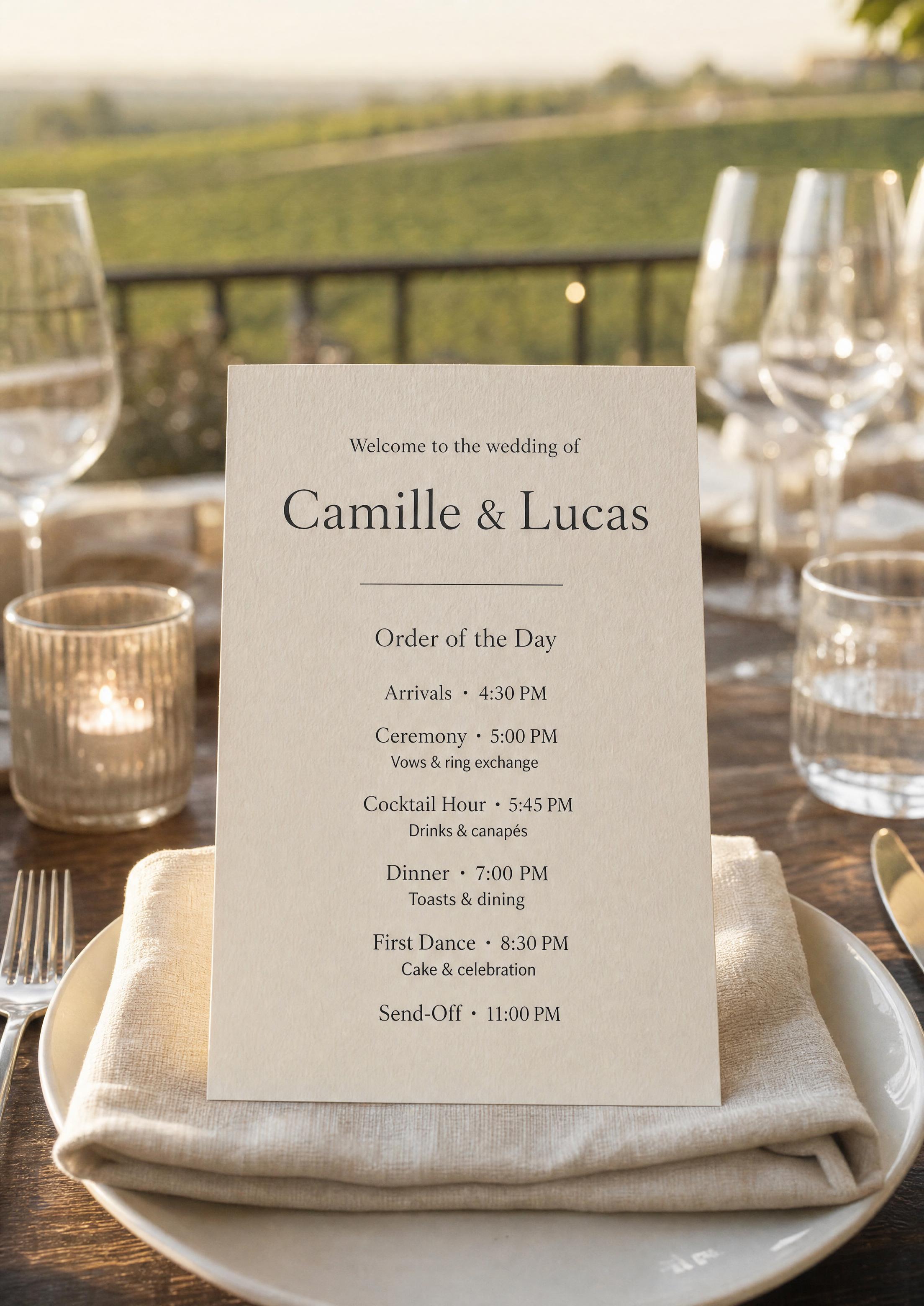
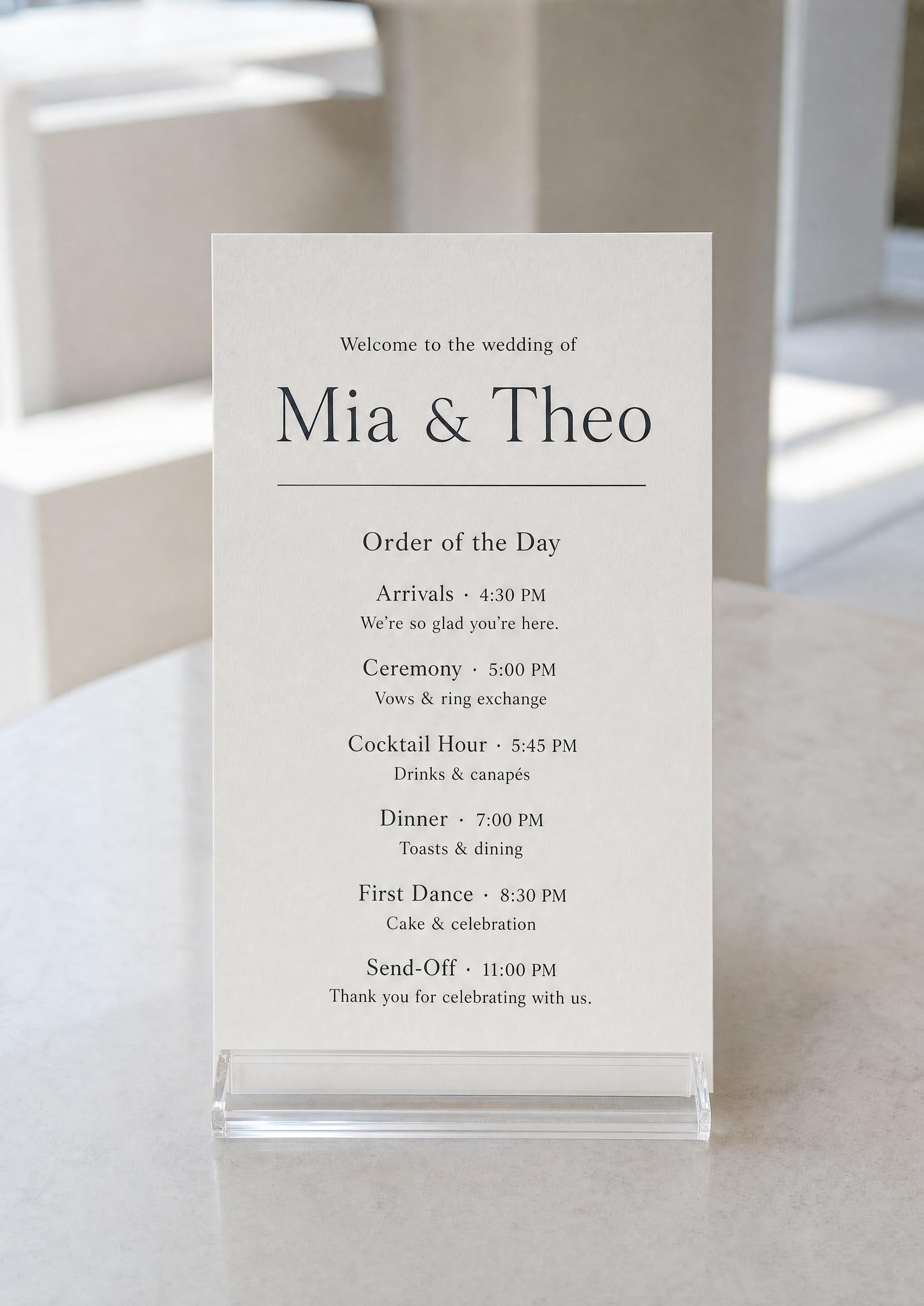
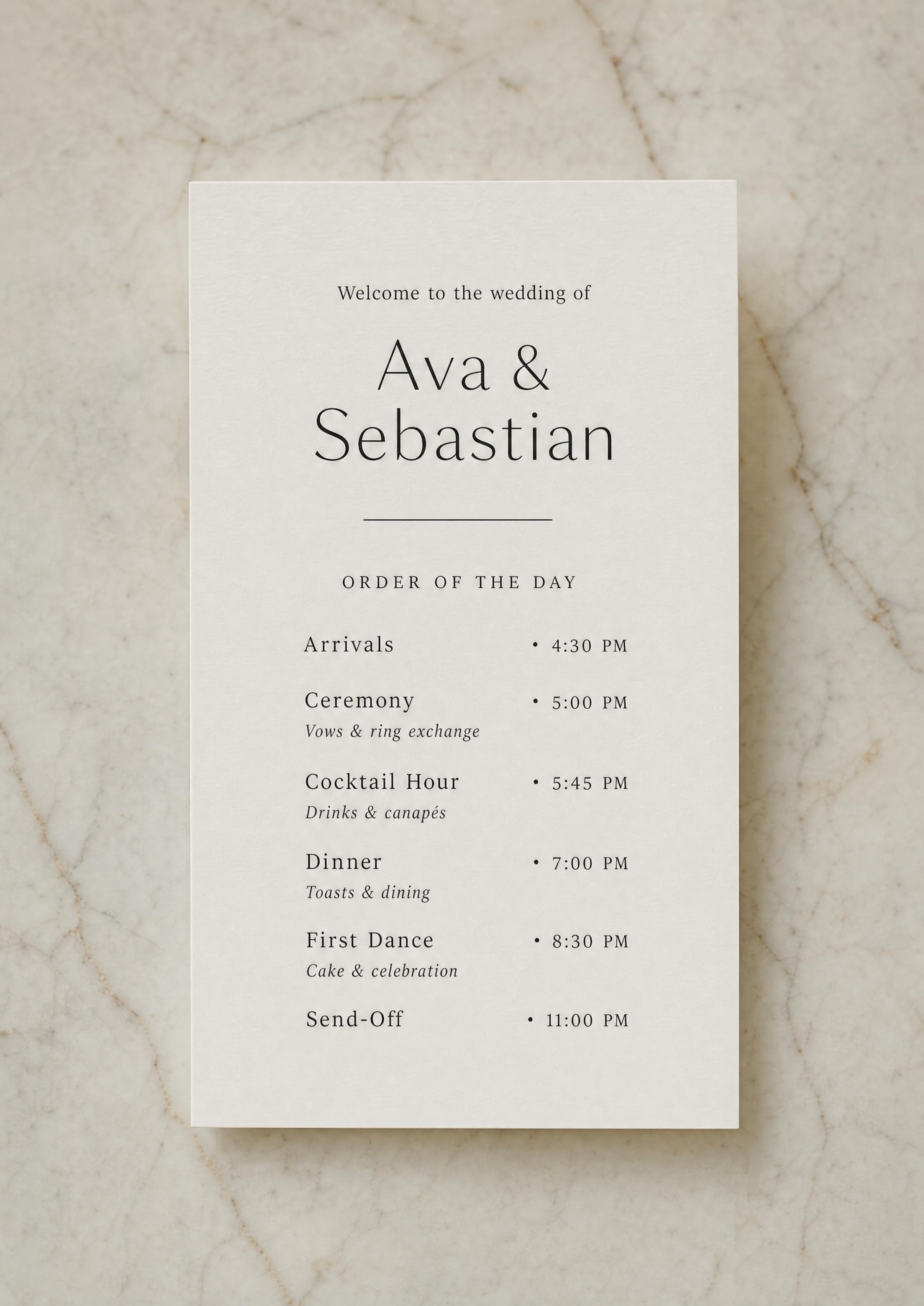
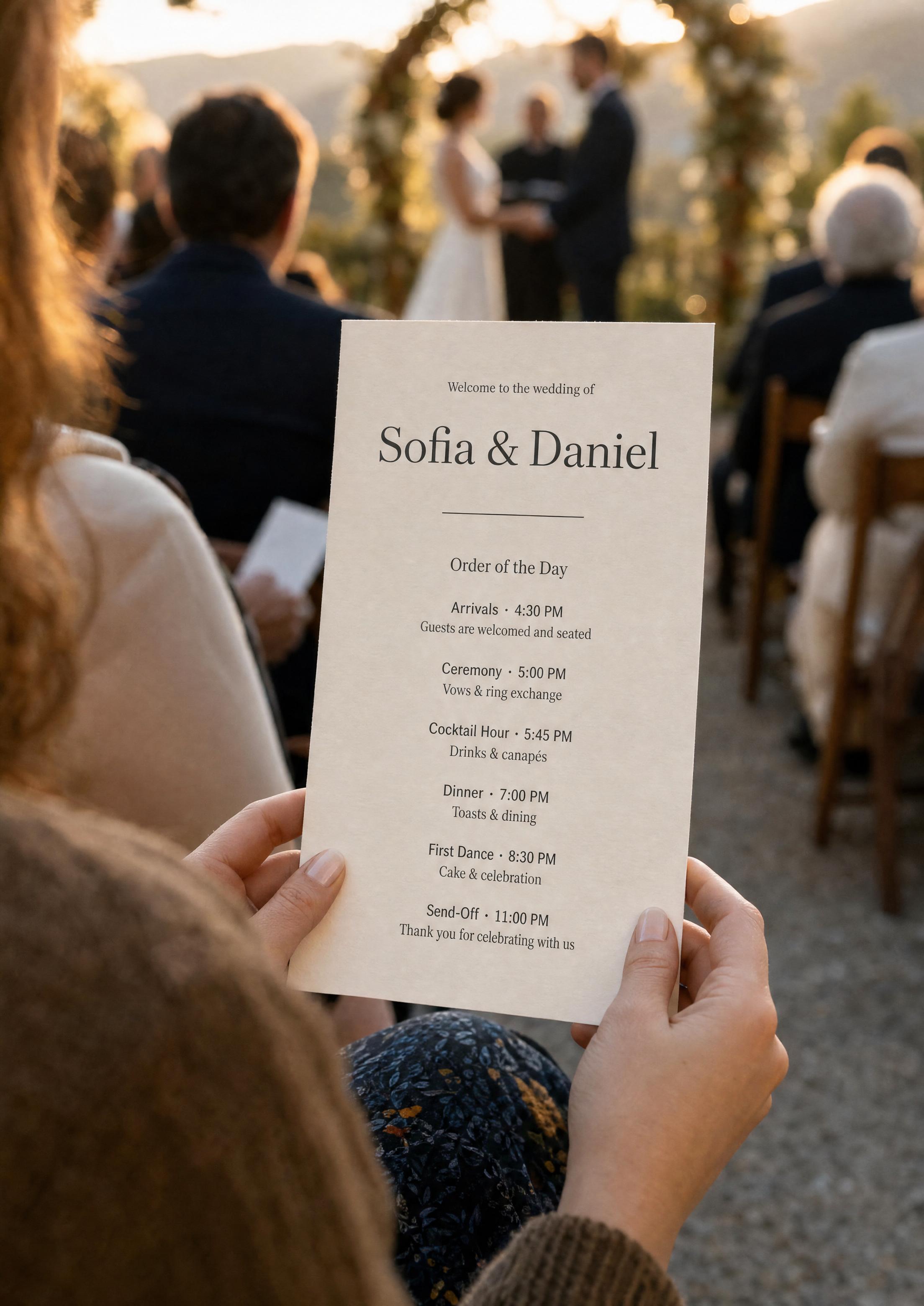
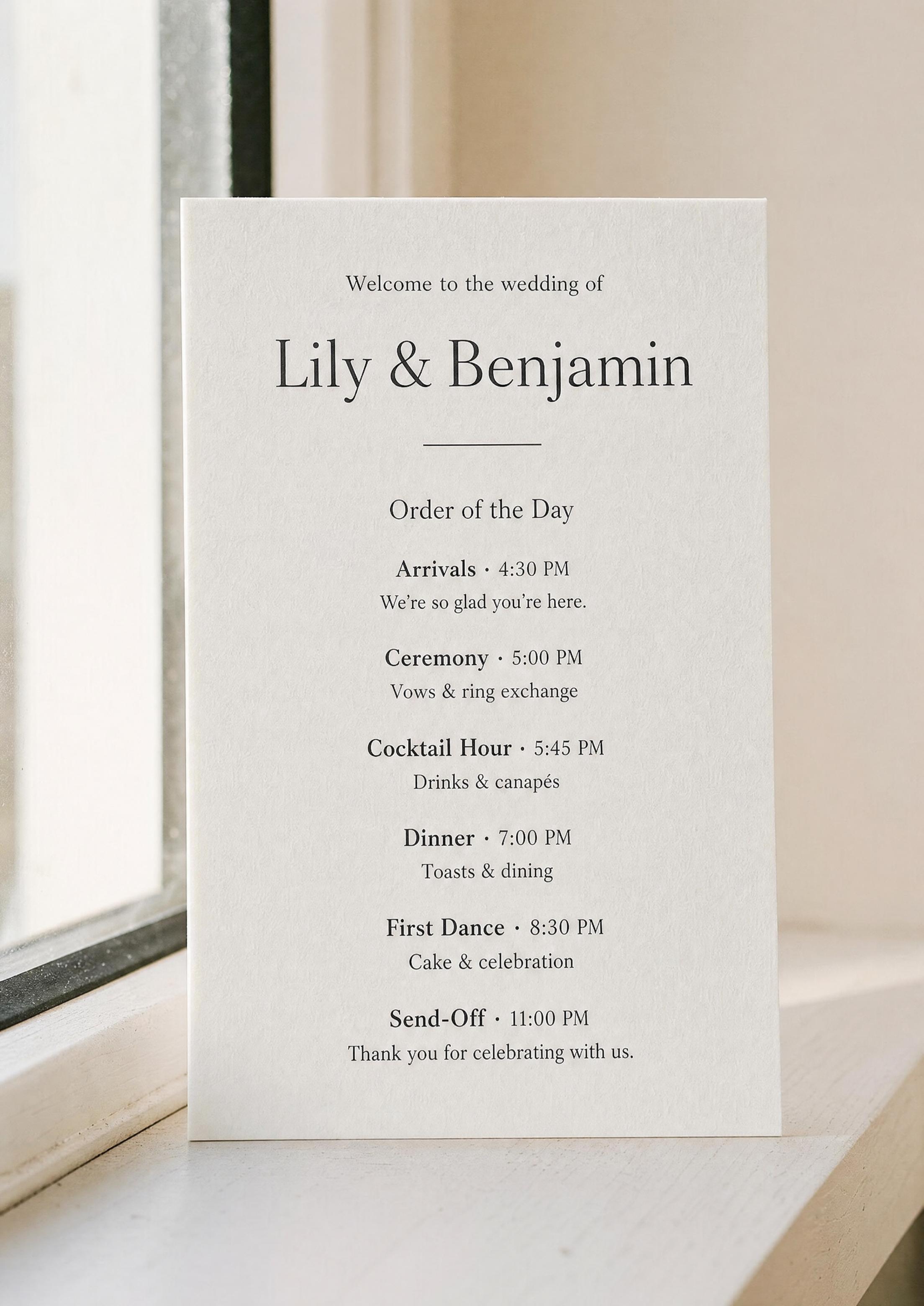
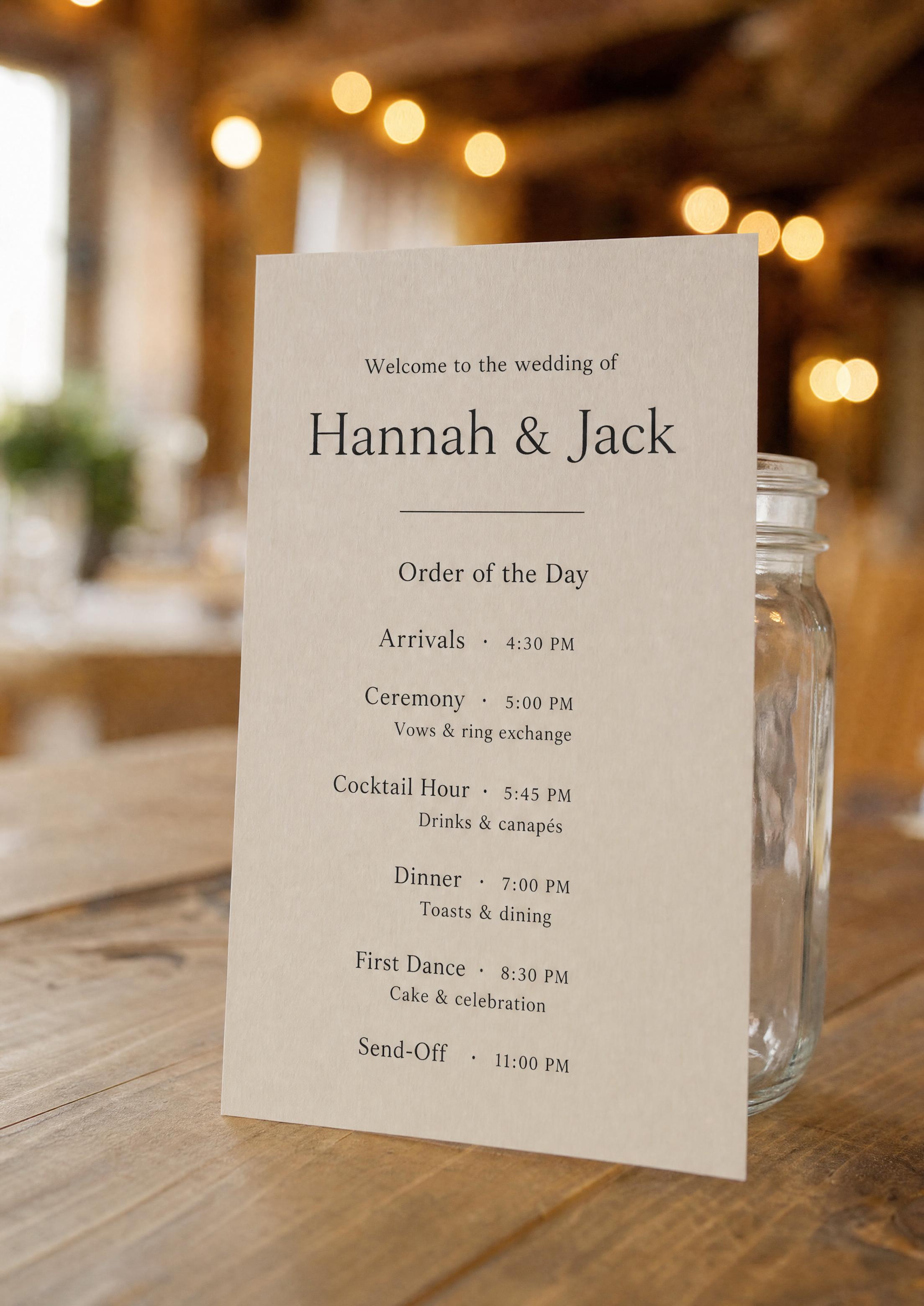
Explore more wedding ideas & advice
Wedding Program
Explore
Our service has assisted tens of thousands of couples worldwide in planning their dream weddings!
Free Wedding Program — The Order of the Day for Your Guests
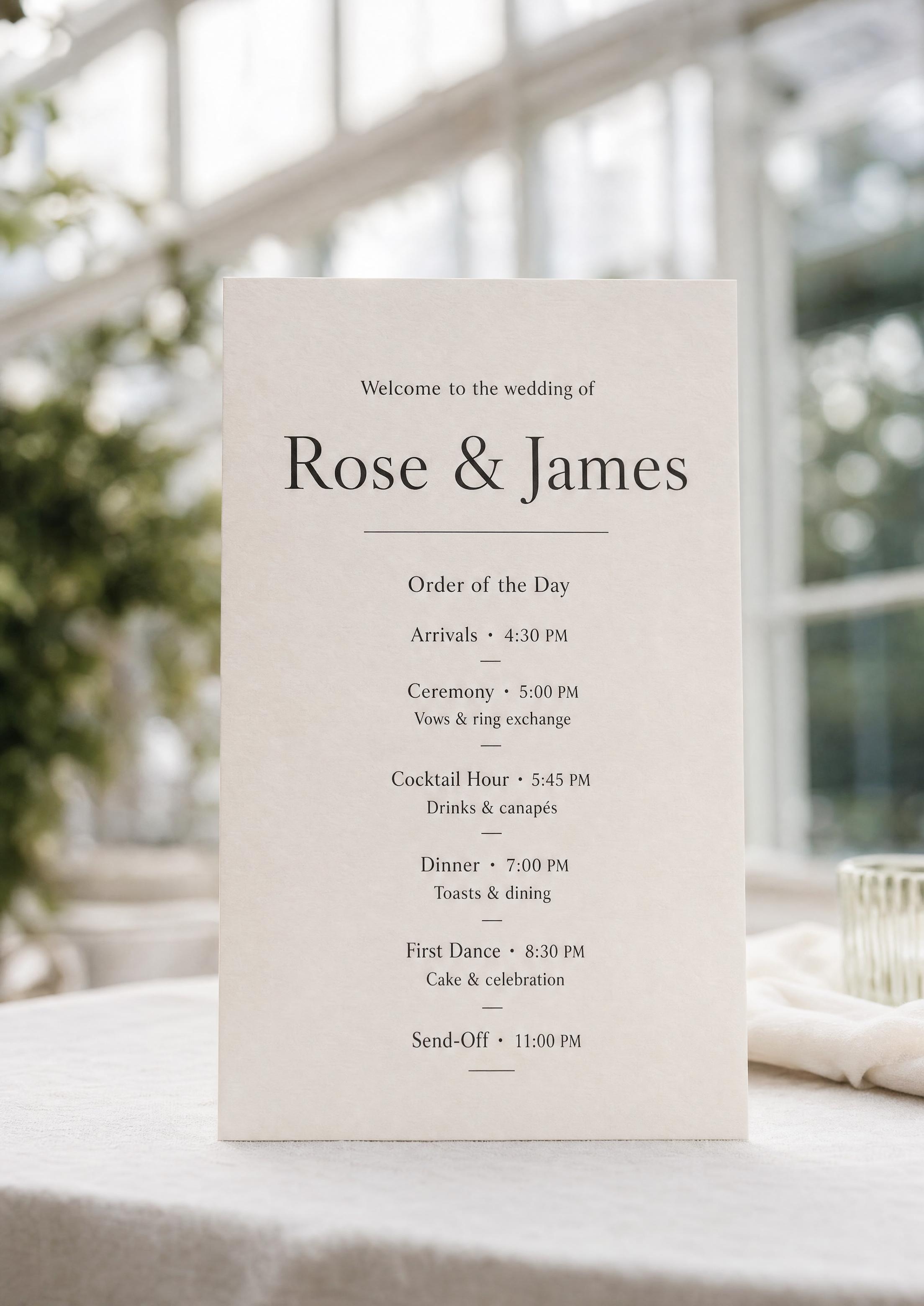
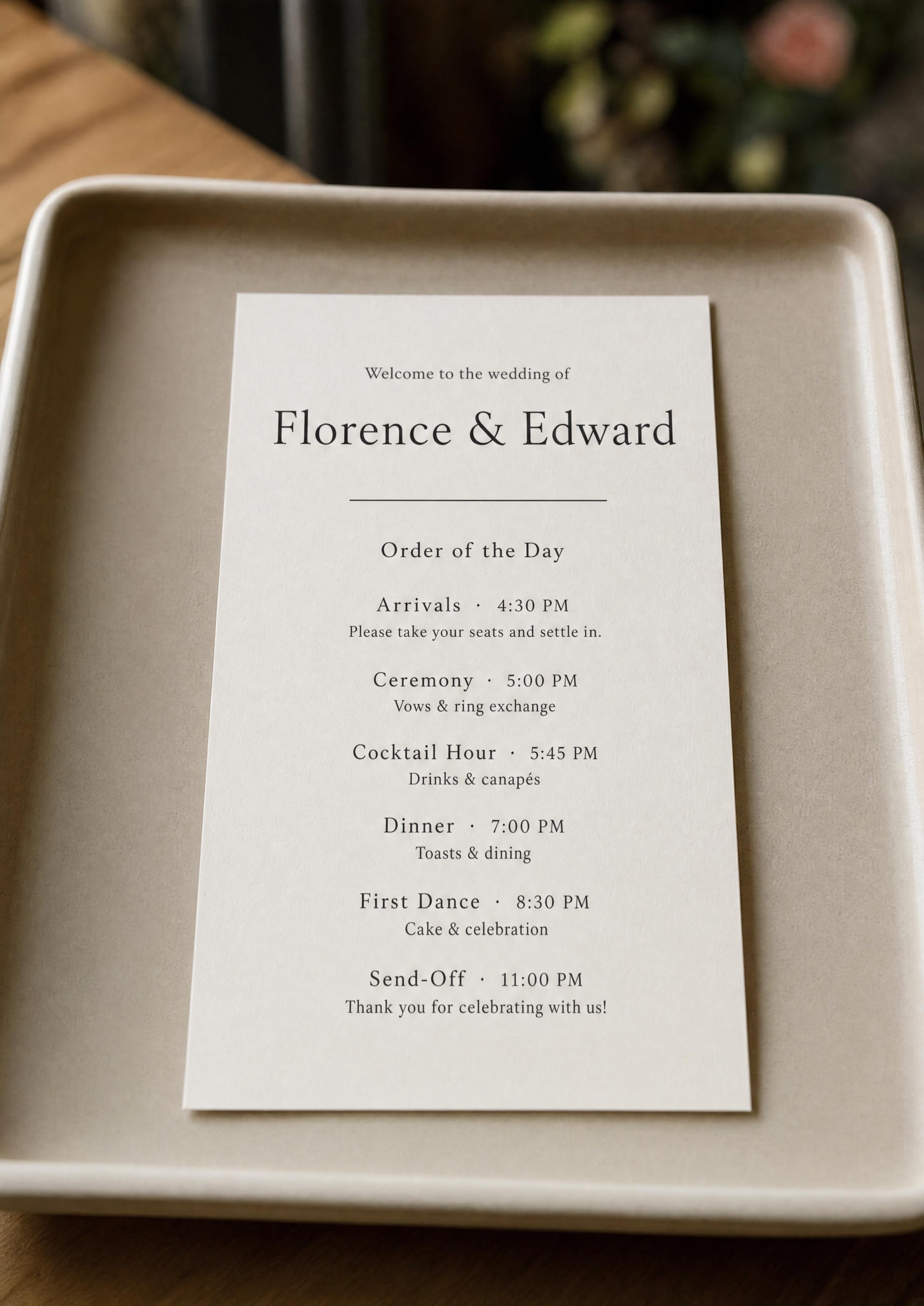
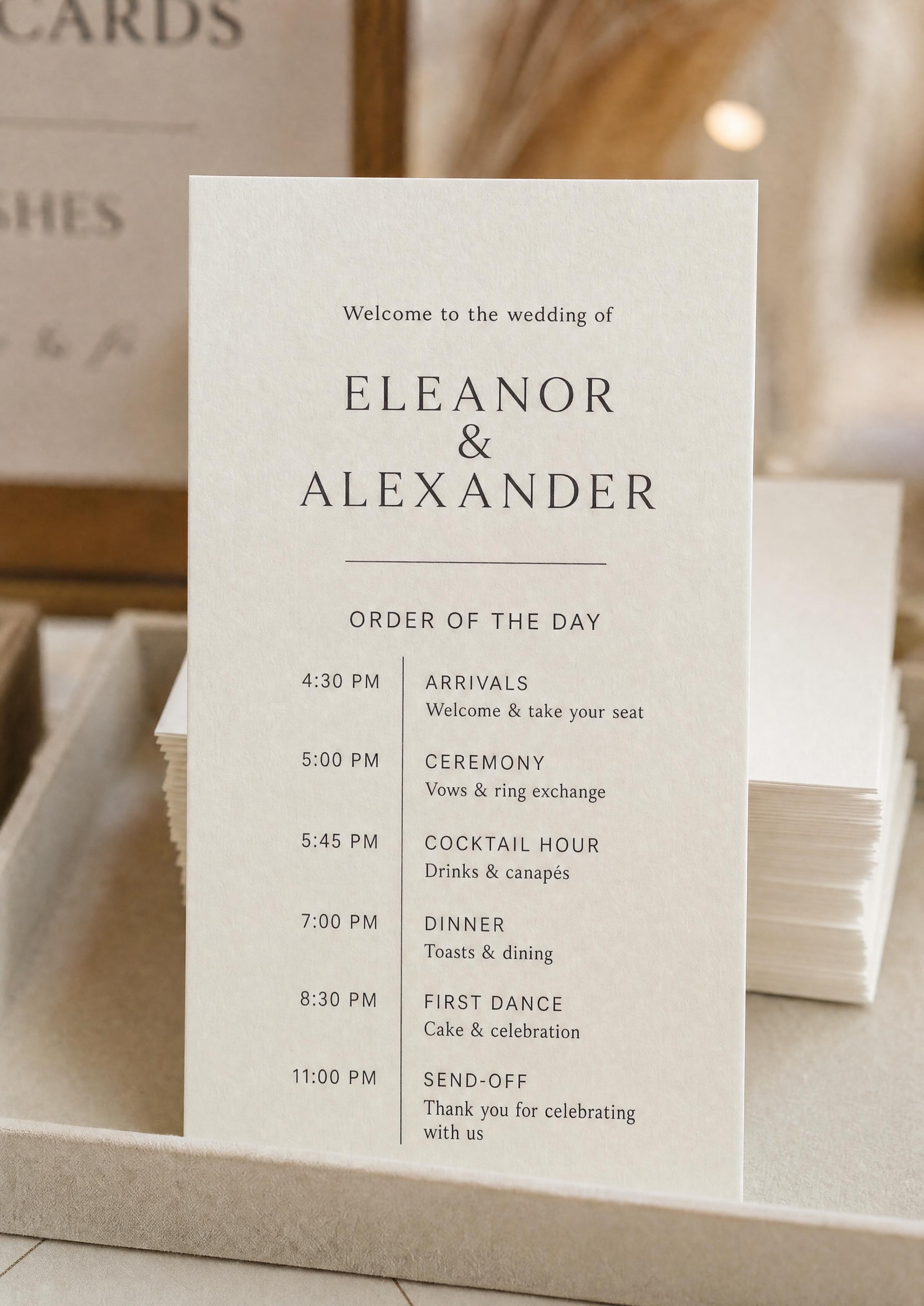
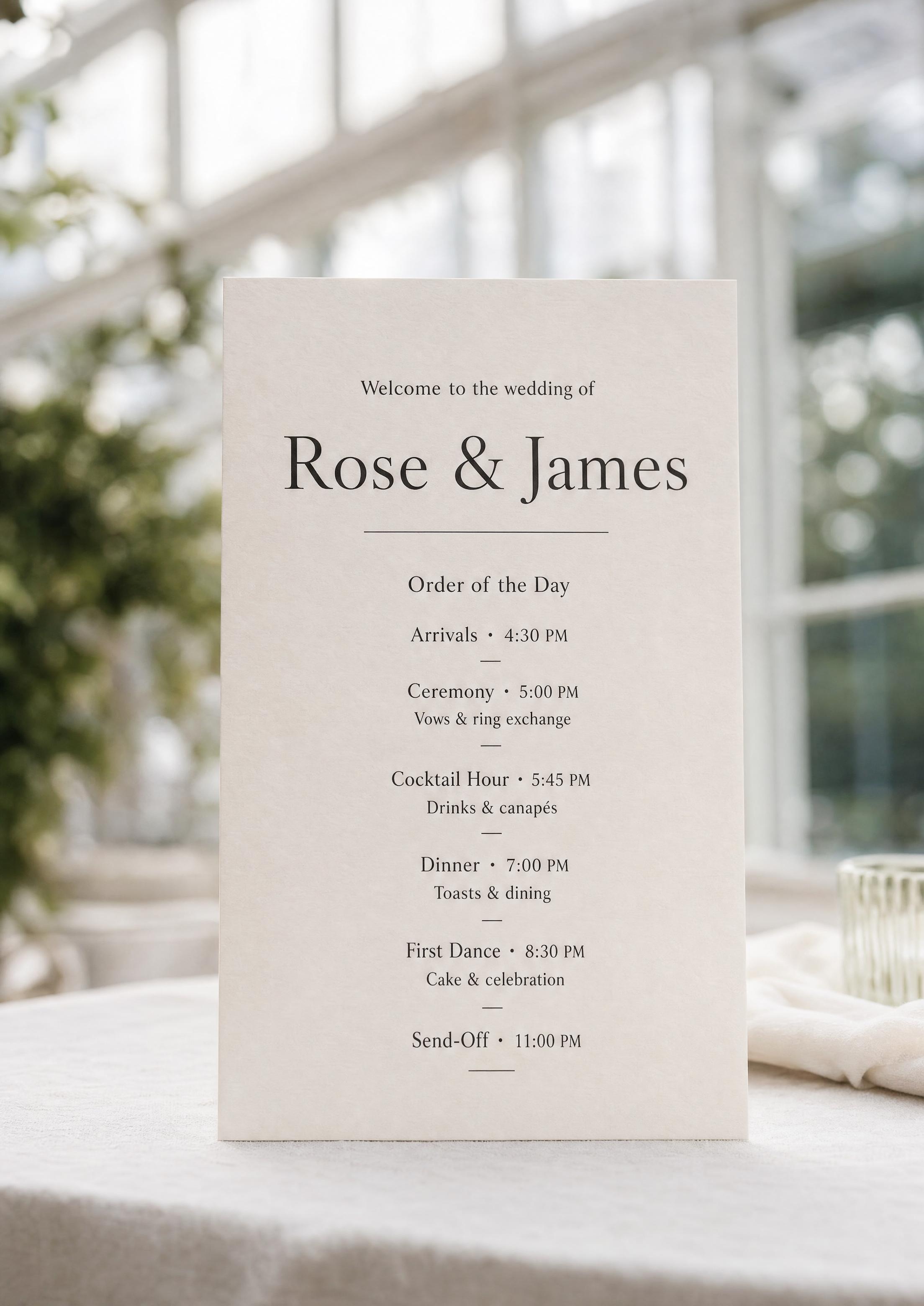
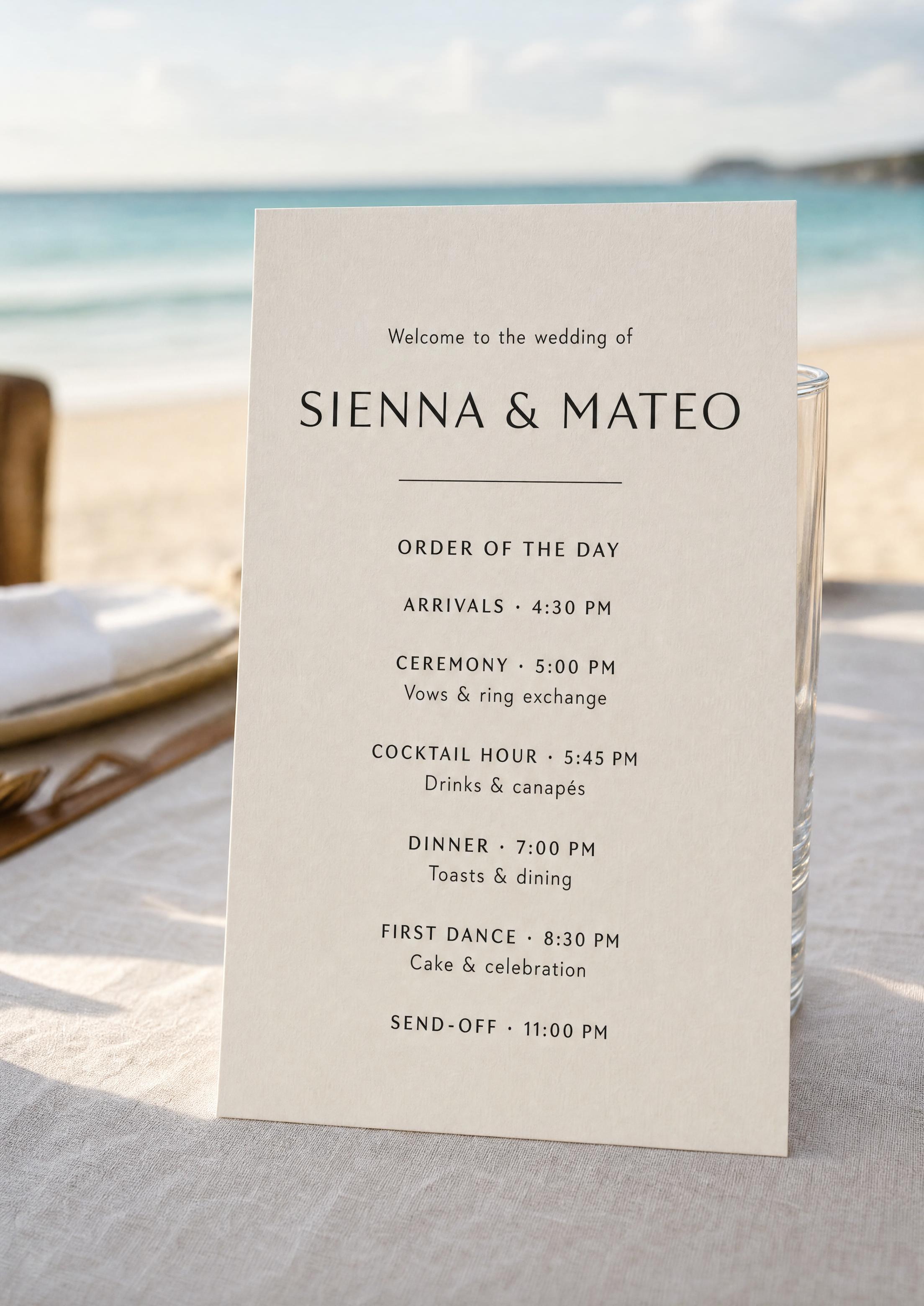
A wedding program is the printed card you hand guests (or set at their seats) so they can follow the celebration — a warm welcome, your names and date, and the order of the day: arrivals, ceremony, cocktail hour, dinner, first dance, send-off, each with a time and a short note. It answers the question every guest quietly has — “what happens next, and when?”
This is a guest-facing printed card, not a planning schedule. If you’re building the behind-the-scenes run sheet for yourself and your vendors, that’s your wedding timeline or itinerary. The program is the polished, public version of the day’s flow that guests actually hold.
Our wedding planning assistant turns your schedule into a finished program card. Start from a ready order of the day, replace the sample names and times with yours, pick fonts for the headings and the schedule, add a decorative motif and check it in the preview — all free, no sign-up. When it looks right, download the print-ready PDF with Premium: $29 once per project on the web, not a subscription — the same purchase unlocks every other print file in the project.
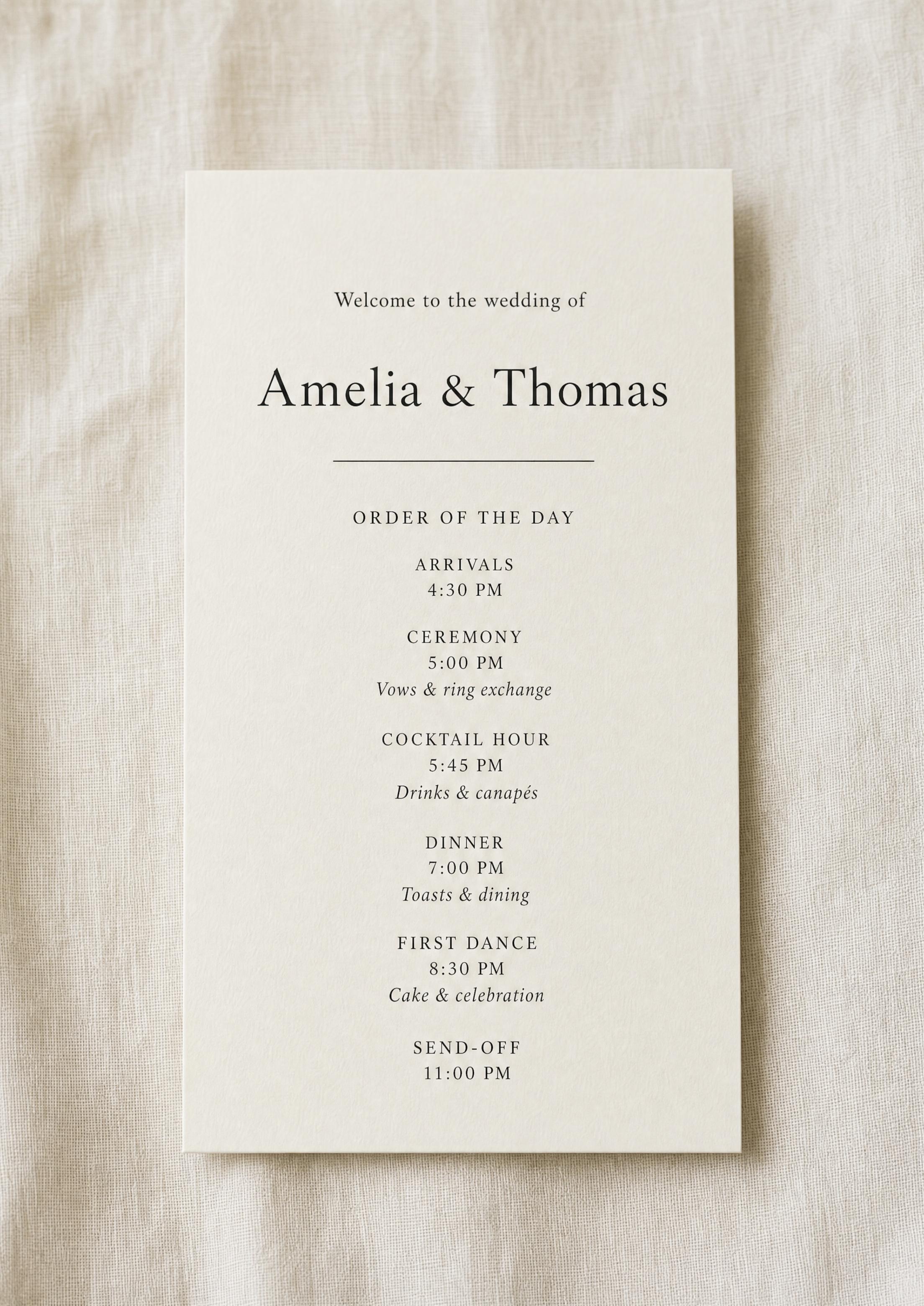
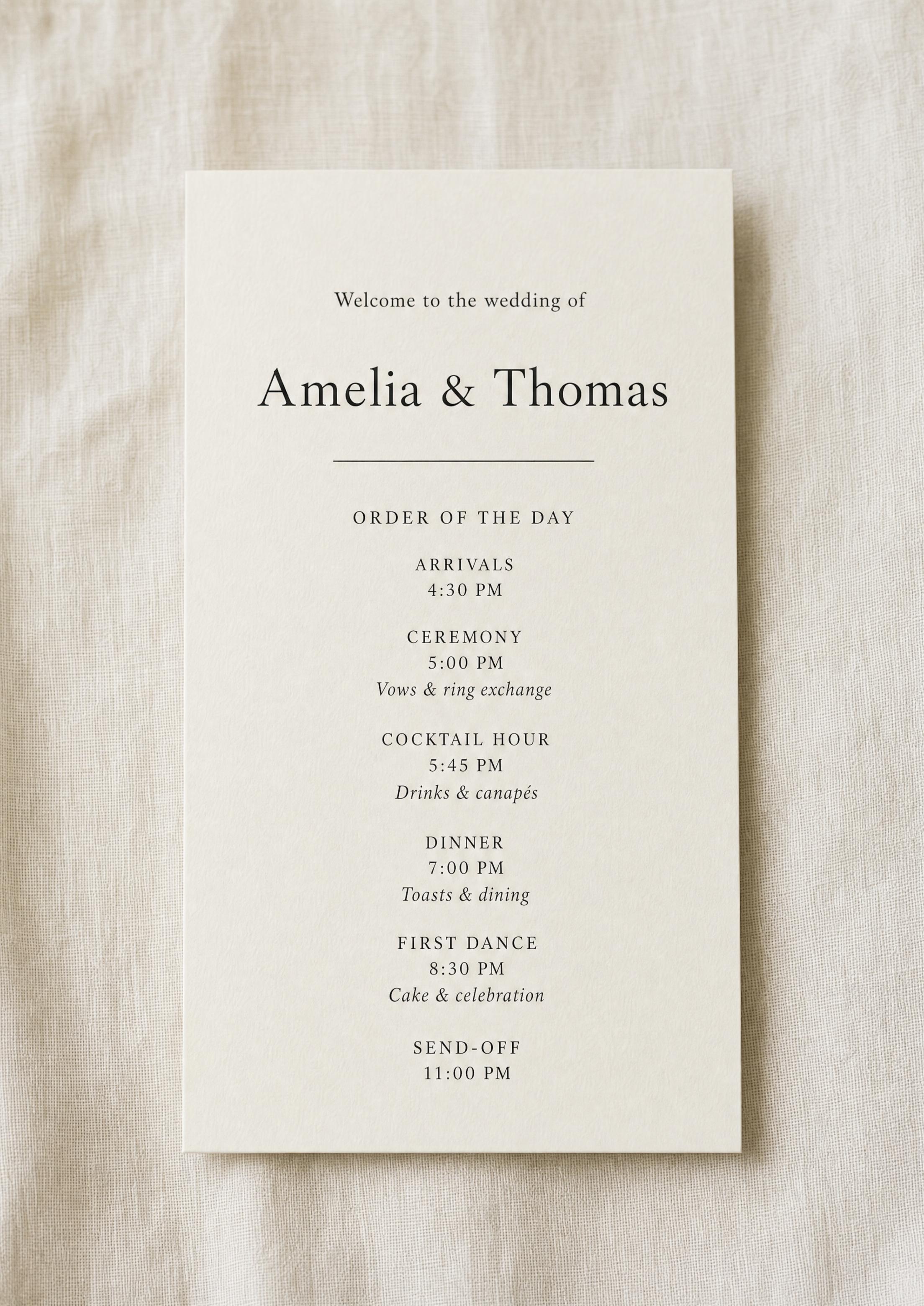
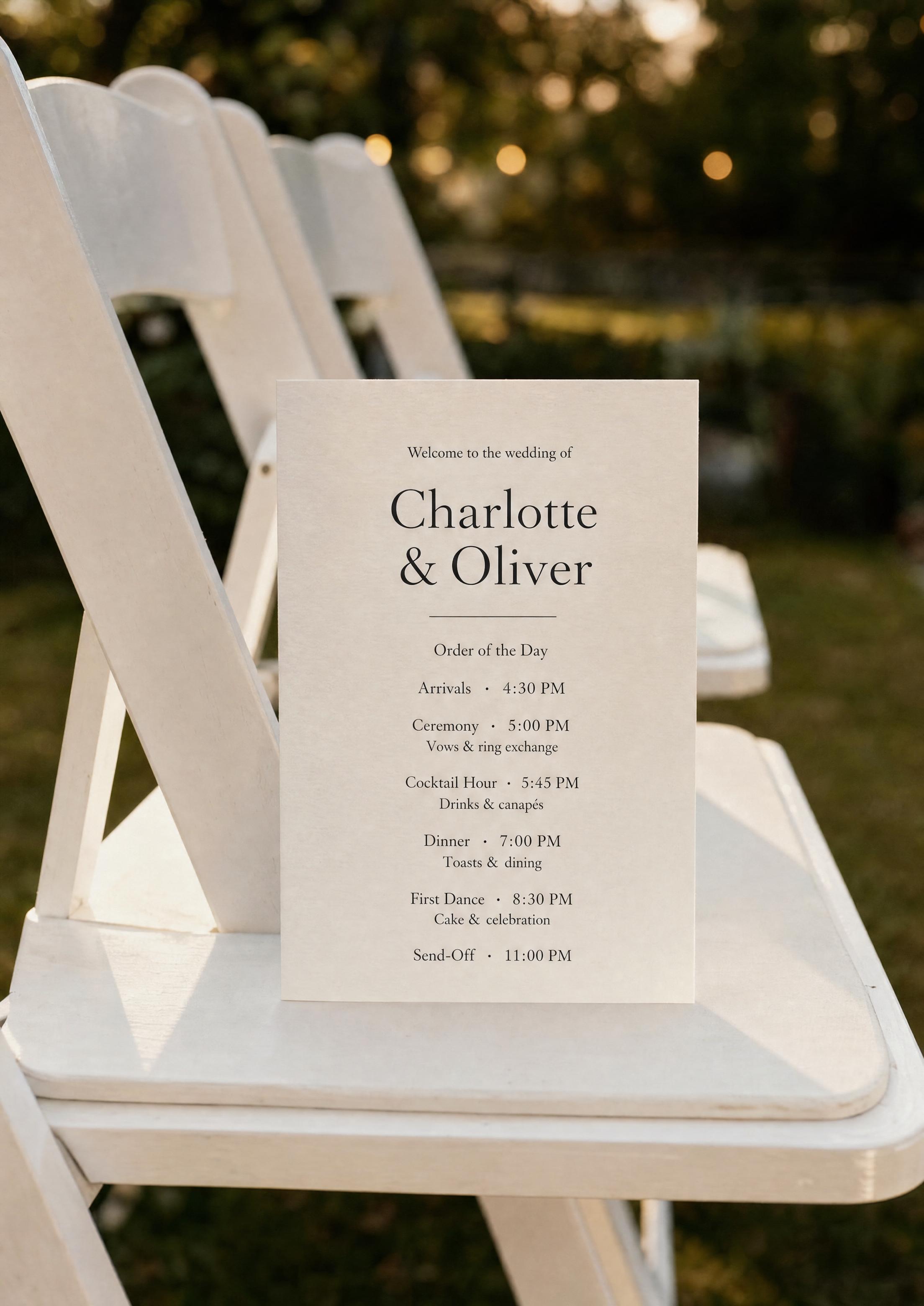
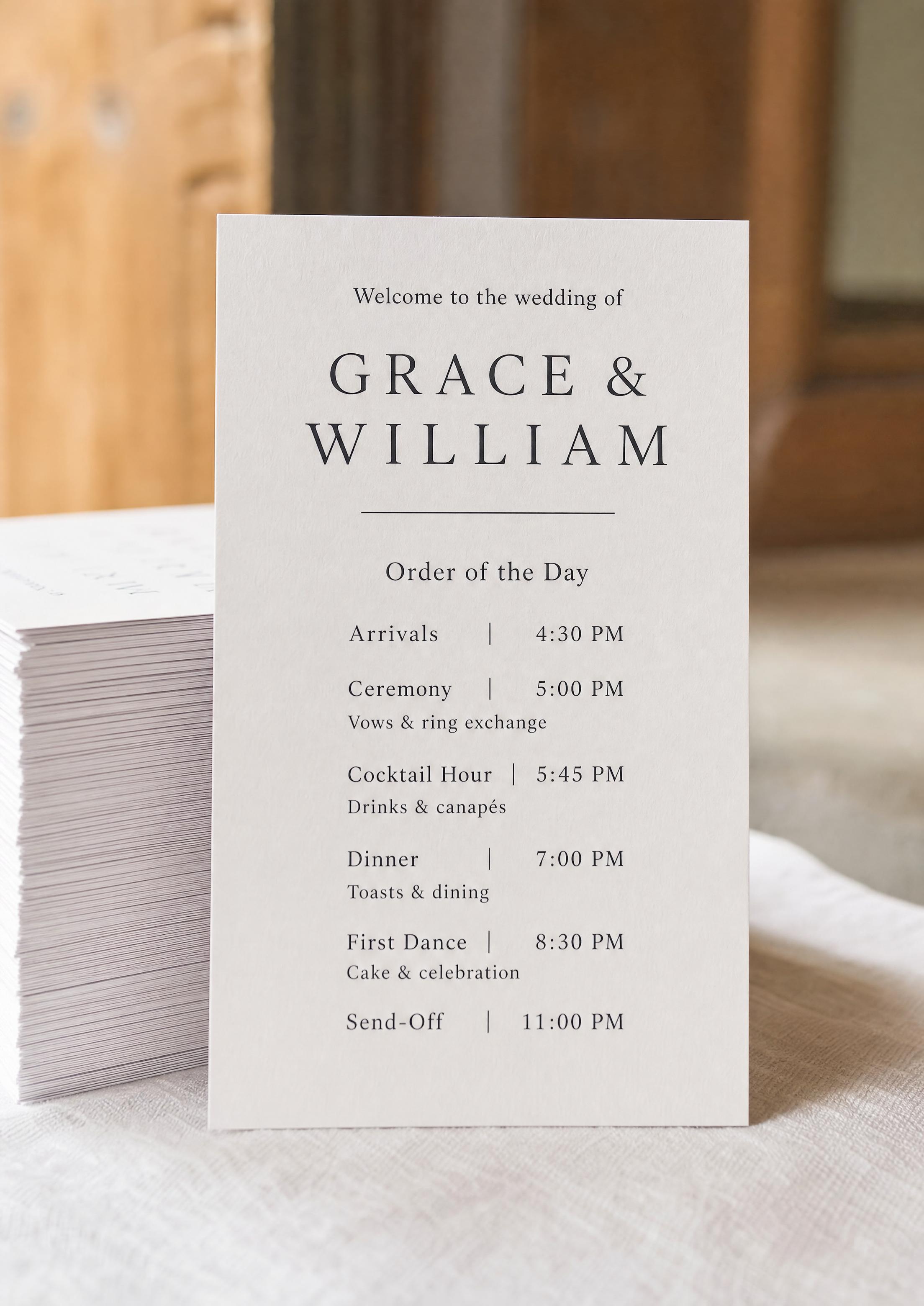
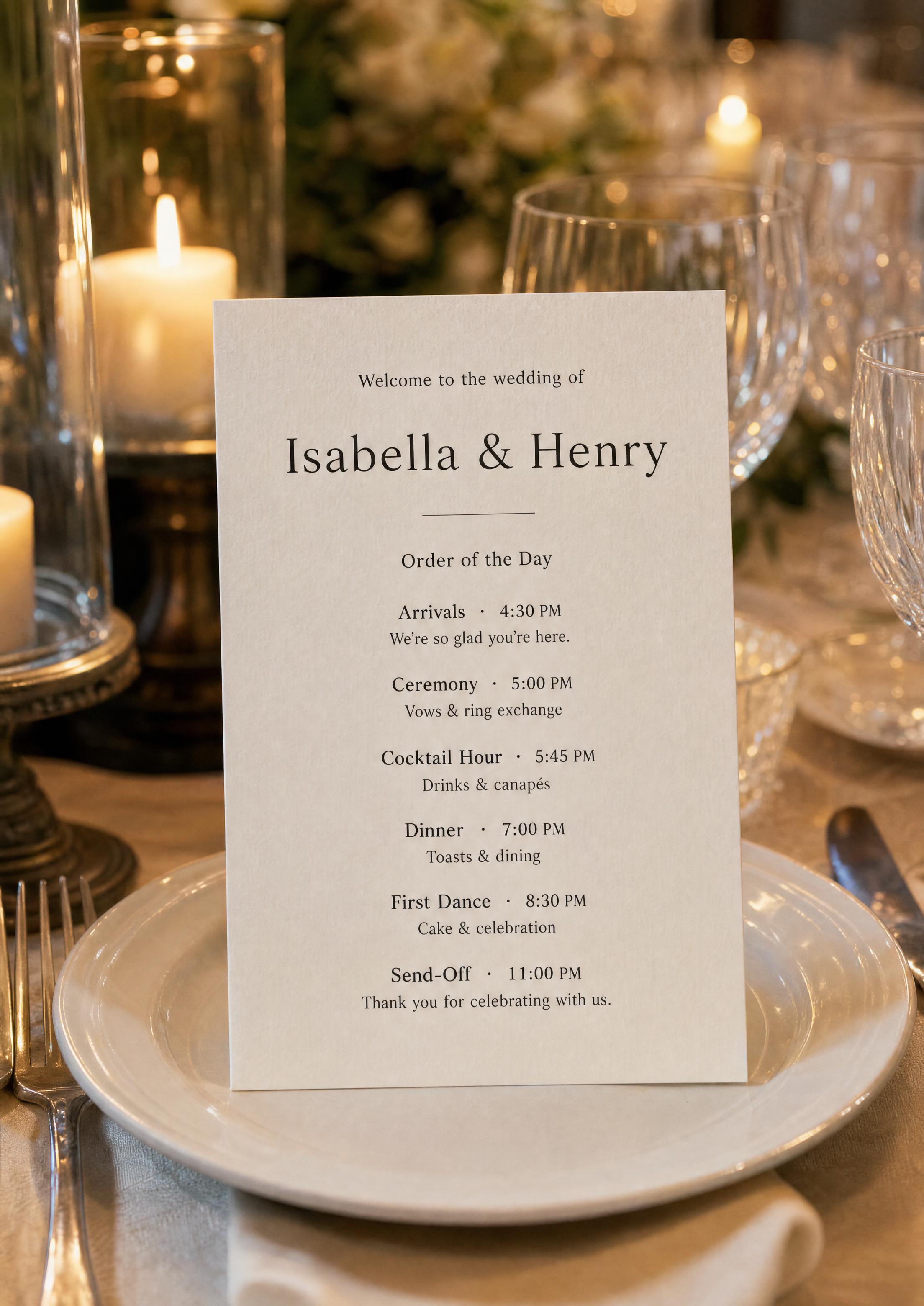
The program opens as a finished order of the day — “Welcome to the wedding of”, a names line and six timed events from arrivals to send-off — so you never start from a blank card. Double-click any line to replace the sample names and times with yours, and type the date the way you want it, spelled out or numeric, to match your invitations.
The program sits in the same project as your day-of stationery suite — menus, place cards, table numbers and signs — and every editor draws on the same font library, so picking the same heading and text fonts gives the whole day one consistent look.
It complements your welcome sign at the entrance: the sign greets, the program tells guests what happens and when. Both are made in the same project, side by side, and both editors draw on the same font library.
PLANNING . WEDDING — is easy to remember and even easier to use.
How the Wedding Program Maker Works
There’s no design software to learn. You start from a ready order-of-the-day card in your project and edit it line by line, right on the canvas.
- Open the wedding program in your project’s stationery — it starts with a sample welcome, a names line and a timed order of the day, ready to edit.
- Edit the lines — double-click any text on the card to change it, add new lines with “Add element”, duplicate or delete them, and drag them where you want; align the text left, centered or right with one switch.
- Add your schedule — each line is an event, a time, and an optional one-line note (“Vows & ring exchange”, “Drinks & canapés”).
- Set your typography — choose a font and size separately for the main heading (your names), the second heading (event names) and the paragraph text (times and notes), from the same font library as your menus and signs.
- Add optional lines — a welcome, a thank-you, a memorial, or a hashtag.
- Download the print-ready PDF (Premium) — a vector file with two tall program cards (about 3.8 × 8.5 in / 97 × 215 mm each) on a letter-size sheet, with crop marks for trimming.
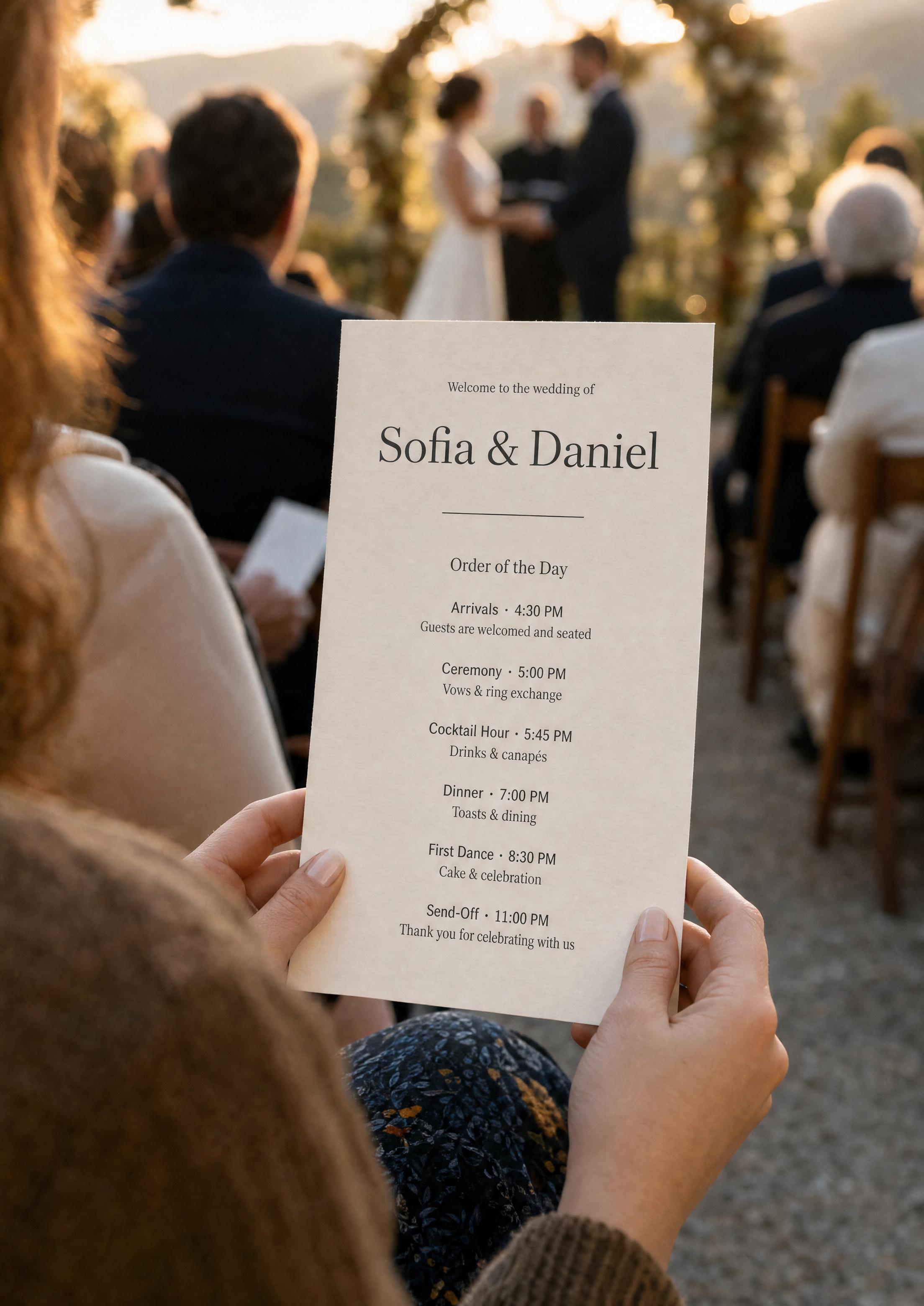
Wedding program showcase
Design yours free — no sign-up
What Goes on a Wedding Program
A program has a simple, reliable anatomy. Keep it to a clean single card so guests can read it at a glance.
The welcome line — “Welcome to the wedding of …”, the largest decorative element, usually above the names.
Your names and date — first names for a relaxed feel, full names for a formal one, with the date below.
The order of the day — the timed schedule: each event, its start time, and an optional short note underneath.
Optional extras — a welcome sentence (“We’re so glad you’re here”), a closing thank-you, an “in loving memory” line, or your hashtag. Add sparingly; white space keeps it elegant.
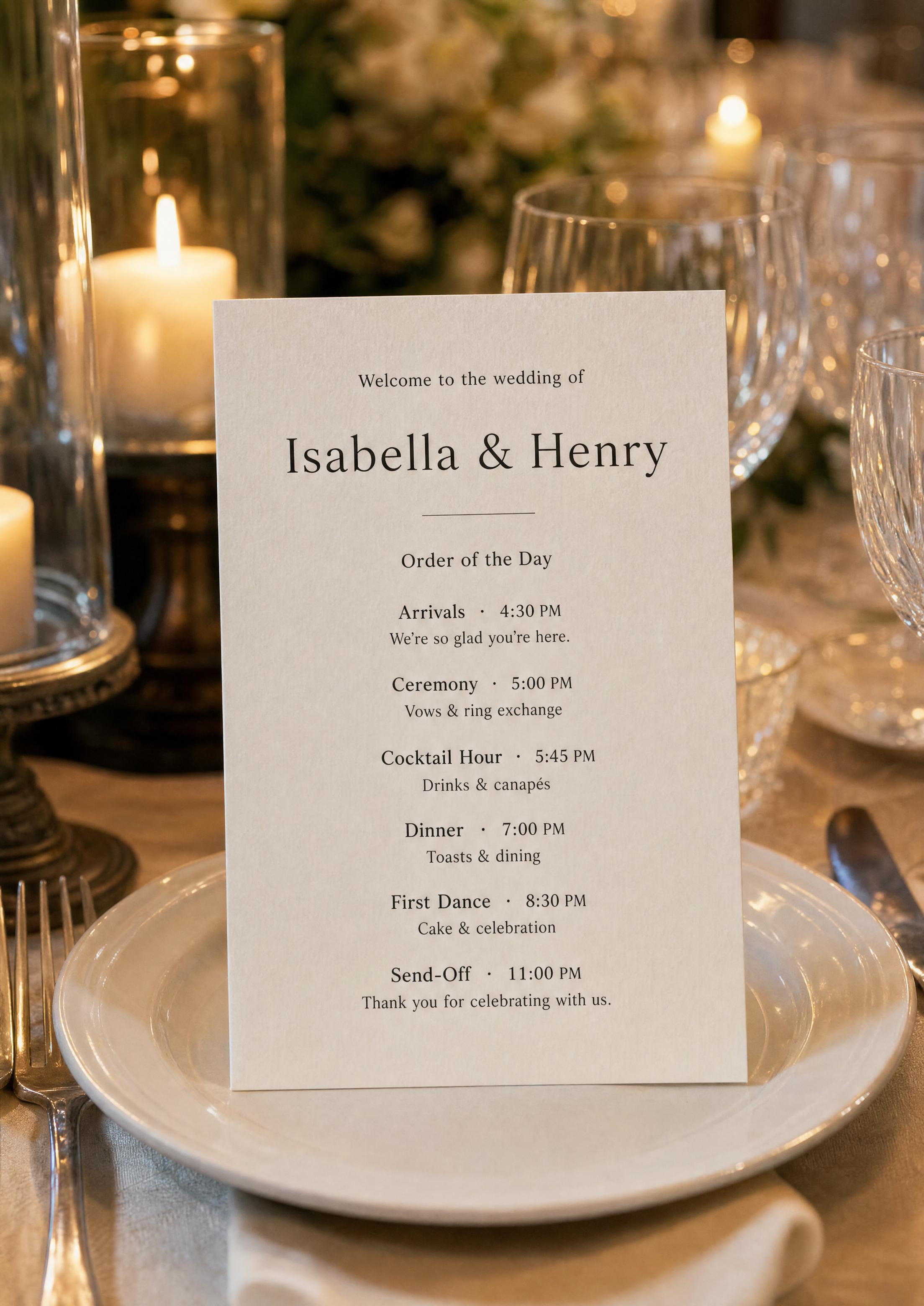
Order of the Day vs Order of Service — Both Covered
“Wedding program” means two slightly different things, and our tool handles both. Pick the one that matches your day.
Order of the day — the whole celebration’s schedule (arrivals → ceremony → cocktails → dinner → dancing → send-off), with times. This is the most common modern program and the tool’s default.
Order of service — the ceremony’s structure (processional, readings, vows, ring exchange, pronouncement, recessional), often with reading titles, hymns and the names of the wedding party and officiant. Common at religious and traditional ceremonies.
Many couples combine them: the ceremony order of service on one side, the order of the day on the other. The editor works on one side of a card at a time, so make two programs in the same project — duplicate the first to keep its fonts — and print them back to back, or keep both on one card if the schedule is short.
For ready-to-use lines for both, see our wedding program wording guide.
Wedding Program vs Timeline & Itinerary — Guest Card, Not a Planning Tool
This is the distinction that trips couples up. All three describe “the order of events”, but they’re built for different people.
A wedding program is for your guests. It’s a printed, edited, public-facing card with the parts of the day guests need — usually rounded times and friendly notes, not load-in and vendor logistics.
A wedding timeline and itinerary are for you, your planner and your vendors. They’re detailed working schedules — hair and makeup, vendor arrivals, photo lists, breakdown — and they never get printed for guests.
Build your detailed timeline first in the planning tools, then lift the guest-friendly highlights into the program. Same day, two very different documents.
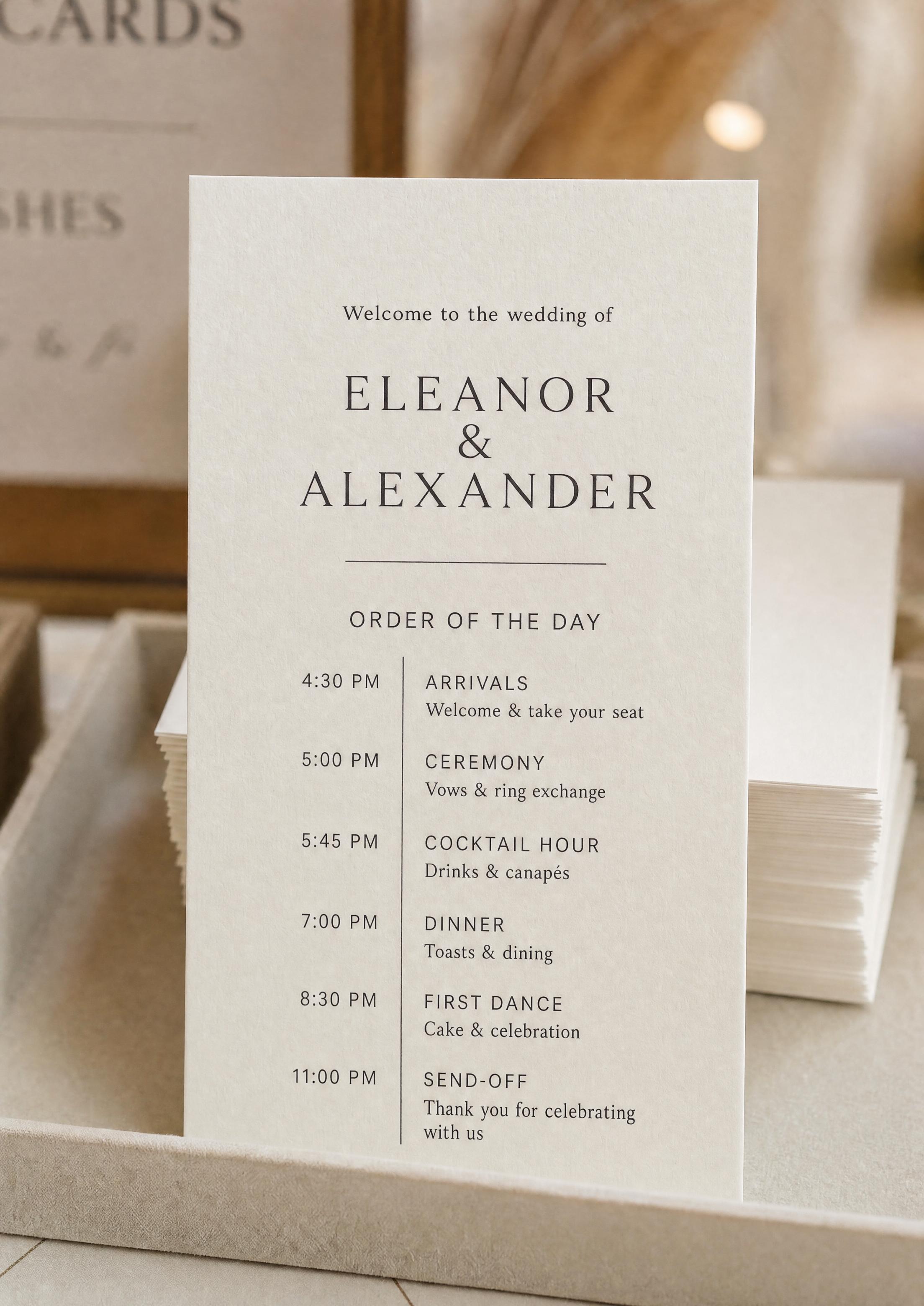
Formats — Card, Fan, Booklet or Sign
The same content works in several physical formats. Choose by your venue, your weather and your budget.
Single card — the most popular and the easiest to print; our PDF gives you two tall cards per sheet to set at place settings, on a welcome table, or hand out. Program fan — the same tall card glued to a stick, perfect for hot or outdoor ceremonies (see our program fan guide). Folded booklet — for longer religious ceremonies with readings and hymns; make one program per page and assemble them yourself. One large sign — a single poster instead of a card per guest, when you’d rather not print dozens; our PDF is card-sized, so for a sign write the schedule on a board or have a print shop enlarge the vector card.
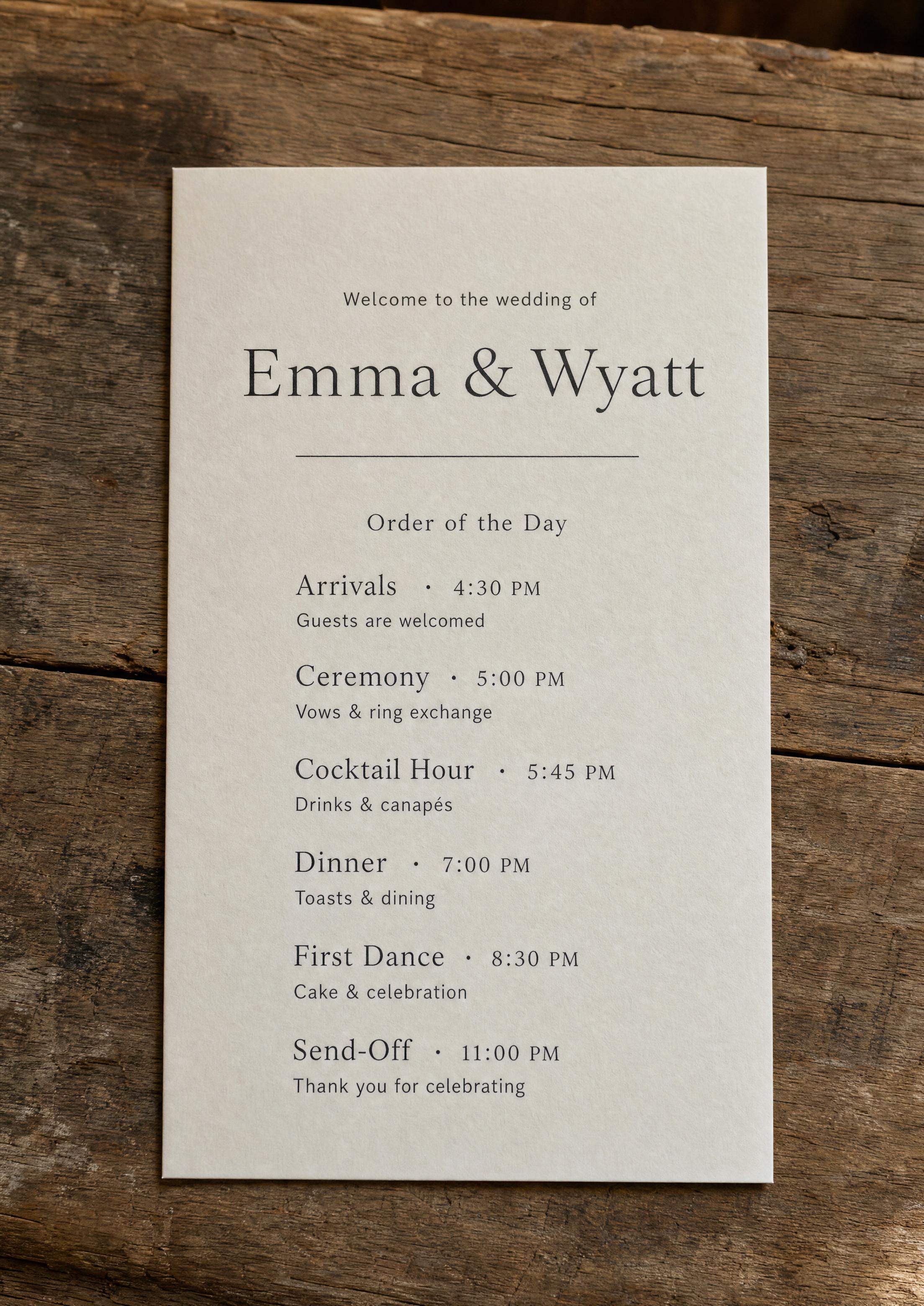
What to Write — Wedding Program Wording
The wording sets the tone. Formal programs use full names, a spelled-out date and titled events; relaxed ones shorten to first names and friendly notes (“Eat, drink & celebrate”). Keep each schedule line to an event, a time and at most one short note.
For dozens of ready-to-use lines — order of the day, ceremony order of service, welcome and thank-you lines — see our wedding program wording guide.
A Style for Every Venue
The same program adapts to any aesthetic through typography, paper and the way it’s displayed. A few directions that photograph well:
- Garden & vineyard — soft serif, warm cream stock, propped on a chair or at each place setting.
- Ballroom & hotel — tall elegant serif, dark type on ivory stock, set on the charger at every formal place setting.
- Beach & coastal — airy type on light, neutral stock, often a fan to double as a hand cooler.
- Barn & rustic — earthy serif on kraft or cream, displayed in a basket or tray at the entrance.
- Minimalist & modern — clean type, lots of negative space, a single card in a slim acrylic stand.
Wedding Program FAQ
Do I need a wedding program? It’s optional but genuinely useful — it helps guests follow the day, name your wedding party and credit readings or music. Even a simple order-of-the-day card makes guests feel oriented and looked-after.
What’s the difference between an order of the day and an order of service? The order of the day is the whole celebration’s schedule (arrivals to send-off); the order of service is specifically the ceremony’s structure (readings, vows, recessional). Many programs include one or both.
How many programs should I print? A common rule is one per couple or roughly one for every two guests, plus 10–15% extra. For a single card at each place setting, print one per attending guest.
Is a program the same as my wedding timeline? No. The program is the printed, guest-facing version with the public highlights. Your timeline and itinerary are detailed working schedules for you and your vendors and aren’t handed to guests.
What size is a wedding program? Tall, slim cards around 4×9 inches are the classic order-of-the-day shape, and 5×7 inches is the other common single-card size. Our program is a tall card of about 3.8 × 8.5 inches, printed two to a letter-size sheet with crop marks — it fits a slim stand, sits on a charger, and works as the card for a program fan.
Why Use Our Tool Instead of a Canva or Etsy Template
A typical Etsy or Canva program is a static file you edit by hand. You type your names, square up the spacing, fix the times when they change, and re-export every time — and the file sits in your downloads, apart from your guest list, seating chart and the rest of your stationery, so keeping everything in step is a manual chore.
Our program starts as a balanced, ready-made card inside your wedding project, so you replace words instead of fixing spacing. It lives next to your seating chart, menus and signs, uses the same font library, is saved online, and can be edited by your partner or planner at the same time — no file juggling, no re-buying a template because you picked the wrong style.
Designing is free and collaborative — your partner or planner can edit the same program from their own device. When you’re ready to print, Premium ($29 once per project on the web, $9 from your third project) unlocks the print-ready PDF of the program and of every other piece of stationery in the project.
Design yours free — no sign-up
Step-by-Step — From Project to Printed Program
Most couples make the program in the final few weeks, once the day’s timing is locked in. Here is the whole path, from an empty project to cards on the tables:
- Create a free project on planning.wedding — no sign-up needed to start designing.
- Open Seating Chart & Supplies in your project and add a wedding program — it appears beside your seating chart, menus and place cards, already filled with a sample order of the day.
- Replace the sample text with your names, date and order of the day (and the ceremony order of service if you want it), adding or removing event lines as needed.
- Pick fonts and add a motif — fonts for headings and text, plus a divider, sprig, rings, heart or another of 16 decorative elements.
- Add optional lines — welcome, thank-you, memorial or hashtag — kept short and placed where they read naturally: a welcome above your names, a thank-you at the foot of the card.
- Check it in the preview — the on-screen preview shows the card as it will print, at its tall card proportions.
- Download the PDF with Premium — two cards per letter-size sheet with crop marks, vector text that stays sharp at any printer resolution.
- Print at home or at a shop, trim along the crop marks, then set the cards at place settings or in a tray at the entrance — or glue some to sticks as fans.
Other Names for a Wedding Program
Couples search for this card under many names — they all point to the same guest-facing schedule:
- Order of the day card
- Wedding order of service
- Wedding ceremony program
- Order of events sign
- Wedding schedule card
- Wedding day timeline card
- Reception program
- Ceremony booklet
Watch the video: the planner where your seating chart, guest list and wedding program live together
Explore the rest of the wedding program cluster
Each sub-page below covers a narrow slice of the wedding program — the order-of-the-day card guests follow through the celebration — across editable templates, wording examples, design ideas, print specs, and the program fan. All built with the same free Wedding Planning Assistant project.
Explore the rest of your wedding day-of stationery suite
Every item below is made in your Planning.Wedding project: the sign and the cards take names and tables from your guest list and seating chart, so one update reaches each of them, and the menu is designed right beside them. The same project holds your RSVPs, wedding website, budget, checklist and timeline.