Explore more wedding ideas & advice
Wedding Program Template
Explore
Our service has assisted tens of thousands of couples worldwide in planning their dream weddings!
Wedding Program Template — Free, Editable, Yours in Minutes
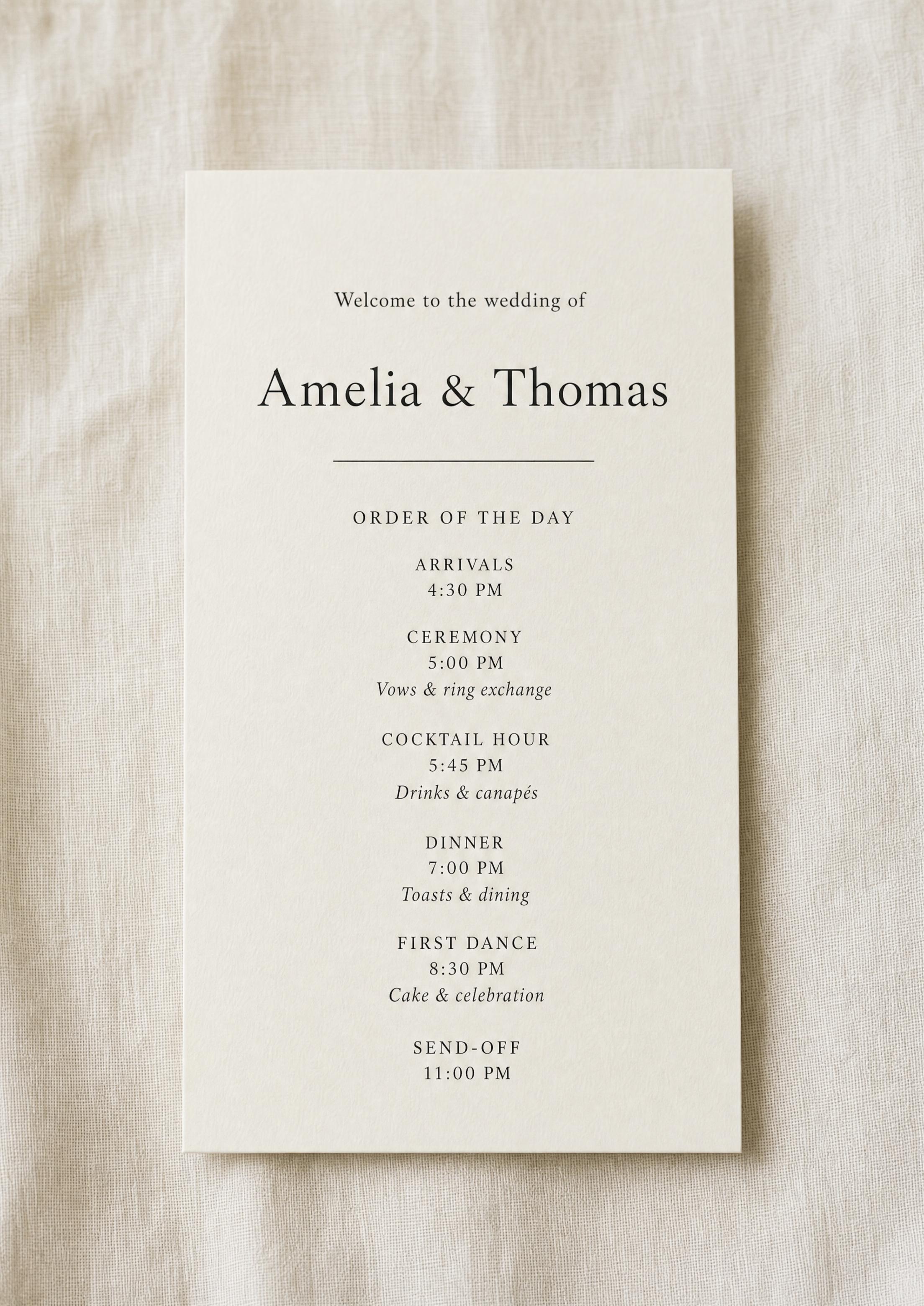
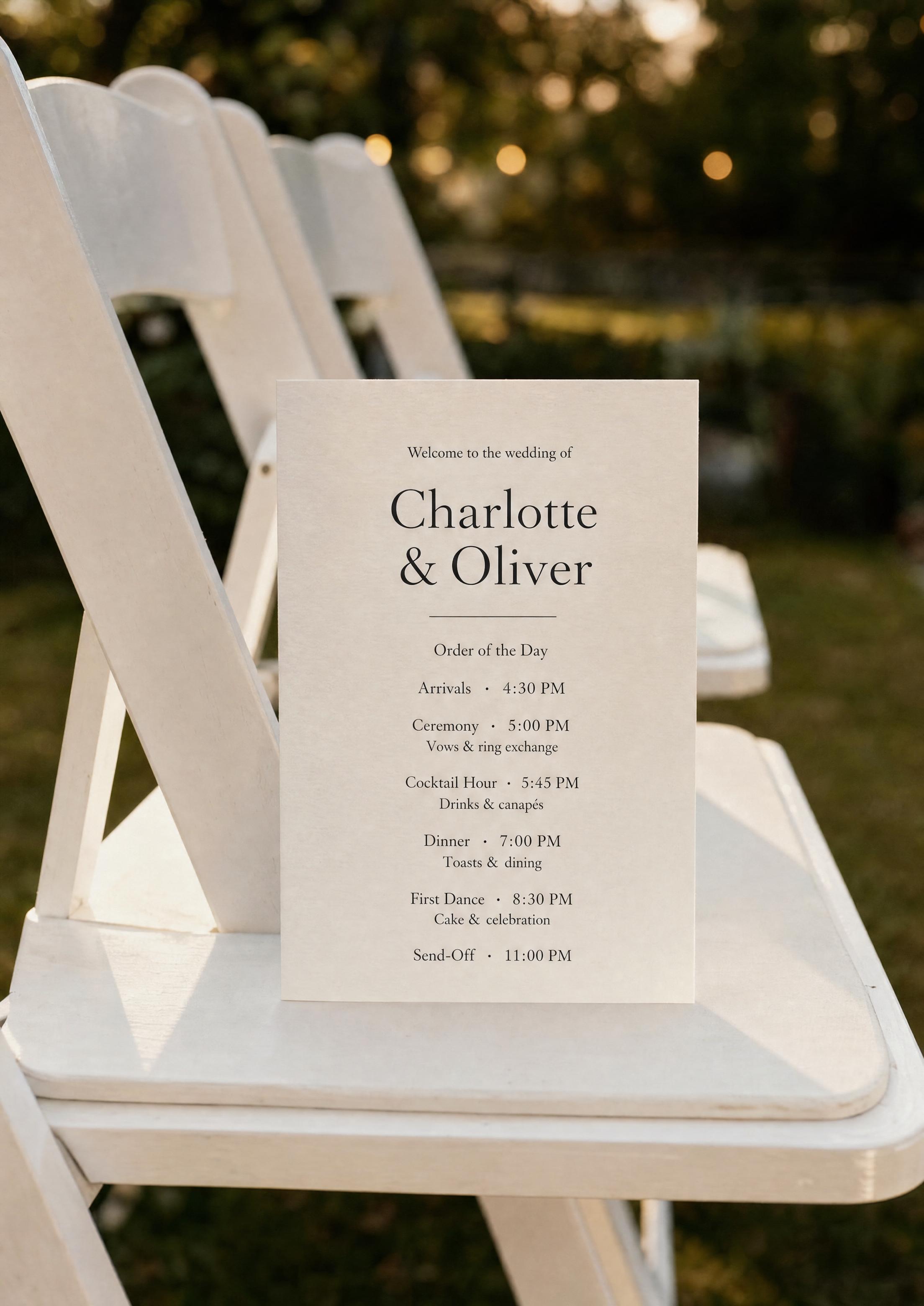
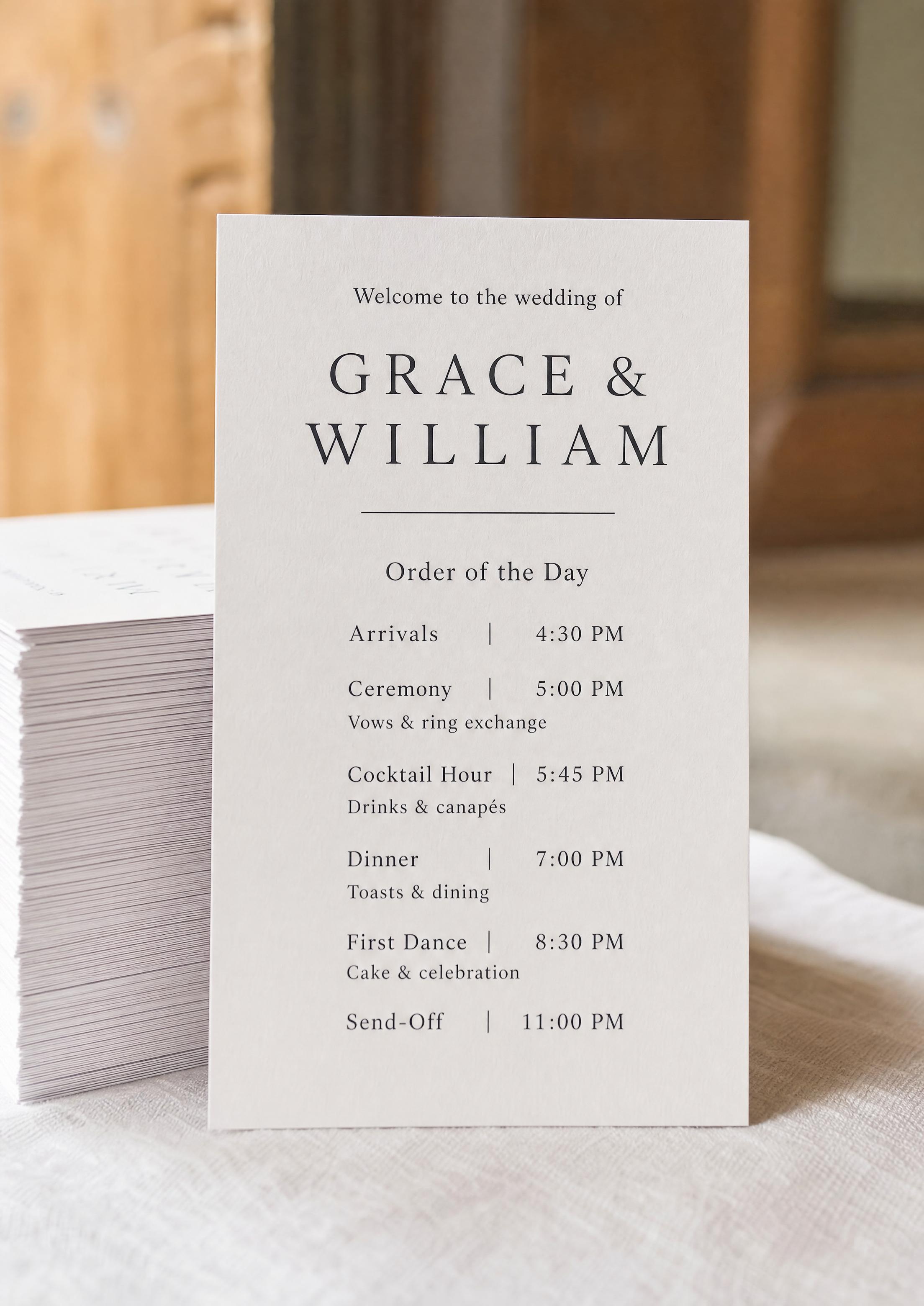
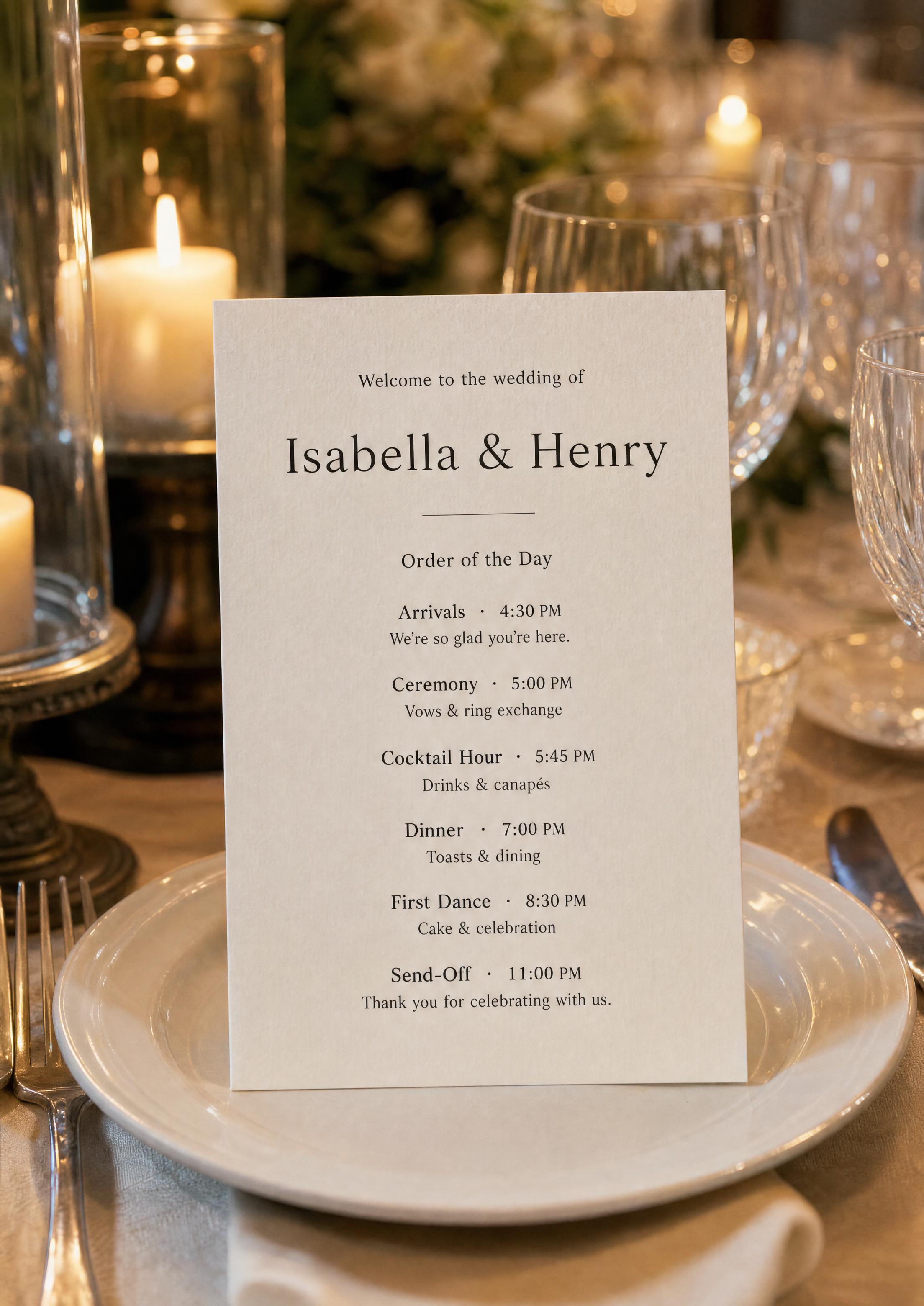
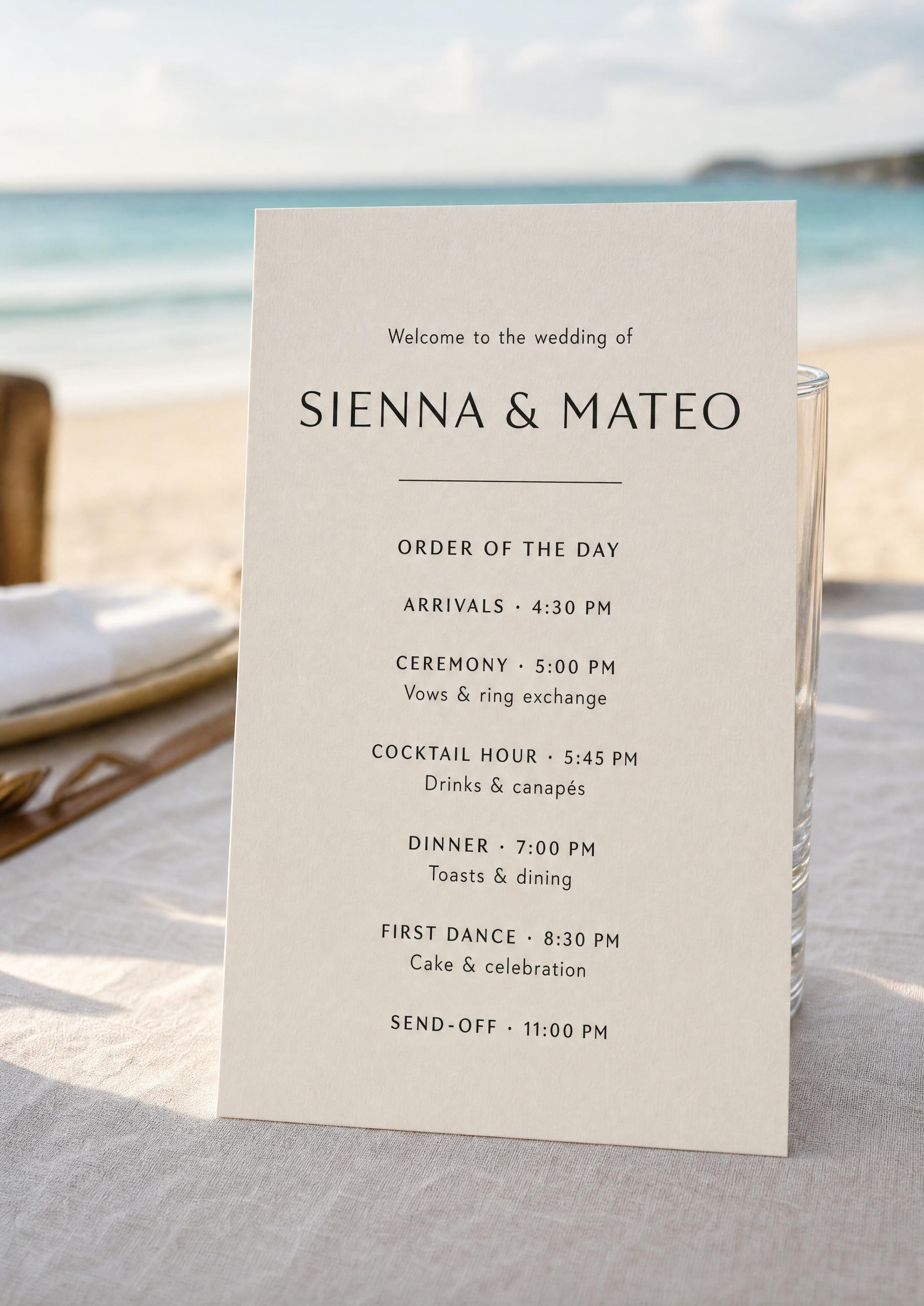
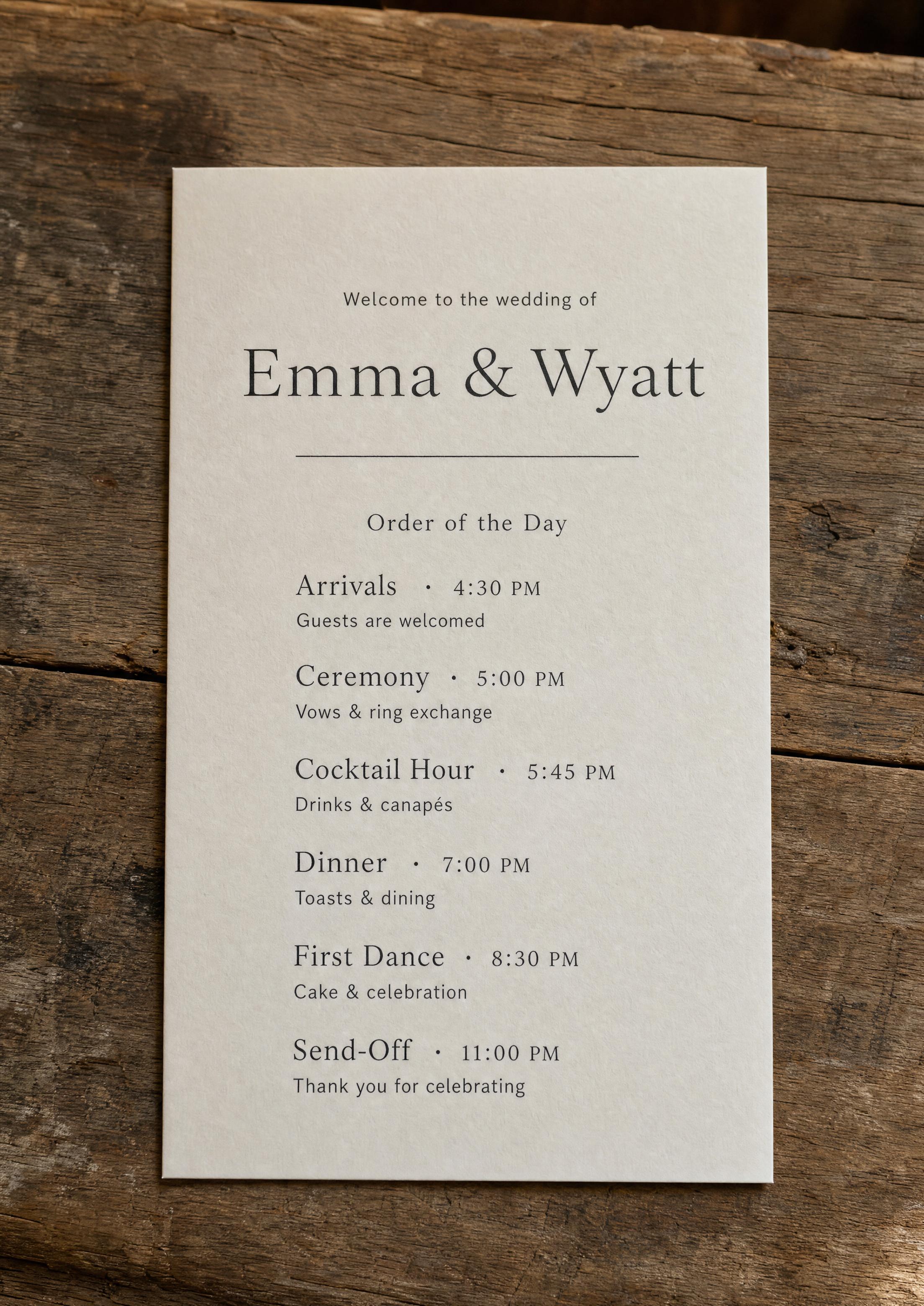
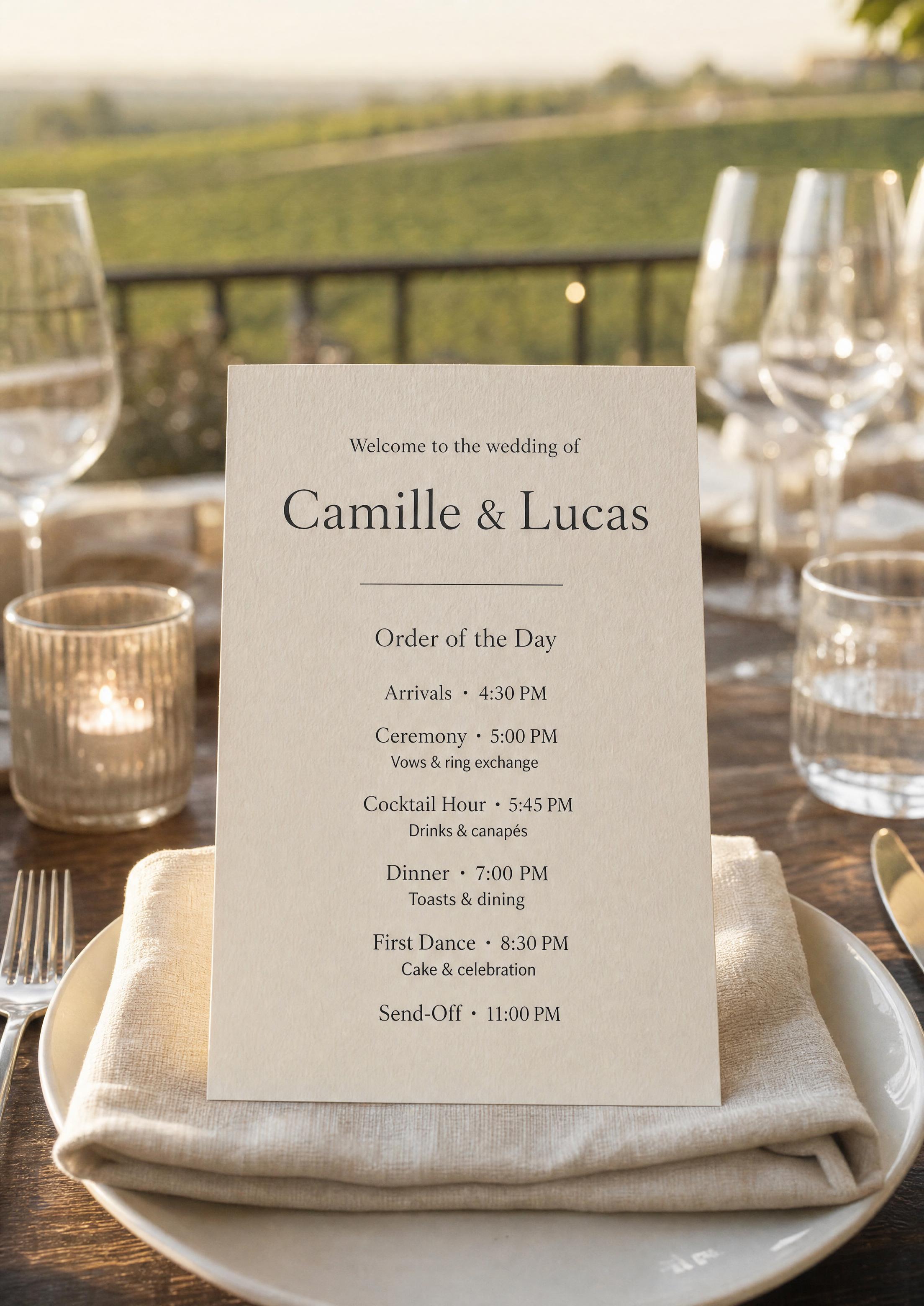
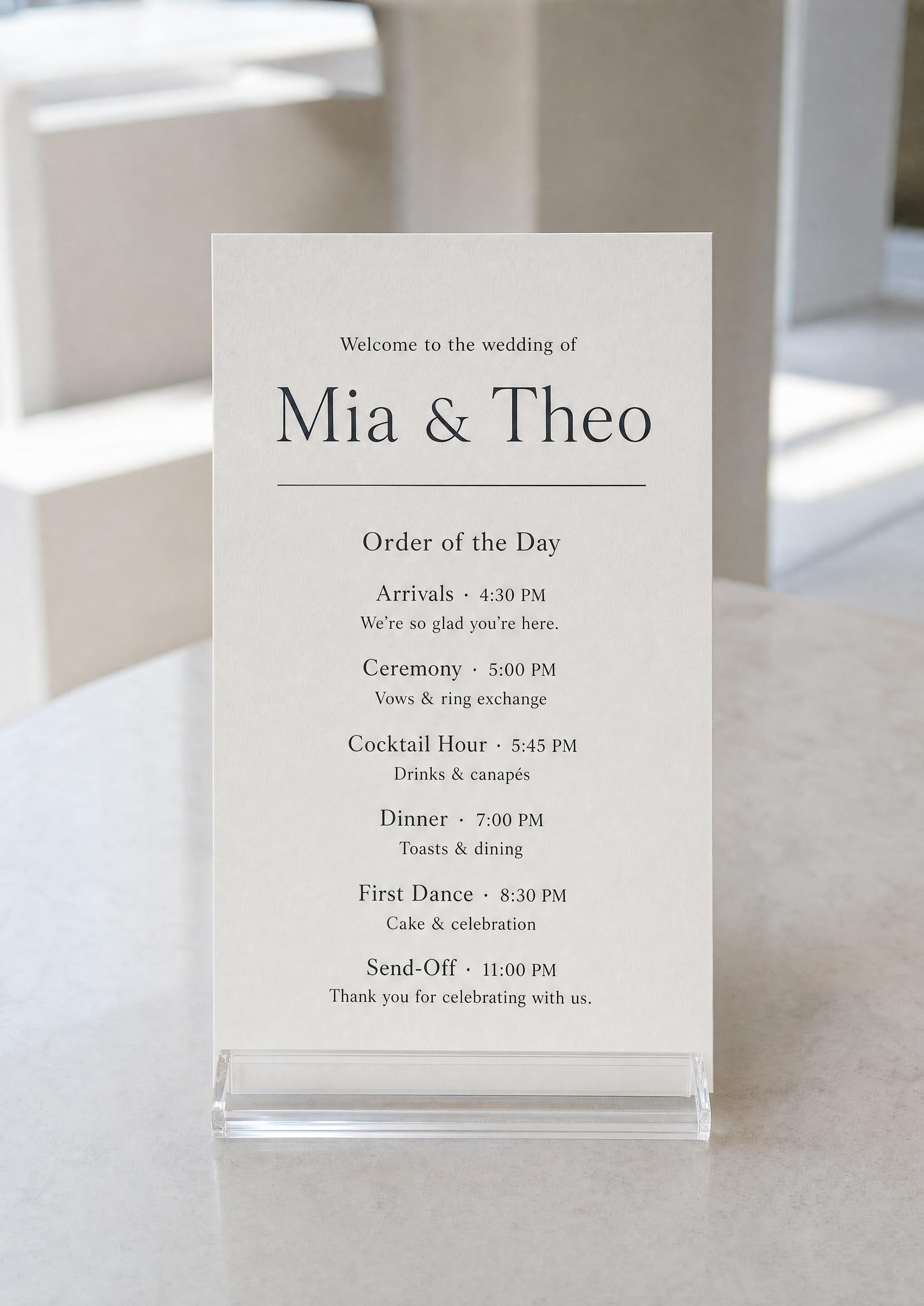
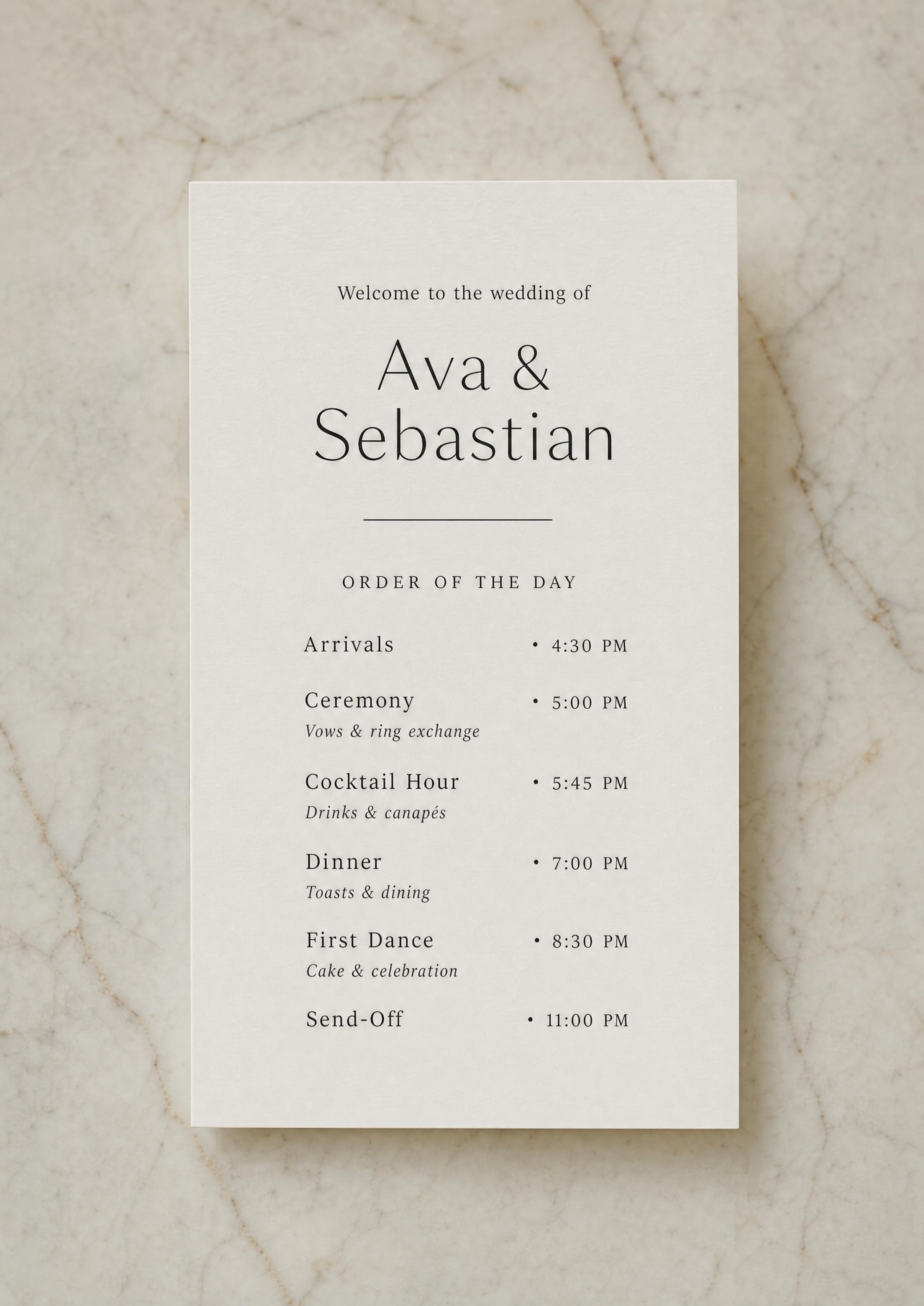
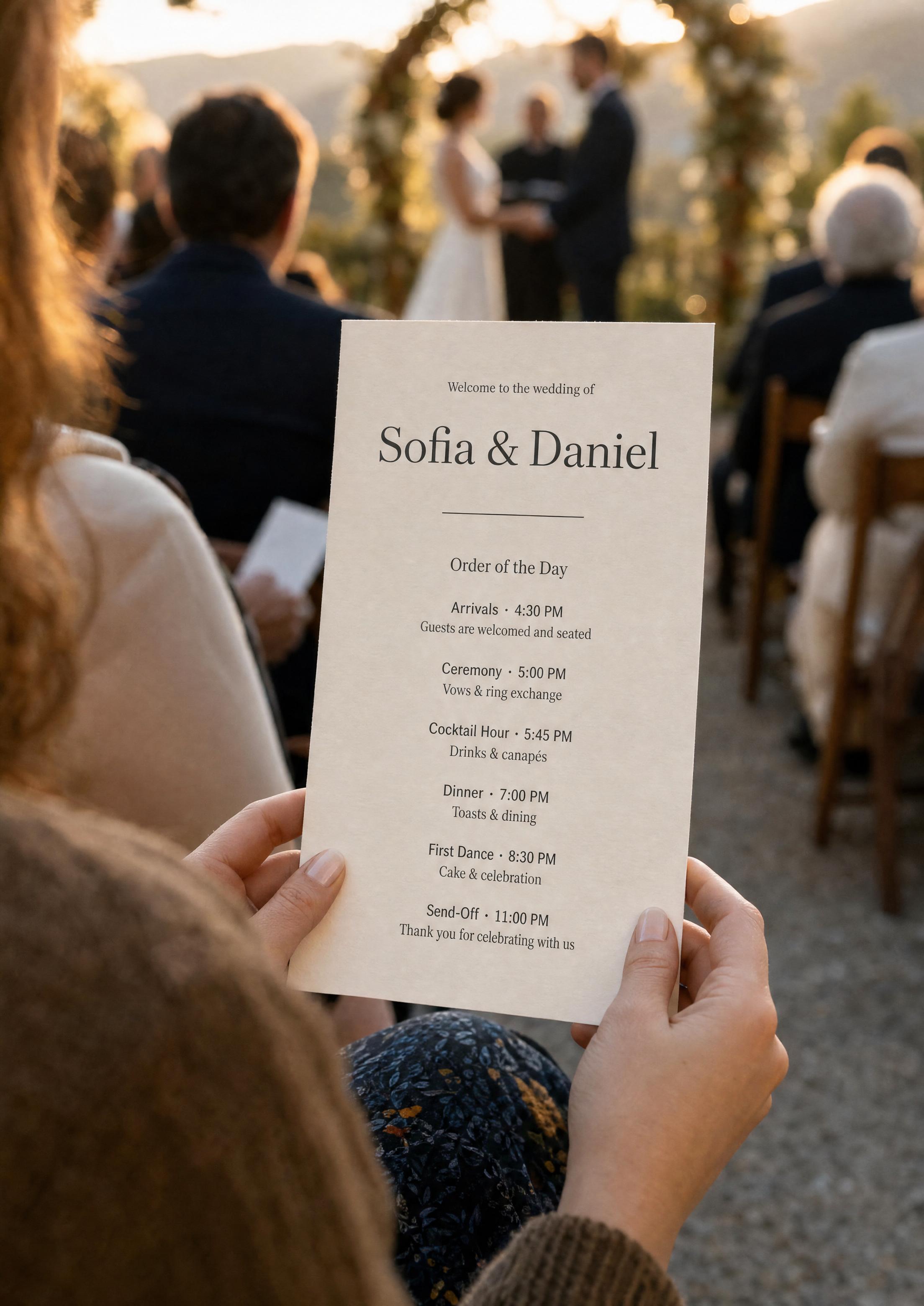
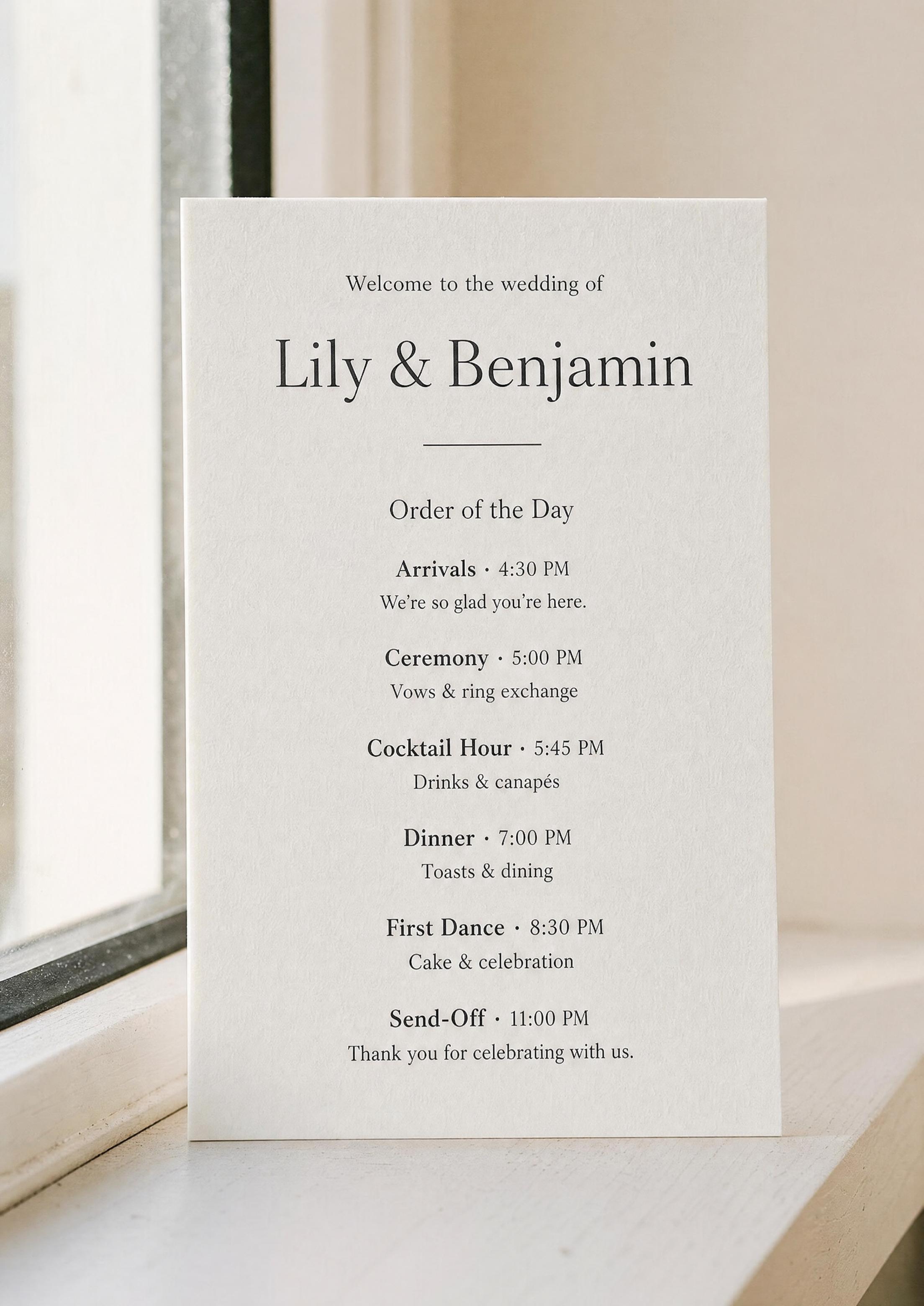
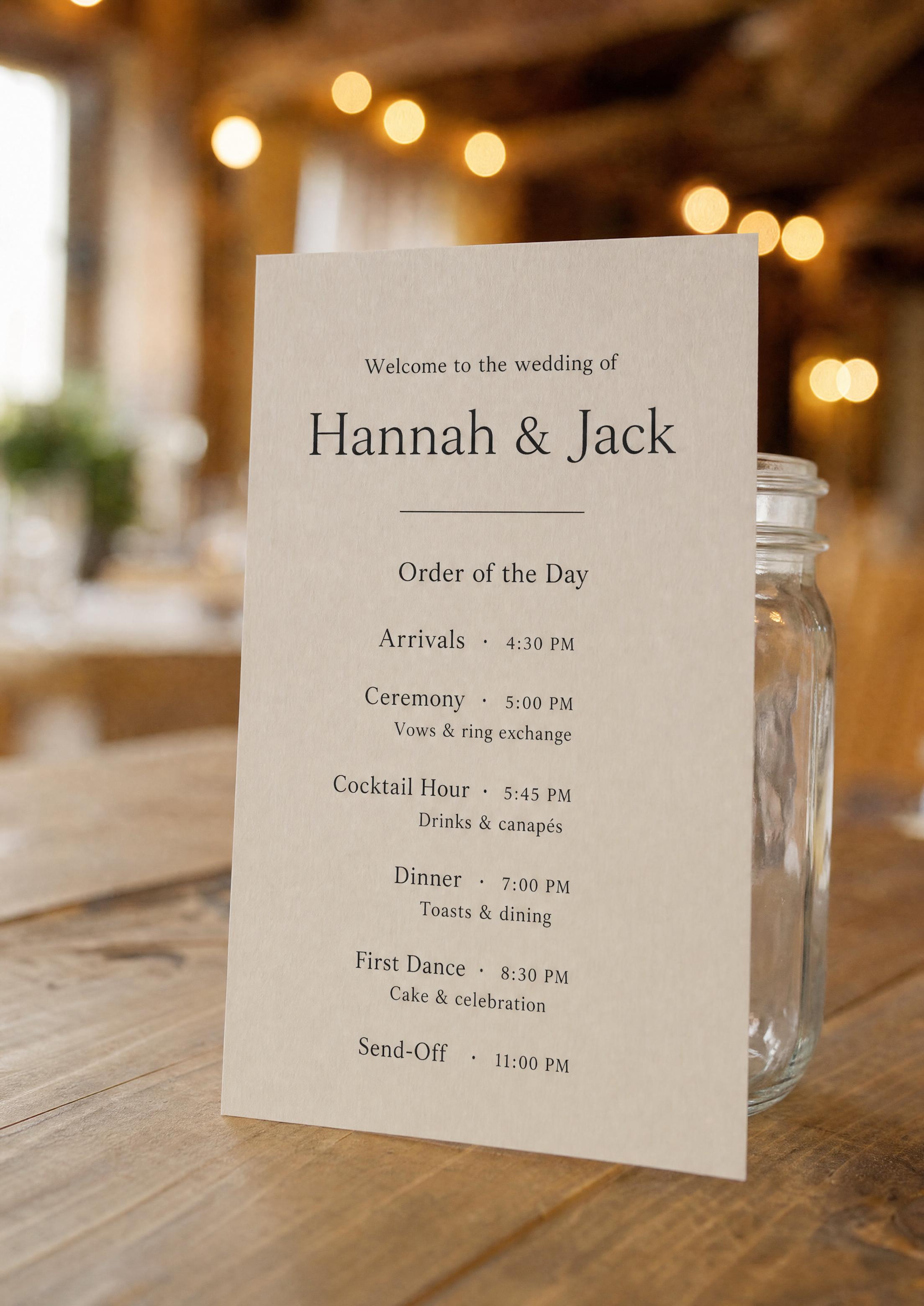
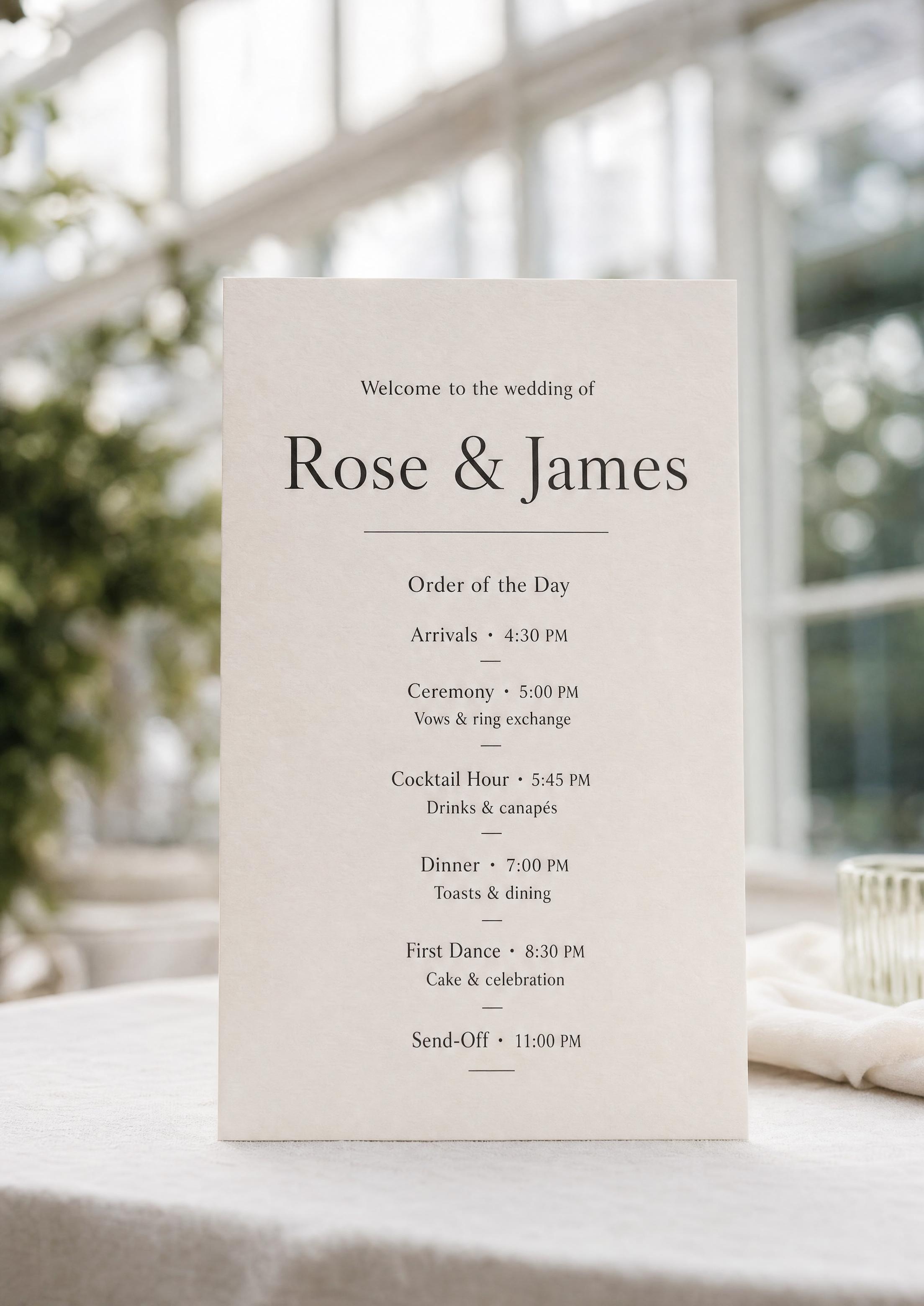
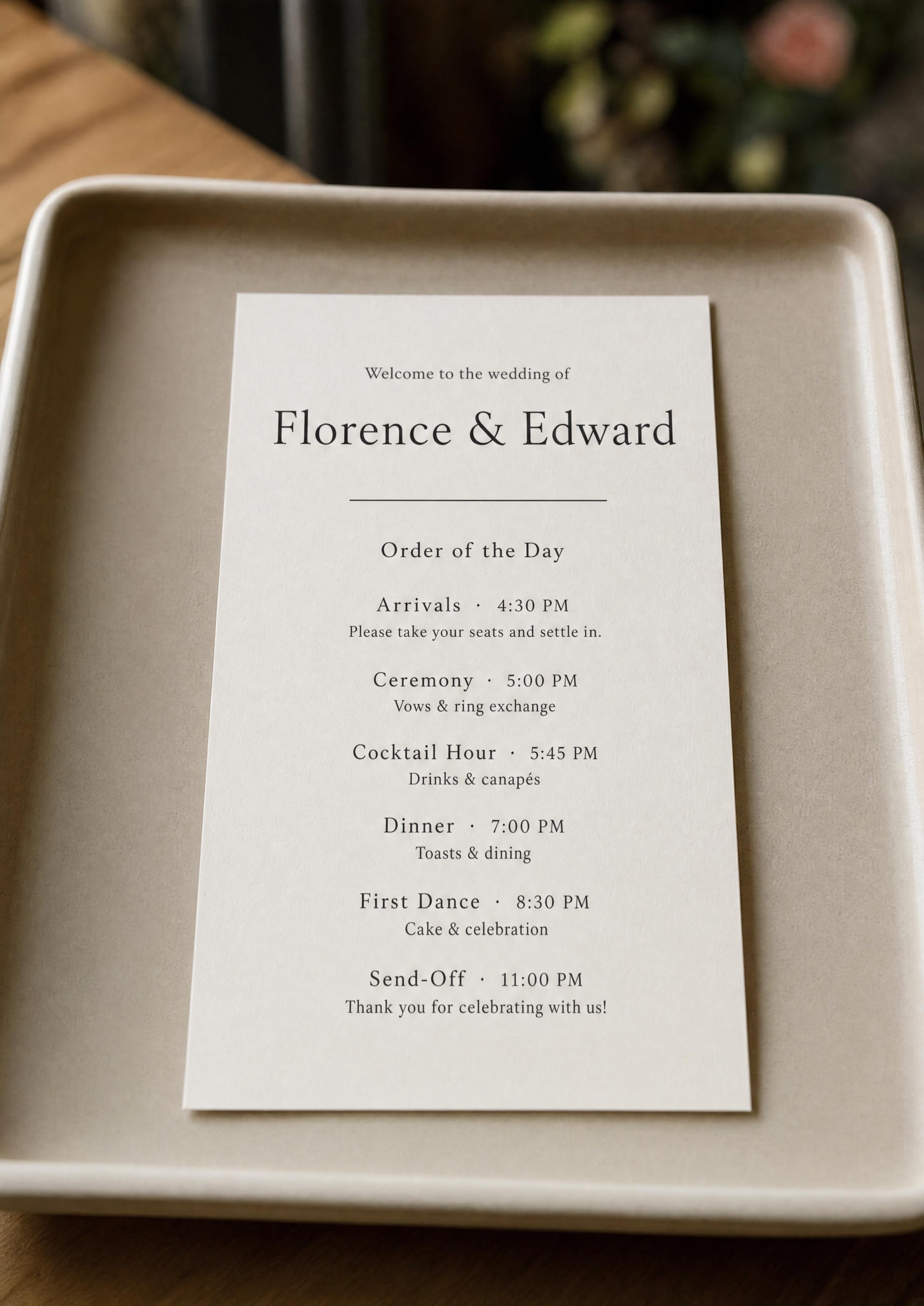
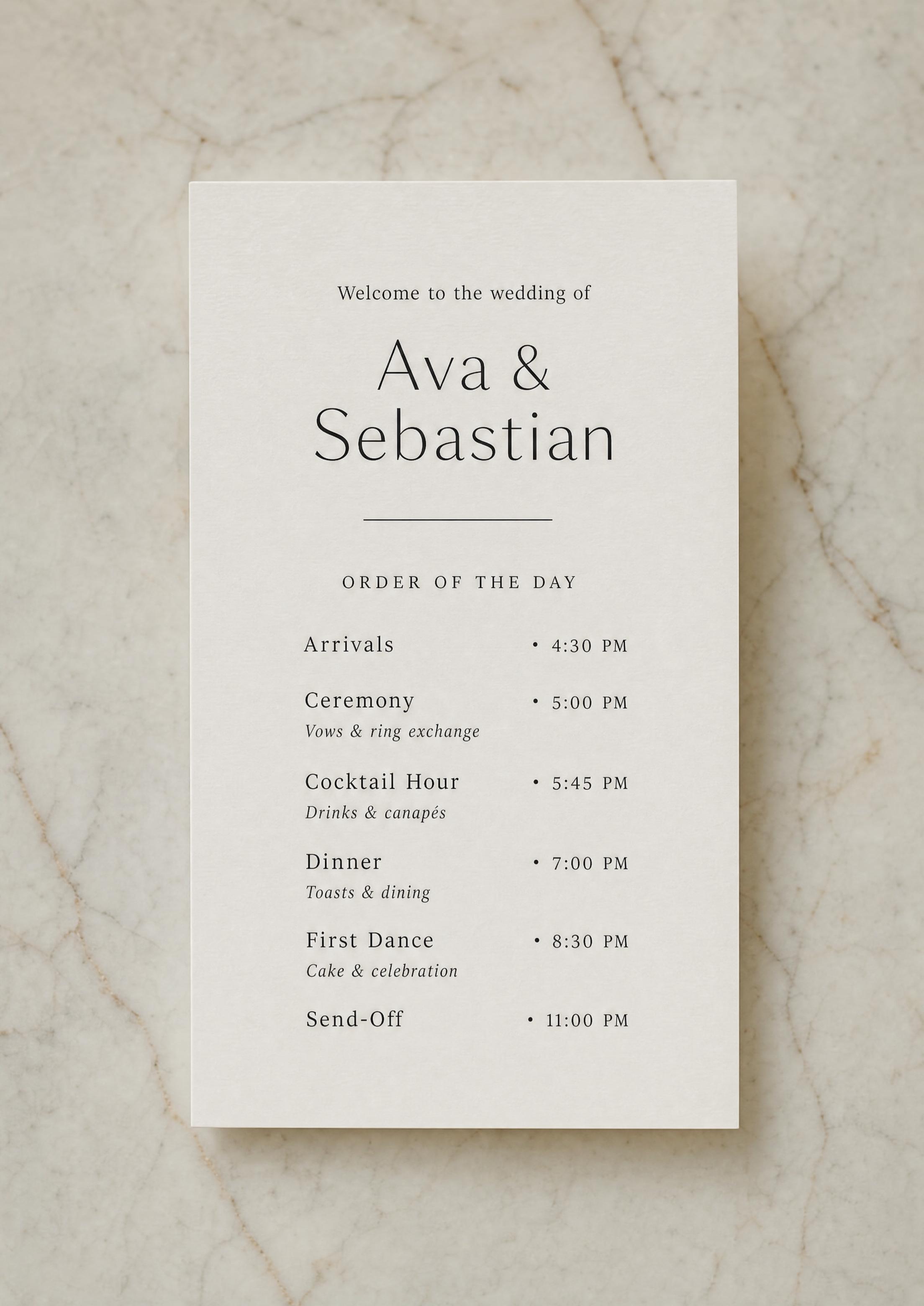
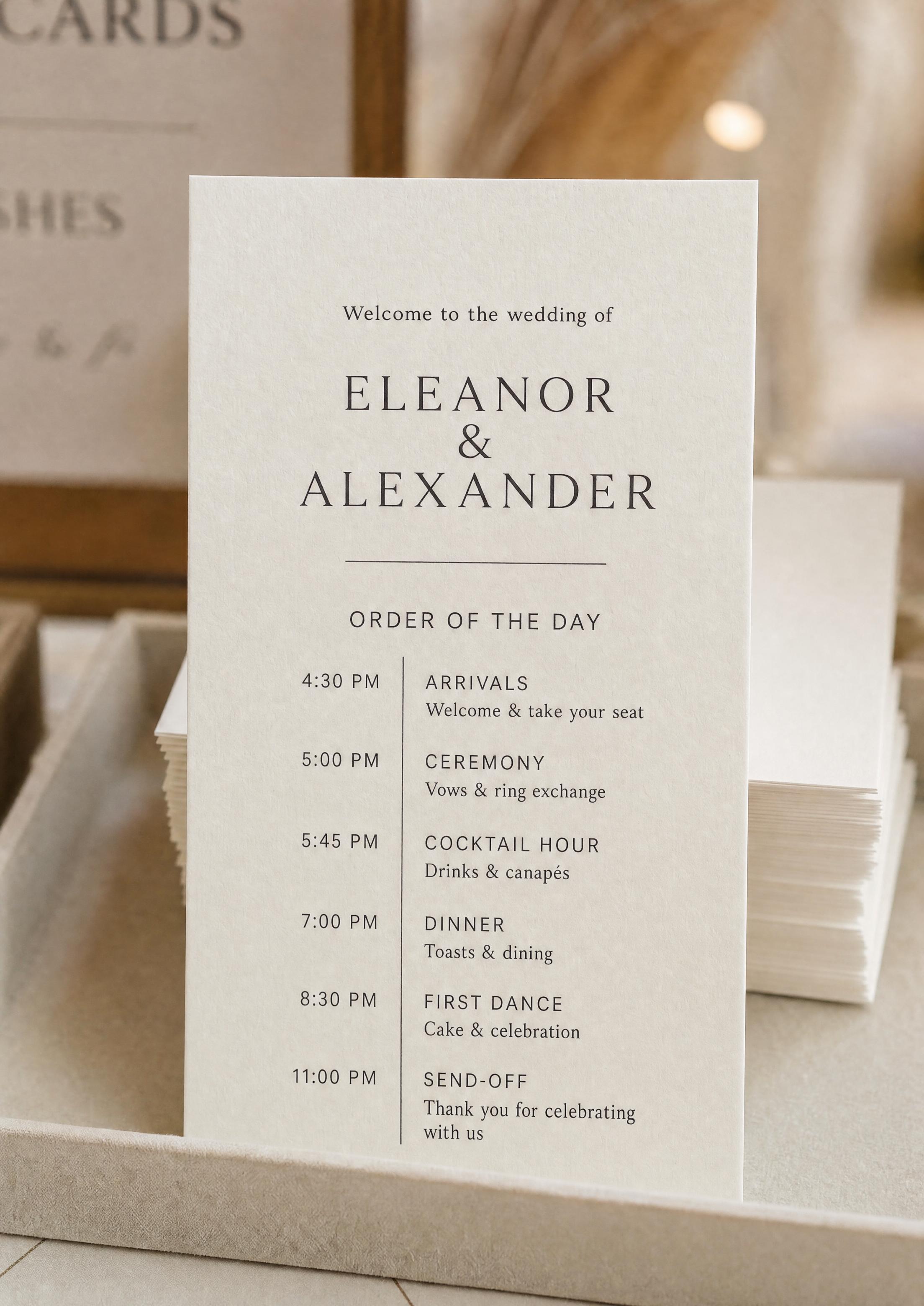
A wedding program template gives you a finished starting point instead of a blank page: a balanced layout with a welcome line, a names line, a divider and six timed events from arrivals to send-off, ready to restyle. You replace the sample names, times and notes with your own and adjust from there.
This page is about editing the design — arranging the lines, choosing fonts and sizes, and adding decorative motifs. For the words to put on it, see wedding program wording; for sizes and printing, see printable wedding program. Note this is the guest-facing card, not your planning timeline.
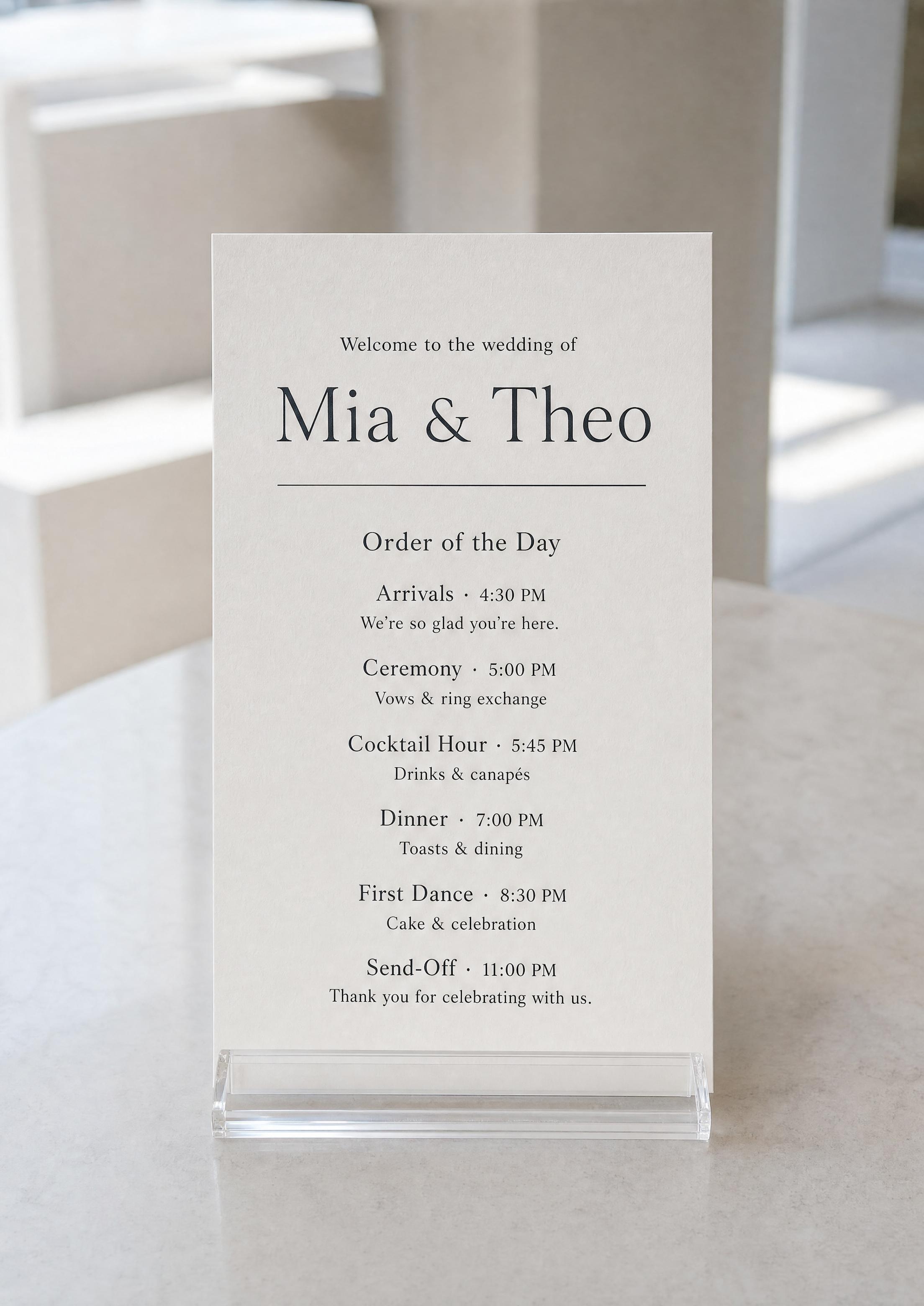
The template opens already laid out — “Welcome to the wedding of”, a names line and a sample order of the day with times and short notes — so you replace words instead of designing spacing from scratch.
The template uses the same font library as the rest of your day-of stationery, so choosing the same fonts for your program, menus, place cards and signs makes them read as one set.
Pick the look once and repeat it: set the same heading and text fonts on your welcome sign and other pieces, so the whole day feels designed, not assembled.
PLANNING . WEDDING — is easy to remember and even easier to use.
How the Template Works
The template is an editable design saved in your project — not a flat file you overwrite. You change a line or a font, the card redraws at once, and the PDF always matches what you see.
- Open the program template in your project’s stationery — it starts with a sample welcome, names line and timed schedule.
- Add your schedule — each line is an event, a time and an optional short note.
- Set the alignment — left, centered or right; every line keeps its place when you switch.
- Swap the font pairing — a serif or script for the names (main heading), a matching face for the event names, and a clean text font for times and notes, each with its own size.
- Add a motif — a divider, sprig, branches, olive branch, rings, heart, bow, crown, cross or another of 16 decorative elements.
- Download the print-ready PDF with Premium — two tall cards (about 3.8 × 8.5 in) per letter-size sheet, with crop marks.
Wedding program showcase
What You Can Edit
Every element is adjustable, but the defaults are already balanced — a beautiful program is a few clicks away, with full control if you want it.
- Welcome line — wording and placement above or below your names; its font and size follow the second-heading style it shares with the event names.
- Names and date — first names or full names, ampersand or “and”, date spelled out or numeric.
- Schedule lines — add, remove or reorder events, edit times and the one-line notes beneath each.
- Decorative elements — a divider, flourish, sprig, rings, heart, star, cake or another small motif between sections; your initials can be typed as a heading for a monogram look.
- Extras — optional welcome, thank-you, memorial or hashtag lines, added as new text lines wherever you place them.
Arranging the Layout
The template starts centered, but every line can be dragged, aligned and restyled, so the same card covers the three classic arrangements:
- Centered — event, time and note stacked and centered. The default, and the most flexible look.
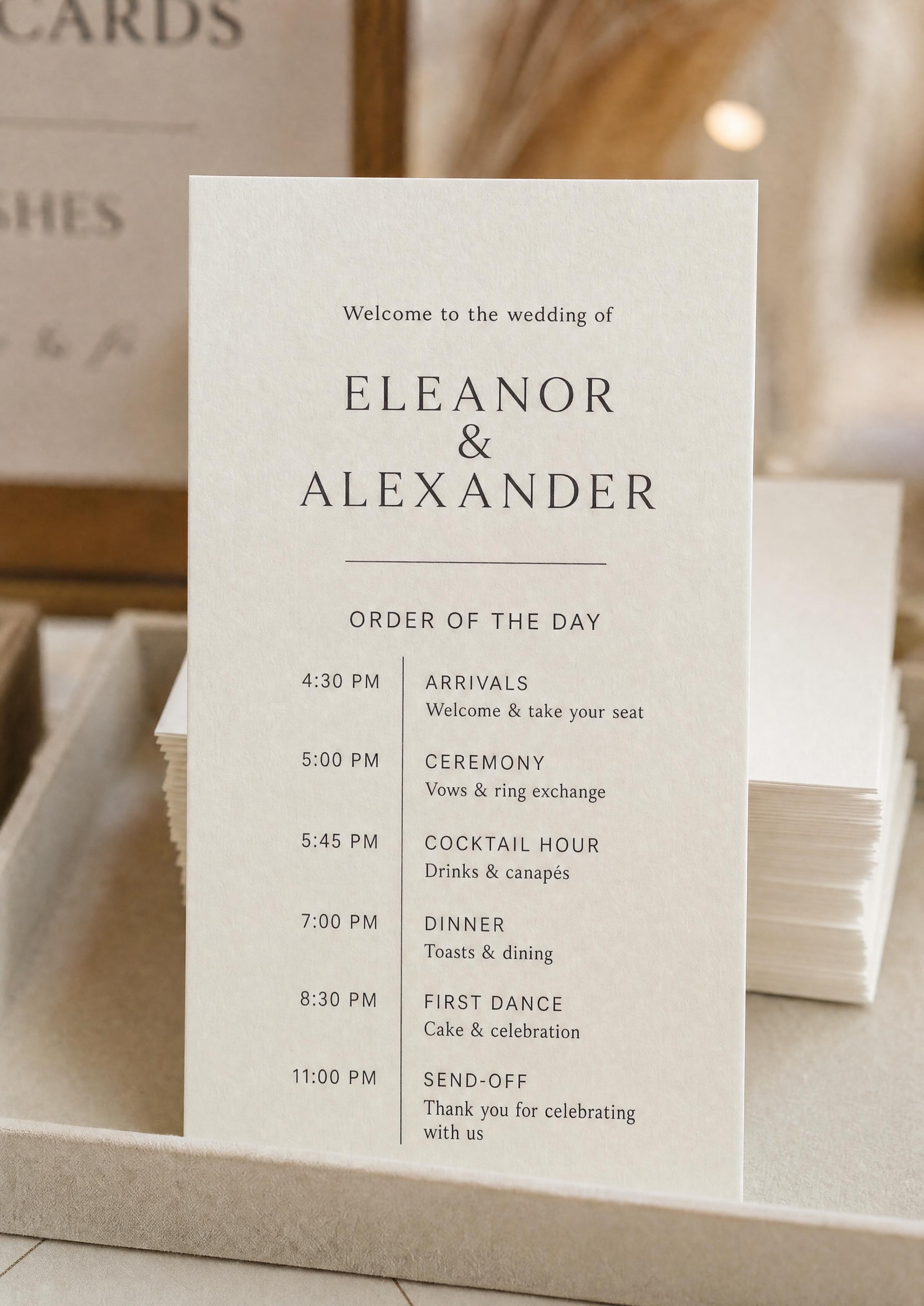
- Two-column — switch the alignment to left and drag the times into a column beside the events. Crisp and easy to scan.
- Icon list — place a small motif (rings, cake, heart, star) beside each event. Playful and quick to read.
One Online Version — Why an Editable Template Beats a Static File
An Etsy or Canva template is a static file. Once you’ve typed your details in, every later change — a new time, a corrected spelling, a swapped event — means finding the file again, re-exporting, and remembering which copy in your downloads is final.
Our template is saved in your wedding project online. Every edit is kept automatically, your partner or planner sees changes as they happen on their own device, and there is only ever one current version — open it, fix a time, and download a fresh PDF.
Match It to the Rest of Your Suite
The program is one piece of a larger picture. When it uses the same fonts and motifs as your other stationery, the whole wedding looks intentional.
Choose your fonts for the program, then pick the same ones in the editors for your menus, seating chart sign and welcome sign — they all share one font library, so every printed piece feels like part of one set.
Why Our Template Is Free to Design and Better
No sign-up to start, no template to buy: design, edit and preview as much as you like for free. When it’s final, Premium — $29 once per project on the web, not a subscription — unlocks the print-ready PDF of the program and of all your other stationery.
Because it lives in your wedding project rather than in a downloaded file, the template is collaborative, saved online, always current, and sits right next to your seating chart, menus and signs — something a one-off template file simply can’t do.
Watch the video: the editor behind the wedding program template, shown on a seating chart
Explore the rest of the wedding program cluster
Each sub-page below covers a narrow slice of the wedding program — the order-of-the-day card guests follow through the celebration — across editable templates, wording examples, design ideas, print specs, and the program fan. All built with the same free Wedding Planning Assistant project.
Explore the rest of your wedding day-of stationery suite
Every item below is made in your Planning.Wedding project: the sign and the cards take names and tables from your guest list and seating chart, so one update reaches each of them, and the menu is designed right beside them. The same project holds your RSVPs, wedding website, budget, checklist and timeline.