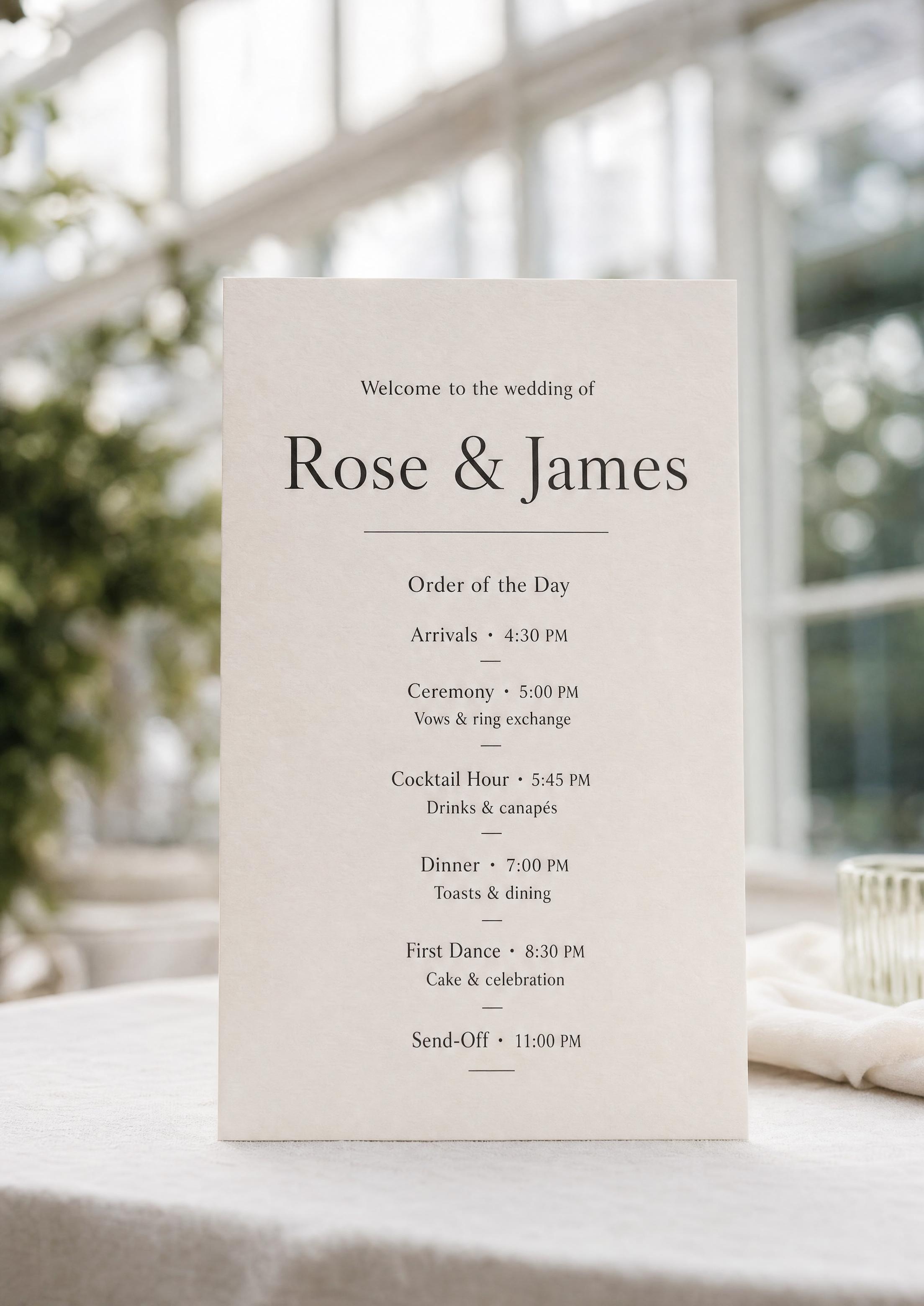
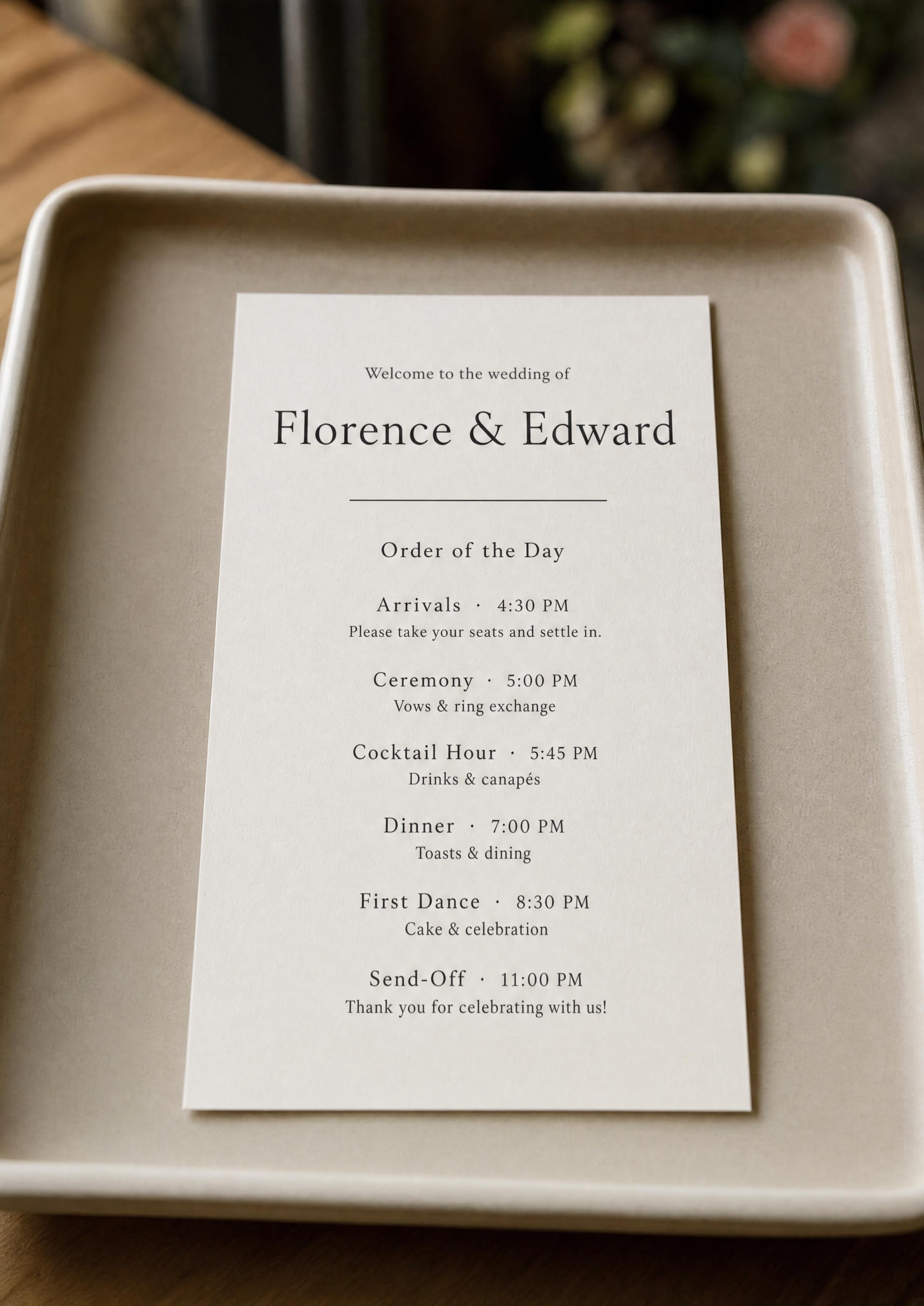
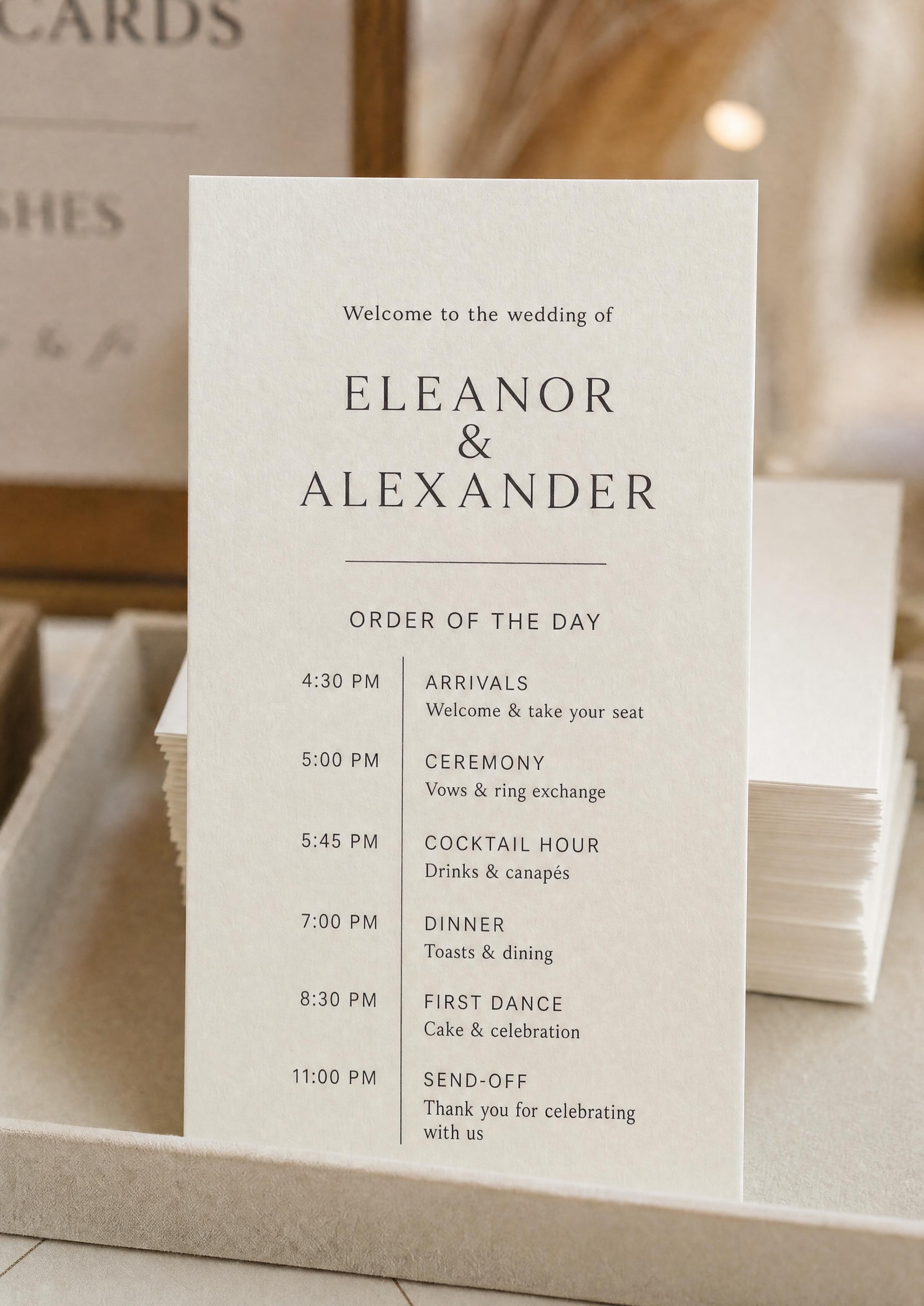
Explore more wedding ideas & advice
Printable Wedding Program
Explore
Our service has assisted tens of thousands of couples worldwide in planning their dream weddings!
Printable Wedding Program — A Print-Ready PDF You Can Trim at Home
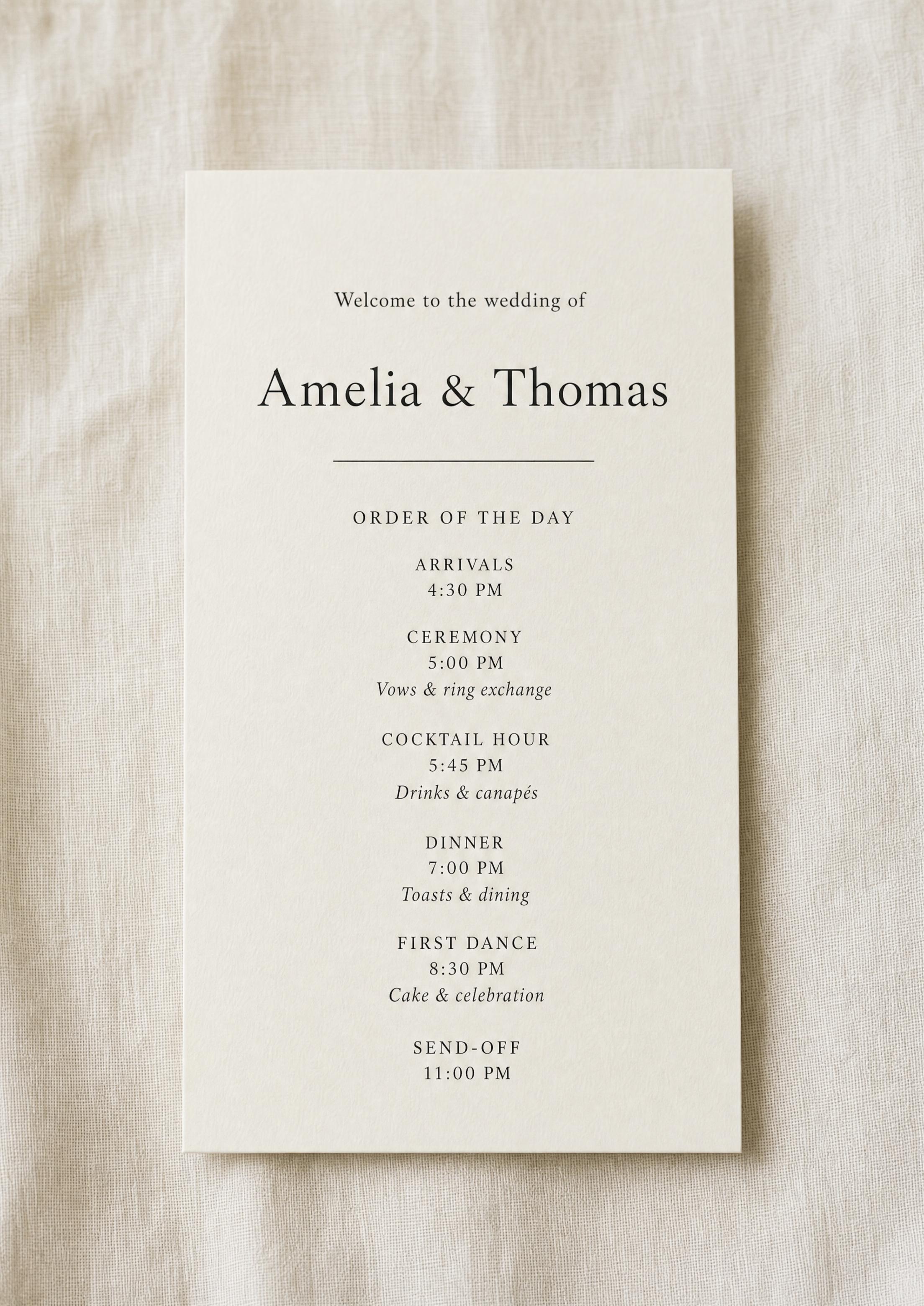
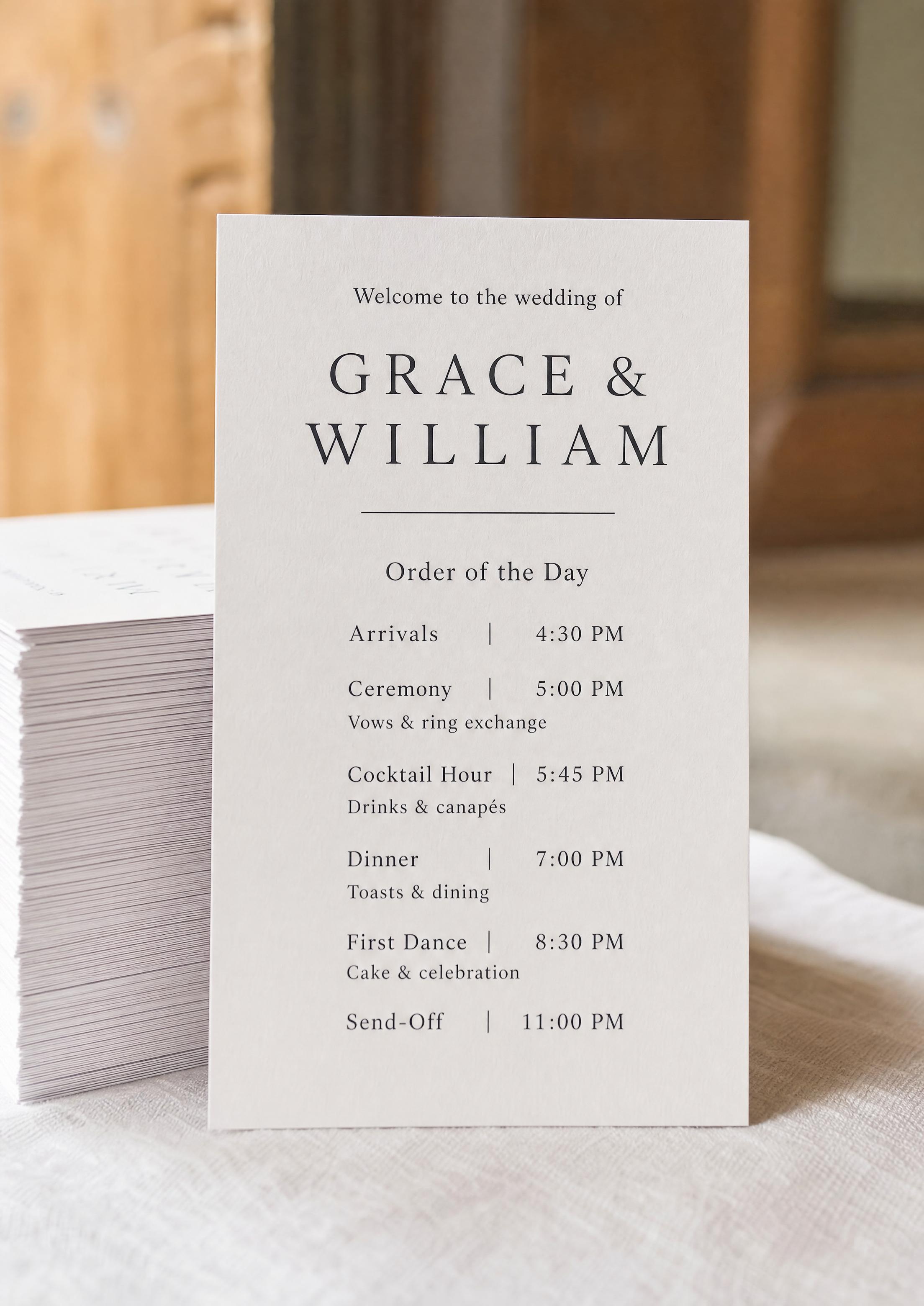
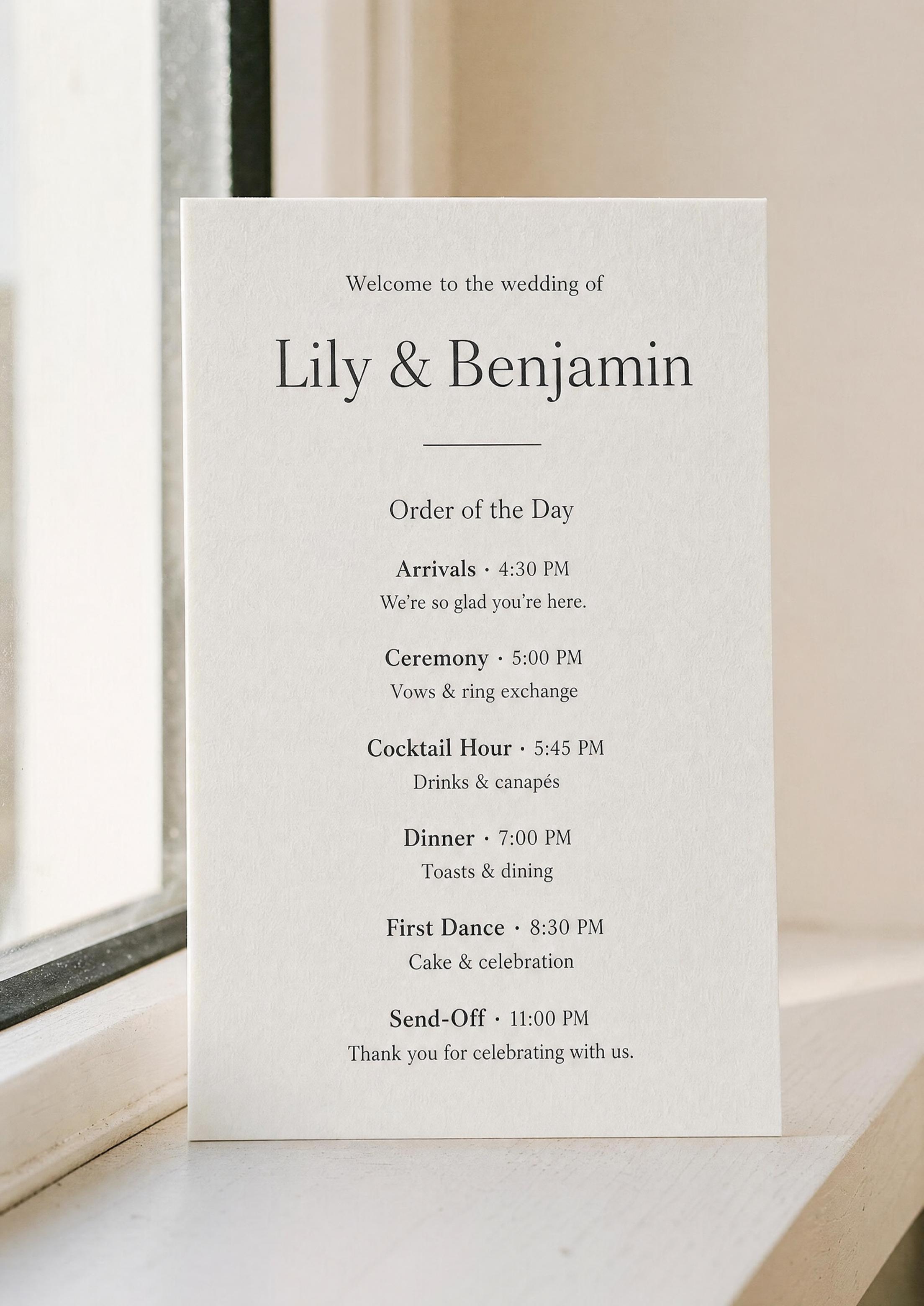
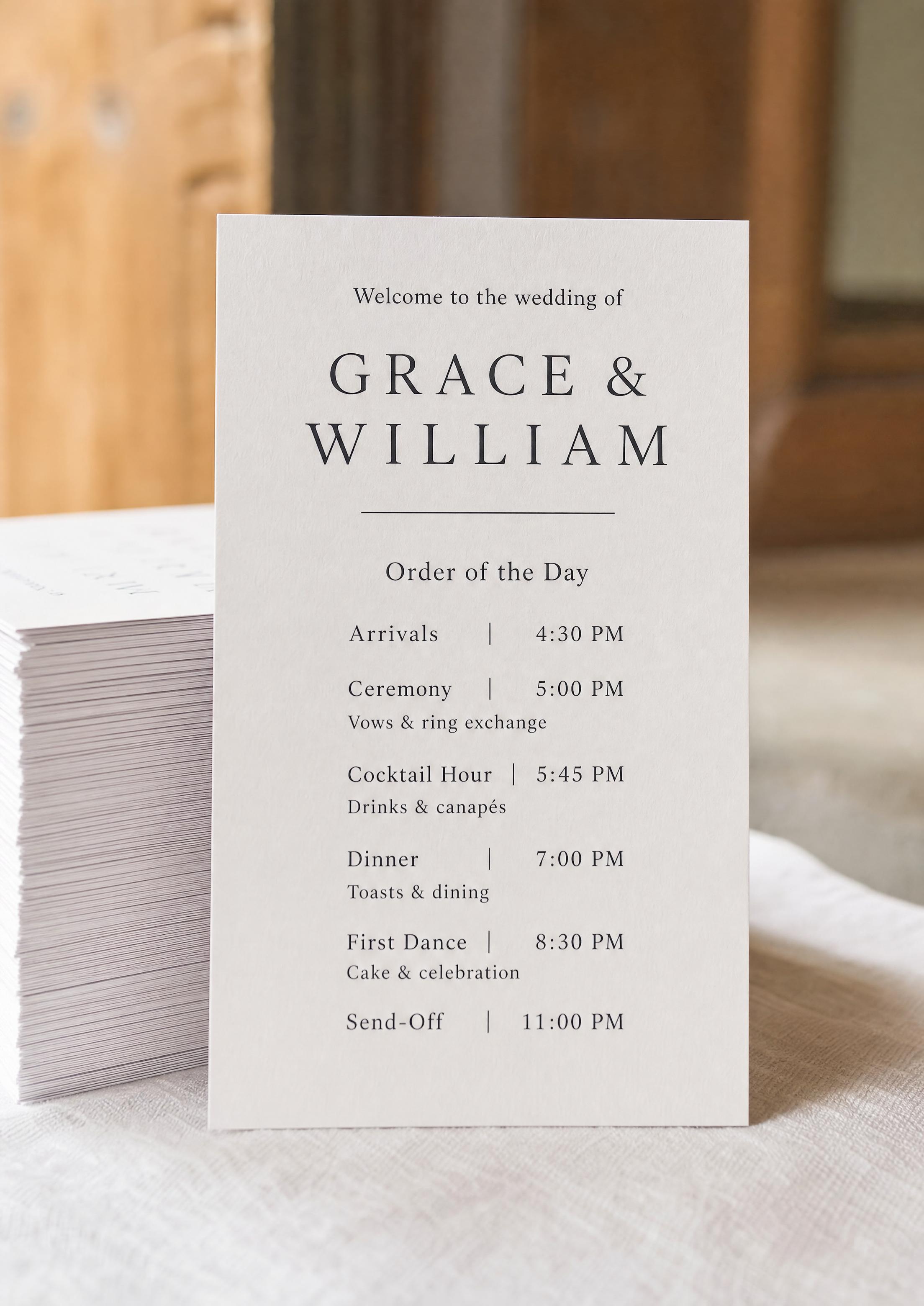
A printable wedding program is a file you can take to any printer — your home printer, a local copy shop, or an online print service. Our tool exports a vector PDF with two tall program cards side by side on a letter-size sheet and crop marks at the corners, so you print, trim along the marks, and the card looks exactly as it did in the preview.
This page covers print production — sizes, the file itself, home-vs-shop and how many to print. For changing the look, see the program template; for what to write, see program wording. (This is the guest card, not your planning timeline.)
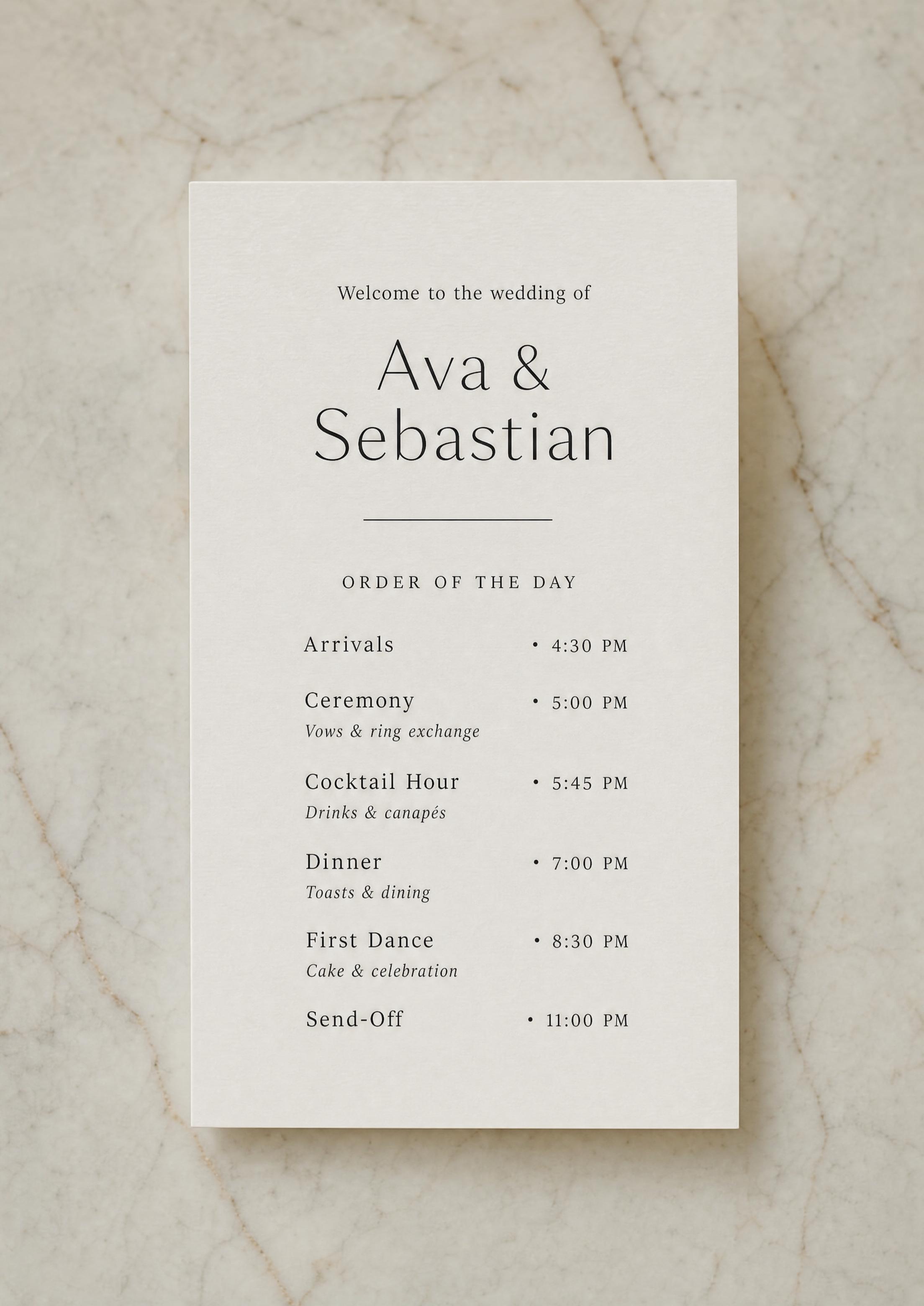
You check every name and time in the on-screen preview before you download, so the file is correct before you print a hundred cards — and if a typo slips through, you fix it online and download again in seconds.
The other printables in your project — menus, place cards and table numbers — download the same way, as vector PDFs with crop marks, and the signs come as PDFs of their own, so every printed piece comes off the printer at matching quality.
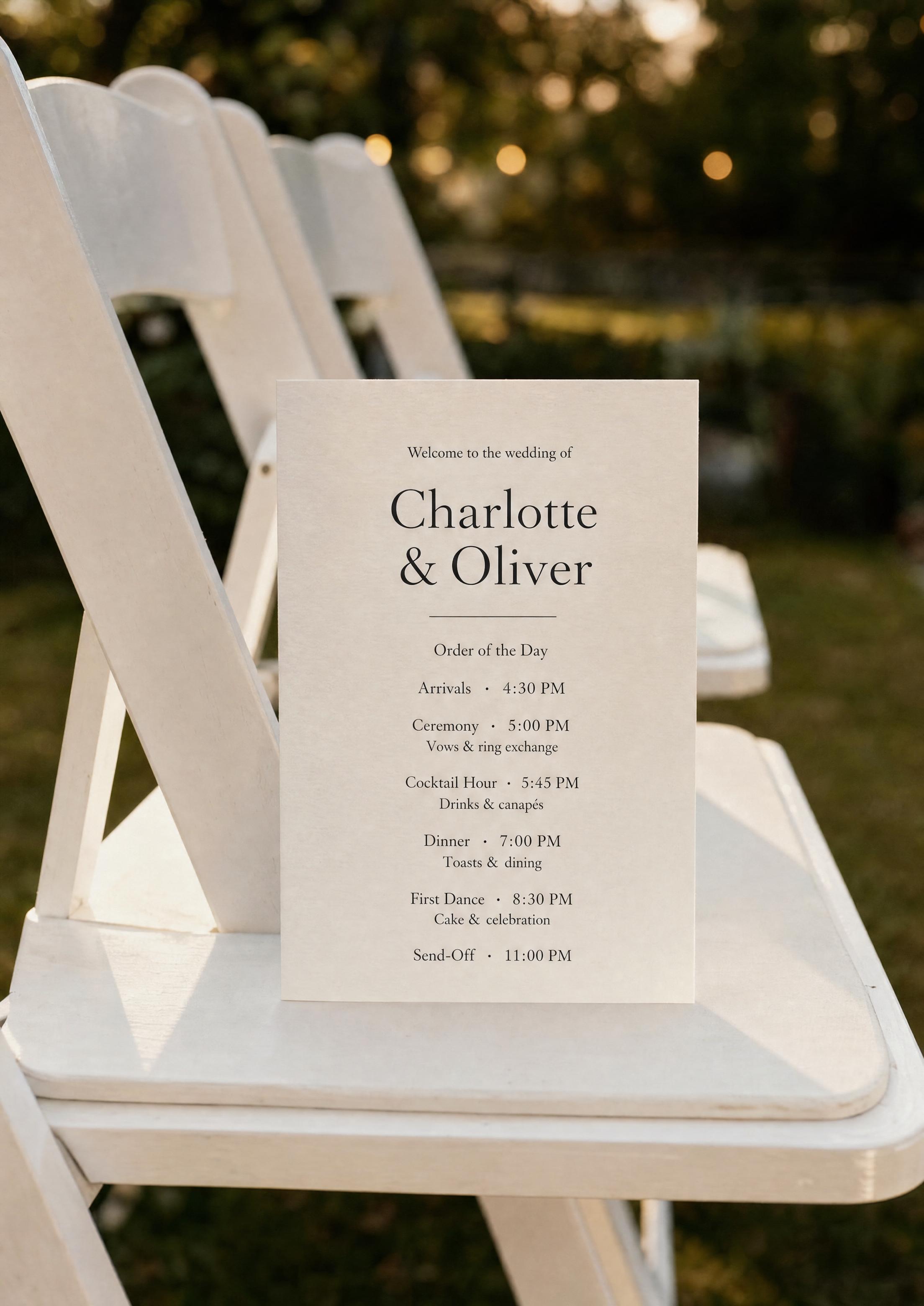
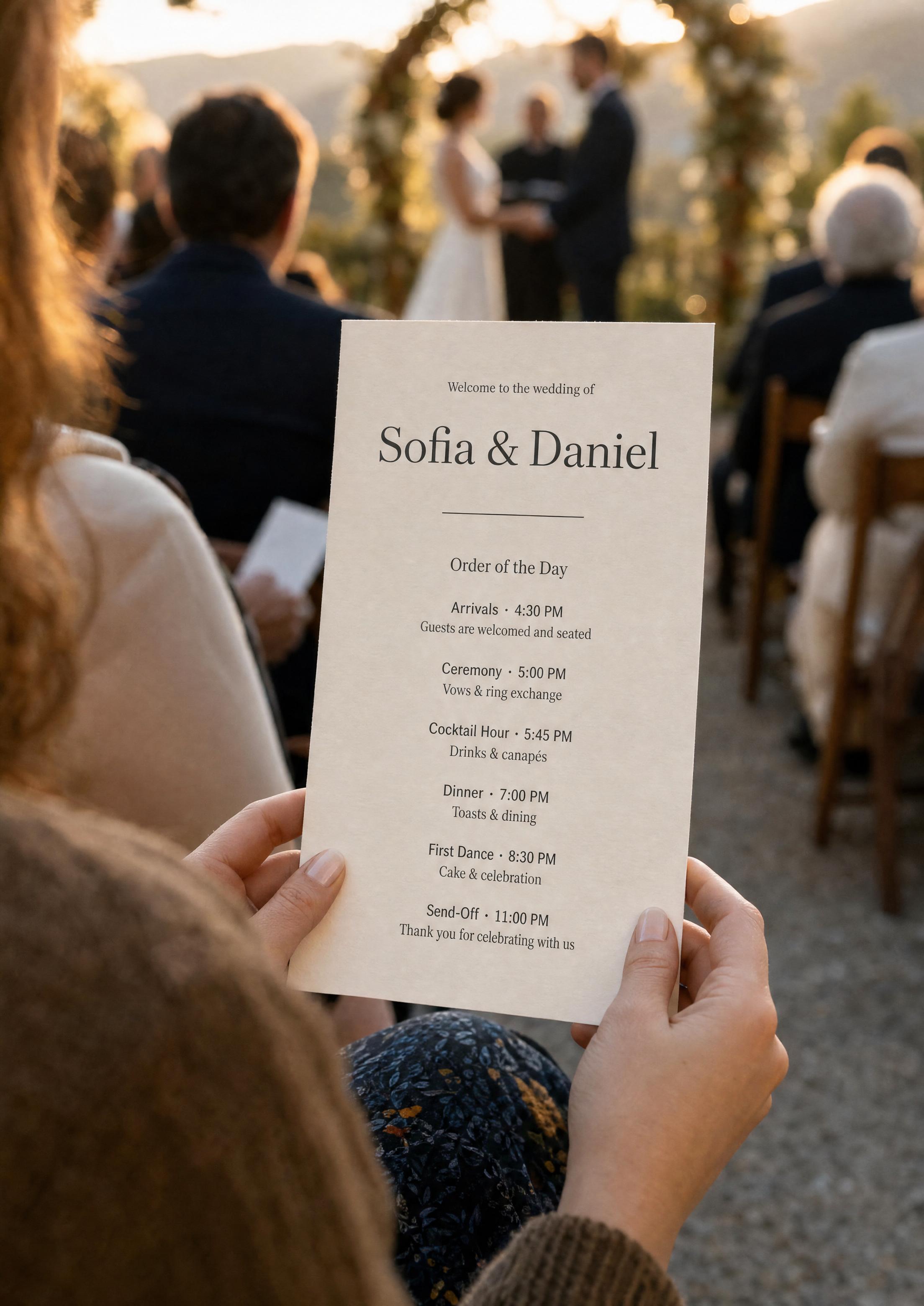
Want it on a stick for an outdoor ceremony instead of a flat card? See the program fan guide — it starts from the same file.
PLANNING . WEDDING — is easy to remember and even easier to use.
How to Get Your Print-Ready File
From finished design to a file your printer will accept takes about a minute.
- Finish the design — fonts, motifs and your order of the day.
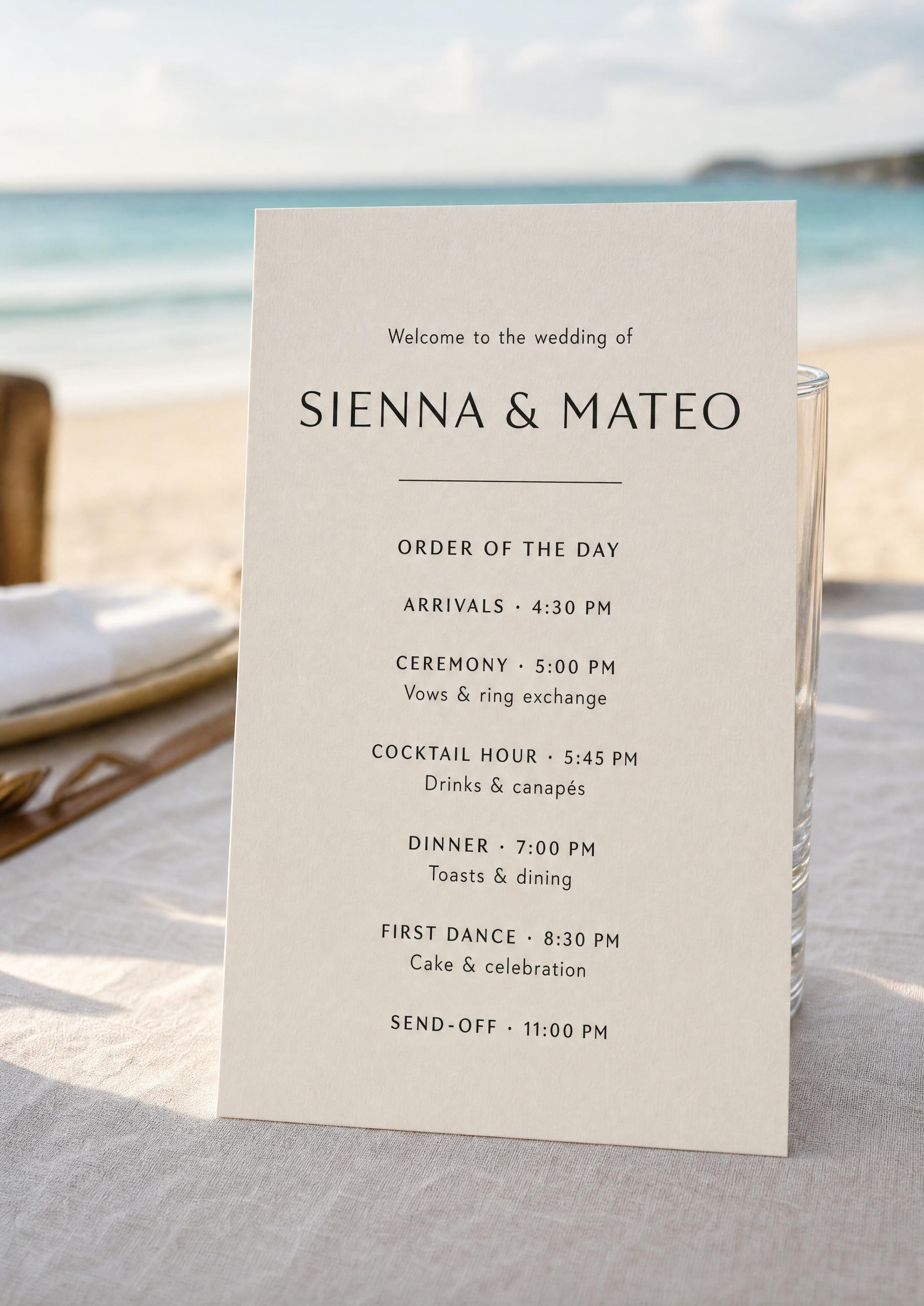
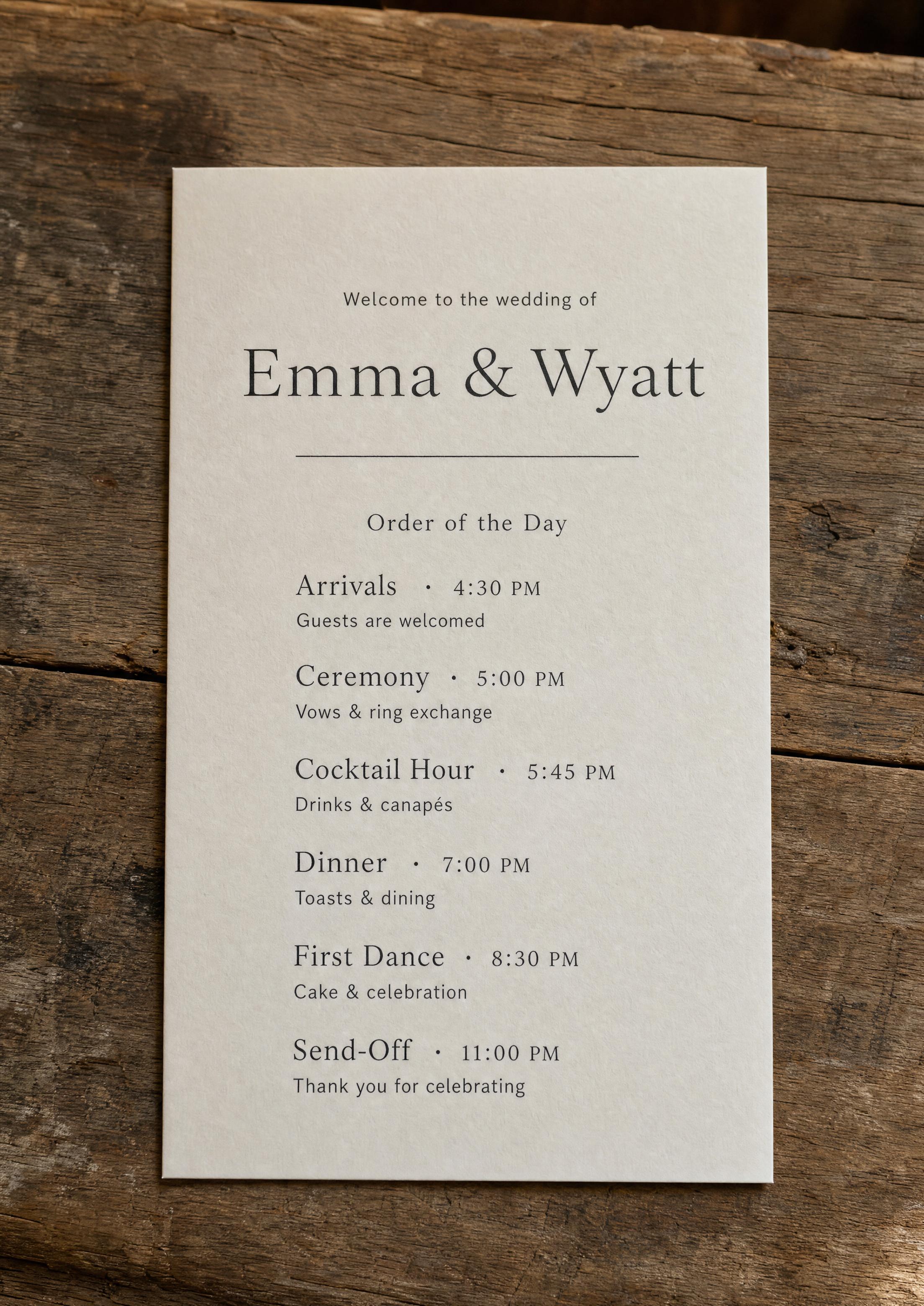
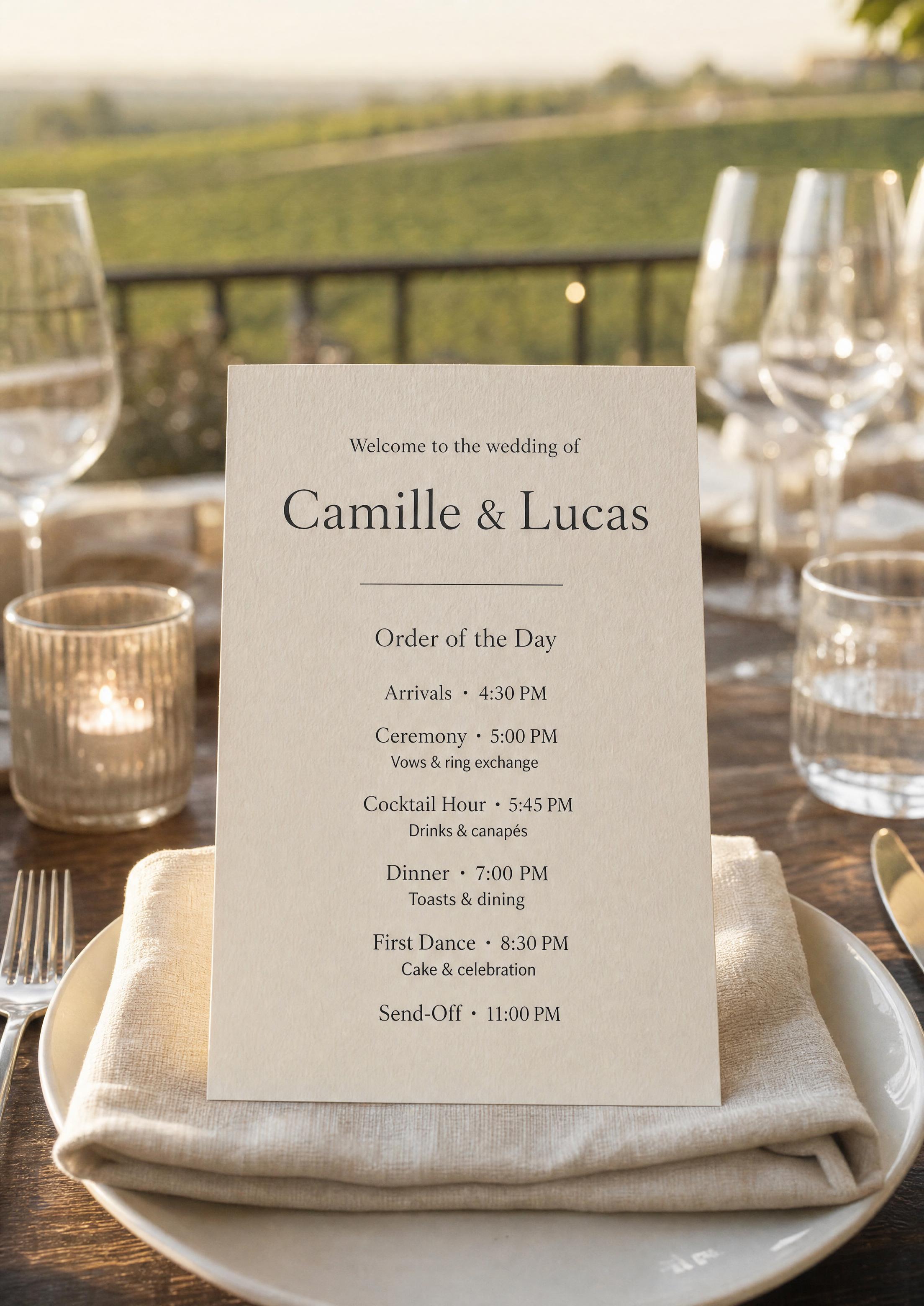
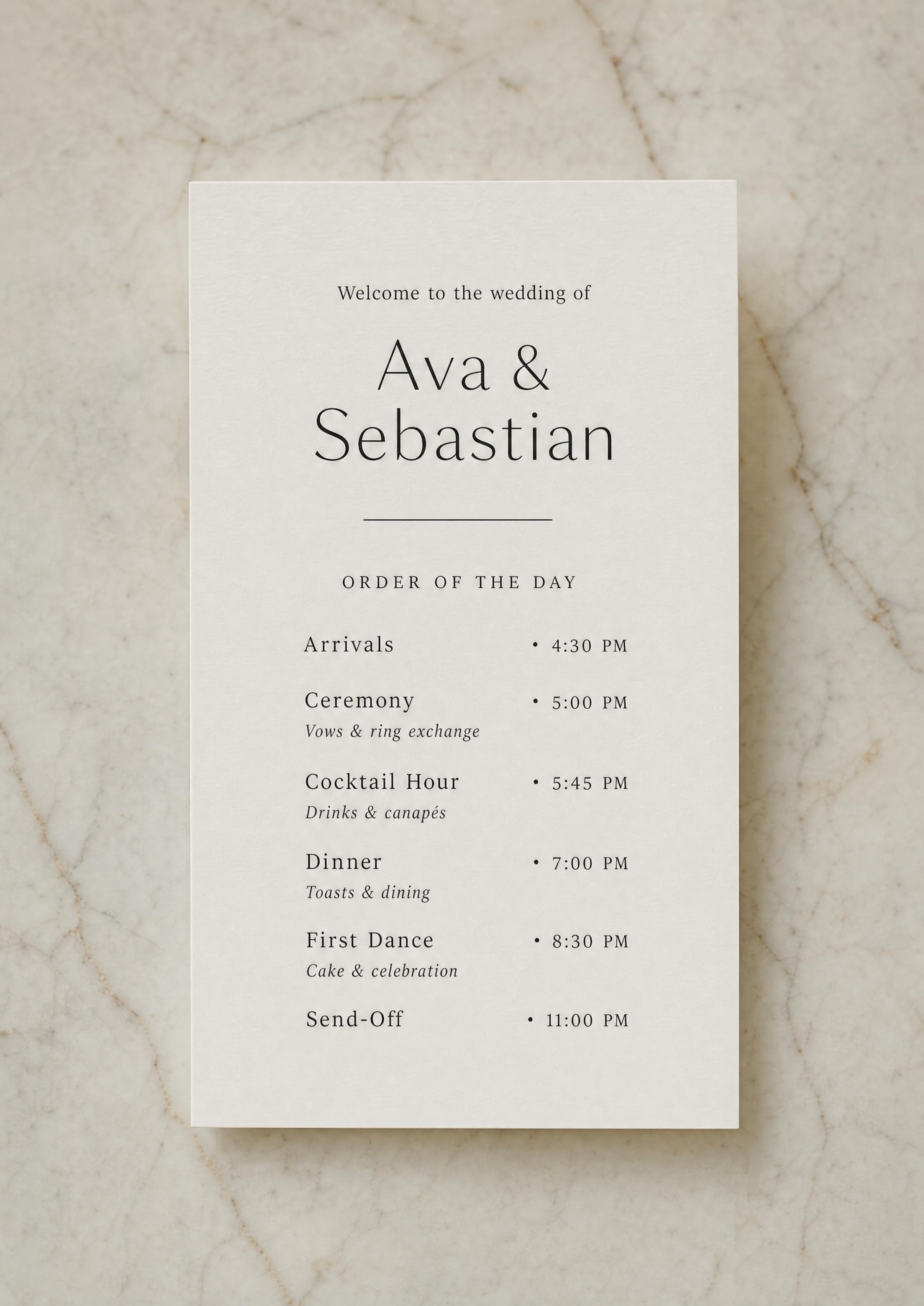
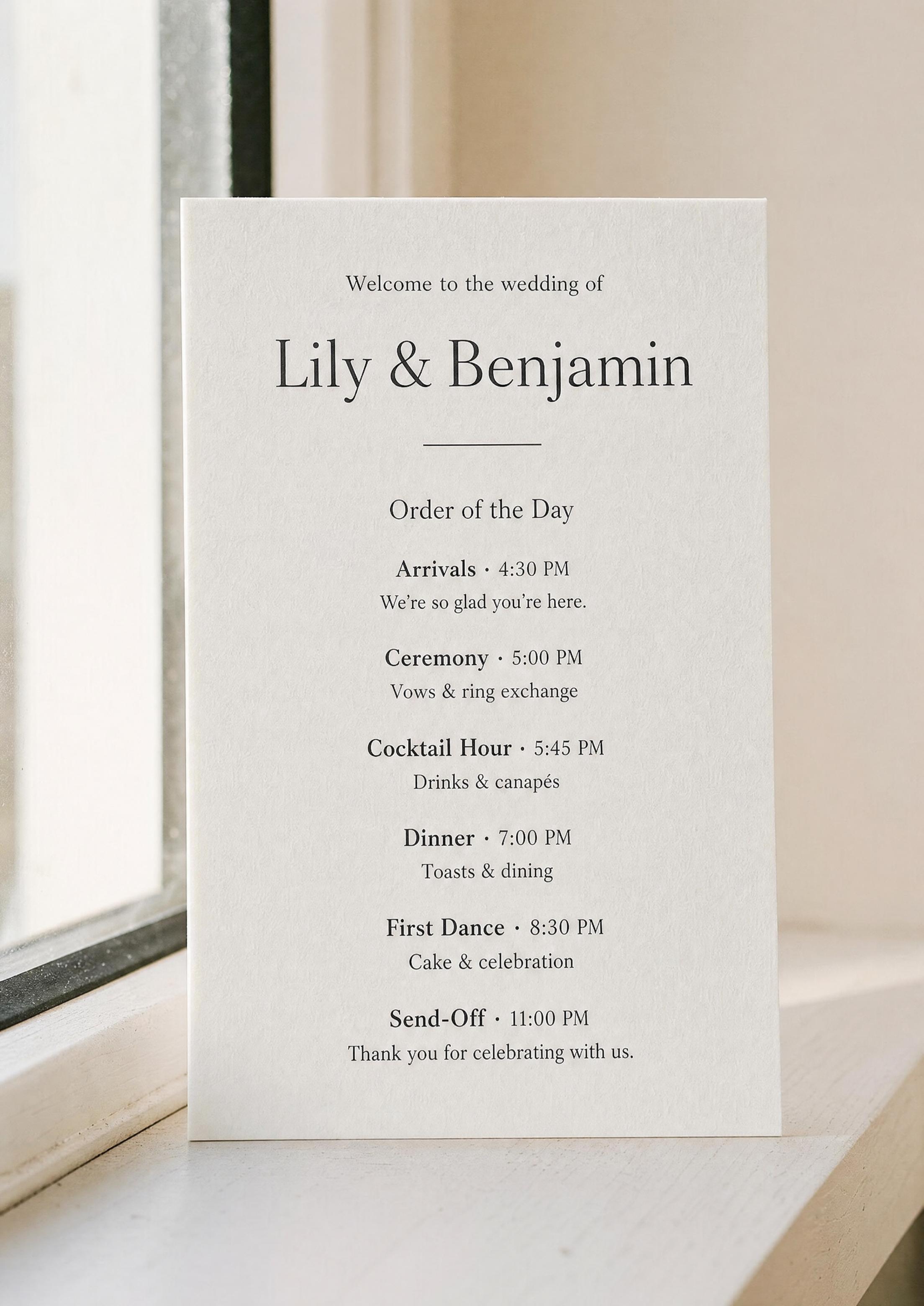
- Check the preview — the card is a fixed tall format, about 3.8 × 8.5 in (97 × 215 mm), so what you see on screen is the shape you’ll trim.
- Download the PDF with Premium — two cards per letter-size sheet, crop marks included, text kept as sharp vector type.
- Print at home or send to a shop — the same file works for both.
Wedding program showcase
Wedding Program Sizes
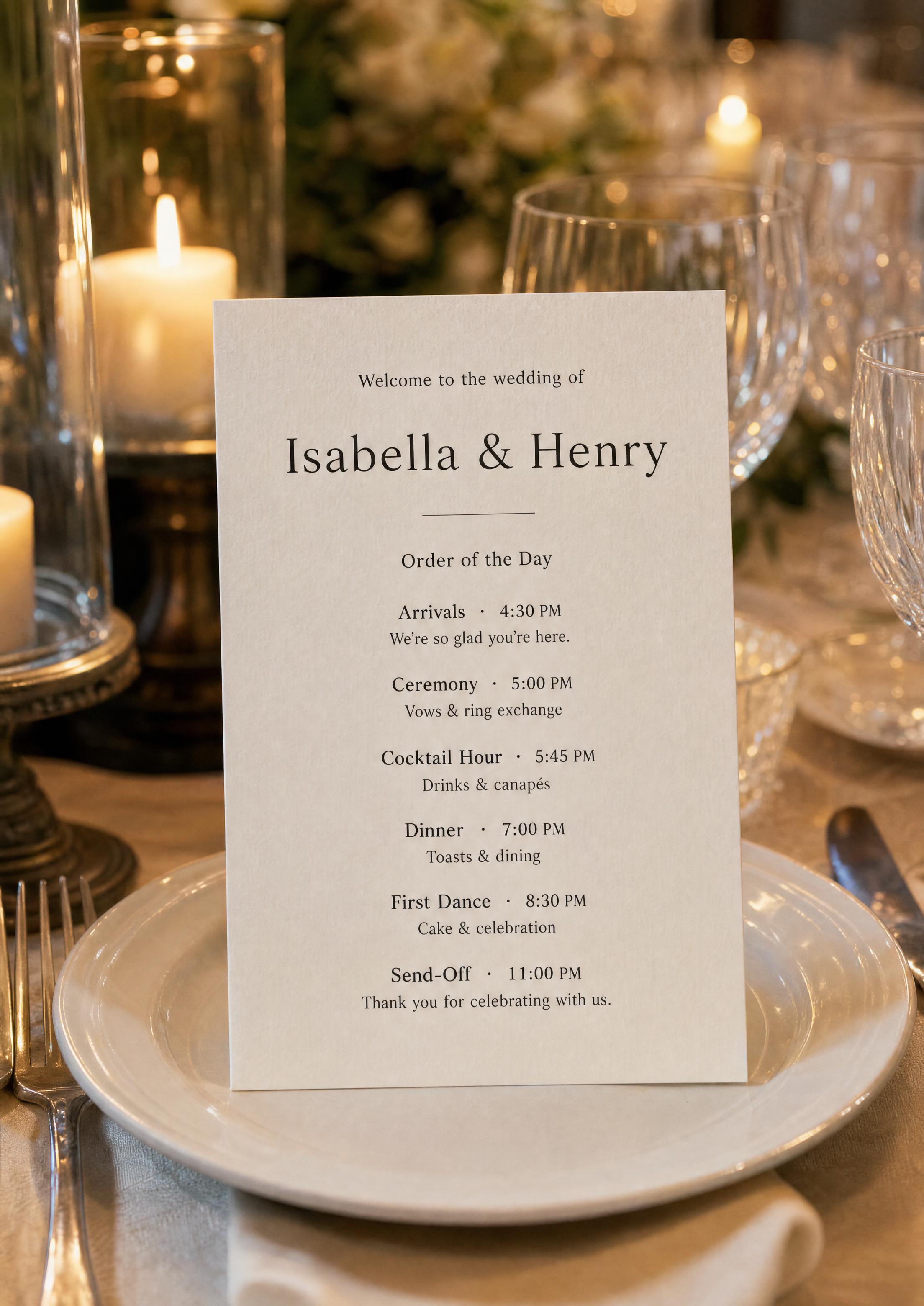
Single-card programs are small enough to set at a place setting but big enough to read at arm’s length. Here are the common sizes, and how our file compares:
- Our card — about 3.8 × 8.5 in (97 × 215 mm) — a tall, slim order-of-the-day card, two to a letter-size sheet; it fits slim stands, sits on a charger and makes a good fan card.
- 4×9 in — the classic tall program size; our card is just inside it, so 4×9 envelopes, sleeves and stands fit.
- 5×7 in and A5 — wider cards used for fuller schedules and folded booklets; our file isn’t laid out for them, so choose them only if you’re printing a different design.
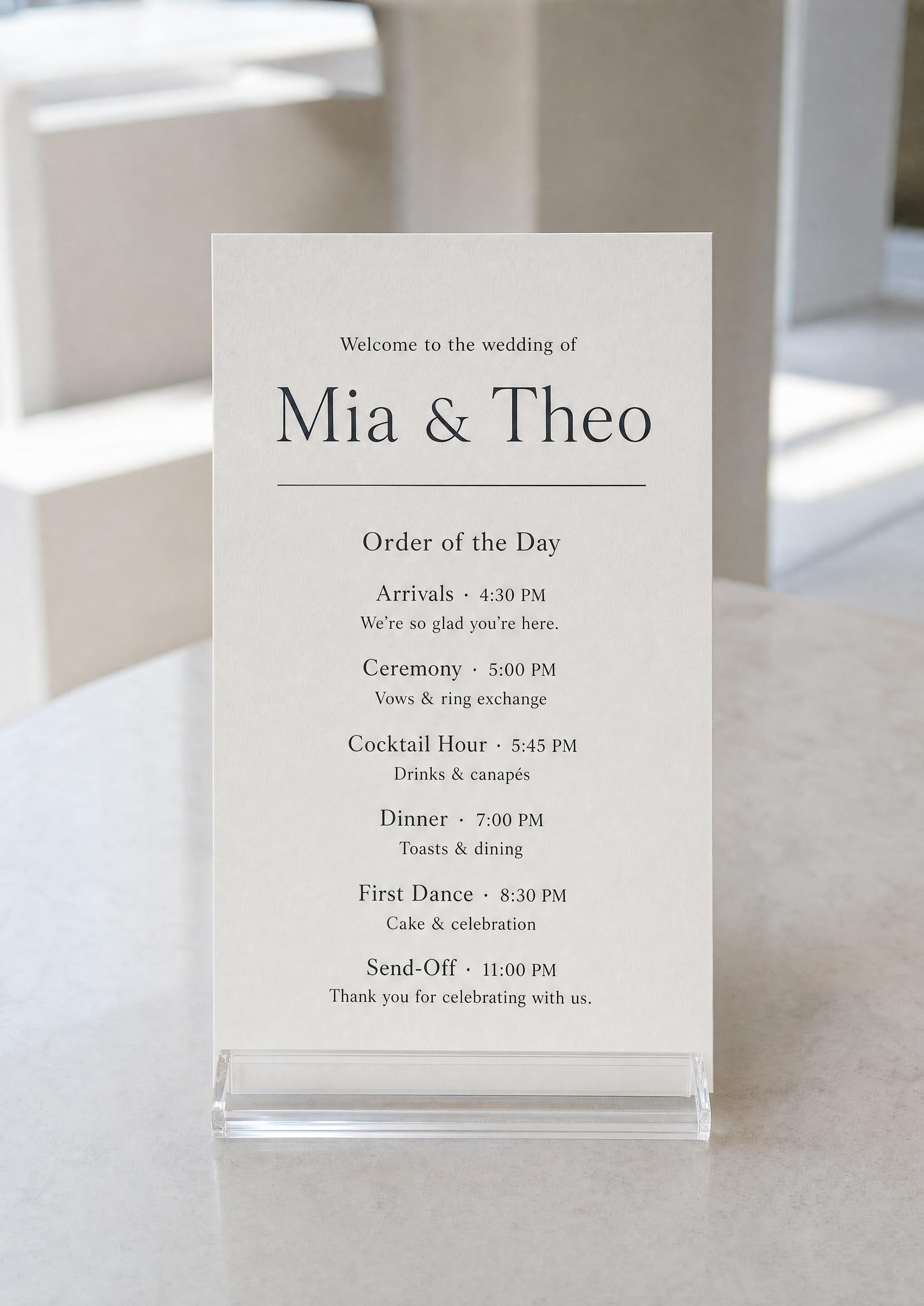
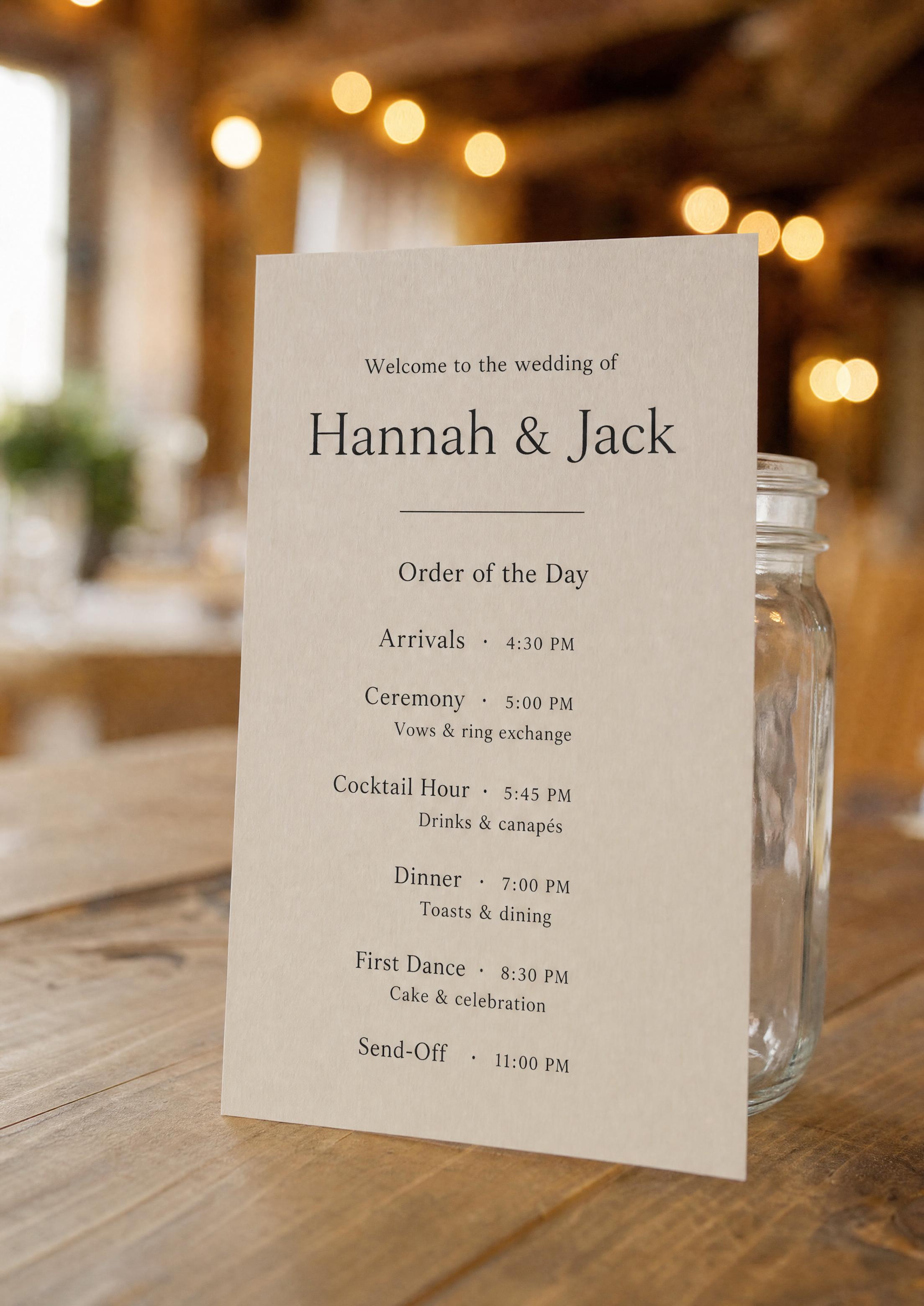
- Stands and trays — measure your holder before you print: a tall card around 4 in wide suits slim acrylic stands and narrow trays.
Print at Home vs Print Shop
Both work from the same PDF — it’s a question of quantity, stock and finish.
- Home printer — fine for small counts on heavier cardstock; the PDF already places two cards on each letter-size sheet with crop marks, so print and trim. On A4 paper, print at 100% (“actual size”) so the cards keep their size.
- Local copy / print shop — fast and affordable for larger counts on quality stock, cut to size.
- Online card service — for premium finishes (cotton stock, edge painting, vellum) delivered ready to set out.
File Specs That Print Cleanly
You don’t have to think about any of this — the export handles it — but for the curious:
- Vector text — fonts and motifs are drawn as vectors, so type stays sharp at any printer resolution, even fine serifs.
- Crop marks — marks at every corner of both cards, plus a thin dashed outline, show exactly where to cut; the card has no printed background, so no bleed is needed.
- Color — dark type on white, high contrast that prints cleanly on any home or shop printer and on cream or kraft stock.
How Many Programs to Print
If you’re setting a card at every seat, print one per attending guest plus 10–15% extra for keepsakes and mistakes. If guests share, a common rule is one per couple, or roughly one for every two guests.
Because the program is saved in your project, you can download the PDF again and print a few more in minutes if your count grows — no re-buying or re-editing a template.
Why Our Printable Program Is Foolproof
No sign-up to start and nothing to install: design and preview free, then unlock the PDF with Premium — $29 once per project on the web, not a subscription — and re-download it as many times as you need after every change.
Because the file comes from the design saved in your project, it’s always the current version. Fix a detail and re-download in seconds; there’s never a stale copy sitting in your downloads folder.
Watch the video: organizing the guest list that sets how many programs to print
Explore the rest of the wedding program cluster
Each sub-page below covers a narrow slice of the wedding program — the order-of-the-day card guests follow through the celebration — across editable templates, wording examples, design ideas, print specs, and the program fan. All built with the same free Wedding Planning Assistant project.
Explore the rest of your wedding day-of stationery suite
Every item below is made in your Planning.Wedding project: the sign and the cards take names and tables from your guest list and seating chart, so one update reaches each of them, and the menu is designed right beside them. The same project holds your RSVPs, wedding website, budget, checklist and timeline.