Explore more wedding ideas & advice
Why You Shouldn’t Plan Your Wedding Guest List in Excel
Explore
Our service has assisted tens of thousands of couples worldwide in planning their dream weddings!
Take the Stress Out of Guest List Planning with a Tool Made for It
Unless you’re super confident with spreadsheets, and use them daily, Excel is not the best way to plan your guest list. Ask any couple who planned their invitations, and attempted to keep track of RSVPs using a spreadsheet, and they’ll tell you they wish there had been an alternative. A list manager specifically designed for the task that doesn’t require prior knowledge to use, is simple to build, and updates as soon as you accept a guest’s RSVP. While also being collaborative and integrated with many other professional wedding planning tools, such as a wedding website.
Our guest list template has been designed to significantly improve the planning journey, and skip the certain skill level Excel typically requires its users to have. Because we understand from past, personal experience that these types of generalized spreadsheet programs lack the specificity needed to tick off wedding organization tasks quickly, and confidently. Which is key when there are so many demanding jobs that need to be done, on top of our own already busy lives.
It’s Time to Ditch Excel and Feel More Like a Professional Wedding Planner
We share the huge advantages of beginning your planning journey with our free wedding guest list template over a blank, complicated Excel spreadsheet.
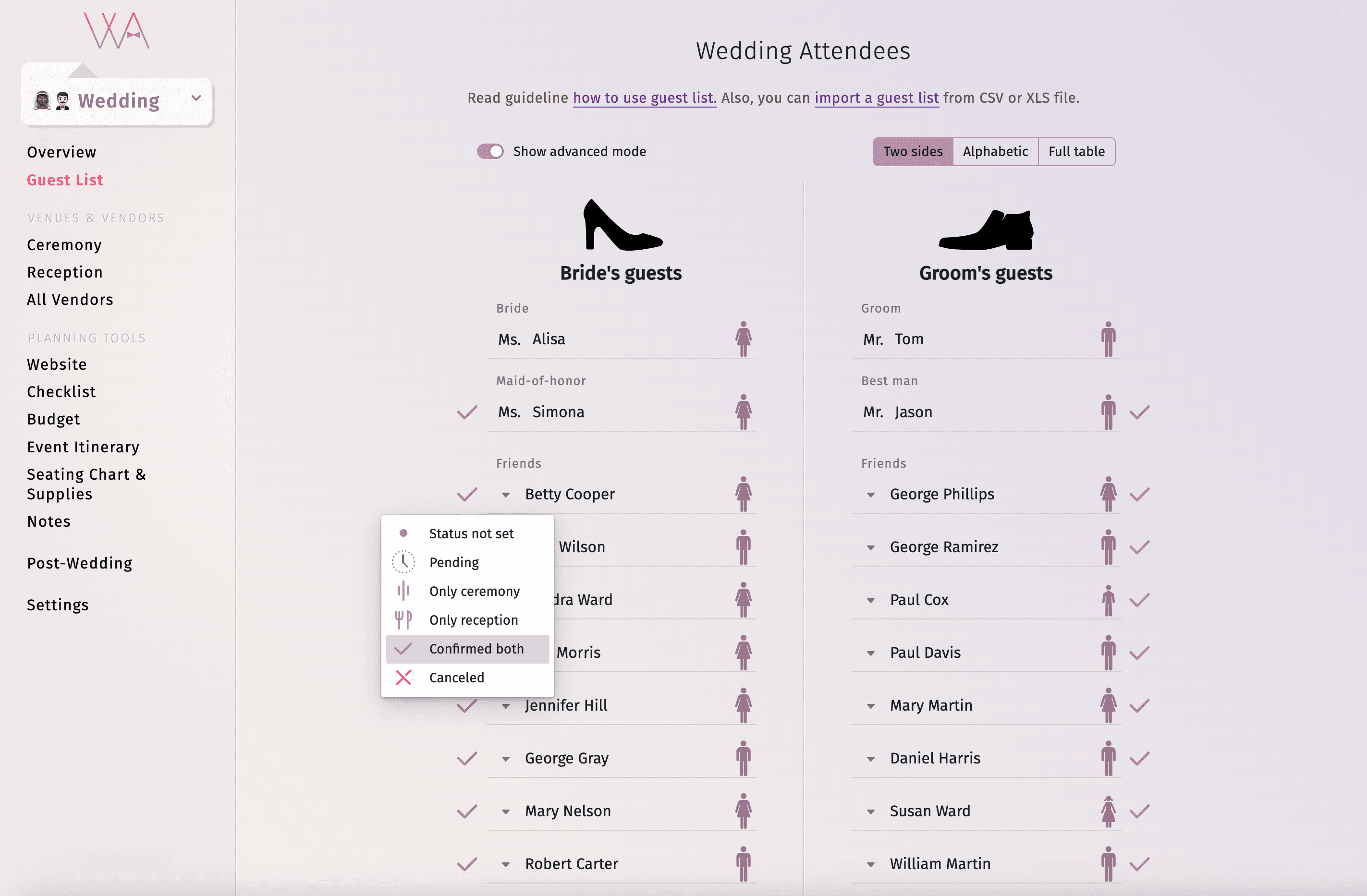
The Lack of Wedding Specific Features
We are not going to say that Excel, and other spreadsheet programs such as Google Sheets are not good. They are, of course, incredible tools that are endlessly helpful for working out budgets at work, or within the household. They are great list organizers and endlessly useful for visualizing data. But, they are general-purpose.
The average spreadsheet program has been designed to cater for all. A generalized space that anyone, be it a trading floor broker, a café manager or a budget-conscious couple will find useful. Which means Excel, for example, lacks a lot of the wedding specific features a guest list builder such as ours possesses.
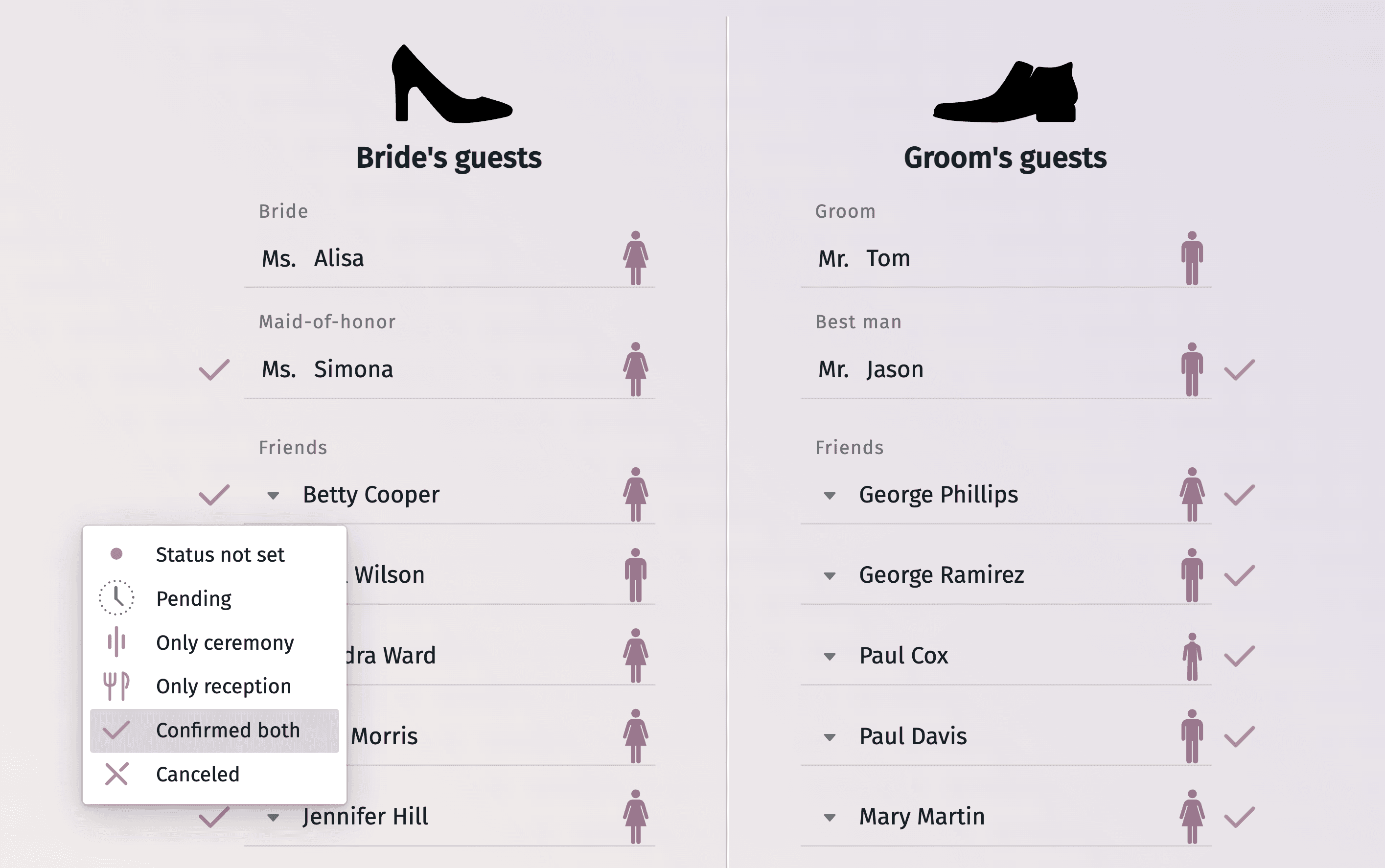
Tools such as RSVP tracking and integration, simple plus one’s and endless options for guest information collection. An intuitive piece of software that has been tailored to work perfectly for one specific job.
PLANNING . WEDDING — is easy to remember and even easier to use.
- No Automation
- Free Collaboration
- Zero Integration With Other Wedding Planning Tools
- No Clear Visualization of Information
- Difficulty in Printing and Lack of Export Tailoring
- Use the Right Planning Tool for the Job & Elevate the Guest List Process
No Automation
When using an offline spreadsheet program such as Excel, you are expected to make every update by hand. Which means, if you’ve sent out 200+ wedding invitations, you’ll need to manually change every single status. Updating each cell with their attendance, meal choices, dietary requirements, and whether they require a hotel or transport to the wedding... Depending on the level of information you’ve requested, and the number of guests invited, this can be a laborious task.
Not only does the act of manually updating every guest on your list waste time, but it can also lead to mistakes. We’ve spoken to countless couples who’ve gotten names wrong, written allergies down incorrectly, or simply inputted information in a column they shouldn’t have. All harmless mistakes if caught early, but quite catastrophic if not.
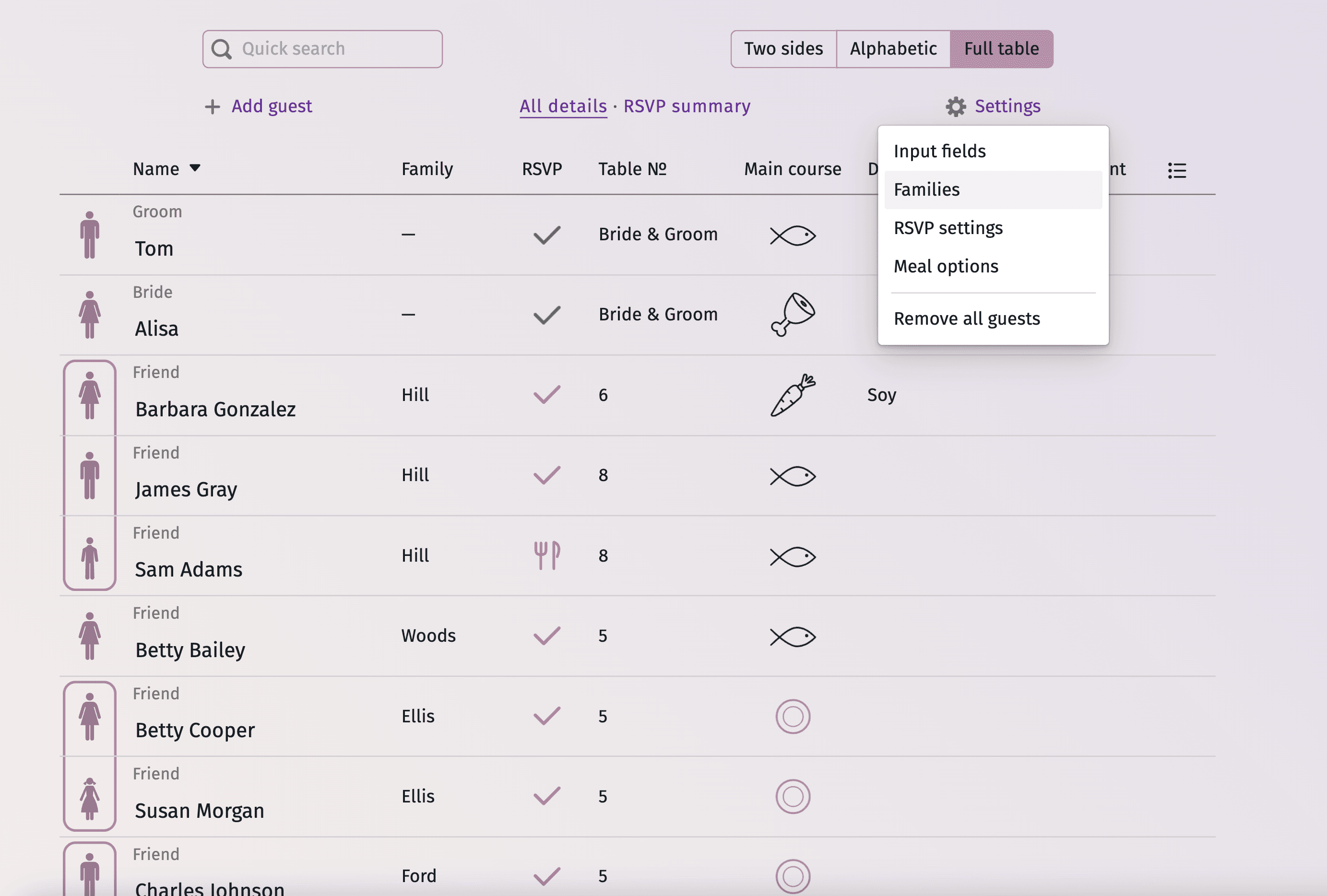
Use our linked wedding website builder with its built-in RSVP form, and every reply will reach your guest list without any retyping. We email you whenever someone replies; all you need to do is accept their RSVP, and our intuitive platform will fill in every piece of information on your behalf.
Free Collaboration
Yes, both Excel and Google spreadsheets offer collaboration. Meaning you, and whoever else you choose to be on your wedding planning team, can access and edit your guest list. But, anyone hoping to help you will need to either have a Google account or own Excel. Plus, they will also need to have prior experience with either spreadsheet program to effectively edit the sheet.
Our wedding guest list tool, on the other hand, requires no purchase (it’s free!) and there is no sign up required by either you, or your team. Not only that, but we also allow you to create multiple versions of your wedding planning project, each with its own set of users and services available. Invaluable if you know someone great at handling finances, and you want them to help with your budget, but you don’t want/need them to see your reception seating chart. Simply create a separate budget project in a couple of clicks, and avoid Uncle Clive finding out where he’ll be sitting before the big day!
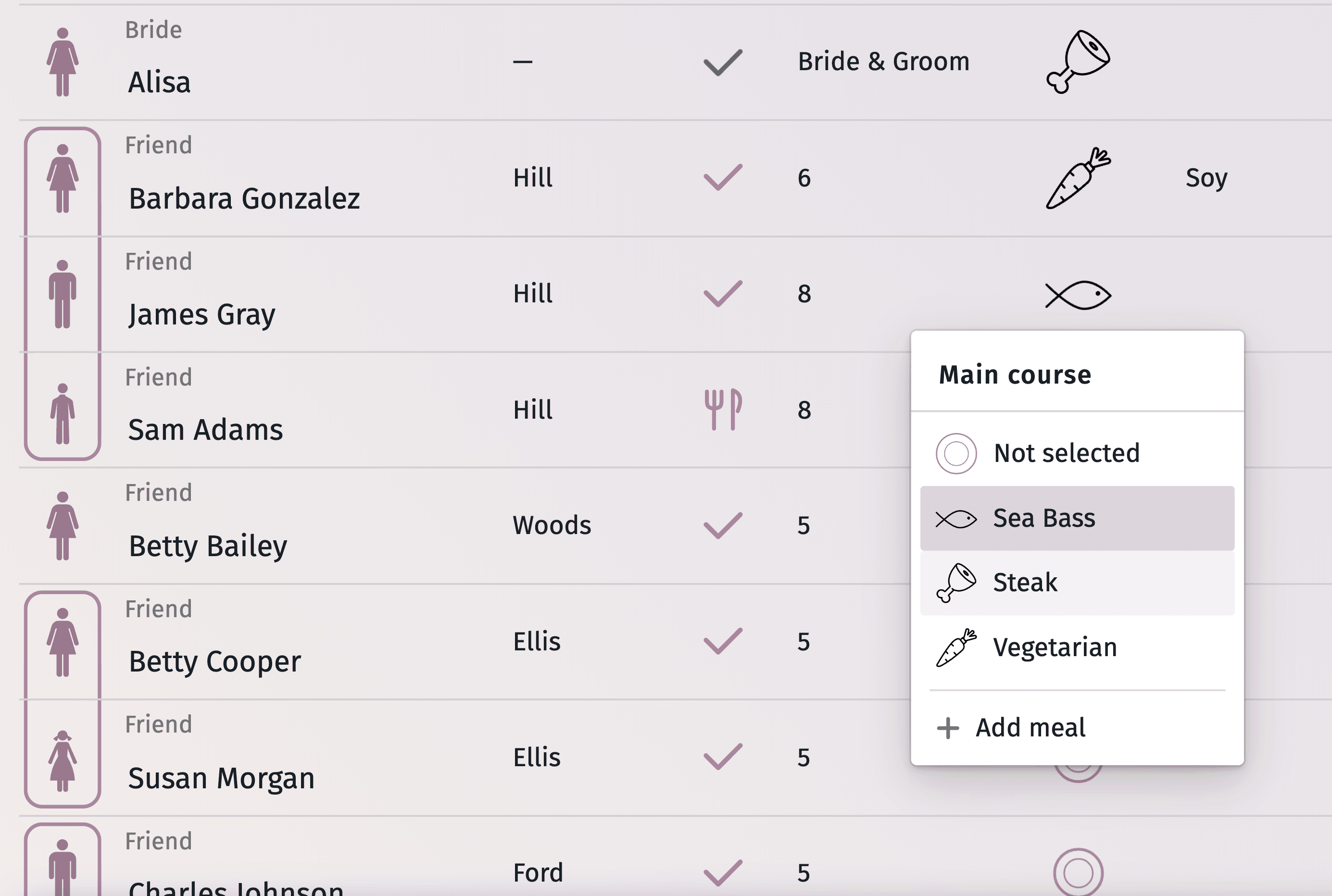
If you’re not precious about information being shared within your team, you can easily copy and paste your project link into a shared WhatsApp group, email, or use your very own project QR code. Perfect for wedding planning collaboration on the go!
Zero Integration With Other Wedding Planning Tools
Our guest list software sits at the heart of our interconnected suite of wedding planning tools. Working in harmony with our RSVP system, it updates itself each time you accept a guest’s reply, with no retyping on your side.
The information stored on every guest list is synced with our seating chart maker, allowing you to seamlessly start placing guests at your reception or ceremony without any need to leave your project. We even offer a simple designer platform for seating cards, name cards and table numbers. All linked to your guest list.
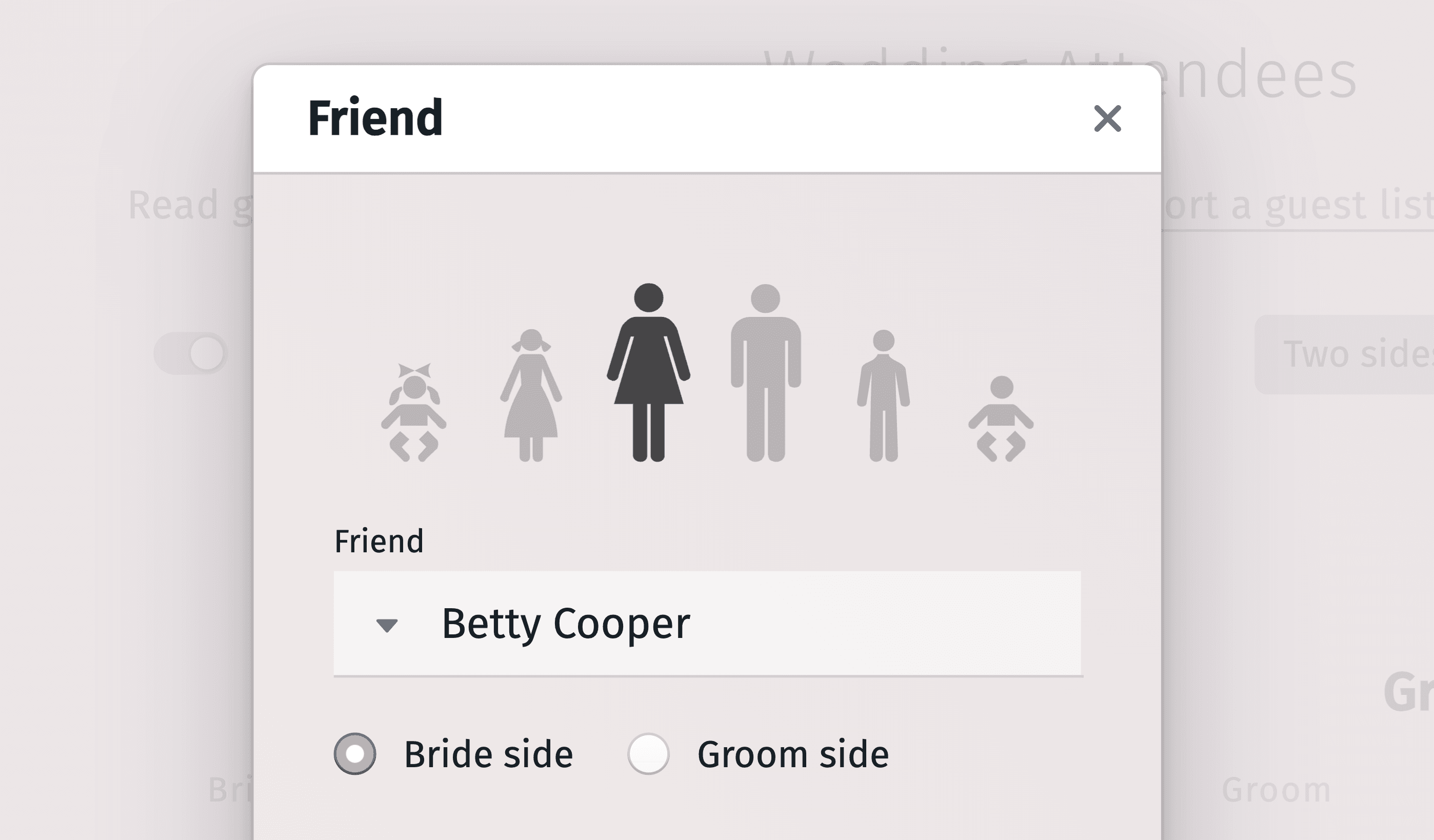
Once your guest list is done, a tailored list for every vendor is one click away, free in PDF or Excel. The same names are already waiting in your seating charts for the ceremony and the reception, and on your place cards, ready to print with Premium. And all of that is possible because our guest list is fully integrated with almost every other tool in our suite.
No Clear Visualization of Information
Take our advice, don’t stare at a spreadsheet of data too long, you’ll almost certainly get sleepy! Or, at the very least, confused! Visual representations of information within Excel are of course available, but notoriously difficult to create. Which often leaves wedding planning couples with just a list of names and details. A spreadsheet that’s difficult to understand, and visually unappealing.
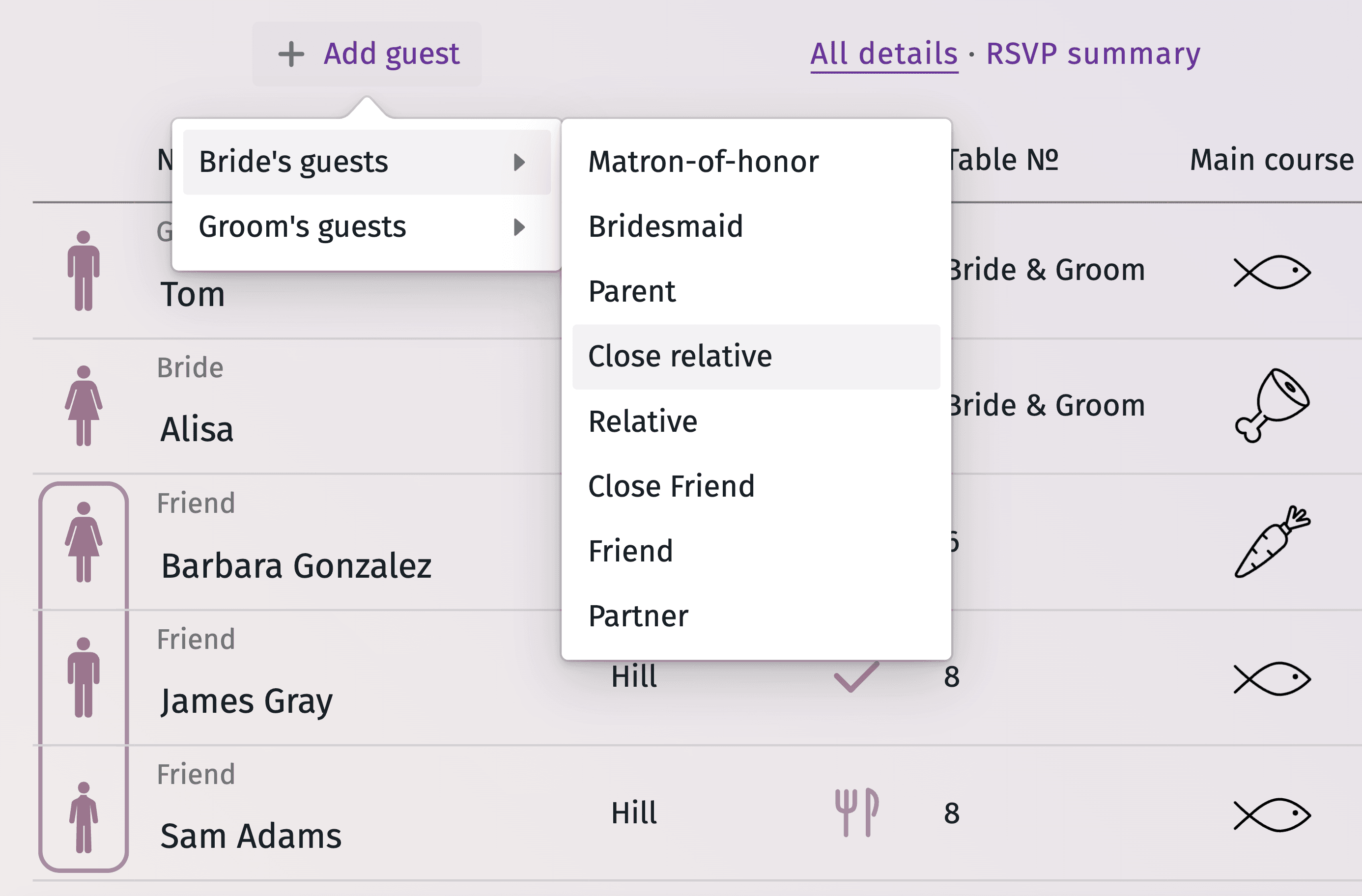
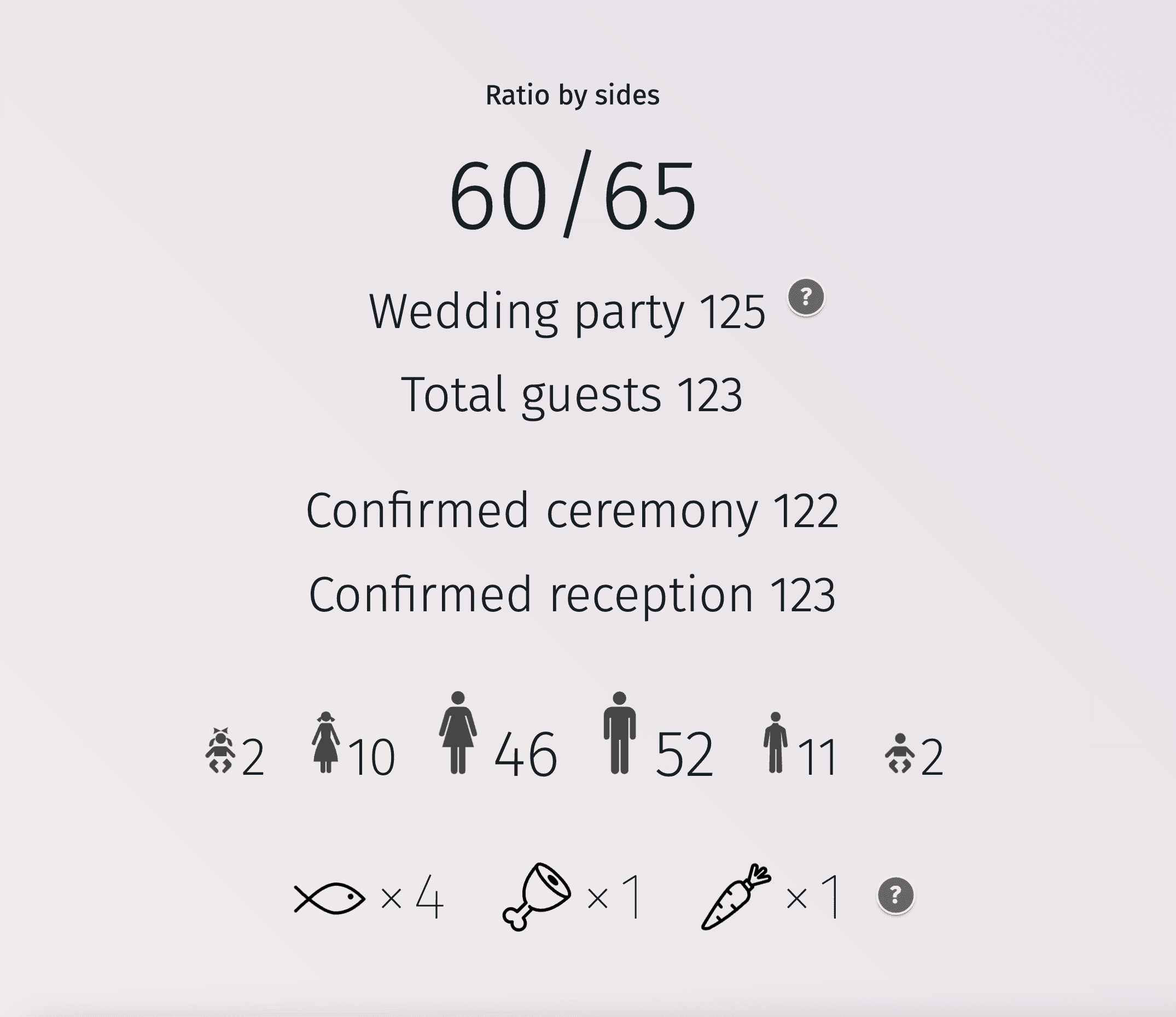
Straightforward, attractive visualization of information is built-in to our guest list software. We offer multiple ways to view information, easy to identify icons and labelling, alongside clear summaries of where you’re up to. Making it easy to understand, at all times, how many guests have RSVP’d, who needs a nudge and whether you really needed to hire a chef who specializes in vegan food after all...!
Difficulty in Printing and Lack of Export Tailoring
Have you ever tried to print a spreadsheet? If your experience was anything like ours, it was a nightmare. Too big, too tiny, spilling over onto multiple pages... Excel does not like you printing out your work. But when wedding planning, it’s supremely useful sometimes to have a printed representation of your data. Or at the very least, be able to download your guest list, or budget spreadsheet, for example, and know that the person you forward it to will be able to print it. Something that’s very necessary for caterers, as they typically like to print information so it can be viewed quickly and easily by the entire team.
We want our free wedding planning tools to be useful, from the beginning of your time with them, right through to the end. And that means ensuring you can easily print our files via Excel, or PDF. Either way, your information will be neatly presented and formatted to whichever page size you request. Not only that, but we offer multiple different export visibility options.
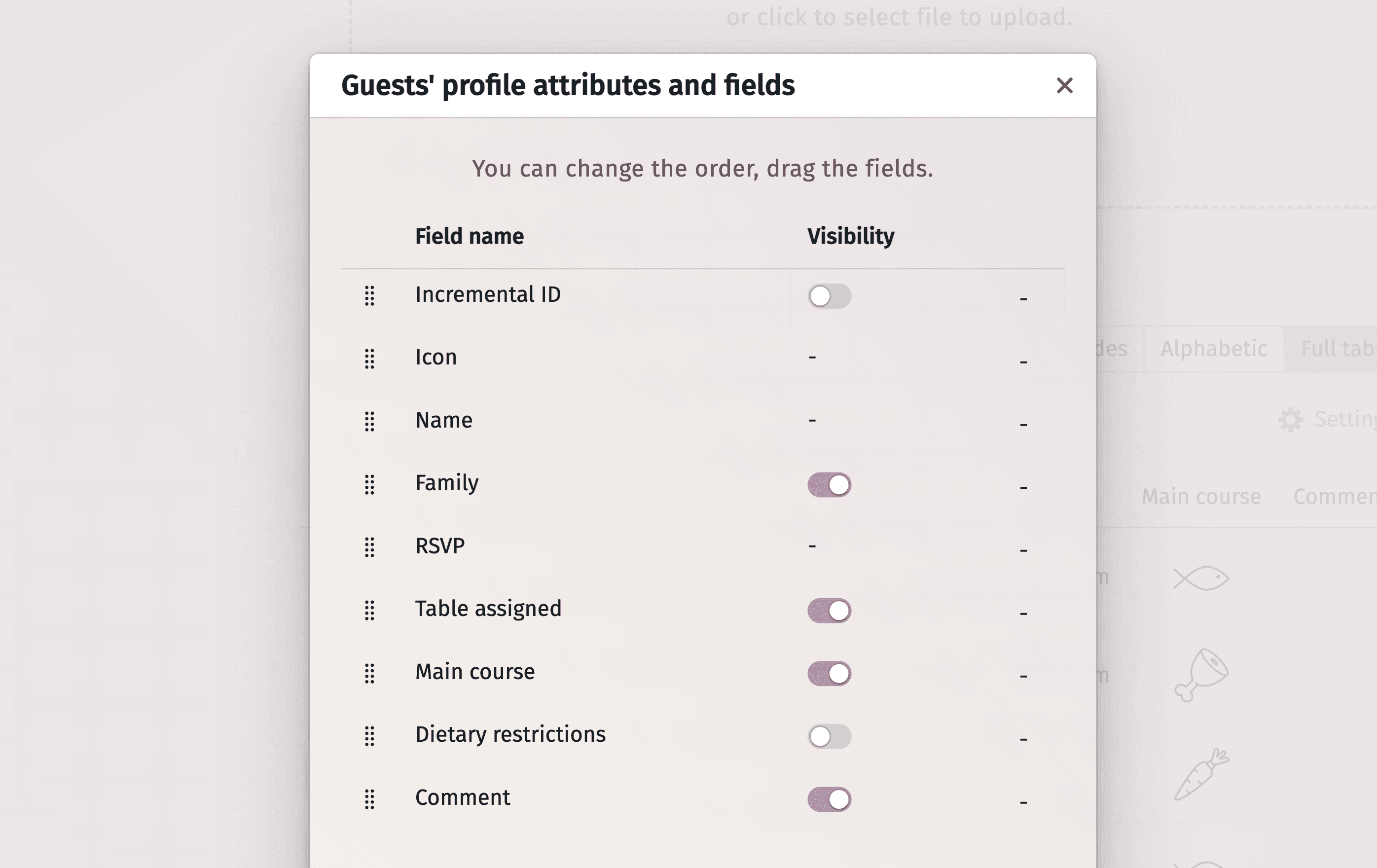
Let’s say you need to send a version of your guest list to the hotel you’ve made a block booking with. They don’t need to know dietary requirements, or travel info. They just require the full names of each guest, what type of room they need, and whether they have any special requests. That specific list and limitless others can be instantly created using our export settings, and emailed off to whoever requires it. You can even choose to only include confirmed guests on your exported list, or maybe just those attending the reception if that’s more relevant.
With our platform, you control who sees what, and we make it so easy to do.
Use the Right Planning Tool for the Job & Elevate the Guest List Process
We all know how powerful Excel is as a data organizational tool, but it’s not designed specifically for guest list planning - our app is!
Upgrade your entire wedding planning experience today by creating your own free wedding project with us. You’ll soon discover how useful not only our guest list app is, but also our free RSVP form and budget planner, the seating chart maker you can try for free, and so many more!
Discover other topics related to wedding guest lists
To help you manage your guest list, Planning.Wedding gives you one project for your whole wedding: the guest list with RSVPs from your wedding website, a seating chart, place cards and other stationery, the budget, checklist and timeline — in the browser, on iPhone and on Android.