Days and events
Add the days around the wedding — rehearsal, the day before or after — and fill them with events.
An itinerary can cover several days, each with its own events.
Step by step
Step 1Add a day
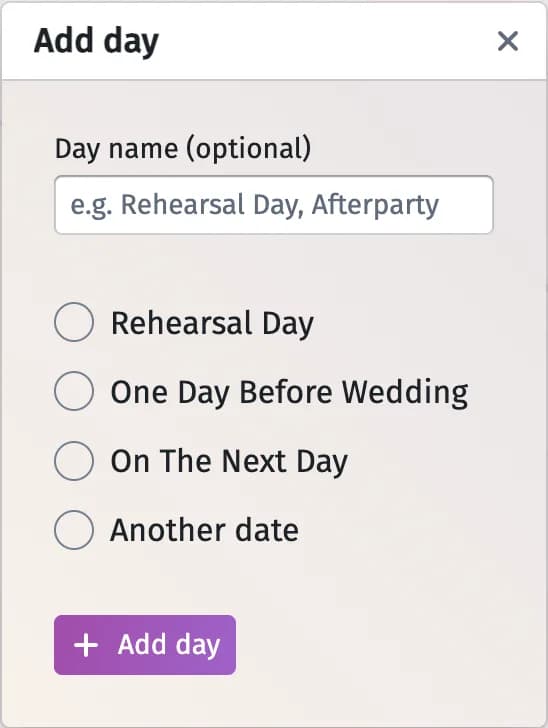
Click Add day. Choose Rehearsal Day, One Day Before Wedding, On The Next Day or another date, and optionally fill in Day name (optional). The preset days move with the wedding date.
Step 2Fill it with events
Under the day, click Add event, then set each event’s time, title, Choose duration and Choose icon.
Tips and important notes
- An itinerary can have up to 10 days and 200 events.
- A day is deleted from its settings (the cog next to its name).
Updated November 3, 2026