Itinerary settings
Name the itinerary, use the 24-hour clock, set when a day starts and keep several itineraries.
Click Settings on the itinerary page.
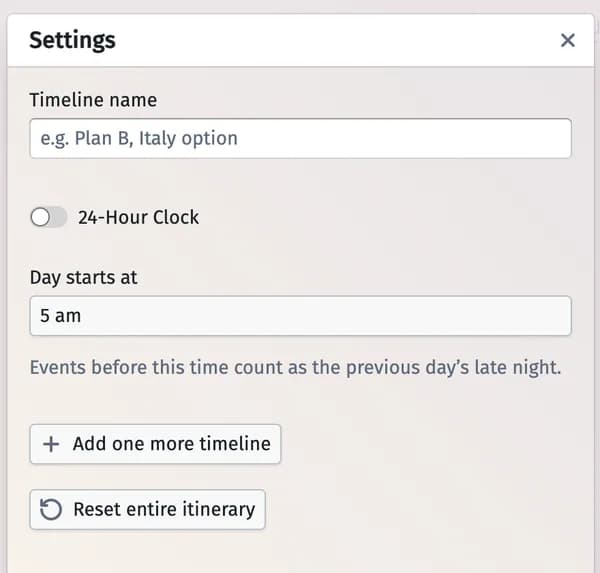
- Timeline name — what the itinerary is called.
- 24-Hour Clock — 14:00 instead of 2 pm.
- Day starts at — events before this time count as the previous day’s late night (handy for a party that goes on past midnight).
- Add one more timeline — a second itinerary (up to 4), for example a plan B: Standard template or Copy existing timeline.
- Reset entire itinerary — start the schedule over.
Updated November 3, 2026