Archive or unfollow a project
Tidy your list without deleting anything: archive a finished project or unfollow one you no longer need.
Neither action deletes the project — they only change your own list.
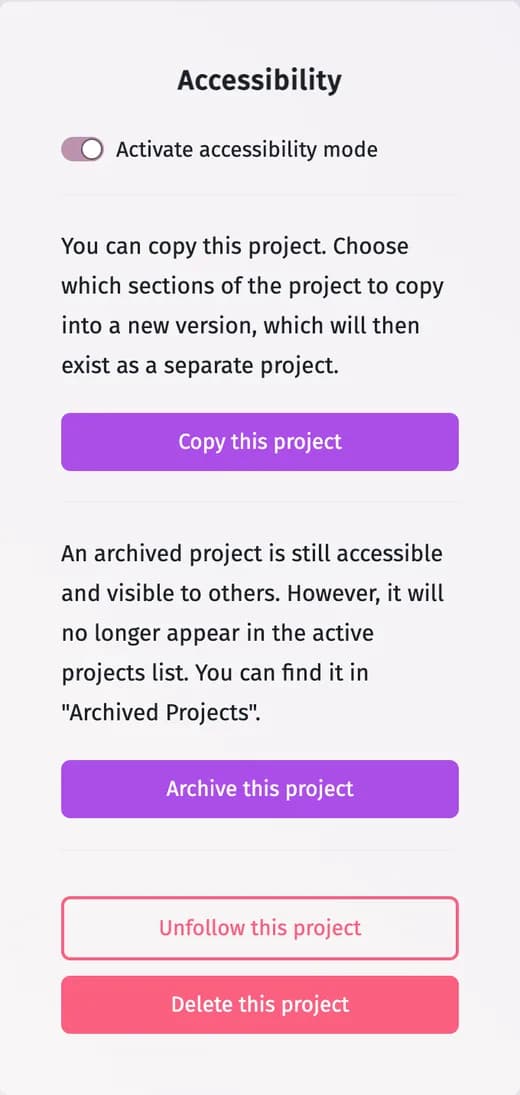
- Archive this project — the project moves to Archived projects in your list. It stays open to everyone; Unarchive this project brings it back.
- Unfollow this project — the project leaves your list. It remains in the system for everyone else, and you can return to it with its link.
How
Most of these actions are protected: first switch on Activate accessibility mode in the Accessibility box of Settings — the buttons below it become active. Then click the button and confirm. Both are also in the cog menu of a project card in My Projects.
To remove a project for everyone, see Delete a project.
Updated November 3, 2026