Save a vendor to your project
Add a business from the directory to your project’s vendor list.
Found a business you like? Save it to your project so it is in All Vendors for everyone you plan with.
Step by step
Step 1Open the business
Open its page from the search.
Step 2Add it to your wedding
Click Add to Wedding and, in Choose wedding project, pick the project.
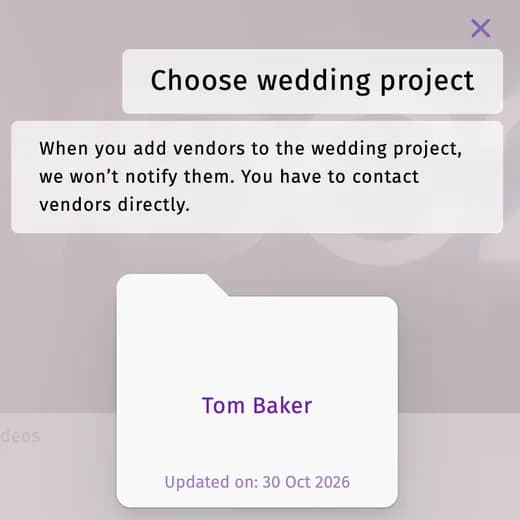
The business is not told that you saved it — contact it yourself, for example with Request a quote.
Tips and important notes
- You can attach saved vendors to a venue in Venues → Attach.
- Remove a vendor from your list on the All Vendors page.
Updated November 3, 2026